


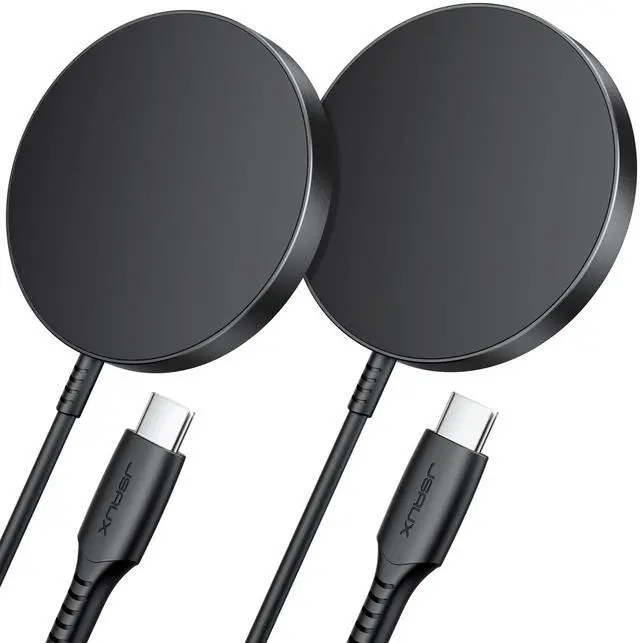


JSAUX 2-Pack Wireless Charger for Magsafe Charger

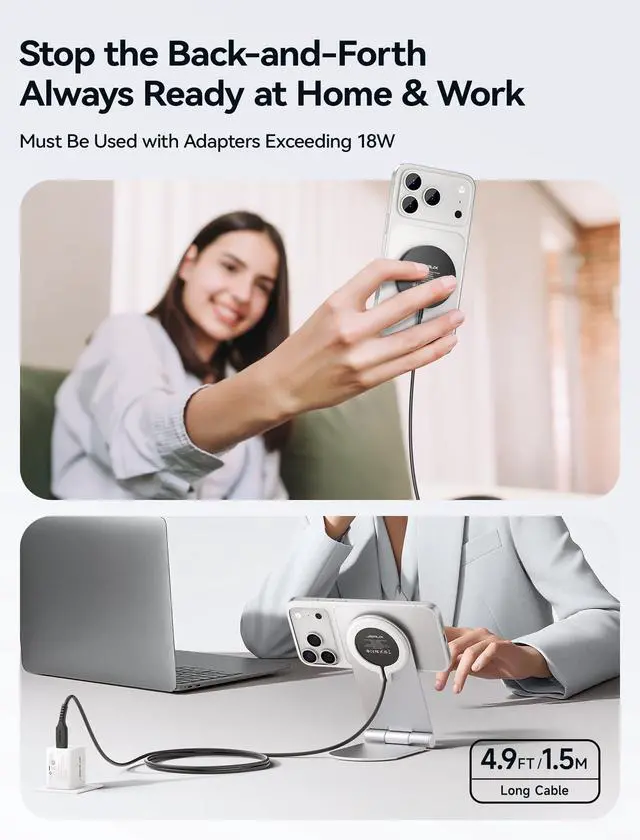
2-Pack for Perfect Work-Life Balance
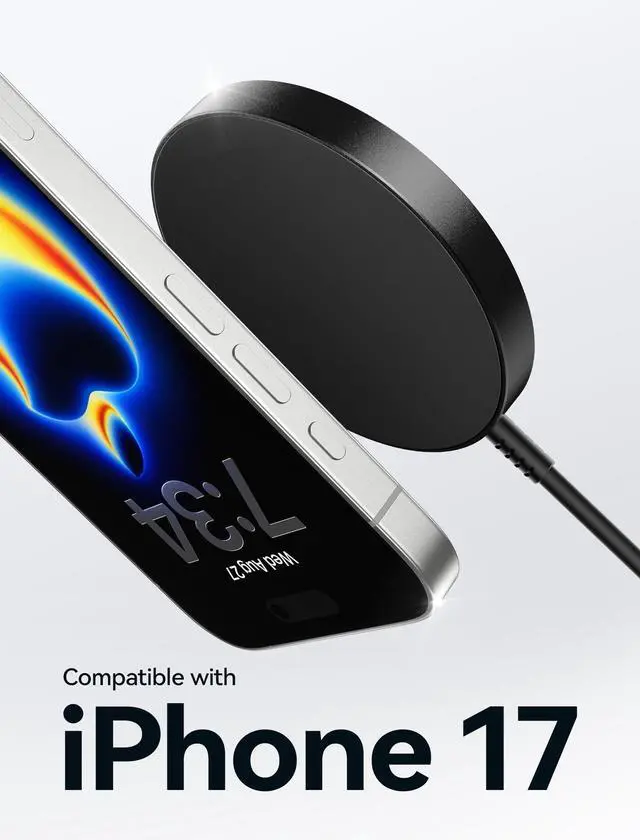
Mag-Safe Charger for iPhone 17 2-Pack
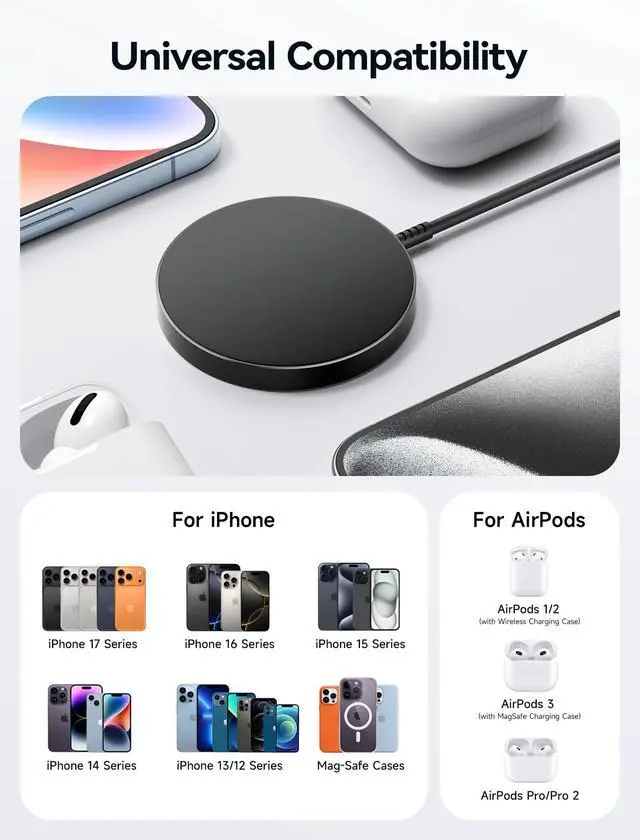
Merchant VideoCompatible foriPhone 17/16/15/14/13/12 series

Travel Light, Carry Easy


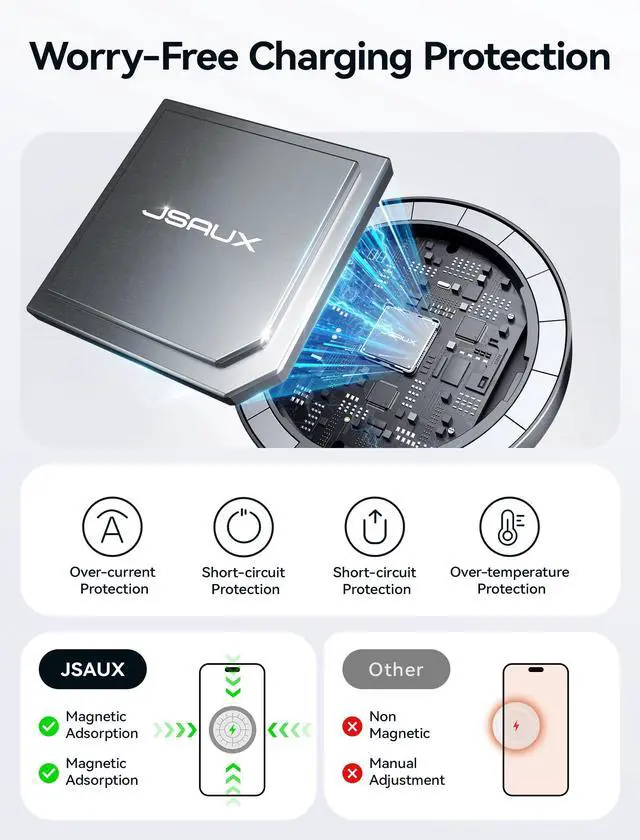
Sometimes the charger gets warm when charging, will it be safe?
As with MagSafe Charger, to extend the lifespan of your battery, if the battery gets too warm, software might limit charging above 80 percent. When the temperature drops, it will charge again. It will always be safe.
Can i use 5W or 12W USB Power Adapter for it?
I'm afraid not. Please use 18W, 20W or higher power wall adapters instead of 5W or 12W.
Magnets and electromagnetic fields might interfere with medical devices such as implanted pacemakers and defibrillators?
In some cases yes. To avoid any potential interactions with these types of medical devices, please keep your magnetic wireless charger a safe distance (more than 12 inches / 30 cm) away from your medical devices.
What is the maximum output power?
Power output of up to 15W MAX , for iPhone is 7.5W MAX.
Tips for Faster Wireless Charging
Avoid using power-hungry apps like HD video streaming or gaming while charging. Turn on power-saving mode to reduce background activity and help your phone charge faster and more efficiently.


Professional Tips for Wireless Charging Overheat Safety
- Proper Alignment: For optimal charging efficiency, please make sure your phone is properly aligned with the charger’s center. Misalignment can lead to slower charging and potential overheating.
- Smart Temperature Control – Choose chargers with intelligent thermal sensors. They automatically slow down or pause charging if heat levels get too high, preventing dangerous overheating.
- Proper Ventilation Matters – Always place the charger on a hard, flat, and heat-resistant surface like wood, metal, or glass. Never use on soft surfaces (e.g., beds, sofas) that trap heat and raise device temperature.
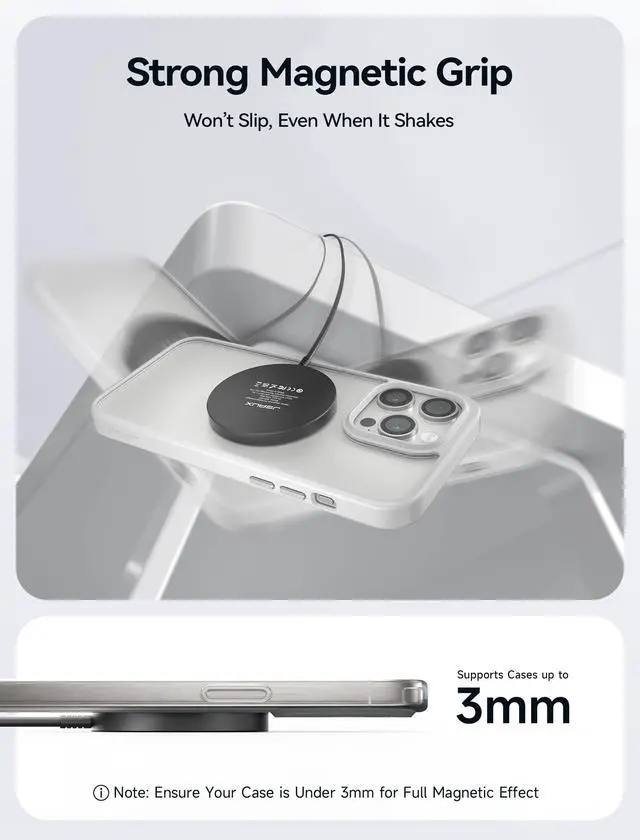
- Minimize Case and Object Obstruction – Thick, rugged, or metal-backed phone cases can trap heat. Use slim, MagSafe-compatible, or heat-dissipating cases to allow better airflow during charging.
- Use Certified Power Accessories – Only use trusted, certified adapters and cables (e.g., 20W QC3.0 or PDPD certified chargers). Inferior accessories may cause inefficient charging and excess heat generation.
- Safe Charging Habits – Avoid heavy app usage (gaming, video streaming, video calls) while charging wirelessly. If you notice excessive heat, burning smell, or any charging interruptions, immediately stop use.
Tip: A slightly warm charger is normal. However, if it becomes hot to the touch, disconnect it promptly to avoid damage or hazards.
JSAUX 2-Pack Wireless Charger for Magsafe Charger

2-Pack for Perfect Work-Life Balance
Mag-Safe Charger for iPhone 17 2-Pack
Merchant VideoCompatible foriPhone 17/16/15/14/13/12 series

Travel Light, Carry Easy


Sometimes the charger gets warm when charging, will it be safe?
As with MagSafe Charger, to extend the lifespan of your battery, if the battery gets too warm, software might limit charging above 80 percent. When the temperature drops, it will charge again. It will always be safe.
Can i use 5W or 12W USB Power Adapter for it?
I'm afraid not. Please use 18W, 20W or higher power wall adapters instead of 5W or 12W.
Magnets and electromagnetic fields might interfere with medical devices such as implanted pacemakers and defibrillators?
In some cases yes. To avoid any potential interactions with these types of medical devices, please keep your magnetic wireless charger a safe distance (more than 12 inches / 30 cm) away from your medical devices.
What is the maximum output power?
Power output of up to 15W MAX , for iPhone is 7.5W MAX.
Tips for Faster Wireless Charging
Avoid using power-hungry apps like HD video streaming or gaming while charging. Turn on power-saving mode to reduce background activity and help your phone charge faster and more efficiently.


Professional Tips for Wireless Charging Overheat Safety
- Proper Alignment: For optimal charging efficiency, please make sure your phone is properly aligned with the charger’s center. Misalignment can lead to slower charging and potential overheating.
- Smart Temperature Control – Choose chargers with intelligent thermal sensors. They automatically slow down or pause charging if heat levels get too high, preventing dangerous overheating.
- Proper Ventilation Matters – Always place the charger on a hard, flat, and heat-resistant surface like wood, metal, or glass. Never use on soft surfaces (e.g., beds, sofas) that trap heat and raise device temperature.
- Minimize Case and Object Obstruction – Thick, rugged, or metal-backed phone cases can trap heat. Use slim, MagSafe-compatible, or heat-dissipating cases to allow better airflow during charging.
- Use Certified Power Accessories – Only use trusted, certified adapters and cables (e.g., 20W QC3.0 or PDPD certified chargers). Inferior accessories may cause inefficient charging and excess heat generation.
- Safe Charging Habits – Avoid heavy app usage (gaming, video streaming, video calls) while charging wirelessly. If you notice excessive heat, burning smell, or any charging interruptions, immediately stop use.
Tip: A slightly warm charger is normal. However, if it becomes hot to the touch, disconnect it promptly to avoid damage or hazards.