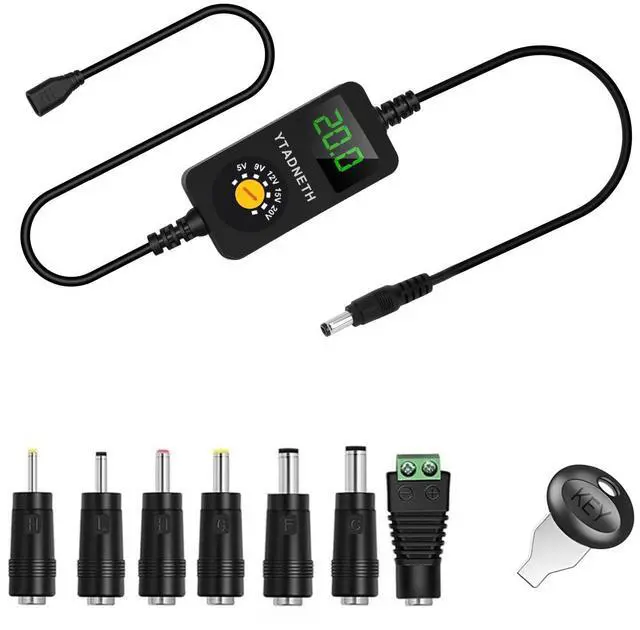
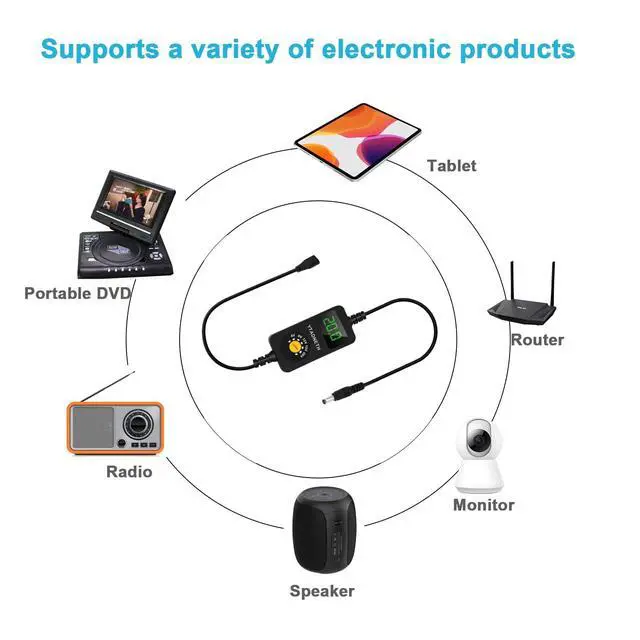
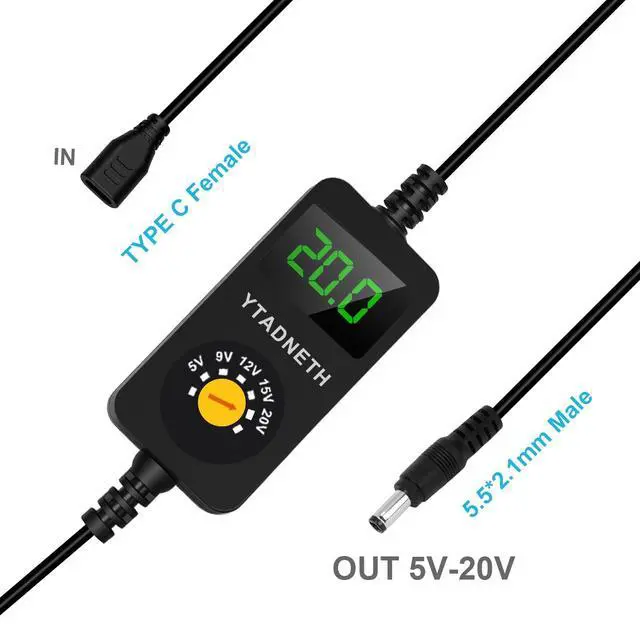
Universal USB C to DC Adapter, Barrel PD Trigger Cable, USB-C Female to DC 5V 9V 12V 15V 20V Adapter Cable with LED Display, for Netbook, Tablets, Led Light, Lamps, Routers
USB-C Female to DC 5V 9V 12V 15V 20V Adapter Cable with LED Display
Universal USB C to DC Adapter
+
+
Overview
Specs
Reviews
Any questions? Our AI beta will help you find out quickly.
Try me now
PD TRIGGER CABLE ( USB C Female )
Tips and FAQs:
Before buying, check whether your Adapter supports the required Voltage, avoid wasting your time.I
t must be used with support PD protocols adapter, Otherwise, only 5V can be output.T
o supply power to high-power equipment, check that the power of your adapter or power bank is greater than the required power supply equipment.I
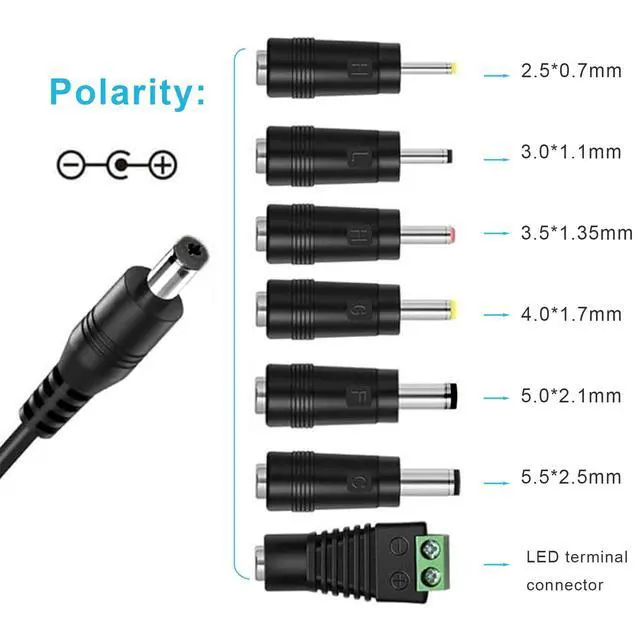
t is a Center Positive + power supply, kindly please check what polarity of your device before bidding. You can find the polarity information printed beside the power port.N
ormally, bigger Electric current one can be compatible with smaller one, For example, 3A works with 0.5A, 1A or 2A works, Conversely, it can't work on electronics larger than 3A.
How to use correctly:
Check the voltage and current of your electronic products, such as 12V 1.5A, 15V 3000mA...
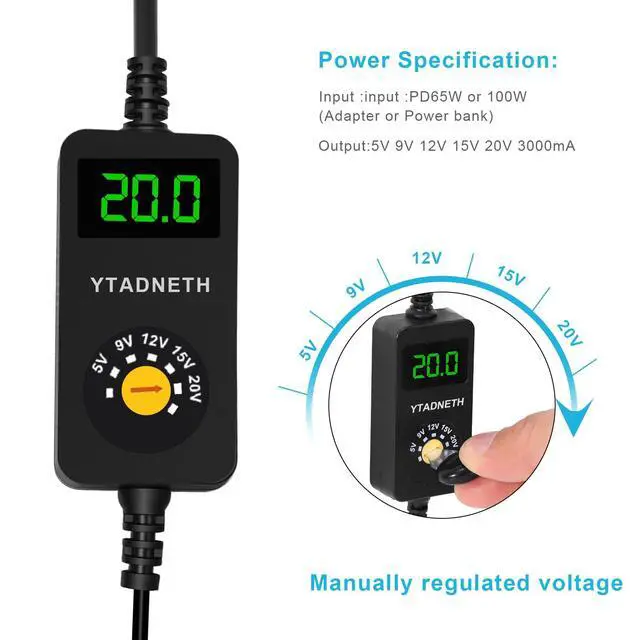
Manually adjust the voltage using the "KEY",For example: The voltage of your electronic product is 12V. Kindly please adjust it to 12V. (Voltage must not be higher than that of your electronic products)
Connect the correct adapter tip and make sure that it's firmly attached to the DC input port of your device.
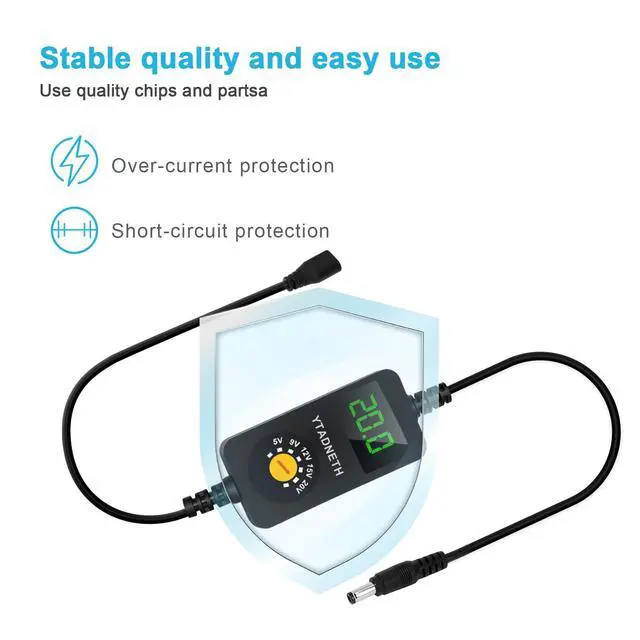
Note: This is only a PD Trigger Cable and does not have Step-up or step-down functions. The output voltage and current come from the adapter.
Specification:
DC IN
PD Adapter or Power bank (65W or 100W)
Output voltage:
5V, 9V, 12V, 15V, 20V
Output current:
3A (Max)
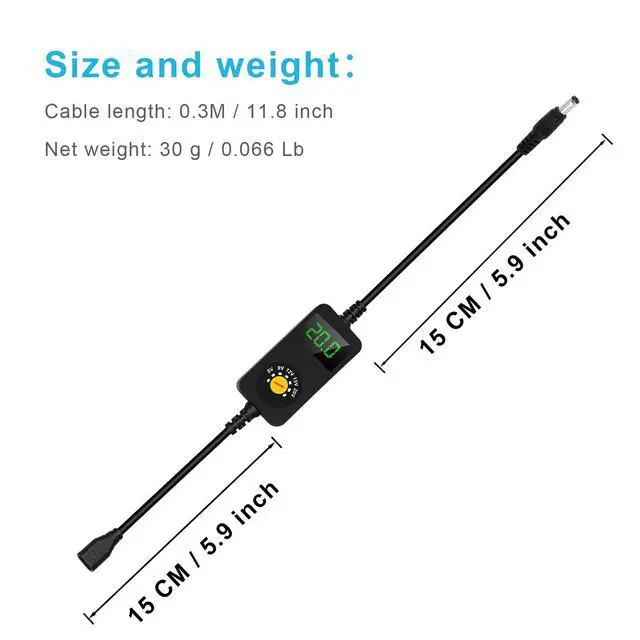
Cable length:
0.3M / 11.8 inch
Net weight:
30 g / 0.066 Lb
PD TRIGGER CABLE ( USB C Female )
Tips and FAQs:
Before buying, check whether your Adapter supports the required Voltage, avoid wasting your time.I
t must be used with support PD protocols adapter, Otherwise, only 5V can be output.T
o supply power to high-power equipment, check that the power of your adapter or power bank is greater than the required power supply equipment.I
t is a Center Positive + power supply, kindly please check what polarity of your device before bidding. You can find the polarity information printed beside the power port.N
ormally, bigger Electric current one can be compatible with smaller one, For example, 3A works with 0.5A, 1A or 2A works, Conversely, it can't work on electronics larger than 3A.
How to use correctly:
Check the voltage and current of your electronic products, such as 12V 1.5A, 15V 3000mA...
Manually adjust the voltage using the "KEY",For example: The voltage of your electronic product is 12V. Kindly please adjust it to 12V. (Voltage must not be higher than that of your electronic products)
Connect the correct adapter tip and make sure that it's firmly attached to the DC input port of your device.
Note: This is only a PD Trigger Cable and does not have Step-up or step-down functions. The output voltage and current come from the adapter.
Specification:
DC IN
PD Adapter or Power bank (65W or 100W)
Output voltage:
5V, 9V, 12V, 15V, 20V
Output current:
3A (Max)
Cable length:
0.3M / 11.8 inch
Net weight:
30 g / 0.066 Lb
Universal USB C to DC Adapter, Barrel PD Trigger Cable, USB-C Female to DC 5V 9V 12V 15V 20V Adapter Cable with LED Display, for Netbook, Tablets, Led Light, Lamps, Routers
Learn more about the Detailed Specifications
Additional Information
First Listed on Newegg
March 16, 2026
There are no reviews yet.
Do you own this product?
Warranty & Returns
Warranty, Returns, And Additional Information
Warranty
Please contact the Seller directly for warranty information. Warranty information may also be found on the Manufacturer's website.