




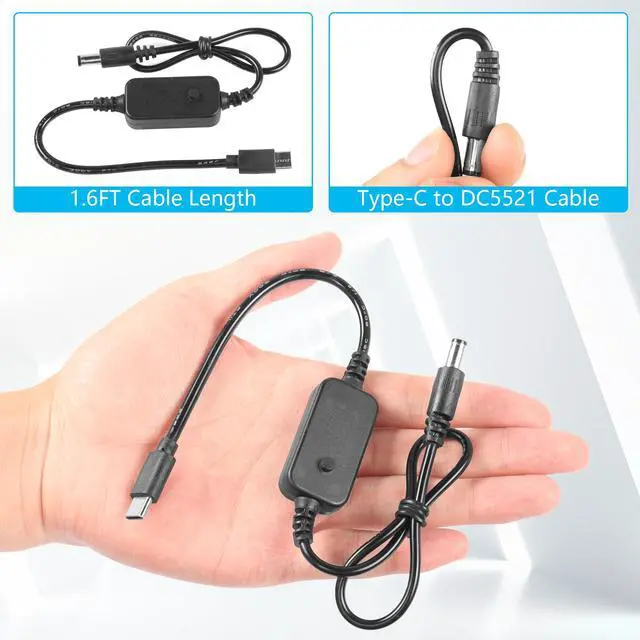


CERRXIAN USB C to DC cable adapter
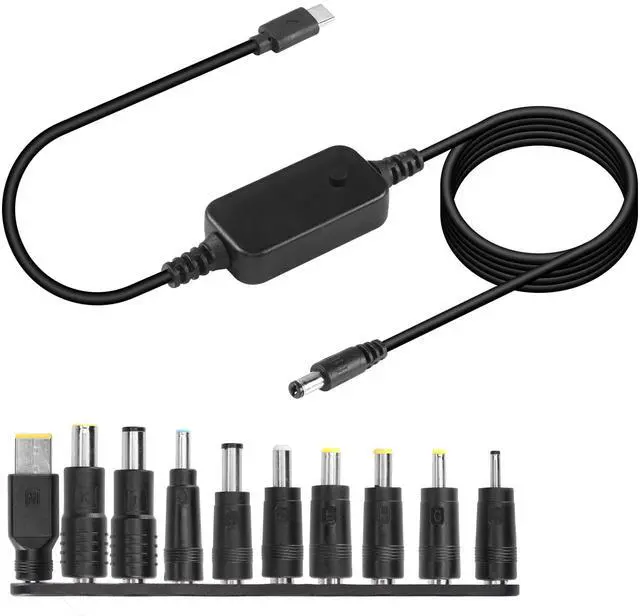
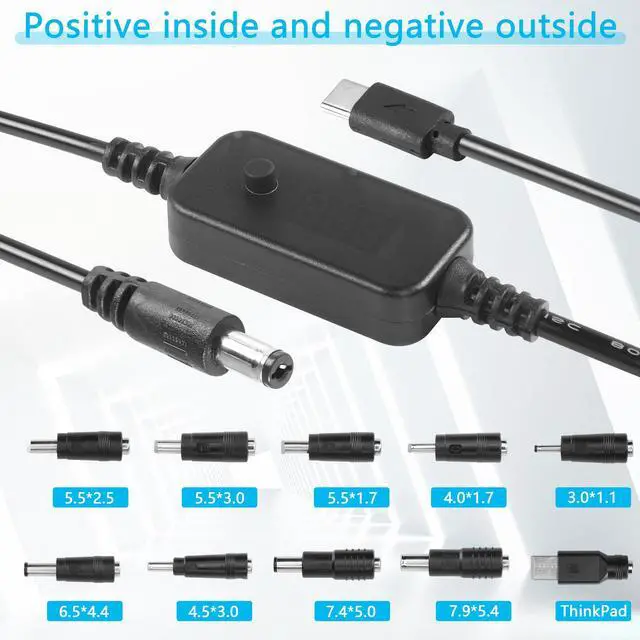
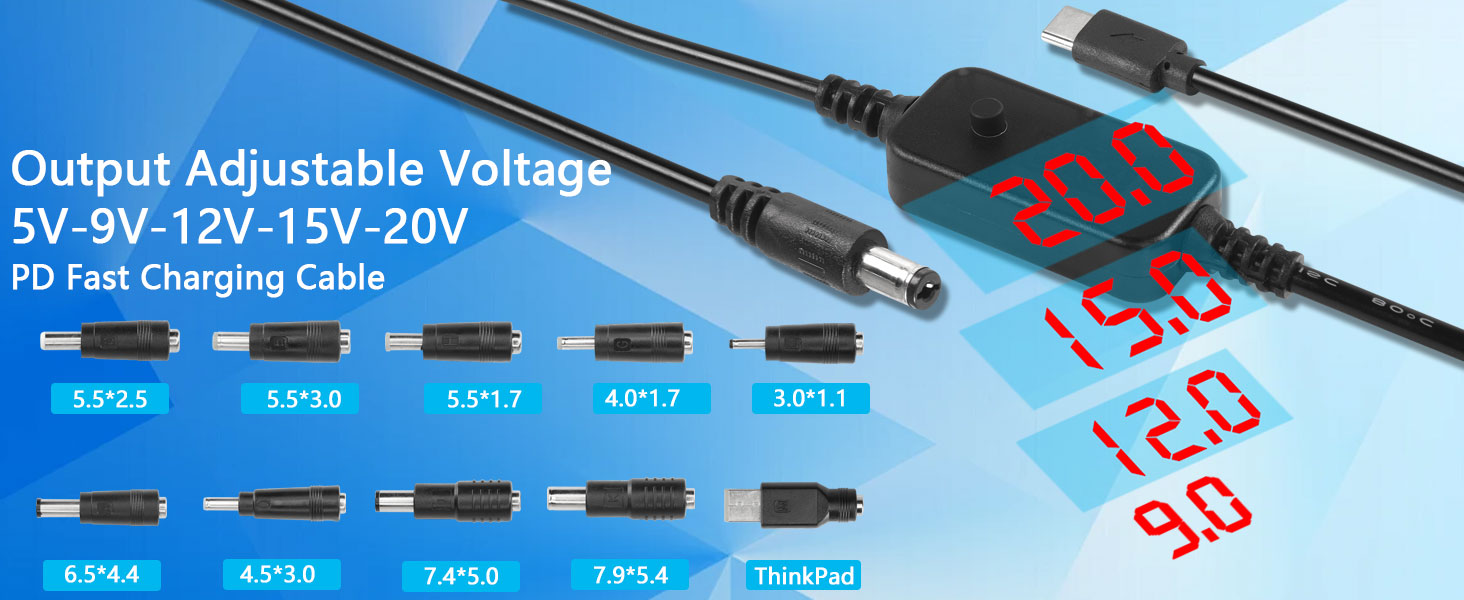
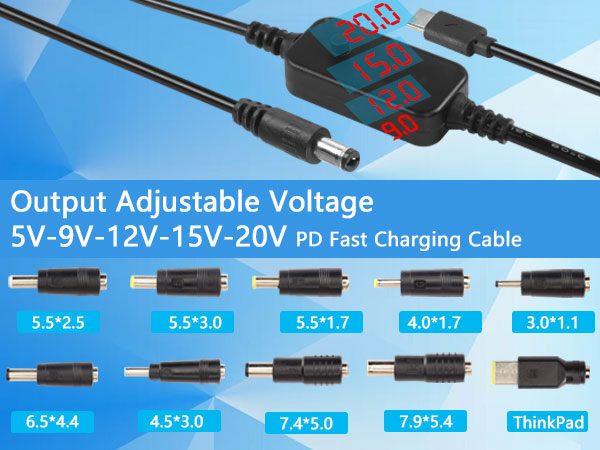
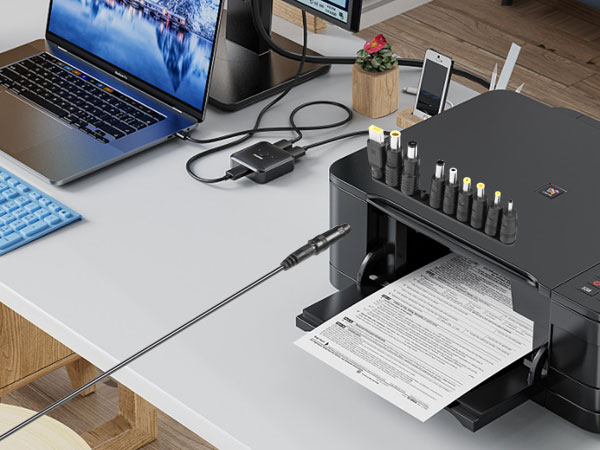
Replaceable connectors: DC7954, DC7450, DC5525, DC4530, DC6544, DC5517, DC5530, DC4017, DC3011 and ThinkPad
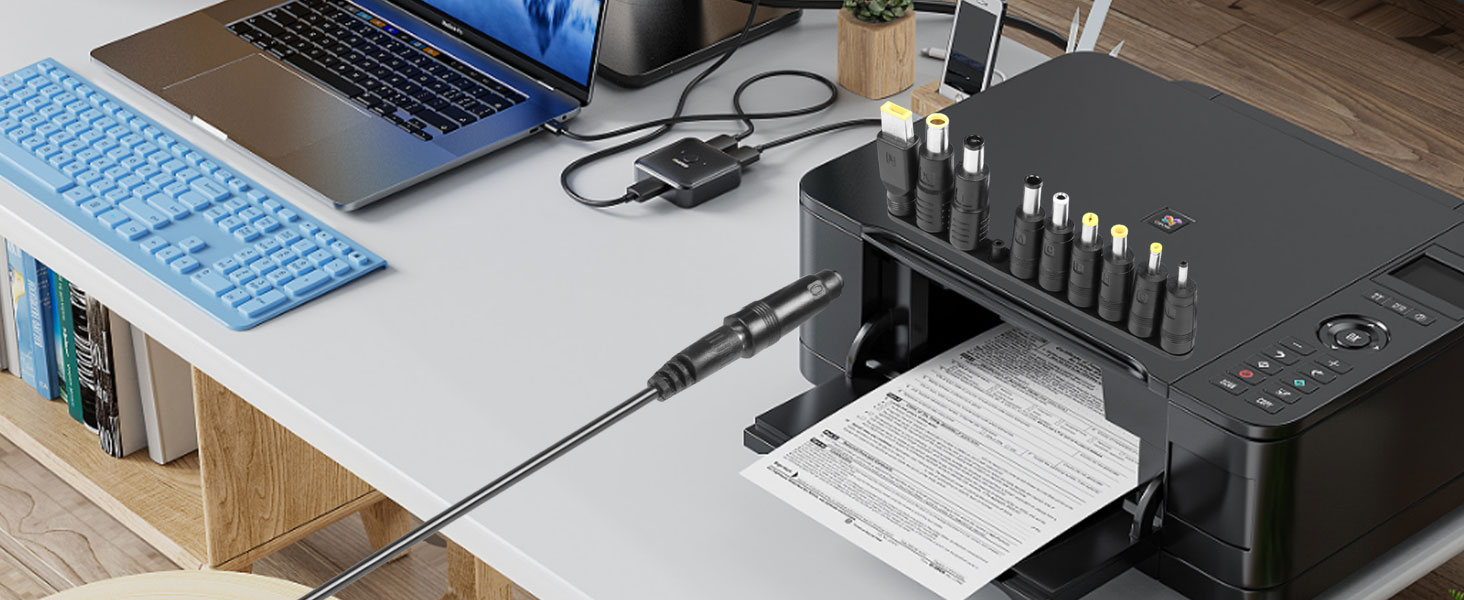
Output voltage: 5V, 9V, 12V, 15V, 20V adjustable PD output device voltage needs to support 36W/45W/65W/90W/100W
The USB C to DC power cord can carry 3A current, and the maximum output power supports 60W (20V3A)
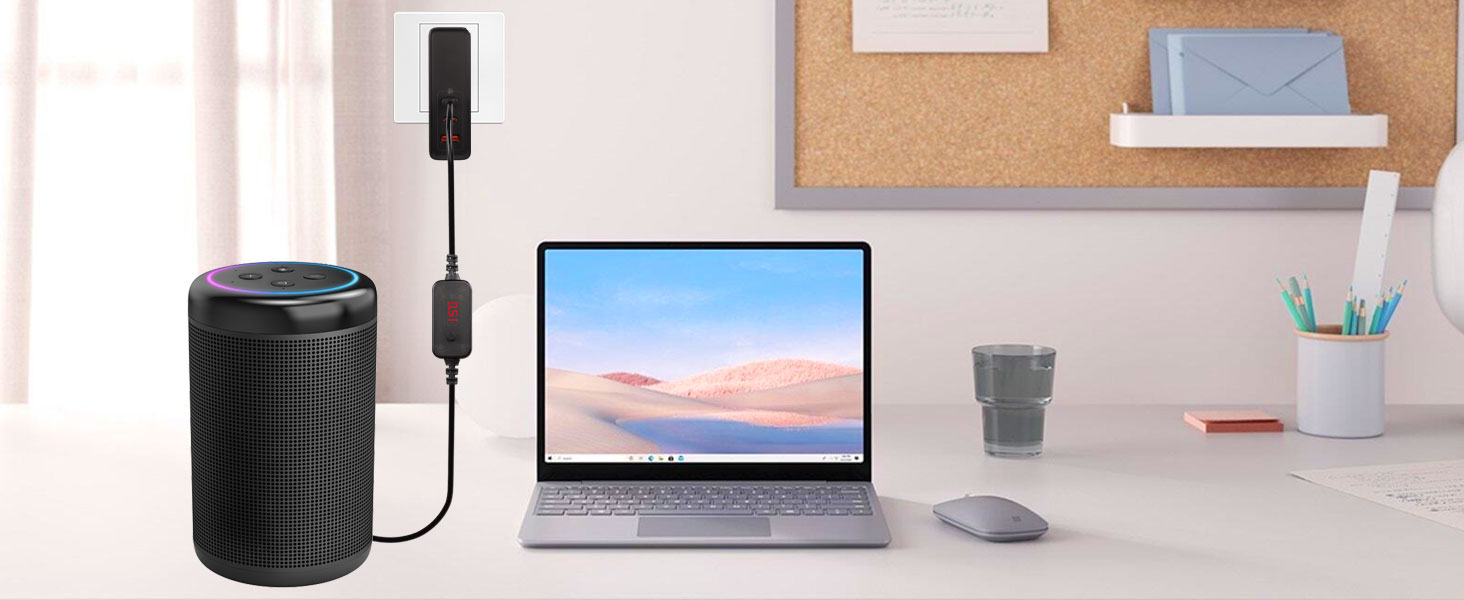
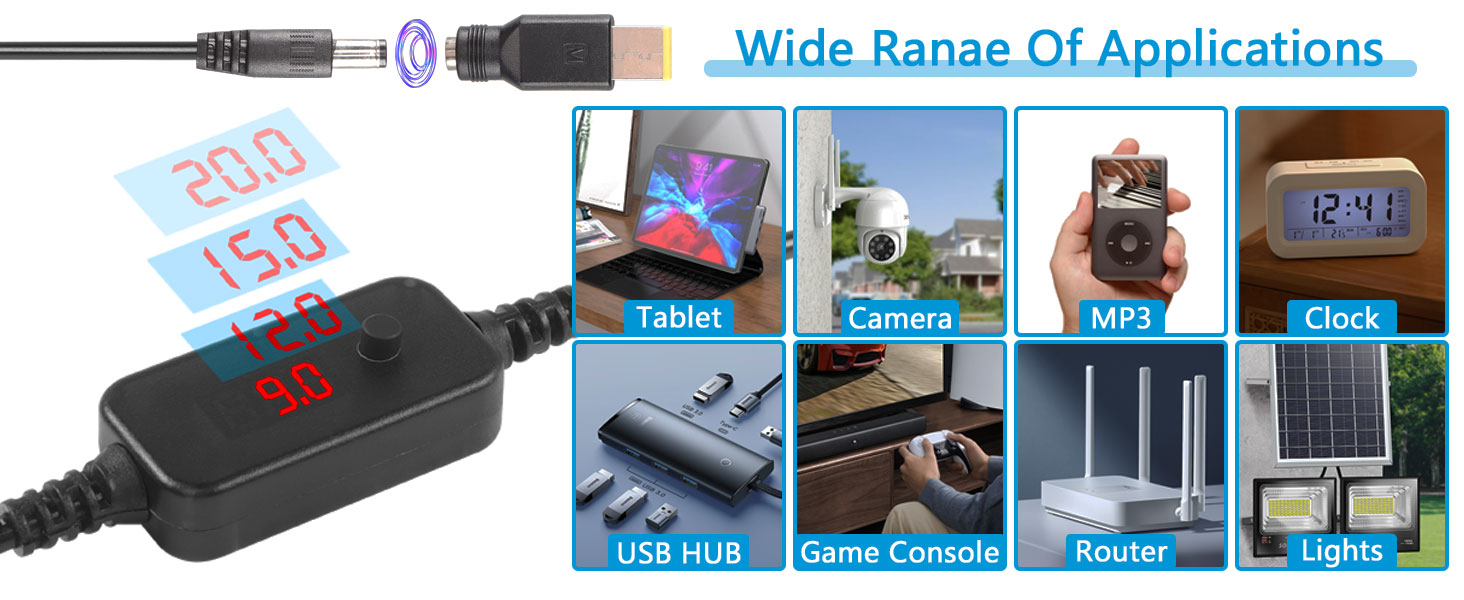
Support voltage display
Support PD charging protocol
Output gear: 5V/9V/12V/15V/20V, default 5V output
Does not support two-way charging, USB C input, DC output
Note:
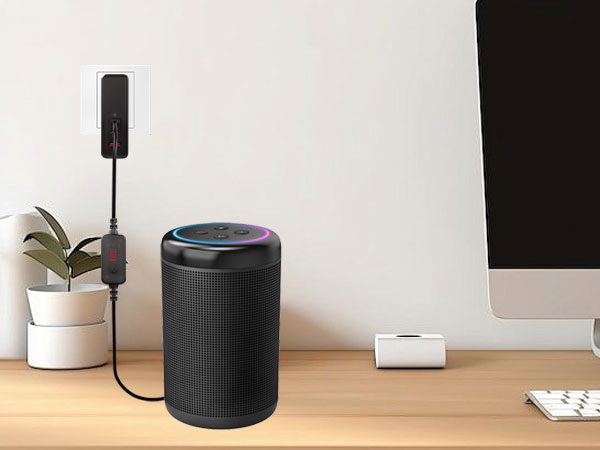
The USB C to DC decoy cable must be used with a charger or mobile power supply that supports one of the PD protocols, otherwise it can only output 5V.
Before purchasing, please check whether your charger or power bank supports the required load power supply level to avoid wasting your time
When replacing different connector ports, please cut off the power supply
Generally, there are output specifications on the back or bottom of the charging head. The USB-PD charger needs to support 5V, 9V, 12V, 15V, and 20V output to use the corresponding voltage specifications
CERRXIAN USB C to DC cable adapter
Replaceable connectors: DC7954, DC7450, DC5525, DC4530, DC6544, DC5517, DC5530, DC4017, DC3011 and ThinkPad
Output voltage: 5V, 9V, 12V, 15V, 20V adjustable PD output device voltage needs to support 36W/45W/65W/90W/100W
The USB C to DC power cord can carry 3A current, and the maximum output power supports 60W (20V3A)

Support voltage display
Support PD charging protocol
Output gear: 5V/9V/12V/15V/20V, default 5V output
Does not support two-way charging, USB C input, DC output
Note:
The USB C to DC decoy cable must be used with a charger or mobile power supply that supports one of the PD protocols, otherwise it can only output 5V.
Before purchasing, please check whether your charger or power bank supports the required load power supply level to avoid wasting your time
When replacing different connector ports, please cut off the power supply
Generally, there are output specifications on the back or bottom of the charging head. The USB-PD charger needs to support 5V, 9V, 12V, 15V, and 20V output to use the corresponding voltage specifications