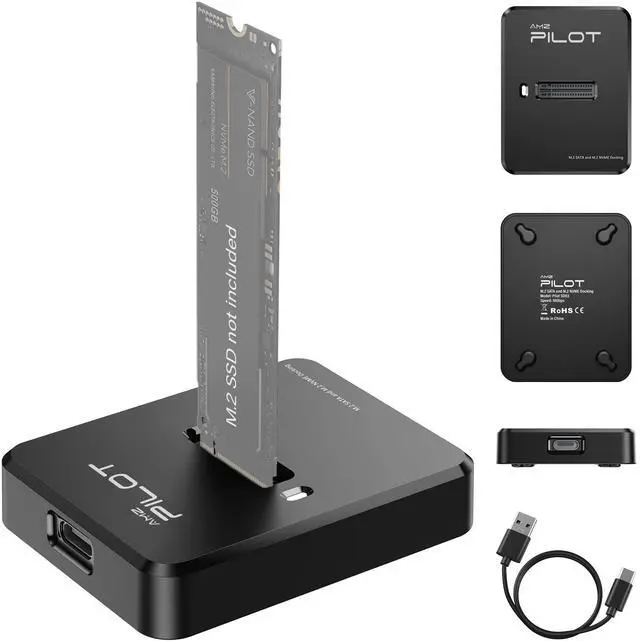
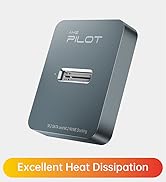
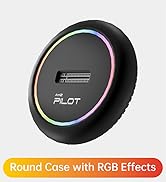
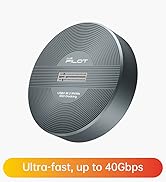
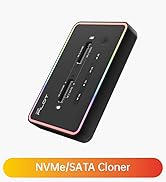
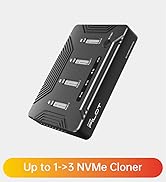
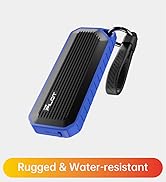
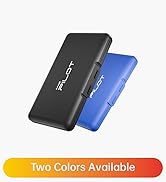
Tool-Free M.2 NVMe & SATA to USB C Docking Station, 10Gbps SSD Reader Adapter for Data Rescue & External Storage, Supports M/B+M Key NVMe PCIe & SATA NGFF 2230-22110, for Laptop, PC
[Instant Data Rescue & System Upgrades] Give Your Old SSD a Second Life. This M.2 to USB adapter is the perfect solution for rescuing precious photos and documents from a crashed computer or an old laptop drive. It serves as a reliable bridge for a seamless system upgrade, allowing you to access files from your NVMe or SATA SSD without installing it internally. Whether you are retrieving data or simply repurposing an old drive, this M.2 reader makes the process effortless and fast.
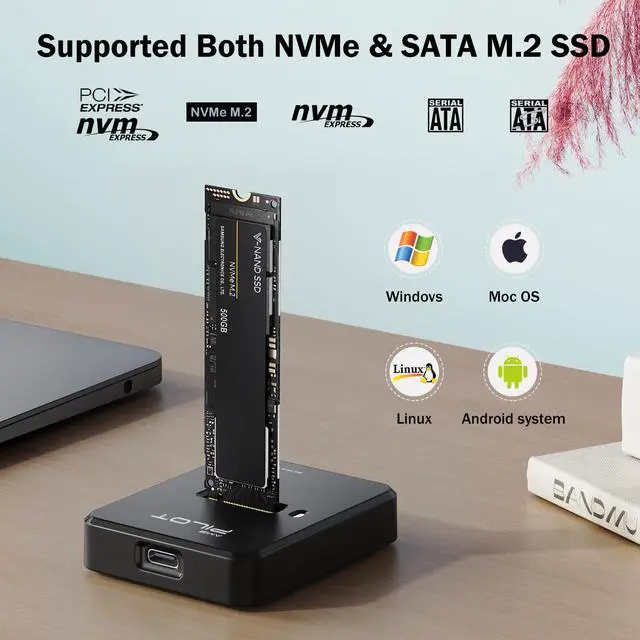
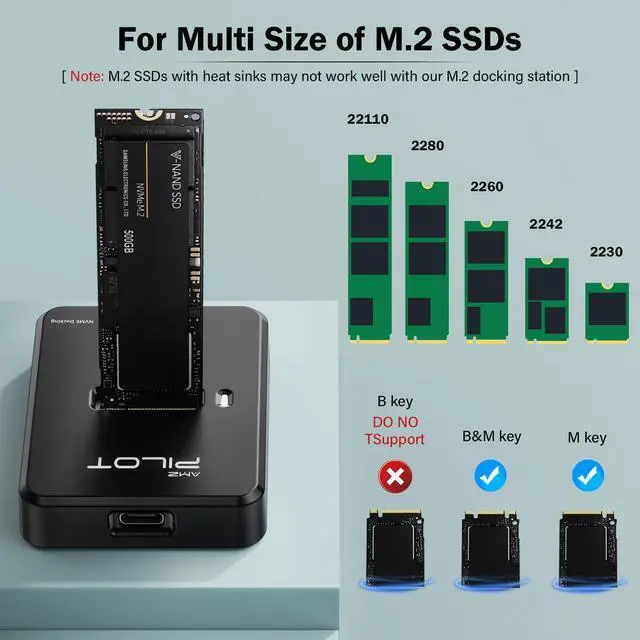
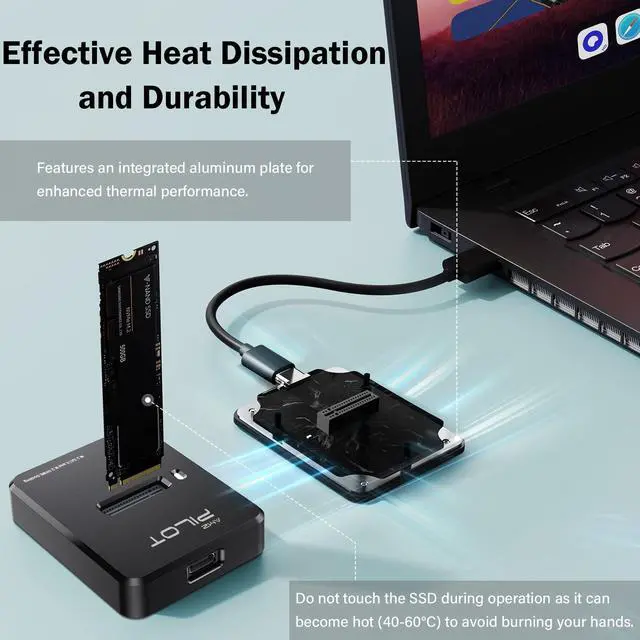
[Universal Compatibility: Dual Protocol Support] One Dock, All Your M.2 SSDs. Designed for ultimate versatility, this M.2 NVMe SATA to USB C docking station supports both NVMe/PCIE and SATA/NGFF protocols. It is compatible with M Key and B&M Key SSDs in sizes 2230/2242/2260/2280/22110. Supporting up to 4TB capacity, it transforms your internal M.2 SSD into a high-capacity external hard drive adapter for MacBook, Windows, Linux, and Android devices. (Note: Not compatible with M.2 SATA AHCI B Key).
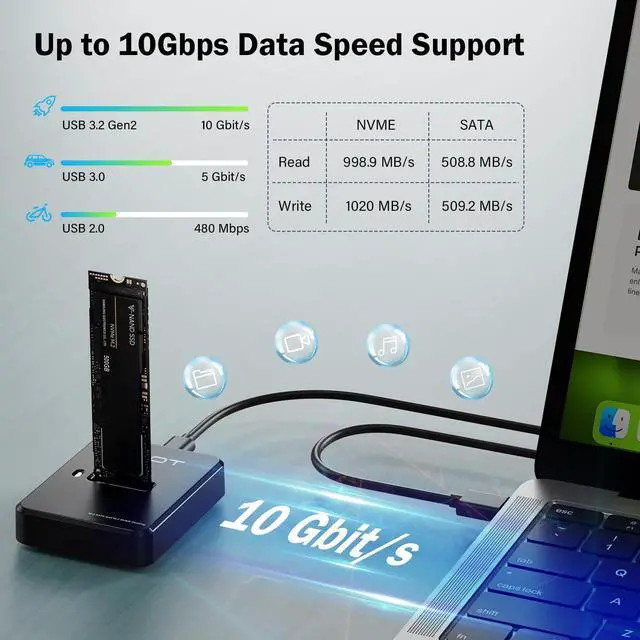
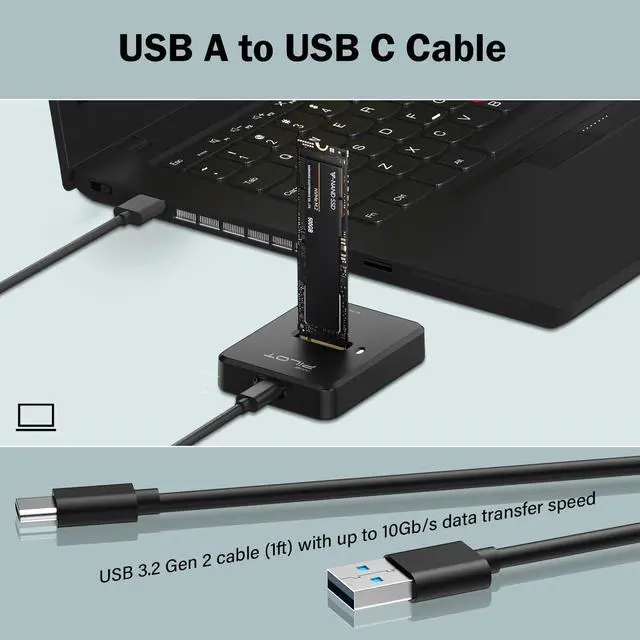
[10Gbps High-Speed for Creative Professionals] The Designer's Portable Media Library. Boost your workflow with extreme speeds up to 10Gbps for NVMe and 6Gbps for SATA via USB 3.1 Gen 2. This NVMe to USB adapter is a must-have for photographers and video editors to build a high-speed mobile asset library, enabling direct editing of 4K videos or high-res RAW files. It is also Thunderbolt 3 compatible, ensuring ultra-fast data transfer for heavy creative tasks.
+
+
Overview
Specs
Reviews
Any questions? Our AI beta will help you find out quickly.
Tool-Free M. 2 NVMe & SATA to USB C Docking Station, 10Gbps SSD Reader Adapter for Data Rescue & External Storage, Supports M/B+M Key NVMe PCIe & SATA NGFF 2230-22110, for Laptop, PC
Learn more about the Detailed Specifications
Additional Information
First Listed on Newegg
March 17, 2026
There are no reviews yet.
Do you own this product?
Warranty & Returns
Warranty, Returns, And Additional Information
Warranty
Please contact the Seller directly for warranty information. Warranty information may also be found on the Manufacturer's website.