





"Creating convenience for life" is the whole point of existence at Dockteck. Dockteck believes that high-quality electronic products and enthusiastic after-sales service can offer consumers the ultimate shopping experience.
"Integrating technology into life" is Dockteck's design philosophy, which aims to create everything possible and to offer customers comfortable products.
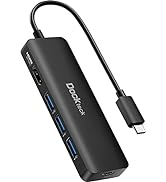
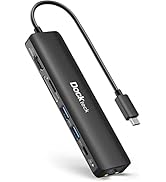
Dockteck Multiport Hub
Persistent
Always insist on quality and strictly control every link.
Humility
Be open to customer reviews, listen carefully to customer needs, and keep improving and growing on criticism.
creativity
The "young" Dockteck dares to think and act and has unlimited creativity.
Why our quality is trustworthy?
Each Dockteck hub is born from 5 key processes and 25 inspections.
We don't miss a small test and try our best to find the problem before the product reaches the customer.
We clearly understand that the best return on investment for our customers is to work hard to make a good product.

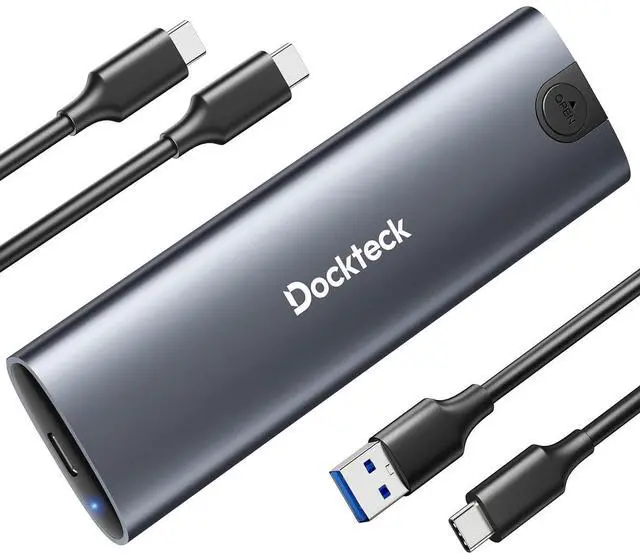
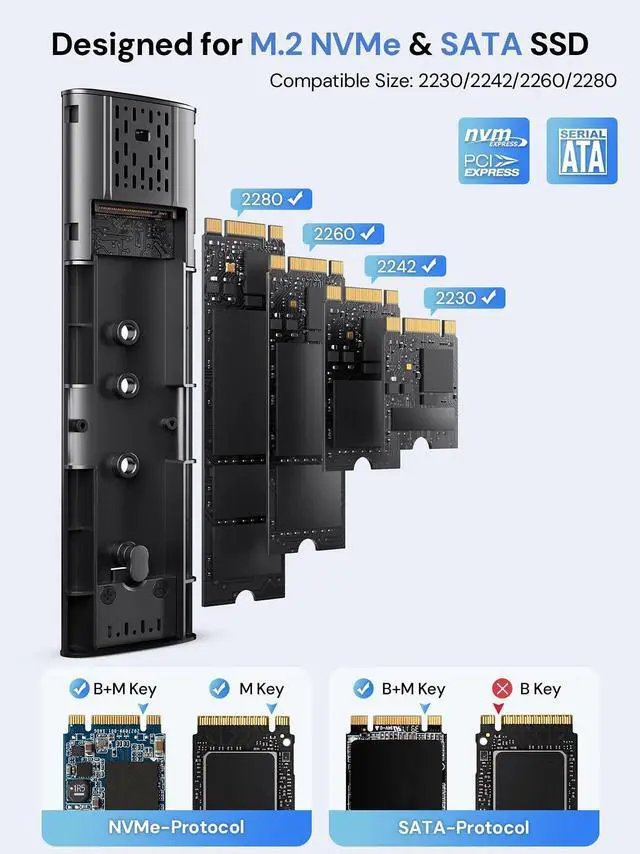
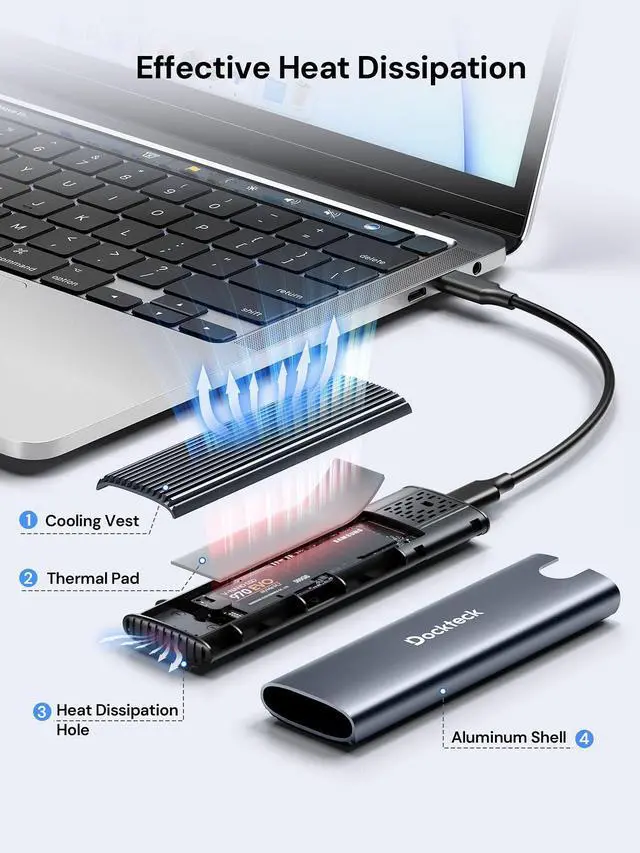
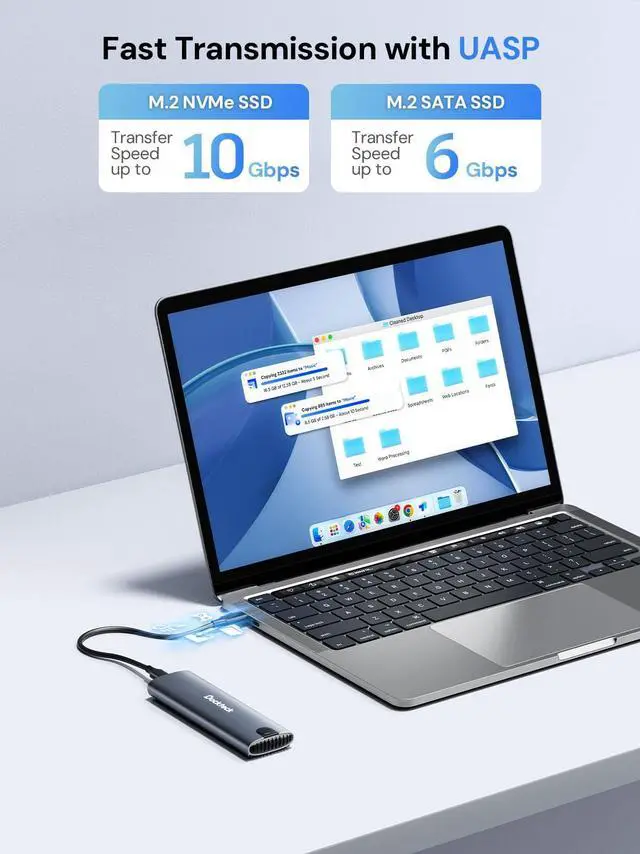
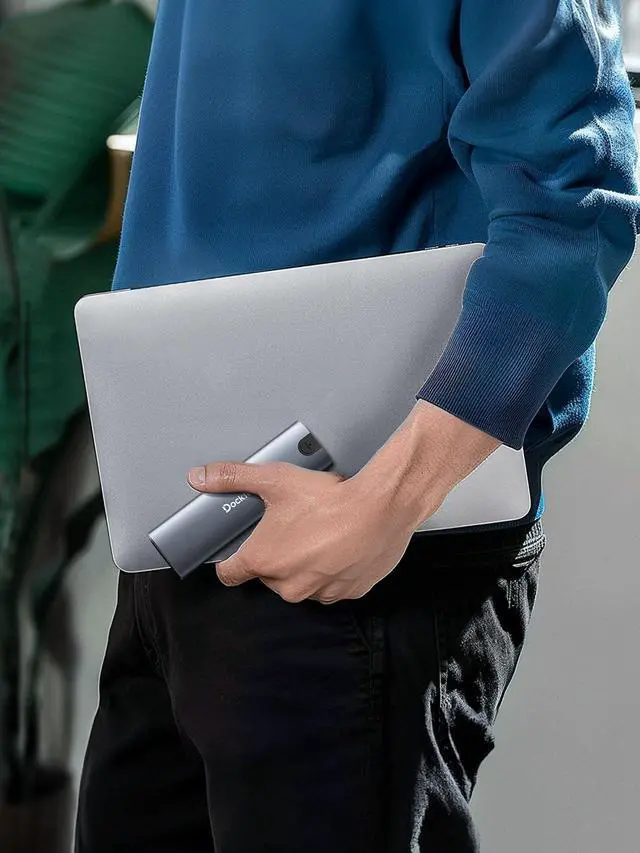
Dockteck M.2 NVME SATA SSD Enclosure


Warm Tips
1. Please properly back up all data on the SSD to prevent data loss.
2. In any case, during data transfer, please do not unplug the M.2 SSD case from the PC, otherwise data may be lost. Please unplug the cable before taking out the SSD after use.
3. Once connected, your PC/Laptop's OS will initialize the M.2 SSD. This process may take a minute. You can access the data if the SSD is partitioned and the data is on the SSD.
4. Be careful to check compatibility before installing an SSD.
5. Please be as gentle as possible when installing the SSD to avoid scratching the components on the printed circuit board. When installing an SSD, be careful of static electricity. On the other hand, for safety reasons, it is also recommended to not connect devices before proceeding with the installation.


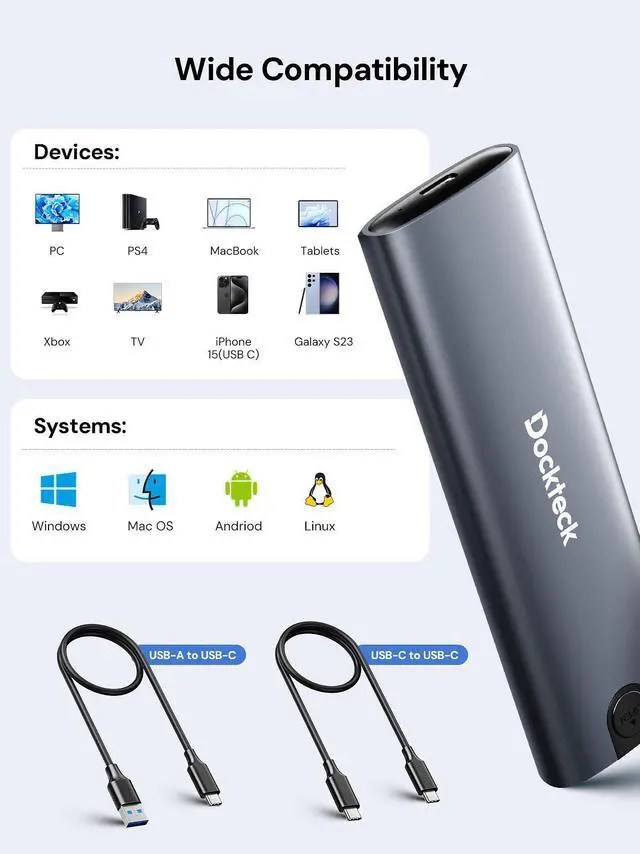
Wide Compatibility


Dockteck M.2 NVME SATA SSD Enclosure


Warm Tips
1. Please properly back up all data on the SSD to prevent data loss.
2. In any case, during data transfer, please do not unplug the M.2 SSD case from the PC, otherwise data may be lost. Please unplug the cable before taking out the SSD after use.
3. Once connected, your PC/Laptop's OS will initialize the M.2 SSD. This process may take a minute. You can access the data if the SSD is partitioned and the data is on the SSD.
4. Be careful to check compatibility before installing an SSD.
5. Please be as gentle as possible when installing the SSD to avoid scratching the components on the printed circuit board. When installing an SSD, be careful of static electricity. On the other hand, for safety reasons, it is also recommended to not connect devices before proceeding with the installation.


Wide Compatibility

"Creating convenience for life" is the whole point of existence at Dockteck. Dockteck believes that high-quality electronic products and enthusiastic after-sales service can offer consumers the ultimate shopping experience.
"Integrating technology into life" is Dockteck's design philosophy, which aims to create everything possible and to offer customers comfortable products.
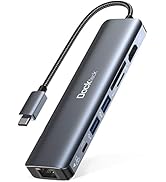
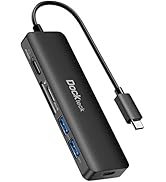
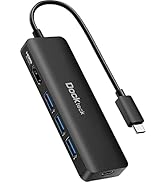
Dockteck Multiport Hub
Persistent
Always insist on quality and strictly control every link.
Humility
Be open to customer reviews, listen carefully to customer needs, and keep improving and growing on criticism.
creativity
The "young" Dockteck dares to think and act and has unlimited creativity.
Why our quality is trustworthy?
Each Dockteck hub is born from 5 key processes and 25 inspections.
We don't miss a small test and try our best to find the problem before the product reaches the customer.
We clearly understand that the best return on investment for our customers is to work hard to make a good product.
