


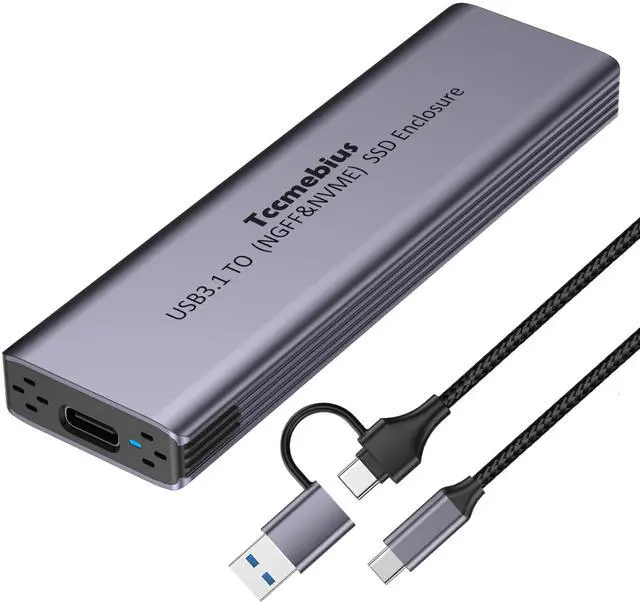


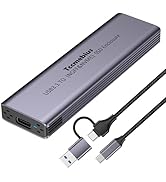
Tccmebius M.2 NVMe NGFF SSD Aluminum Enclosure
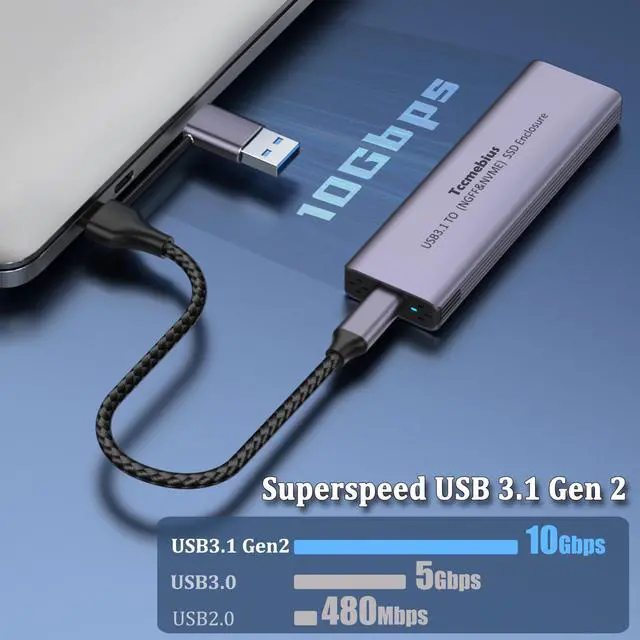
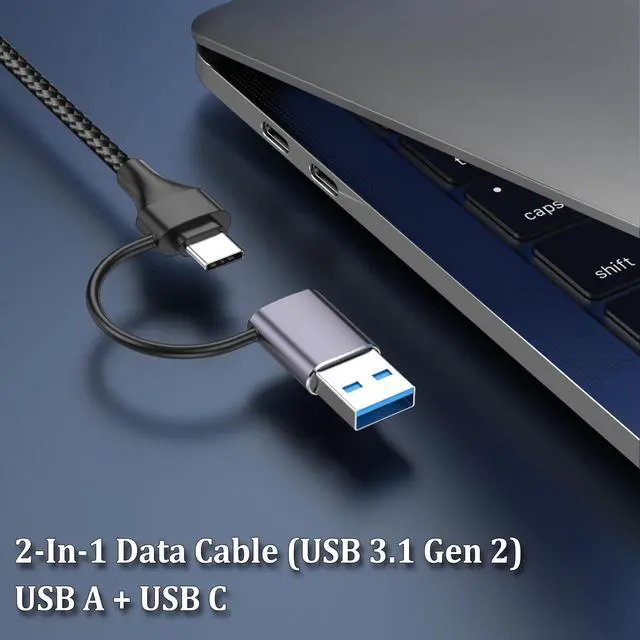
USB C 3.1 Gen2 Port, with a 2-in-1 (USB A/C) data cable, can easily connect Computer, Laptop, Tablet, Phone, and other devices with USB C or USB A ports, and be used for data transfer and file backup. Backward compatible with USB 3.0/2.0. (When using the M.2 SSD Enclosure with a USB C smartphone, the phone needs to support OTG function in order to function properly)
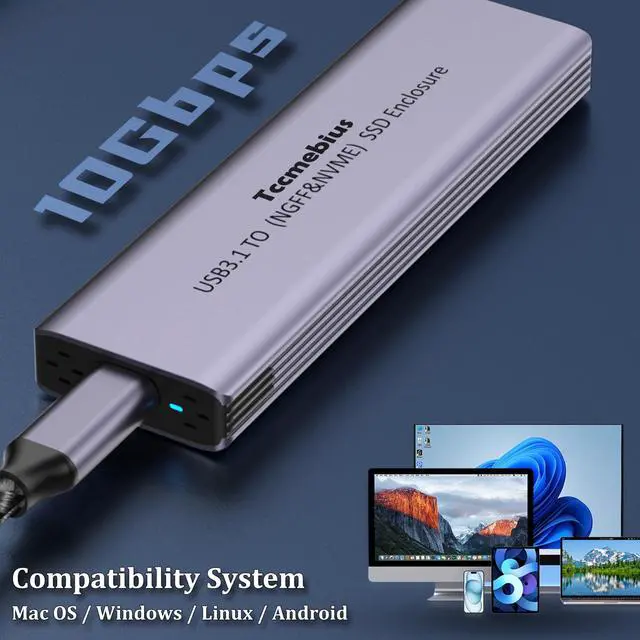
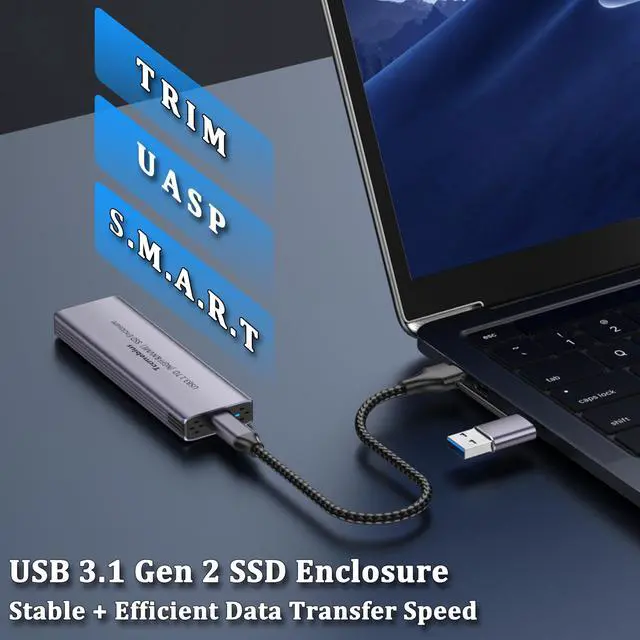
Supports UASP&Trim, Protocols for easy and fast file transfer and backup, with support for up to 10 Gbps transfer speed. Compatible with Windows XP, Windows 7/8/8.1/10/11, Vista, Mac OS, IOS, Android, Linux, and higher systems.
Easy to install, supports plug and play, no driver required, automatically enters sleep mode after 15 minutes of inactivity to reduce power consumption, prevent overheating, and save energy.


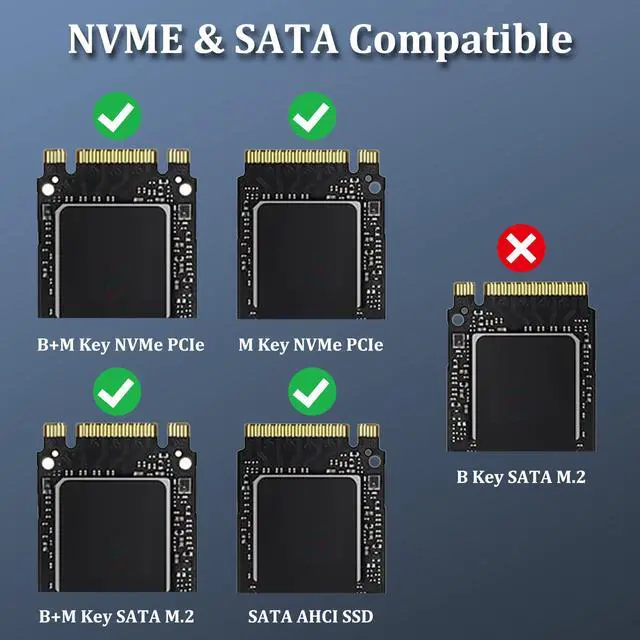
Tccmebius TCC-S186 M.2 NVME NGFF SSD Enclosure supports NVME protocol and SATA AHCI protocol.
- NVME - Supports transmission speeds up to 10 Gbps;
- SATA - Supports transfer speeds up to 6 Gbps.
- NOTE: The actual speed depends on the speed of the SSD, USB port type, computer performance, etc. Some computers are only equipped with USB 3.1 Gen1, with a maximum speed of 5Gbps.
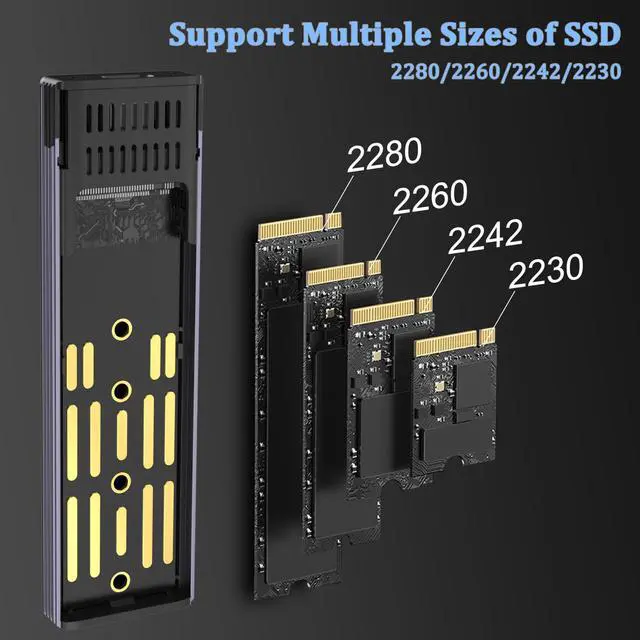
Applicable SSD: (Support Size 2280/2260/2242/2230)
- M.2 PCIe NVMe M Key
- M.2 PCIe NVMe B+M Key
- SATA M.2 B+M Key
- SATA AHCI SSD

Efficient Heat Dissipation & Sturdy and Durable
The stylish aluminum alloy shell, paired with an ABS inner frame, makes the M.2 NVMe enclosure more sturdy and durable. The unique heat dissipation hole design allows for more efficient heat dissipation during operation.

Small & Portable
Tccmeius M.2 NVMe enclosure is designed to be compact. You can easily carry it in your briefcase or pocket for travel, making it perfect for business people.

Packag:
- 1 x M.2 NVMe SATA SSD Enclosure
- 1 x USB A/C cable (50cm)
- 1 x User Manual
- 1 x Installation Tool

Common Problems and Solutions:
1. What should we do if the SSD cannot be read properly after the product is connected normally?
- (1) First, check if there are any stains on the pins of the SSD. You can try cleaning the pins with an eraser. Then reinsert the SSD into the M.2 interface.
- (2) Check if the SSD is brand new and unused. A brand new SSD needs to be formatted according to the hard drive manual in order to function properly.
- Note: Different systems are compatible with corresponding hard drive formats. If your SSD is in exFAT format, this format is compatible with Windows and Mac OS systems.
2. Is the transmission speed slower than expected during use normal?
- (1) The transmission speed of this product in practical operation is related to the connection port, data cable, and the hard disk itself. When the connection port is USB 3.1/3.0 Gen1, the transmission speed can reach up to 5Gbps, and when the connection port is USB 3.1/3.2 Gen2, the transmission speed can reach up to 10Gbps.
- (2) The NVMe protocol SSD transmission speed can reach up to 10Gbps, while the SATA protocol SSD transmission speed can reach up to 5Gbps.
3. What should I do if the M.2 SSD Enclosure does not work properly when connected to an Apple device?
- (1) Please check if the format of M.2 SSD is NTFS.
- (2) The operating system (MAC/IOS) of Apple devices requires the installation of NTFS reading software to read and write to M.2 SSDs in NTFS format.
4. What should I do if the M.2 SSD enclosure does not work properly when connected to a smartphone?
- (1) Firstly, check if the USB C port of the product supports OTG function. The M.2 SSD enclosure cannot function properly without OTG support
- (2) Then check if the format of the SSD is suitable for the operating system of the phone.
5. Will the M.2 SSD enclosure automatically enter sleep mode?
- (1) When the M.2 NVMe SSD enclosure is connected to devices such as routers and game controllers, it is possible to continuously transmit data and therefore will not enter sleep mode.



Tccmebius dedicated to crafting computer peripherals such, as HDD/SSD docking stations (Enclosure), USB Hub, Card reader, Ethernet adapter, etc.
Since our foundation in 2013, we have continuously learned, innovated, and always listened to the opinions of our customers. Tccmebius is committed to providing customers with high-quality products, friendly designs, and excellent services.
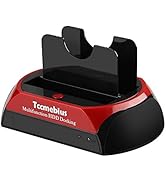
HDD DOCKING STATION
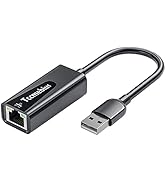
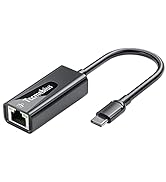
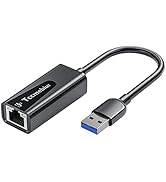
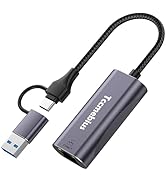
USB A/C Ethernet Adapter
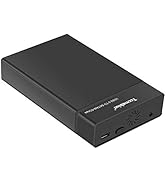
HDD / SSD ENCLOSURE
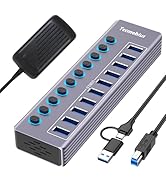
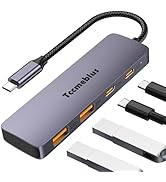
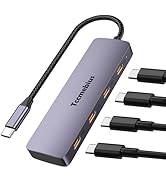
Multi-functional USB Hub
Tccmebius M.2 NVMe NGFF SSD Aluminum Enclosure
USB C 3.1 Gen2 Port, with a 2-in-1 (USB A/C) data cable, can easily connect Computer, Laptop, Tablet, Phone, and other devices with USB C or USB A ports, and be used for data transfer and file backup. Backward compatible with USB 3.0/2.0. (When using the M.2 SSD Enclosure with a USB C smartphone, the phone needs to support OTG function in order to function properly)
Supports UASP&Trim, Protocols for easy and fast file transfer and backup, with support for up to 10 Gbps transfer speed. Compatible with Windows XP, Windows 7/8/8.1/10/11, Vista, Mac OS, IOS, Android, Linux, and higher systems.
Easy to install, supports plug and play, no driver required, automatically enters sleep mode after 15 minutes of inactivity to reduce power consumption, prevent overheating, and save energy.
Tccmebius TCC-S186 M.2 NVME NGFF SSD Enclosure supports NVME protocol and SATA AHCI protocol.
- NVME - Supports transmission speeds up to 10 Gbps;
- SATA - Supports transfer speeds up to 6 Gbps.
- NOTE: The actual speed depends on the speed of the SSD, USB port type, computer performance, etc. Some computers are only equipped with USB 3.1 Gen1, with a maximum speed of 5Gbps.
Applicable SSD: (Support Size 2280/2260/2242/2230)
- M.2 PCIe NVMe M Key
- M.2 PCIe NVMe B+M Key
- SATA M.2 B+M Key
- SATA AHCI SSD
Efficient Heat Dissipation & Sturdy and Durable
The stylish aluminum alloy shell, paired with an ABS inner frame, makes the M.2 NVMe enclosure more sturdy and durable. The unique heat dissipation hole design allows for more efficient heat dissipation during operation.
Small & Portable
Tccmeius M.2 NVMe enclosure is designed to be compact. You can easily carry it in your briefcase or pocket for travel, making it perfect for business people.
Packag:
- 1 x M.2 NVMe SATA SSD Enclosure
- 1 x USB A/C cable (50cm)
- 1 x User Manual
- 1 x Installation Tool
Common Problems and Solutions:
1. What should we do if the SSD cannot be read properly after the product is connected normally?
- (1) First, check if there are any stains on the pins of the SSD. You can try cleaning the pins with an eraser. Then reinsert the SSD into the M.2 interface.
- (2) Check if the SSD is brand new and unused. A brand new SSD needs to be formatted according to the hard drive manual in order to function properly.
- Note: Different systems are compatible with corresponding hard drive formats. If your SSD is in exFAT format, this format is compatible with Windows and Mac OS systems.
2. Is the transmission speed slower than expected during use normal?
- (1) The transmission speed of this product in practical operation is related to the connection port, data cable, and the hard disk itself. When the connection port is USB 3.1/3.0 Gen1, the transmission speed can reach up to 5Gbps, and when the connection port is USB 3.1/3.2 Gen2, the transmission speed can reach up to 10Gbps.
- (2) The NVMe protocol SSD transmission speed can reach up to 10Gbps, while the SATA protocol SSD transmission speed can reach up to 5Gbps.
3. What should I do if the M.2 SSD Enclosure does not work properly when connected to an Apple device?
- (1) Please check if the format of M.2 SSD is NTFS.
- (2) The operating system (MAC/IOS) of Apple devices requires the installation of NTFS reading software to read and write to M.2 SSDs in NTFS format.
4. What should I do if the M.2 SSD enclosure does not work properly when connected to a smartphone?
- (1) Firstly, check if the USB C port of the product supports OTG function. The M.2 SSD enclosure cannot function properly without OTG support
- (2) Then check if the format of the SSD is suitable for the operating system of the phone.
5. Will the M.2 SSD enclosure automatically enter sleep mode?
- (1) When the M.2 NVMe SSD enclosure is connected to devices such as routers and game controllers, it is possible to continuously transmit data and therefore will not enter sleep mode.
Tccmebius dedicated to crafting computer peripherals such, as HDD/SSD docking stations (Enclosure), USB Hub, Card reader, Ethernet adapter, etc.
Since our foundation in 2013, we have continuously learned, innovated, and always listened to the opinions of our customers. Tccmebius is committed to providing customers with high-quality products, friendly designs, and excellent services.
HDD DOCKING STATION
USB A/C Ethernet Adapter
HDD / SSD ENCLOSURE
Multi-functional USB Hub