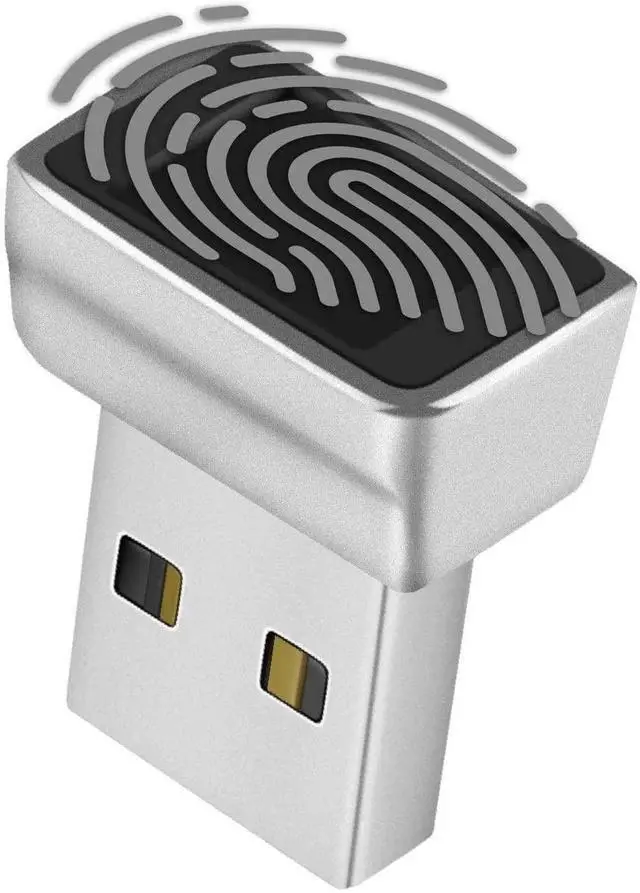
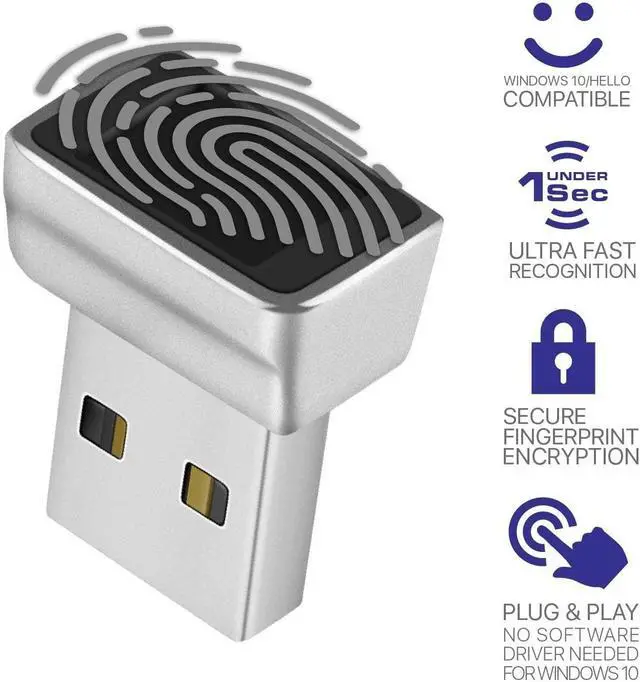
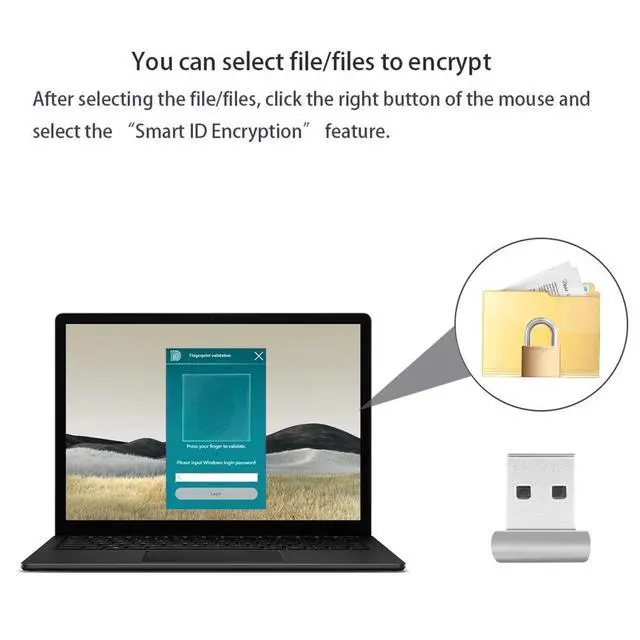
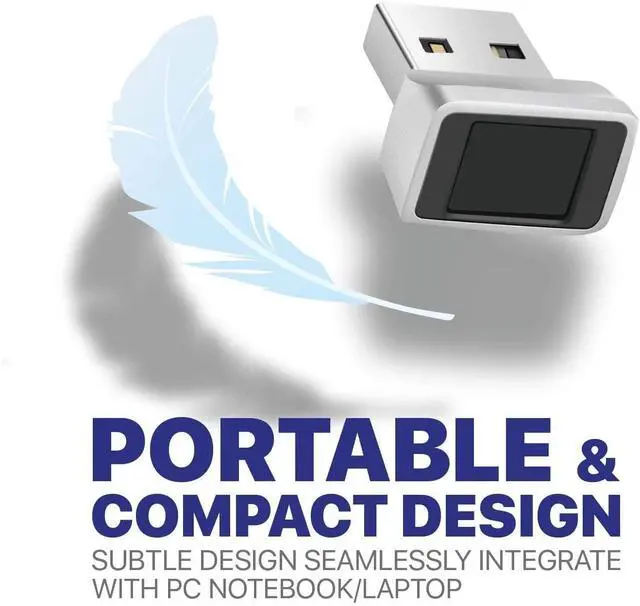
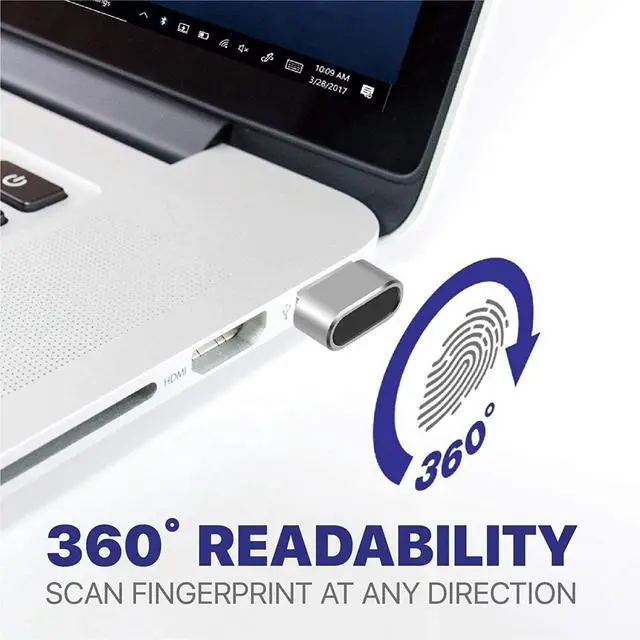
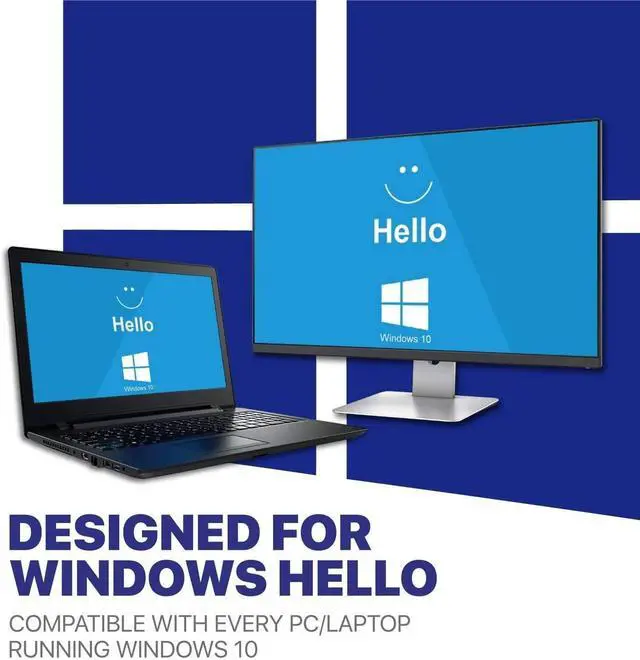
Windows OS incorporates multi-factor authentication technology based upon standards developed by the FIDO Alliance. The operating system includes improved support for biometric authentication through the Windows Hello and Passport platforms. This USB Fingerprint Reader device enables the software support of fingerprint-recognition login. Credentials are stored locally and protected using asymmetric encryption. The Passport platform allows networks, software and websites to authenticate users using either a PIN or biometric login to verify their identity, without sending a password.
Specification:
- Dimension:20.6*17*12 mm (L*W*H)
- Weight: 5.1g
- Store Up to 5 individual fingerprints
- Note:
- - If encountering problems identifying fingerprints, make sure windows is updated (driver will be updated automatically)
- - If unable to install driver automatically, refer to user manual for manual install instructions
- - If your version of Windows OS is non official version (i.e. being installed by yourself or any 3rd party instead of updated from "Windows Update") you need to create a new standard Administrator user to access Windows Hello features
- - Not compatible with Mac OS or Chrome OS
- Manual Driver update:
- 1. Plug in Fingerprint Reader USB port
- 2. Open Device Manager/Other Devices/ELAN:Fingerprint, Right click, Update Driver
- 3. Clcik "Search automatically for drivers", then "Search for updated drivers on Windows Update"
- 4. Clcik "Check for updates" and ensure windows is updated, then click "view optional updates"
- 5. Open "Driver Updates" pull down and check "ELAN Finger Print - Biometric" box and update
- 6. Once updated the device should show up in Device Manager under Biometric Devices "Elan Smart-id Fingerprint"
Package Content:
- 1x Nano USB Fingerprint Reader