


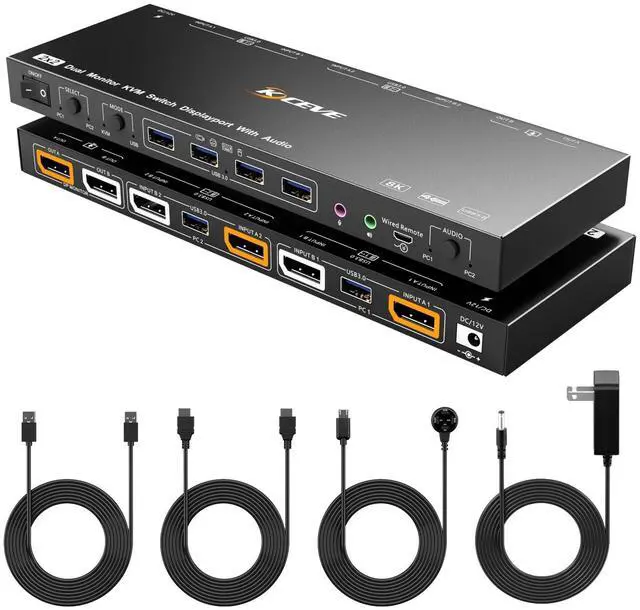


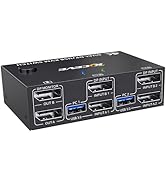
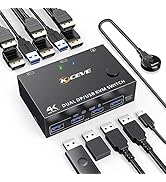
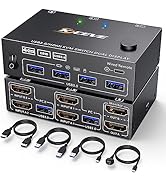
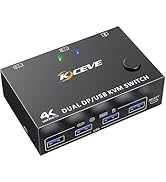
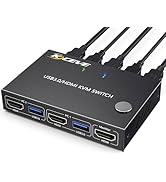
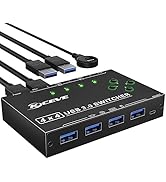
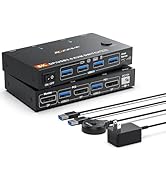
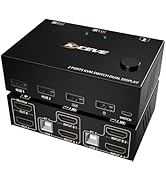
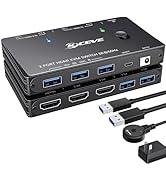
Displayport KVM switch for 2 DP port computers share 2 DP port monitors
- Product name: DP KVM Switcher for 2 computers share 2 monitors
- Material: Metal shell
- Control way: physical button and wired control
- Keyboard hotkey switch way: Not supported
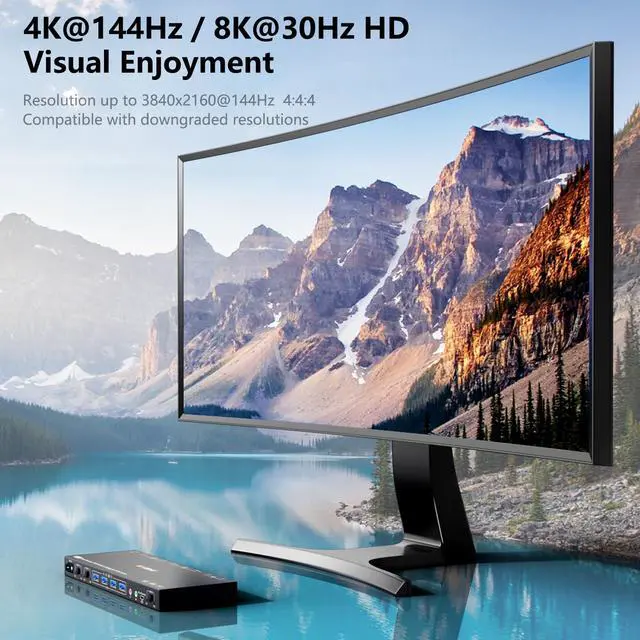
- Resolution range: Up to 4K@60Hz
- Support wired or wireless keyboard and mouse

Easy set up for displayport devices
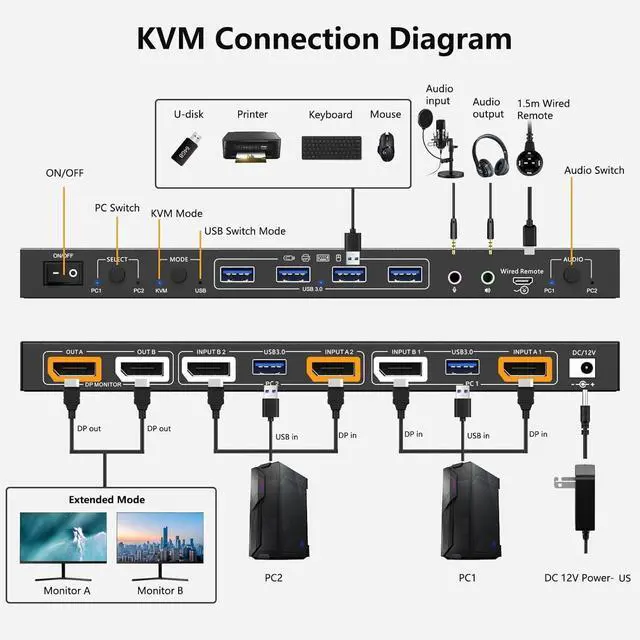
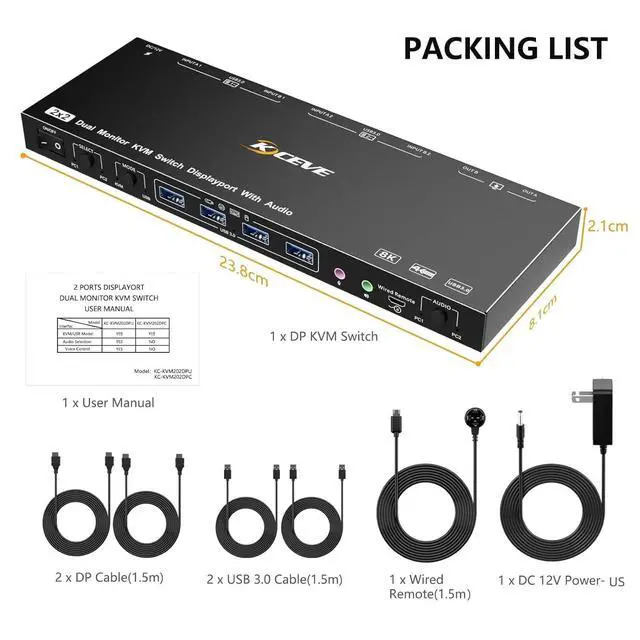
- Each computer needs 2 DP ports, please make sure your computer with 2 DP ports before purchasing.
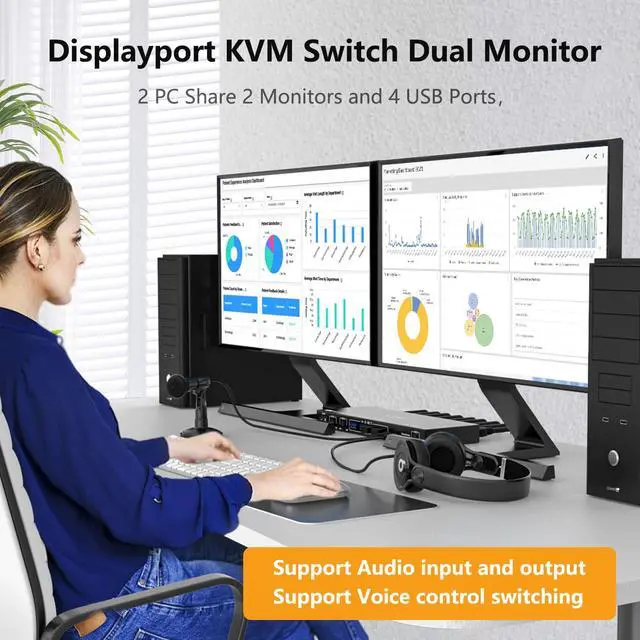
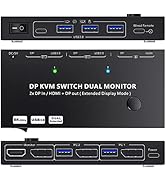
- This dual monitor KVM DP switch is for 2 computers share 2 monitors, keyboard, mouse and USB devices. Please connect all cables to make 2 display work properly.
- Two DP inputs used for DP devices, such as computer, laptop, TV box, DVD, etc.

2 computers share 4 USB 2.0 devices, improve your work efficiency
- Power suppy is not required for normal USB device, but if the connection is unstable, we recommend connect a external power adapter to provide enough power. (power adapter is not provided).
- Bluetooth mouse and keyboard will be exist delay for few seconds, we do not recommend use Bluetooth mouse and keyboard.

Support 2 display modes
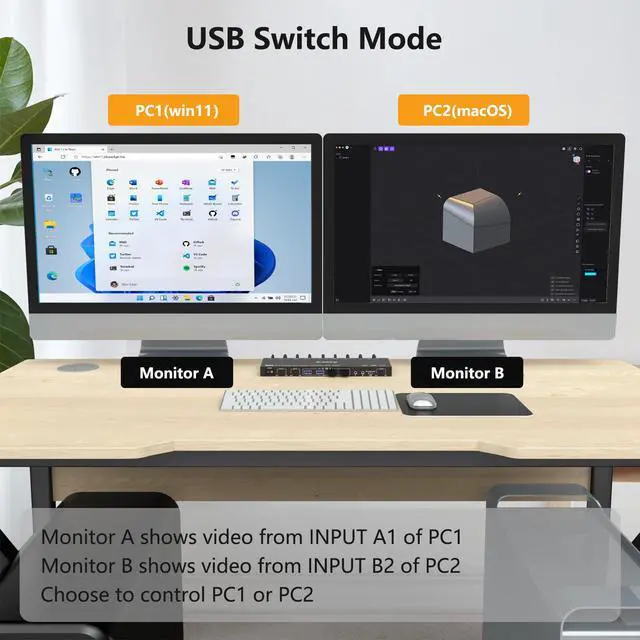
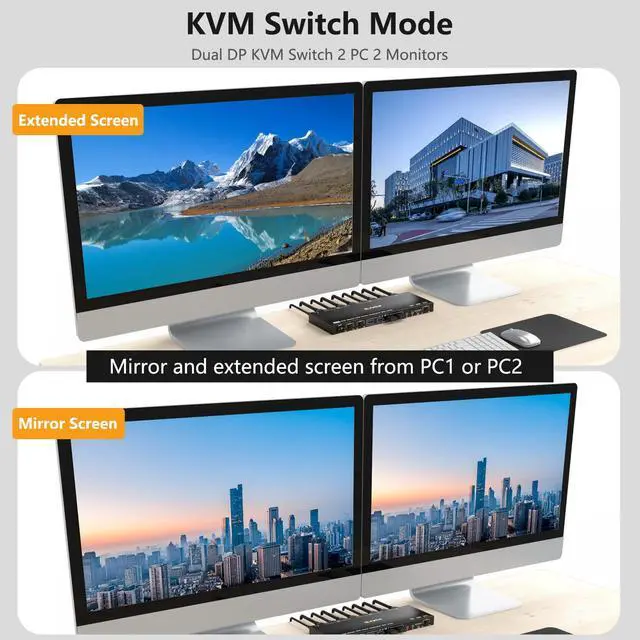
- In “COPY” mode, 2 output monitors will output same image from PC1 or PC2.
- In “EXTEND” mode, the working window from main screen can be dragged to seond output monitor. You can have the mouse across between 2 monitors.

Enjoy HD quality display, support follow resolution:
SUPPORT: 4K x 2K (3840x 2160@ 60Hz); 4K x 2K (2560x 1600@ 60Hz); 4K x 2K (2048x 1536@ 60Hz); 2560x1440 @ 144hz / 120hz / 60hz; 1920x1440 @ 144hz / 120hz/ / 60hz; 1920x1200 @ 144hz / 120hz /60hz

Support 2 switching ways
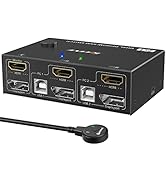
- Physical button control
- Wired control

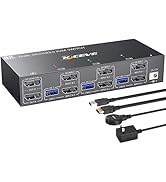
2 color lights indicator
- Blue light shows PC1 working status
- Green light shows PC2 working status

DC5V port for power supply
- External power supply is not required for normal USB device.
- DC5V power cable and power adapter not included. Please use your own Android USB cable to provide power if USB devices status shows unstable.

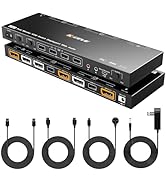
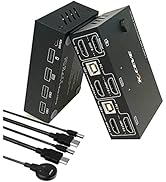
Please prepare the rest cable yourself
- You will need 6 DP cables totally, please prepare the rest DP cables yourself.
- You can use DP 1.2 or DP 1.4 cable.

KCEVE Official Store
We have KVM switch for 1 monitor, 2 monitors, 3 monitors, and USB switch, Type-C switch for Laptops
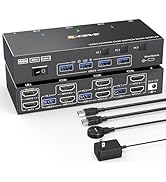

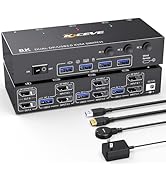
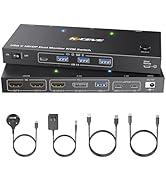
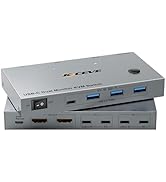
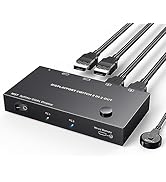
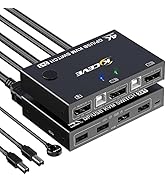
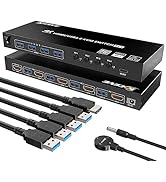

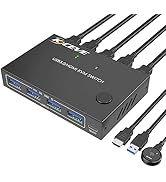
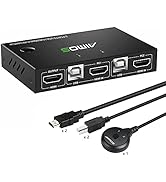

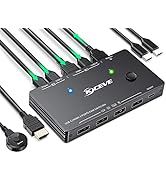
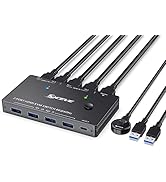
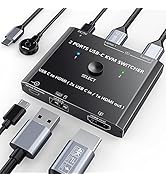
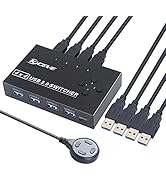
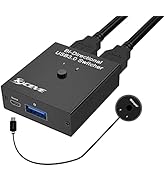
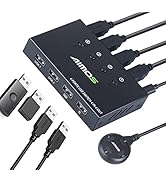

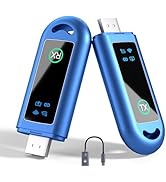

Displayport KVM switch for 2 DP port computers share 2 DP port monitors
- Product name: DP KVM Switcher for 2 computers share 2 monitors
- Material: Metal shell
- Control way: physical button and wired control
- Keyboard hotkey switch way: Not supported
- Resolution range: Up to 4K@60Hz
- Support wired or wireless keyboard and mouse
Easy set up for displayport devices
- Each computer needs 2 DP ports, please make sure your computer with 2 DP ports before purchasing.
- This dual monitor KVM DP switch is for 2 computers share 2 monitors, keyboard, mouse and USB devices. Please connect all cables to make 2 display work properly.
- Two DP inputs used for DP devices, such as computer, laptop, TV box, DVD, etc.
2 computers share 4 USB 2.0 devices, improve your work efficiency
- Power suppy is not required for normal USB device, but if the connection is unstable, we recommend connect a external power adapter to provide enough power. (power adapter is not provided).
- Bluetooth mouse and keyboard will be exist delay for few seconds, we do not recommend use Bluetooth mouse and keyboard.
Support 2 display modes
- In “COPY” mode, 2 output monitors will output same image from PC1 or PC2.
- In “EXTEND” mode, the working window from main screen can be dragged to seond output monitor. You can have the mouse across between 2 monitors.
Enjoy HD quality display, support follow resolution:
SUPPORT: 4K x 2K (3840x 2160@ 60Hz); 4K x 2K (2560x 1600@ 60Hz); 4K x 2K (2048x 1536@ 60Hz); 2560x1440 @ 144hz / 120hz / 60hz; 1920x1440 @ 144hz / 120hz/ / 60hz; 1920x1200 @ 144hz / 120hz /60hz
Support 2 switching ways
- Physical button control
- Wired control
2 color lights indicator
- Blue light shows PC1 working status
- Green light shows PC2 working status
DC5V port for power supply
- External power supply is not required for normal USB device.
- DC5V power cable and power adapter not included. Please use your own Android USB cable to provide power if USB devices status shows unstable.
Please prepare the rest cable yourself
- You will need 6 DP cables totally, please prepare the rest DP cables yourself.
- You can use DP 1.2 or DP 1.4 cable.
KCEVE Official Store
We have KVM switch for 1 monitor, 2 monitors, 3 monitors, and USB switch, Type-C switch for Laptops
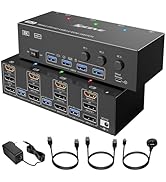
KVM switch for 2 or 3 monitor
USB C Docking Station KVM
2x2 DP KVM, 2x2 HDMI KVM
2x2, 2x1 KVM Switch, DP, HDMI
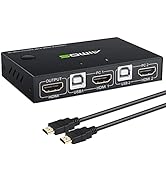
2X1, 4X1 KVM switch
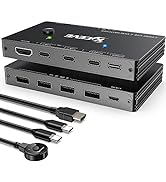
2x1 Type-c, 8K HDMI
usb switch, audio switch
HDMI, Type-C wireless extender
2x1,3x2,3x3 KVM Switch
2x1, 2x2 KVM Switch,USB Switch
KVM extender
