


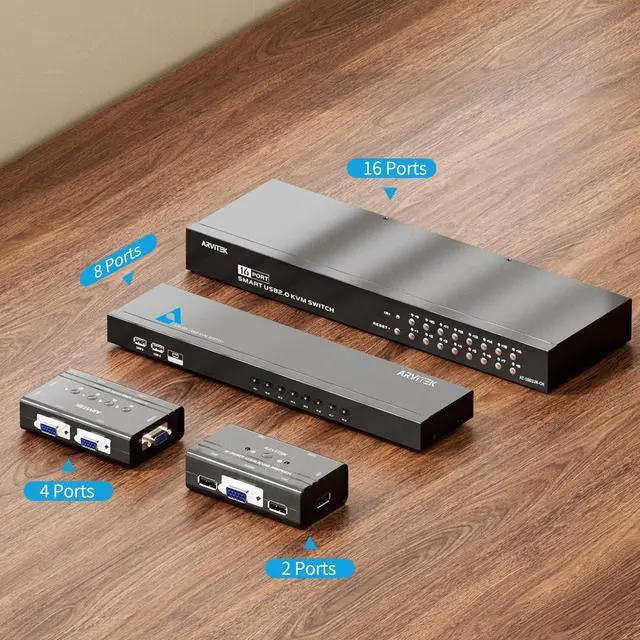


 2 Port VGA KVM |  4 Port VGA KVM |  8 Port VGA KVM |  8 Port HDMI KVM |  16 Port HDMI KVM |  16 Port VGA KVM | |
|---|---|---|---|---|---|---|
| Customer Reviews | — | — | — | — | — | — |
| Price | — | — | — | — | — | — no data |
| Input Port | VGA x 2 | VGA x 4 | VGA x 8 | HDMI x 8 | HDMI x 16 | VGA x 16 |
| Output Port | VGA x 1 & USB x 3 | VGA x 1 & USB x 3 | VGA x 1 & USB x 4 | HDMI x 1 & USB x 4 | HDMI x 1 & USB x 4 | VGA x 1 & USB x 3 |
| Maximum Resolution | 1920*1440 | 1920*1440 | 1920*1440 | 4K@30Hz | 4K@30Hz | 1920*1440 |
| Switch Methods | Button | Button | Button + Wired Desktop Controller | Button + Wired Desktop Controller + IR Remote | Button+ IR Remote | Button+ IR Remote |
| Cable Included | 2 Pcs | 4 Pcs | 8 Pcs | 8 Pcs | 16 Pcs | 16 Pcs |

Arvitek 2 Port KVM switch
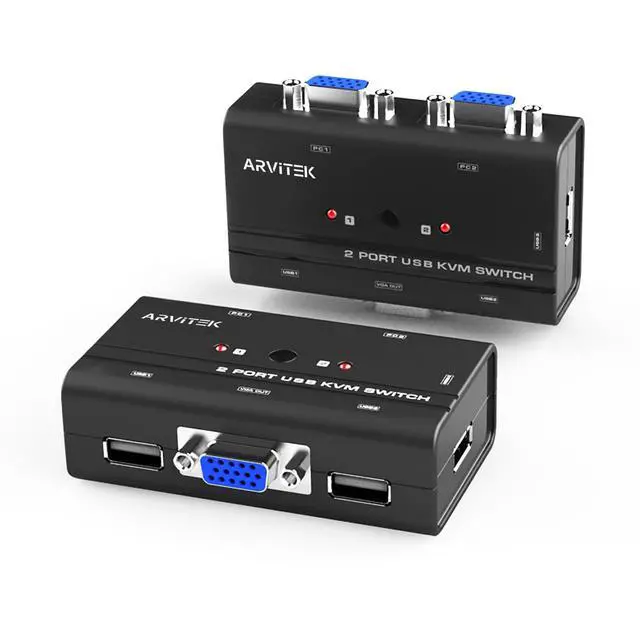
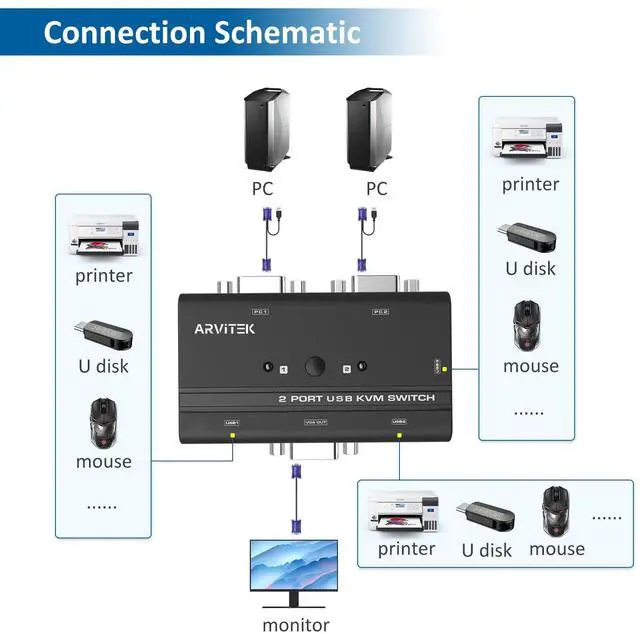
This 2 ports vga kvm switch has high compatibility and supports multiple operating systems. It can save cabling space and operation time when using multiple devices for office and entertainment. Using a set of mouse and keyboard can control 2 computer devices.
Control Two Computers with One Console. Simplify Your Workflow

The Essential 2-Port VGA KVM Switch for Multitasking Professionals
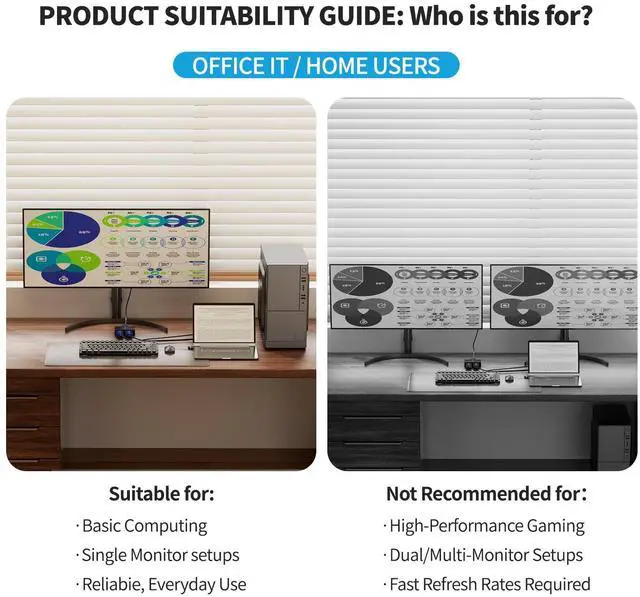
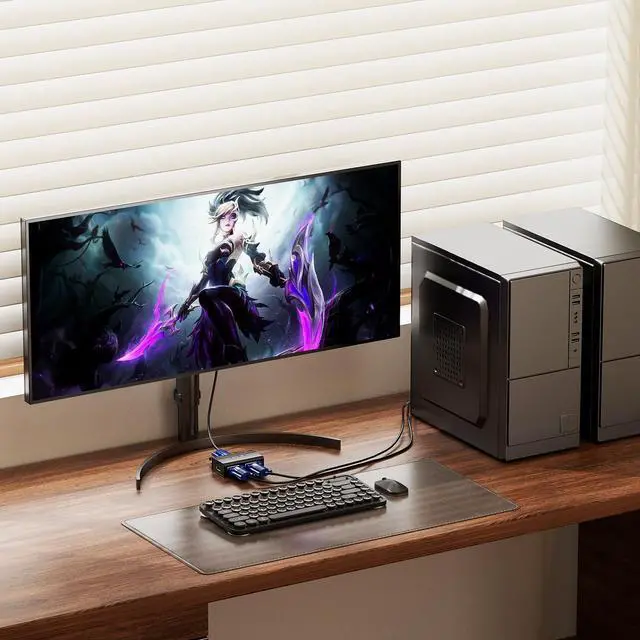
Tired of plugging and unplugging cables? This 2-Port VGA KVM Switch allows you to connect a desktop tower and a laptop to a single VGA monitor, keyboard, and mouse. Whether you are analyzing data reports on your work laptop or designing on your desktop, switching between tasks is as simple as pressing a button.
Troubleshooting
- 1. Device Not Powering On / LED Not Lit:This KVM switch is powered by USB. You MUST connect the USB connector on the included KVM cables to your computer. Do not connect only the VGA cable; the USB connection is required for both power supply and data transmission.
- 2. Keyboard/Mouse Not Working: Ensure you are using the USB 2.0 ports. This device supports Plug and Play. If the mouse/keyboard is unresponsive, please unplug and re-plug the USB cable, or restart the computer to allow the system to recognize the USB protocol. Note: Not recommended for use with mechanical keyboards requiring high power or docking stations.
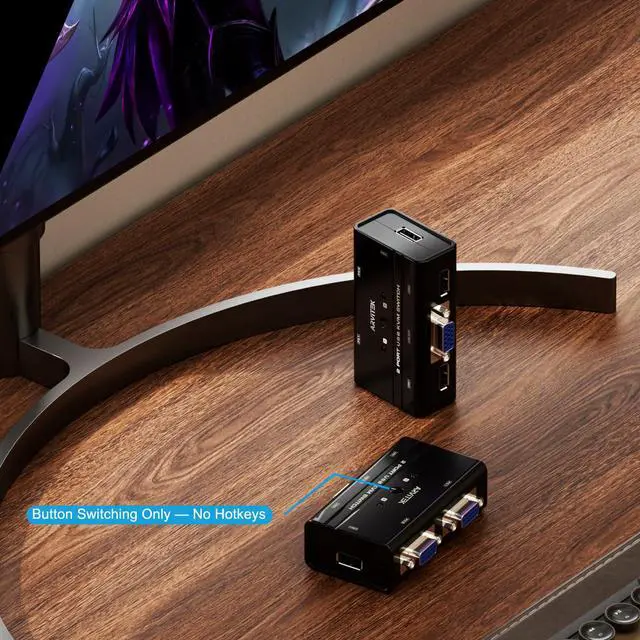
- 3. Cannot Switch Using Keyboard Hotkeys: Please note this model ONLY supports physical button switching. It does not support keyboard hotkeys (shortcut keys) or mouse switching. You must press the button on the KVM box to change computers.
- 4. Screen Flicker or No Display: Supported resolution is up to 1920x1440. Please check if your computer's resolution settings match this limit. Also, ensure the VGA cables are tightened securely.
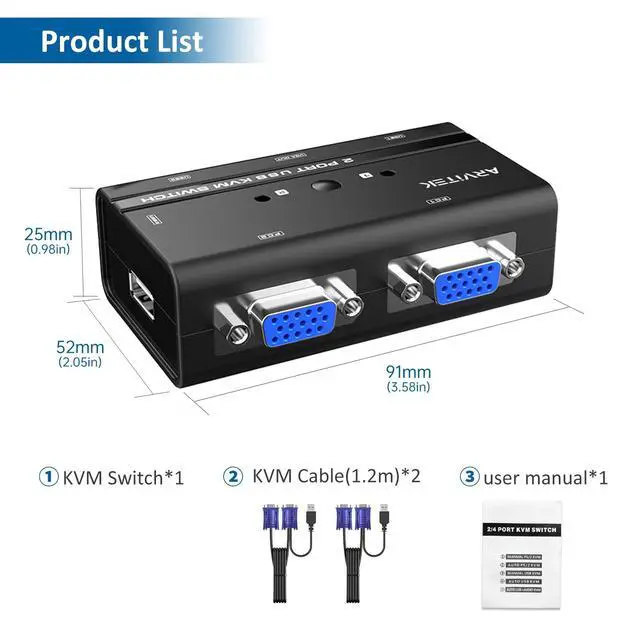
- 5. Cable Connection Direction:The cables are directional. Connect the Single VGA Head to the KVM Switch Input, and the Split Head (VGA + USB) to your Computer. Connecting them in reverse will prevent the device from working.
- 6.If you have any questions about this product, please feel free to ask.

3 USB2.0 ports
This kvm switcher comes with 3 usb ports, allowing two computers to share printers, USB drives, scanners and etc.

Resolution
Supports 1920*1440, you can enjoy very clear high-definition images, and also supports other resolutions, such as: 1280x720px, 640x480px , 800x600px

Compact Design
Featuring a compact design, it doesn't take up any desk space, making it an "invisible" assistant for your workspace.

Wide Compatibility
Supports mainstream operating systems like Windows, Mac, and Linux. Whether it's a PC or a MacBook, it works perfectly with plug-and-play simplicity, no drivers required



Arvitek
Specialized in R&D and production of digital audio visual products:
- HDMI Audio Extractor
- KVM Switch (VGA/HDMI)
- HDMI Splitter
- HDMI Matrix Switch
- HDMI Multi-Viewer
- HDMI Video Wall Controller
- Laptop Screen Extender
- Karaoke Machine with Live
Hot-Sale in Arvitek
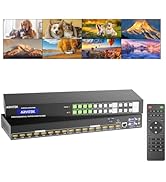
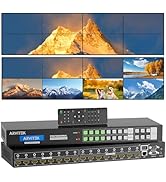
HDMI Matrix Switch for 1U Rack
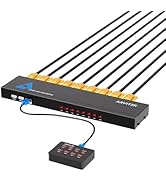
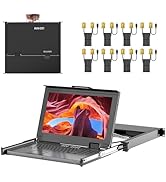
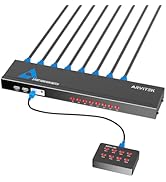
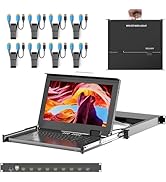
8Port KVM VGA/HDMI for 1U Rack
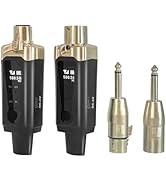
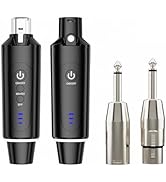
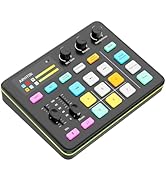
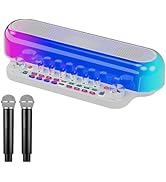
Musical Instruments
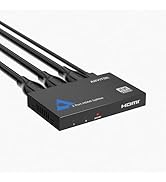
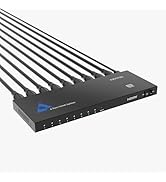
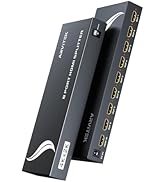
4K HDMI Splitter
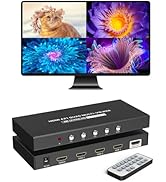
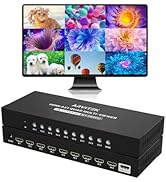
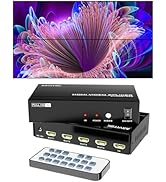
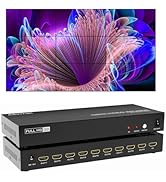
Multiviewer / Video Wall
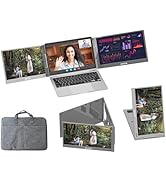
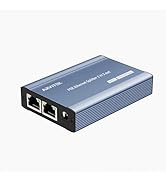
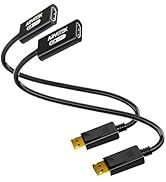
Others
2 Port VGA KVM | 4 Port VGA KVM | 8 Port VGA KVM | 8 Port HDMI KVM | 16 Port HDMI KVM | 16 Port VGA KVM | |
|---|---|---|---|---|---|---|
| Customer Reviews | — | — | — | — | — | — |
| Price | — | — | — | — | — | — no data |
| Input Port | VGA x 2 | VGA x 4 | VGA x 8 | HDMI x 8 | HDMI x 16 | VGA x 16 |
| Output Port | VGA x 1 & USB x 3 | VGA x 1 & USB x 3 | VGA x 1 & USB x 4 | HDMI x 1 & USB x 4 | HDMI x 1 & USB x 4 | VGA x 1 & USB x 3 |
| Maximum Resolution | 1920*1440 | 1920*1440 | 1920*1440 | 4K@30Hz | 4K@30Hz | 1920*1440 |
| Switch Methods | Button | Button | Button + Wired Desktop Controller | Button + Wired Desktop Controller + IR Remote | Button+ IR Remote | Button+ IR Remote |
| Cable Included | 2 Pcs | 4 Pcs | 8 Pcs | 8 Pcs | 16 Pcs | 16 Pcs |
Arvitek 2 Port KVM switch
This 2 ports vga kvm switch has high compatibility and supports multiple operating systems. It can save cabling space and operation time when using multiple devices for office and entertainment. Using a set of mouse and keyboard can control 2 computer devices.
Control Two Computers with One Console. Simplify Your Workflow
The Essential 2-Port VGA KVM Switch for Multitasking Professionals
Tired of plugging and unplugging cables? This 2-Port VGA KVM Switch allows you to connect a desktop tower and a laptop to a single VGA monitor, keyboard, and mouse. Whether you are analyzing data reports on your work laptop or designing on your desktop, switching between tasks is as simple as pressing a button.
Troubleshooting
- 1. Device Not Powering On / LED Not Lit:This KVM switch is powered by USB. You MUST connect the USB connector on the included KVM cables to your computer. Do not connect only the VGA cable; the USB connection is required for both power supply and data transmission.
- 2. Keyboard/Mouse Not Working: Ensure you are using the USB 2.0 ports. This device supports Plug and Play. If the mouse/keyboard is unresponsive, please unplug and re-plug the USB cable, or restart the computer to allow the system to recognize the USB protocol. Note: Not recommended for use with mechanical keyboards requiring high power or docking stations.
- 3. Cannot Switch Using Keyboard Hotkeys: Please note this model ONLY supports physical button switching. It does not support keyboard hotkeys (shortcut keys) or mouse switching. You must press the button on the KVM box to change computers.
- 4. Screen Flicker or No Display: Supported resolution is up to 1920x1440. Please check if your computer's resolution settings match this limit. Also, ensure the VGA cables are tightened securely.
- 5. Cable Connection Direction:The cables are directional. Connect the Single VGA Head to the KVM Switch Input, and the Split Head (VGA + USB) to your Computer. Connecting them in reverse will prevent the device from working.
- 6.If you have any questions about this product, please feel free to ask.
3 USB2.0 ports
This kvm switcher comes with 3 usb ports, allowing two computers to share printers, USB drives, scanners and etc.
Resolution
Supports 1920*1440, you can enjoy very clear high-definition images, and also supports other resolutions, such as: 1280x720px, 640x480px , 800x600px
Compact Design
Featuring a compact design, it doesn't take up any desk space, making it an "invisible" assistant for your workspace.
Wide Compatibility
Supports mainstream operating systems like Windows, Mac, and Linux. Whether it's a PC or a MacBook, it works perfectly with plug-and-play simplicity, no drivers required
Arvitek
Specialized in R&D and production of digital audio visual products:
- HDMI Audio Extractor
- KVM Switch (VGA/HDMI)
- HDMI Splitter
- HDMI Matrix Switch
- HDMI Multi-Viewer
- HDMI Video Wall Controller
- Laptop Screen Extender
- Karaoke Machine with Live
Hot-Sale in Arvitek
HDMI Matrix Switch for 1U Rack
8Port KVM VGA/HDMI for 1U Rack
Musical Instruments
4K HDMI Splitter
Multiviewer / Video Wall
Others