







TARKARI: Smart Tech---Simple Life
Revolutionize daily life through intuitive, all-in-one tech that blends ease with joy.
TARKARI keeps innovating—turning routines into extraordinary moments with user-friendly, smart designs.
How to turn off the light?
Please long press "M" button to turn the light off.
How to switch to Bluetooth Mode?
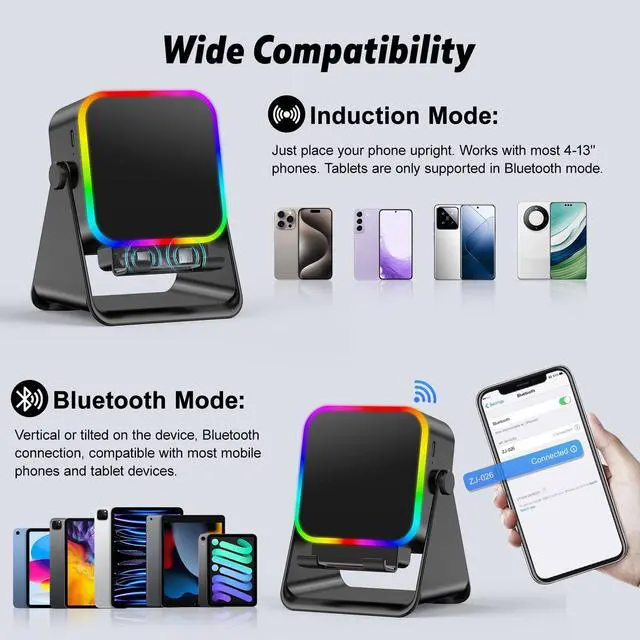
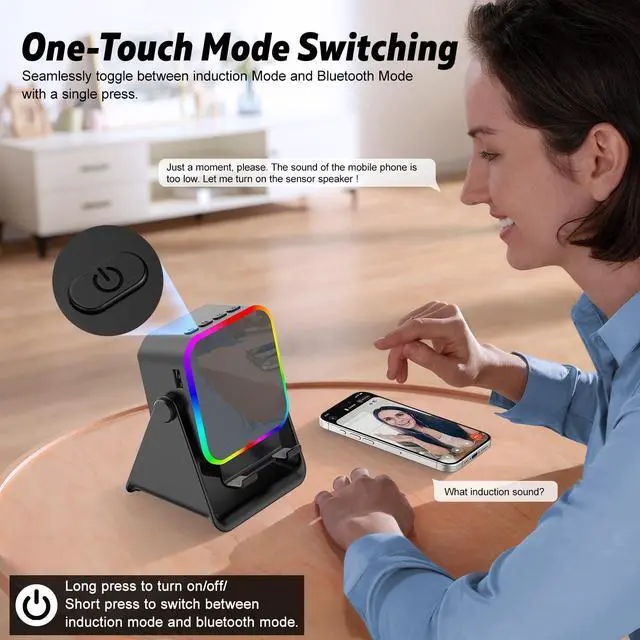
After turning on the power, you will hear the "Induction Mode" , then click the "M" button and you will hear "Bluetooth Mode". After finding the model "ZJ-027" on your phone, the connection is successful.
Is there only one Bluetooth Mode?
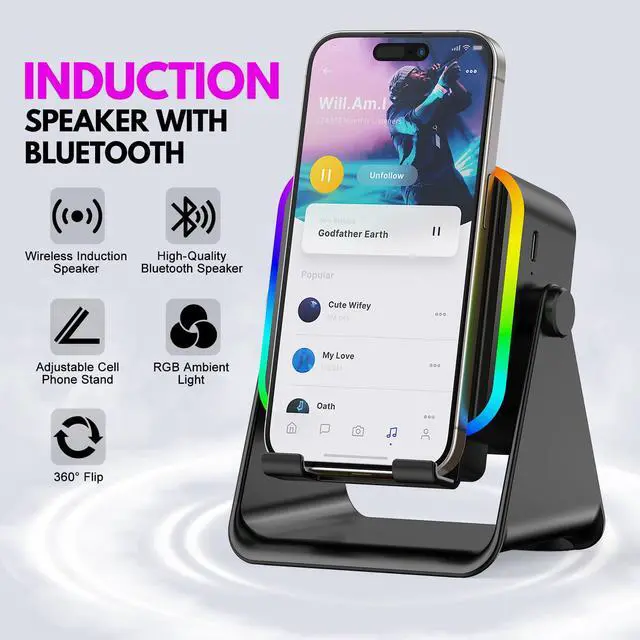
No, we also have an induction mode, just turn the power on and you will hear “Induction Mode”, just put your phone on the stand and you can use it!


TARKARI: Smart Tech---Simple Life
Revolutionize daily life through intuitive, all-in-one tech that blends ease with joy.
TARKARI keeps innovating—turning routines into extraordinary moments with user-friendly, smart designs.
How to turn off the light?
Please long press "M" button to turn the light off.
How to switch to Bluetooth Mode?
After turning on the power, you will hear the "Induction Mode" , then click the "M" button and you will hear "Bluetooth Mode". After finding the model "ZJ-027" on your phone, the connection is successful.
Is there only one Bluetooth Mode?
No, we also have an induction mode, just turn the power on and you will hear “Induction Mode”, just put your phone on the stand and you can use it!