




A Registered Merchant Since 2004
VTOP Industry Limited, established in June 2004, a reliable wholesale and retail online shop with Diverse & High Quality Products.
We focusing on computer related accessories, electronic consumer products.
New Arrivals
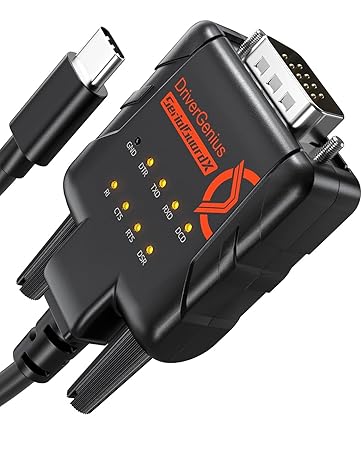
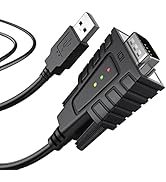
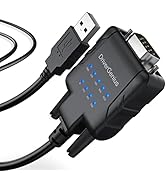
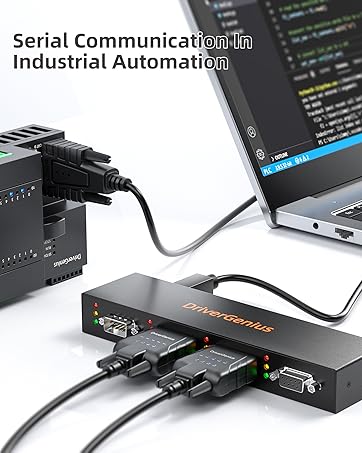
DriverGenius SerialGuardX Series | FTDI USB-C to RS232 Converter, 9 x Signal Monitoring LEDs.
Serial I / O Devices
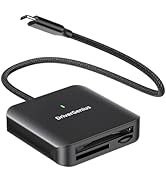
Card Readers
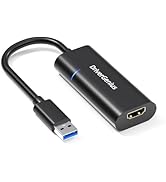
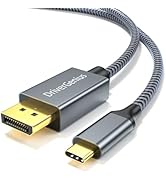
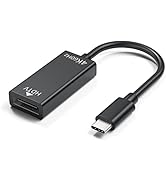
Video Converter & Adapter
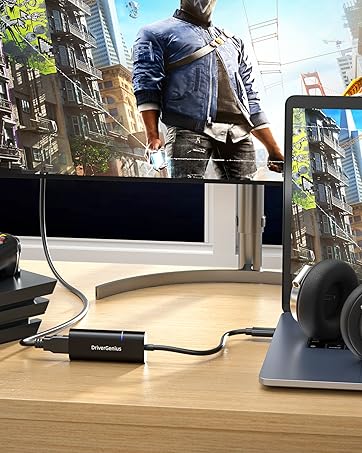
USB 3.0 HDMI Adapter w/ LED
Use the USB 3.0 port to connect your computer to an HDMI display that supports 1080P/60Hz.
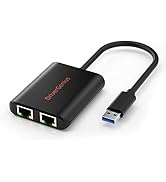
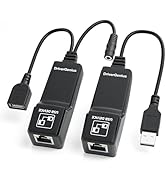
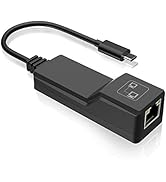
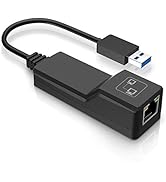
Network Devices
What makes our products unique?
DriverGenius has been playing a major role in the international market. DriverGenius continuously introduce products with state of the art design, reliable quality to satisfy customers' demand.
Why do we love what we do?
We never stop improving technology to make every product friendly accessible to all of the users. We are insisting on Environmental Materials with the product.
What problem are we solving?
We are committed to every customer's shopping experience. All products are sold on with their outstanding design and reliable quality.

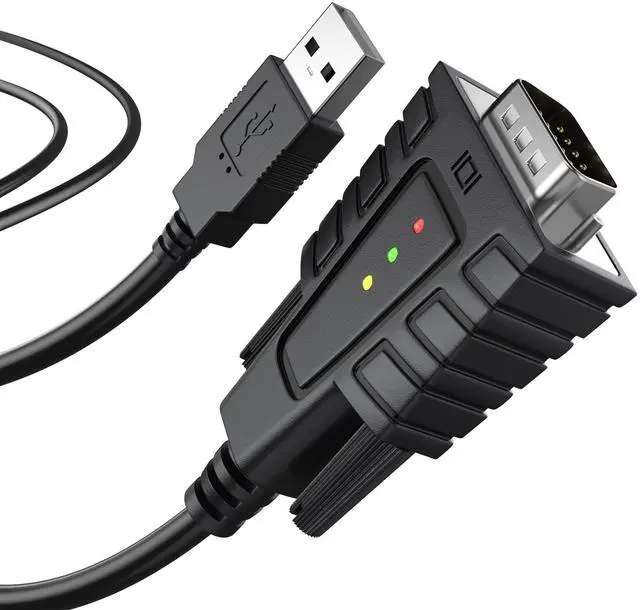
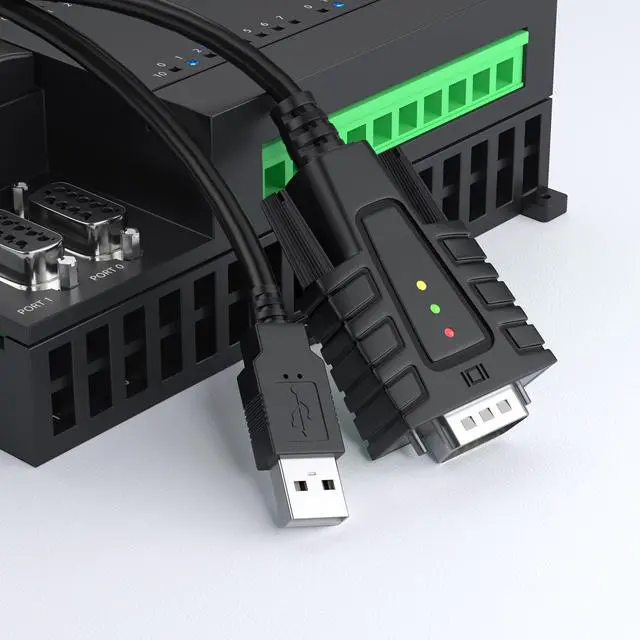
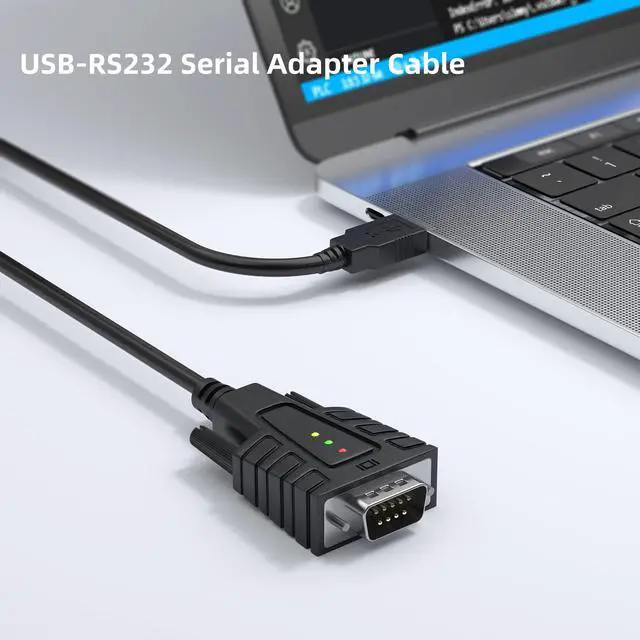
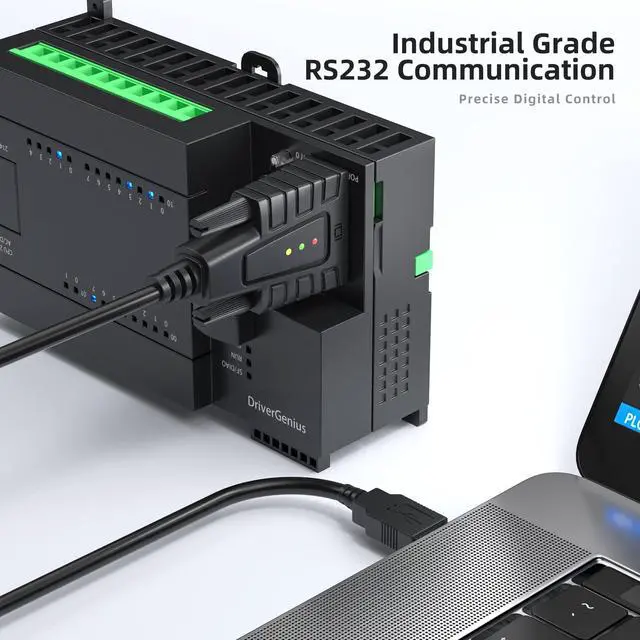
DriverGenius USB232A-B-A Provides a Reliable and Cost-effective Solution
For connecting older or industrial RS232 serial devices to modern laptops and desktops via a USB port. This serial adapter eliminates the need to upgrade serial devices for compatibility. It features COM port retention, where assigned port settings are stored in non-volatile memory. This ensures that the RS-232 adapter automatically restores the same settings when reconnected or switched to a different USB port, providing a seamless user experience.
video
Merchant VideoNeed To Know About USB232A-B-A Before Purchase

Not a VGA Connector
Please confirm your device uses a serial RS-232 port, not a VGA display connector. RS-232 uses a 9-pin (2-row) layout for serial communication.

One-Way Communication
Designed for USB to Serial only: USB end must be plugged into the computer, and the DB9 end connects to your serial device, cannot reverse data flow.

Not a Null Modem Cable
This adapter uses a straight-through DB9 pin configuration, suitable for connecting DTE to DCE devices. It does not function as a null modem.

Pin Compatibility Warning
Not all DB9 devices are standard, some DB9 have different wiring. Please verify your device’s RS-232 specs to ensure pin compatibility.
Compatibility Notice – Know Before You Connect
1. Updated Chipset VID/PID (Since 2025)
This adapter uses the PL2303-GC chipset with updated USB identifiers:
VID: 067B | PID: 23A3
2. Not for Serial Mice or Keyboards
This adapter does not support legacy serial mice or keyboards, which require special timing and voltage behaviors not compatible with modern USB-to-Serial converters.
3. Some Devices Use Proprietary Serial Protocols
Not all serial devices communicate using standard RS-232 commands. For instance, the Rotel RA-6000 requires custom control strings like: power_on!
Troubleshooting & FAQ – SerialEdgeX Series USB to Serial Adapter
Q1:Where can I download the driver?
A1: Driver links are provided in the user manual and printed on the retail packaging.
Q2: Why is my COM port not working?
A2: The COM port may already be in use by another application, or an incorrect port may have been selected in your software.
Q3: I connected my device, but there’s no data communication. What should I do?
A3:
Step 1 – Quick Check: Windows: Check Device Manager | macOS: System Information ? USB | Linux: lsusb or dmesg | grep tty,
Step 2 – Adjust Serial Settings: Try changing baud rate, data bits, stop bits, and parity to match your device’s requirements.
Step 3 – Check Pin Compatibility: Some DB9 devices use custom pinouts or proprietary serial command formats. Refer to your device manual to ensure RS-232 compliance.

DriverGenius USB-RS232 Serial
Serve as a bridge between modern USB ports and traditional RS232 serial ports
DriverGenius USB-RS232 Serie Family
 USB232A-E-A |  USB232A-B-C |  RD232F2F-2A |  RD232M2M-2A |  4XRS232 |  DriverGenius USB to RJ45 | |
|---|---|---|---|---|---|---|
Customer Reviews | — | — | — | — | — | — |
Price | — | — | — | — | — | — |
Product Name | USB-A to Serial Adapter | USB-C to Serial Adapter | DB9 9-Pin Gender Changer | DB9 9-Pin Gender Changer | 4-Port RS232 Converter | USB to RJ45 Serial Adapter |
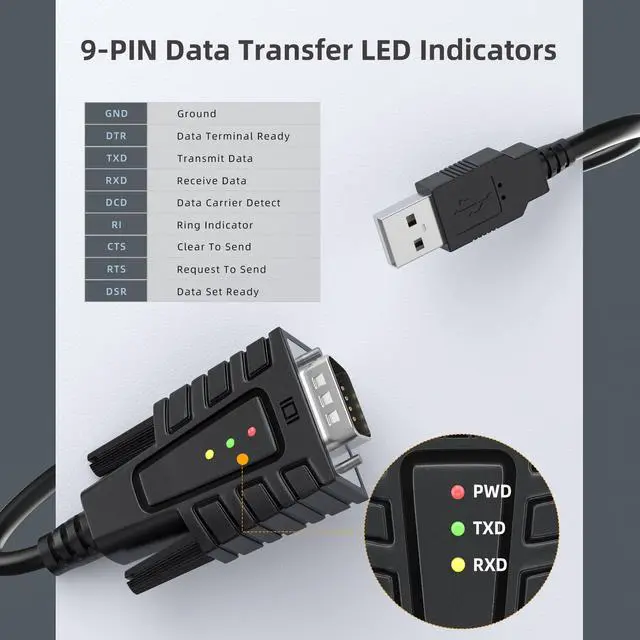
Monitor LEDs | 9 x LEDs | 3 x LEDs | / | / | 12 x LEDs | / |
Serial Connector Type | RS232-DB9 | RS232-DB9 | RS232-DB9 | RS232-DB9 | RS232-DB9 | / |
USB Connector Type | USB Type-A | USB Type-C | / | / | USB Type-B | USB Type-A |
Connector Gender | M/M | M/M | F/F | M/M | M/F | M/M |

video
Merchant VideoDriverGenius USB232A-B-A Provides a Reliable and Cost-effective Solution
For connecting older or industrial RS232 serial devices to modern laptops and desktops via a USB port. This serial adapter eliminates the need to upgrade serial devices for compatibility. It features COM port retention, where assigned port settings are stored in non-volatile memory. This ensures that the RS-232 adapter automatically restores the same settings when reconnected or switched to a different USB port, providing a seamless user experience.
Need To Know About USB232A-B-A Before Purchase
Not a VGA Connector
Please confirm your device uses a serial RS-232 port, not a VGA display connector. RS-232 uses a 9-pin (2-row) layout for serial communication.
One-Way Communication
Designed for USB to Serial only: USB end must be plugged into the computer, and the DB9 end connects to your serial device, cannot reverse data flow.
Not a Null Modem Cable
This adapter uses a straight-through DB9 pin configuration, suitable for connecting DTE to DCE devices. It does not function as a null modem.
Pin Compatibility Warning
Not all DB9 devices are standard, some DB9 have different wiring. Please verify your device’s RS-232 specs to ensure pin compatibility.
Compatibility Notice – Know Before You Connect
1. Updated Chipset VID/PID (Since 2025)
This adapter uses the PL2303-GC chipset with updated USB identifiers:
VID: 067B | PID: 23A3
2. Not for Serial Mice or Keyboards
This adapter does not support legacy serial mice or keyboards, which require special timing and voltage behaviors not compatible with modern USB-to-Serial converters.
3. Some Devices Use Proprietary Serial Protocols
Not all serial devices communicate using standard RS-232 commands. For instance, the Rotel RA-6000 requires custom control strings like: power_on!
Troubleshooting & FAQ – SerialEdgeX Series USB to Serial Adapter
Q1:Where can I download the driver?
A1: Driver links are provided in the user manual and printed on the retail packaging.
Q2: Why is my COM port not working?
A2: The COM port may already be in use by another application, or an incorrect port may have been selected in your software.
Q3: I connected my device, but there’s no data communication. What should I do?
A3:
Step 1 – Quick Check: Windows: Check Device Manager | macOS: System Information ? USB | Linux: lsusb or dmesg | grep tty,
Step 2 – Adjust Serial Settings: Try changing baud rate, data bits, stop bits, and parity to match your device’s requirements.
Step 3 – Check Pin Compatibility: Some DB9 devices use custom pinouts or proprietary serial command formats. Refer to your device manual to ensure RS-232 compliance.

DriverGenius USB-RS232 Serial
Serve as a bridge between modern USB ports and traditional RS232 serial ports
DriverGenius USB-RS232 Serie Family
USB232A-E-A | USB232A-B-C | RD232F2F-2A | RD232M2M-2A | 4XRS232 | DriverGenius USB to RJ45 |
|---|---|---|---|---|---|
| Customer Reviews | |||||
| — | — | — | — | — | — |
| Price | |||||
| — | — | — | — | — | — |
| Product Name | |||||
| USB-A to Serial Adapter | USB-C to Serial Adapter | DB9 9-Pin Gender Changer | DB9 9-Pin Gender Changer | 4-Port RS232 Converter | USB to RJ45 Serial Adapter |
| Monitor LEDs | |||||
| 9 x LEDs | 3 x LEDs | / | / | 12 x LEDs | / |
| Serial Connector Type | |||||
| RS232-DB9 | RS232-DB9 | RS232-DB9 | RS232-DB9 | RS232-DB9 | / |
| USB Connector Type | |||||
| USB Type-A | USB Type-C | / | / | USB Type-B | USB Type-A |
| Connector Gender | |||||
| M/M | M/M | F/F | M/M | M/F | M/M |
A Registered Merchant Since 2004
VTOP Industry Limited, established in June 2004, a reliable wholesale and retail online shop with Diverse & High Quality Products.
We focusing on computer related accessories, electronic consumer products.
New Arrivals
DriverGenius SerialGuardX Series | FTDI USB-C to RS232 Converter, 9 x Signal Monitoring LEDs.
Serial I / O Devices
Card Readers
Video Converter & Adapter
USB 3.0 HDMI Adapter w/ LED
Use the USB 3.0 port to connect your computer to an HDMI display that supports 1080P/60Hz.
Network Devices
What makes our products unique?
DriverGenius has been playing a major role in the international market. DriverGenius continuously introduce products with state of the art design, reliable quality to satisfy customers' demand.
Why do we love what we do?
We never stop improving technology to make every product friendly accessible to all of the users. We are insisting on Environmental Materials with the product.
What problem are we solving?
We are committed to every customer's shopping experience. All products are sold on with their outstanding design and reliable quality.