




Fairikabe MST Hub USB-C to 2x DisplayPort
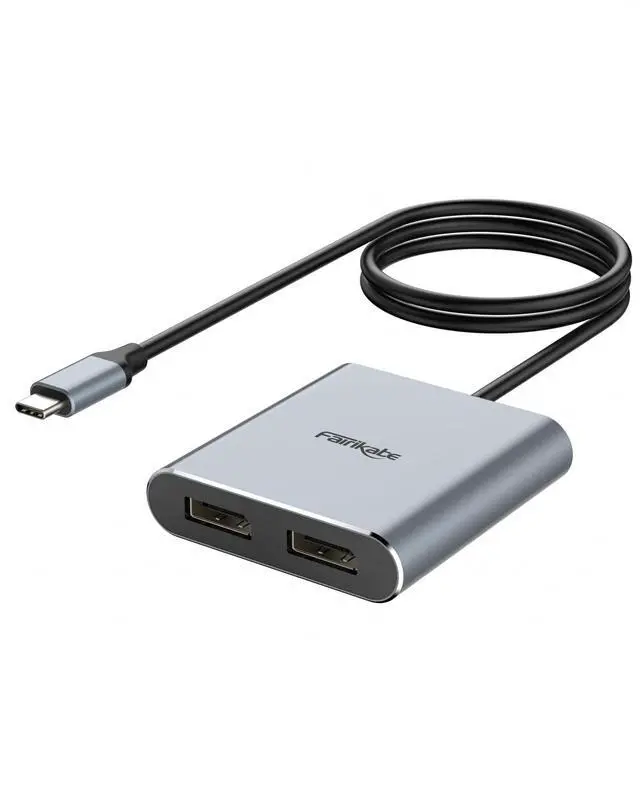
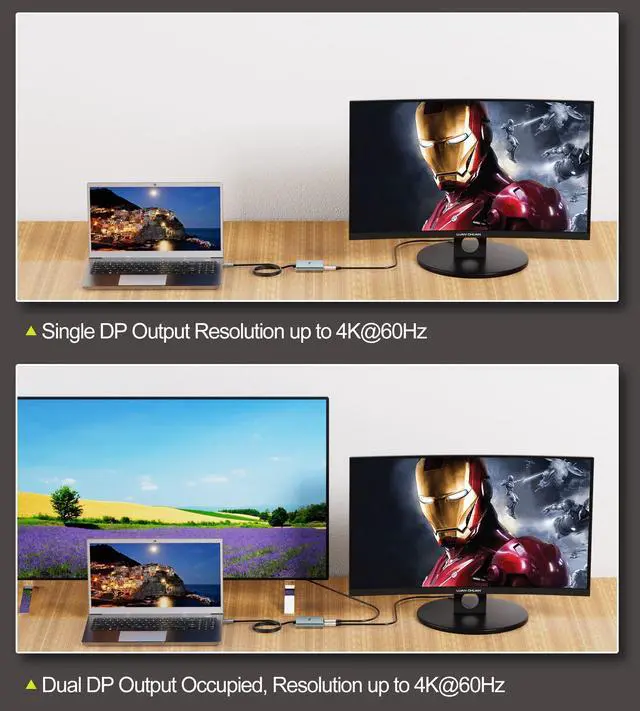
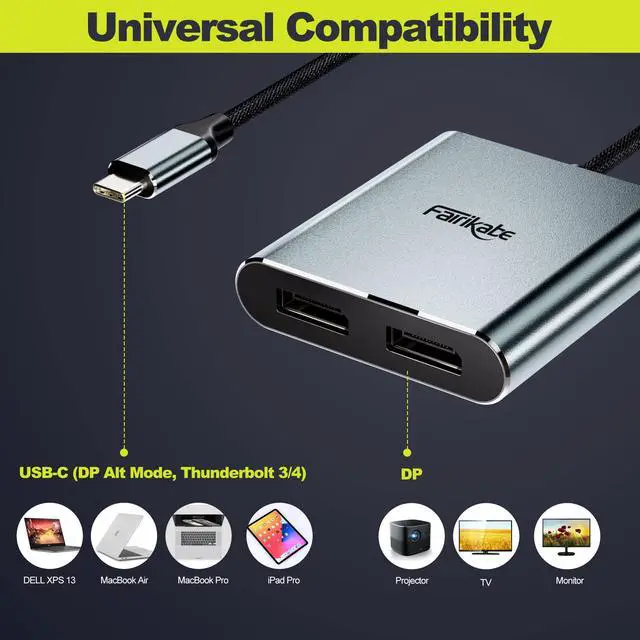
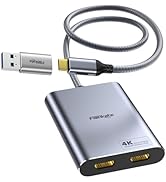
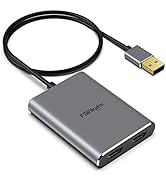
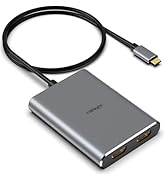
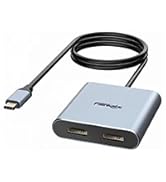
Fairikabe USB C to Dual DisplayPort MST hub allows you to add two independent DisplayPort monitors, via USB-C output port which support DP Alt Mode on your laptop, PC. With a single USB-C port, you can get two displays with max resolution 4K@60Hz, and extend two different displays, easily to improve productivity and multitasking.
Specifications:
- Item: USB-C to Dual DisplayPort MST Hub Adapter, compatible with thunderbolt 3
- Resolution: max up to 2x 4K60Hz DisplayPort monitor, require your USB-C port support DP 1.4, and DisplayPort input on monitor both support 4K60Hz!
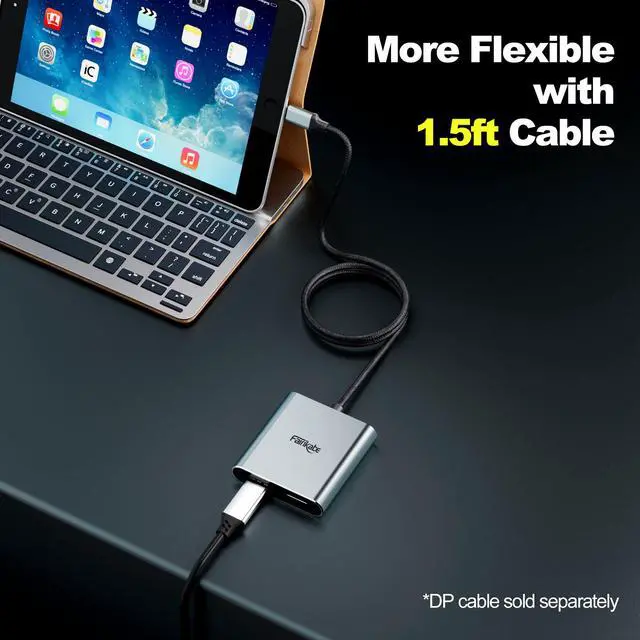
- Cord length: 1.5ft, provide more flexibility
- Material: premium aluminum casing
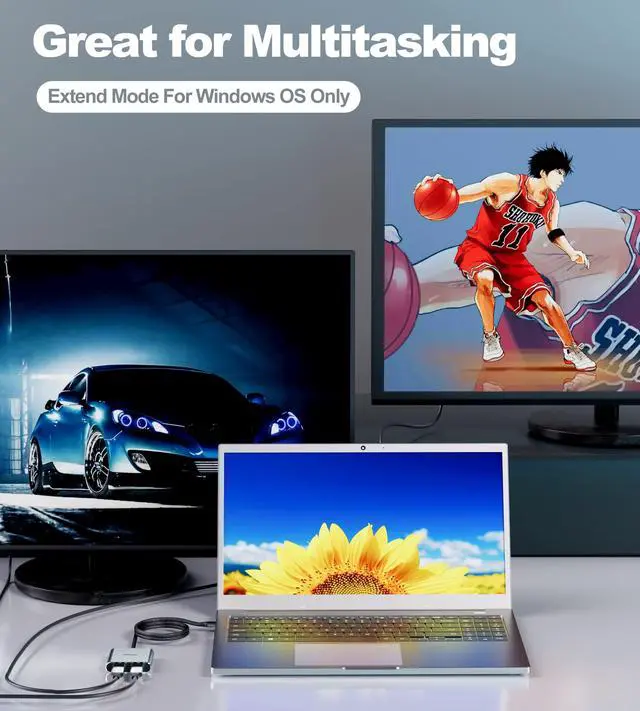
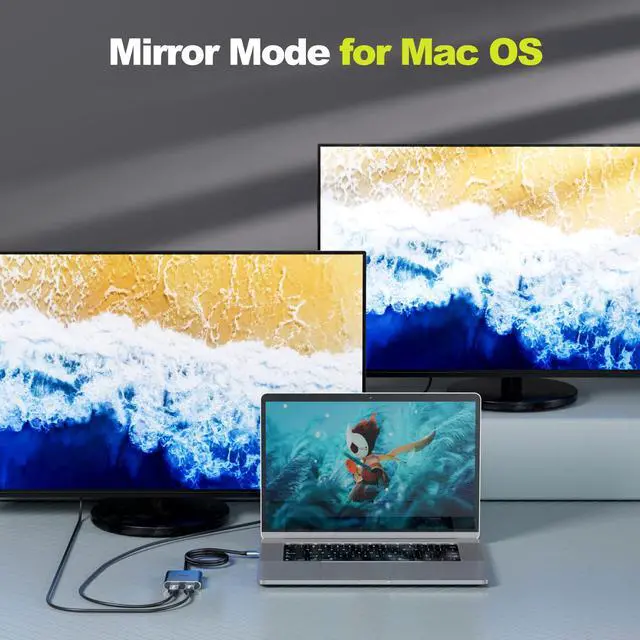
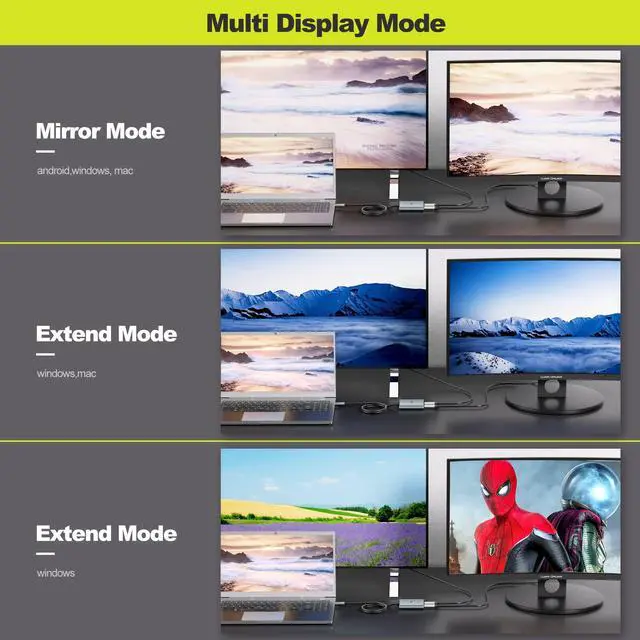
- Display Mode: MST and SST mode for Windows os, only SST mode for Mac OS
- Driver Free: Plug & play

Important Notes:
- Make sure the USB-C port on your laptop or PC support DP Alt mode. If you are not sure, please check your laptop's specification or confirm with us.
- To get dual displayport monitor with resolution 4K60Hz, require your USB-C port support DP 1.4, and DisplayPort input on monitor must support 4K60Hz!
- MST mode only for Windows devices, Mac OS can only support SST mode and mirror the display.

Durability Design
Premium aluminum casing easure the fast heat dissipation, and ensure the adapter's performance. Graphene cable applied, provide super soft and much flexibility.

More Flexibility with 1.5ft Cord
1.5 foot length cable provide you with more flexibility in any cases. Very friendly for cable management, and neet work table.

Hassle-free Multitasking
Driver free, plug and play, just connect two DisplayPort monitor to laptop over USB-C port, extend displays.
 USB-C to 2x HDMI Adapter |  USB-C to HDMI MST Hub for Mac |  USB-C to 2x DisplayPort Adapter |  5-IN-1 USB C Hub |  4-IN-1 Multi Display Adapter |  6-IN-1 Dual HDMI Splitter | |
|---|---|---|---|---|---|---|
| Customer Reviews | — | — | — | — | — | — |
| Price | — | — no data | — | — | — | — no data |
| Output Port | 2 | 2 | 2 | 5 | 4 | 6 |
| Display Port | 2x HDMI | 2x HDMI | 2x DisplayPort | 1x HDMI | 2x DisplayPort, HDMI, VGA | 2x HDMI, Gigabit RJ45, 2x USB, PD |
| Max Resolution for 2 Monitors | 4K | 4K | 4K@60Hz | / | 4K | 1080P |
| Max Resolution for 1 Monitor | 4K@60Hz | 4K@60Hz | 4K@60Hz | 4K | 4K@60Hz | 1080P |
| MST Mode | Windows | Mac, Windows | Windows | Mac, Windows | Windows | Mac, Windows |
| SST Mode | Windows, Mac | Windows, Mac | Windows, Mac | Windows, Mac | Windows, Mac | Windows, Mac |


Fairikabe provide variaty of connection solutions for your work and entertainment. Such as audio and video accessories, network connections, data transfer etc. Offer much convenience to surfing on big screen, and expand the connections of your laptop.
There will be amazing items keep poping out, we are always open to your voice, keep growing with us.
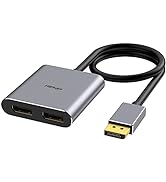
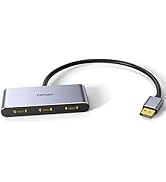
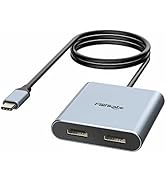
Display Splitter
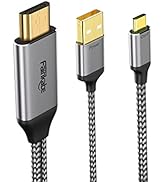
Cable for USB C Monitor
Extend Display for MacOS
USB Ethernet Adapter
Extend Display for WinOS
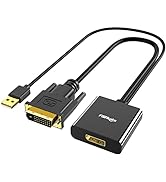
![fairikabe Active HDMI to Displayport Cable 4K@60Hz [6.6FT/2M, Uni-Directional], HDMI in to DP Out...](//c1.neweggimages.com/sellingpilot/modules/product/a-plus/1477fc753f285c3ef335d2d66e0582ad1583d96ab4cf9ee3a15f925c609d1896.jpg)
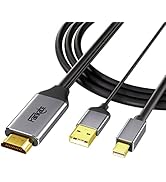
HDMI to DisplayPort Monitor
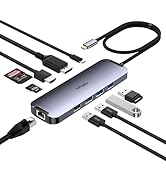
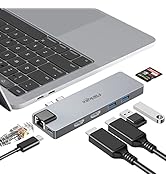
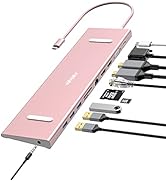
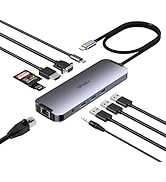
Laptop Dockings
![fairikabe Active HDMI to Displayport Cable 4K@60Hz [6.6FT/2M, Uni-Directional], HDMI in to DP Out...](http://c1.neweggimages.com/sellingpilot/modules/product/a-plus/1477fc753f285c3ef335d2d66e0582ad1583d96ab4cf9ee3a15f925c609d1896.jpg)
Fairikabe MST Hub USB-C to 2x DisplayPort
Fairikabe USB C to Dual DisplayPort MST hub allows you to add two independent DisplayPort monitors, via USB-C output port which support DP Alt Mode on your laptop, PC. With a single USB-C port, you can get two displays with max resolution 4K@60Hz, and extend two different displays, easily to improve productivity and multitasking.
Specifications:
- Item: USB-C to Dual DisplayPort MST Hub Adapter, compatible with thunderbolt 3
- Resolution: max up to 2x 4K60Hz DisplayPort monitor, require your USB-C port support DP 1.4, and DisplayPort input on monitor both support 4K60Hz!
- Cord length: 1.5ft, provide more flexibility
- Material: premium aluminum casing
- Display Mode: MST and SST mode for Windows os, only SST mode for Mac OS
- Driver Free: Plug & play
Important Notes:
- Make sure the USB-C port on your laptop or PC support DP Alt mode. If you are not sure, please check your laptop's specification or confirm with us.
- To get dual displayport monitor with resolution 4K60Hz, require your USB-C port support DP 1.4, and DisplayPort input on monitor must support 4K60Hz!
- MST mode only for Windows devices, Mac OS can only support SST mode and mirror the display.
Durability Design
Premium aluminum casing easure the fast heat dissipation, and ensure the adapter's performance. Graphene cable applied, provide super soft and much flexibility.
More Flexibility with 1.5ft Cord
1.5 foot length cable provide you with more flexibility in any cases. Very friendly for cable management, and neet work table.
Hassle-free Multitasking
Driver free, plug and play, just connect two DisplayPort monitor to laptop over USB-C port, extend displays.
USB-C to 2x HDMI Adapter | USB-C to HDMI MST Hub for Mac | USB-C to 2x DisplayPort Adapter | 5-IN-1 USB C Hub | 4-IN-1 Multi Display Adapter | 6-IN-1 Dual HDMI Splitter | |
|---|---|---|---|---|---|---|
| Customer Reviews | — | — | — | — | — | — |
| Price | — | — no data | — | — | — | — no data |
| Output Port | 2 | 2 | 2 | 5 | 4 | 6 |
| Display Port | 2x HDMI | 2x HDMI | 2x DisplayPort | 1x HDMI | 2x DisplayPort, HDMI, VGA | 2x HDMI, Gigabit RJ45, 2x USB, PD |
| Max Resolution for 2 Monitors | 4K | 4K | 4K@60Hz | / | 4K | 1080P |
| Max Resolution for 1 Monitor | 4K@60Hz | 4K@60Hz | 4K@60Hz | 4K | 4K@60Hz | 1080P |
| MST Mode | Windows | Mac, Windows | Windows | Mac, Windows | Windows | Mac, Windows |
| SST Mode | Windows, Mac | Windows, Mac | Windows, Mac | Windows, Mac | Windows, Mac | Windows, Mac |
Fairikabe provide variaty of connection solutions for your work and entertainment. Such as audio and video accessories, network connections, data transfer etc. Offer much convenience to surfing on big screen, and expand the connections of your laptop.
There will be amazing items keep poping out, we are always open to your voice, keep growing with us.
Display Splitter
Cable for USB C Monitor
Extend Display for MacOS
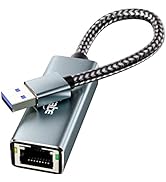
USB Ethernet Adapter
Extend Display for WinOS
![fairikabe Active HDMI to Displayport Cable 4K@60Hz [6.6FT/2M, Uni-Directional], HDMI in to DP Out...](//c1.neweggimages.com/sellingpilot/modules/product/a-plus/5eca416ad7516432acdb7fcd35c7e0c2673de65c8171bd557a4959676ba03a85.jpg)
HDMI to DisplayPort Monitor
Laptop Dockings
![fairikabe Active HDMI to Displayport Cable 4K@60Hz [6.6FT/2M, Uni-Directional], HDMI in to DP Out...](http://c1.neweggimages.com/sellingpilot/modules/product/a-plus/5eca416ad7516432acdb7fcd35c7e0c2673de65c8171bd557a4959676ba03a85.jpg)