






Type C to HDMI Splitter for 2 Monitors
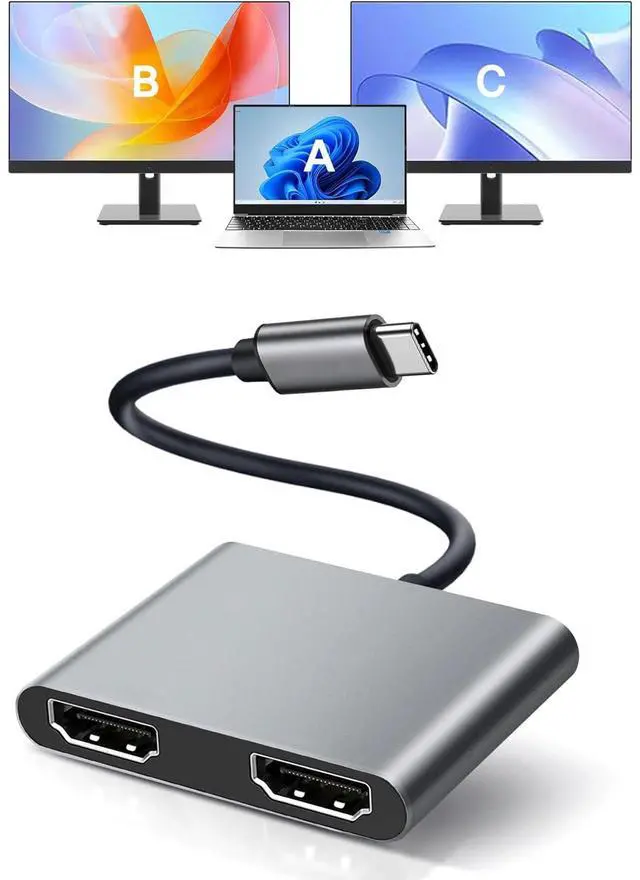
The USB C to dual HDMI adapter connects devices with USB-C ports to 2 HDMI ports, which can work simultaneously, making your work and life more efficient and convenient.

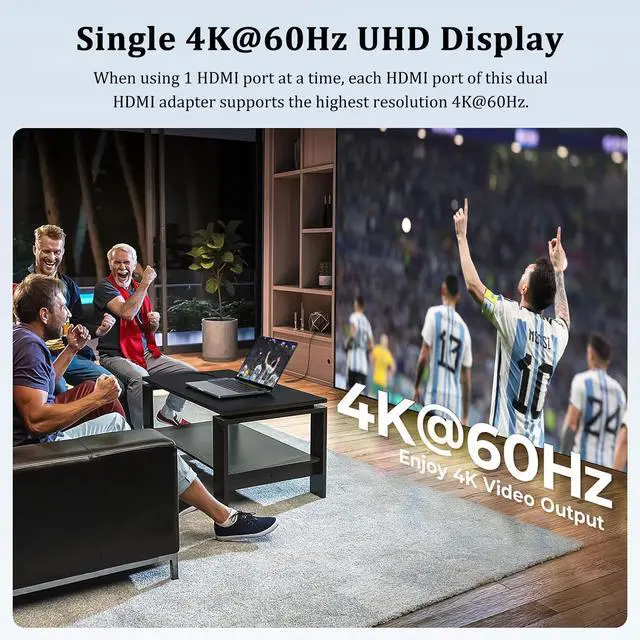
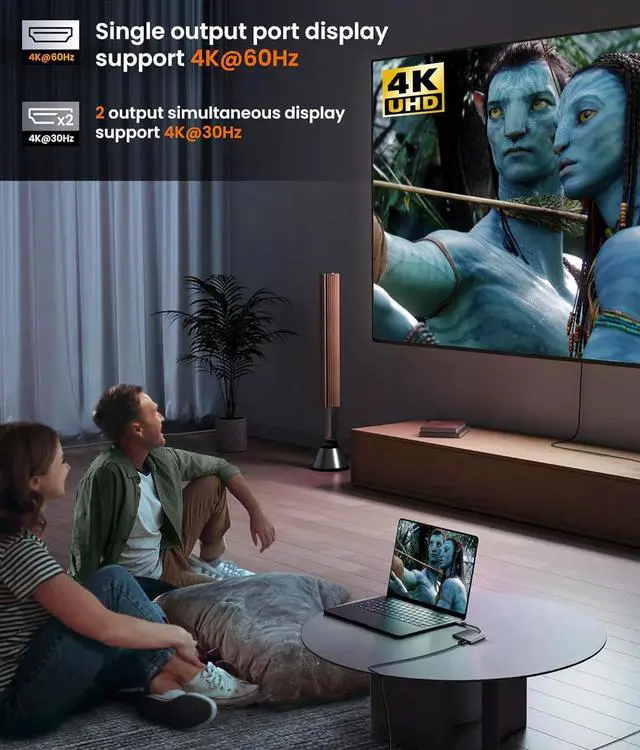
- When using one HDMI port at a time, the resolution can reach 4K@60Hz.
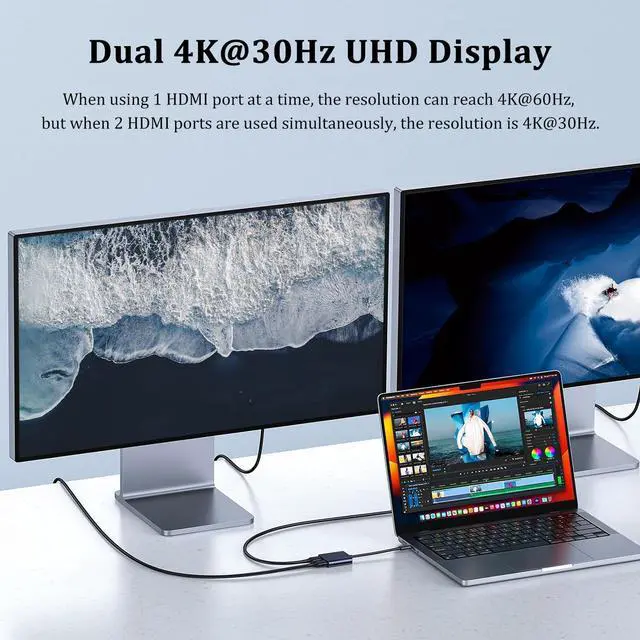
- But when 2 HDMI ports are used simultaneously, the resolution is 4K@30Hz.
- (Note: Video output will only be 4K if your device supports 4K resolution. Please make sure to use an HDMI 2.0 cable or a better cable. )

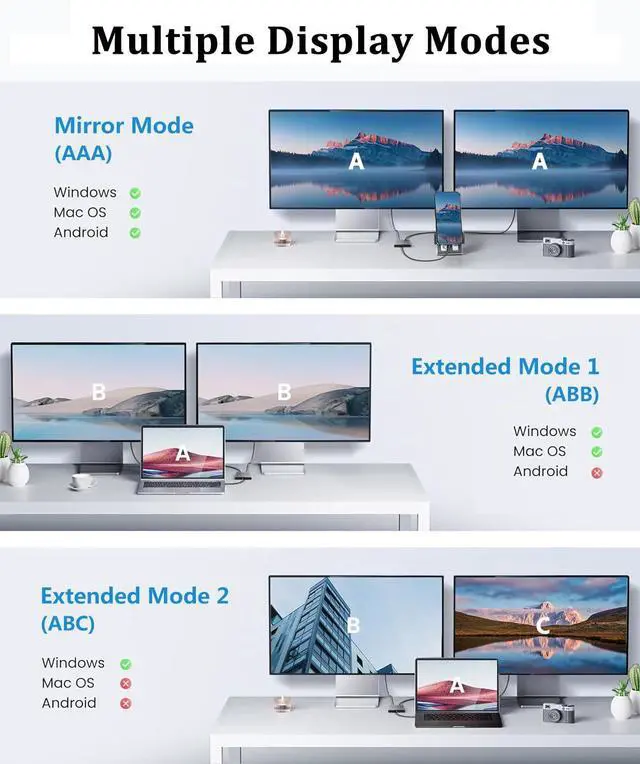
Mirror Mode
- v Windows
- v Mac OS
- v Android

Extended Mode 1
- v Windows
- v Mac OS
- × Android

Extended Mode 2
- v Windows
- × Mac OS
- × Android

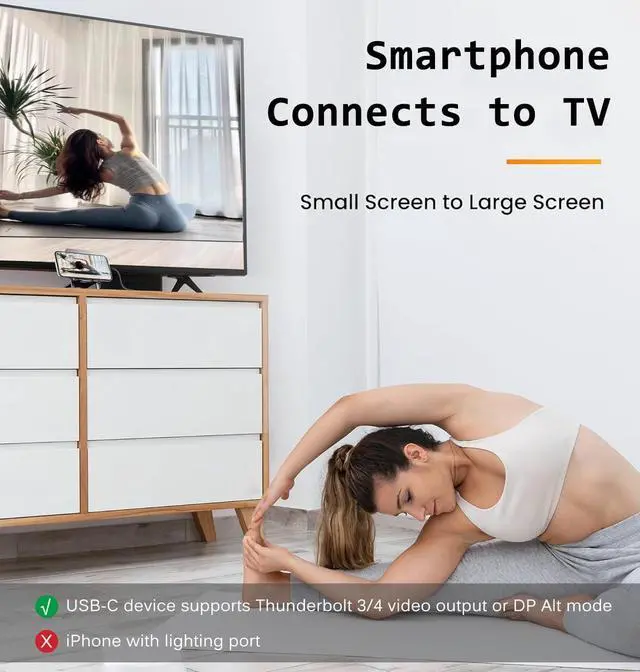
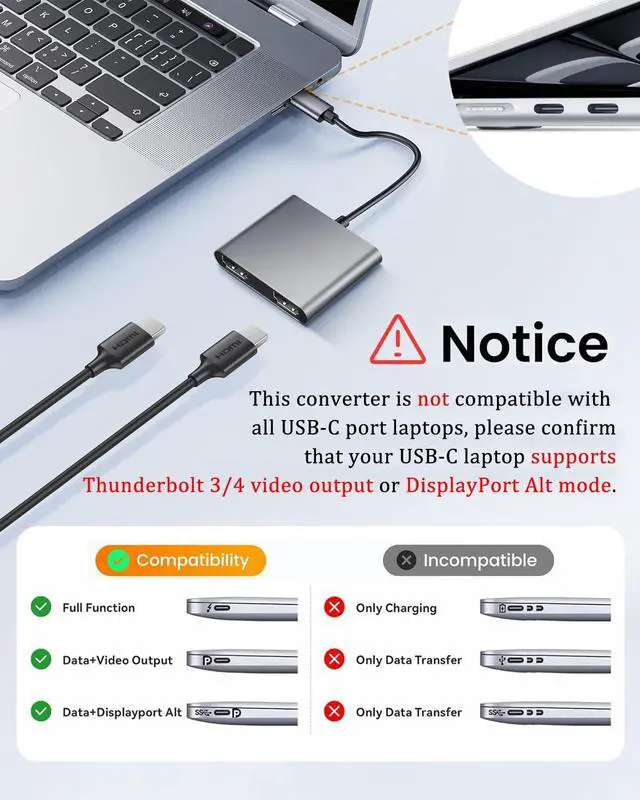
- Note: Please confirm that your USB-C laptop supports Thunderbolt 3/4 video output or DisplayPort Alt mode.
If your USB C port does not support video output or DP Alt mode, such as the HP Pavilion, then this adapter will not be suitable for your laptop.

Type C to HDMI Splitter for 2 Monitors
The USB C to dual HDMI adapter connects devices with USB-C ports to 2 HDMI ports, which can work simultaneously, making your work and life more efficient and convenient.
- When using one HDMI port at a time, the resolution can reach 4K@60Hz.
- But when 2 HDMI ports are used simultaneously, the resolution is 4K@30Hz.
- (Note: Video output will only be 4K if your device supports 4K resolution. Please make sure to use an HDMI 2.0 cable or a better cable. )
Mirror Mode
- v Windows
- v Mac OS
- v Android
Extended Mode 1
- v Windows
- v Mac OS
- × Android
Extended Mode 2
- v Windows
- × Mac OS
- × Android
- Note: Please confirm that your USB-C laptop supports Thunderbolt 3/4 video output or DisplayPort Alt mode.
If your USB C port does not support video output or DP Alt mode, such as the HP Pavilion, then this adapter will not be suitable for your laptop.