



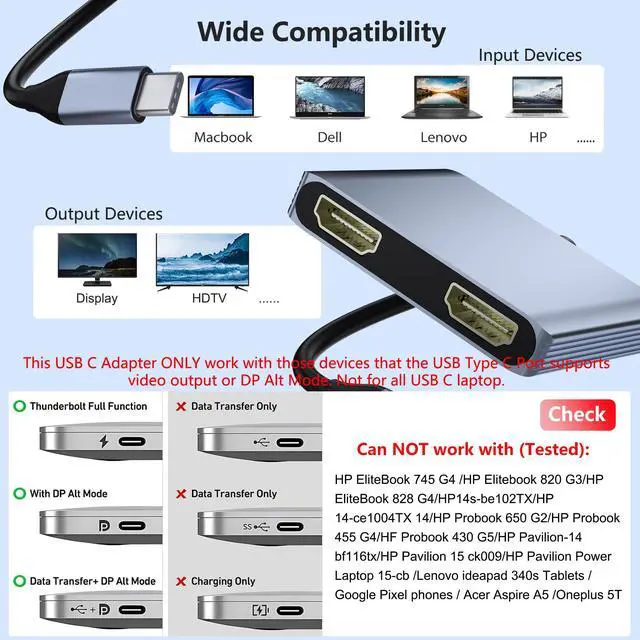


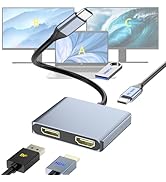
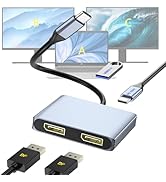
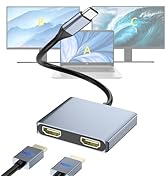
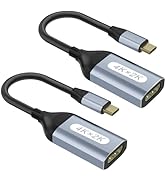
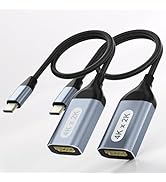
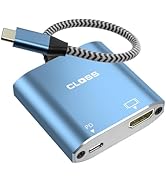
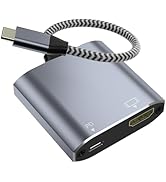
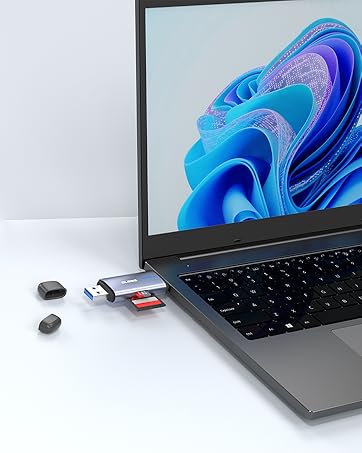
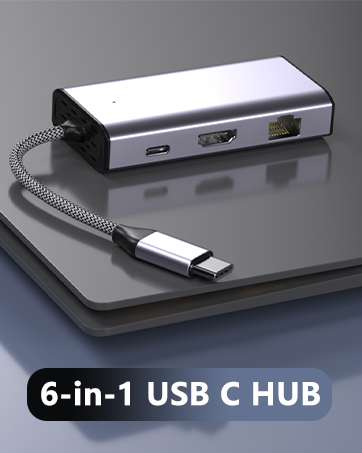

Please Note: NOT for all USB-C port laptops, Make sure your laptop or PC supports ” Thunderbolt 3” ” Thunderbolt 4” or “displayport output mode(DP ALT mode)

USB-C to Dual HDMI Adapter for Windows Laptops
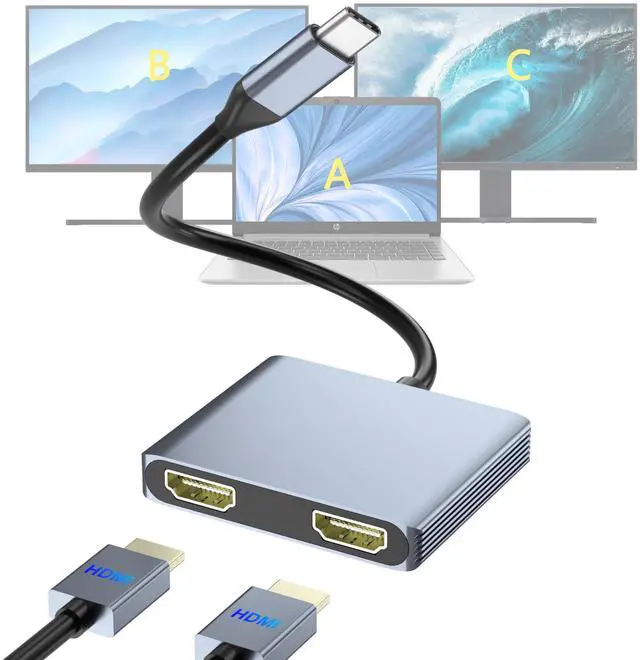
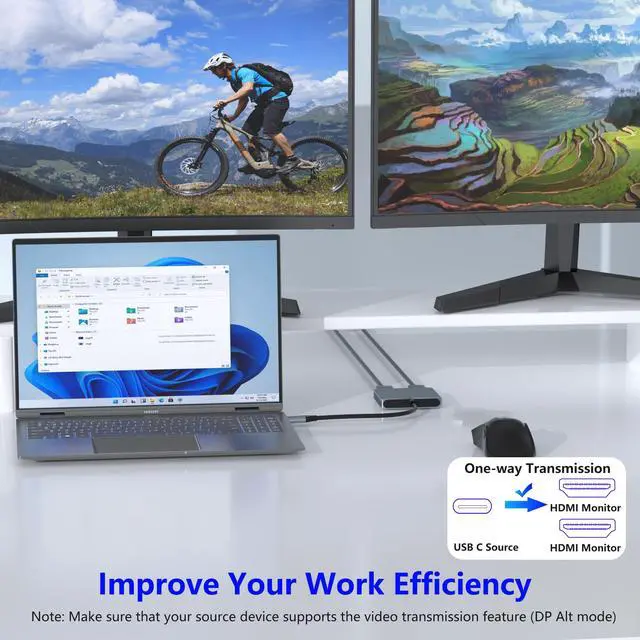
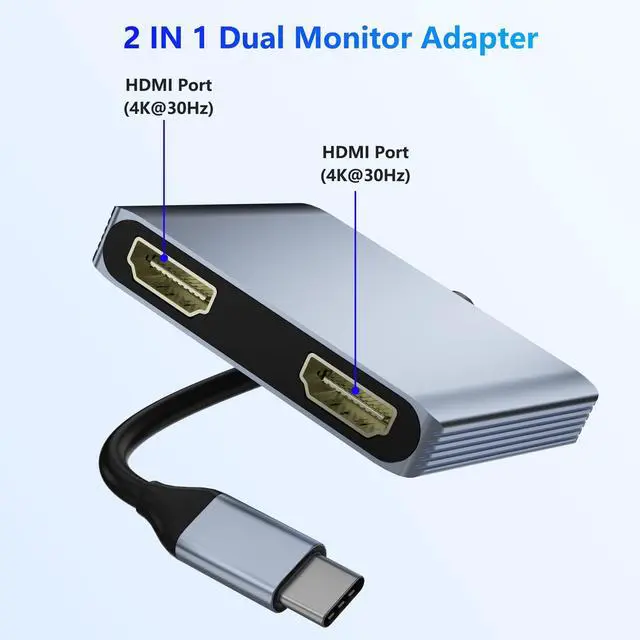
This USB-C to Dual HDMI adapter connects a computer, or laptop with the Thunderbolt 3/4 USB Type-C port to two monitors with HDMI input. The simple multitasking made available through having multiple displays to keep track of any number of things at one time can be hard to let go of once it's been experienced.
HDMI 1 Max resolution: 4K@30Hz
HDMI 2 Max resolution: 4K@30Hz
Compact and portable, it's the perfect companion for on-the-go professionals and entertainment enthusiasts alike, offering convenience and versatility wherever you go. Elevate your experience with our USB-C to Dual HDMI Adapter today.

Please Note:
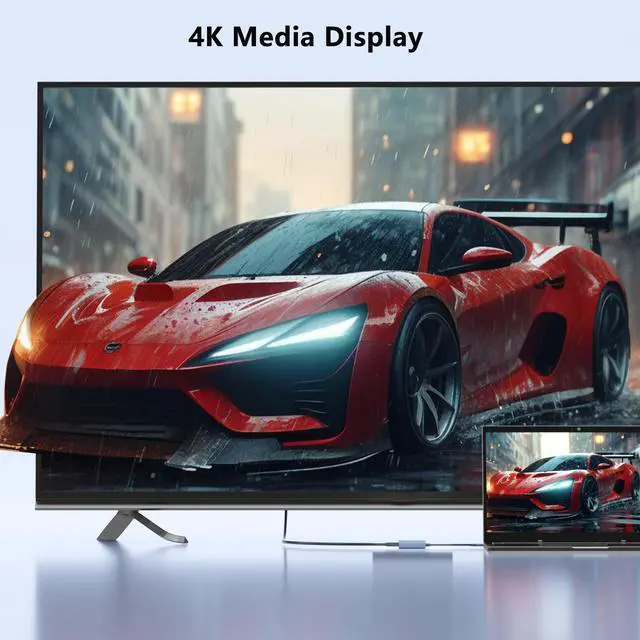
To achieve the best 4K@30Hz (3840 x 2160) resolution, please use a 4K monitor and an HDMI 2.0 cable.
It is normal for the dual-display HDMI adapter to generate heat after extended use, the outer casing dissipates heat to protect the internal circuit board.
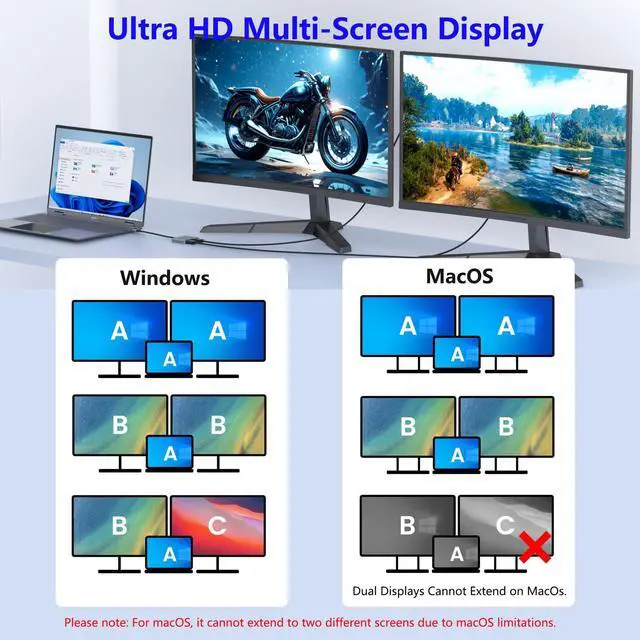
On MacOS, only SST is supported, so it cannot extend to two different screens.
On Windows, it supports up to 4K resolution when one HDMI port outputs, and it supports 1080P when two ports output at the same time.

Windows System-Multiple Display Mode-Mirror Mode & Extend Mode:
Mirror Mode (AAA Mode): Laptop shows same images with external two displays.
Extend Mode (ABB and ABC Mode): Laptop shows different images with external two displays.
How to extend monitor on Windows: When the adapter is connected to the laptop and connected to the display with an HDMI cable, you can use the shortcut key combination Win+P to select other modes such as expansion and copy, and support multiple expansion combinations such as ABC. In Windows Settings-System-Screen Settings, you can select the display order and resolution of the secondary screen through the settings, and you can change the refresh rate of the secondary screen in advanced display settings.
MacOS System -Mirror Mode & Extend Mode -Only SST Supported:
Mirror Mode (AAAMode): Laptop shows same images with external two displays.
Extend Mode (ABB Mode): Two external screen display same images but different with laptop.
Note: ON MacOS only SST mode (AAA and ABB mode) supported due to MacOS limitation.
How to extend monitor on Mac: When the adapter is connected to the laptop and connected to the display with an HDMI cable, you can change the resolution, refresh rate, mirroring and extension mode of the secondary screen in System Preferences-Display Settings, and support ABB’s extension mode and AAA’s copy mode.

Compatibility & Usage:
? Works with Thunderbolt 3/4 or DP Alt Mode USB-C ports
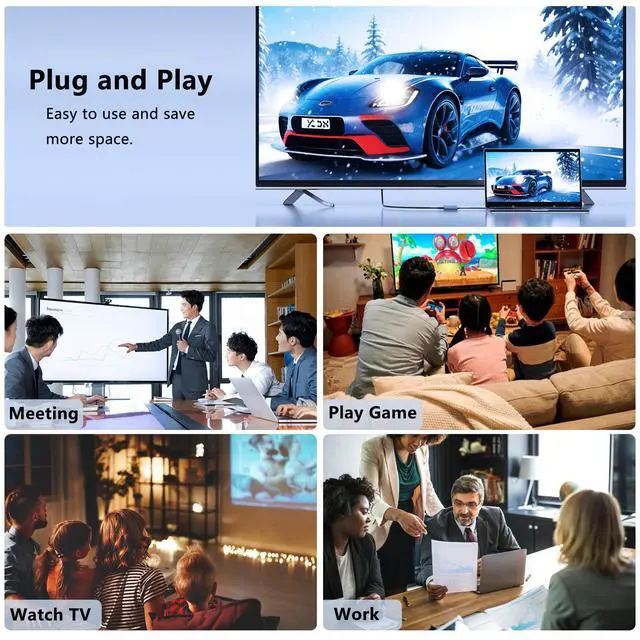
? Ideal for Work, Study & Entertainment – Boost productivity or gaming
? Extend Mode (A-B+C) – Use two monitors plus your laptop screen

Q: Can't extend two screens on macOS?
A: This hub supports only one external monitor on macOS (SST mode). Use a Windows PC for multi-screen support.
Q: Can't get 4K@30Hz?
A: Ensure your 4K display and laptop both support DP 1.4 or Thunderbolt 3.
- Single screen: 4K@30Hz
- Dual screens: 1080p@60Hz each
Q: Why won't my monitor connect?
A: Your laptop’s USB-C port must support video output (DisplayPort Alt Mode). Check your device specs.
Q: Monitor flickering? Try this:
- Unplug everything ? wait 5 mins ? restart laptop ? reconnect.
- Lower resolution/refresh rate.
- Use a high-quality HDMI cable. Still flickering? Contact support.
 USB C to Dual HDMI Adapter |  USB C to DisplayPort and HDMI Adapter |  DisplayPort Splitter for Dual Monitors, 4K@60Hz USB-C to DisplayPort Adapter,... |  USB C to Dual HDMI Adapter, Docking Station Dual Monitor, Type C to HDMI Spli... |  USB C to HDMI Adapter, 3-in-1 Digital AV Multiport Adapter with 4K HDMI Outpu... | |
|---|---|---|---|---|---|
| Customer Reviews | — | — | — | — | — |
| Price | — no data | — | — | — | — |
| Input Port | USB C | USB C | USB C | USB C | USB C |
| Output Port | 2*HDMI | HDMI & DP | 2*DP | 2*HDMI | 1*HDMI |
| Other Function | PD Charging+USB3.0 | PD Charging+USB3.0 | PD Charging+USB3.0 | no data | PD Charging+USB3.0 |
Please Note: NOT for all USB-C port laptops, Make sure your laptop or PC supports ” Thunderbolt 3” ” Thunderbolt 4” or “displayport output mode(DP ALT mode)
USB-C to Dual HDMI Adapter for Windows Laptops
This USB-C to Dual HDMI adapter connects a computer, or laptop with the Thunderbolt 3/4 USB Type-C port to two monitors with HDMI input. The simple multitasking made available through having multiple displays to keep track of any number of things at one time can be hard to let go of once it's been experienced.
HDMI 1 Max resolution: 4K@30Hz
HDMI 2 Max resolution: 4K@30Hz
Compact and portable, it's the perfect companion for on-the-go professionals and entertainment enthusiasts alike, offering convenience and versatility wherever you go. Elevate your experience with our USB-C to Dual HDMI Adapter today.
Please Note:
To achieve the best 4K@30Hz (3840 x 2160) resolution, please use a 4K monitor and an HDMI 2.0 cable.
It is normal for the dual-display HDMI adapter to generate heat after extended use, the outer casing dissipates heat to protect the internal circuit board.
On MacOS, only SST is supported, so it cannot extend to two different screens.
On Windows, it supports up to 4K resolution when one HDMI port outputs, and it supports 1080P when two ports output at the same time.
Windows System-Multiple Display Mode-Mirror Mode & Extend Mode:
Mirror Mode (AAA Mode): Laptop shows same images with external two displays.
Extend Mode (ABB and ABC Mode): Laptop shows different images with external two displays.
How to extend monitor on Windows: When the adapter is connected to the laptop and connected to the display with an HDMI cable, you can use the shortcut key combination Win+P to select other modes such as expansion and copy, and support multiple expansion combinations such as ABC. In Windows Settings-System-Screen Settings, you can select the display order and resolution of the secondary screen through the settings, and you can change the refresh rate of the secondary screen in advanced display settings.
MacOS System -Mirror Mode & Extend Mode -Only SST Supported:
Mirror Mode (AAAMode): Laptop shows same images with external two displays.
Extend Mode (ABB Mode): Two external screen display same images but different with laptop.
Note: ON MacOS only SST mode (AAA and ABB mode) supported due to MacOS limitation.
How to extend monitor on Mac: When the adapter is connected to the laptop and connected to the display with an HDMI cable, you can change the resolution, refresh rate, mirroring and extension mode of the secondary screen in System Preferences-Display Settings, and support ABB’s extension mode and AAA’s copy mode.
Compatibility & Usage:
? Works with Thunderbolt 3/4 or DP Alt Mode USB-C ports
? Ideal for Work, Study & Entertainment – Boost productivity or gaming
? Extend Mode (A-B+C) – Use two monitors plus your laptop screen
Q: Can't extend two screens on macOS?
A: This hub supports only one external monitor on macOS (SST mode). Use a Windows PC for multi-screen support.
Q: Can't get 4K@30Hz?
A: Ensure your 4K display and laptop both support DP 1.4 or Thunderbolt 3.
- Single screen: 4K@30Hz
- Dual screens: 1080p@60Hz each
Q: Why won't my monitor connect?
A: Your laptop’s USB-C port must support video output (DisplayPort Alt Mode). Check your device specs.
Q: Monitor flickering? Try this:
- Unplug everything ? wait 5 mins ? restart laptop ? reconnect.
- Lower resolution/refresh rate.
- Use a high-quality HDMI cable. Still flickering? Contact support.
USB C to Dual HDMI Adapter | USB C to DisplayPort and HDMI Adapter | DisplayPort Splitter for Dual Monitors, 4K@60Hz USB-C to DisplayPort Adapter,... | USB C to Dual HDMI Adapter, Docking Station Dual Monitor, Type C to HDMI Spli... | USB C to HDMI Adapter, 3-in-1 Digital AV Multiport Adapter with 4K HDMI Outpu... | |
|---|---|---|---|---|---|
| Customer Reviews | — | — | — | — | — |
| Price | — no data | — | — | — | — |
| Input Port | USB C | USB C | USB C | USB C | USB C |
| Output Port | 2*HDMI | HDMI & DP | 2*DP | 2*HDMI | 1*HDMI |
| Other Function | PD Charging+USB3.0 | PD Charging+USB3.0 | PD Charging+USB3.0 | no data | PD Charging+USB3.0 |
Built for reliability and effortless use, CLOSS empowers your work, entertainment, and creativity with seamless clarity.
USB-C Converter
USB-C Adapter
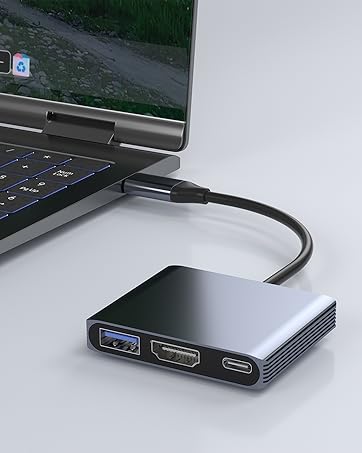
3 IN 1 USB C HUB
HDMI(4K30Hz)+USB3.0+PD 100W
TF Card Reader
USB C & USB A 3.0
