




HDMI Splitter for Dual Monitors Extended Display
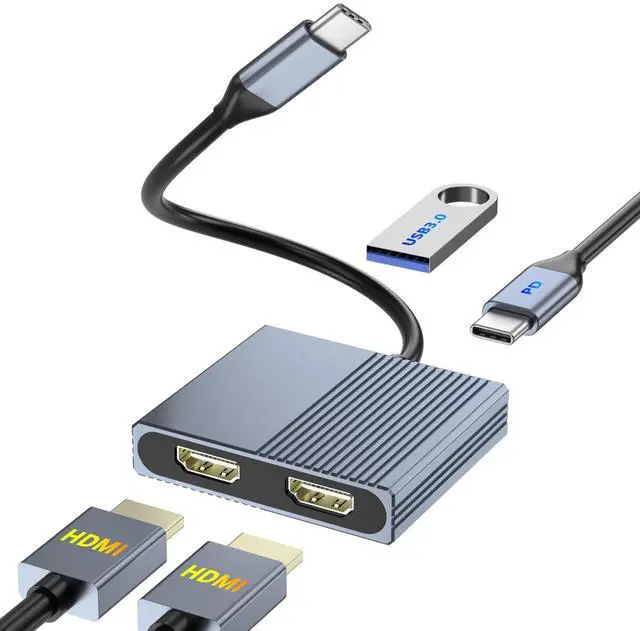
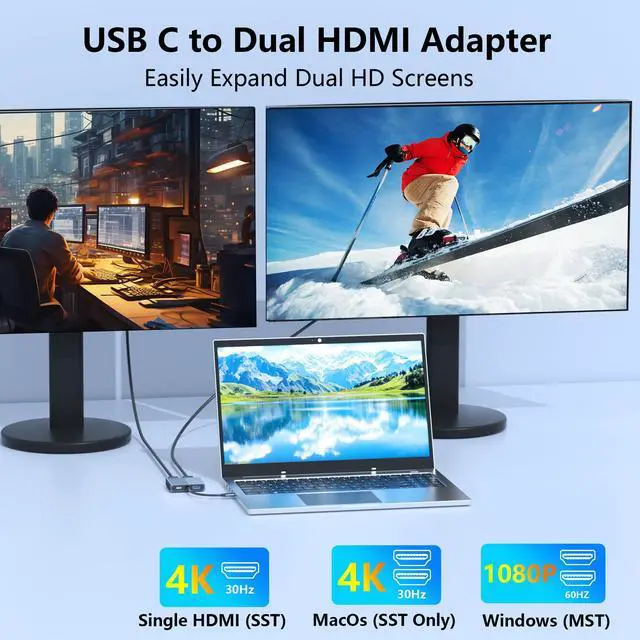
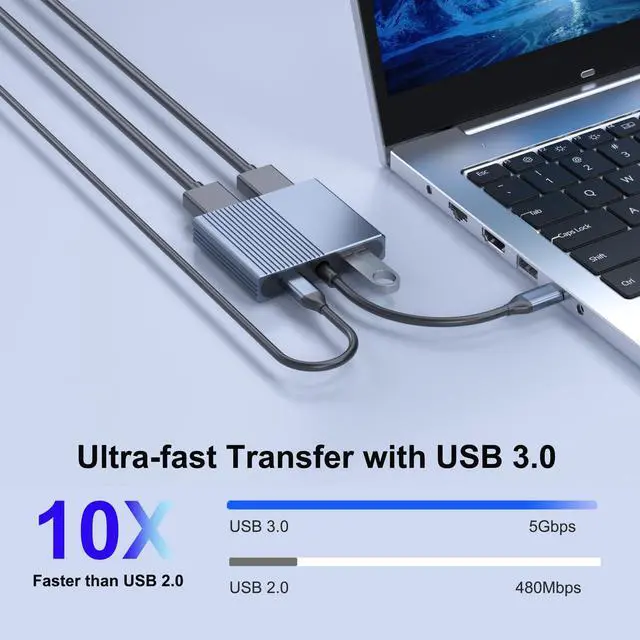
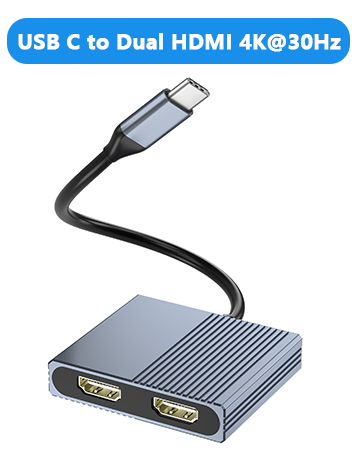
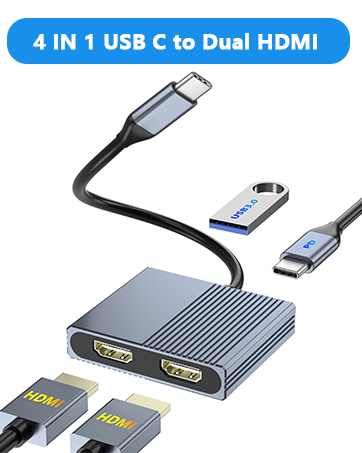
4-IN-1 USB C to Dual HDMI Adapter features dual HDMI ports, USB 3.0 ports, and 100W PD ports. You can easily enjoy high quality display, fast charging, and quick data transfer (photos, videos, etc.) from your smartphone or USB memory to your PC.


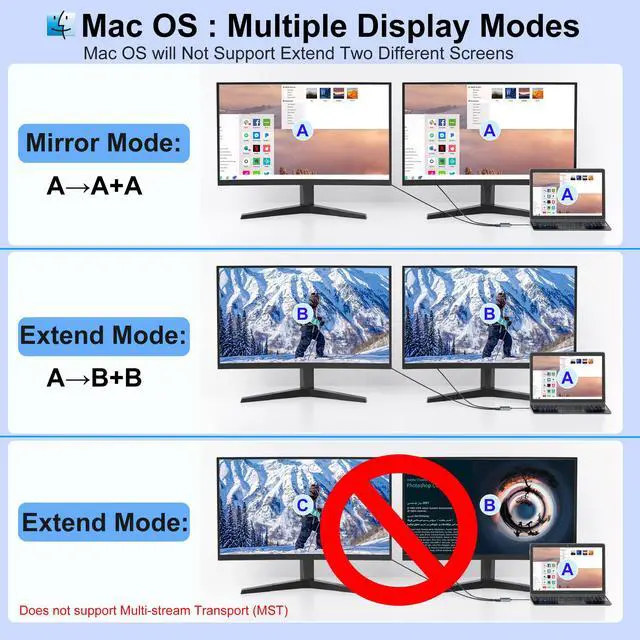
For MacOS system, only support mirror mode(AAA) and extend mode(ABB), not support extend 3 different screens.
How to connect Extend Mode for MacOS?
"Setting" ?"Display" ?check "mirror display" box to switch to Extend mode ?drag a window to the right edge of the screen until it appears on the monitor


High quality aluminum alloy
Crafted from high quality aluminum alloy, this dual HDMI adapter for 2 monitors combines strength and style in one sleek package.

Lightweight and Compact
Weighing only 1.9 oz and measuring just half an inch thick, this dual monitor adapter offers effortless portability.



In the age of digital innovation, Aibilangose stands as a beacon of simplicity and efficiency. Our mission is to provide innovative solutions that simplify digital lives.
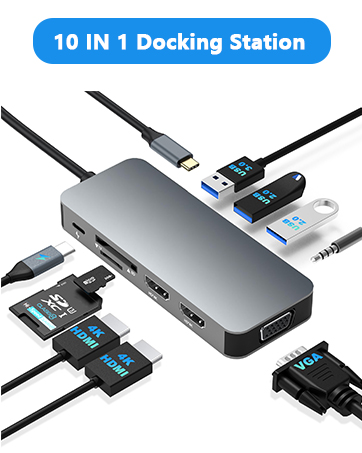
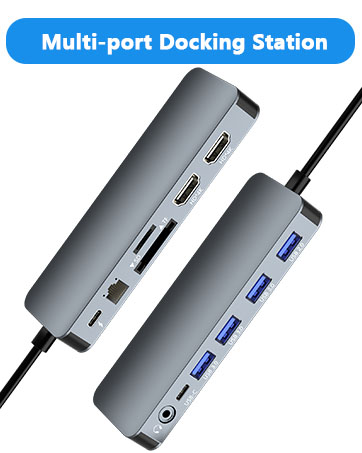
Our flagship product the docking station offers numerous ports and connectivity options, allowing seamless connection of laptops, monitors, and peripherals, and storage devices.
We believe a well-organized workspace significantly boosts efficiency and creativity.
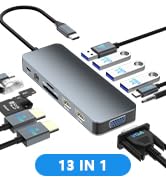
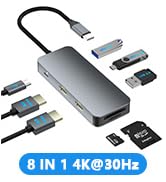
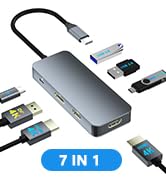
USB C Docking Station
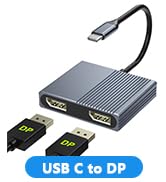
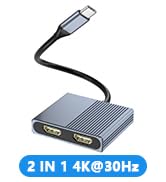
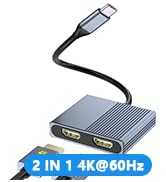
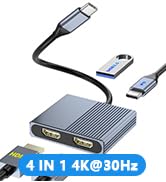
USB C to Dual DP/Dual HDMI
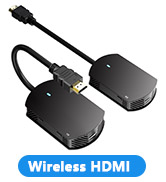
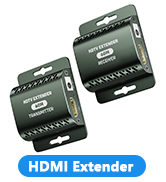
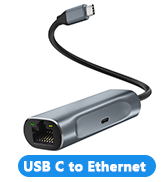
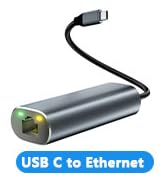
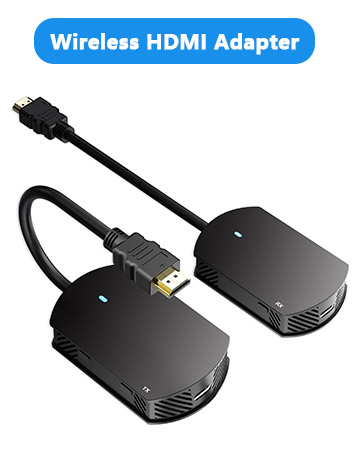
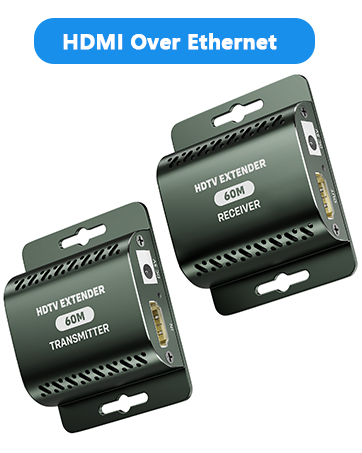
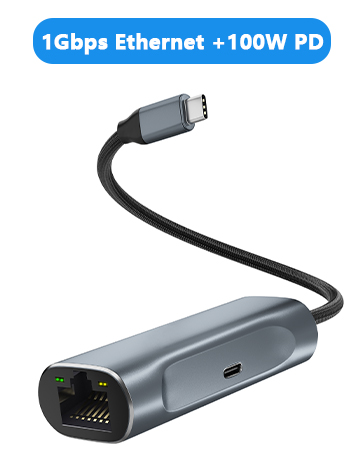
HDMI Extender/USB to Ethernet
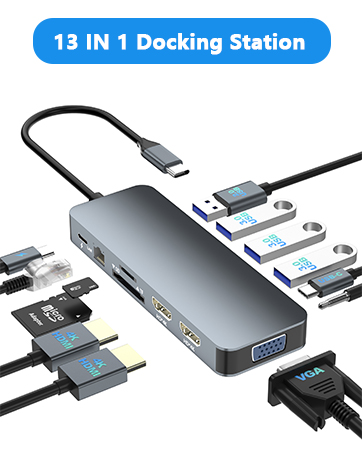
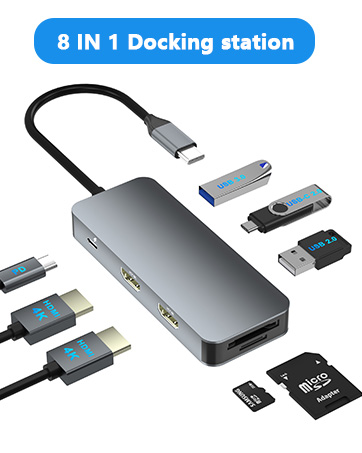
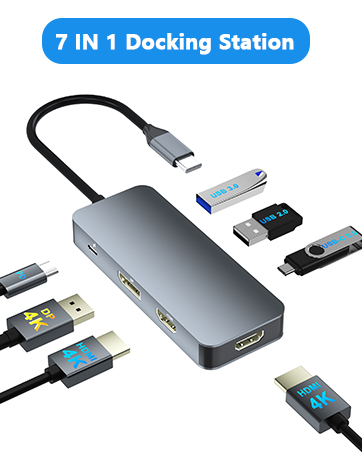
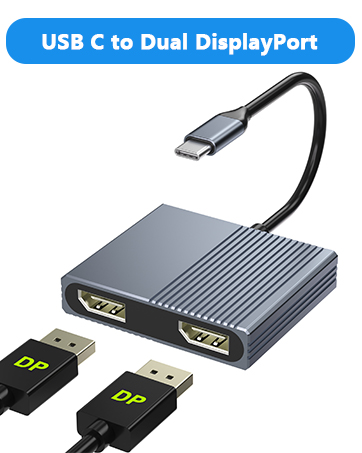

HDMI Splitter for Dual Monitors Extended Display
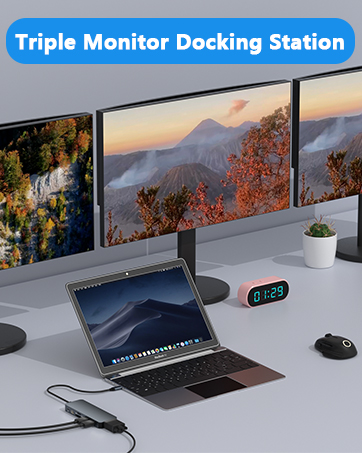
4-IN-1 USB C to Dual HDMI Adapter features dual HDMI ports, USB 3.0 ports, and 100W PD ports. You can easily enjoy high quality display, fast charging, and quick data transfer (photos, videos, etc.) from your smartphone or USB memory to your PC.


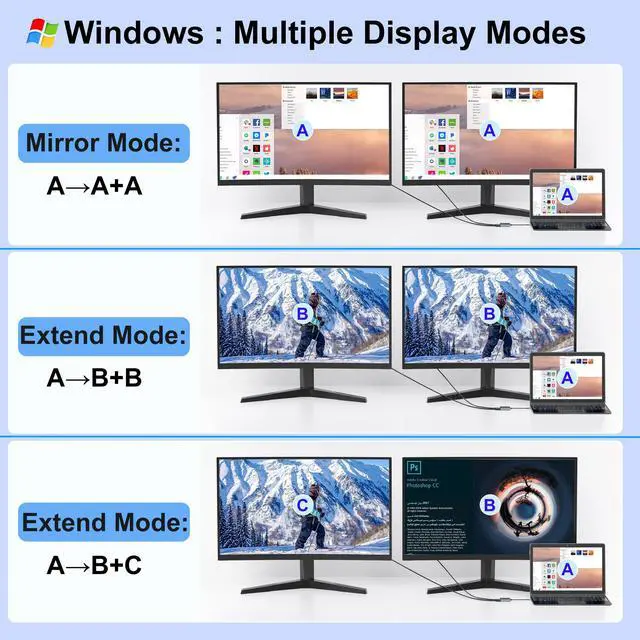
For Windows: this dual HDMI monitor adapter support mirror mode(AAA) and extended mode(ABB mode and ABC mode).
How to connect Extend Mode for Windows OS?
Right-click desktop?select Intel display Settings ?pop-up Settings screen select display?select multi-screen display?expand the desktop


For MacOS system, only support mirror mode(AAA) and extend mode(ABB), not support extend 3 different screens.
How to connect Extend Mode for MacOS?
"Setting" ?"Display" ?check "mirror display" box to switch to Extend mode ?drag a window to the right edge of the screen until it appears on the monitor


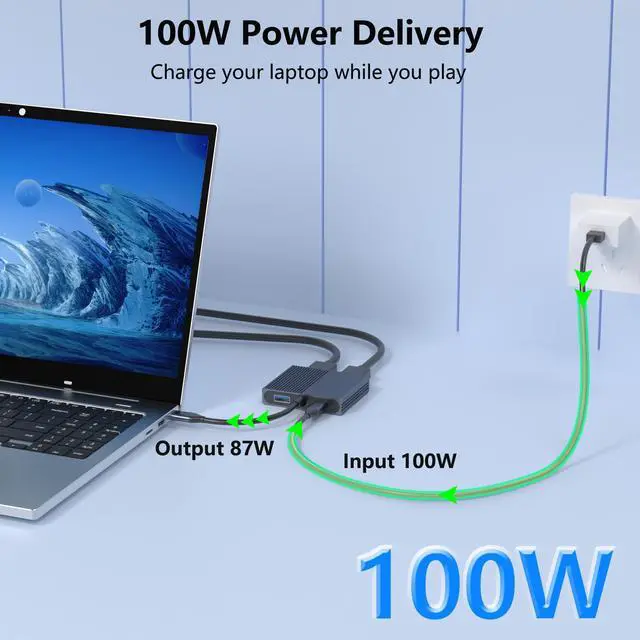
100W Power Delivery
Provide 100W Power Delivery for your laptops. Insufficient power supply may cause unstable video output. It is recommended to use a power adapter to power the laptop.
High-Speed Data Transfer
offers fast and reliable data transfer, ensuring quickly connect for all your devices.


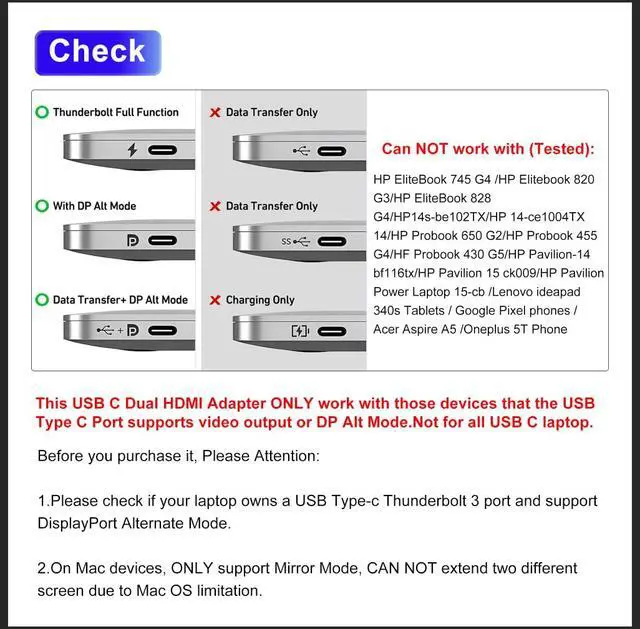
Please Note:Not For All USB C Laptop. Please Check If your laptop owns a USB Type-c Thunderbolt 3 port/Thunderbol 4 port or support DisplayPort Alternate Mode.
High quality aluminum alloy
Crafted from high quality aluminum alloy, this dual HDMI adapter for 2 monitors combines strength and style in one sleek package.
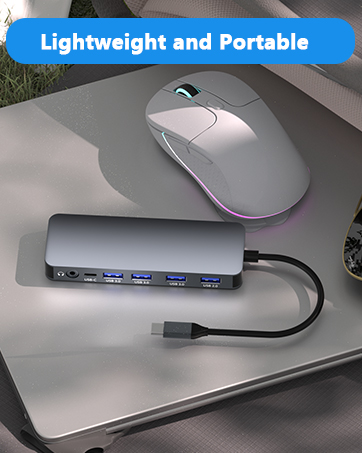
Lightweight and Compact
Weighing only 1.9 oz and measuring just half an inch thick, this dual monitor adapter offers effortless portability.


In the age of digital innovation, Aibilangose stands as a beacon of simplicity and efficiency. Our mission is to provide innovative solutions that simplify digital lives.
Our flagship product the docking station offers numerous ports and connectivity options, allowing seamless connection of laptops, monitors, and peripherals, and storage devices.
We believe a well-organized workspace significantly boosts efficiency and creativity.
USB C Docking Station
USB C to Dual DP/Dual HDMI
HDMI Extender/USB to Ethernet