




USB C Extension Cable
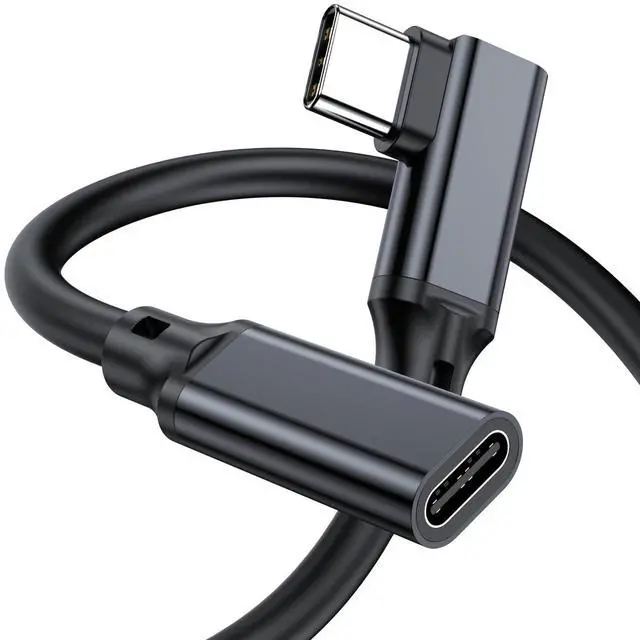
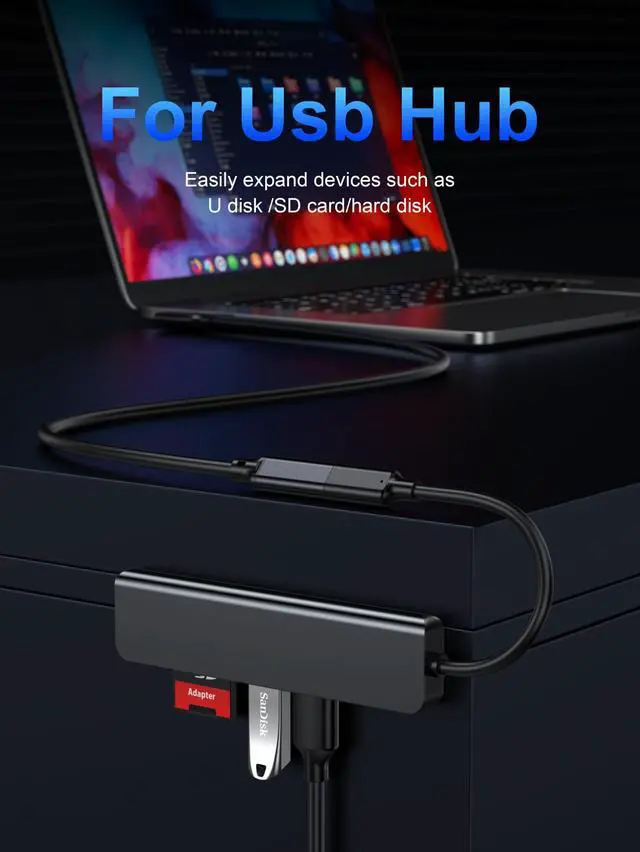
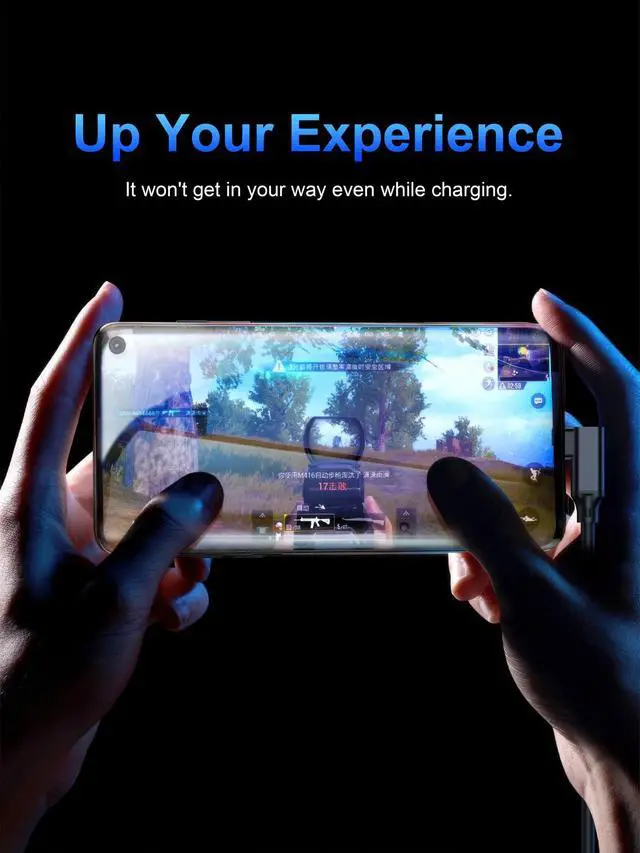
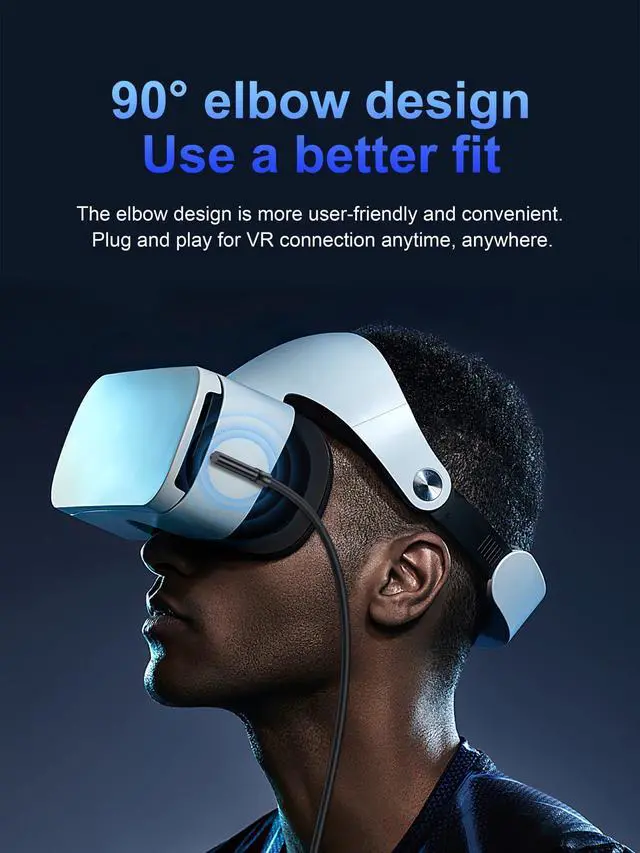
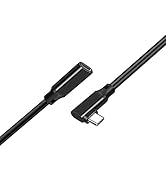
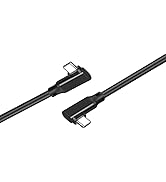
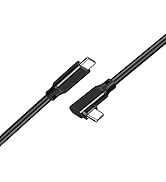
Extend the reach of your existing USB-C cables, which makes it easier to connect devices for greater convenience. It perfectly works for a majority of USB-C compatible devices.
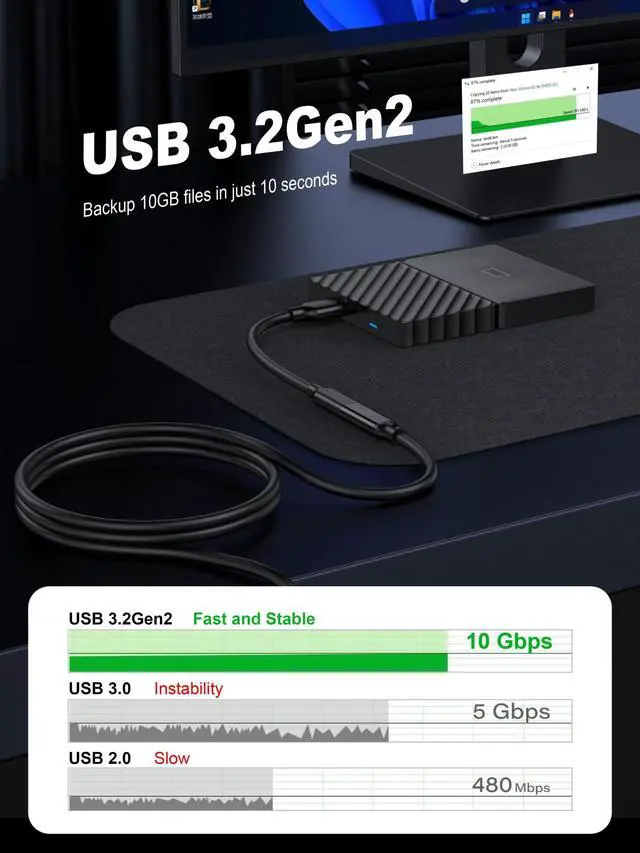
Data Syncing USB 3.1 Gen2 10Gbps
Support USB-C 3.1 Gen2 Full-Featured Extender Cord
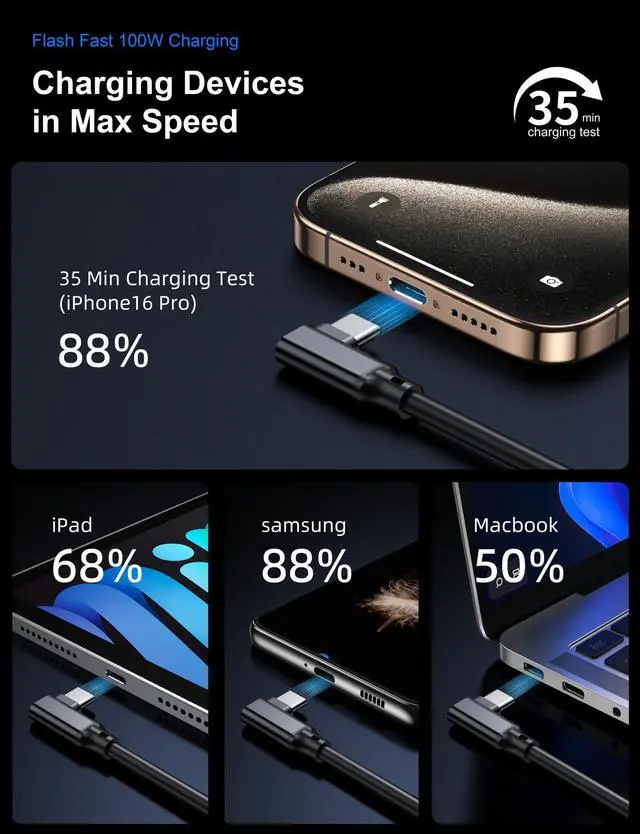
Support Max 100W Fast Charging, up to 10Gbps Data Syncing, and 4K@60Hz 3840*2160 video signal transferring for the connection between your device and another monitor or display with USB-C interface.
(The actual speed depends on your host devices and the bridged cable)
Note: This cable does not work with any Thunderbolt 3 docking/hub/cable.
Must Be Read:
1.If you hook up a USB-C 2.0 peripheral( mouse,keyboard,etc.) to this USB-C 3.1 extension cable and it doesn't work as you expected, flip the connector over and try once more.
It happens as a result of the compatibility issue of USB-C protocols and you need to connect a USB-C 2.0 peripheral to a USB-C 3.1 port in a specific direction.
2.PLease locate a USB-C or Thunderbolt 3 port on your device that supports video output since not all USB-C ports are able to carry a video signal.
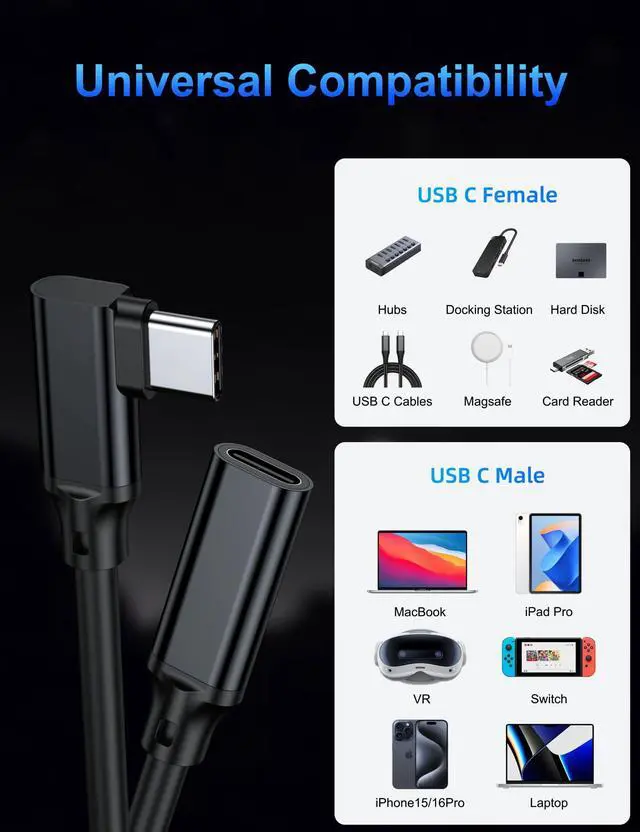
Compatible with all USB-C devices (Not a complete list):


- TAIBEYOR is to provide you with premium goods that support your tech lifestyle.
- We focus on computers and smartphone accessories. By combining the finest materials, functional design and considered details, we create products with personality.
- We strive for aesthetic design, wonderful quality, frustration-free package, and easy-to-reach in . Currently, we focus on the development and production of USB C accessories.
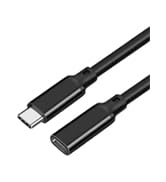
High Quality Cable


USB C Extension Cable
Extend the reach of your existing USB-C cables, which makes it easier to connect devices for greater convenience. It perfectly works for a majority of USB-C compatible devices.
Data Syncing USB 3.1 Gen2 10Gbps
Support USB-C 3.1 Gen2 Full-Featured Extender Cord
Support Max 100W Fast Charging, up to 10Gbps Data Syncing, and 4K@60Hz 3840*2160 video signal transferring for the connection between your device and another monitor or display with USB-C interface.
(The actual speed depends on your host devices and the bridged cable)
Note: This cable does not work with any Thunderbolt 3 docking/hub/cable.
Must Be Read:
1.If you hook up a USB-C 2.0 peripheral( mouse,keyboard,etc.) to this USB-C 3.1 extension cable and it doesn't work as you expected, flip the connector over and try once more.
It happens as a result of the compatibility issue of USB-C protocols and you need to connect a USB-C 2.0 peripheral to a USB-C 3.1 port in a specific direction.
2.PLease locate a USB-C or Thunderbolt 3 port on your device that supports video output since not all USB-C ports are able to carry a video signal.
Compatible with all USB-C devices (Not a complete list):
| iPhone | iPhone 15/iPhone 15 Plus/iPhone 15 Pro/iPhone 15 Pro Max,iPhone 16/iPhone 16 Plus/iPhone 16 Pro/iPhone 16 Pro Max |
|---|---|
| Apple | MacBook Pro 2016-2022, MacBook Air 2018-2022, iMac Pro, iMac 2017, Mac mini 2018, MacBook 2015-2017, iPad Pro 2018 - 2021, iPad Air 2020-2022, Mac Pro 2019 * Early Apple M1 only supports one external monitor |
| Samsung | Galaxy Fold Series S24 Ultra / S24+ / S24/ S23 Ultra / S23+ / S23 / S22 Ultra / S22+ / S22 / S21 Ultra / S21+ / S21 / S20 Ultra / S20+ / S20 / S10+ / S10 / S10e / S9+ / S9 / S8+ / S8 / A90, Note 20 Ultra / 20 / 10+ / 10 / 9 / 8, Samsung Galaxy Book, Galaxy Tab S4 / S5e / S6/ S7 / S8 and their plus versions. |
| Microsoft | Surface Book 2 / 3, Surface Go / Go 2 / Go 3, Surface Laptop 3 / 4 / SE / Go / Go 2 / studio, Surface Pro 7 / 7+ / 8 / X, Surface Studio 2, Surface Dock 2 |
| Lenovo | Thinkpad X1 Carbon 2022 - 2017, Thinkpad T480s / T480 / T470s / T470 / E585 / E580 / E485 / A485 / A285 / X270, Legion Y520 / Y530 / Y7000 / Y740, Tab P11 Pro / Tab P11, Yoga 900 |
| Dell | XPS 15 9575 / 9570 / 9560 / 9550, XPS 13 9375 / 9370 / 9360 / 9350, XPS 12 9250, Latitude 7373 / 7280 / 7480 / 5570 / 5490, Insiron 5570, Inspiron 13 7000 2-in-1, Alienware 17 r3 / r4 / r5 |
| HP | HP Spectre 13 / x360 , Zbook / Zbook Studio / Zbook Studio x360, ProBook 430 G6, Envy 13 x360 2019/ 2018, Chromebook x2, EliteBook Folio G1 |
| Monitor | Dell U2520D, P2720DC, U2721DE, U2719DC, S2719DC, U2419HC, U2421HE, P2419HC, and HP E273d, E24d G4, E223d, E27d G4, and Forhelp, Arzopa, lepow, innoview, LG, Acer Portable Monitor |
| Portable SSD Drive | Samsung T5 / T7, SanDisk Extreme Portable SSD / Extreme Pro Portable SSD / G-Drive SSD, Crucial X6 / X8, WD P40 Game Drive SSD, ASUS S500, Kingston XS2000, Lexar SL660 and more |
- TAIBEYOR is to provide you with premium goods that support your tech lifestyle.
- We focus on computers and smartphone accessories. By combining the finest materials, functional design and considered details, we create products with personality.
- We strive for aesthetic design, wonderful quality, frustration-free package, and easy-to-reach in . Currently, we focus on the development and production of USB C accessories.
High Quality Cable