


















Extend Your Display the Fast and Simple Way
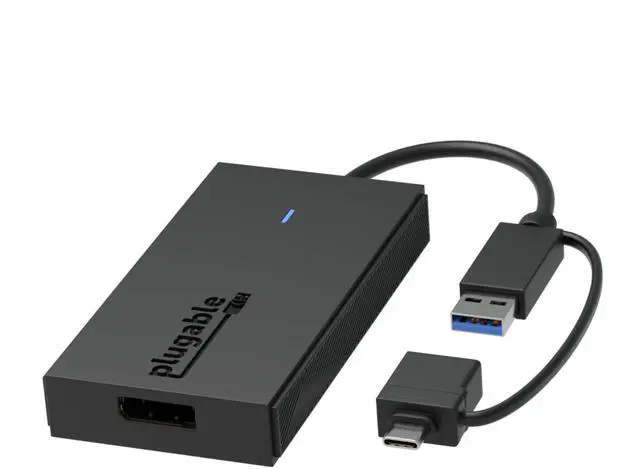
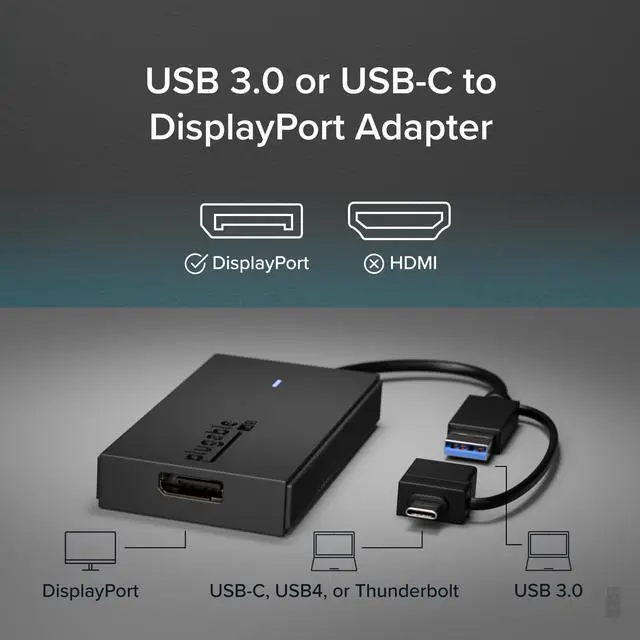
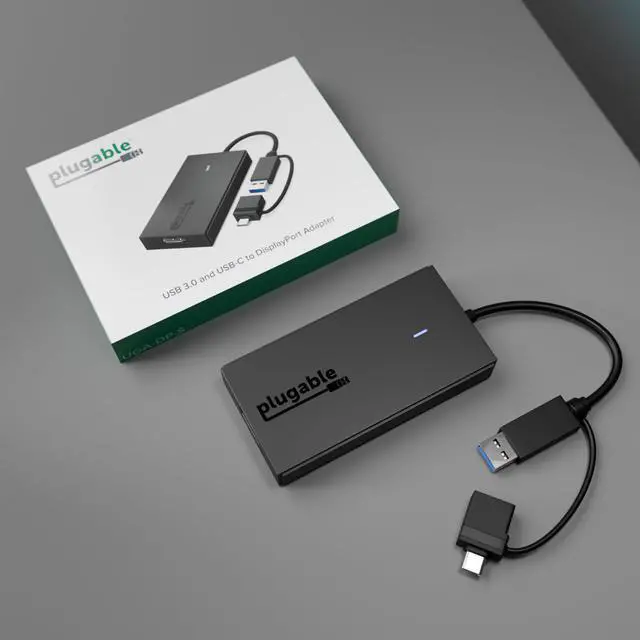
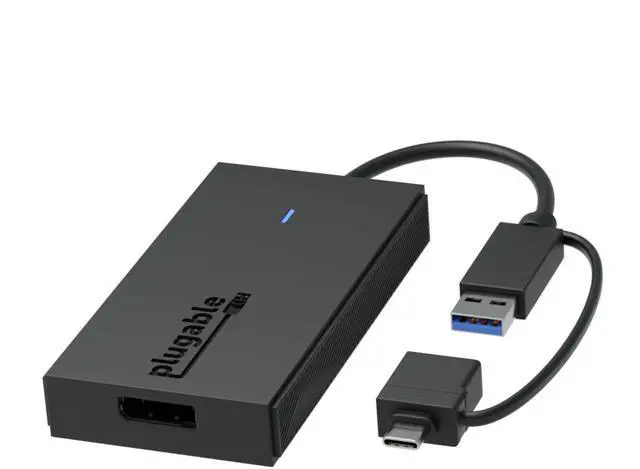
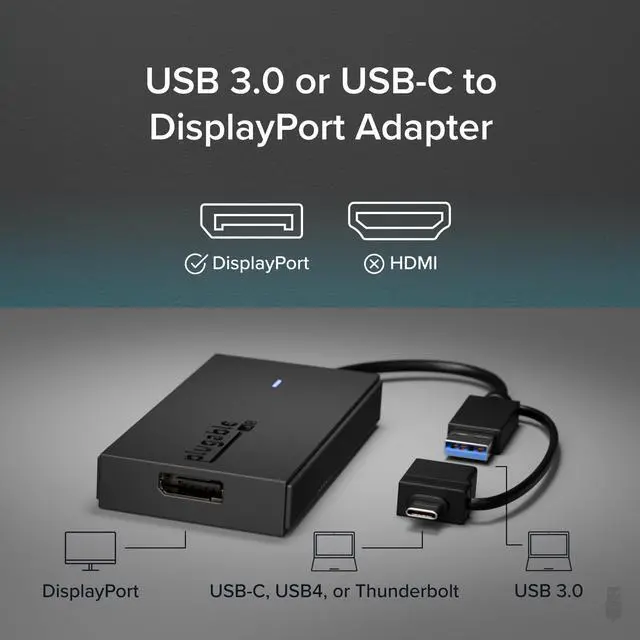
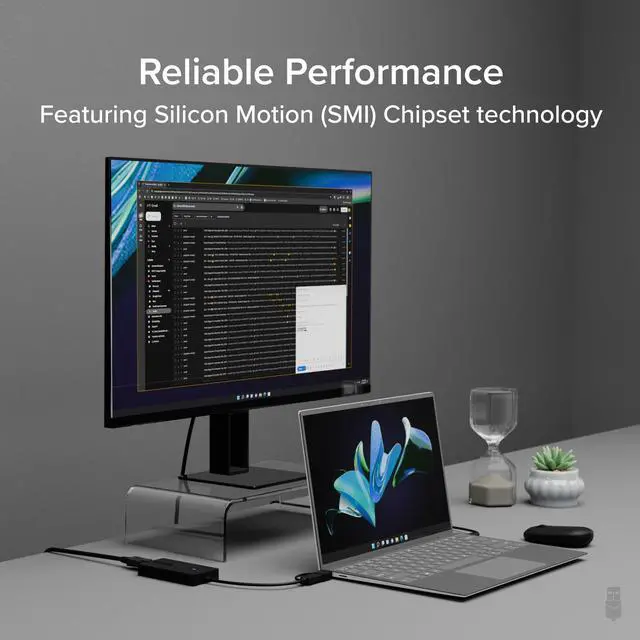
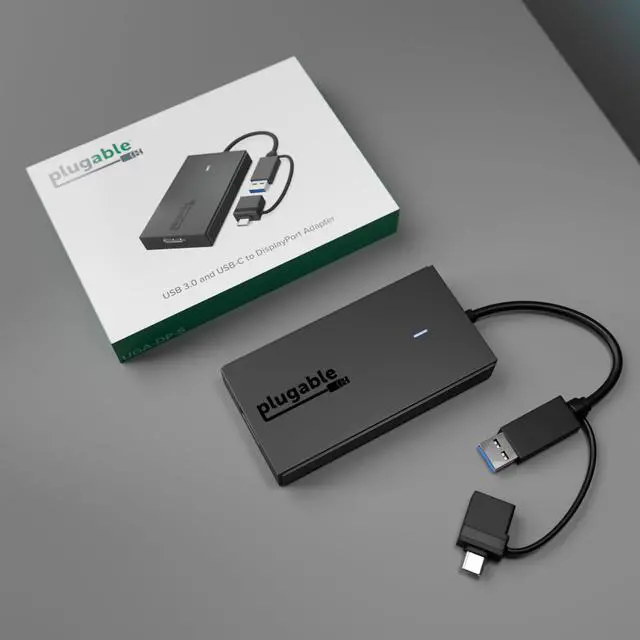
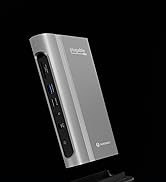
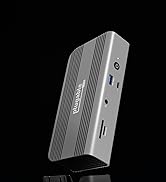
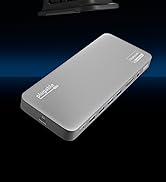
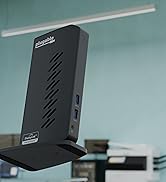
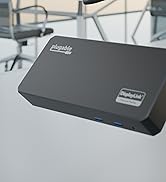
There’s no shortage of options when it comes to adding screens to your laptop, and that’s where things can get complicated (and expensive). The Plugable USB 3.0 and USB C to DisplayPort monitor adapter (UGA-DP-S) keeps things simple.
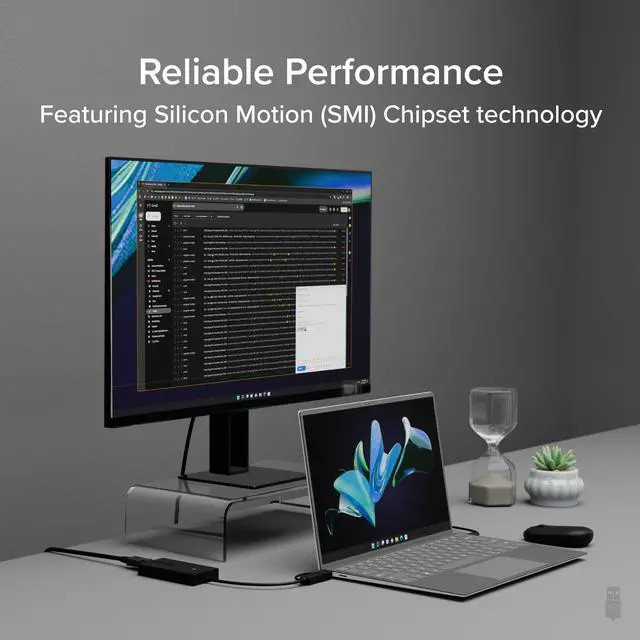
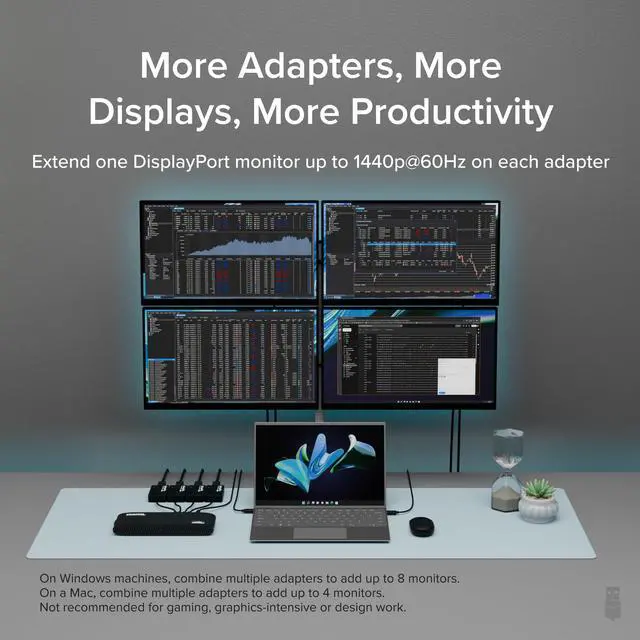
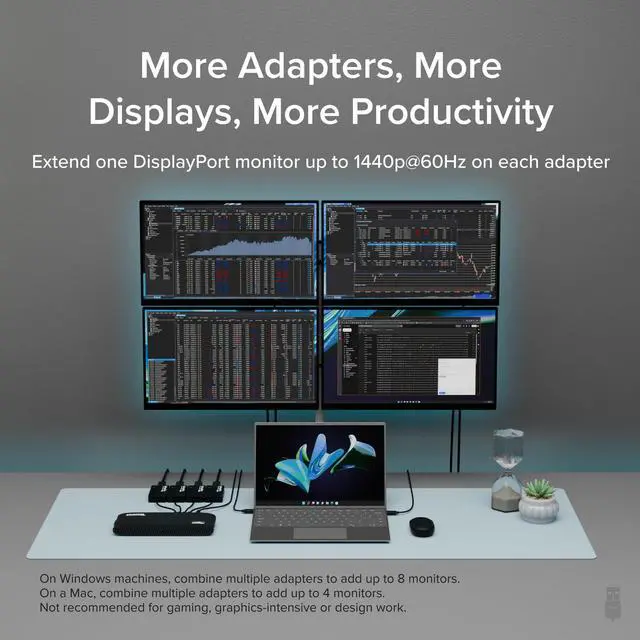
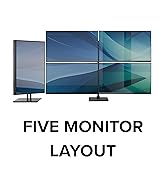
Additionally, you can build your own dual display setup by combining the USB video adapter with a single USB-C dock. Windows and ChromeOS users can expand even further by integrating the adapter with an existing docking station, expanding their setup to support up to eight 2560x1440 (HD) displays when using multiple adapters (one 1440p display per adapter, up to 4 on macOS). Whether you’re adding additional displays to the dock you already have or just need a straightforward way to expand your screen real estate, the Plugable USB to DisplayPort adapter provides a seamless and efficient solution.
Moreover, the compact and portable design of the adapter allows users to extend their displays from anywhere—whether at home, in the office, or on the go
Note: Actual performance and the number of supported displays can vary based on system specifications and the specific Silicon Motion hardware in use

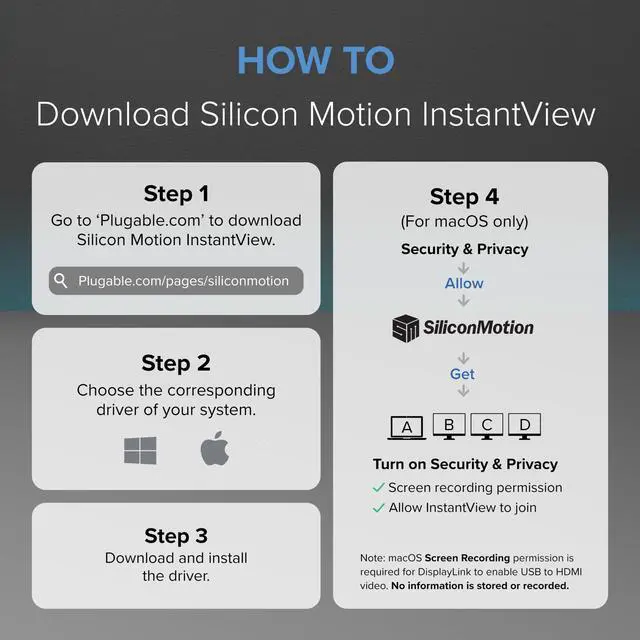
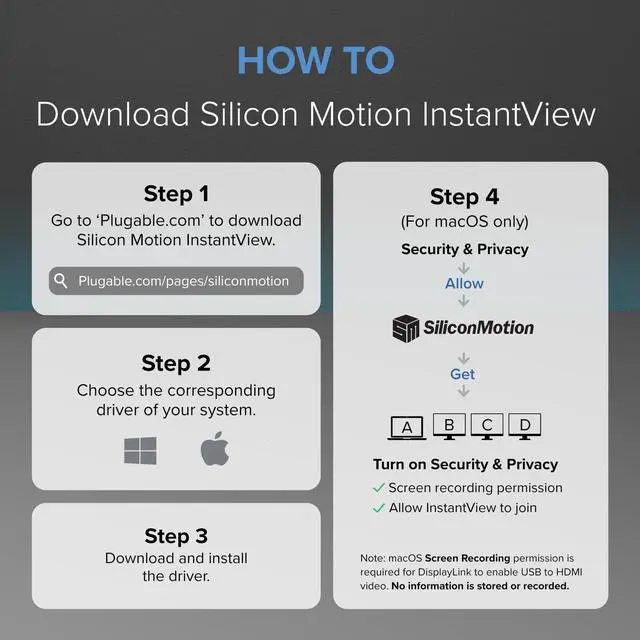
How to Install Silicon Motion
Note - macOS requires ‘Screen Recording’ permission for the SMI software to work. Granting this permission enables sending data from your computer over USB to the HDMI outputs. No data, images, or pixels are being stored or recorded.
UGA-DP-S how to install silicon motion driver
Merchant VideoDo I need to install drivers to use this adapter on Windows or macOS?
Yes. The UGA-DP-S requires the installation of Silicon Motion (SMI) graphics drivers to function. This driver can be found on our website.
Can I use this graphics adapter on macOS?
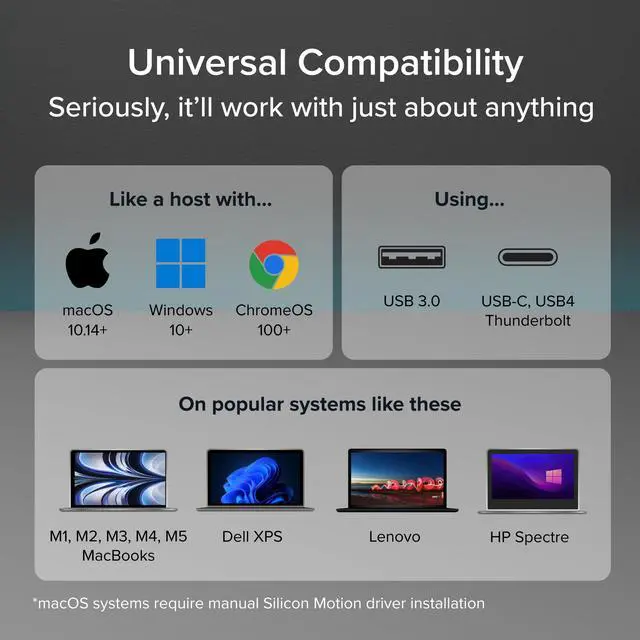
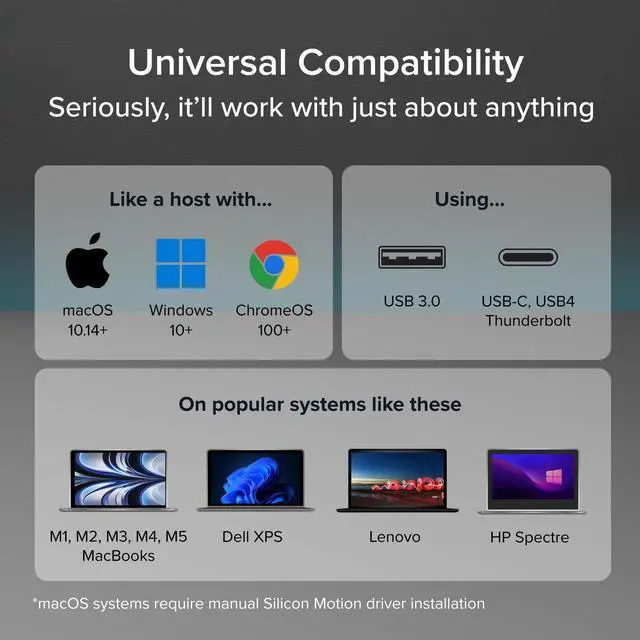
Yes! The Silicon Motion InstantView app must be installed for functionality on macOS. Installation steps are shown in the “How to Install Silicon Motion for macOS” video above or in the gallery videos.
Does this adapter use DisplayLink technology to function?
No, this adapter is powered by Silicon Motion (SMI) graphics technology. DisplayLink software is not compatible with this device and should not be installed.
Does this adapter support streaming video from Netflix/Hulu/Etc.?
No, copyright protected content that uses HDCP will not work. This includes popular video streaming services such as Netflix, Hulu, etc.
I’m not getting any video out of the DisplayPort output. What could be wrong?
Please make sure that you have installed the Silicon Motion driver on your system, which can be found on our website.
Plugable Adapter's
 UGA-DP-S |  UGA-HDMI-S |  UGA-HDMI-2S |  USBC-6950M | |
|---|---|---|---|---|
Customer Reviews | — | — | — | — |
Price | — | — | — | — |
# of Displays | 1 | 1 | 2 | 2 |
Video Ports | 1x DisplayPort | 1x HDMI | 2x HDMI | 2x HDMI or 2x DisplayPort |
Resolution Supported | 2560x1440 @ 60Hz | 2560x1440 @ 60Hz | 1920x1080p @60Hz | 3840x2160 @60Hz |
Software | Silicon Motion | Silicon Motion | Silicon Motion | DisplayLink |
Laptop Connection | USB 3.0, USB-C, TB3/4, USB4 | USB 3.0, USB-C, TB3/4, USB4 | USB 3.0, USB-C, TB3/4, USB4 | USB 3.0, USB-C, TB3/4, USB4 |


Extend Your Display the Fast and Simple Way
There’s no shortage of options when it comes to adding screens to your laptop, and that’s where things can get complicated (and expensive). The Plugable USB 3.0 and USB C to DisplayPort monitor adapter (UGA-DP-S) keeps things simple.
Additionally, you can build your own dual display setup by combining the USB video adapter with a single USB-C dock. Windows and ChromeOS users can expand even further by integrating the adapter with an existing docking station, expanding their setup to support up to eight 2560x1440 (HD) displays when using multiple adapters (one 1440p display per adapter, up to 4 on macOS). Whether you’re adding additional displays to the dock you already have or just need a straightforward way to expand your screen real estate, the Plugable USB to DisplayPort adapter provides a seamless and efficient solution.
Moreover, the compact and portable design of the adapter allows users to extend their displays from anywhere—whether at home, in the office, or on the go
Note: Actual performance and the number of supported displays can vary based on system specifications and the specific Silicon Motion hardware in use

UGA-DP-S how to install silicon motion driver
Merchant VideoHow to Install Silicon Motion
Note - macOS requires ‘Screen Recording’ permission for the SMI software to work. Granting this permission enables sending data from your computer over USB to the HDMI outputs. No data, images, or pixels are being stored or recorded.
Do I need to install drivers to use this adapter on Windows or macOS?
Yes. The UGA-DP-S requires the installation of Silicon Motion (SMI) graphics drivers to function. This driver can be found on our website.
Can I use this graphics adapter on macOS?
Yes! The Silicon Motion InstantView app must be installed for functionality on macOS. Installation steps are shown in the “How to Install Silicon Motion for macOS” video above or in the gallery videos.
Does this adapter use DisplayLink technology to function?
No, this adapter is powered by Silicon Motion (SMI) graphics technology. DisplayLink software is not compatible with this device and should not be installed.
Does this adapter support streaming video from Netflix/Hulu/Etc.?
No, copyright protected content that uses HDCP will not work. This includes popular video streaming services such as Netflix, Hulu, etc.
I’m not getting any video out of the DisplayPort output. What could be wrong?
Please make sure that you have installed the Silicon Motion driver on your system, which can be found on our website.
Plugable Adapter's
UGA-DP-S | UGA-HDMI-S | UGA-HDMI-2S | USBC-6950M |
|---|---|---|---|
| Customer Reviews | |||
| — | — | — | — |
| Price | |||
| — | — | — | — |
| # of Displays | |||
| 1 | 1 | 2 | 2 |
| Video Ports | |||
| 1x DisplayPort | 1x HDMI | 2x HDMI | 2x HDMI or 2x DisplayPort |
| Resolution Supported | |||
| 2560x1440 @ 60Hz | 2560x1440 @ 60Hz | 1920x1080p @60Hz | 3840x2160 @60Hz |
| Software | |||
| Silicon Motion | Silicon Motion | Silicon Motion | DisplayLink |
| Laptop Connection | |||
| USB 3.0, USB-C, TB3/4, USB4 | USB 3.0, USB-C, TB3/4, USB4 | USB 3.0, USB-C, TB3/4, USB4 | USB 3.0, USB-C, TB3/4, USB4 |


Find Your Docking Station

Shop for Mac

Shop for Windows


Shop Universal Compatability


Shop for Business