


• $65.99
  • Price alert

    Shipped by xiuhuishangmao

    Shop it at NeweggBusiness.

    Meet Your Seller

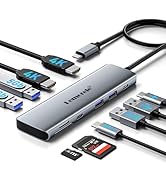
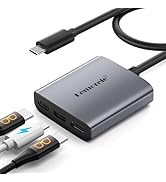
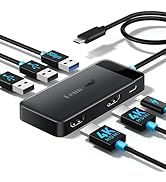
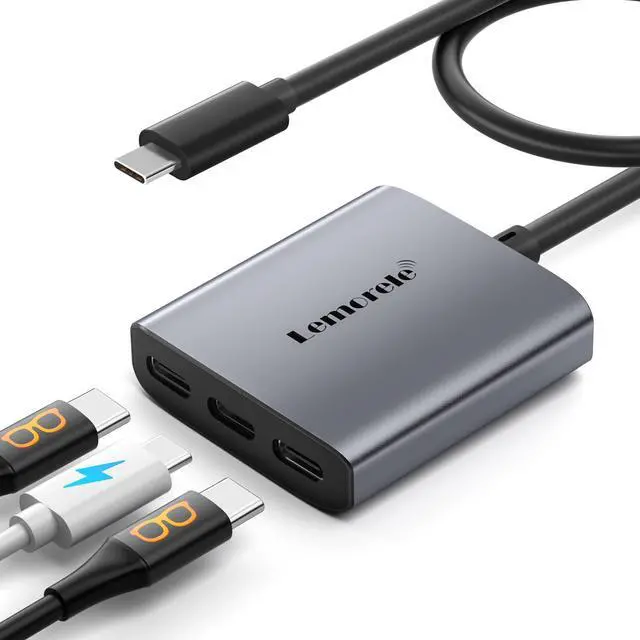
    USB-C to USB-C Video Splitter, Dual Monitor Expander with 4K@60Hz DP Alt Mode, 100W PD Charging, Compatible with Laptop, AR Glasses, Portable Monitor, Switch, Steam Deck & More Type-C Devices

    • NoteIf you are connecting a portable monitor, please ensure that your USB-C port supports DP Alt Mode. Video output is only possible when the DisplayPort Alternate Mode protocol is supported. To verify, check the interface symbol on your portable monitor or refer to the product's official specifications.
    • MST/SST USB-C Splitter a video hub designed specifically for Thunderbolt 4 or USB 4 Windows laptops. It supports both MST and SST modes for dual-display output, enabling dual USB-C monitors to run at up to 4K@60Hz resolution. Please note that MST functionality is not supported on macOS systems.
    • Dual 4K USB C Video HubEquipped with upgraded professional chip, this USB C hub delivers dual 4K@60Hz video output via DP Alt Mode 1.4. Transform your laptops single USB 4/Thunderbolt 4 port into a dual-monitor workstation for USB C monitors (requires DP Alt Mode support)
    • 3-in-1 USB-C Hubual USB-C ports supporting DisplayPort Alt Mode for multi-monitor setups, and a 100W Power Delivery charging port. It's the ideal solution for seamless multitasking across extended displays, storage devices, and peripherals.
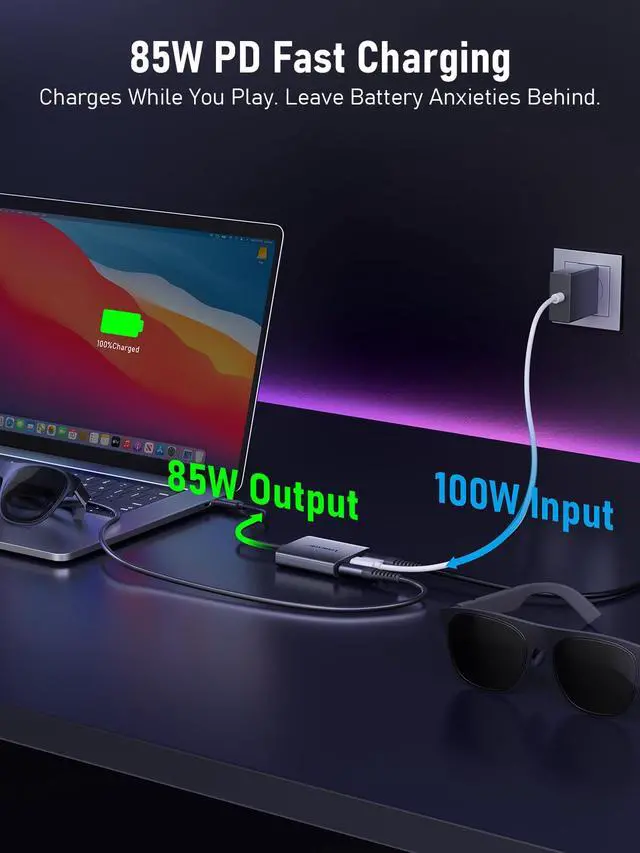
    • 100W PD Charging & Stable PerformancePower laptops at up to 87W pass-through charging while transferring data. This USB C splitter ensures uninterrupted workflows with stable power and high-speed transfers (charger and cable not included)
    +
    +
    Overview
    Specs
    Reviews
    avatar

    Any questions? Our AI beta will help you find out quickly.

    MST functionality is not supported on macOS system

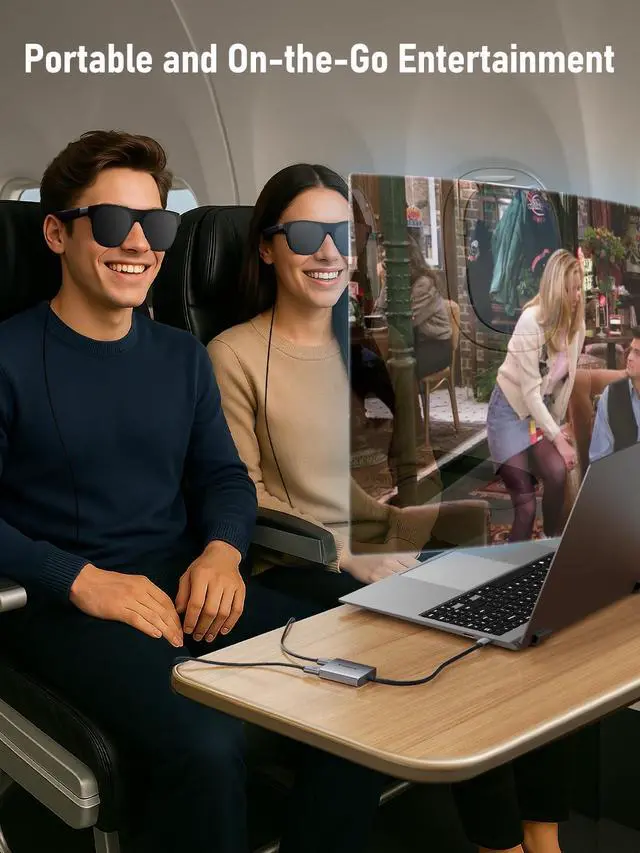
    Text reads 'Dual AR Glasses Display'. Dark background with multiple repeated display panels showing similar content.
    dual monitor docking station

    Note:If you are connecting a portable monitor, please ensure that your USB-C port supports DP Alt Mode,To verify, check the interface symbol on your portable monitor or refer to the product's official specifications.

    Text reads 'Dual 4K@60Hz Display'. Widescreen display setup showing multiple viewing angles with 4K resolution badge.
    docking station dual monitor hdmi
    power

    Note:If you are connecting a portable monitor, please ensure that your USB-C port supports DP Alt Mode. Video output is only possible when the DisplayPort Alternate Mode protocol is supported.

    Text includes 'S15-C Power'. Marketing display showing technological product with purple lighting effects and gradient backgrounds.

    MST functionality is not supported on macOS system

    usb c docking station dual monitor
    dual monitor docking station

    Note:If you are connecting a portable monitor, please ensure that your USB-C port supports DP Alt Mode,To verify, check the interface symbol on your portable monitor or refer to the product's official specifications.

    Text reads 'Dual 4K@60Hz Display'. Widescreen display setup showing multiple viewing angles with 4K resolution badge.
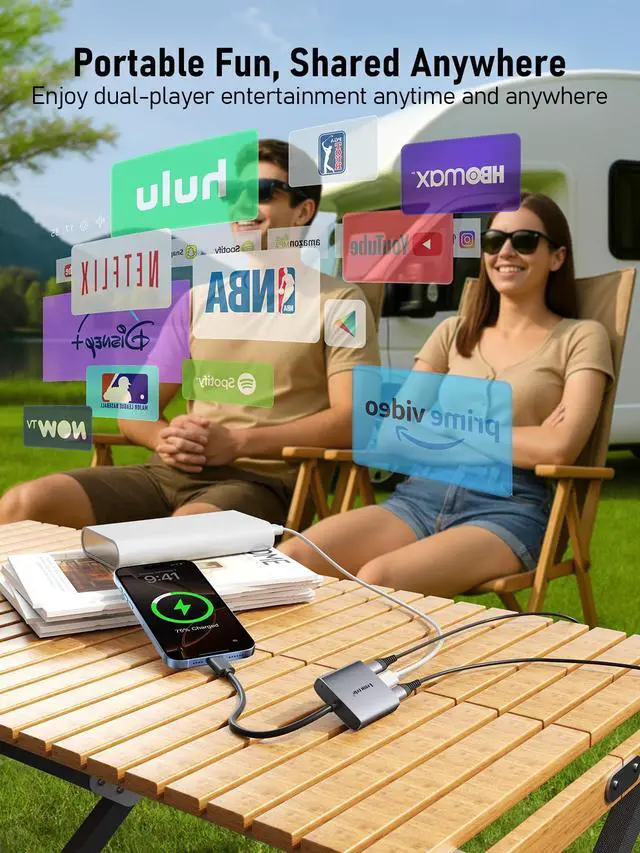
    Text reads '85W PD Fast Charging' and 'Enjoy entertainment to the fullest, without being limited by battery life.' Laptop charging setup showing power delivery indicator with blue glow.
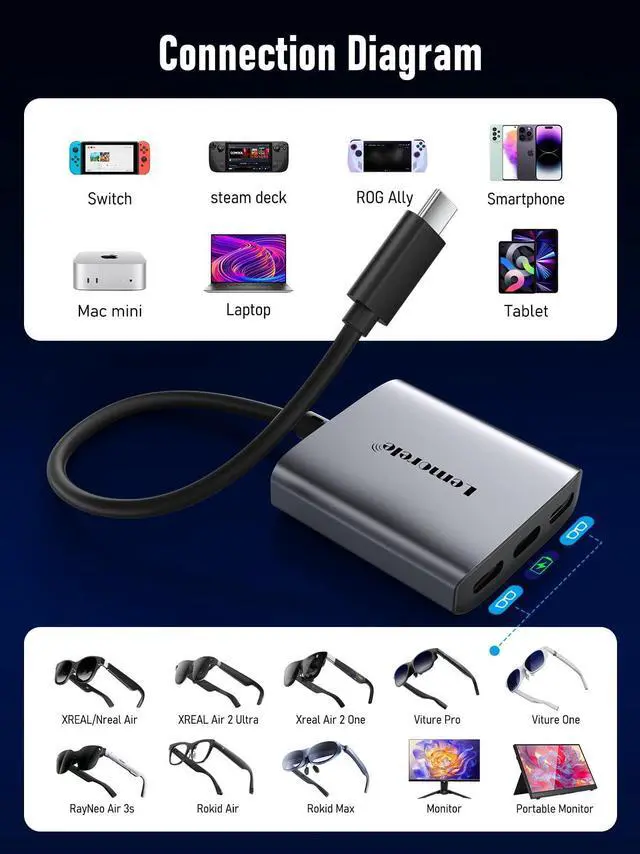
    Text reads 'Connection Diagram'. Technical diagram showing various device connection options with icons for different display types and connection ports arranged in rows.

    Note:If you are connecting a portable monitor, please ensure that your USB-C port supports DP Alt Mode. Video output is only possible when the DisplayPort Alternate Mode protocol is supported.

    Text reads 'USB-C POWER' and 'USB-C Monitor/Glasses'. Technical product interface displaying blue illuminated indicators and connection options.
    USB-C to USB-C Video Splitter, Dual Monitor Expander with 4K@60Hz DP Alt Mode, 100W PD Charging, Compatible with Laptop, AR Glasses, Portable Monitor, Switch, Steam Deck & More Type-C Devices

    Warranty & Returns

    Warranty, Returns, And Additional Information

    Warranty

    • Please contact the Seller directly for warranty information. Warranty information may also be found on the Manufacturer's website.
    • CONTACT

    Return Policies

    Manufacturer Contact Info

    LOADING...