




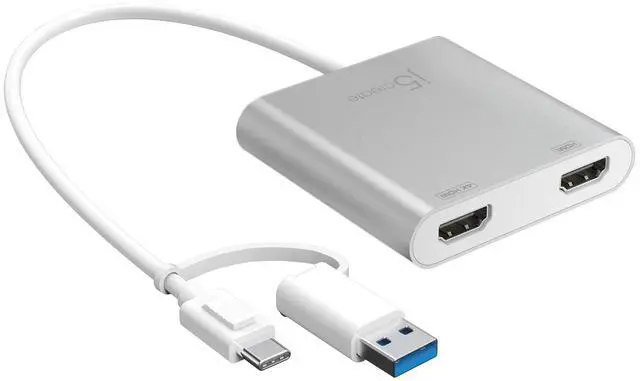
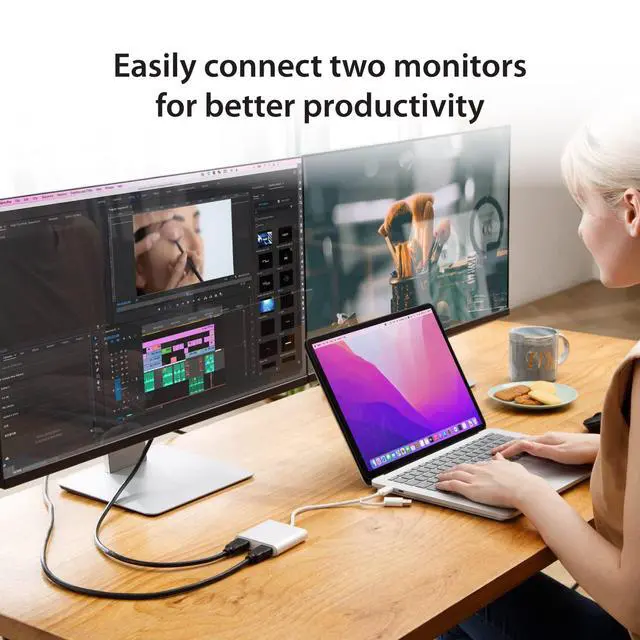
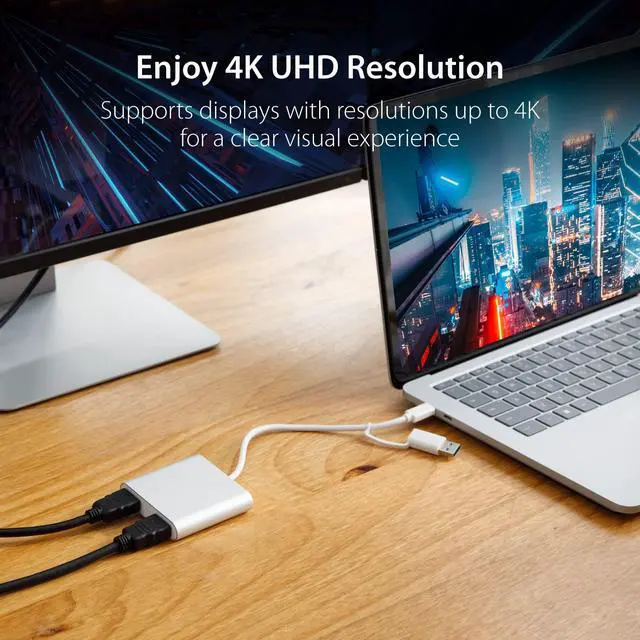
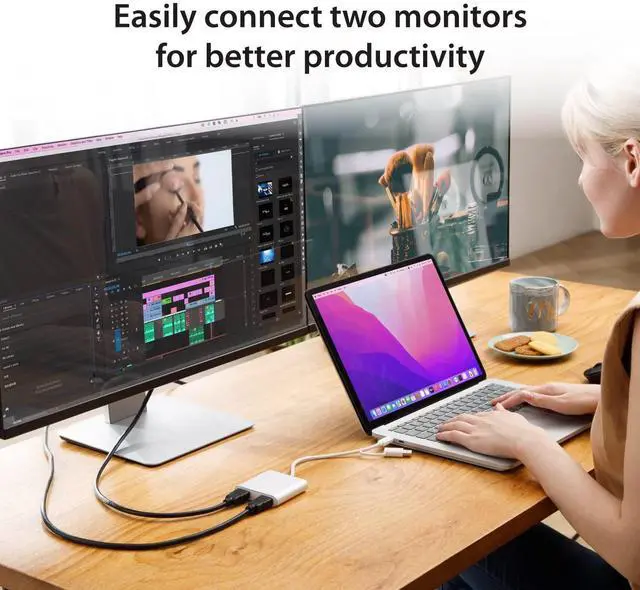
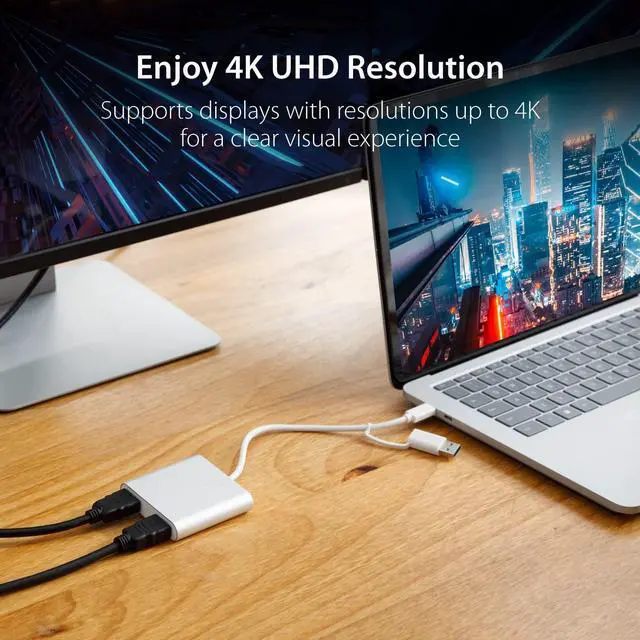


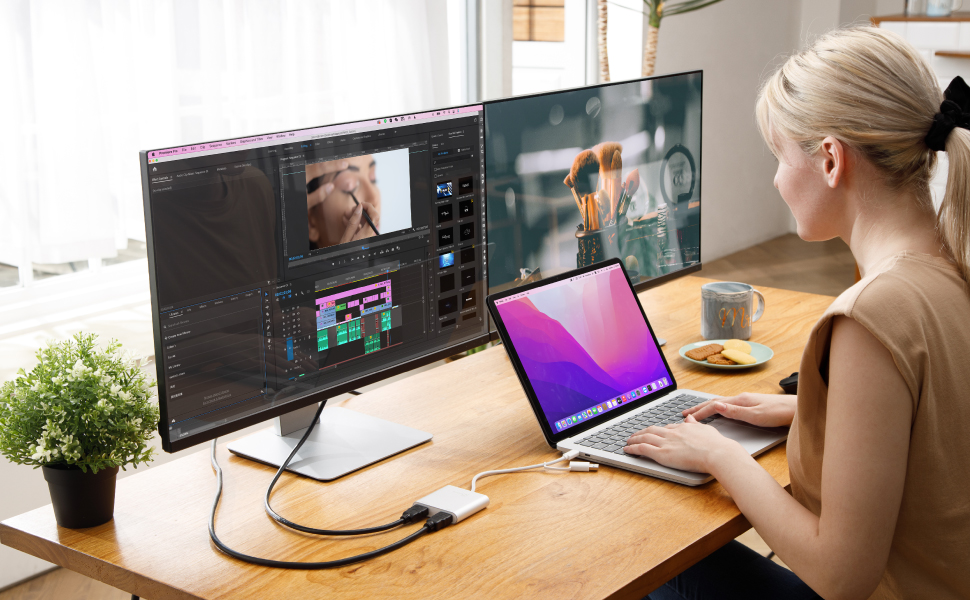
Easily connect two monitors for better productivity
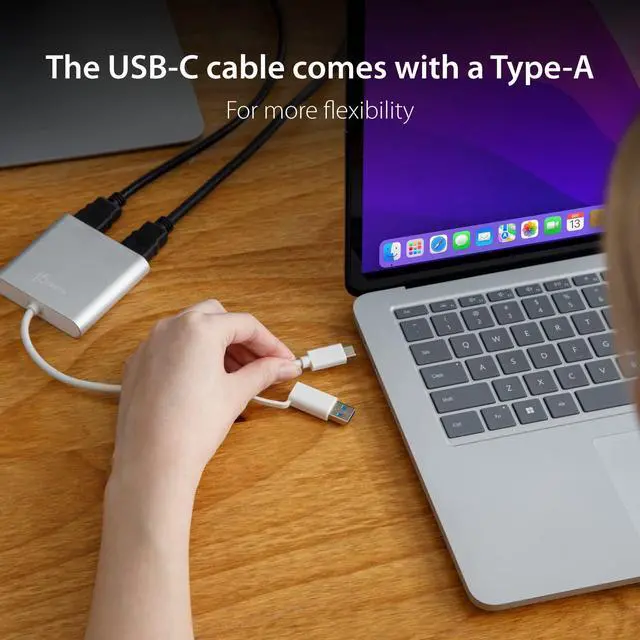
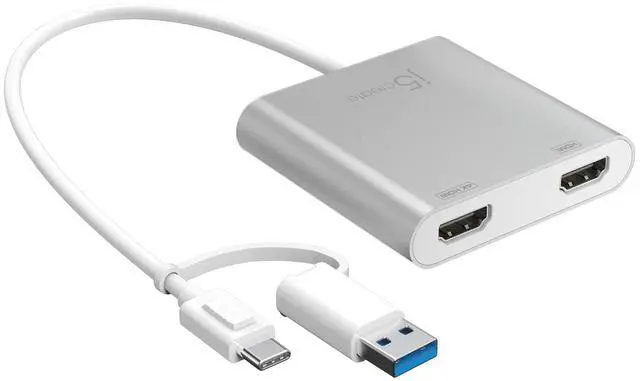
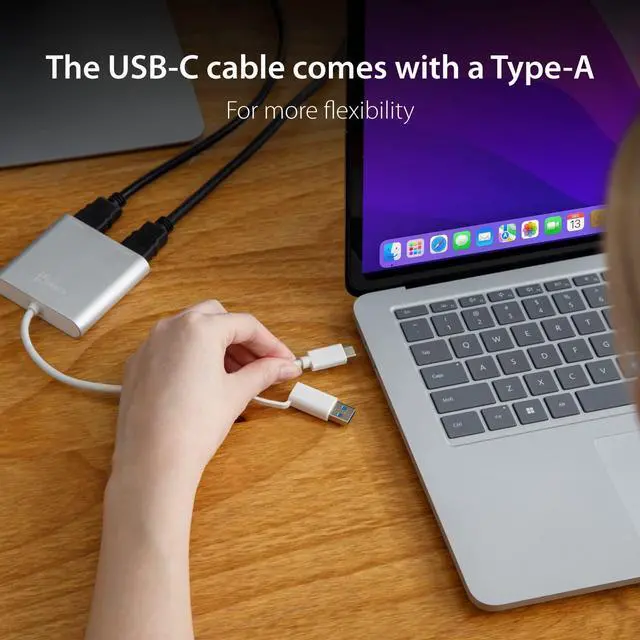
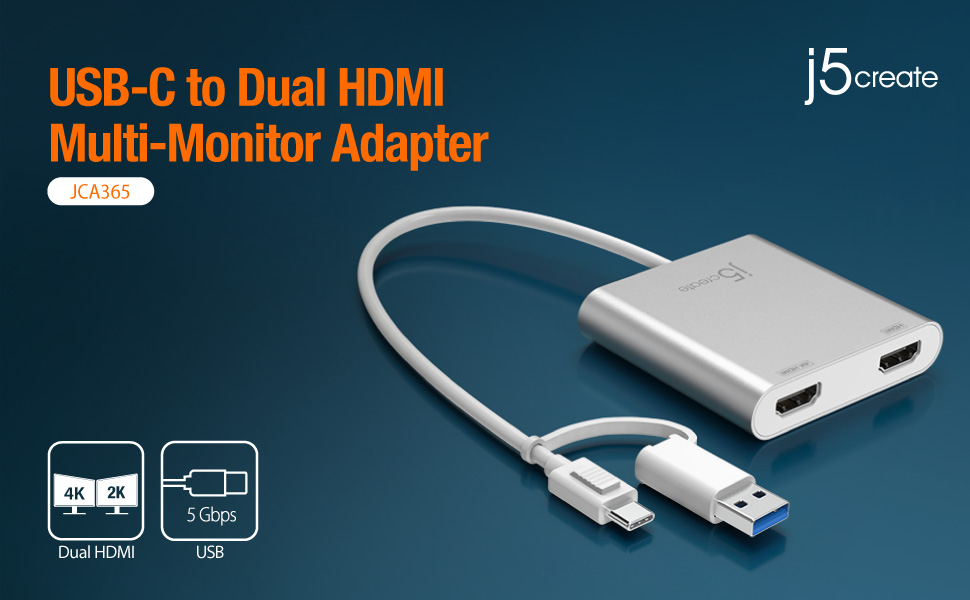
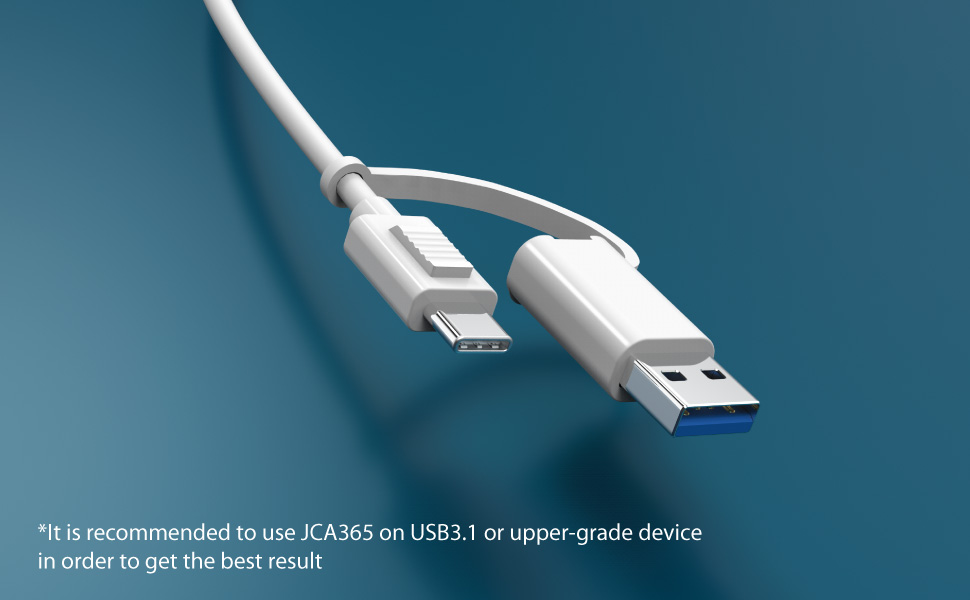
The USB-C cable comes with a Type-A adapter for added compatibility
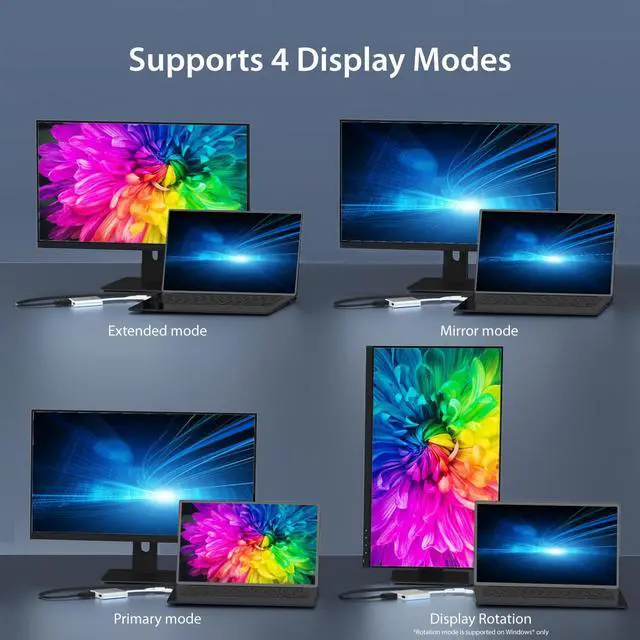
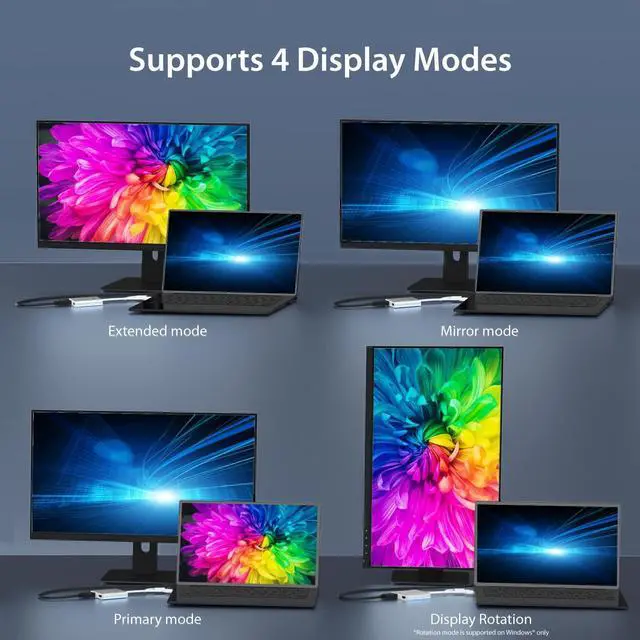
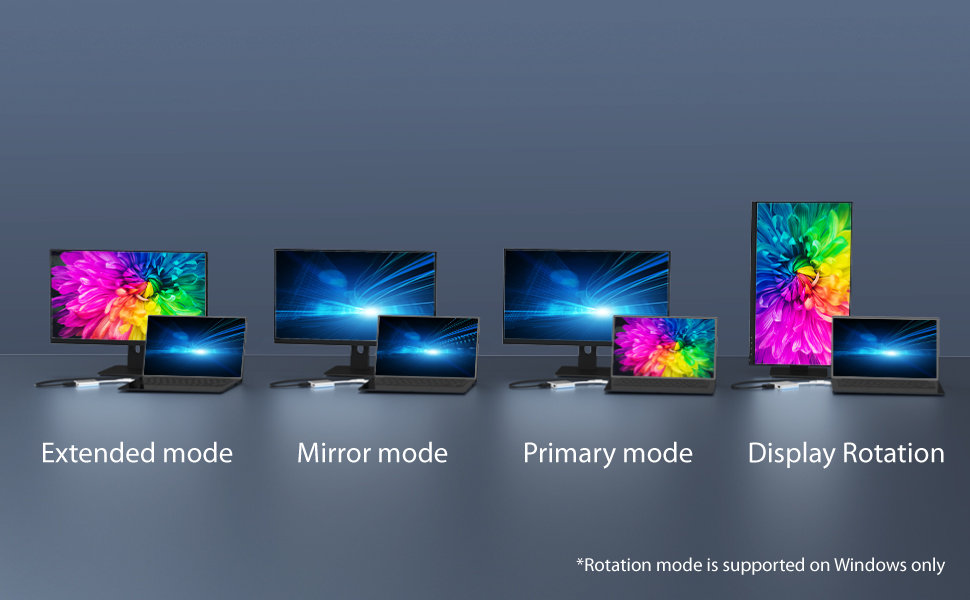
Supports 4 Display Modes
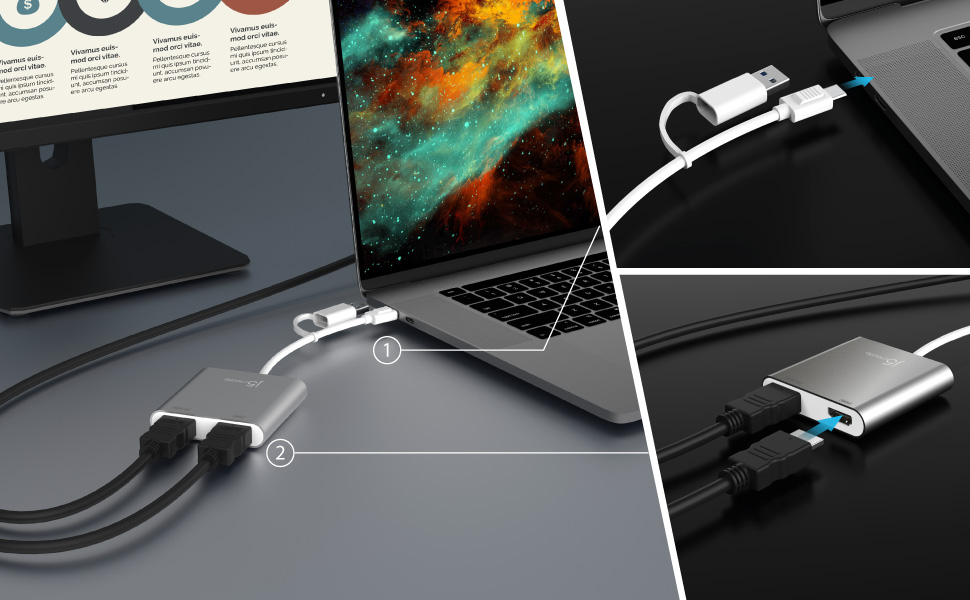
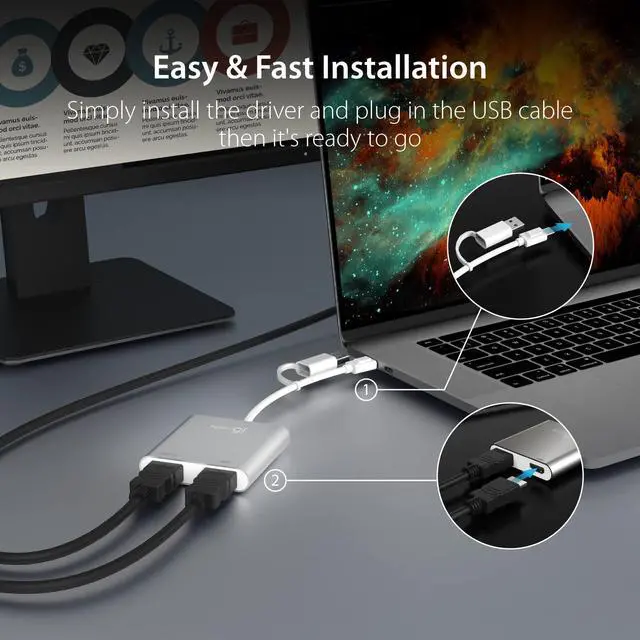
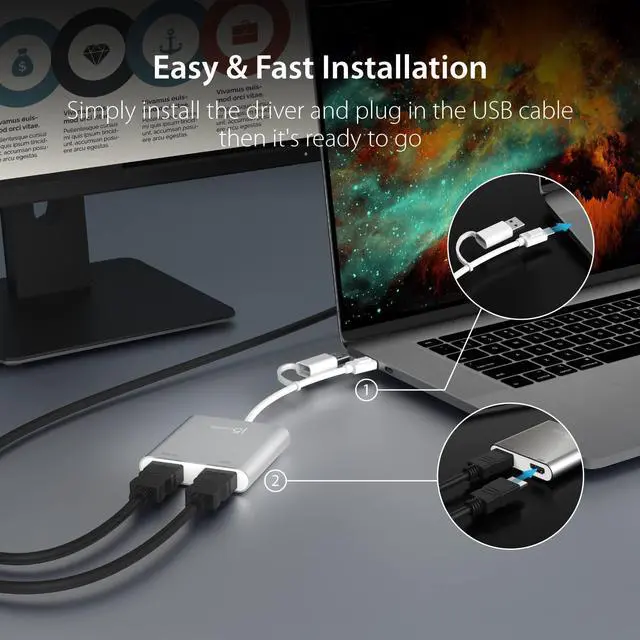
Fast Installation
Simply install the driver and plug in the USB cable then it's ready to go
Q&A:
Q1: Why does a screen recording permission request appear when I install the driver on a macOS system?
A1: To ensure the USB Display driver to function correctly on macOS systems, users are required to permit 'Screen Recording' for the USB Display driver. This authorization enables the USB Display to access the necessary pixels for rendering mirrored/extended screens and transmitting them via the USB port. It does not send any data or pixels back to us.
 JCA366 | 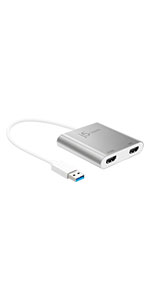 JUA365 | 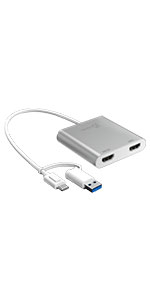 JCA365 | 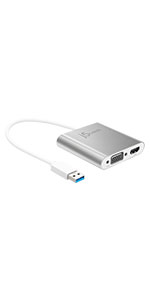 JUA360 | 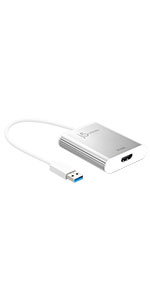 JUA354 | |
|---|---|---|---|---|---|
| Customer Reviews | — | — | — | — | — |
| Price | — no data | — no data | — | — no data | — |
| Ports | HDMI x 4 | HDMI x 2 | HDMI x 2 | HDMI, VGA | HDMI |
| Resolution | 1080p 60Hz | 4K30Hz + 2K60Hz | 4K30Hz + 2K60Hz | 2K60Hz + 2K60Hz | 4K30Hz |
| Host | USB-C | USB-A | USB-A / USB-C | USB-A | USB-A |
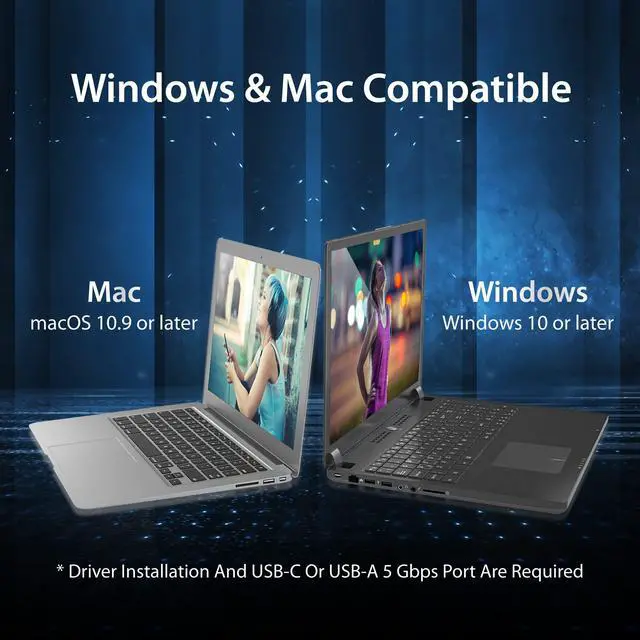
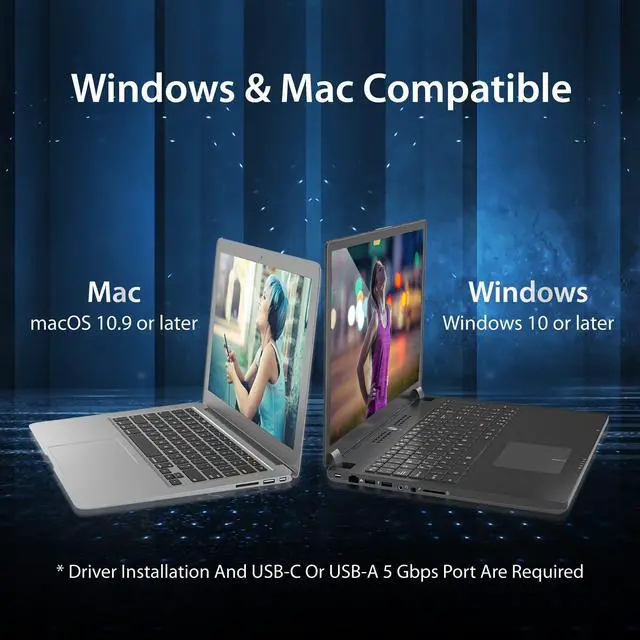
| Supported OS | Windows & Mac | Windows & Mac | Windows & Mac | Windows & Mac | Windows & Mac |


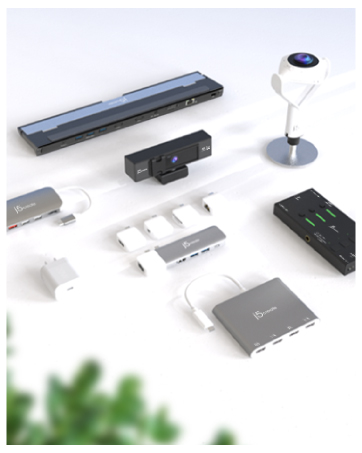
We develop. We innovate. We create. j5create is a team that has come together from a diverse set of backgrounds to make technologies more meaningful and inclusive. We design, build, sell and support innovative technology, and we find creative ways to apply new technologies to provide computing solutions.
Made in Taiwan
All our products are manufactured in Taiwan, which has been a global force in the electronics industry since the 1990s.
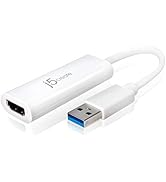
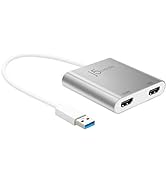
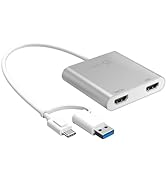
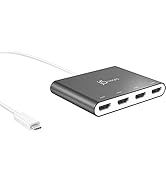
j5create USB-HDMI Adapters
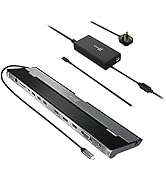
j5create Docking Stations
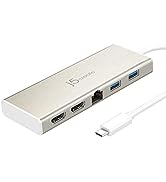
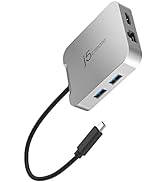
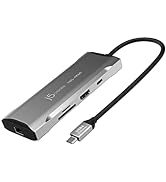
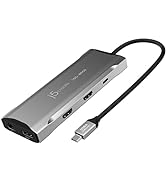
j5create USB-C Hubs
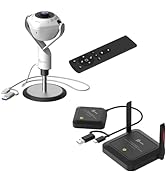
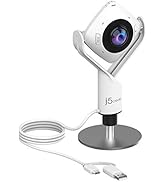
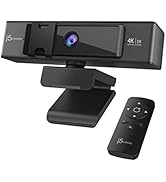
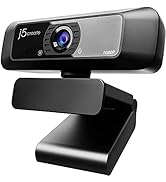
j5create Webcams
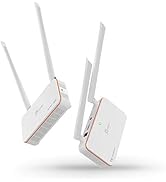
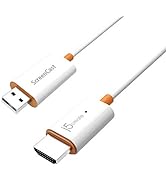
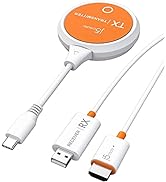
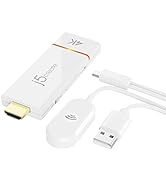
j5create Screencast Adapters
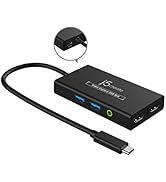
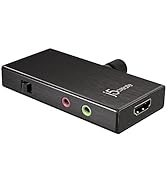
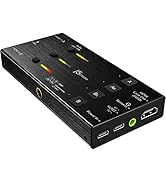
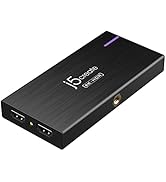
j5create Video Capture Cards
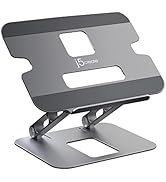

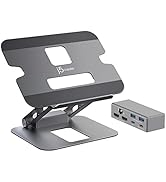
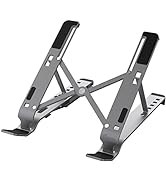
j5create Laptop Stands
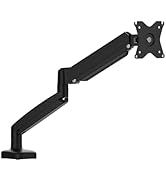
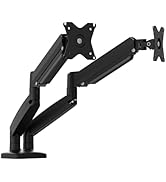
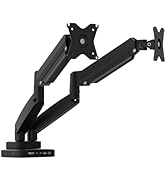
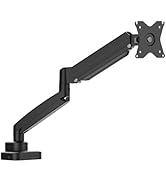
j5create Monitor Mounts

Easily connect two monitors for better productivity
The USB-C cable comes with a Type-A adapter for added compatibility
Supports 4 Display Modes
Fast Installation
Simply install the driver and plug in the USB cable then it's ready to go
Q&A:
Q1: Why does a screen recording permission request appear when I install the driver on a macOS system?
A1: To ensure the USB Display driver to function correctly on macOS systems, users are required to permit 'Screen Recording' for the USB Display driver. This authorization enables the USB Display to access the necessary pixels for rendering mirrored/extended screens and transmitting them via the USB port. It does not send any data or pixels back to us.
JCA366 | JUA365 | JCA365 | JUA360 | JUA354 | |
|---|---|---|---|---|---|
| Customer Reviews | — | — | — | — | — |
| Price | — no data | — no data | — | — no data | — |
| Ports | HDMI x 4 | HDMI x 2 | HDMI x 2 | HDMI, VGA | HDMI |
| Resolution | 1080p 60Hz | 4K30Hz + 2K60Hz | 4K30Hz + 2K60Hz | 2K60Hz + 2K60Hz | 4K30Hz |
| Host | USB-C | USB-A | USB-A / USB-C | USB-A | USB-A |
| Supported OS | Windows & Mac | Windows & Mac | Windows & Mac | Windows & Mac | Windows & Mac |
We develop. We innovate. We create. j5create is a team that has come together from a diverse set of backgrounds to make technologies more meaningful and inclusive. We design, build, sell and support innovative technology, and we find creative ways to apply new technologies to provide computing solutions.
Made in Taiwan
All our products are manufactured in Taiwan, which has been a global force in the electronics industry since the 1990s.
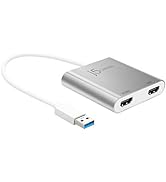
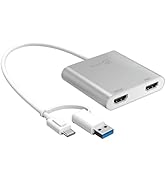
j5create USB-HDMI Adapters
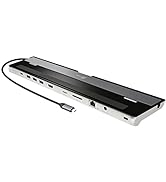
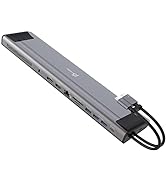
j5create Docking Stations
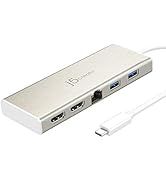
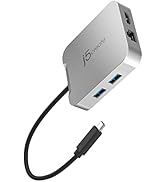
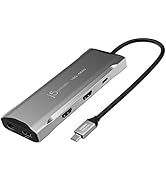
j5create USB-C Hubs
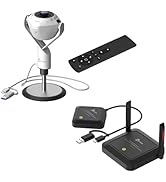
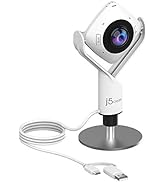
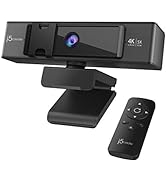
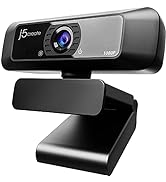
j5create Webcams
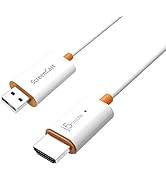
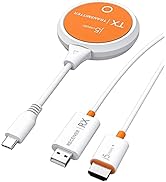
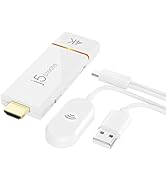
j5create Screencast Adapters
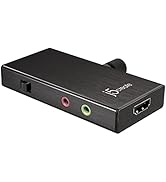
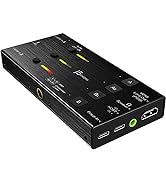
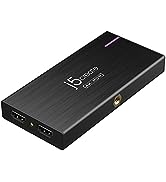
j5create Video Capture Cards
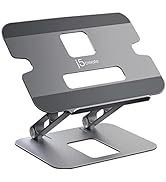
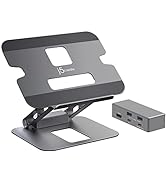
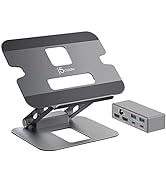
j5create Laptop Stands
j5create Monitor Mounts
