• $59.99
  • Price alert

    Shipped by xiuhuishangmao

    Shop it at NeweggBusiness.

    Meet Your Seller

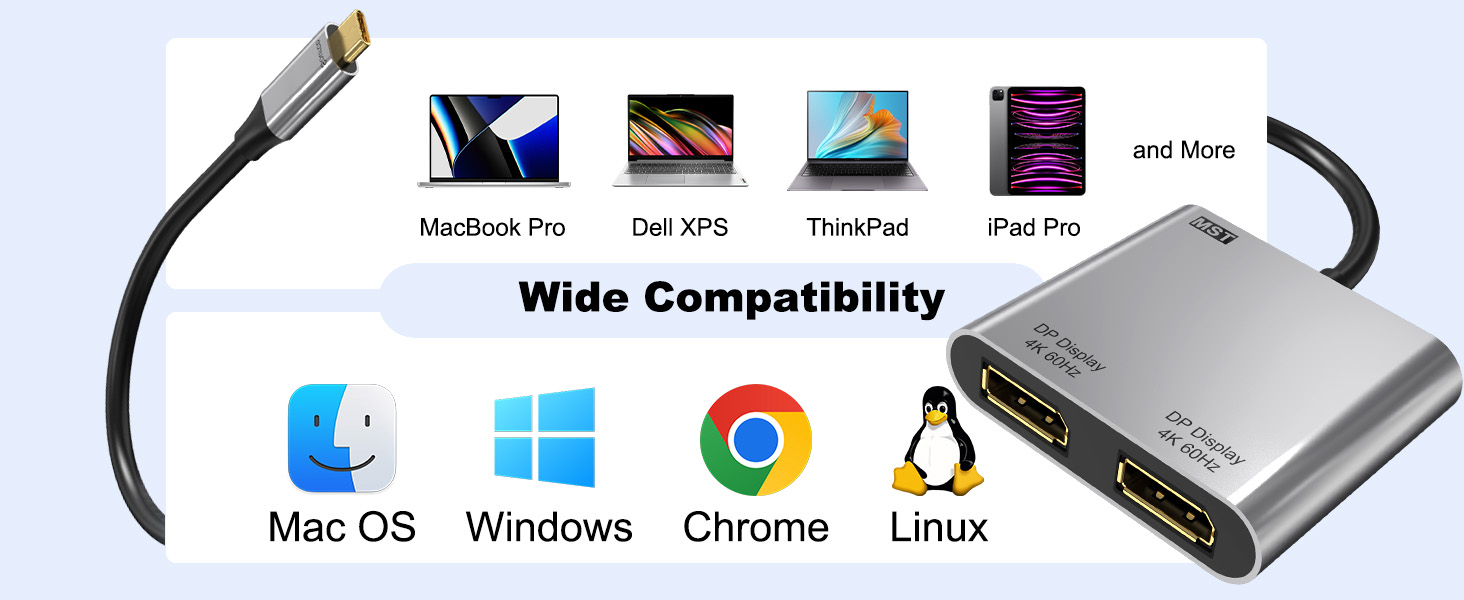
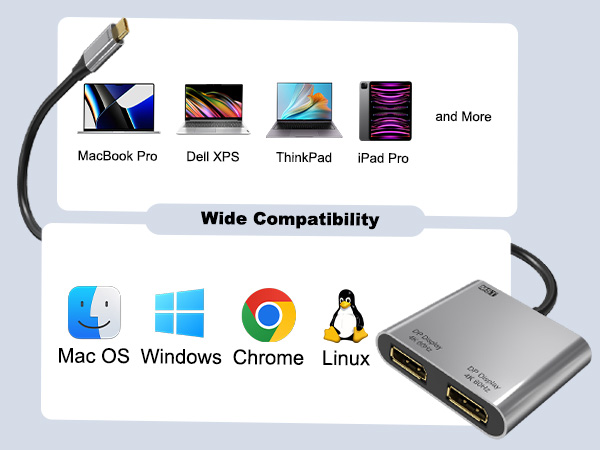
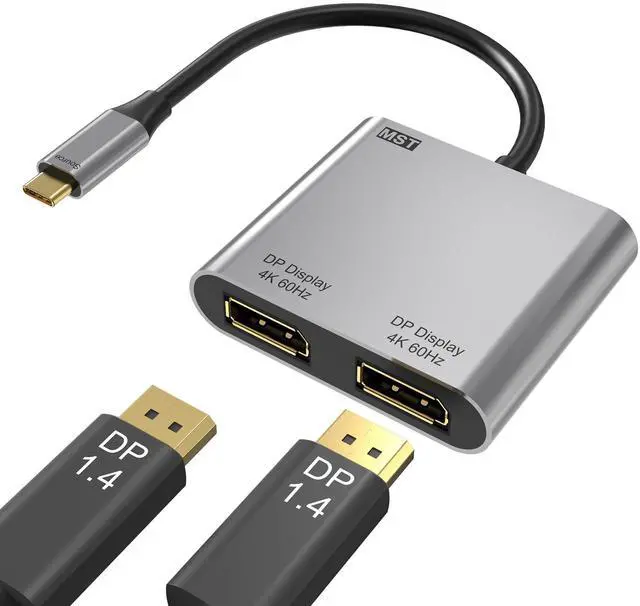
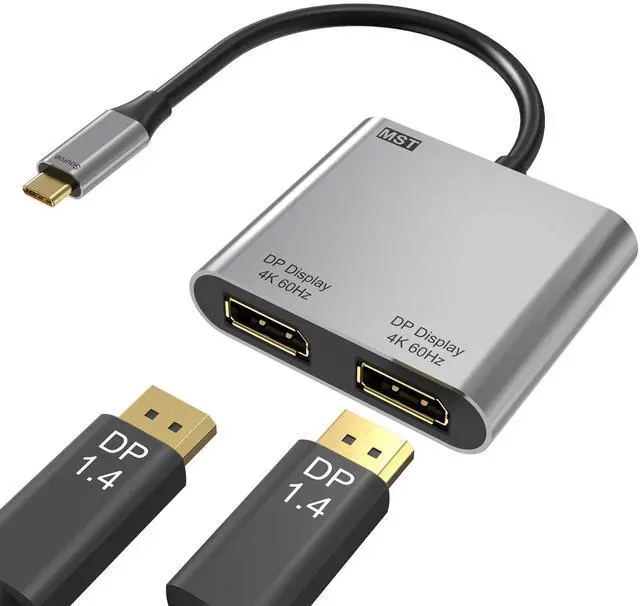
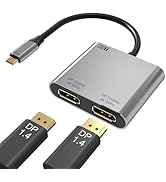
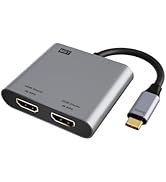
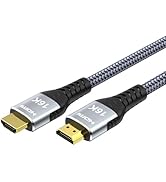
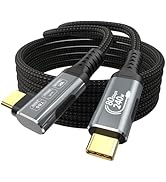
    USB C to Dual DisplayPort Adapter, 4K@60Hz Display Port Splitter for Dual Monitors, Type C to DP Dual Monitor Converter Compatible for Dell XPS 13 15,Lenovo Yoga,Sumsung Chromebook,HP etc

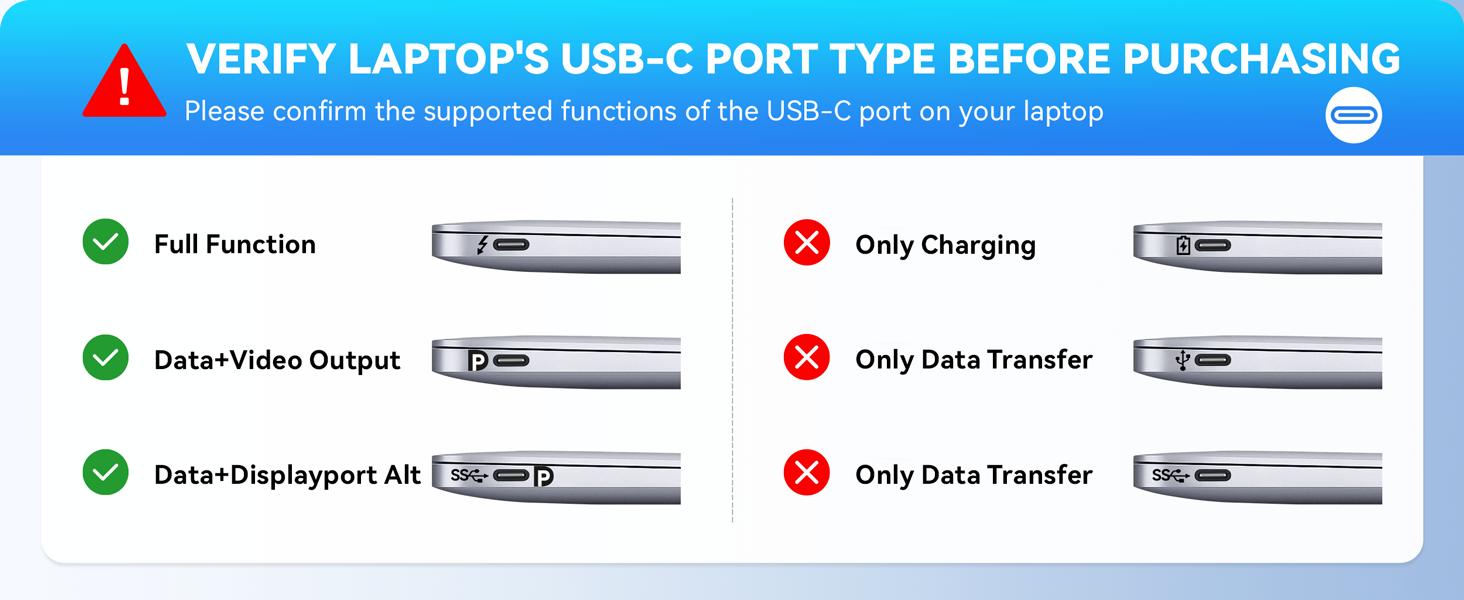
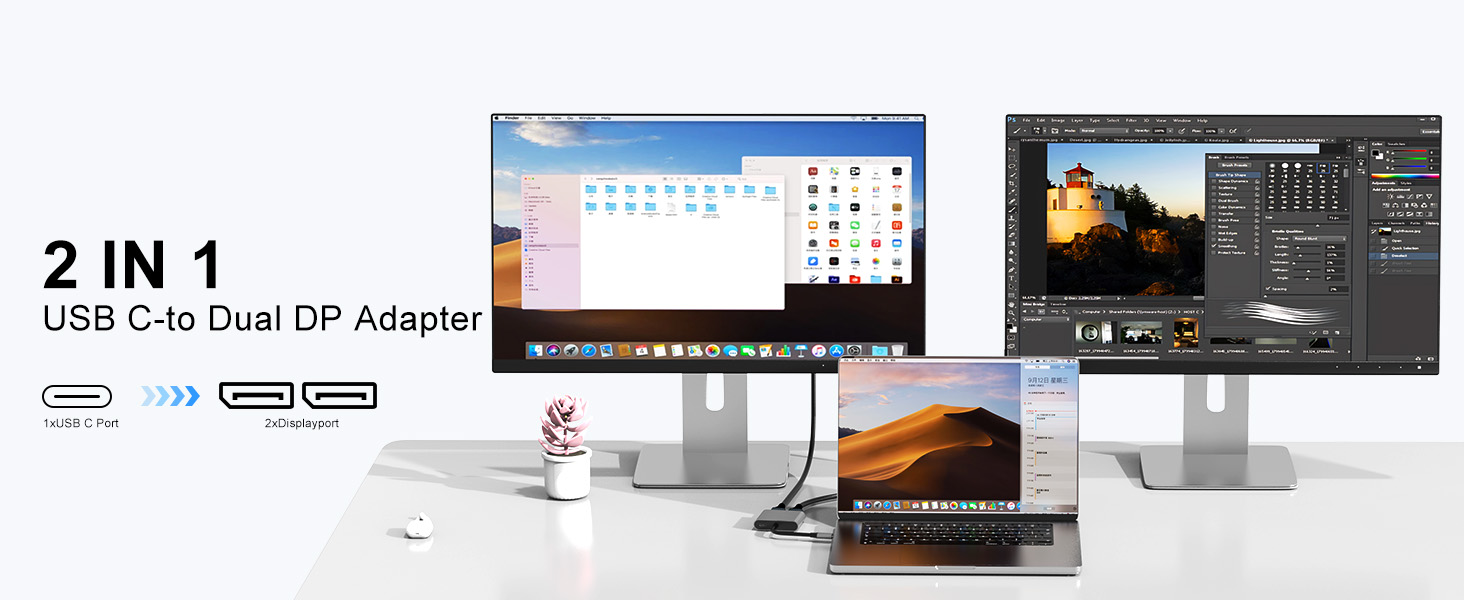
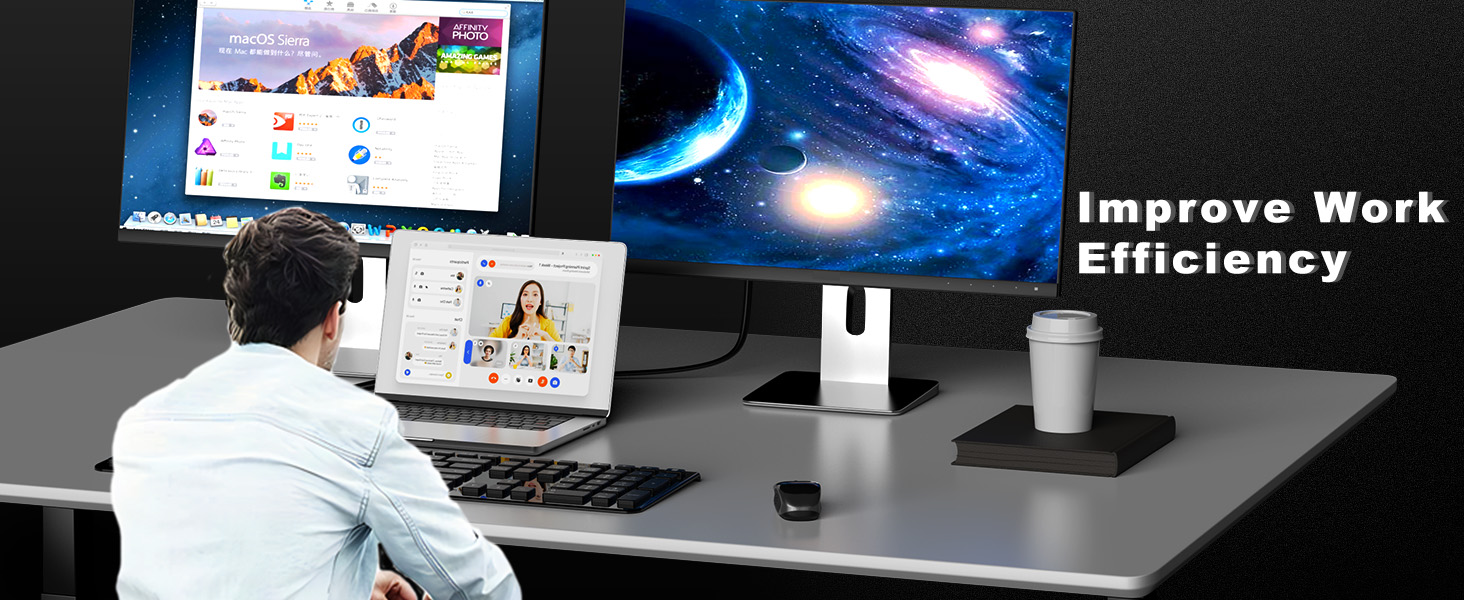
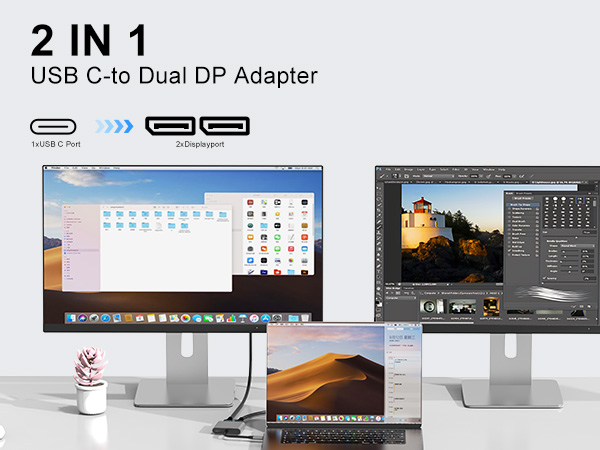
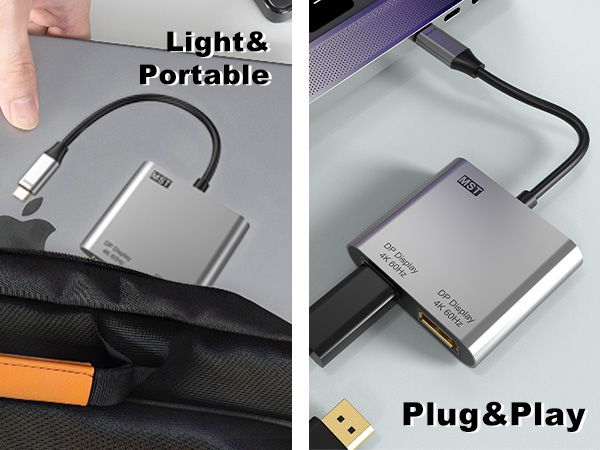
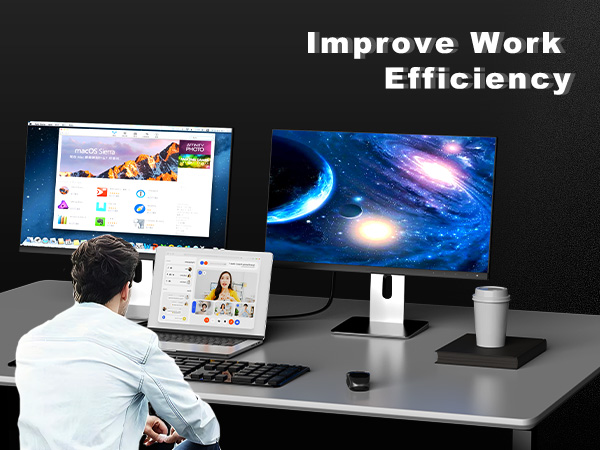
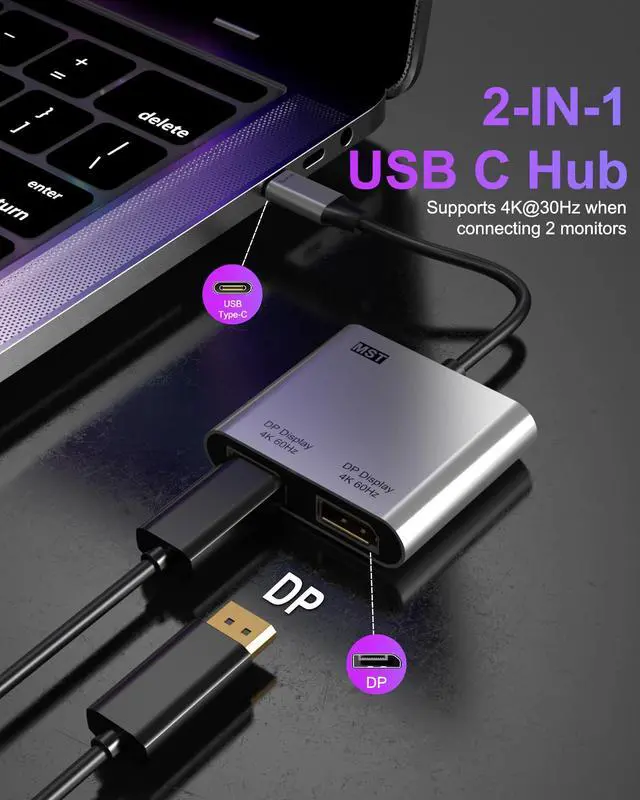
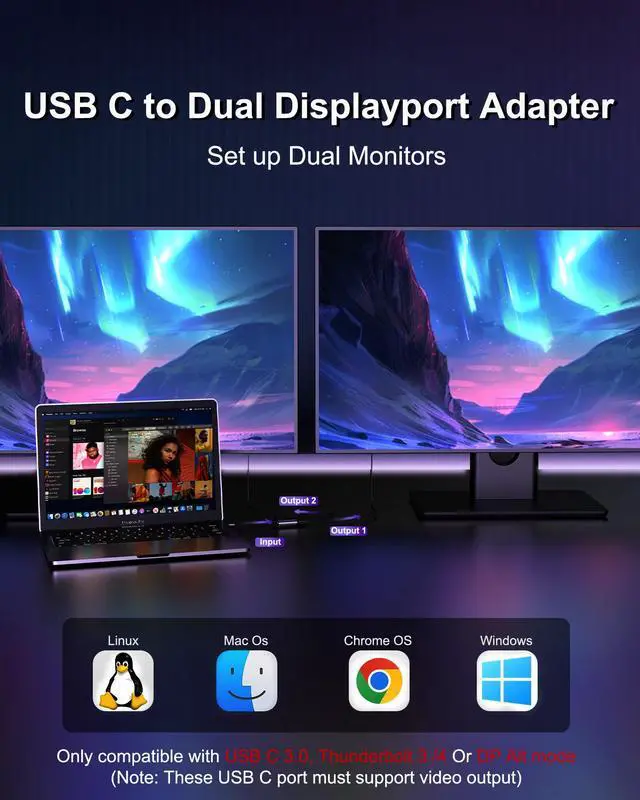
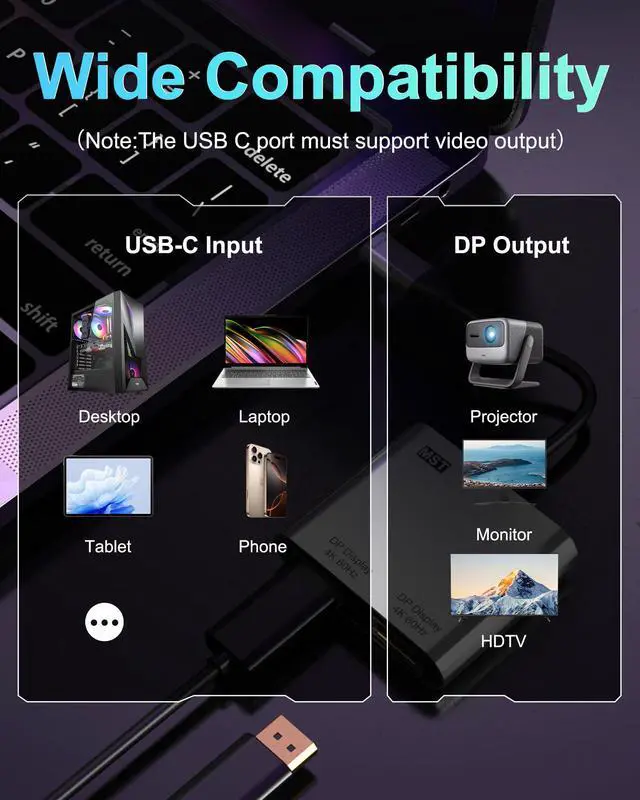
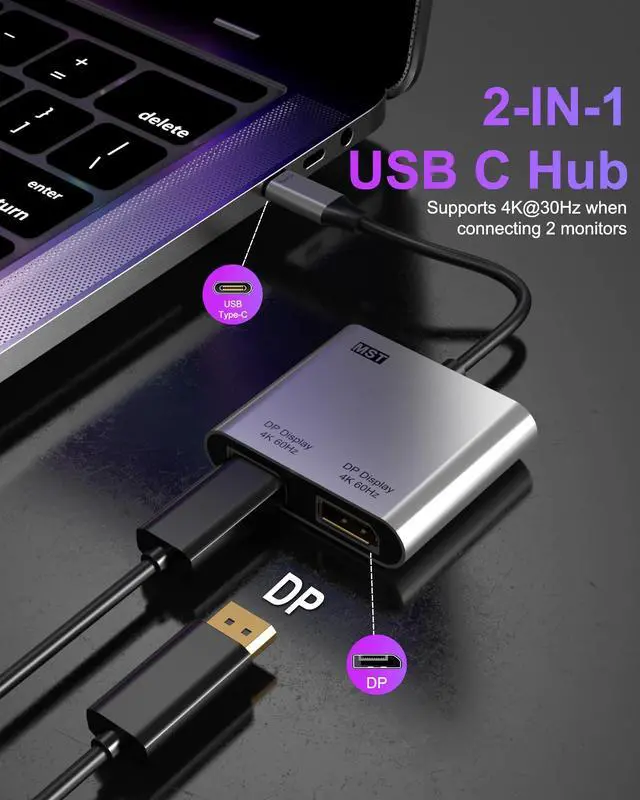
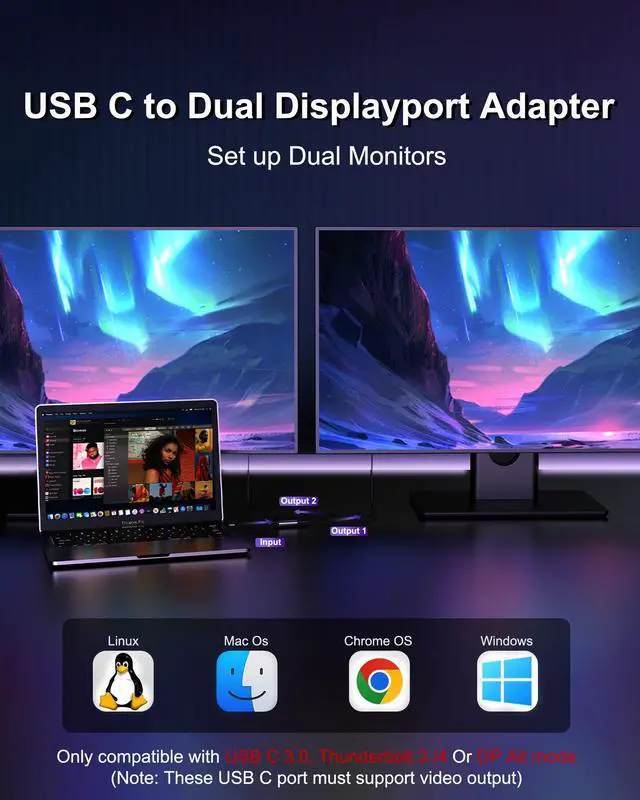
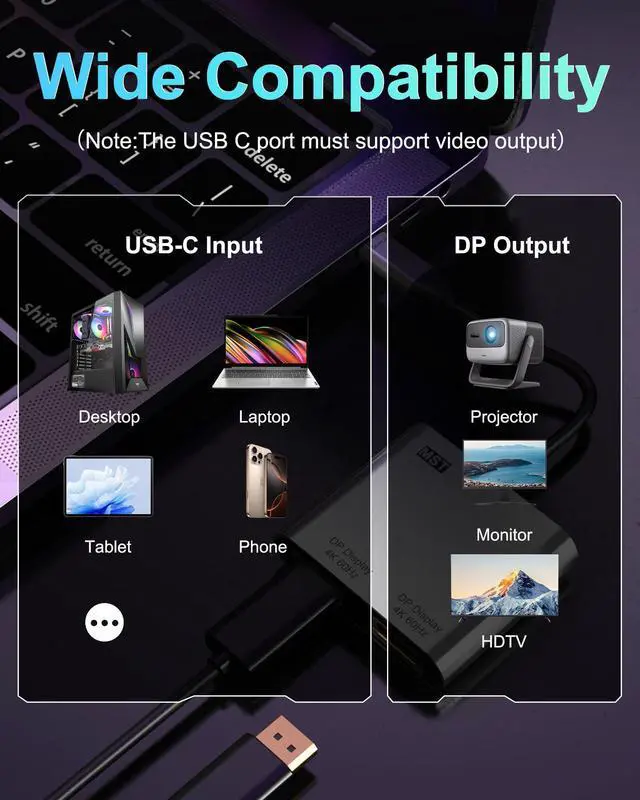
    • 2-IN-1 USB C to Dual DisplayPort AdapterThis display port splitter for dual monitors can expands your laptops USB-C port into 2 display ports, and this USB-C to Dual DP Ports Adapter allows you to do different project on different monitors. Boost your work productivity and efficiency (Note: This usb c to dual displayport adapter is not compatible with docking stations, USB hubs, or KVM switches)
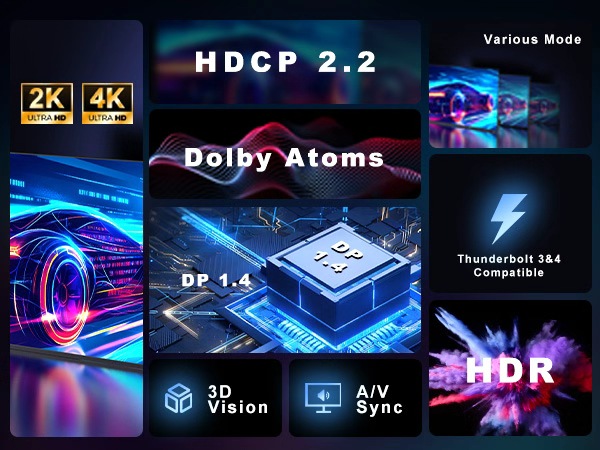
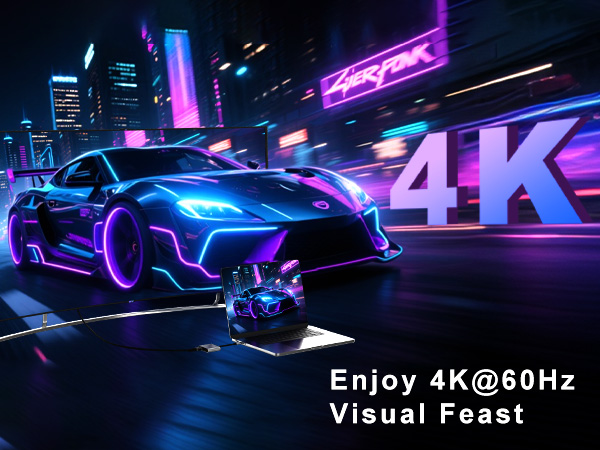
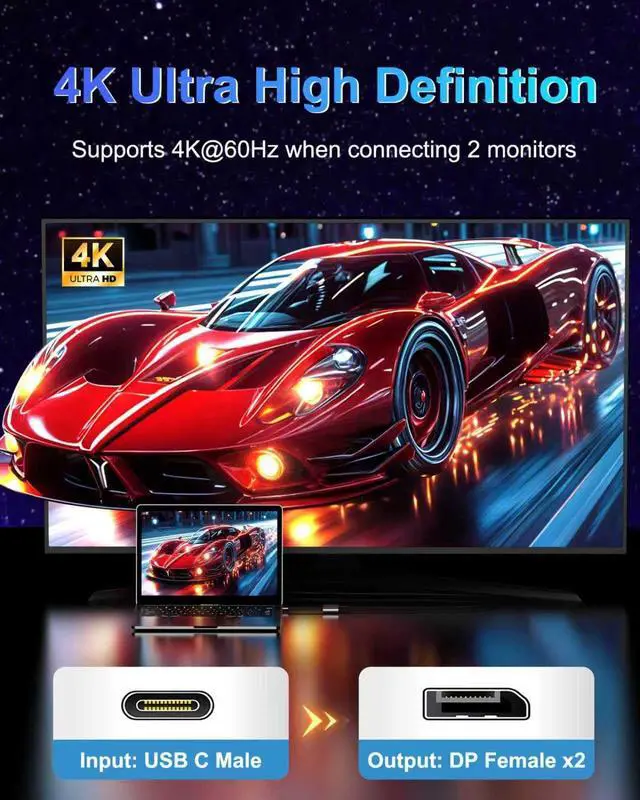
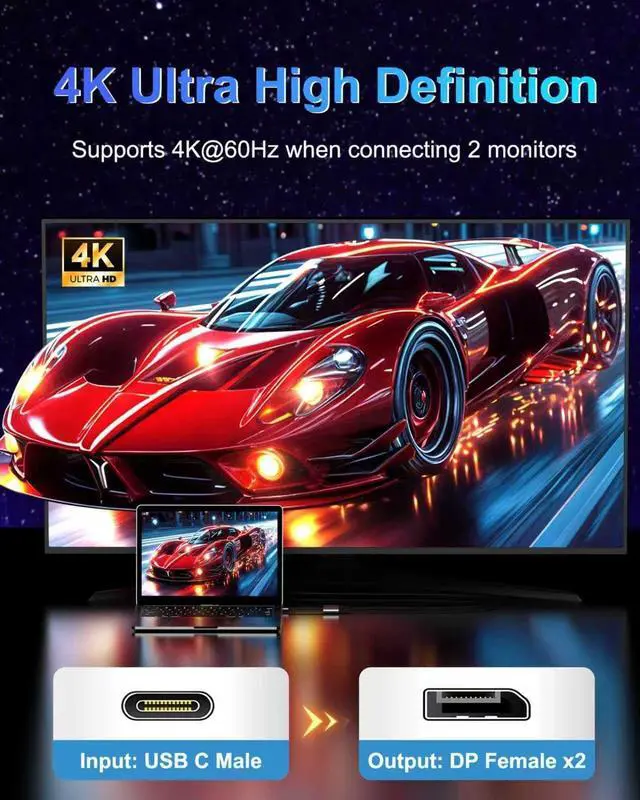
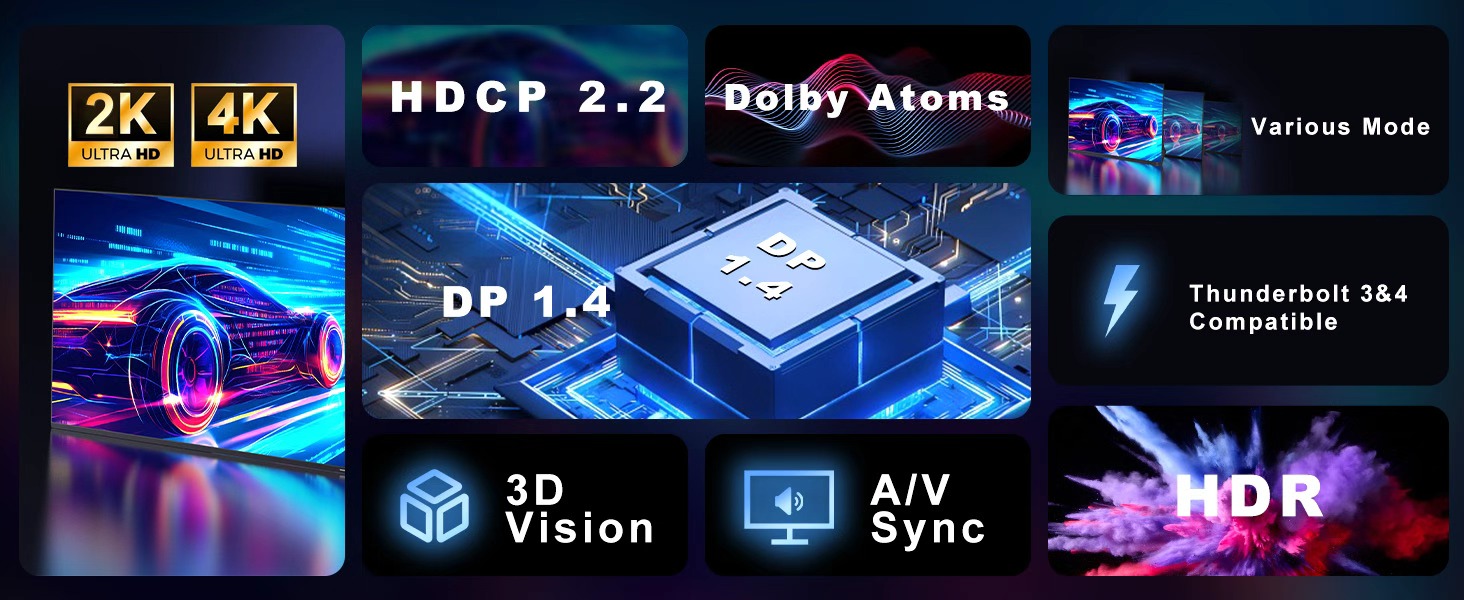
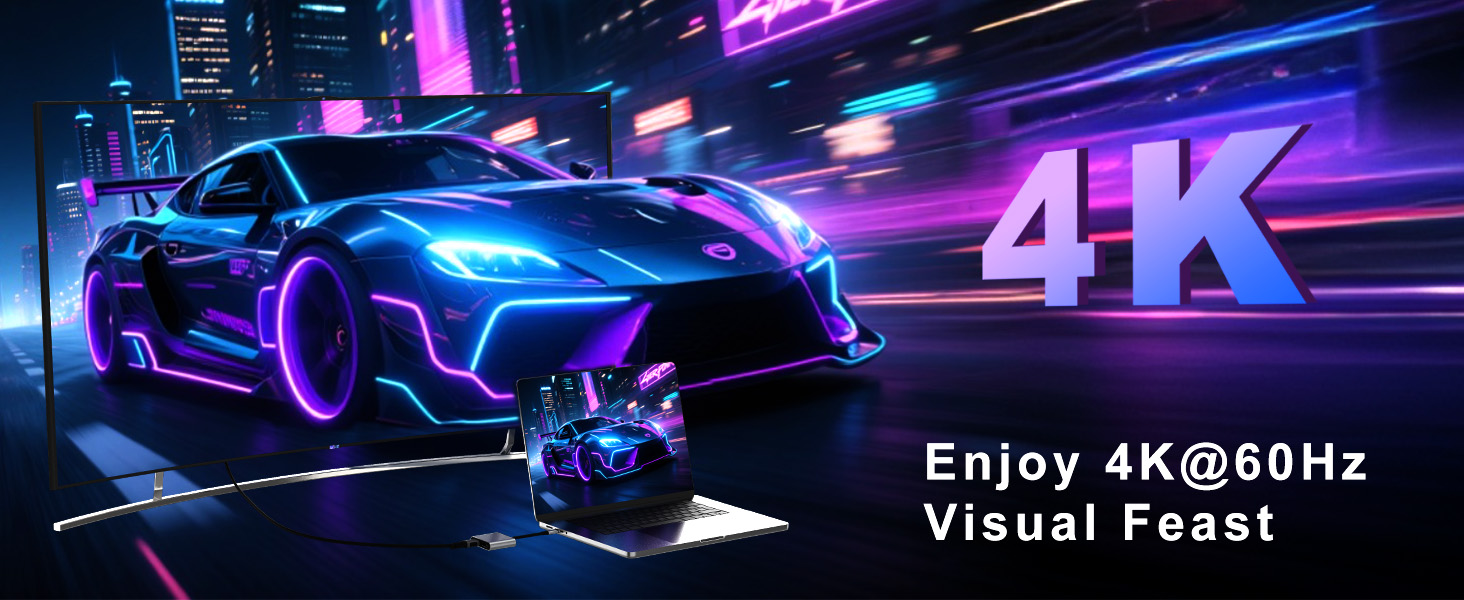
    • Dual 4K@60Hz UHD DisplayThis USB C to DisplayPort adapter supports resolutions up to 4K@60Hz for a single monitor, or dual monitors via DisplayPort MST technology (3840x2160@60Hz each). Also supports 1440p and 1080p @60Hz. (Note: ONLY when your devices support 4K resolution, the video output will be 4K,please make sure to use a DP 2.0 cable or better.)
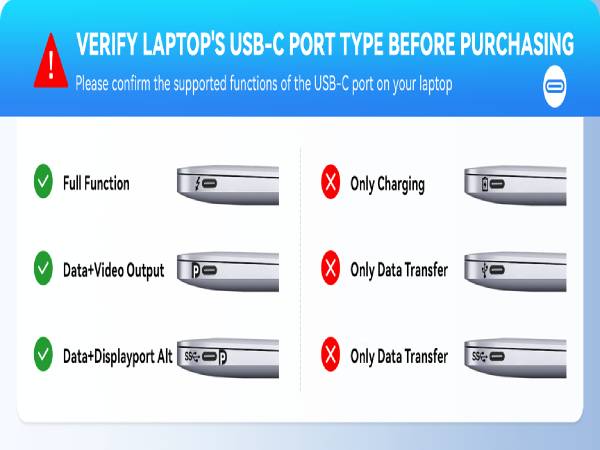
    • Plug & PlayNo adapter or driver/software required. this usb c to dual displayport adapter is unidirectional and only works from a USB-C port with DisplayPort Alt Mode to a DisplayPort monitor.(NOTED:FIRST connect monitors to DP ports,THEN connect adapter to laptop,Set adapter as default audio output in system settings;This USB C to DP adapter doesn't have power supply function)
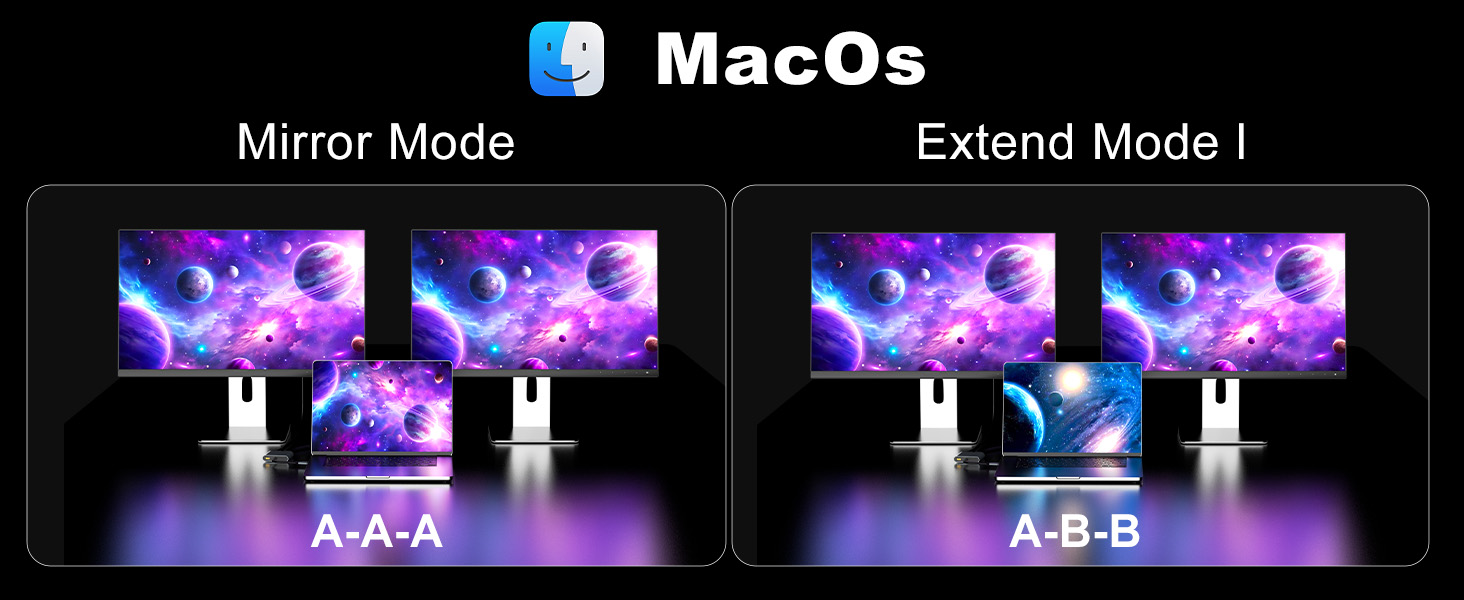
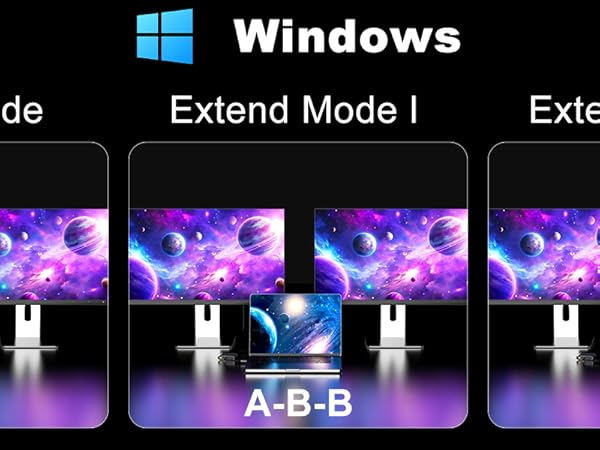
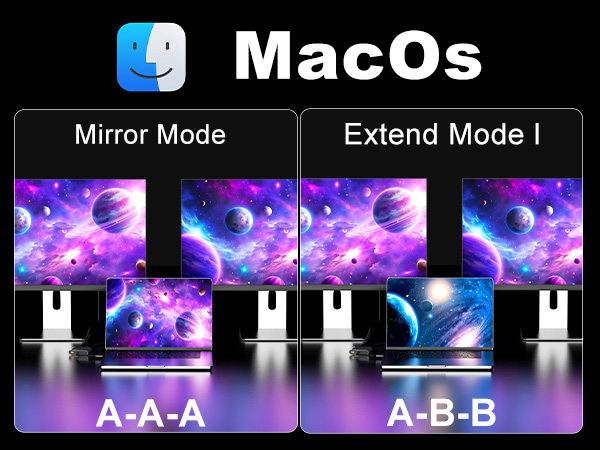
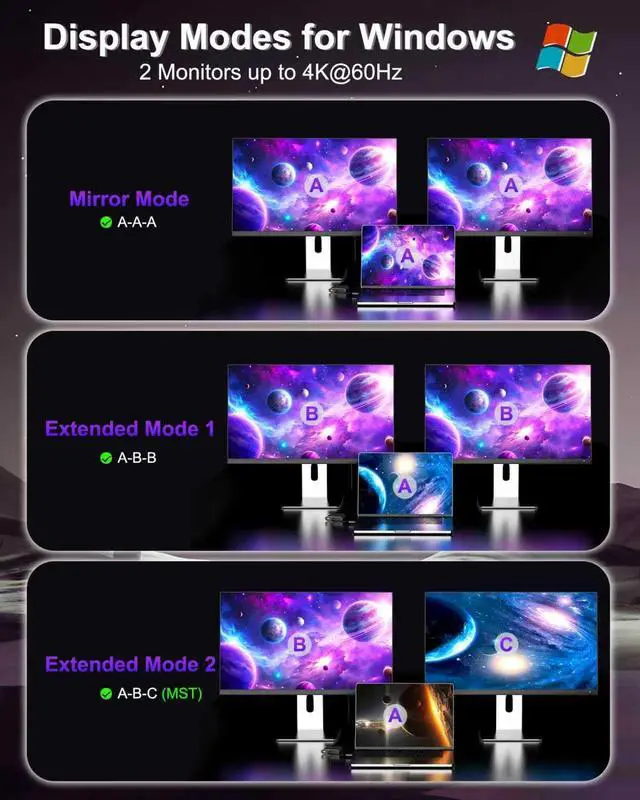
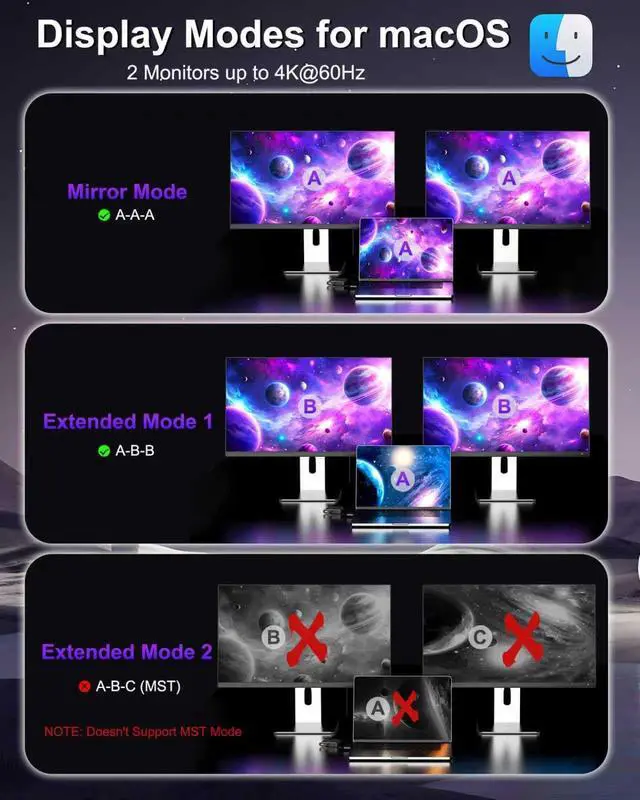
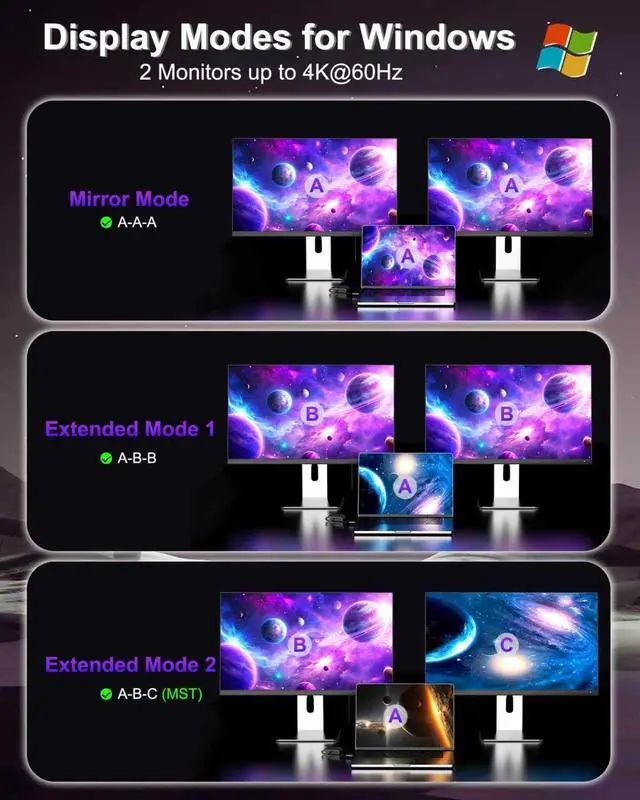
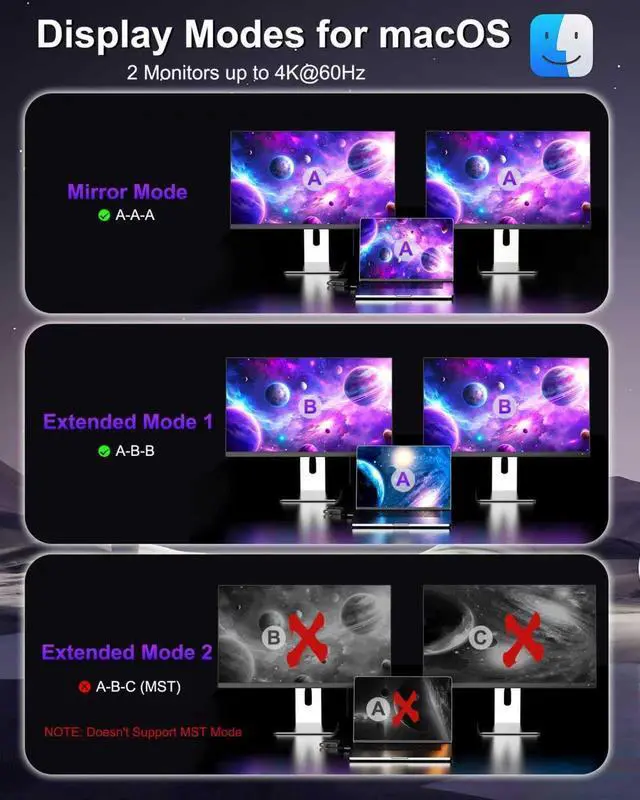
    • Multiple Display ModesFor Windows OS, this USB-C to Dual DP Ports adapter can supports two monitor to display different screensA-AAA-BBA-BC). For Mac OS, it only support mirror modeA-AAA-BB, and cannot extend two different screens due to Mac OS limitation
    +
    +
    Overview
    Specs
    Reviews
    avatar

    Any questions? Our AI beta will help you find out quickly.

    usb c to dual dp adapter 1

    Windows system setting:

    Mirror mode: Plug and play, no need setting.

    Extended mode: When using a Windows system, press the 'Windows' key and the 'P' key at the same time. In the pop-up window, select the 'Extend' option to enter extended mode.
    usb c to dual dp adapter 2
    usb c to dual dp adapter 3
    usb c to dual dp adapter 4
    usb c to dual dp adapter 5

    Please note Mac OS only support mirror mode,CANNOT extend two different images on monitors

    usb c to dual dp adapter 1

    Windows system setting:

    Mirror mode: Plug and play, no need setting.

    Extended mode: When using a Windows system, press the 'Windows' key and the 'P' key at the same time. In the pop-up window, select the 'Extend' option to enter extended mode.
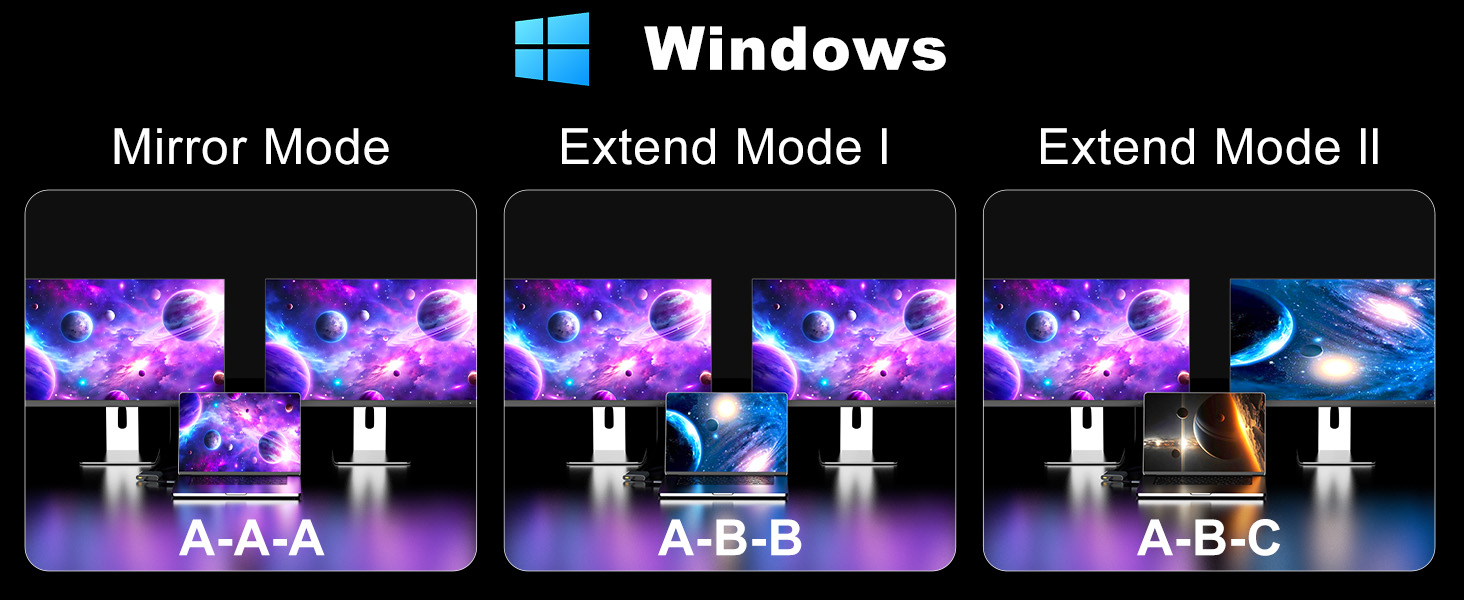
    1
    usb c to dual dp adapter 3
    usb c to dual dp adapter 4
    usb c to dual dp adapter 5

    Please note Mac OS only support mirror mode,CANNOT extend two different images on monitors
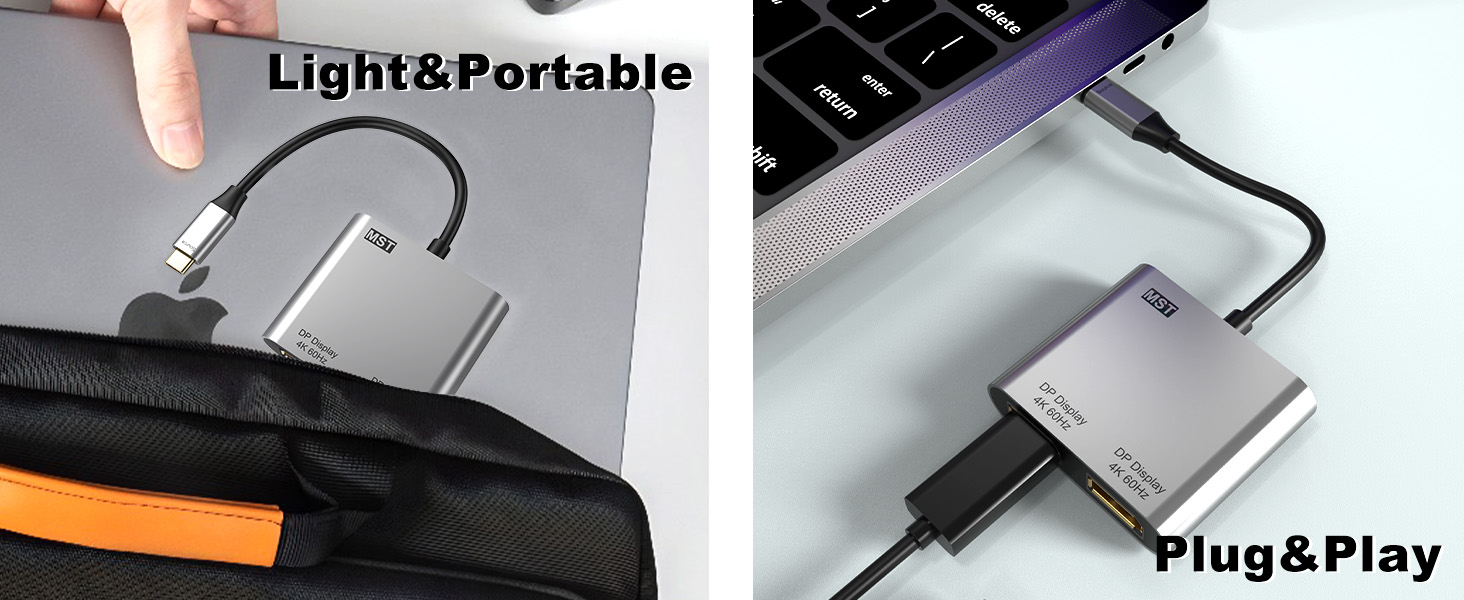
    USB C to Dual DisplayPort Adapter, 4K@60Hz Display Port Splitter for Dual Monitors, Type C to DP Dual Monitor Converter Compatible for Dell XPS 13 15, Lenovo Yoga, Sumsung Chromebook, HP etc

    Warranty & Returns

    Warranty, Returns, And Additional Information

    Warranty

    • Please contact the Seller directly for warranty information. Warranty information may also be found on the Manufacturer's website.
    • CONTACT

    Return Policies

    Manufacturer Contact Info

    LOADING...