


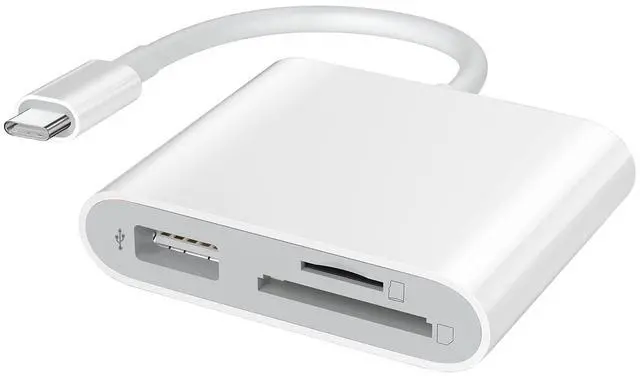


USB 3.0 Type C to SD/Micro SD Card Reader With USB Adapter
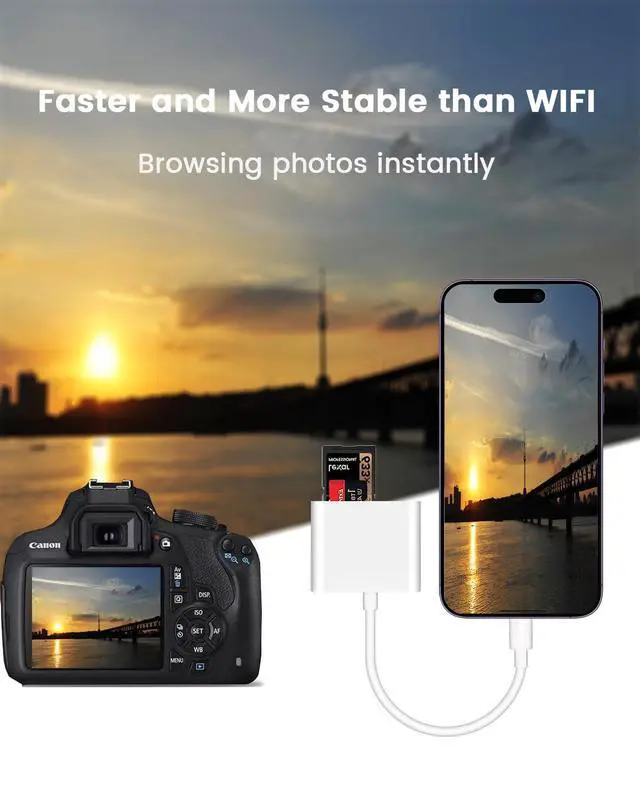
With this gadget, it is easy to view/save/delete/share photos and videos from your SD/TF card to your phone and tablets, so you can view them on the gorgeous display and share them with family and friends in the field.
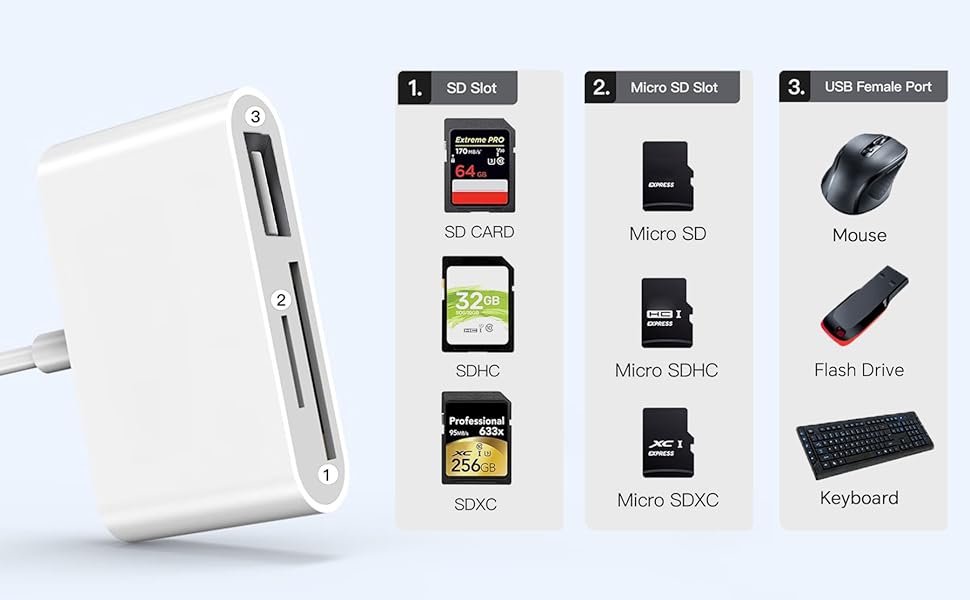
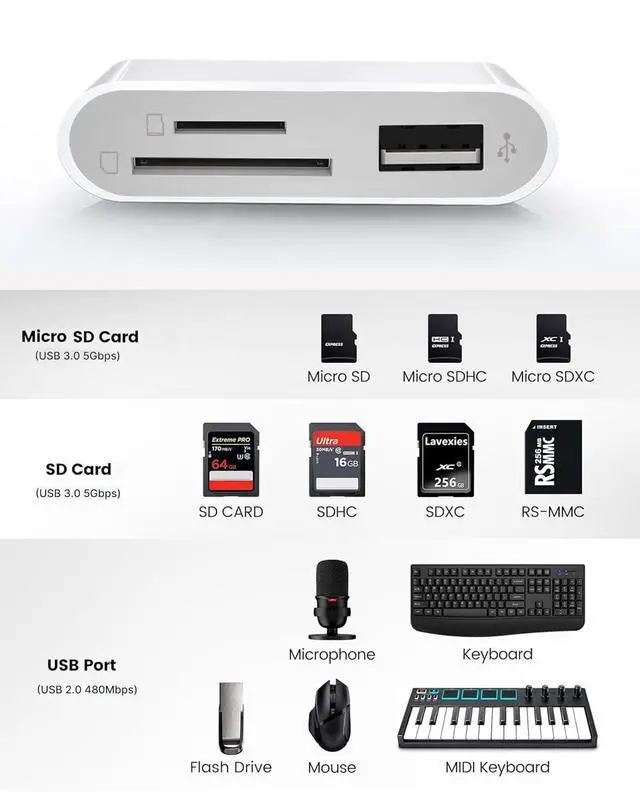
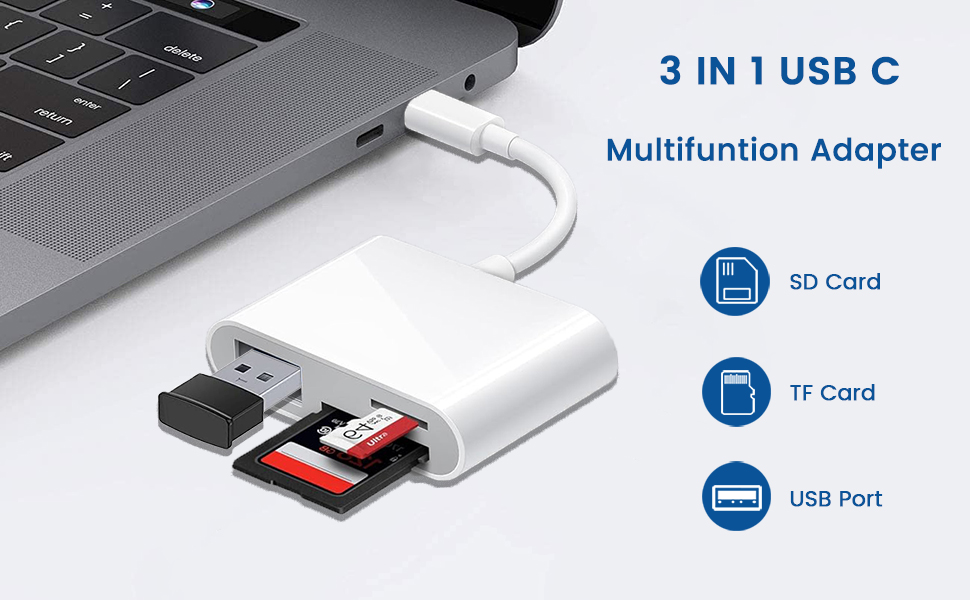
3-IN-1 Design
SD slot supports standard SD , SDHC and SDXC memory cards.
Micro SD (TF) slot supports MicroSD, Micro SDHC and Micro SDXC memory cards.
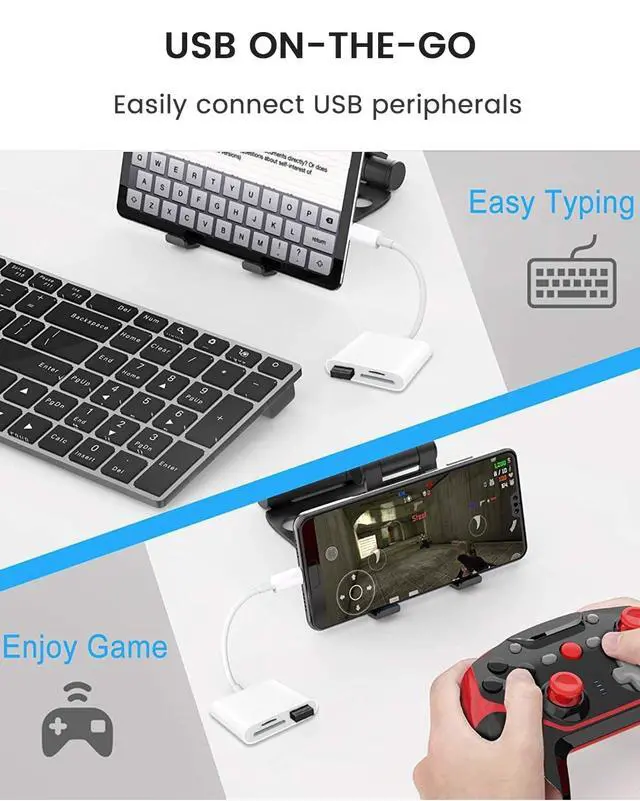
USB slot supports multiple USB-A peripherals such as mouse, keyboard, flash drive, midi keyboard, headset, microphones and more.
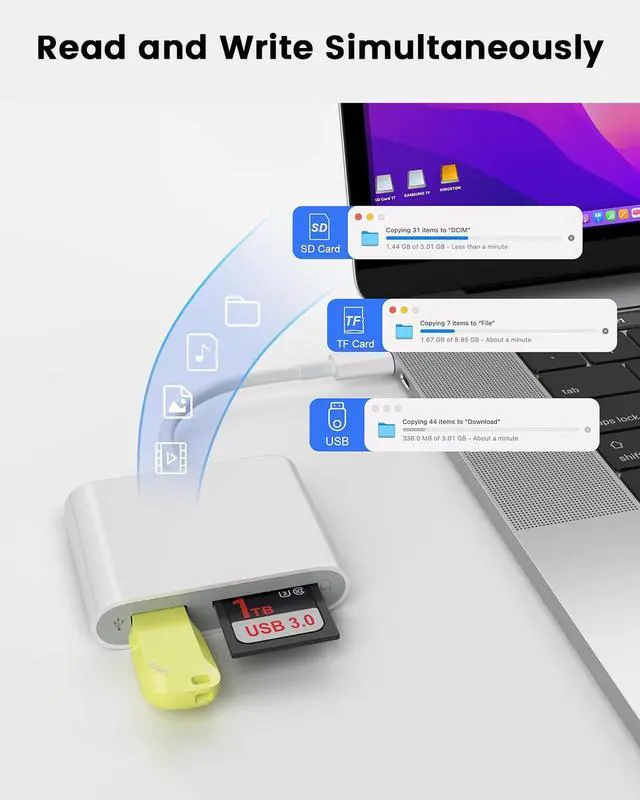
All ports can be used at the same time
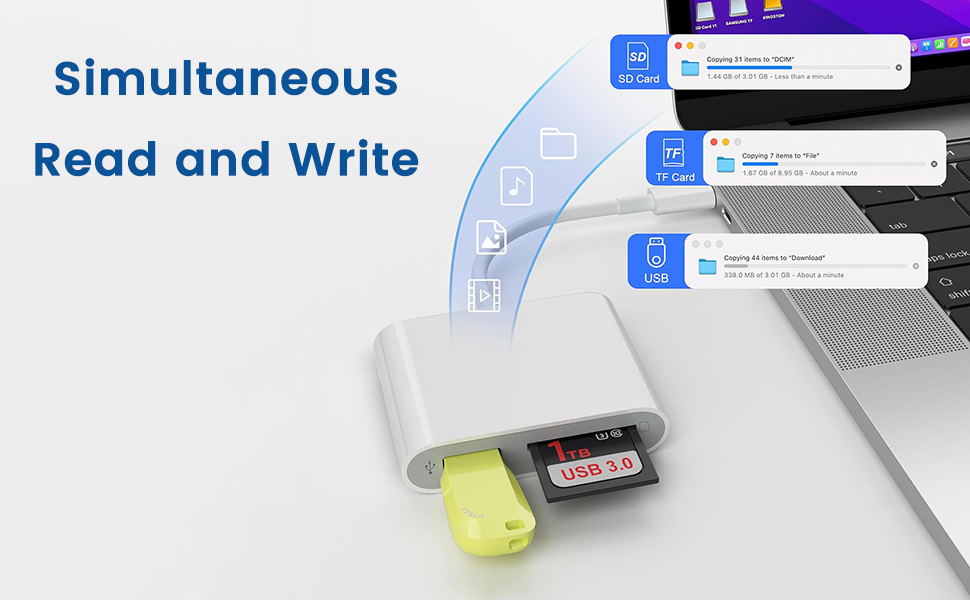
Fast Data Speed
SD and Micro SD slots compliant with USB 3.1 Gen 1 standard, support data transfer rates up to 5Gb/s, Faster and more stable than WIFI.
USB port compliant with USB 2.0 standard,support data transfer rates up to 480Mbps, Compatible with multiple USB-a peripherals.
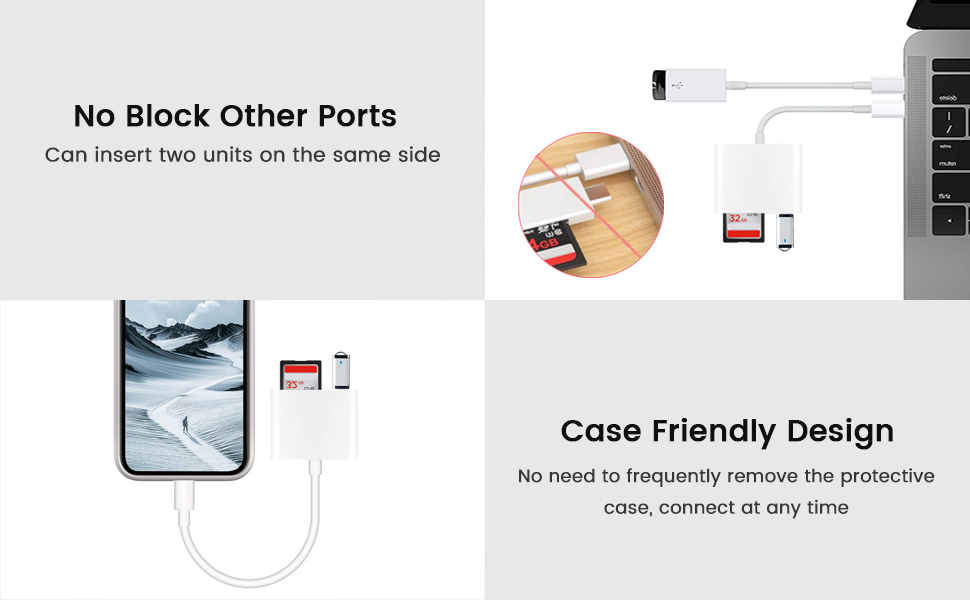
Friendly Design
Designed with a piece of flexible cable and compact usb-c head, it can be inserted without removing the phone case. And it won't block neighbouring ports on laptop
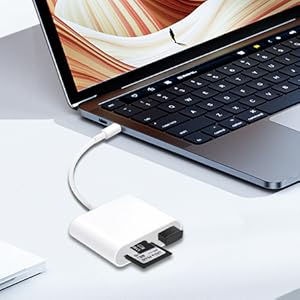
Use with Laptops
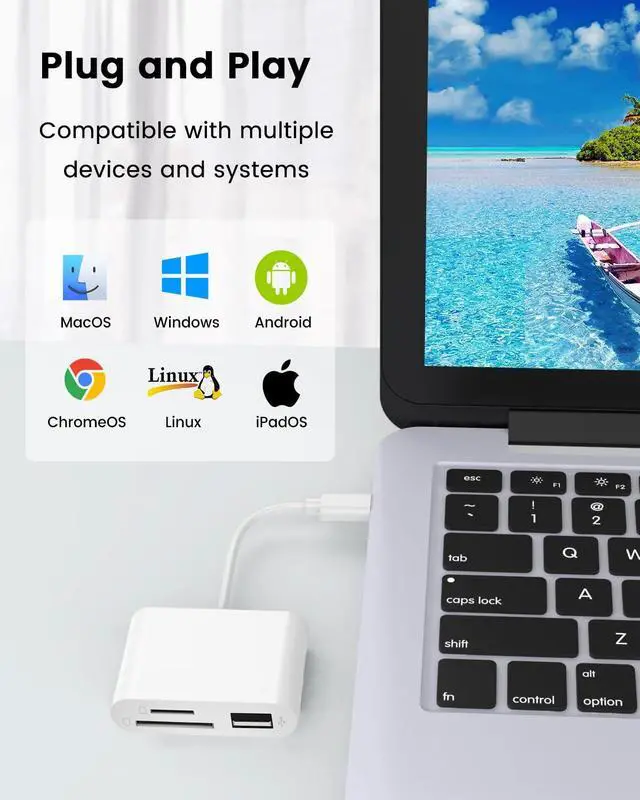
Easily connected to laptops equipped with USB-C or Thunderbolt 3/4 port for reading and writing. Compatible with Windows?macOS?ChromeOS and so on.(Note: macOS cannot recognize memory cards and usb storage devices in ‘NTFS" format, please convert the memory card format to “FAT32” or "exFAT" before using with macOS devices)
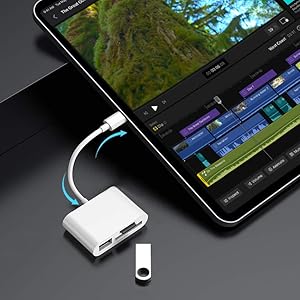
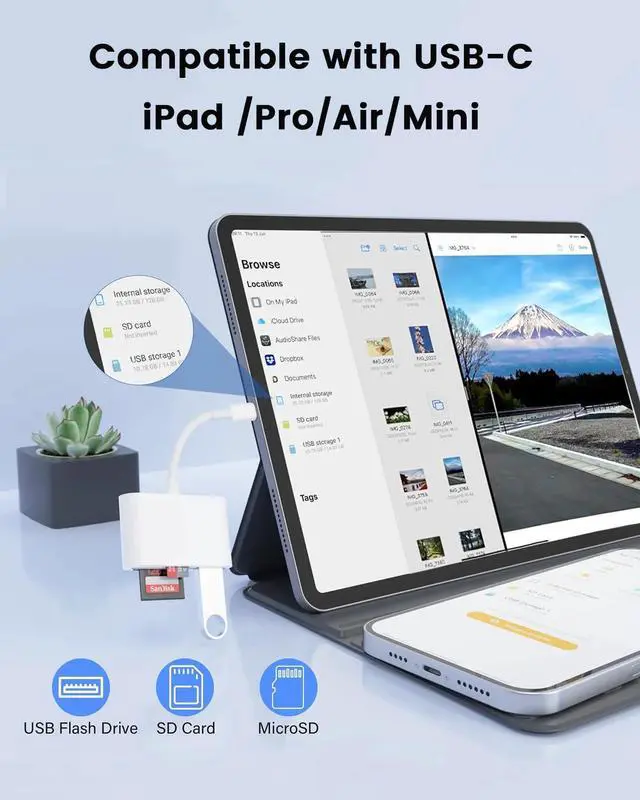
Use with Tablets
Allow you to uploads photos and videos to tablets for viewing and editing anytime, anywhere.(Note: iPadOS cannot recognize memory cards and usb storage devices in ‘NTFS" format, please convert the memory card format to “FAT32” or "exFAT" before using with usb-c iPads)
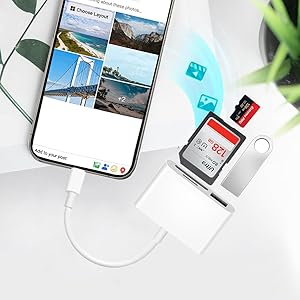
Use with Mobiles
Easily import or export files between mobiles and memory cards. Instantly view or share photos from Dash Cam/Trail Cam/Digital Camera.(Note: Android cannot recognize memory cards and usb storage devices in ‘NTFS" format, please convert the memory card format to “FAT32” or "exFAT" before using with android devices)
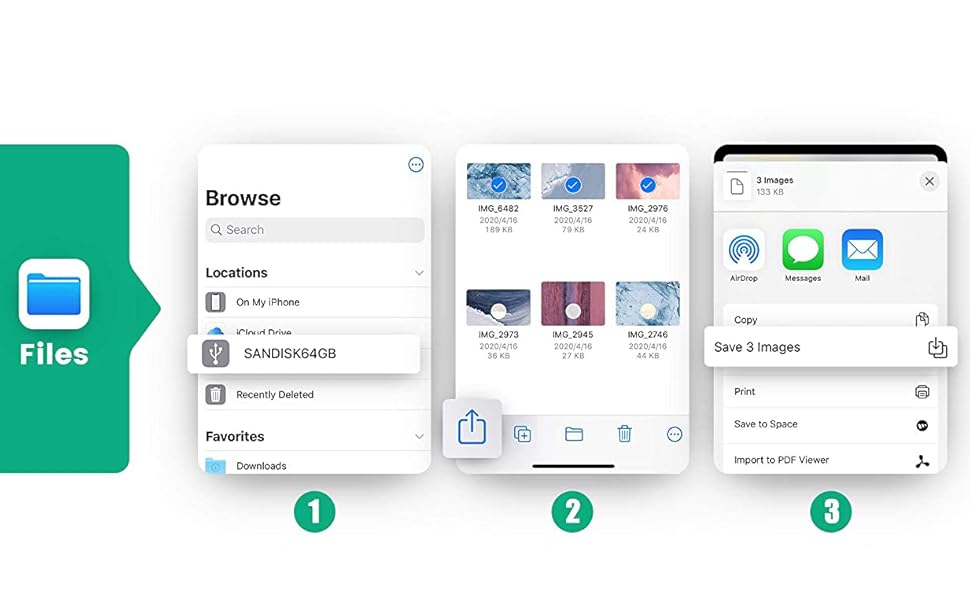
Using Steps for USB-C iPads and iPhone 15 Series
Important Note
- No detection messages or windows will pop up when used with USB-C iPads and iPhones due to the limitations from iPadOS.
- Through the iPadOS or IOS built -in "Files" app(iPadOS and IOS has its own Files app, and no need to download a third -party APP),
- you can view/import/export/delete the photos,video and files of your memory cards on the iPad, as convenient as on the computer.
USB 3.0 Type C to SD/Micro SD Card Reader With USB Adapter
With this gadget, it is easy to view/save/delete/share photos and videos from your SD/TF card to your phone and tablets, so you can view them on the gorgeous display and share them with family and friends in the field.
3-IN-1 Design
SD slot supports standard SD , SDHC and SDXC memory cards.
Micro SD (TF) slot supports MicroSD, Micro SDHC and Micro SDXC memory cards.
USB slot supports multiple USB-A peripherals such as mouse, keyboard, flash drive, midi keyboard, headset, microphones and more.
All ports can be used at the same time
Fast Data Speed
SD and Micro SD slots compliant with USB 3.1 Gen 1 standard, support data transfer rates up to 5Gb/s, Faster and more stable than WIFI.
USB port compliant with USB 2.0 standard,support data transfer rates up to 480Mbps, Compatible with multiple USB-a peripherals.
Friendly Design
Designed with a piece of flexible cable and compact usb-c head, it can be inserted without removing the phone case. And it won't block neighbouring ports on laptop
Use with Laptops
Easily connected to laptops equipped with USB-C or Thunderbolt 3/4 port for reading and writing. Compatible with Windows?macOS?ChromeOS and so on.(Note: macOS cannot recognize memory cards and usb storage devices in ‘NTFS" format, please convert the memory card format to “FAT32” or "exFAT" before using with macOS devices)
Use with Tablets
Allow you to uploads photos and videos to tablets for viewing and editing anytime, anywhere.(Note: iPadOS cannot recognize memory cards and usb storage devices in ‘NTFS" format, please convert the memory card format to “FAT32” or "exFAT" before using with usb-c iPads)
Use with Mobiles
Easily import or export files between mobiles and memory cards. Instantly view or share photos from Dash Cam/Trail Cam/Digital Camera.(Note: Android cannot recognize memory cards and usb storage devices in ‘NTFS" format, please convert the memory card format to “FAT32” or "exFAT" before using with android devices)
Using Steps for USB-C iPads and iPhone 15 Series
Important Note
- No detection messages or windows will pop up when used with USB-C iPads and iPhones due to the limitations from iPadOS.
- Through the iPadOS or IOS built -in "Files" app(iPadOS and IOS has its own Files app, and no need to download a third -party APP),
- you can view/import/export/delete the photos,video and files of your memory cards on the iPad, as convenient as on the computer.