





*NOTES* About USB to Adapter For iPhone/iPad
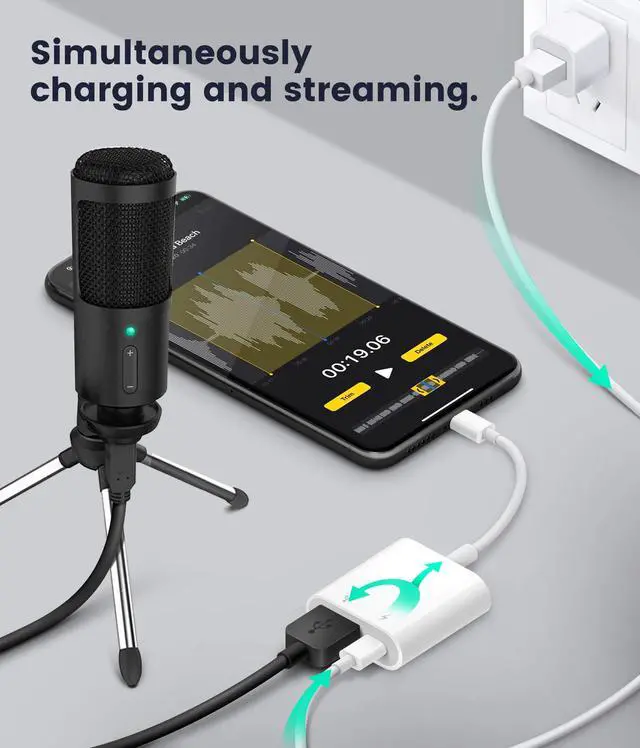
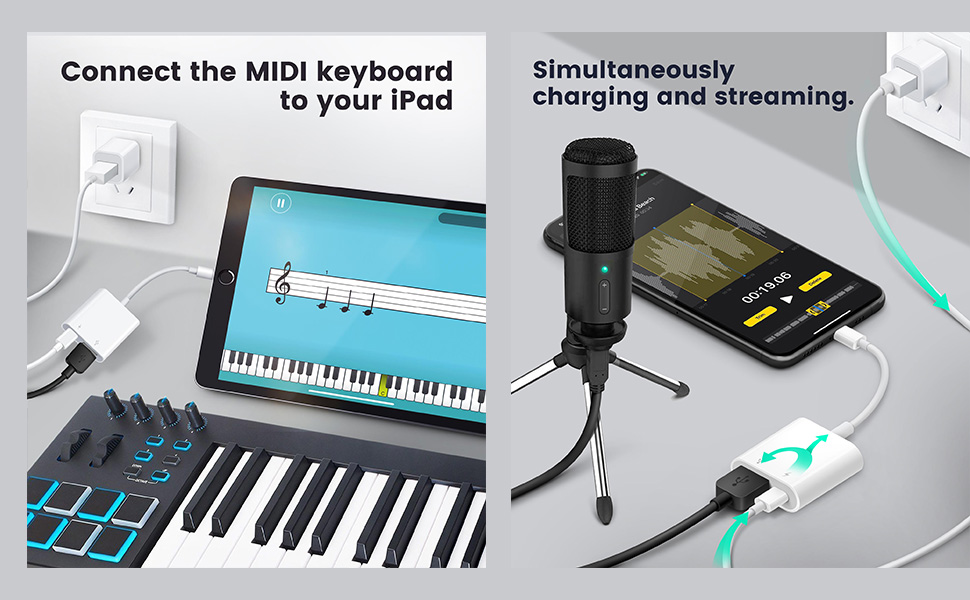
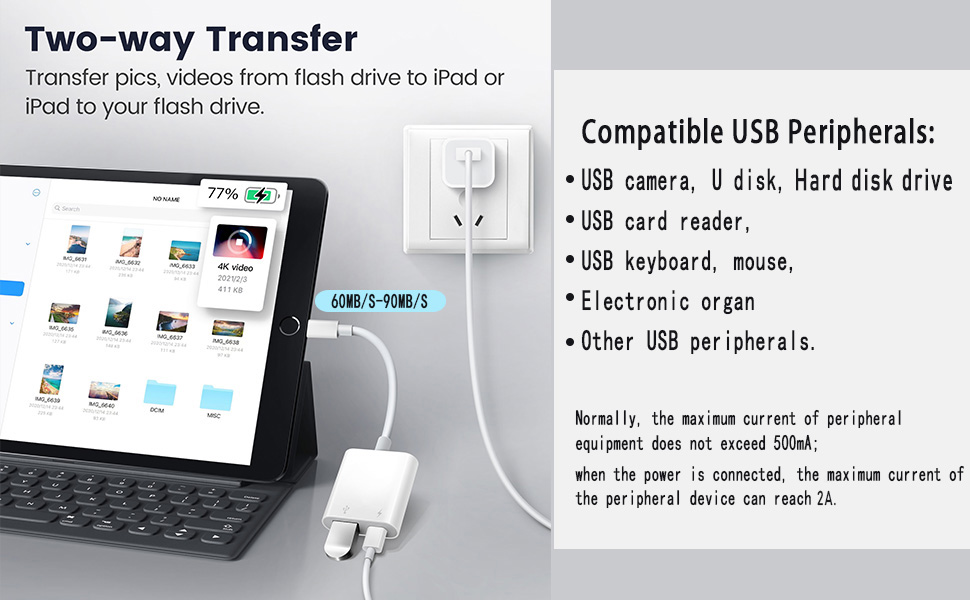
- If the phone to USB adapter doesn't recognize your iPhone/iPad (or disconnect it). Peripheral devices may require high current, so please use a 2A current charger to charge the USB camera adapter while streaming.
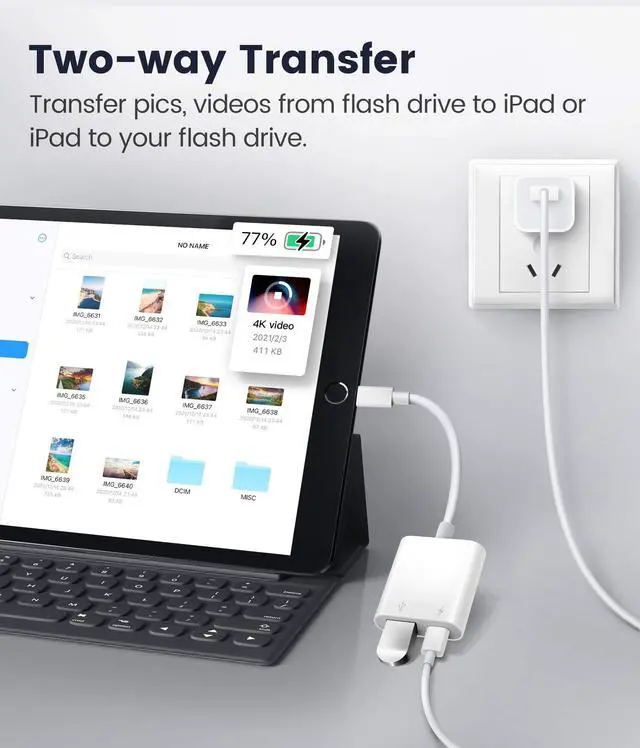
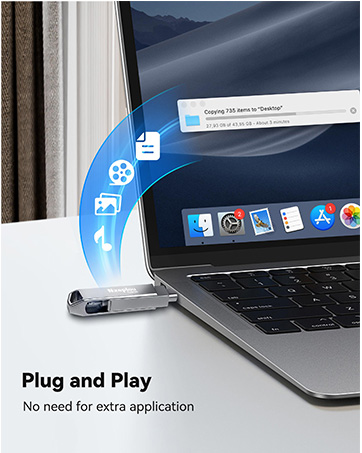
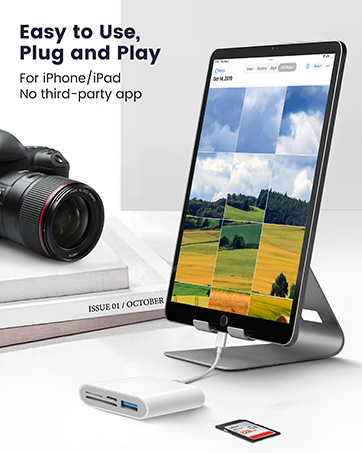
- After connecting the USB flash drive/card reader, you need to view/transfer your files through the iOS "Files" app.
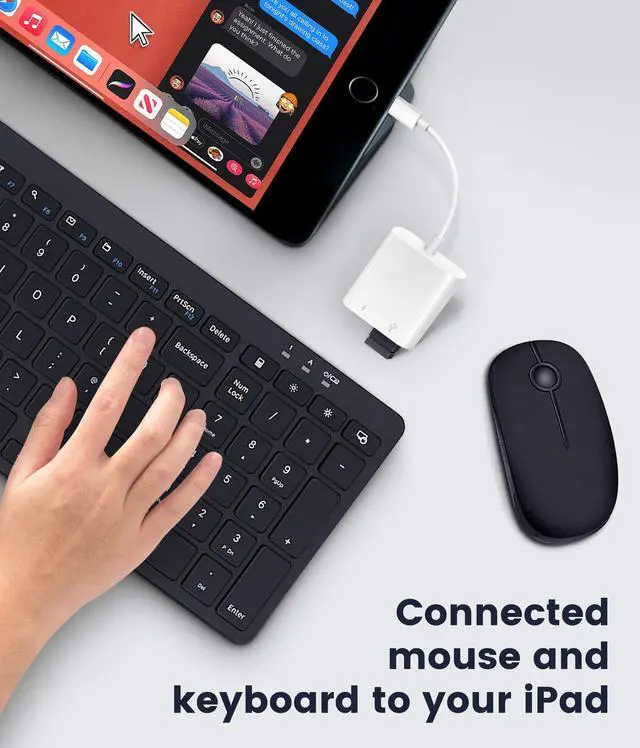
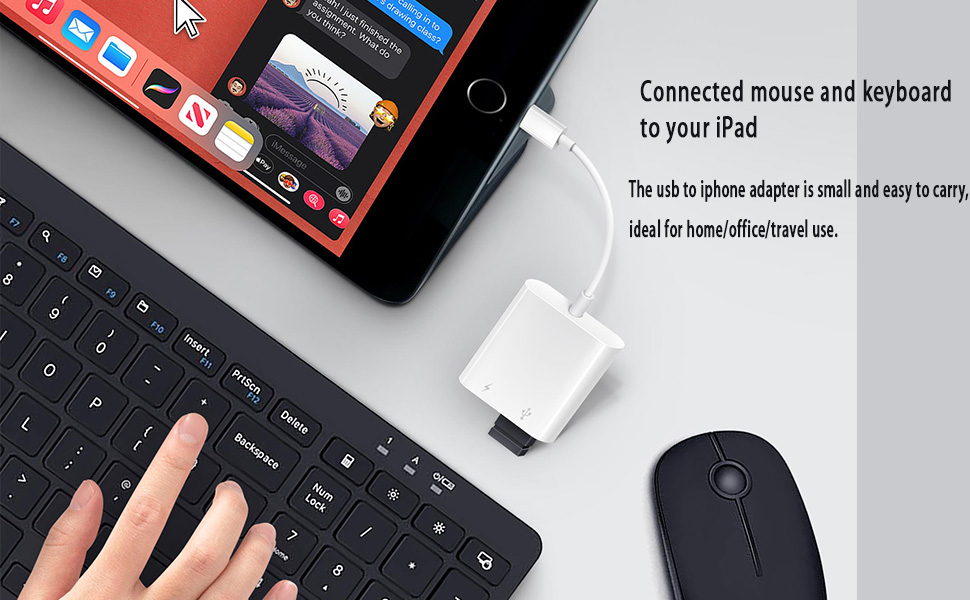
- To connect the mouse, you need to enable Assistive Touch in "Settings".(No Version Requirments)
- External hard disk needs power supply, and the format is exFAT, supports to 6TB.
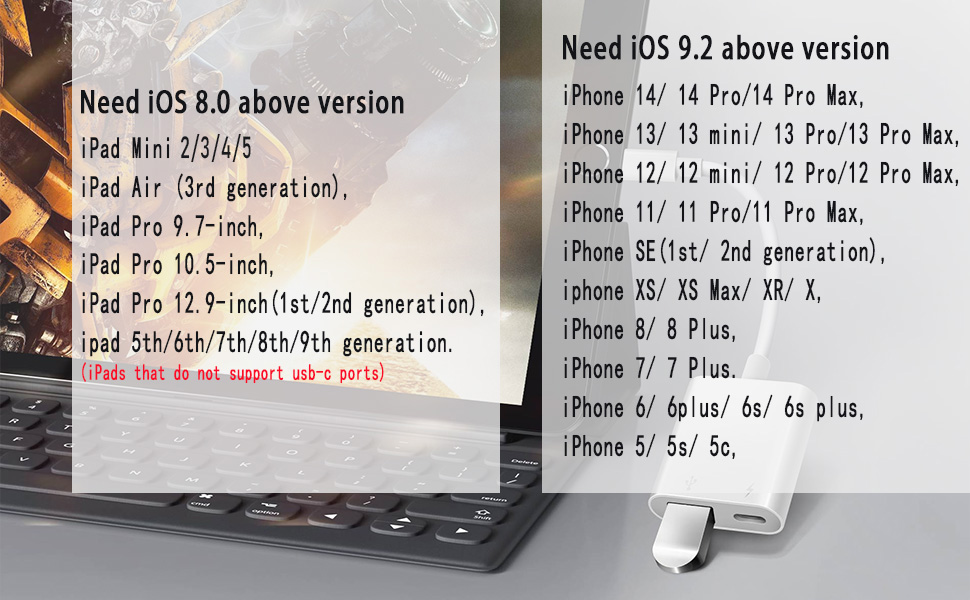
- Only when the system version is IOS 13 or higher, you can connect the external USB flash drive. The supported format is "exfat" or "fat 32". (Tips: Please backup your files before formatting to avoid losing them. )
- For iOS13:Photos app will not pop up, you can find the photos from Photos app. Find the information you need from Files app.
- For iOS9.2-12.4:This adapter for iphone only supports one-way transmission from SD/TF to the iPhone/iPad
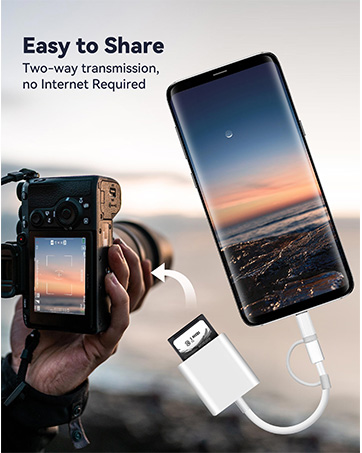
- Only iOS 13 and later supports TWO-WAY transmission(transfer not only pictures and videos but also Word, Excel, and PDF, etc.)
Incompatible devices with usb adapter: printer, recorder, game handle, portable WiFi, Bluetooth adapter, soundbox, etc.
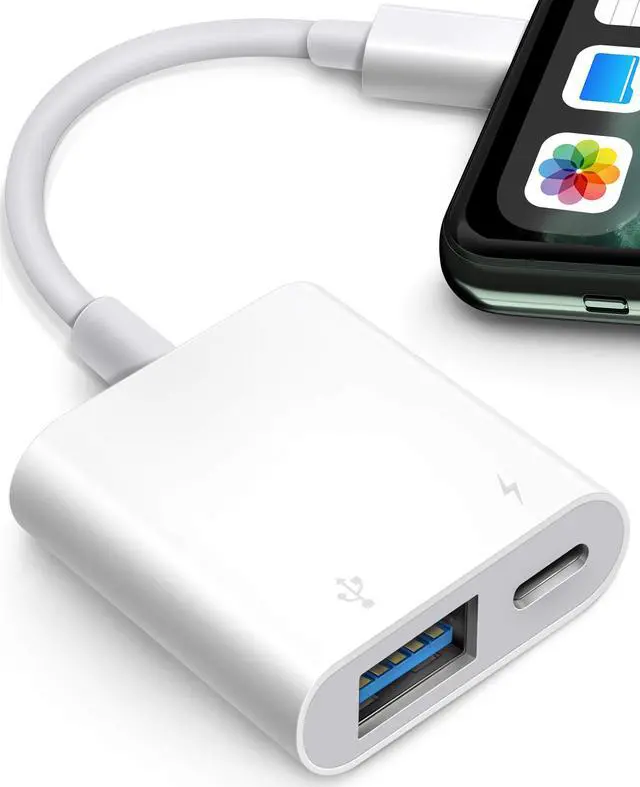
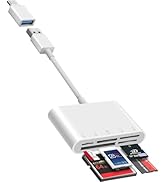
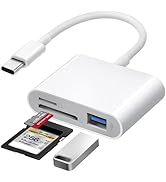
 USB Adapter for iPhone/iPad | 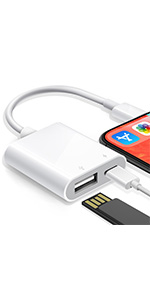 Portable iPhone/iPad to USB Camera Adapter | 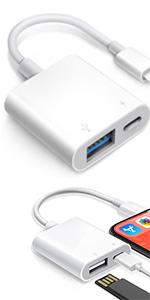 2Pack USB Adapter for iPhone/iPad | |
|---|---|---|---|
| Customer Reviews | — | — | — |
| Price | — | — no data | — no data |
| Compatible with Hard Disk Drive | ? | ? | ? |
| Compatible with USB Flash Drive | ? | ? | ? |
| with Charging Port | ? | ? | ? |
| Connector Type | USB3.0 | USB3.0 | USB2.0/3.0/3.1/3.2 |
| Supported System | iOS | iOS | iOS |
| Color | white | grey-white | white |
| Interface Color | blue | white | blue+white |
| Item Dimensions LxWxH | 5.12 x 1.18 x 0.39 inches | 4.72 x 1.37 x 0.3 inches | 5.12 x 1.18 x 0.39 inches(2pack) |
*NOTES* About USB to Adapter For iPhone/iPad
- If the phone to USB adapter doesn't recognize your iPhone/iPad (or disconnect it). Peripheral devices may require high current, so please use a 2A current charger to charge the USB camera adapter while streaming.
- After connecting the USB flash drive/card reader, you need to view/transfer your files through the iOS "Files" app.
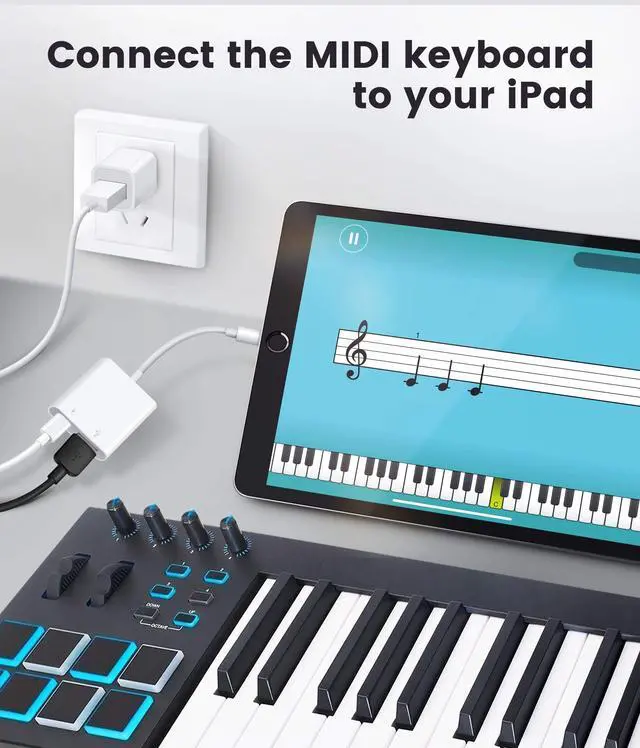
- To connect the mouse, you need to enable Assistive Touch in "Settings".(No Version Requirments)
- External hard disk needs power supply, and the format is exFAT, supports to 6TB.
- Only when the system version is IOS 13 or higher, you can connect the external USB flash drive. The supported format is "exfat" or "fat 32". (Tips: Please backup your files before formatting to avoid losing them. )
- For iOS13:Photos app will not pop up, you can find the photos from Photos app. Find the information you need from Files app.
- For iOS9.2-12.4:This adapter for iphone only supports one-way transmission from SD/TF to the iPhone/iPad
- Only iOS 13 and later supports TWO-WAY transmission(transfer not only pictures and videos but also Word, Excel, and PDF, etc.)
Incompatible devices with usb adapter: printer, recorder, game handle, portable WiFi, Bluetooth adapter, soundbox, etc.
USB Adapter for iPhone/iPad | Portable iPhone/iPad to USB Camera Adapter | 2Pack USB Adapter for iPhone/iPad | |
|---|---|---|---|
| Customer Reviews | — | — | — |
| Price | — | — no data | — no data |
| Compatible with Hard Disk Drive | ? | ? | ? |
| Compatible with USB Flash Drive | ? | ? | ? |
| with Charging Port | ? | ? | ? |
| Connector Type | USB3.0 | USB3.0 | USB2.0/3.0/3.1/3.2 |
| Supported System | iOS | iOS | iOS |
| Color | white | grey-white | white |
| Interface Color | blue | white | blue+white |
| Item Dimensions LxWxH | 5.12 x 1.18 x 0.39 inches | 4.72 x 1.37 x 0.3 inches | 5.12 x 1.18 x 0.39 inches(2pack) |
SD Card Reader for iPhone iPad
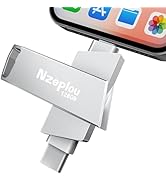
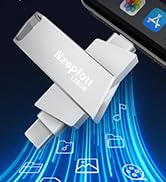
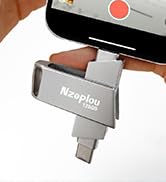
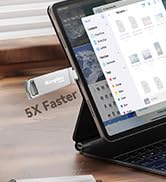
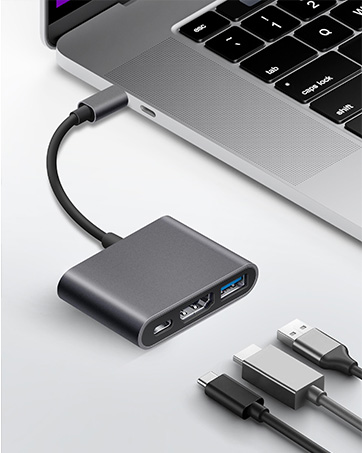
USB3.0 Flash Drive for iPhone
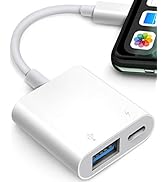
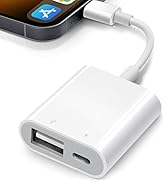
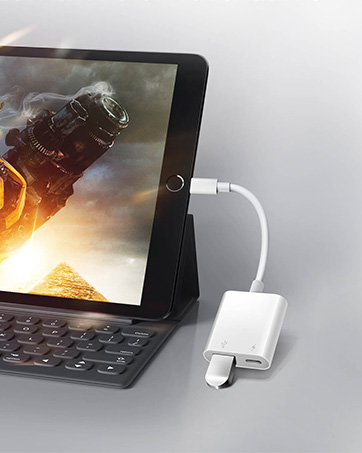
USB Adapter for iPhone iPad
