


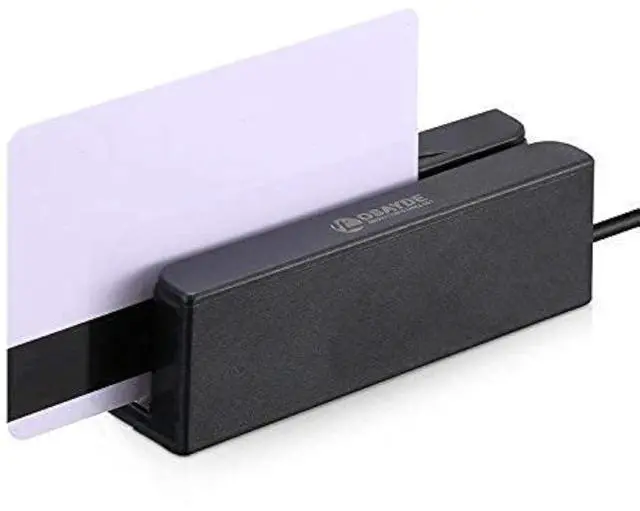
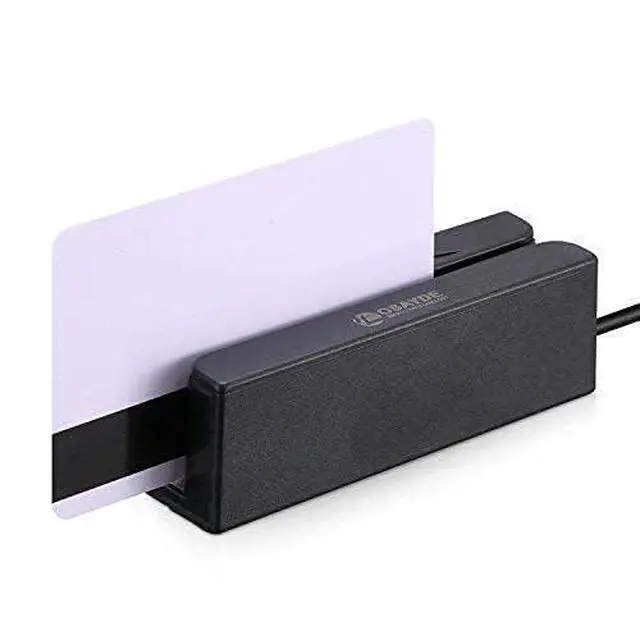
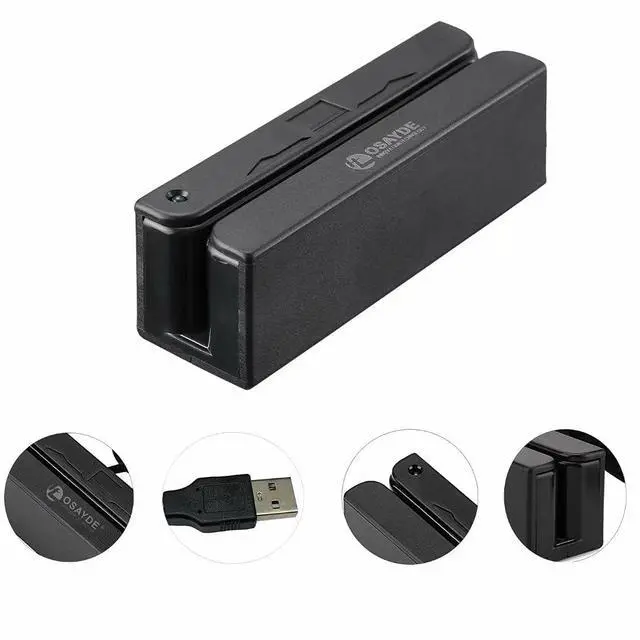
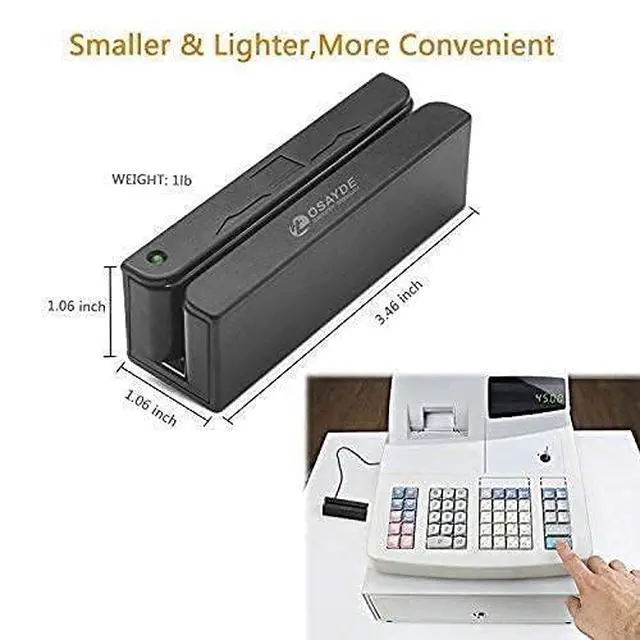
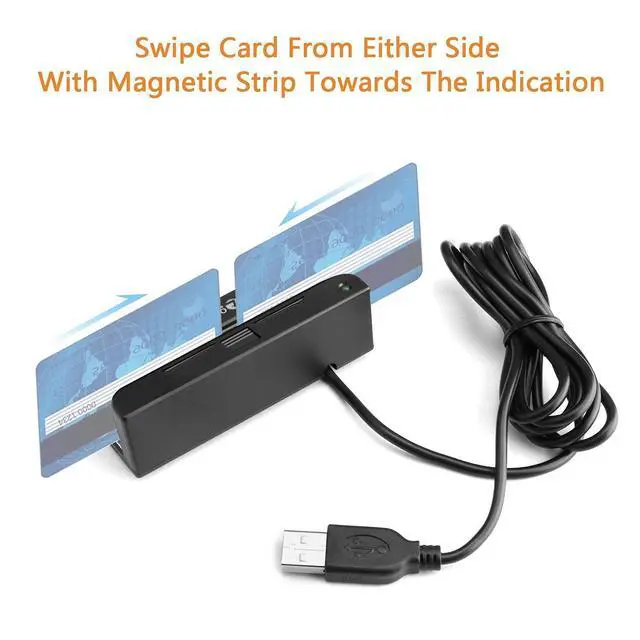



- ITOSAYDE MSR 90D is a hand operated maggnetic card reading machine with integrated magntie decoding chip
- the USB emulation keyboard interface can work on any keyboard type TXT,Word,Excel,POS system
- it can read up to 3 tracks of information with only 1 swipe working in either direction
- it only weighs 3.2 OZ it has small electricity consumption and strong interference resistance.
- System Supports: Mac OS and Windows LED lights indicate its working status.
- Automatically double check function when you're writing data.
- Safety: Built-in over-voltage, over-current, leakage, short circuit and anti-interference protection module.
- Fast speed: reads all three tracks in about a 1/2 second
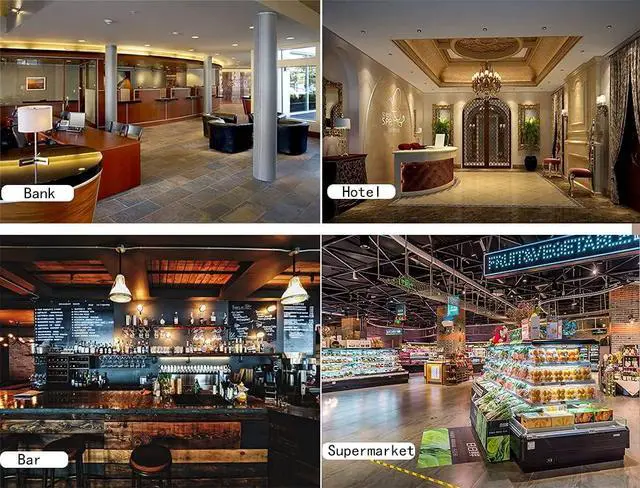
- Multiple usage in daily life: Driver licenses, credit cards, Concealed Handgun Licenses, Loyalty member registration
- A terminal for Web app: jQury cardswipe library will help you make it parse into appropriate fields on the webpage.
- Support HID and Keyboard interfaces.
- Not suitable If your system require encrypted reader.
- Excellent Service before and after service: you can leave us a message on facebook : @osayde, or from ,We're surelly happy to help you always.

Step 1
Connect with PC(windows or Mac), the green light will turn on.

Step 2
Open an excel or txt file, put the cursor in the file.

Step 3
Strip a magnetic card. (please make sure the Magnetic stripe is facing the ITOSAYDE logo side,becouse the magnetic head is on the ITOSAYDE logo side,otherwise it can't read)

Step 4
4. Open the application you integrated this device ( such as POS, Quickbooks,registration,driver Licenses,Credit cards/MindBody) and swipe the magnetic card.
Step 2 and Step 3 is for checking weather the MSR90D is working well or not. Normally, You just need to connect and open the application and use.
This device is not a "stand alone"system, it is part of other system and working as a keyboard input terminal. After reading the data from the magnetic card, you need other applications to process the data,So you have to make sure your application is connected and working well.
 ITOSAYDE 90D |  ITOSAYDE 605 |  ITOSAYDE 606 |  ITOSAYDE 880 |  ITOSAYDE PRO | |
|---|---|---|---|---|---|
| Customer Reviews | — | — | — | — | — |
| Price | — | — no data | — no data | — | — no data |
| Model | IT OSAYDE 90D | IT OSAYDE 605 | IT OSAYDE 606 | IT OSAYDE 880 | IT OSAYDE PRO |
| Working OS | Windows&Mac | Windows Only | Windows Only | Windows Only | Windows&Mac |
| Function | Read Only | Read/Write/Erase | Read/Write/Erase | Read/Write/Erase | Read/Write/Erase |
| Tracks | Track1.2.3 | Track1.2.3 | Track1.2.3 | Track1.2.3 | Track1.2.3 |
| Size | Nomal | Nomal | Nomal | Nomal | Nomal |
| Portable | Yes | No | No | No | Yes |
| Swipe times | 300000 | 300000 | 300000 | 1000000 | 1000000 |
- ITOSAYDE MSR 90D is a hand operated maggnetic card reading machine with integrated magntie decoding chip
- the USB emulation keyboard interface can work on any keyboard type TXT,Word,Excel,POS system
- it can read up to 3 tracks of information with only 1 swipe working in either direction
- it only weighs 3.2 OZ it has small electricity consumption and strong interference resistance.
- System Supports: Mac OS and Windows LED lights indicate its working status.
- Automatically double check function when you're writing data.
- Safety: Built-in over-voltage, over-current, leakage, short circuit and anti-interference protection module.
- Fast speed: reads all three tracks in about a 1/2 second
- Multiple usage in daily life: Driver licenses, credit cards, Concealed Handgun Licenses, Loyalty member registration
- A terminal for Web app: jQury cardswipe library will help you make it parse into appropriate fields on the webpage.
- Support HID and Keyboard interfaces.
- Not suitable If your system require encrypted reader.
- Excellent Service before and after service: you can leave us a message on facebook : @osayde, or from ,We're surelly happy to help you always.
Step 1
Connect with PC(windows or Mac), the green light will turn on.
Step 2
Open an excel or txt file, put the cursor in the file.
Step 3
Strip a magnetic card. (please make sure the Magnetic stripe is facing the ITOSAYDE logo side,becouse the magnetic head is on the ITOSAYDE logo side,otherwise it can't read)
Step 4
4. Open the application you integrated this device ( such as POS, Quickbooks,registration,driver Licenses,Credit cards/MindBody) and swipe the magnetic card.
Step 2 and Step 3 is for checking weather the MSR90D is working well or not. Normally, You just need to connect and open the application and use.
This device is not a "stand alone"system, it is part of other system and working as a keyboard input terminal. After reading the data from the magnetic card, you need other applications to process the data,So you have to make sure your application is connected and working well.
ITOSAYDE 90D | ITOSAYDE 605 | ITOSAYDE 606 | ITOSAYDE 880 | ITOSAYDE PRO | |
|---|---|---|---|---|---|
| Customer Reviews | — | — | — | — | — |
| Price | — | — no data | — no data | — | — no data |
| Model | IT OSAYDE 90D | IT OSAYDE 605 | IT OSAYDE 606 | IT OSAYDE 880 | IT OSAYDE PRO |
| Working OS | Windows&Mac | Windows Only | Windows Only | Windows Only | Windows&Mac |
| Function | Read Only | Read/Write/Erase | Read/Write/Erase | Read/Write/Erase | Read/Write/Erase |
| Tracks | Track1.2.3 | Track1.2.3 | Track1.2.3 | Track1.2.3 | Track1.2.3 |
| Size | Nomal | Nomal | Nomal | Nomal | Nomal |
| Portable | Yes | No | No | No | Yes |
| Swipe times | 300000 | 300000 | 300000 | 1000000 | 1000000 |