





4 Card Slots Reader with 3 Connectors for iPhone iPad Tablet MacBook iPhone Android CellPhone Laptop
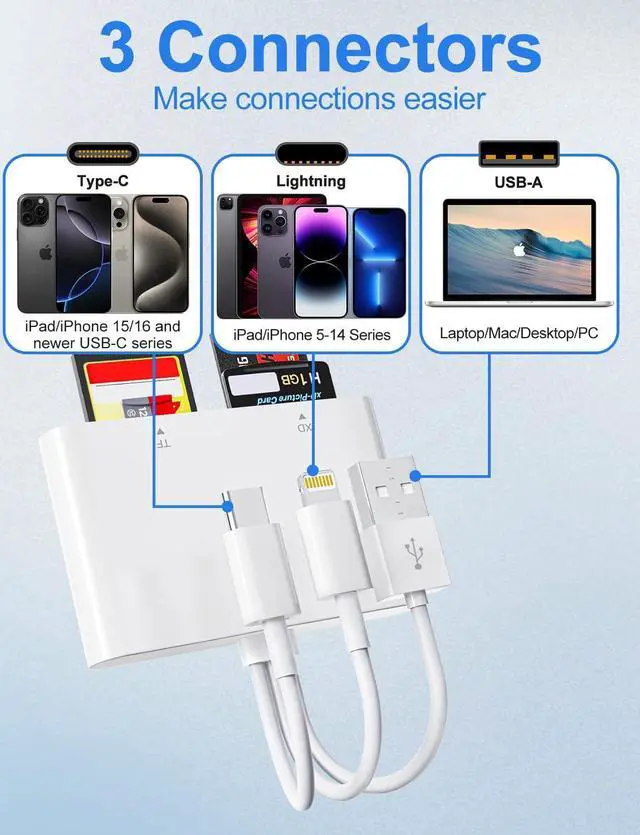
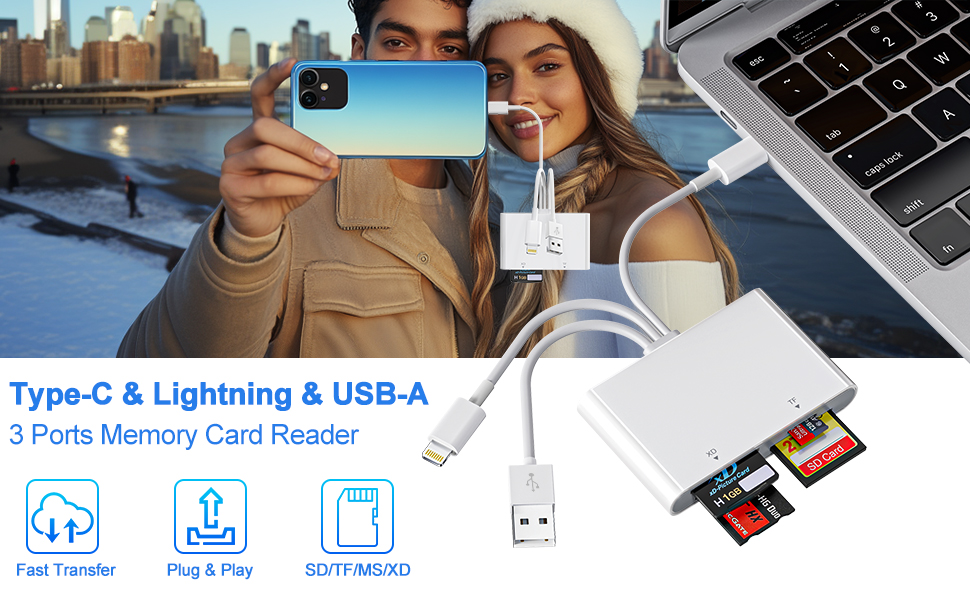
- 3 Connectors (USB-C, Lightning & USB Type-A) Memory Card Reader Adapter
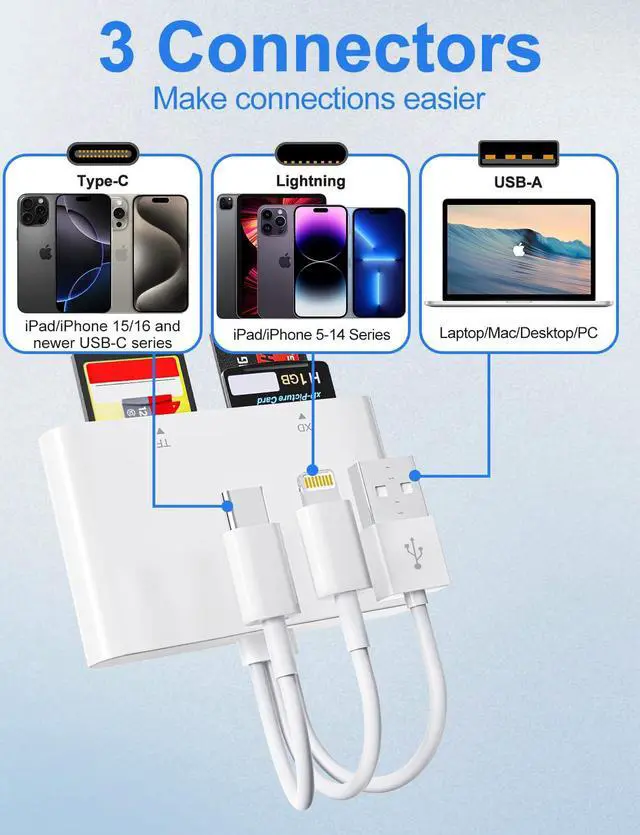
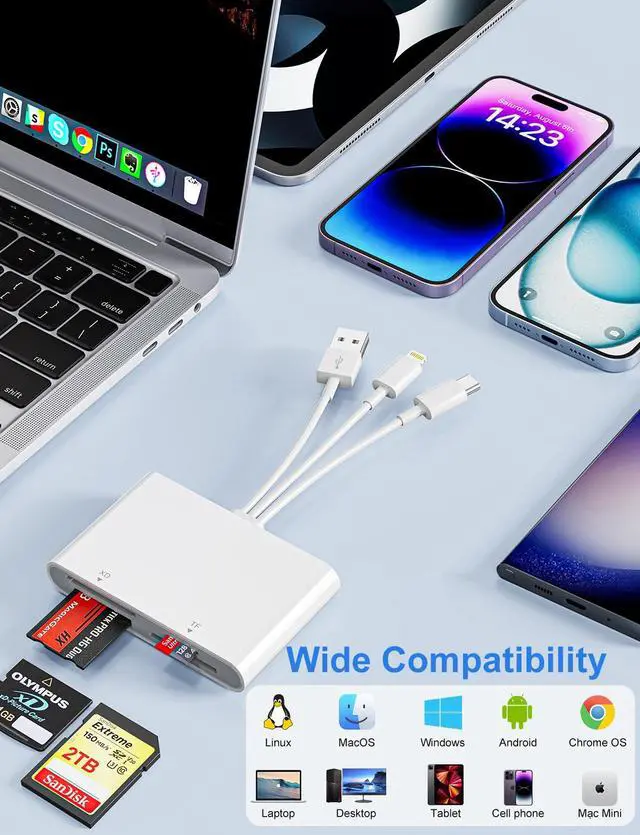
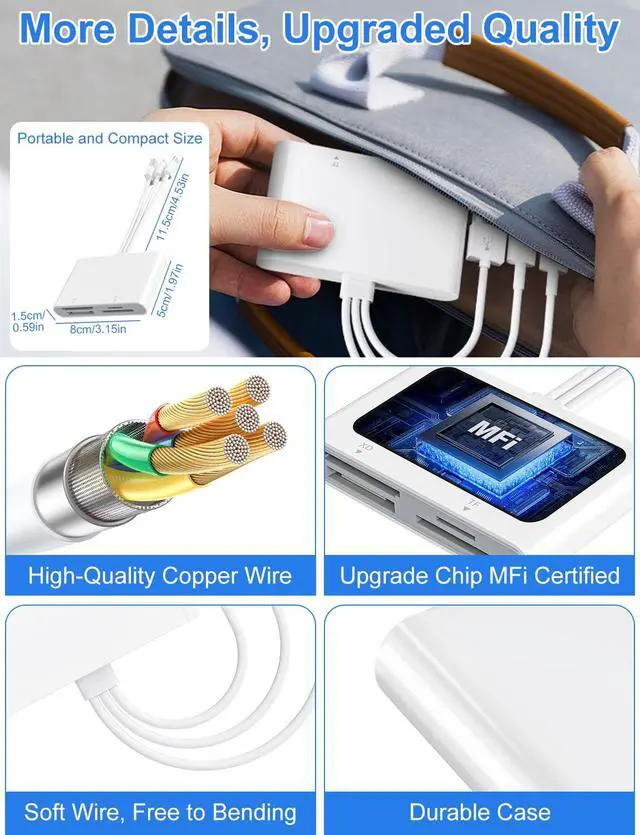
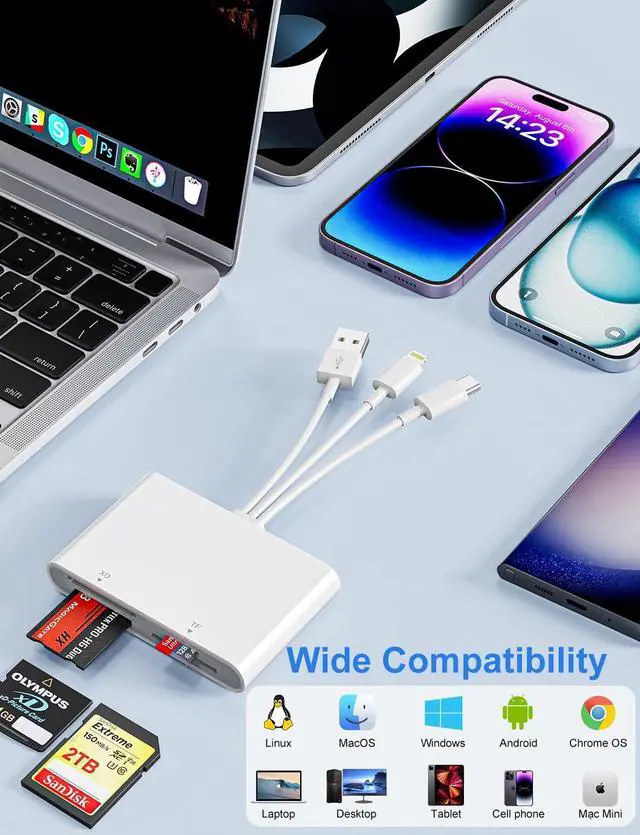
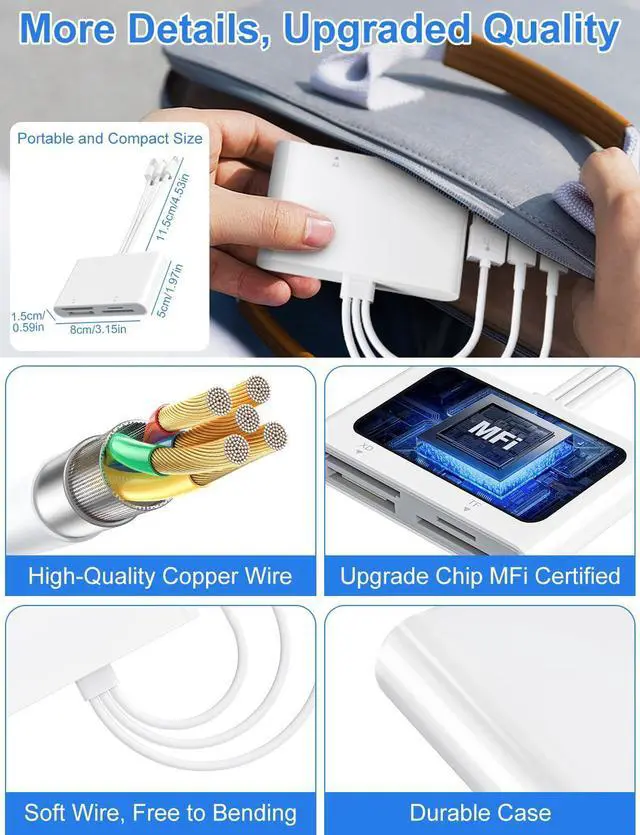
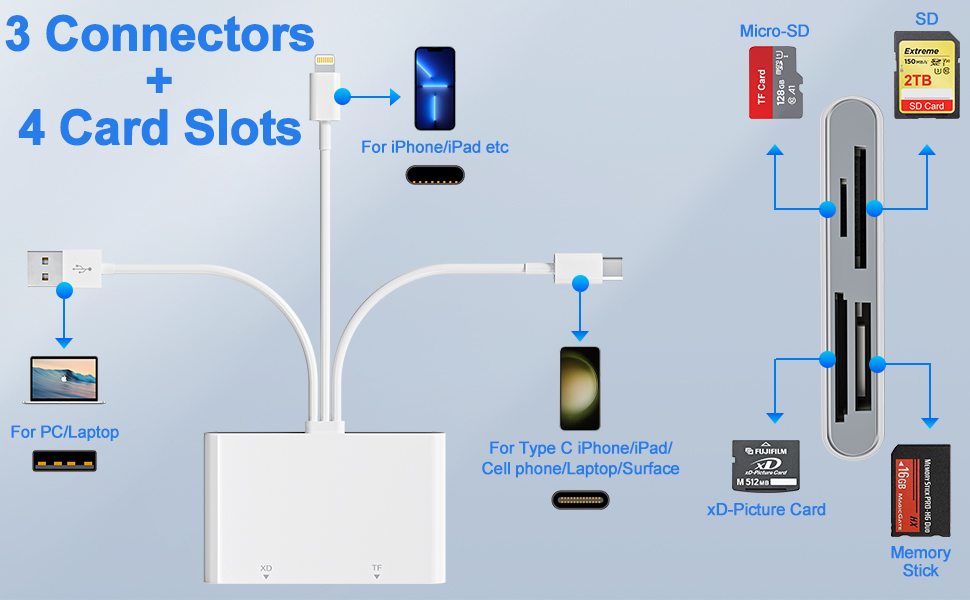
Triple Lightning/USB-C/USB A Connectors for our memory stick pro duo adapter reader for iPhone iPad, that not only work with iPhone with lightning ports but also with iPhone 8-17/iPad/Macbook/iMac and Android devices with USB-C ports. Also compatible with PC.
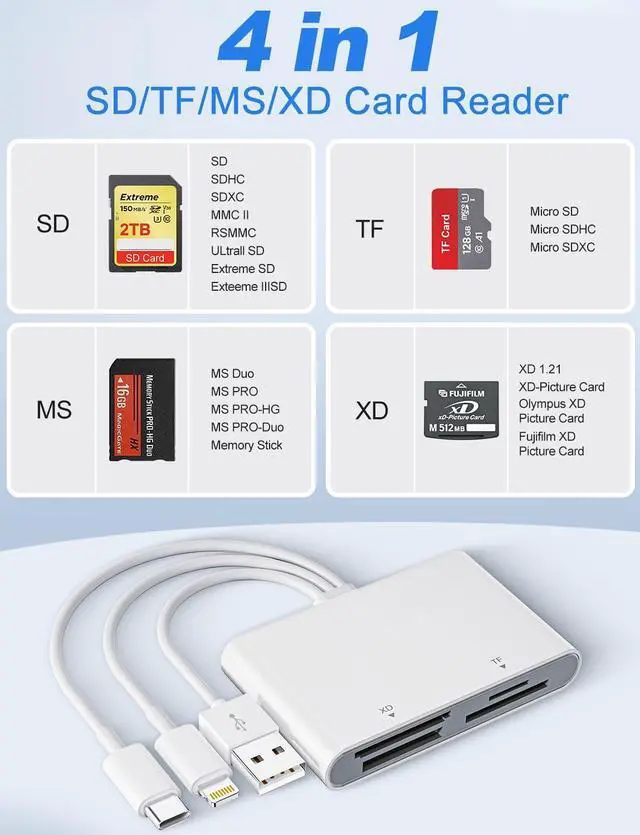
- 4 Card Slots (SD/ TF/ MS/ XD) Multi Card Reader
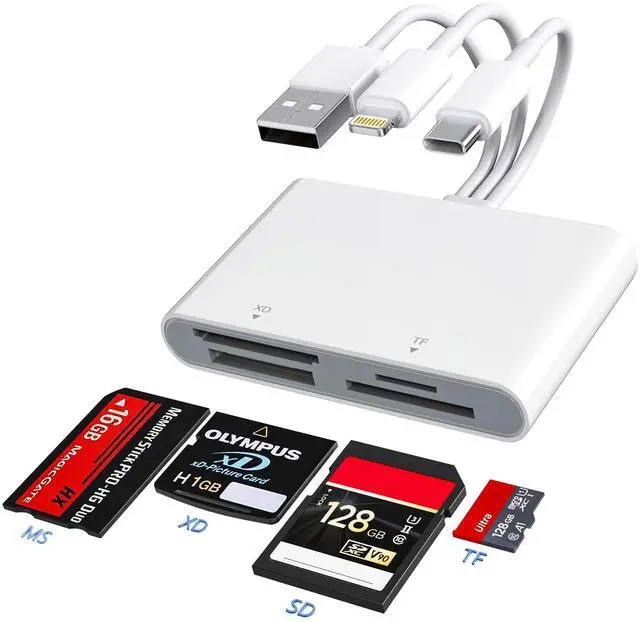
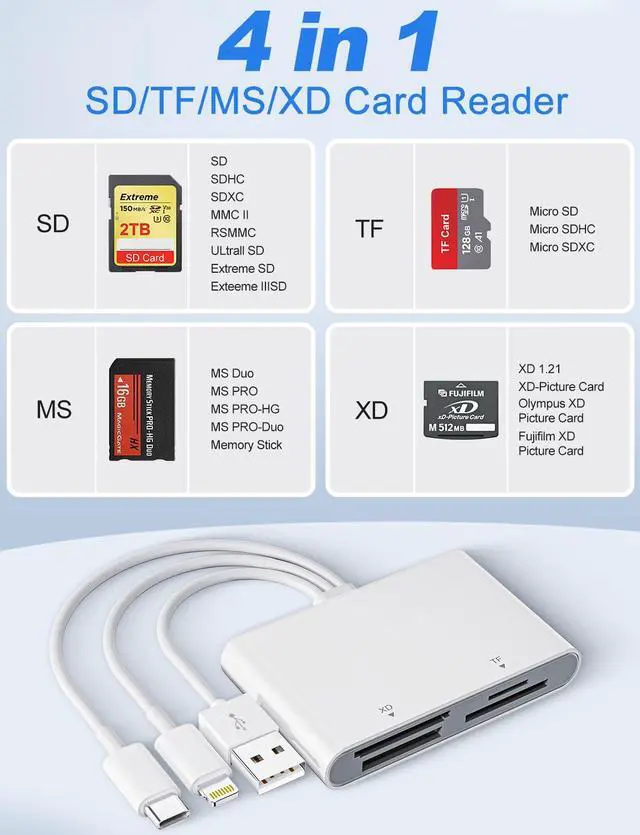
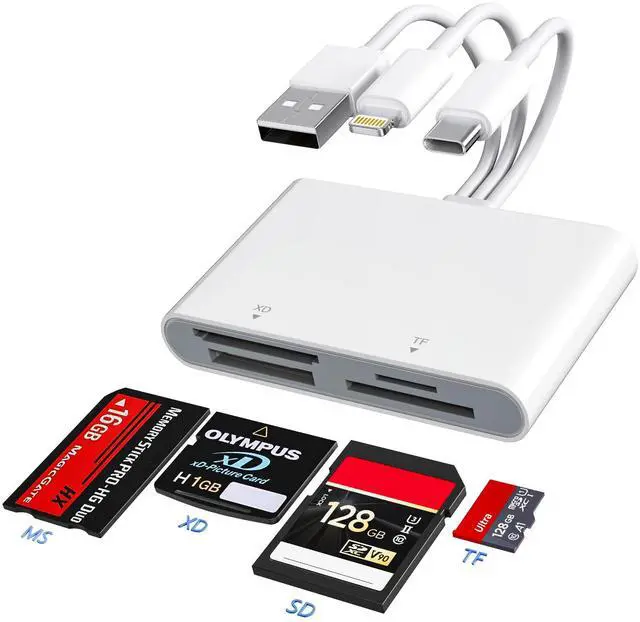
This 4-in-1 XD card reader with SD/ TF/ MS/ XD card slots, supports a wide range of memory card formats, including SD/SDHC/SDXC, Micro SD/Micro SDHC/Micro SDXC, Memory Stick Pro Duo & Pro-HG, and xD-Picture Cards.
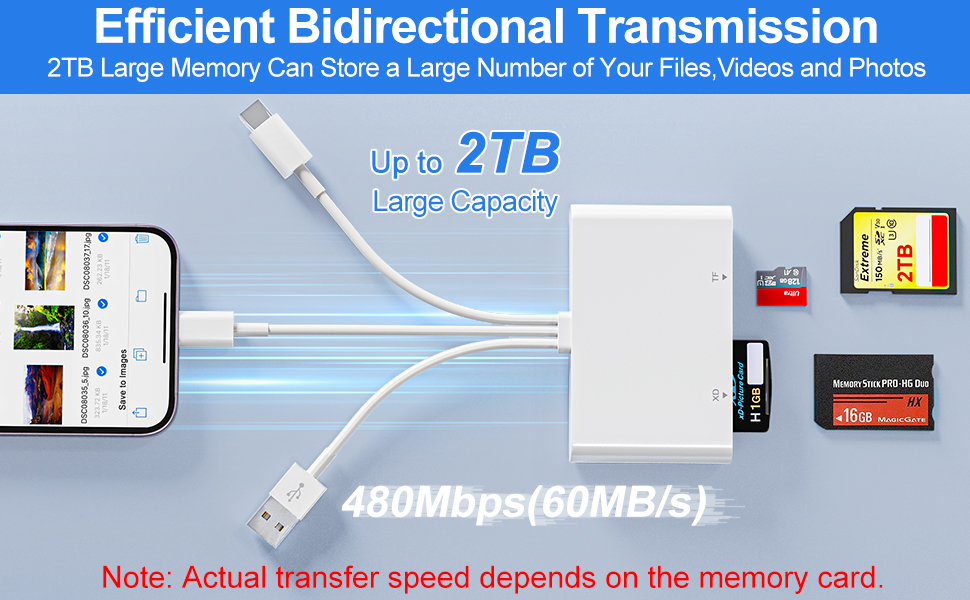
Ideal Photography Memory Card Reader
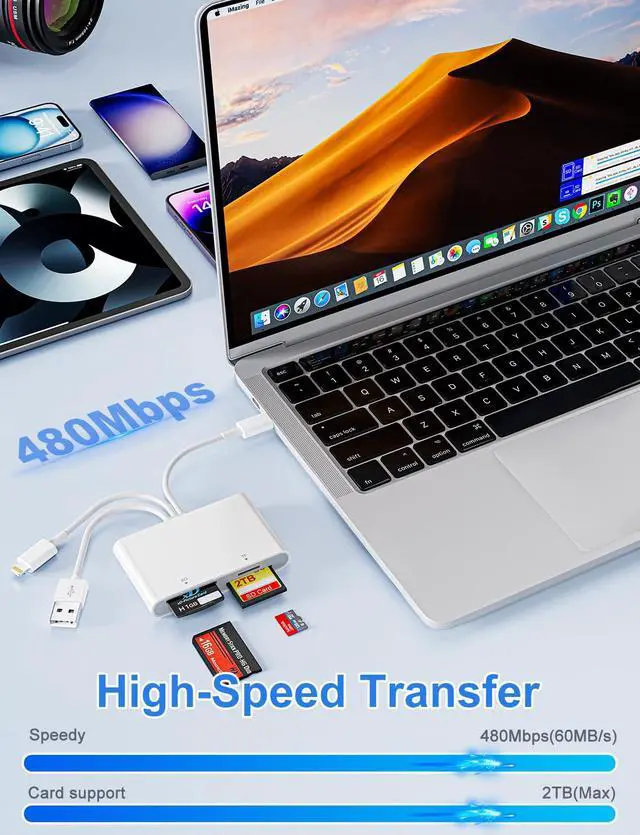
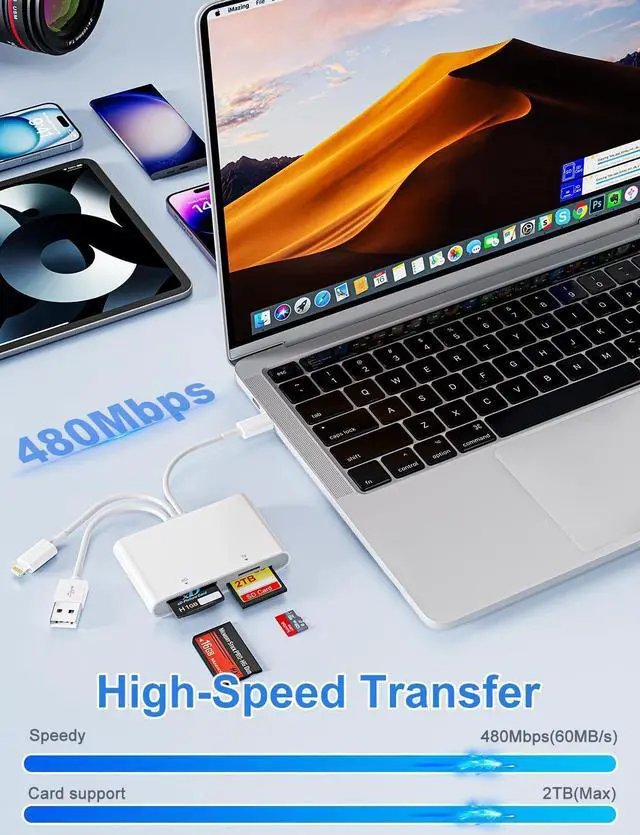
- Up to 2 TB Capacity: Supporting memory cards up to 2TB, it handles massive storage demands for photos and videos.
- Data Transfer in Seconds: With 40MB/s~60MB/s data transfer speed, you can share photos or videos to social media quickly and easily.
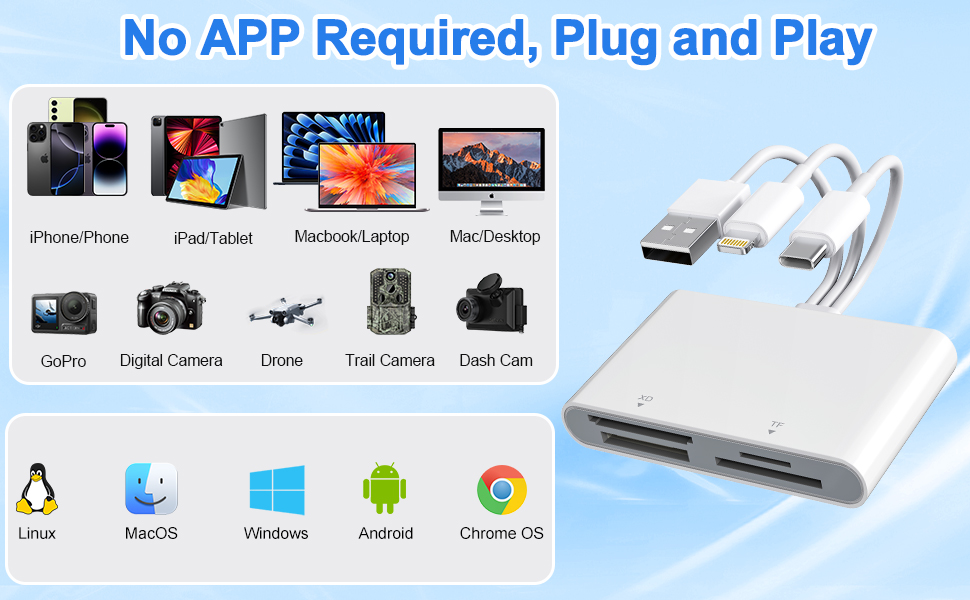
True Plug-and-Play Convenience
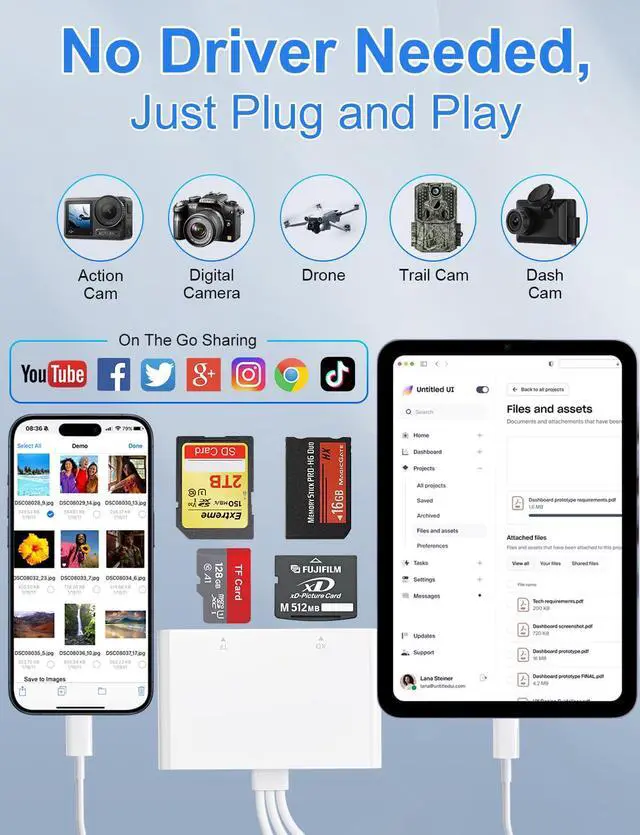
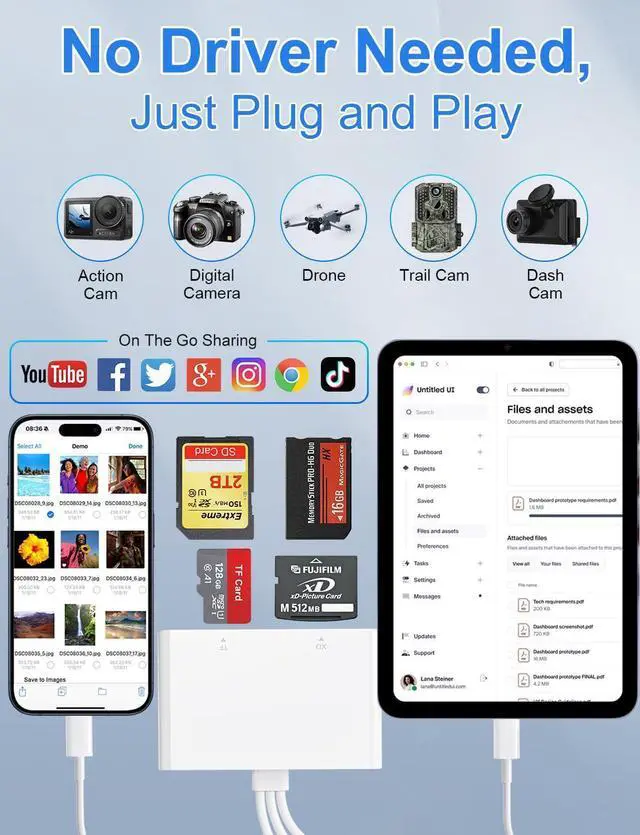
- No APPs, drivers, or Internet or Wi-Fi required. Simply plug the card reader into your device and start transferring files instantly.
- Supports bidirectional transfers (device - card) for flexible storage management, allowing you to move content not only from card to device, but also from iPhone or iPad to your memory card, expanding your storage on the go.

*Warm Prompt*
- This multi memory card reader is equipped with SD/TF/MS/XD card slots. However,due to the limitation of system, only one card can be read at a time. Do not read more than two cards at the same time.
- Please ensure that the memory card has been correctly inserted into the memory card reader.If photos or videos are not transmitted,unplug the reader and memory card and reconnect.(Android phones need to copnfirm that the OTG function or the USB debugging mode of the phone is turned on)
- Please ensure that the storage card is formatted as exfat. When inserting into some devices for the first time, you may encounter a format mismatch prompt. It is recommended to format the card for normal use thereafter. but please back up your data before formatting.
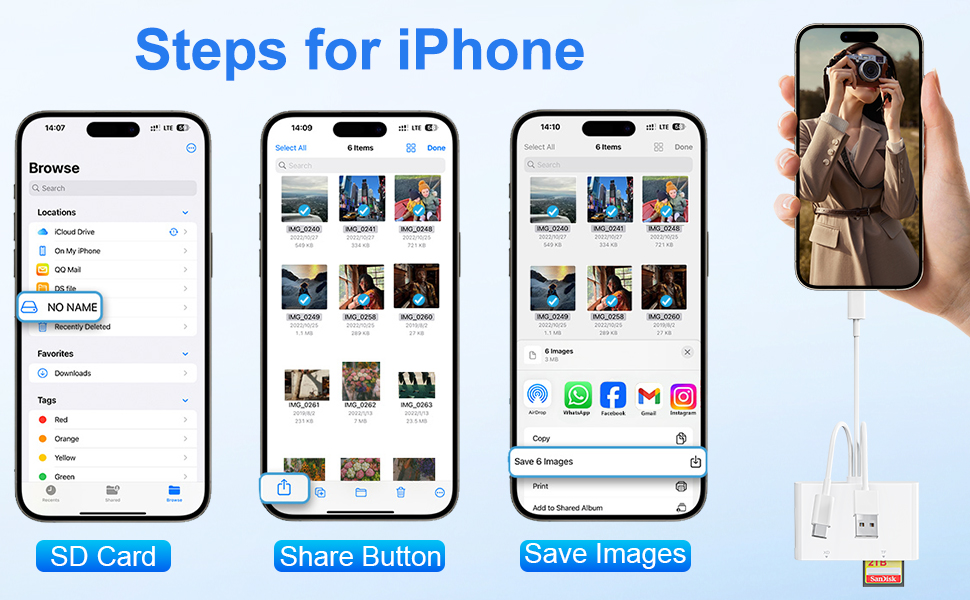
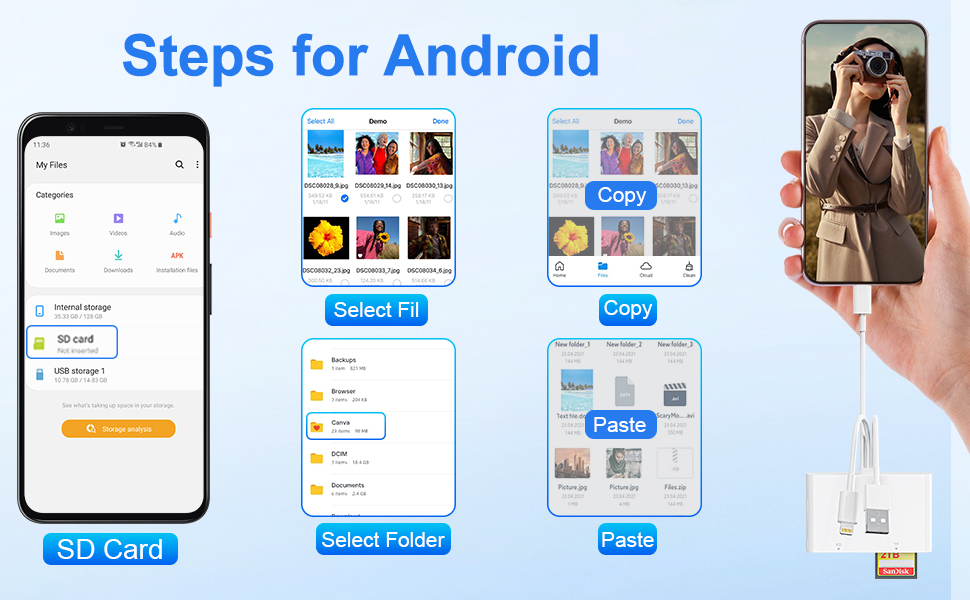
4 Card Slots Reader with 3 Connectors for iPhone iPad Tablet MacBook iPhone Android CellPhone Laptop
- 3 Connectors (USB-C, Lightning & USB Type-A) Memory Card Reader Adapter
Triple Lightning/USB-C/USB A Connectors for our memory stick pro duo adapter reader for iPhone iPad, that not only work with iPhone with lightning ports but also with iPhone 8-17/iPad/Macbook/iMac and Android devices with USB-C ports. Also compatible with PC.
- 4 Card Slots (SD/ TF/ MS/ XD) Multi Card Reader
This 4-in-1 XD card reader with SD/ TF/ MS/ XD card slots, supports a wide range of memory card formats, including SD/SDHC/SDXC, Micro SD/Micro SDHC/Micro SDXC, Memory Stick Pro Duo & Pro-HG, and xD-Picture Cards.
Ideal Photography Memory Card Reader
- Up to 2 TB Capacity: Supporting memory cards up to 2TB, it handles massive storage demands for photos and videos.
- Data Transfer in Seconds: With 40MB/s~60MB/s data transfer speed, you can share photos or videos to social media quickly and easily.
True Plug-and-Play Convenience
- No APPs, drivers, or Internet or Wi-Fi required. Simply plug the card reader into your device and start transferring files instantly.
- Supports bidirectional transfers (device - card) for flexible storage management, allowing you to move content not only from card to device, but also from iPhone or iPad to your memory card, expanding your storage on the go.
*Warm Prompt*
- This multi memory card reader is equipped with SD/TF/MS/XD card slots. However,due to the limitation of system, only one card can be read at a time. Do not read more than two cards at the same time.
- Please ensure that the memory card has been correctly inserted into the memory card reader.If photos or videos are not transmitted,unplug the reader and memory card and reconnect.(Android phones need to copnfirm that the OTG function or the USB debugging mode of the phone is turned on)
- Please ensure that the storage card is formatted as exfat. When inserting into some devices for the first time, you may encounter a format mismatch prompt. It is recommended to format the card for normal use thereafter. but please back up your data before formatting.