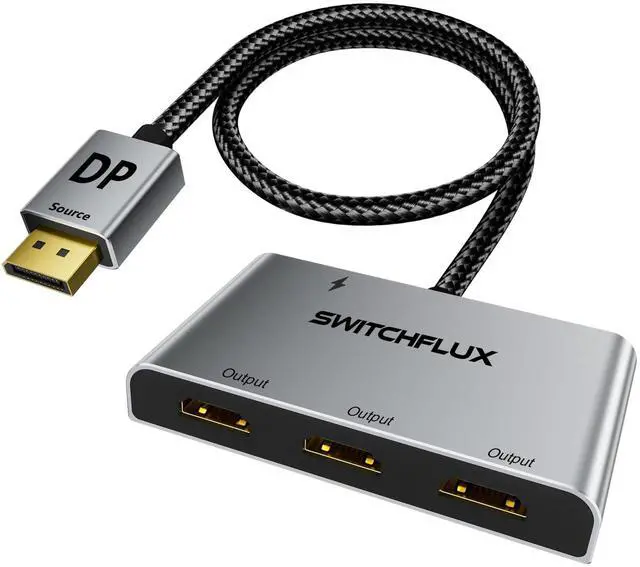
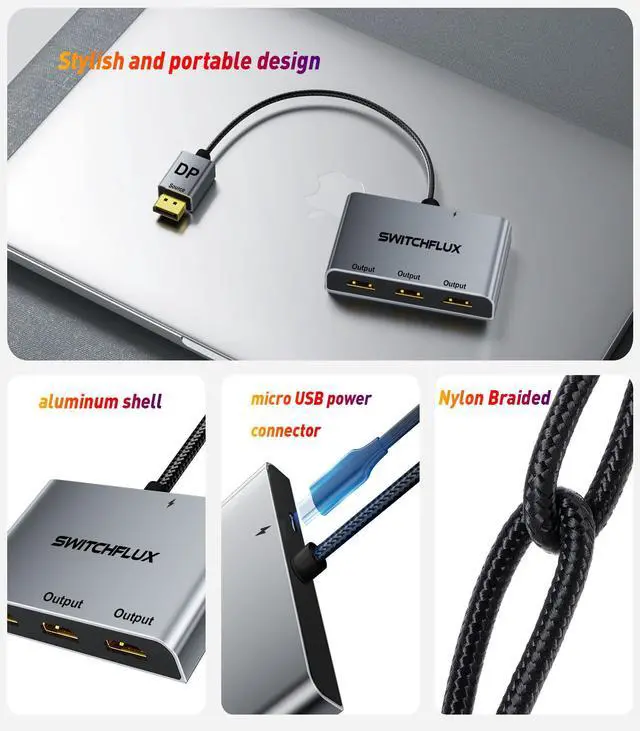
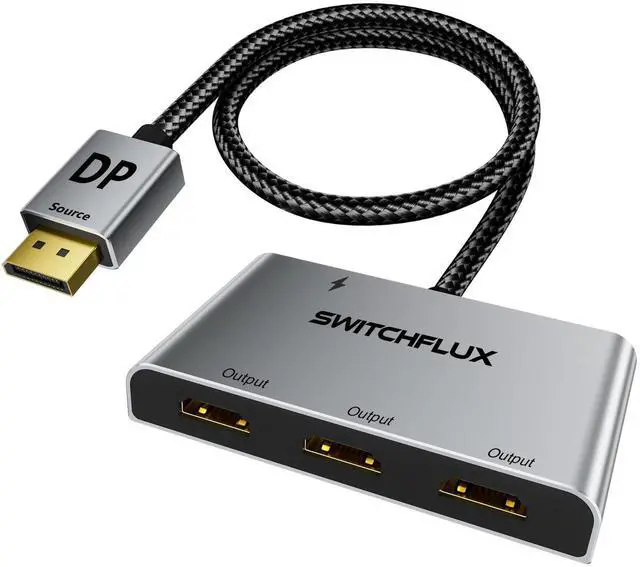
DisplayPort to HDMI Splitter for 3 Monitors Adapter |4K@60Hz| HDMI Splitter Extended Display 1 in 3 Out MST Hub for Multiple Monitor Compatible with PC,NVIDIA/AMD Graphic Card
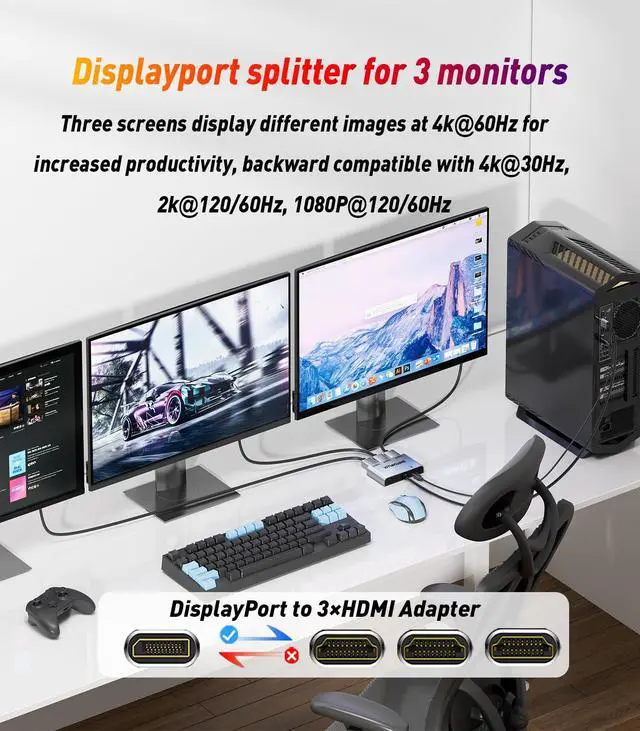
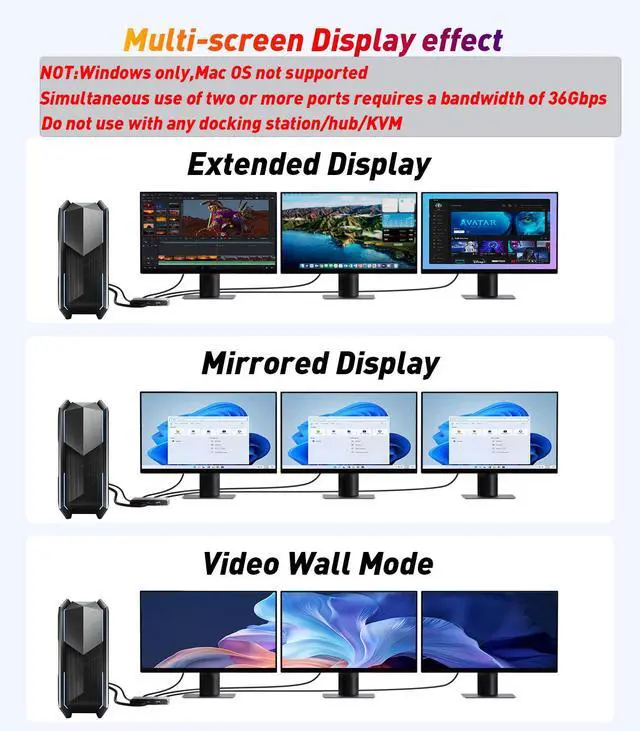
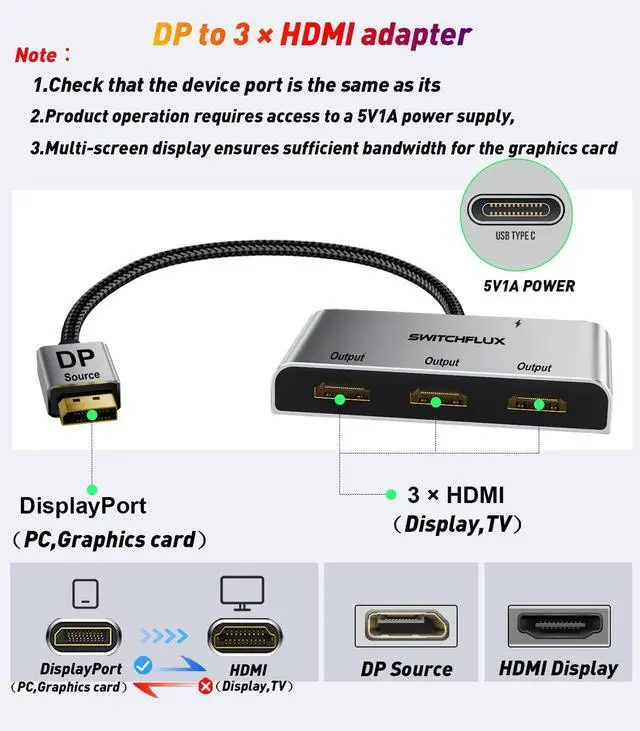
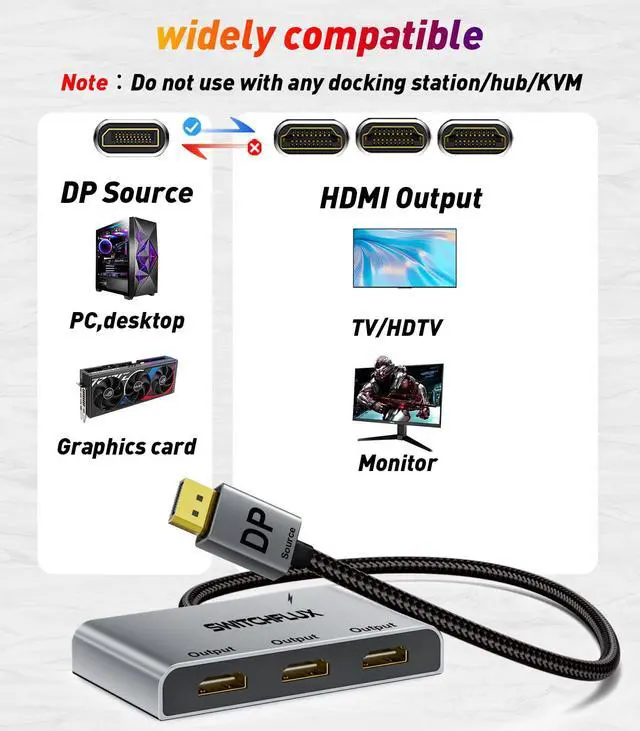
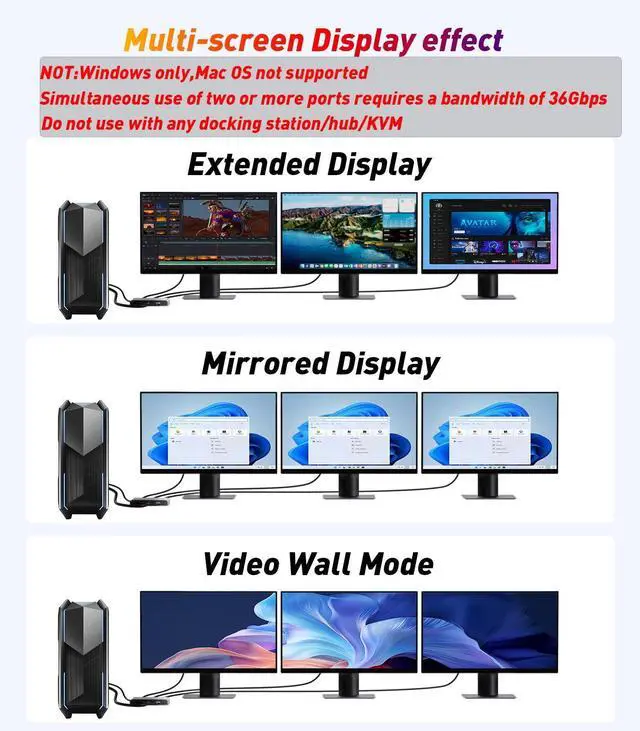
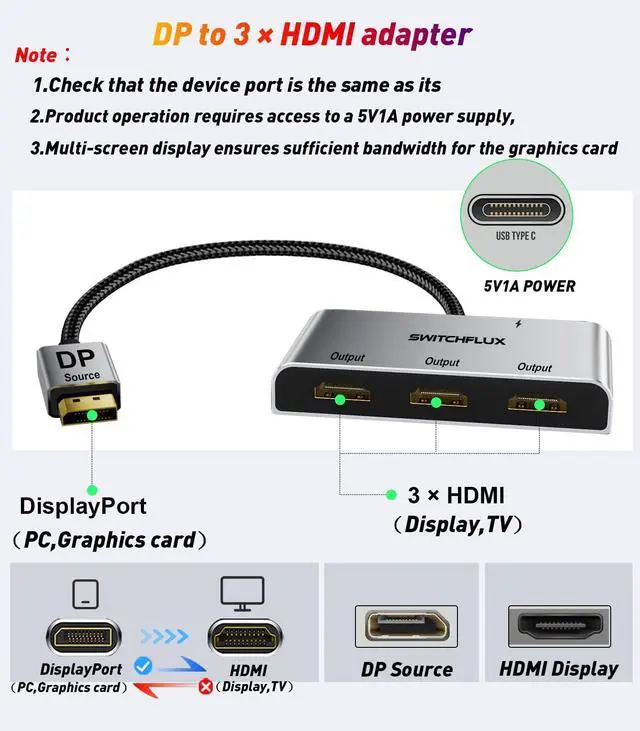
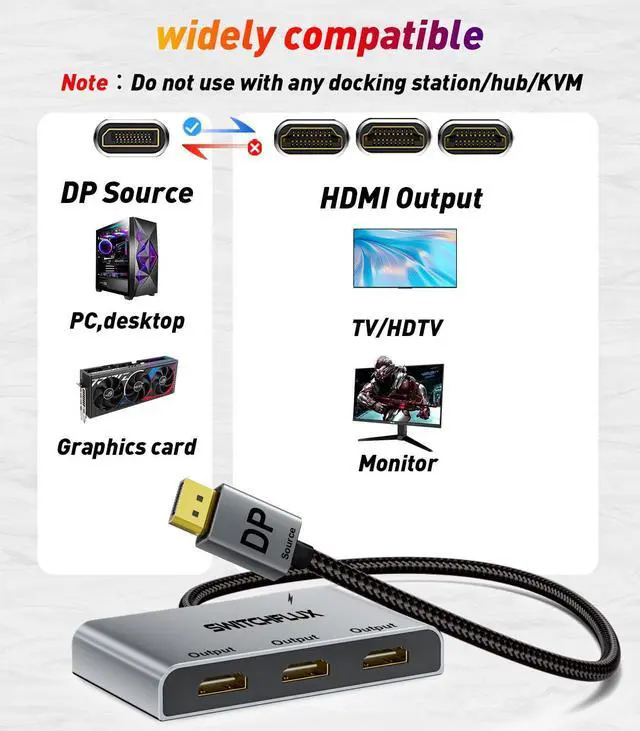
Unparalleled PerformanceUse this DisplayPort splitter adapter to extend your computer monitor, mirroring (SST) or extending (MST) the DP signal from a single source to three HDMI displays, delivering crystal-clear 4K UHD visuals while transmitting high-quality audio and video simultaneously. (Note: Please ensure the Micro USB cable is connected for optimal display performance. Do not use with any docking stations/hubs/KVM switches. Supports only one-way connection from a DP source device to HDMI display devices.)
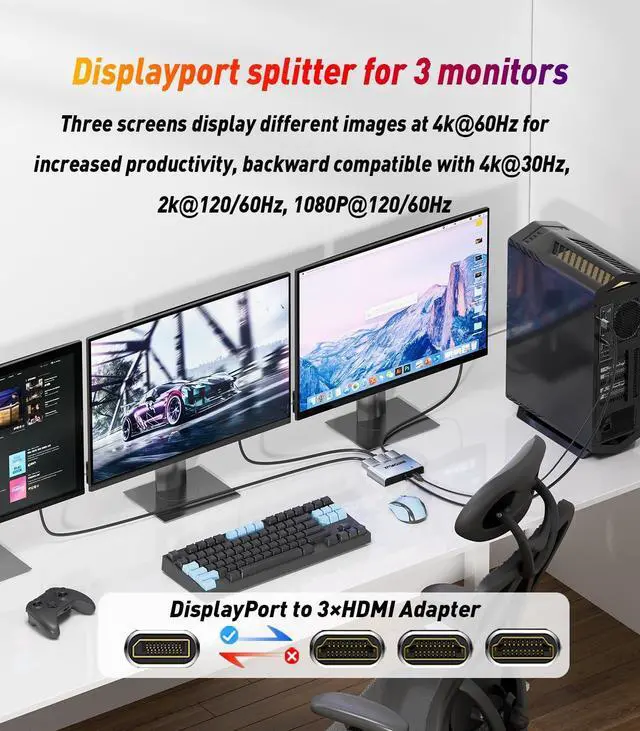
4K UHD Resolution/Audio & Video Sync TransmissionThe SWITCHFLUX DisplayPort splitter for 3 monitors supports HDCP 2.2, with a single HDMI screen resolution of up to 4K@60Hz and dual HDMI screen resolutions of up to 4K@60/30Hz. It is backward compatible with 2K@120Hz/60Hz and 1080P@120Hz/60Hz. (Note: To achieve 4K resolution, please ensure the input device port supports at least DP 1.2, and the source device output port supports DP/DP++/DisplayPort++.)
Extend/Mirror Display, Plug and PlayThe DisplayPort Male to HDMI Female splitter is completely plug-and-play, requiring no driver installation. Instantly mirror or extend the DP signal from your source device to two or more HDMI displays without loss, allowing you to enjoy clearer and larger visuals. Note: If the monitor cannot enter extended mode, please update your graphics card driver to the latest version.
+
+
Overview
Specs
Reviews
Any questions? Our AI beta will help you find out quickly.
DisplayPort to HDMI Splitter for 3 Monitors Adapter |4K@60Hz| HDMI Splitter Extended Display 1 in 3 Out MST Hub for Multiple Monitor Compatible with PC, NVIDIA/AMD Graphic Card
Learn more about the Detailed Specifications
Additional Information
First Listed on Newegg
May 22, 2026
There are no reviews yet.
Do you own this product?
Warranty & Returns
Warranty, Returns, And Additional Information
Warranty
Please contact the Seller directly for warranty information. Warranty information may also be found on the Manufacturer's website.