



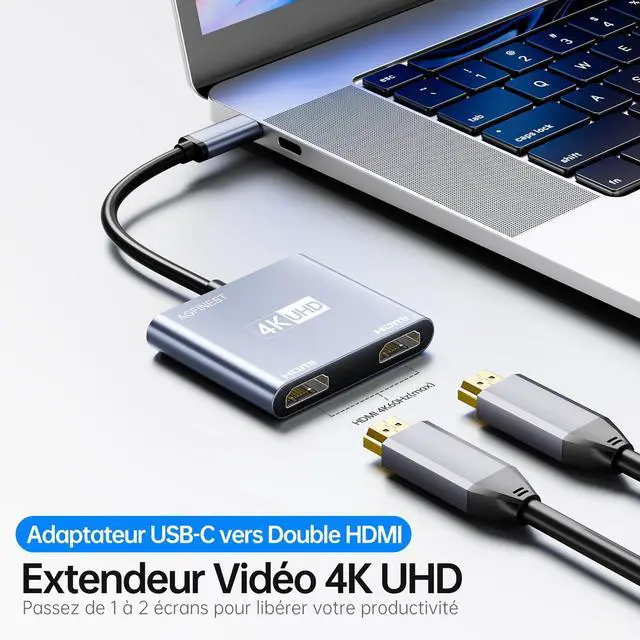


Is this adapter bidirectional?
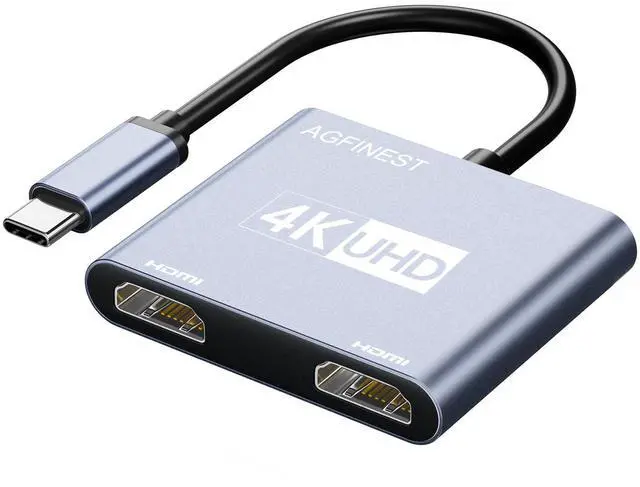
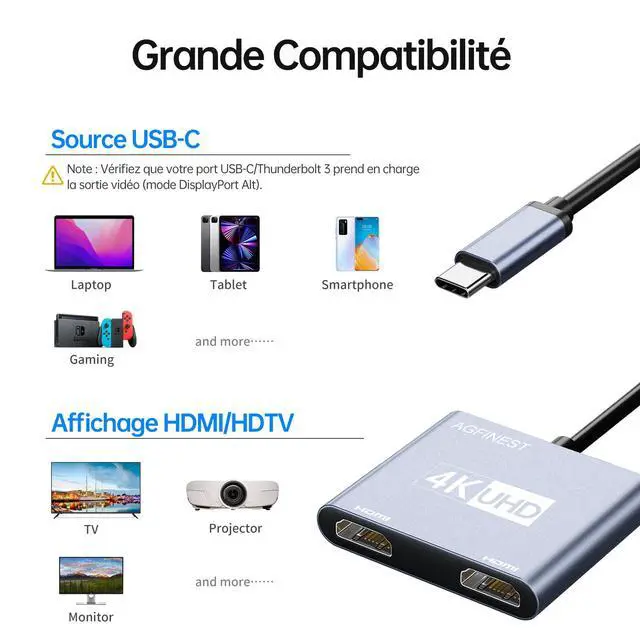
No. This adapter is unidirectional — it only transmits signal from a USB-C source to an HDMI display. It cannot convert HDMI to USB-C.
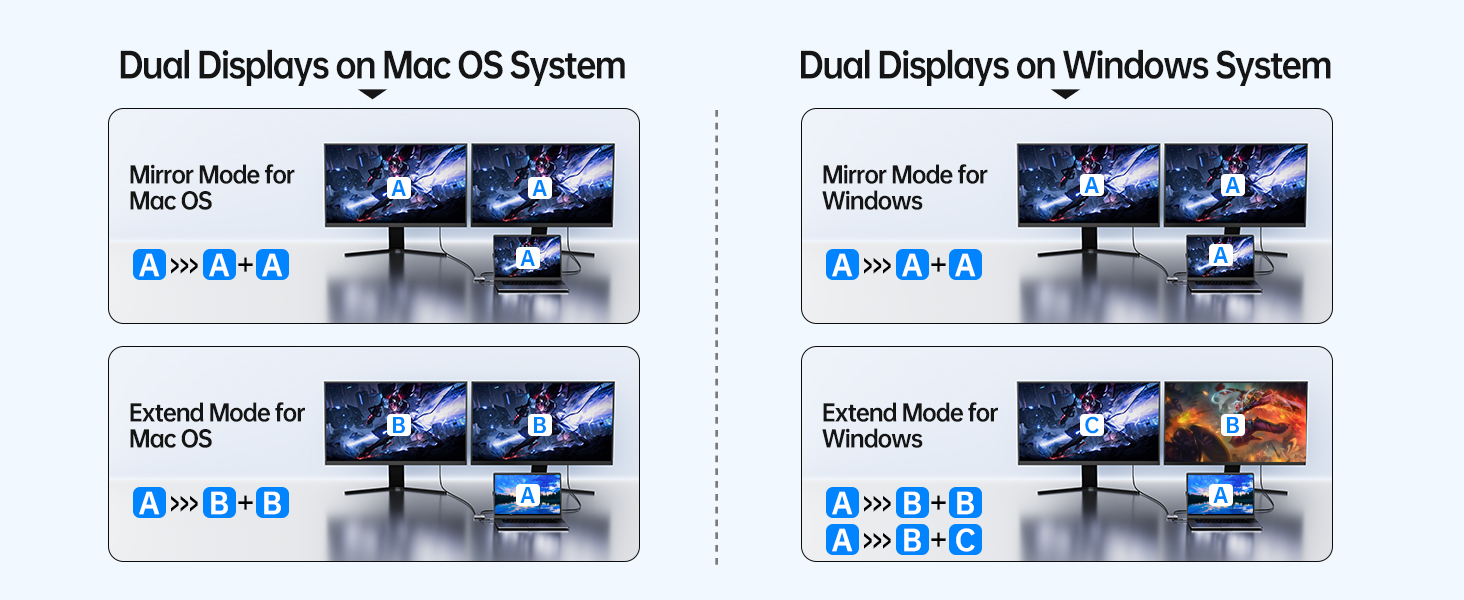
Does this adapter support dual monitor extension?
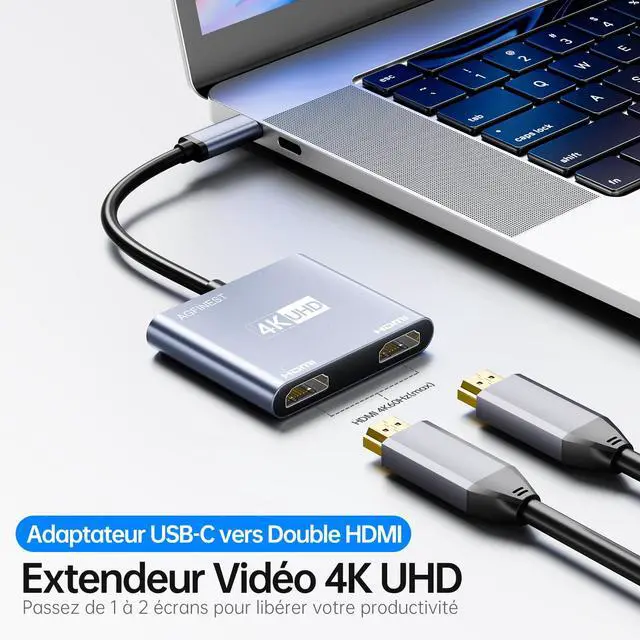
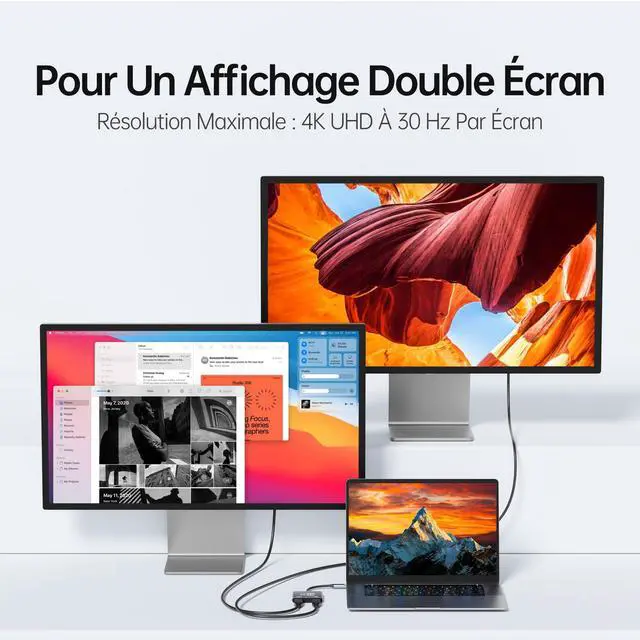
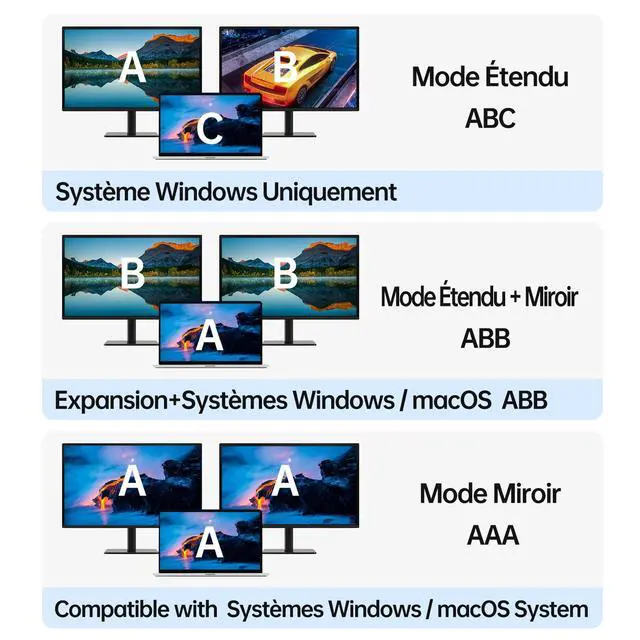
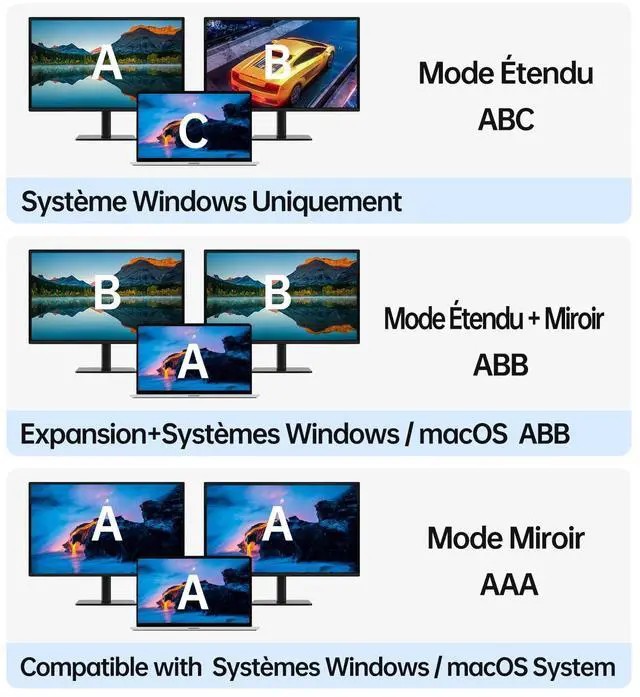
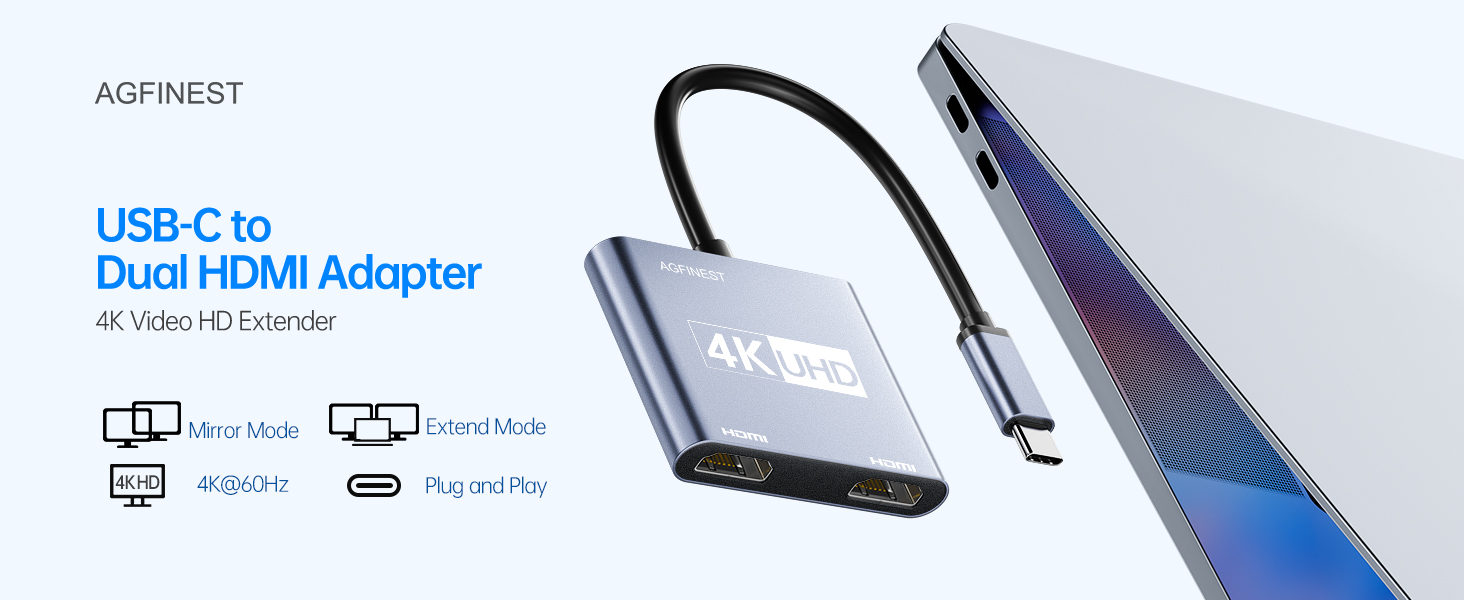
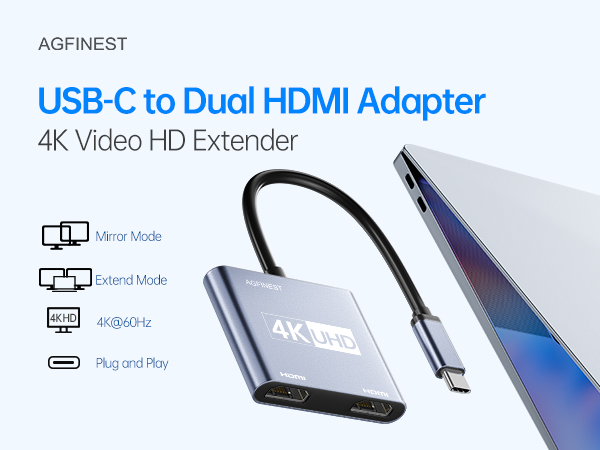
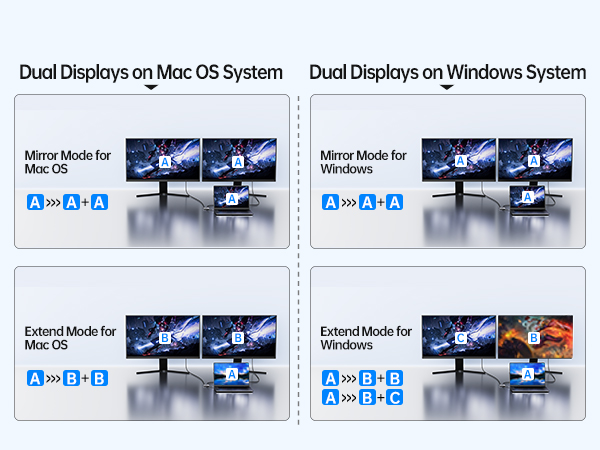
Yes, on most Windows laptops and select devices. Supports both Extend mode (different content) and Mirror mode (same content). For Mac users: Due to macOS limitations, only Mirror mode is supported when using two displays.
What video resolution does it support?
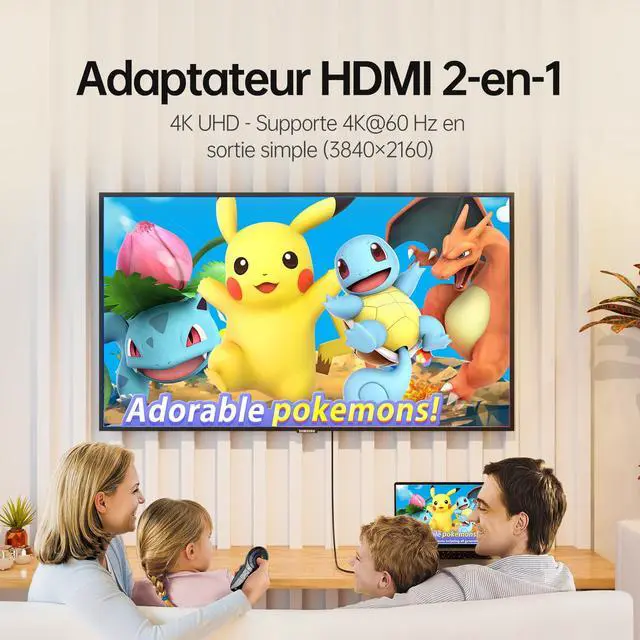
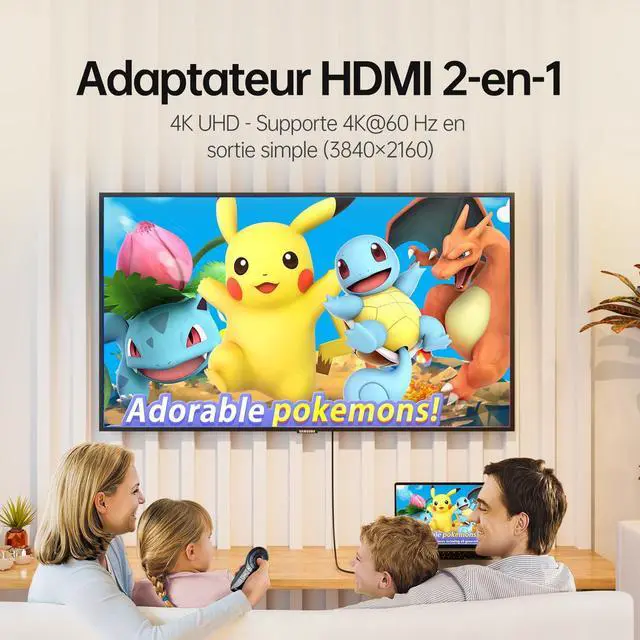
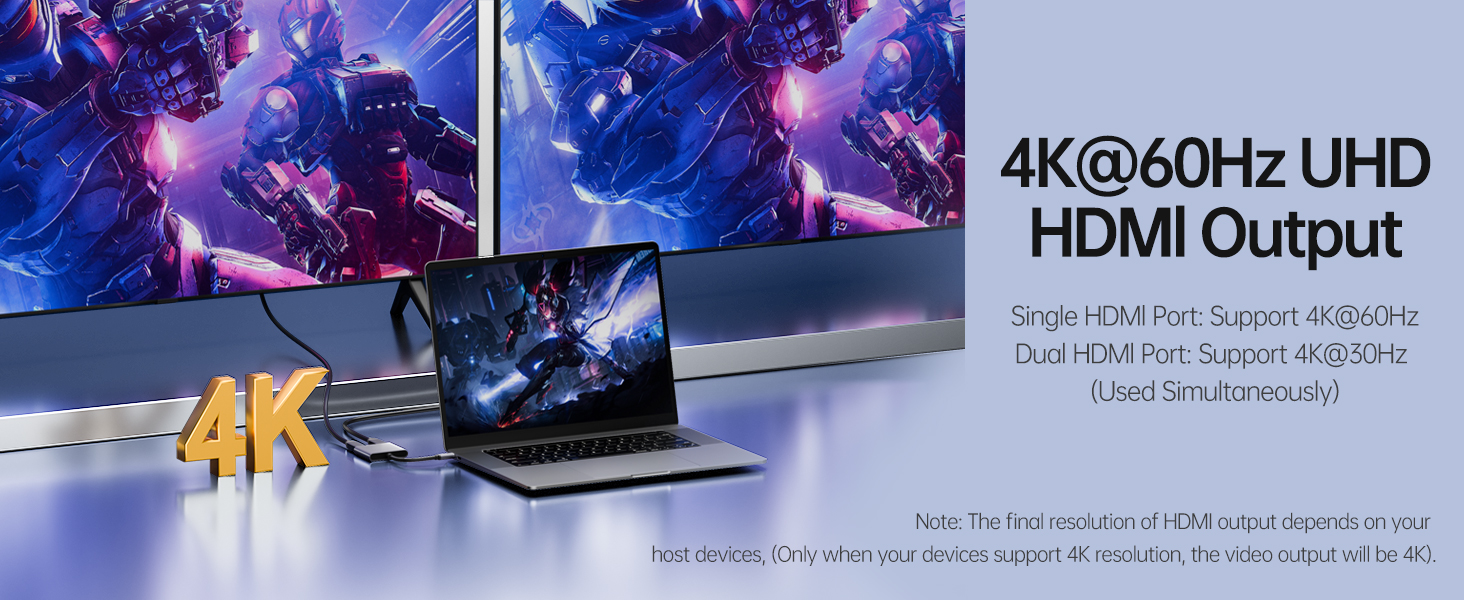
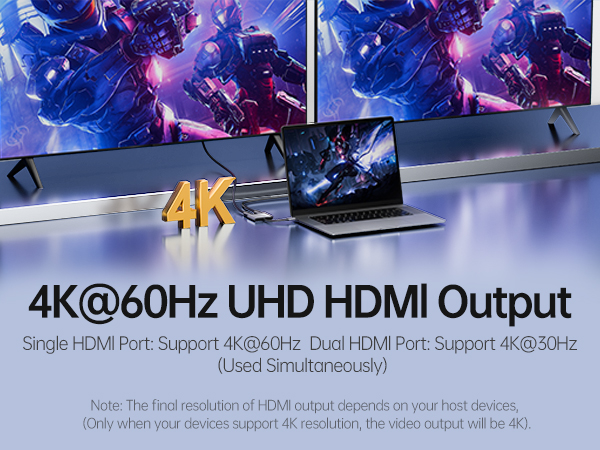
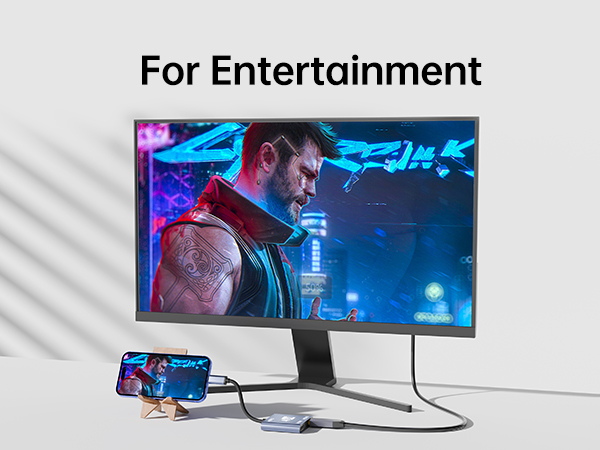
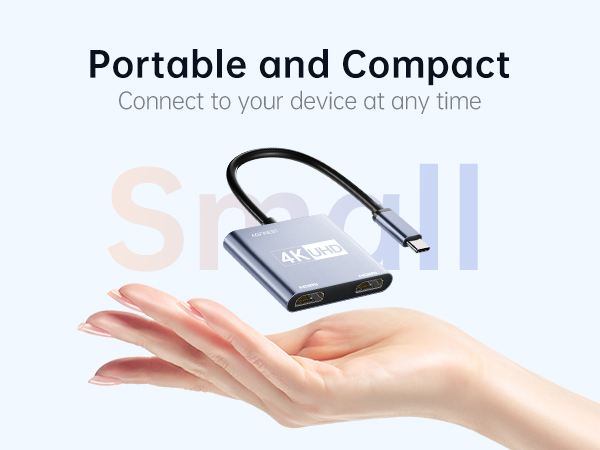
Single monitor: Up to 4K@60Hz
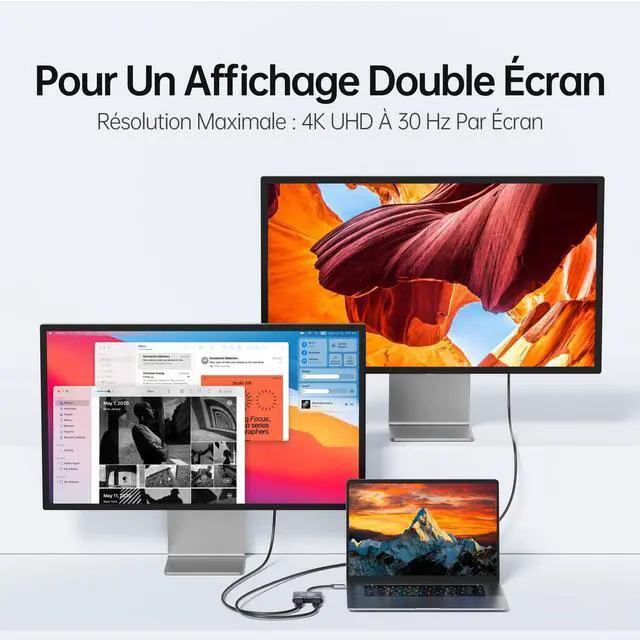
Dual monitors (both connected): Up to 4K@30Hz on each port
Backward compatible with 2K@60Hz and 1080P@60Hz.
*Note: 4K output requires a 4K-capable source device and an HDMI 2.0 cable (or higher).*
Do I need to install drivers?
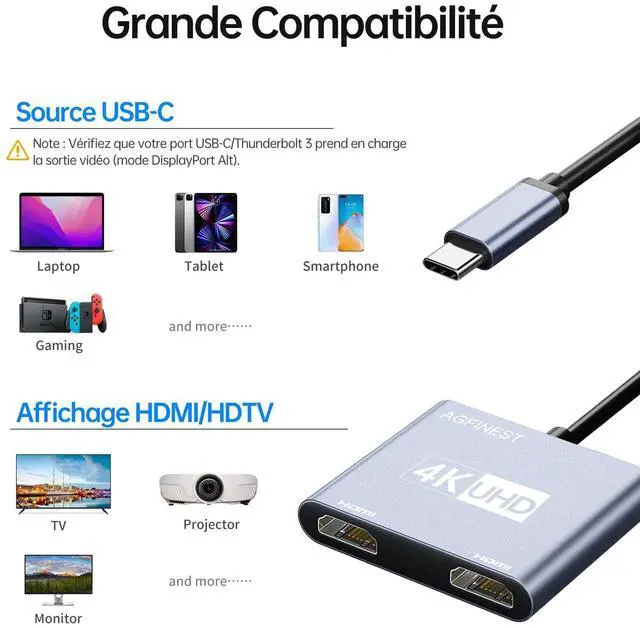
No. It's plug and play — simply connect and use. No software or driver installation required.
Does it transmit audio?
Yes. HDMI carries both video and audio. You may need to select the correct audio output in your system settings.
Is this adapter bidirectional?
No. This adapter is unidirectional — it only transmits signal from a USB-C source to an HDMI display. It cannot convert HDMI to USB-C.
Does this adapter support dual monitor extension?
Yes, on most Windows laptops and select devices. Supports both Extend mode (different content) and Mirror mode (same content). For Mac users: Due to macOS limitations, only Mirror mode is supported when using two displays.
What video resolution does it support?
Single monitor: Up to 4K@60Hz
Dual monitors (both connected): Up to 4K@30Hz on each port
Backward compatible with 2K@60Hz and 1080P@60Hz.
*Note: 4K output requires a 4K-capable source device and an HDMI 2.0 cable (or higher).*
Do I need to install drivers?
No. It's plug and play — simply connect and use. No software or driver installation required.
Does it transmit audio?
Yes. HDMI carries both video and audio. You may need to select the correct audio output in your system settings.