




Why won't my device charge?
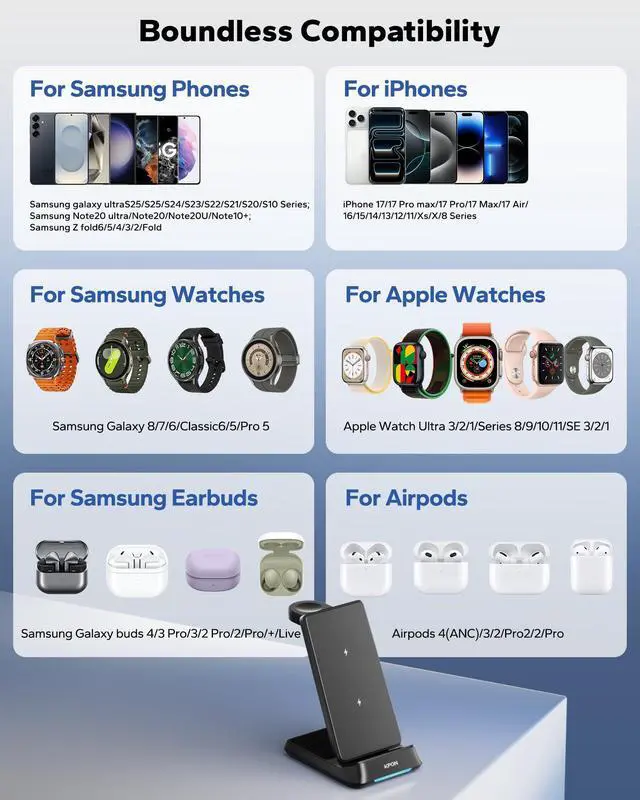
This station is universally compatible with all Qi-enabled phones. To ensure your shopping experience, please confirm whether your device model supports wireless charging before purchasing.
My device gets hot while charging. Is this normal?
Mild warmth is normal for wireless chargers. Our station has built-in overheating protection and heat dissipation. If you notice unusual heat, please remove the device and check for any obstructions or ensure it's placed correctly.
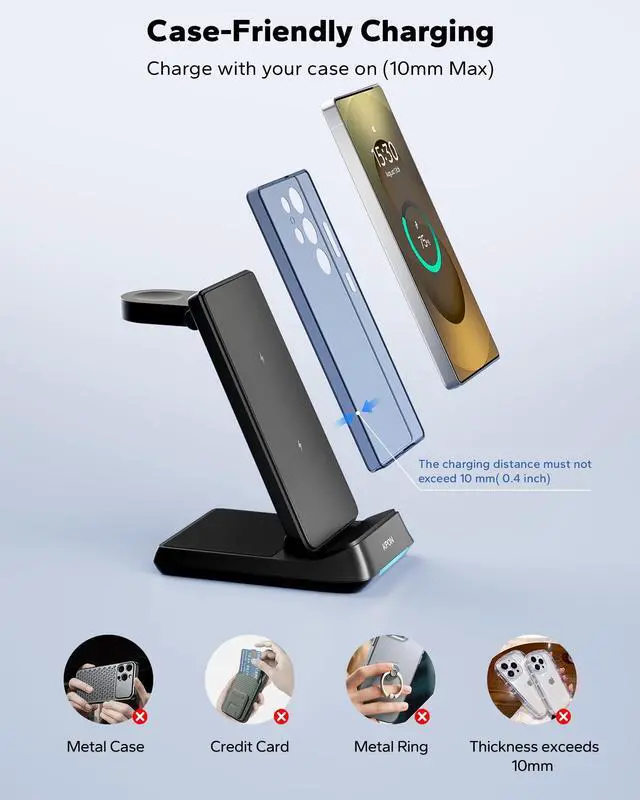
Does it work with phone cases?
It works with most standard plastic or silicone cases under 10mm thickness. Cases with metal, metal ring, magnetic pads, credit cards or very thick designs may interfere and need removal for optimal charging.
Why does charging seem slow?
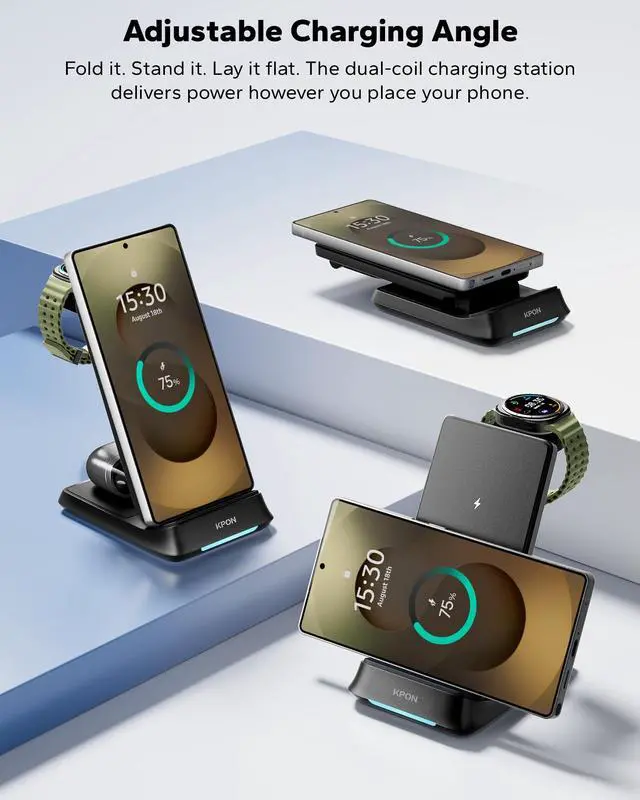
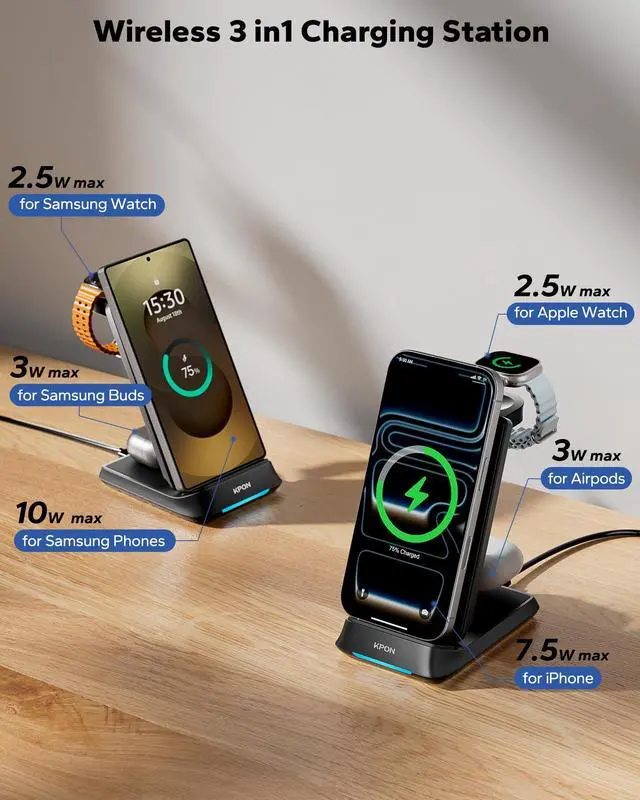
1) Always use the included adapter or other PD20W adapter. 2) Center your device on the charging part. 3) Remove inappropriate protective covers. 4) Ensure the area is well-ventilated. Follow these steps for reliable, fast charging every time.
Why does the indicator light flash?
It indicates foreign object detection. At this time, you can try to re-plugging the adapter, take off the phone case and try again, replace with another adapter, or check whether the charging area contains metal.



Why won't my device charge?
This station is universally compatible with all Qi-enabled phones. To ensure your shopping experience, please confirm whether your device model supports wireless charging before purchasing.
My device gets hot while charging. Is this normal?
Mild warmth is normal for wireless chargers. Our station has built-in overheating protection and heat dissipation. If you notice unusual heat, please remove the device and check for any obstructions or ensure it's placed correctly.
Does it work with phone cases?
It works with most standard plastic or silicone cases under 10mm thickness. Cases with metal, metal ring, magnetic pads, credit cards or very thick designs may interfere and need removal for optimal charging.
Why does charging seem slow?
1) Always use the included adapter or other PD20W adapter. 2) Center your device on the charging part. 3) Remove inappropriate protective covers. 4) Ensure the area is well-ventilated. Follow these steps for reliable, fast charging every time.
Why does the indicator light flash?
It indicates foreign object detection. At this time, you can try to re-plugging the adapter, take off the phone case and try again, replace with another adapter, or check whether the charging area contains metal.
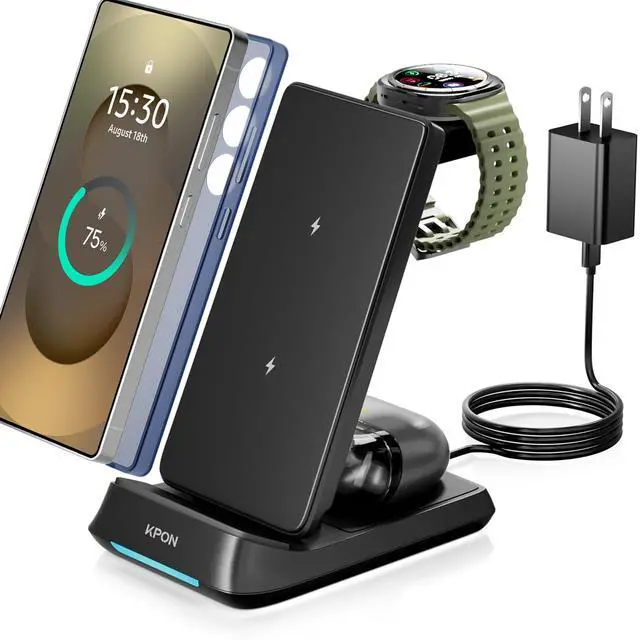
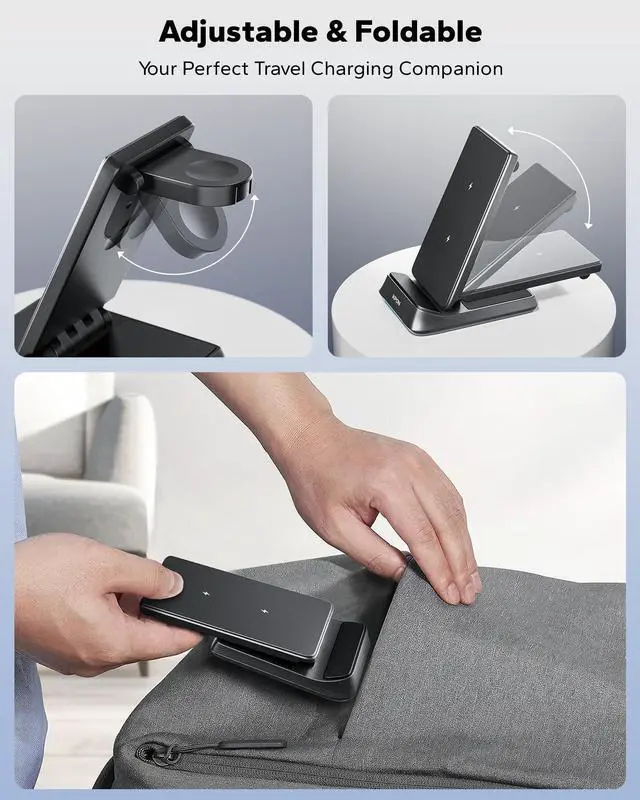
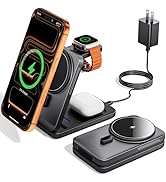
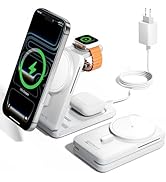
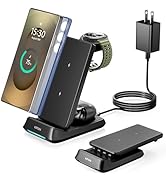
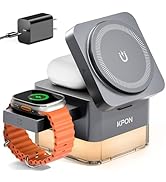
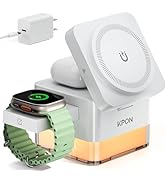
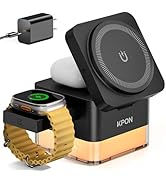
magnetic 3in1 charging station
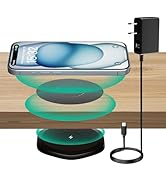
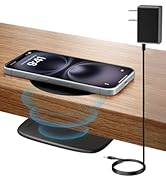
wireless charger