


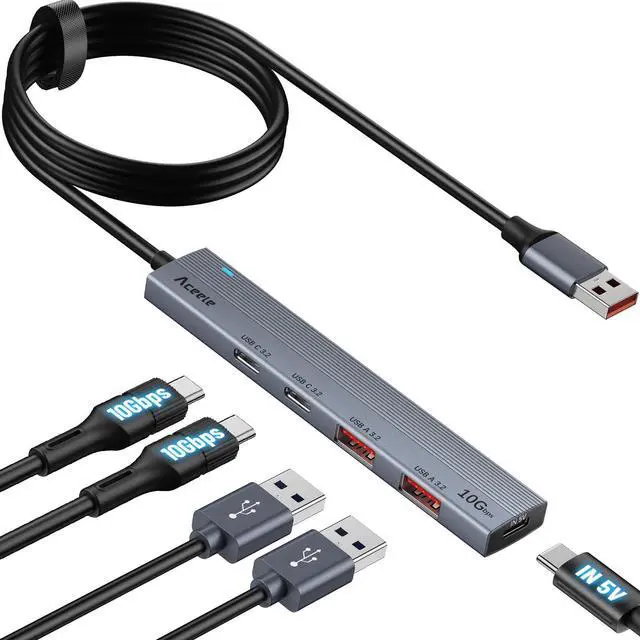
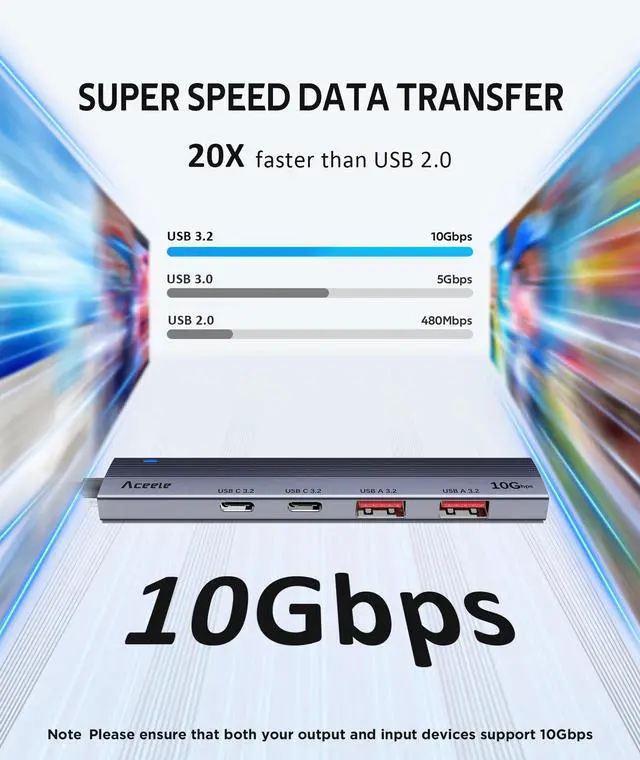
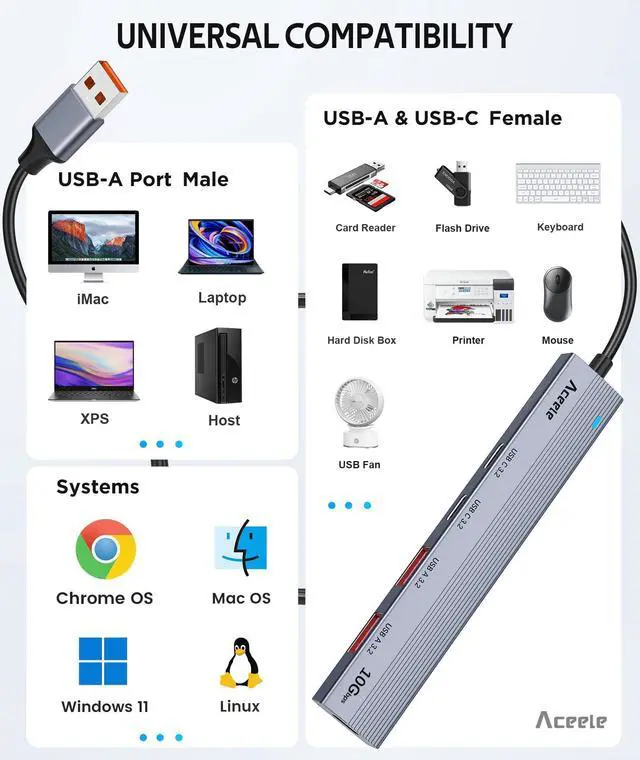


Can't reach 10Gbps speed ?
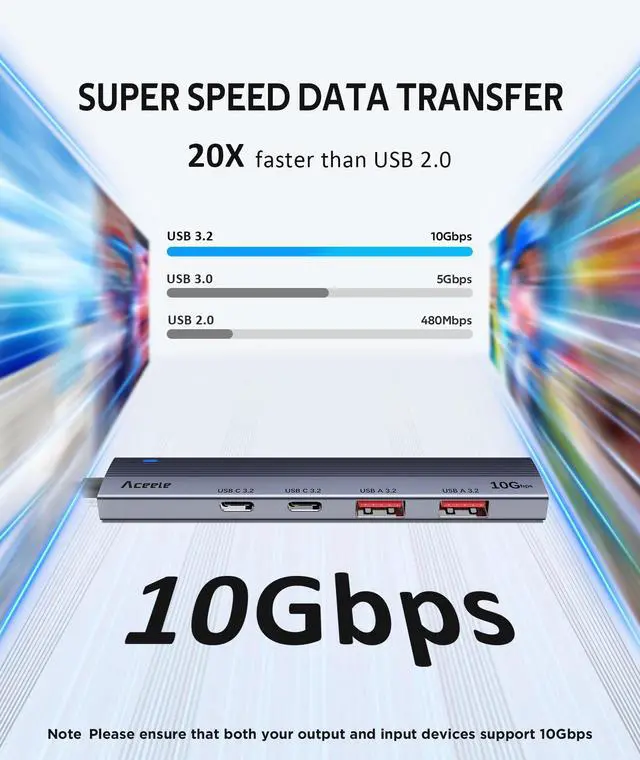
Up to 10 Gbps Theoretical maximum transmission speed, the actual speed is related to other related equipment , wires , etc. Please make sure your output and input devices all support 10Gbps. The transfer rate time is related to the size of your file.
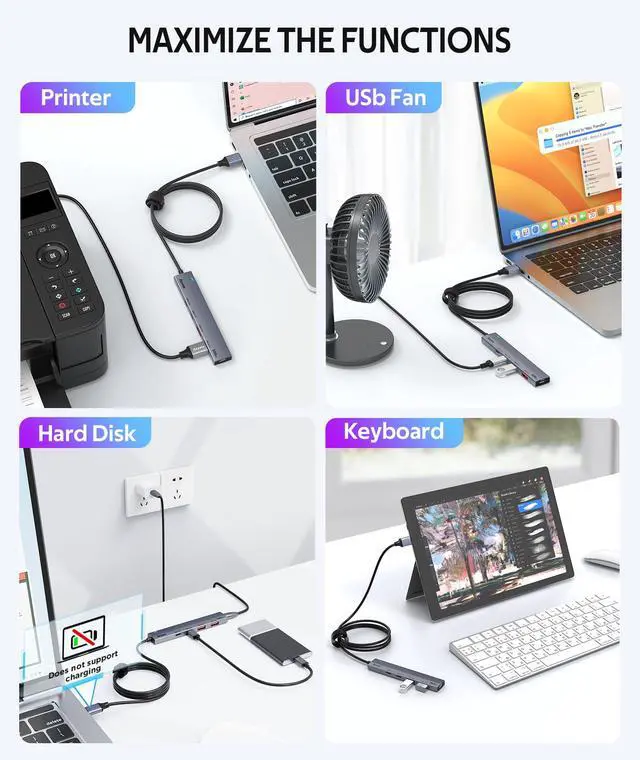
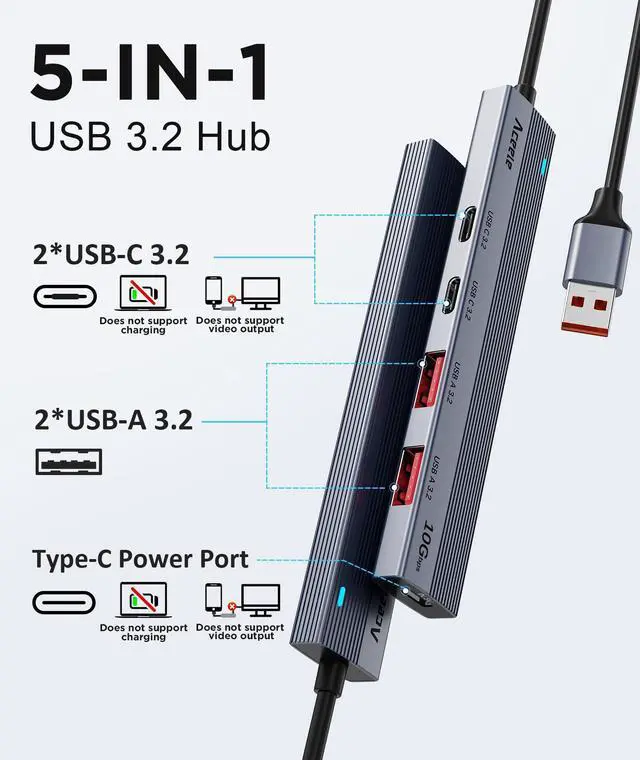
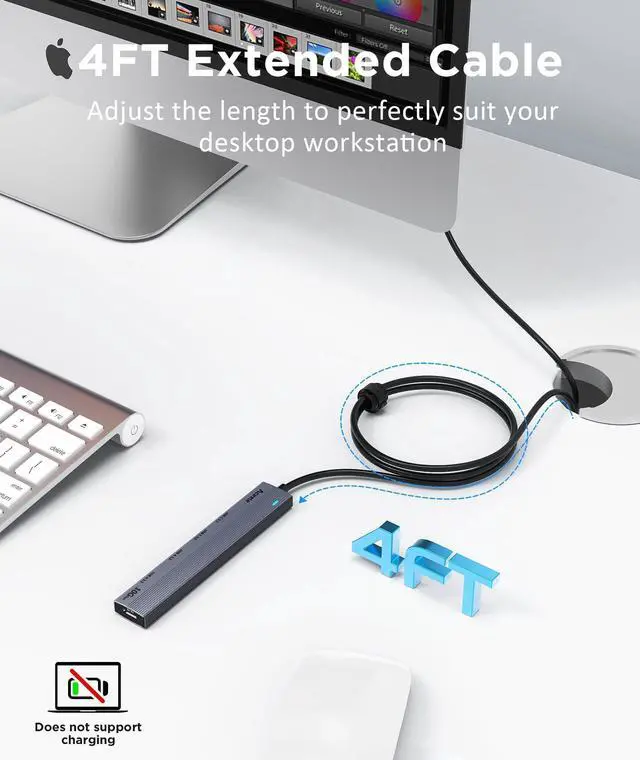
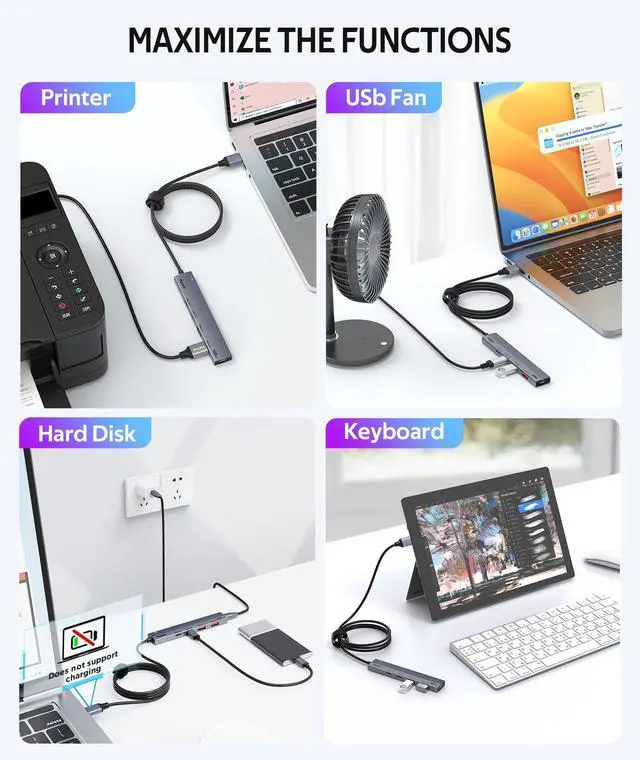
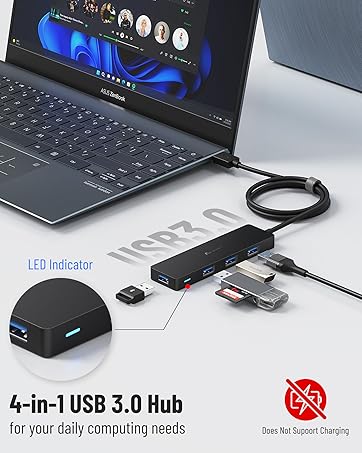
Does this usb 3.2 hub support charging or monitor ?
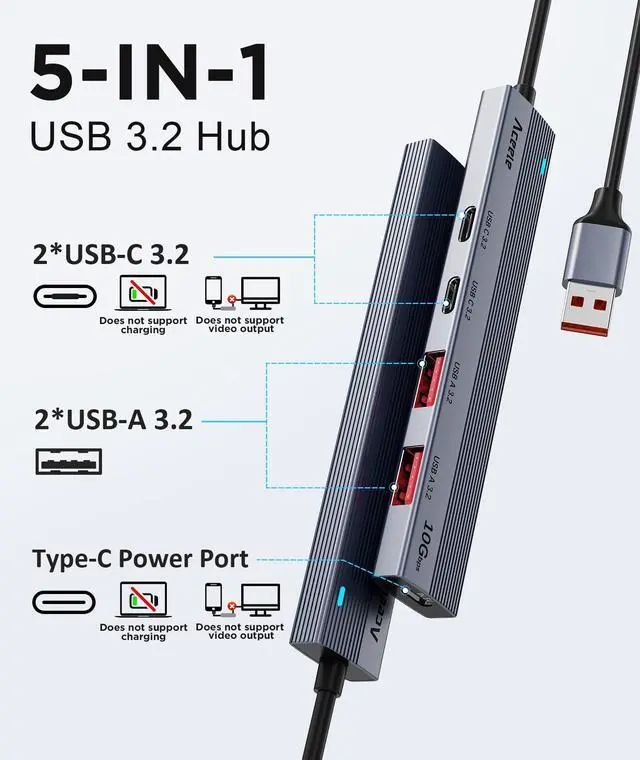
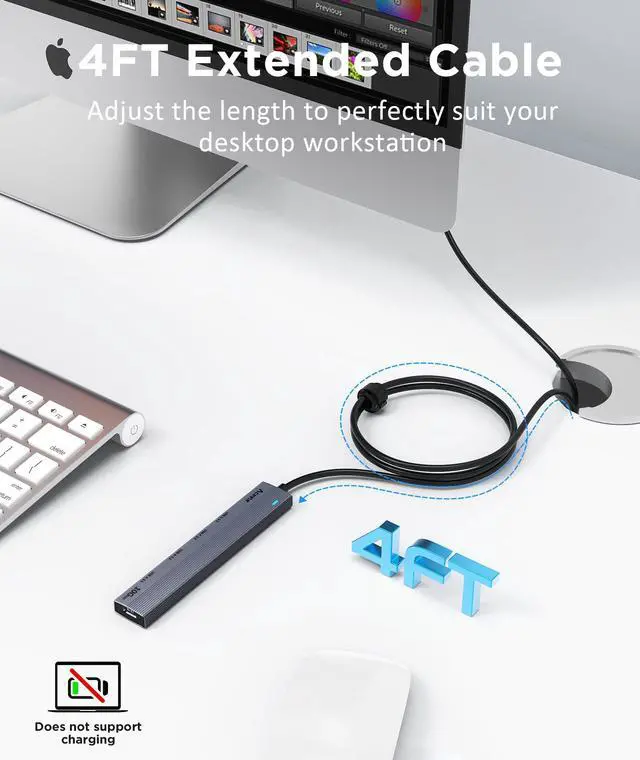
No, this usb 3.2 hub not support charge and monitor.
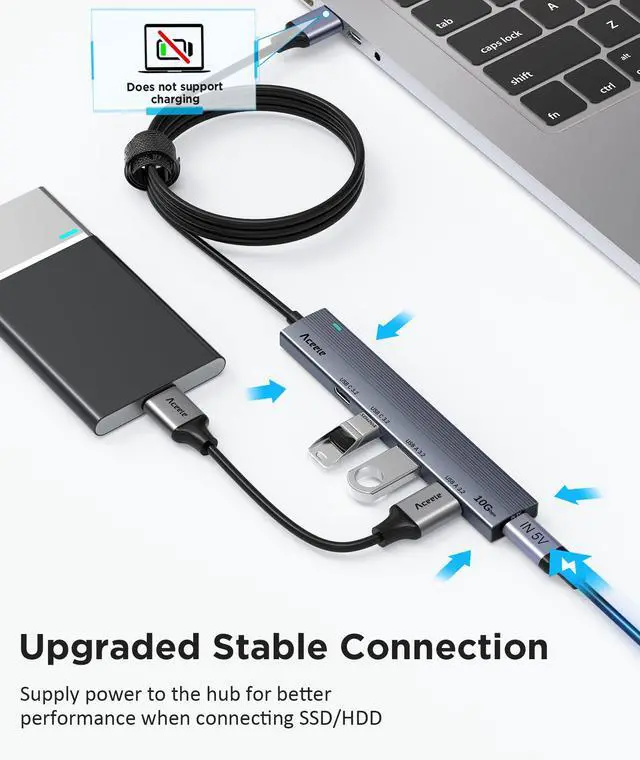
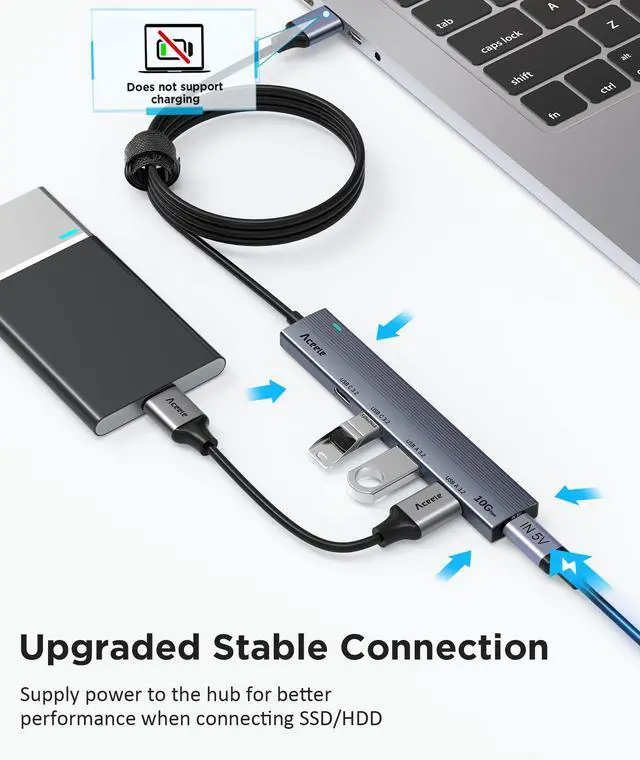
Can I use this hub with SSDs or hard drives?
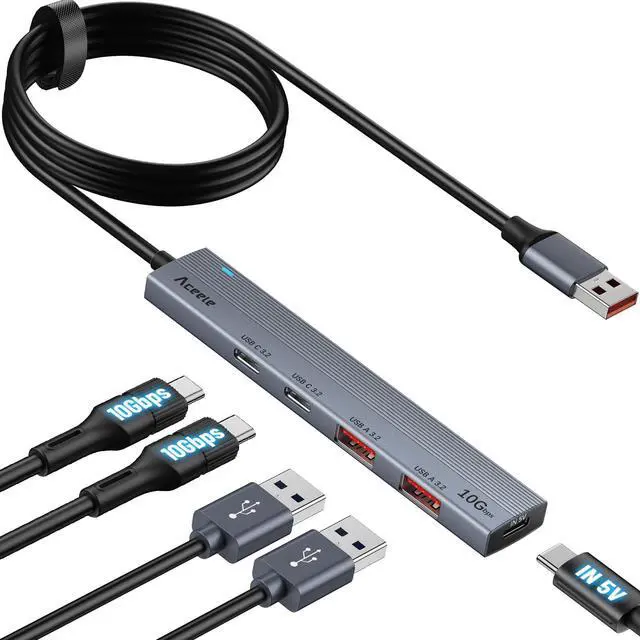
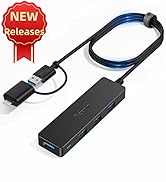
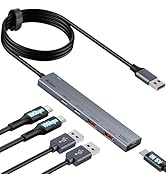
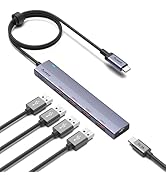
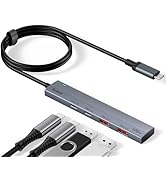
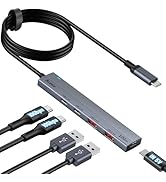
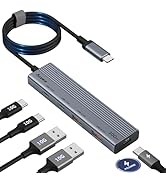
Yes, you can use this hub with SSDs and hard drives, but when connecting 2 or more hard drives, Please be sure to connect this Type C power supply port.
Why does the disconnect occur ?
When two or more hard drives are connected, the hub will have insufficient current and may be disconnected. This is not a product defect , but a normal phenomenon. So, When connecting more than 2 hard disks, the power supply port must be connected.
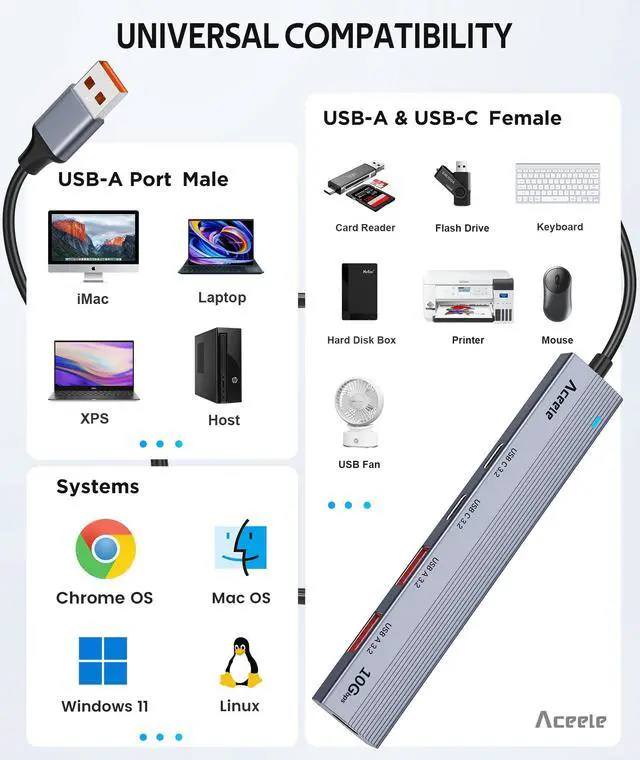
Will connecting a USB 3.0 or USB 2.0 device limit the speed?
Yes, when you connect a USB 3.0 device, it will run at USB 3.0 speed; when you connect a USB 2.0 device, it will run at USB 2.0 speed, not at 10Gbps. So, your device must support 10Gbps.


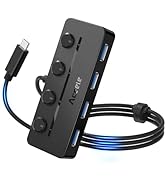
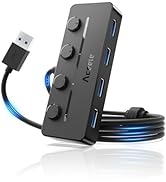
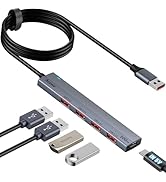
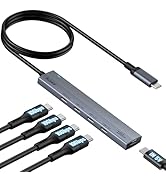
Aceele USB 3.2 Hubs You May Need
 USB-A 3.2 Hub |  USB-C 3.2 Hub |  USB-A 3.2 Hub |  USB-C 3.2 Hub |  USB-C 3.2 Hub |  USB-C 3.2 Hub | |
|---|---|---|---|---|---|---|
Customer Reviews | — | — | — | — | — | — |
Price | — | — | — | — | — | — |
Expansion Ports | 2 USB-A 3.2+2 USB-C 3.2 | 2 USB-A 3.2+2 USB-C 3.2 | 4 USB-A 3.2 | 4 USB-C 3.2 | 4 USB-A 3.2 | 4 USB-C 3.2 |
Power Supply Port | 5V 3A Type C Power Port | 5V 3A Type C Power Port | 5V 3A Type C Power Port | 5V 3A Type C Power Port | 5V 3A Type C Power Port | 100W PD Charging |
Data Transfer Speed | 10Gbps | 10Gbps | 10Gbps | 10Gbps | 10Gbps | 10Gbps |
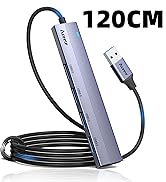
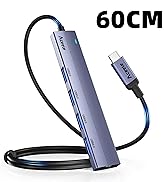
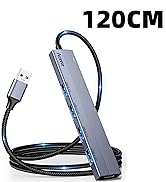
Cable Length | 120cm/4ft | 100cm/3.3ft | 120cm/4ft | 60cm/2ft | 100cm/3.3ft | 60cm/2ft |
Charge your device | ? | ? | ? | ? | ? | ? |
video output | ? | ? | ? | ? | ? | ? |
Material | Aluminum | Aluminum | Aluminum | Aluminum | Aluminum | Aluminum |

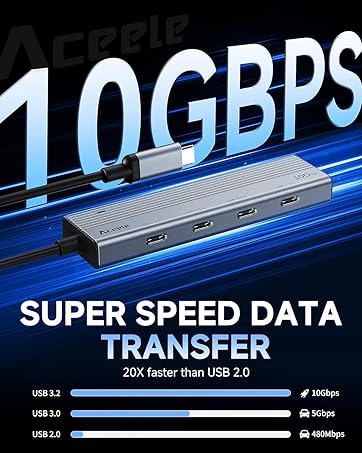







Can't reach 10Gbps speed ?
Up to 10 Gbps Theoretical maximum transmission speed, the actual speed is related to other related equipment , wires , etc. Please make sure your output and input devices all support 10Gbps. The transfer rate time is related to the size of your file.
Does this usb 3.2 hub support charging or monitor ?
No, this usb 3.2 hub not support charge and monitor.
Can I use this hub with SSDs or hard drives?
Yes, you can use this hub with SSDs and hard drives, but when connecting 2 or more hard drives, Please be sure to connect this Type C power supply port.
Why does the disconnect occur ?
When two or more hard drives are connected, the hub will have insufficient current and may be disconnected. This is not a product defect , but a normal phenomenon. So, When connecting more than 2 hard disks, the power supply port must be connected.
Will connecting a USB 3.0 or USB 2.0 device limit the speed?
Yes, when you connect a USB 3.0 device, it will run at USB 3.0 speed; when you connect a USB 2.0 device, it will run at USB 2.0 speed, not at 10Gbps. So, your device must support 10Gbps.


Aceele USB 3.2 Hubs You May Need
USB-A 3.2 Hub | USB-C 3.2 Hub | USB-A 3.2 Hub | USB-C 3.2 Hub | USB-C 3.2 Hub | USB-C 3.2 Hub |
|---|---|---|---|---|---|
| Customer Reviews | |||||
| — | — | — | — | — | — |
| Price | |||||
| — | — | — | — | — | — |
| Expansion Ports | |||||
| 2 USB-A 3.2+2 USB-C 3.2 | 2 USB-A 3.2+2 USB-C 3.2 | 4 USB-A 3.2 | 4 USB-C 3.2 | 4 USB-A 3.2 | 4 USB-C 3.2 |
| Power Supply Port | |||||
| 5V 3A Type C Power Port | 5V 3A Type C Power Port | 5V 3A Type C Power Port | 5V 3A Type C Power Port | 5V 3A Type C Power Port | 100W PD Charging |
| Data Transfer Speed | |||||
| 10Gbps | 10Gbps | 10Gbps | 10Gbps | 10Gbps | 10Gbps |
| Cable Length | |||||
| 120cm/4ft | 100cm/3.3ft | 120cm/4ft | 60cm/2ft | 100cm/3.3ft | 60cm/2ft |
| Charge your device | |||||
| ? | ? | ? | ? | ? | ? |
| video output | |||||
| ? | ? | ? | ? | ? | ? |
| Material | |||||
| Aluminum | Aluminum | Aluminum | Aluminum | Aluminum | Aluminum |
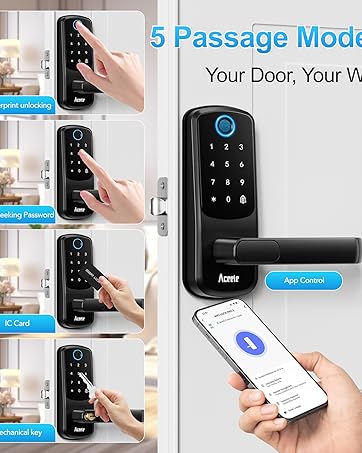
Smart Door Lock
New Product
New Product
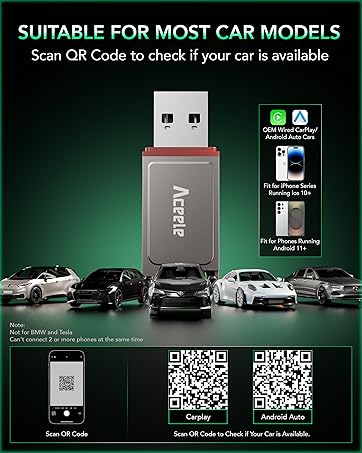
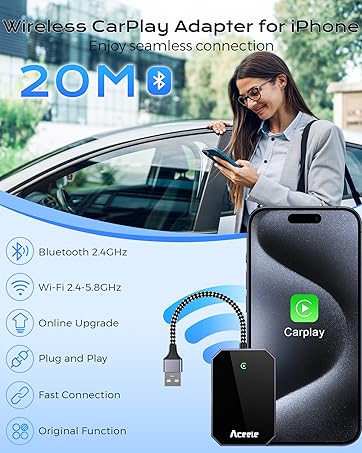
Wireless CarPlay Adapter
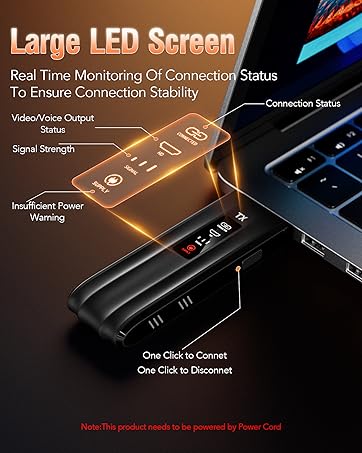
Wireless HDMI Transmitter
New Releases
USB 3.0 HUB
USB 3.0 HUB
Power USB HUB
10Gbps USB Hub
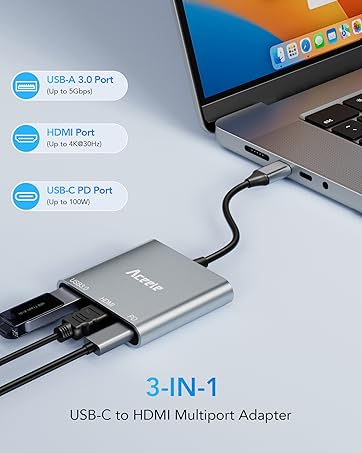
2 USB C & 2 USB A Ports
