






Professional Tips for Wireless Charging Overheat Safety
- Proper Alignment: For optimal charging efficiency, please make sure your phone is properly aligned with the charger’s center. Misalignment can lead to slower charging and potential overheating.
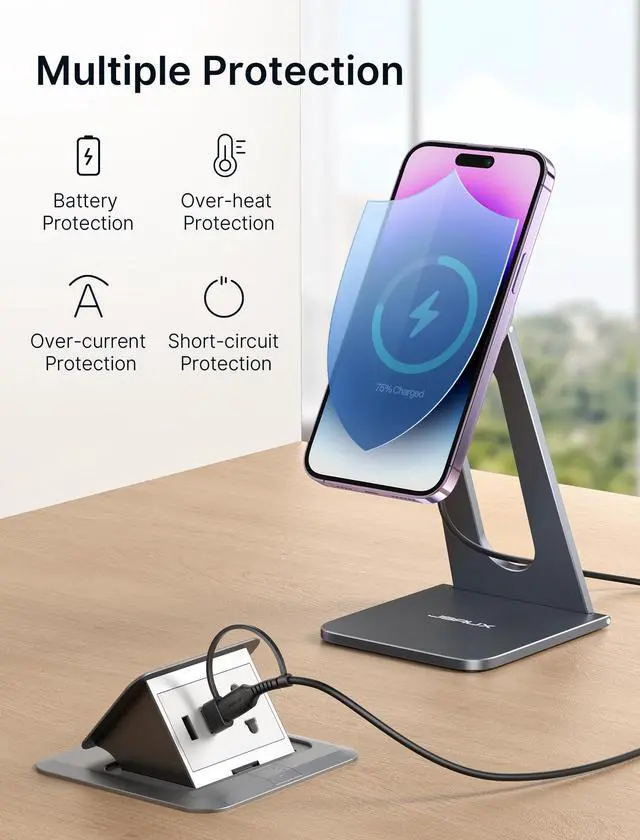
- Smart Temperature Control – Choose chargers with intelligent thermal sensors. They automatically slow down or pause charging if heat levels get too high, preventing dangerous overheating.
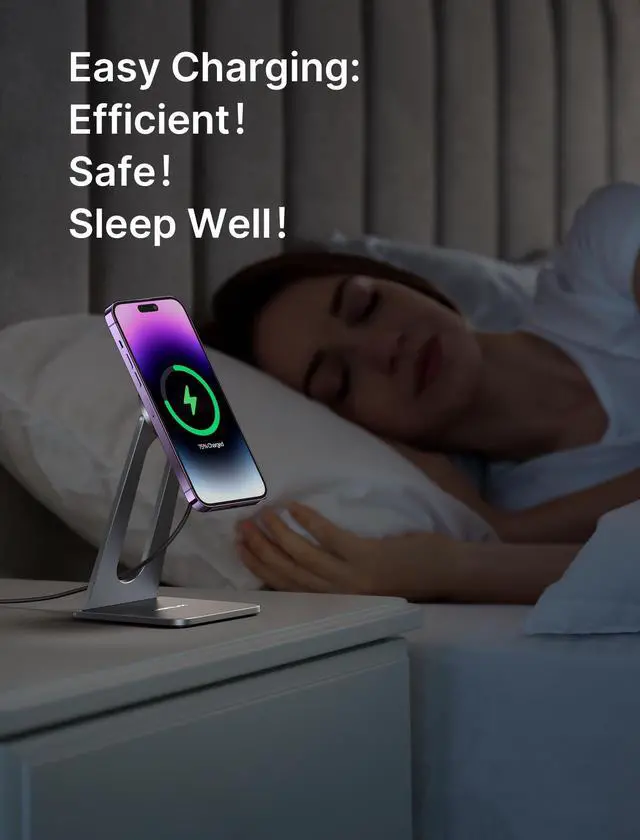
- Proper Ventilation Matters – Always place the charger on a hard, flat, and heat-resistant surface like wood, metal, or glass. Never use on soft surfaces (e.g., beds, sofas) that trap heat and raise device temperature.
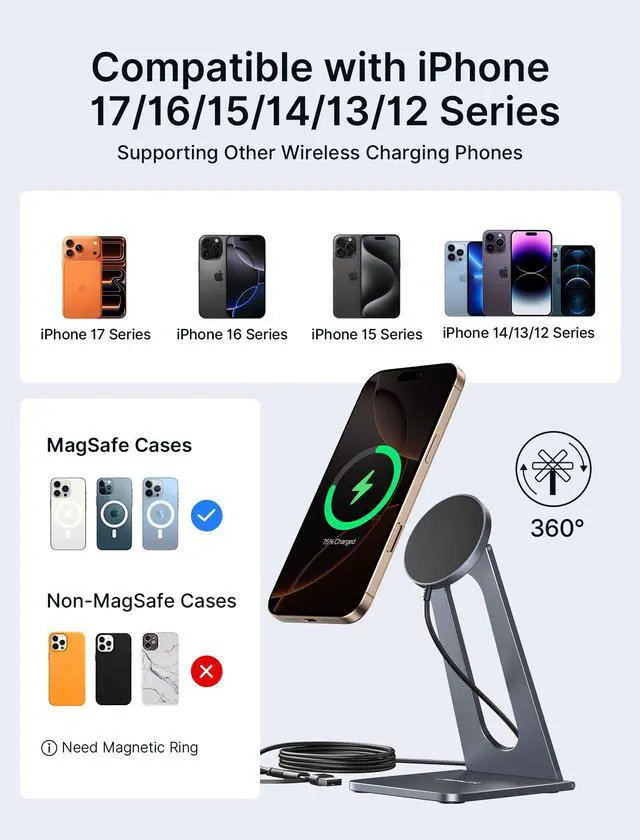
- Minimize Case and Object Obstruction – Thick, rugged, or metal-backed phone cases can trap heat. Use slim, MagSafe-compatible, or heat-dissipating cases to allow better airflow during charging.
- Use Certified Power Accessories – Only use trusted, certified adapters and cables (e.g., 20W QC3.0 or PDPD certified chargers). Inferior accessories may cause inefficient charging and excess heat generation.
- Safe Charging Habits – Avoid heavy app usage (gaming, video streaming, video calls) while charging wirelessly. If you notice excessive heat, burning smell, or any charging interruptions, immediately stop use.
Tip: A slightly warm charger is normal. However, if it becomes hot to the touch, disconnect it promptly to avoid damage or hazards.


Professional Tips for Wireless Charging Overheat Safety
- Proper Alignment: For optimal charging efficiency, please make sure your phone is properly aligned with the charger’s center. Misalignment can lead to slower charging and potential overheating.
- Smart Temperature Control – Choose chargers with intelligent thermal sensors. They automatically slow down or pause charging if heat levels get too high, preventing dangerous overheating.
- Proper Ventilation Matters – Always place the charger on a hard, flat, and heat-resistant surface like wood, metal, or glass. Never use on soft surfaces (e.g., beds, sofas) that trap heat and raise device temperature.
- Minimize Case and Object Obstruction – Thick, rugged, or metal-backed phone cases can trap heat. Use slim, MagSafe-compatible, or heat-dissipating cases to allow better airflow during charging.
- Use Certified Power Accessories – Only use trusted, certified adapters and cables (e.g., 20W QC3.0 or PDPD certified chargers). Inferior accessories may cause inefficient charging and excess heat generation.
- Safe Charging Habits – Avoid heavy app usage (gaming, video streaming, video calls) while charging wirelessly. If you notice excessive heat, burning smell, or any charging interruptions, immediately stop use.
Tip: A slightly warm charger is normal. However, if it becomes hot to the touch, disconnect it promptly to avoid damage or hazards.