




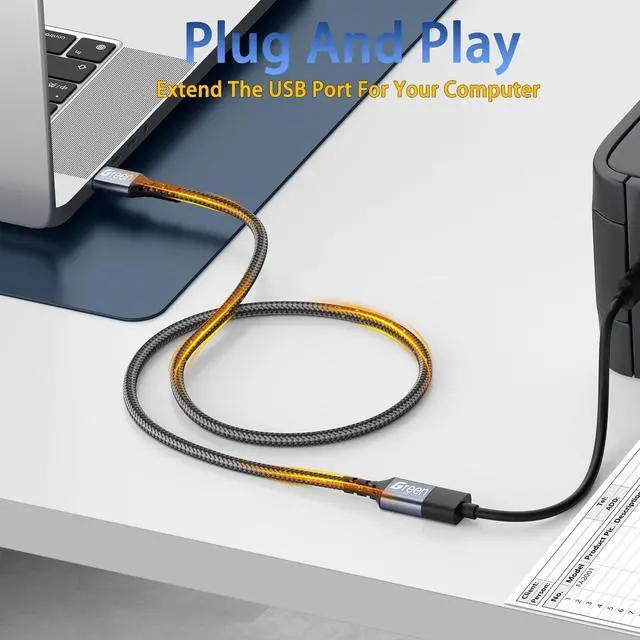
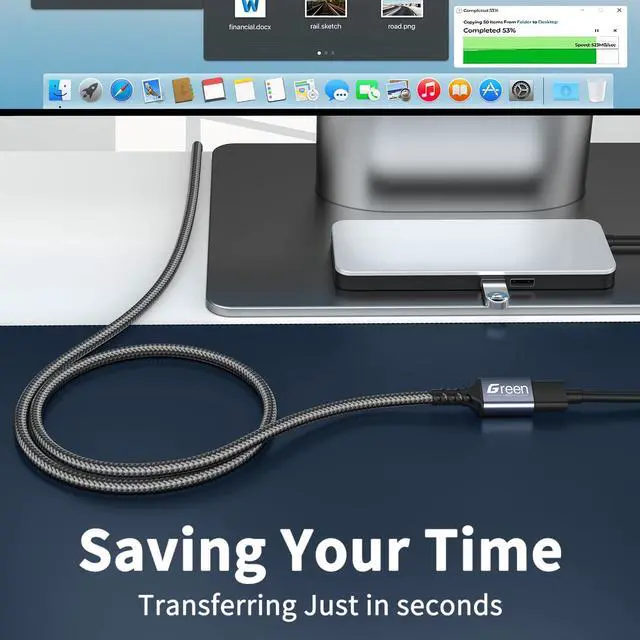


Can I connect multiple such extension cables in series to get a longer length?
We strongly do not recommend series connection. Connecting multiple extension cables will exponentially amplify signal attenuation and power supply problems, which will almost certainly lead to device non-recognition or intermittent connections.
Why is my device not recognized after using the extension cable?
First, check if both ends of the cable are plugged in tightly and if there is dust or debris in the interface. If that doesn’t work, try replacing the host USB port or testing with another device. If the problem persists, please send us a note.
What are the differences between this cable and ordinary USB extension cables on the market?
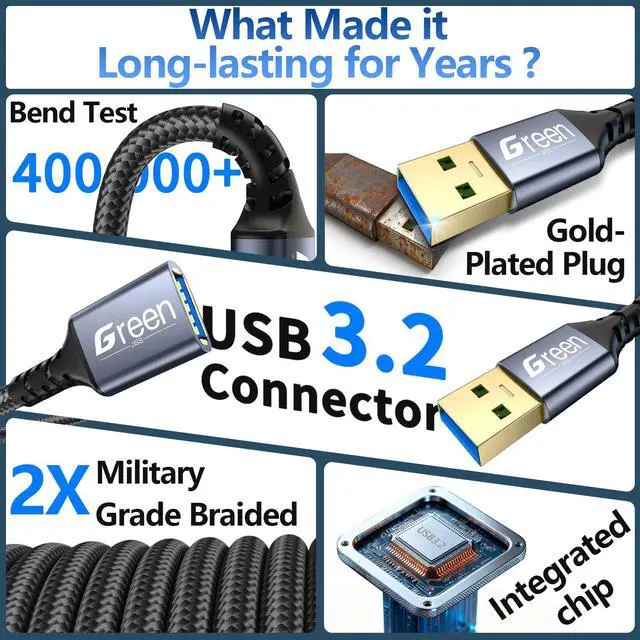
With full shielding, thick wire cores and reinforced connector strain relief, our cable resists repeated bending/pulling without internal breakage. Its wear-resistant metal contacts reduce long-term poor contact and last longer.
What should I do if the data transmission speed is slower than expected?
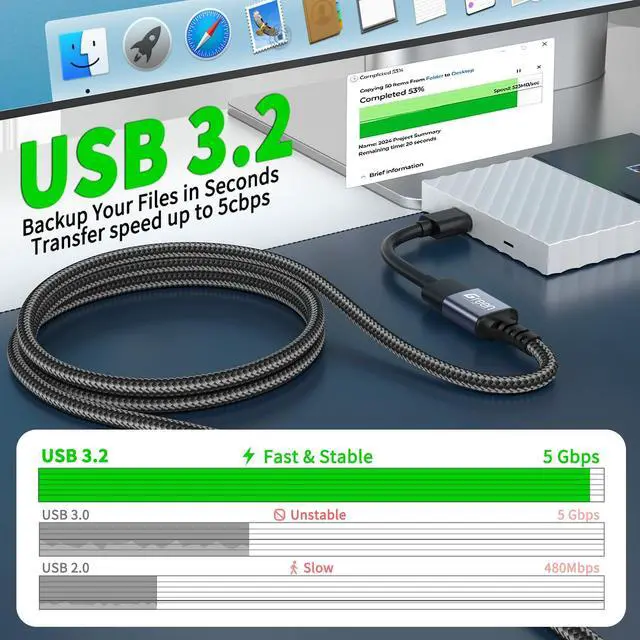
First, confirm that the cable version matches your device—using a USB 2.0 cable for a USB 3.0 device will limit the speed. Second, avoid using an overly long passive cable. Finally, check if the cable is damaged.




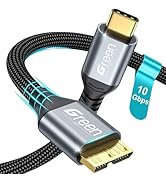
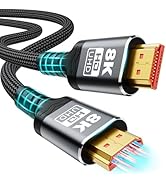
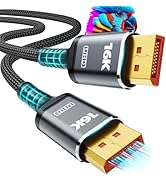
![16K Displayport Cable 2.1, [VESA Certified] DP 2.1 Cable 5FT-1.5M, 16K@60Hz, 8K@120Hz, 4K@240Hz 1...](http://c1.neweggimages.com/sellingpilot/modules/product/a-plus/8d5292eaadd2d874051af358777a6bd2500db192cd7156d5a798743df77f2579.jpg)


Can I connect multiple such extension cables in series to get a longer length?
We strongly do not recommend series connection. Connecting multiple extension cables will exponentially amplify signal attenuation and power supply problems, which will almost certainly lead to device non-recognition or intermittent connections.
Why is my device not recognized after using the extension cable?
First, check if both ends of the cable are plugged in tightly and if there is dust or debris in the interface. If that doesn’t work, try replacing the host USB port or testing with another device. If the problem persists, please send us a note.
What are the differences between this cable and ordinary USB extension cables on the market?
With full shielding, thick wire cores and reinforced connector strain relief, our cable resists repeated bending/pulling without internal breakage. Its wear-resistant metal contacts reduce long-term poor contact and last longer.
What should I do if the data transmission speed is slower than expected?
First, confirm that the cable version matches your device—using a USB 2.0 cable for a USB 3.0 device will limit the speed. Second, avoid using an overly long passive cable. Finally, check if the cable is damaged.
Different Function Cables
![16K Displayport Cable 2.1, [VESA Certified] DP 2.1 Cable 5FT-1.5M, 16K@60Hz, 8K@120Hz, 4K@240Hz 1...](//c1.neweggimages.com/sellingpilot/modules/product/a-plus/8d5292eaadd2d874051af358777a6bd2500db192cd7156d5a798743df77f2579.jpg)
Different Function Cables