




Model Number: B121B
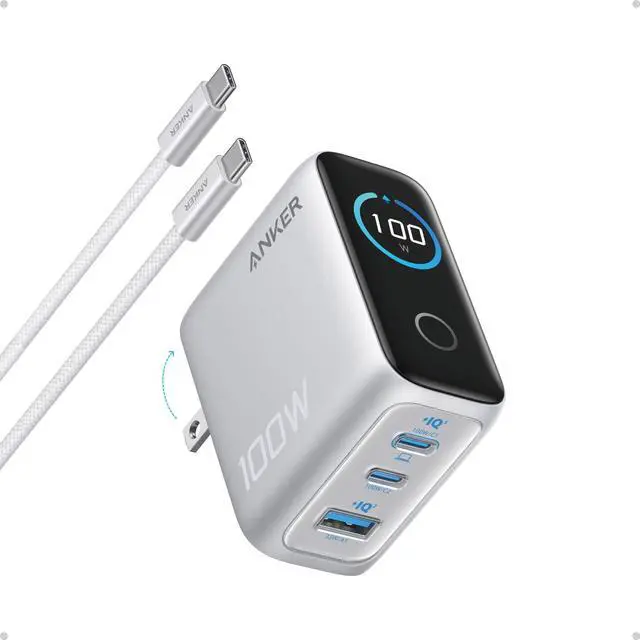
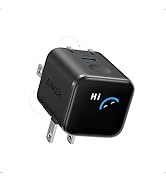
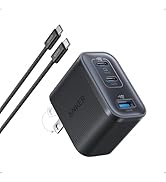
Anker Charger (100W, 3 Ports, Smart Display) with USB-C Cable, Compact Charger with Smart Display for Laptops
Powerful 100W Max Output
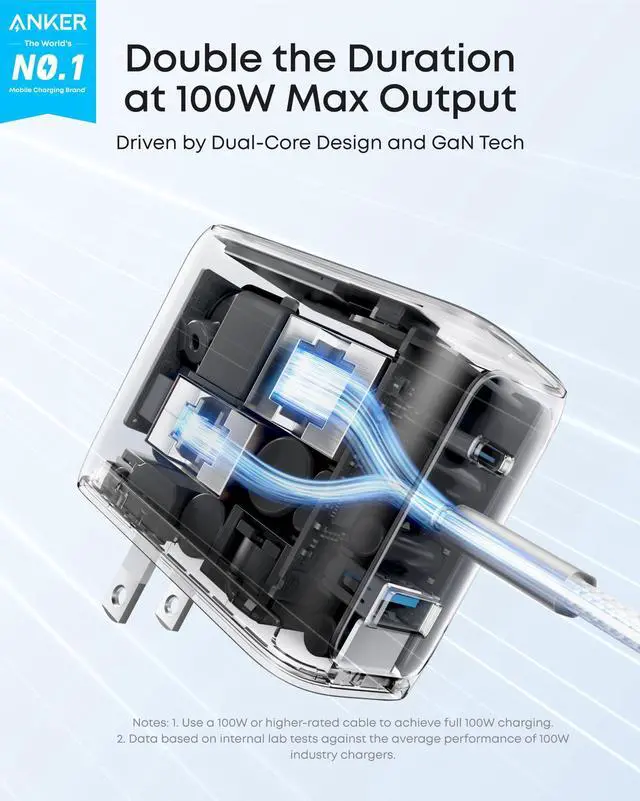
Advanced GaN technology delivers a steady 100W max output on every USB-C port in real time, providing ultra-fast charging for nonstop work, gaming, or video calls.
Instant Charging Insights
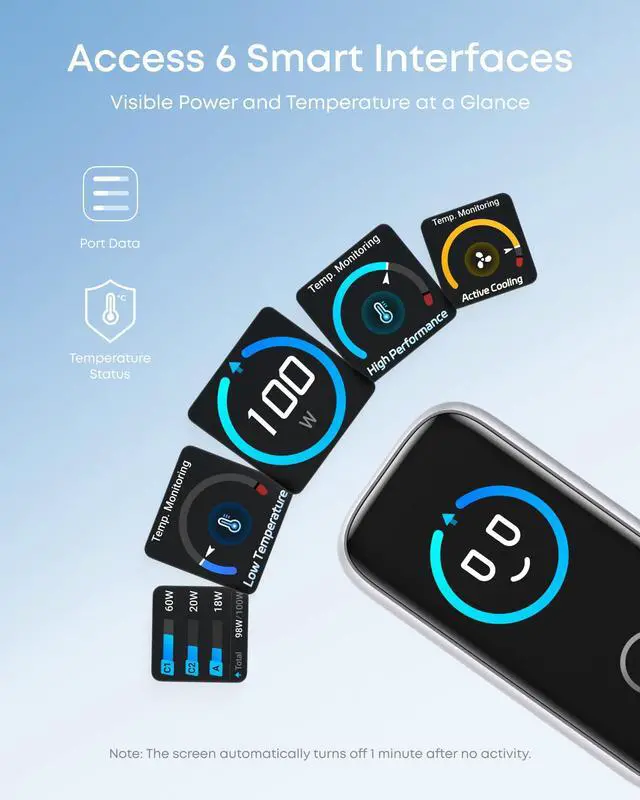
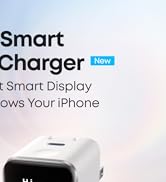
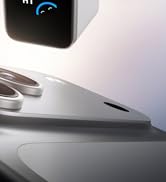
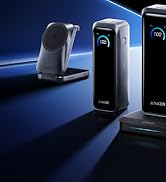
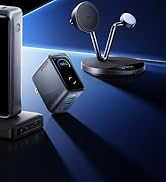
The dynamic smart display shows live readouts of power, voltage, and temperature with animated visuals. Milestone tracking records total usage hours, giving you a smarter, more engaging charging experience in real time.
Pocket-Friendly Power
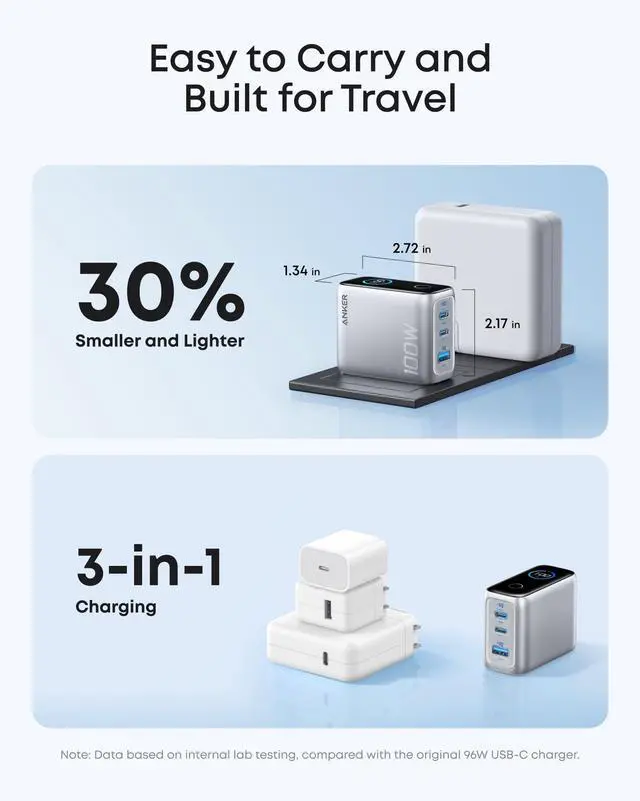
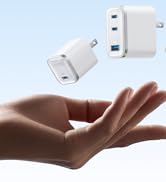
A foldable plug and a frame that's 30% smaller and lighter make it easy to pack. It saves space in your bag and lightens your load, replacing bulky bricks with effortless portability and powerful charging.
Safe and Stable Charging
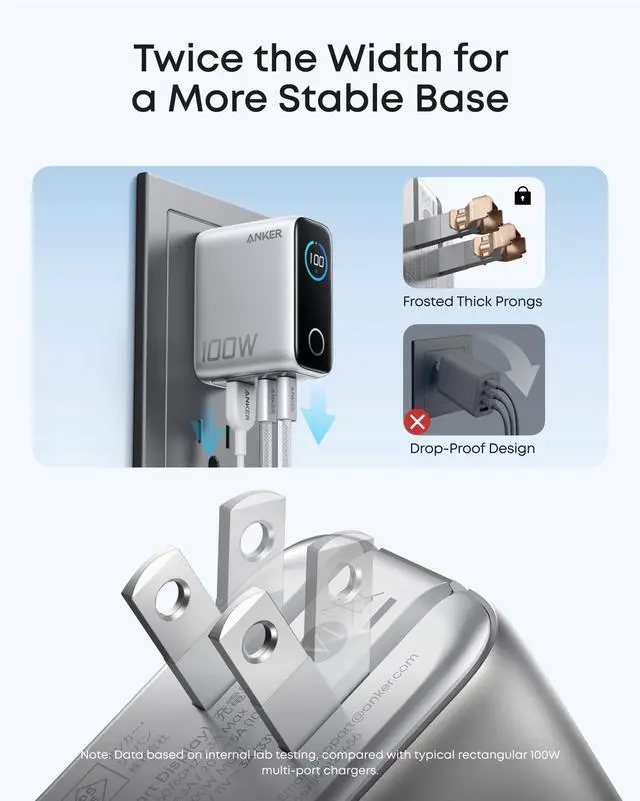
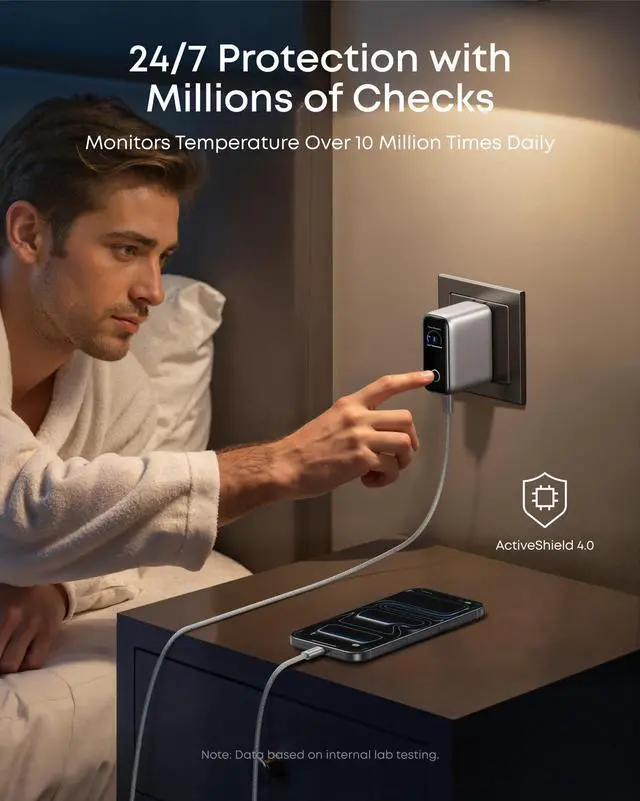
ActiveShield 4.0 monitors temperature over 1,000,000 times a day, while frosted thick prongs and a gravity-balanced design provide a steady connection for unworried charging.








Model Number: B121B
Anker Charger (100W, 3 Ports, Smart Display) with USB-C Cable, Compact Charger with Smart Display for Laptops
Powerful 100W Max Output
Advanced GaN technology delivers a steady 100W max output on every USB-C port in real time, providing ultra-fast charging for nonstop work, gaming, or video calls.
Instant Charging Insights
The dynamic smart display shows live readouts of power, voltage, and temperature with animated visuals. Milestone tracking records total usage hours, giving you a smarter, more engaging charging experience in real time.
Pocket-Friendly Power
A foldable plug and a frame that's 30% smaller and lighter make it easy to pack. It saves space in your bag and lightens your load, replacing bulky bricks with effortless portability and powerful charging.
Safe and Stable Charging
ActiveShield 4.0 monitors temperature over 1,000,000 times a day, while frosted thick prongs and a gravity-balanced design provide a steady connection for unworried charging.
| Model Number | B121B |
|---|---|
| Dimensions | 2.72 × 2.17 × 1.34 in |
| Weight | 7.47 oz |
| Total Wattage | 100W Max |
| Input | 100-240V~, 50 / 60Hz, 2.3A Max |
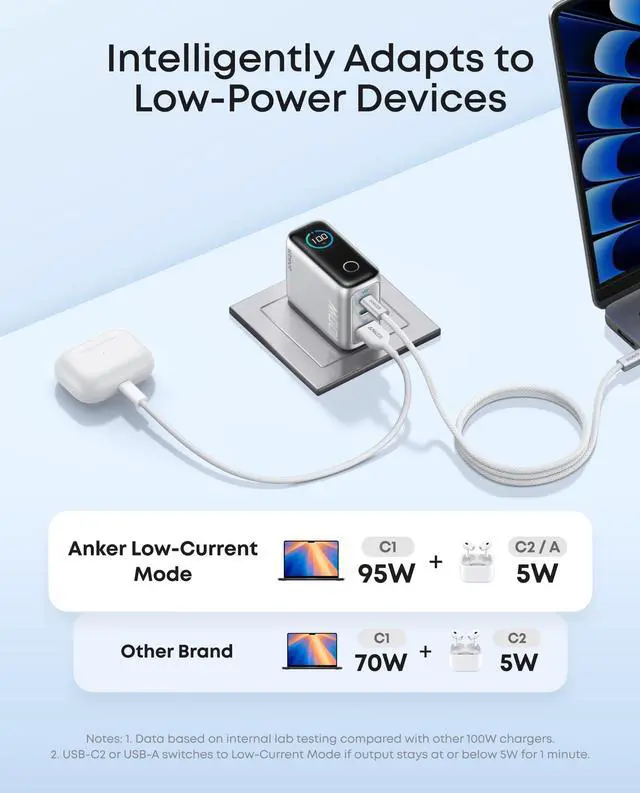
| Output | USB-C1: 5V?3A / 9V?3A / 15V?3A / 20V?5A (100W Max) ; USB-C2: 5V?3A / 9V?3A / 15V?3A / 20V?5A (100W Max) ; USB-A1: 5V?3A / 9V?2A / 12V?1.5A / 10V?2.25A / 11V?3A (33W Max) ; USB-C1 + USB-C2: 70W + 30W or 95W + 5W; USB-C1 / C2 + A1: 67W + 33W or 95W + 5W; USB-C1 + USB-C2 + USB-A1: 80W + 12W + 7.5W |
| Compatibility | iPhone 16 / 15 / 14 / 13 /12 / SE Series; Samsung S24 / S23 Series; Google Pixel 8 / 7; HP Chromebook 14; MacBook Air / Pro Series; Steam Deck; DJI Mavic 3; AirPods; Apple Watch And More |
| Note1 | The charger auto-adjusts to safely power low-current devices like earbuds and smartwatches. |
| Note2 | Each long press rotates the display by 90°. Repeat the long press to rotate further. |
| Note3 | The screen automatically returns to your last used rotation angle when powered on again. |
| FAQ1 | Q: Why can't I activate the 95W + 5W power distribution mode (USB-C / USB-A)? A: To activate 95W + 5W mode, the device connected to the USB-A port must meet low-current requirements—typically under 6V and 1A (e.g., headphones or smartwatches). If compatible, the charger will automatically switch to 95W + 5W mode after about 1 minute. |
| FAQ2 | Q: Is it normal for the charger to heat up while charging? A: Yes, it's normal for high-power chargers to operate at higher temperatures than low-power models. This charger features AI-driven intelligent temperature control, maintaining it within international safety standards for reliability and safety. |
| FAQ3 | Q: Why does charging stop briefly when I connect a new device? A: When switching between two-port and three-port use, the charger redistributes power across all ports. This may cause a brief interruption in charging, which is normal. |
| FAQ4 | Q: Why is the displayed power less than what devices such as phones and laptops claim? A: The charging process for phones and laptops follows a fluctuating power curve, typically reaching maximum power when the battery is low and the screen is off. Factors like battery level, screen status, and temperature protection mechanisms influence the actual charging power. This behavior occurs even with the device's original charger. |
Anker Smart Display Charger
Power to Drive Your Prime
Pro Fast Charging in a Nano
Get Powered Up Now
Best Sellers
Highly Rated
