


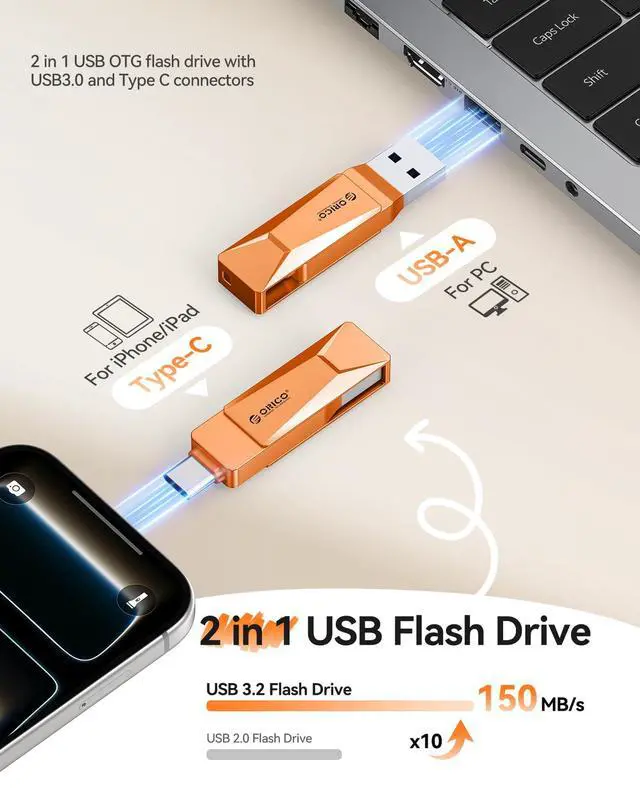







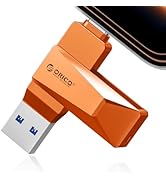
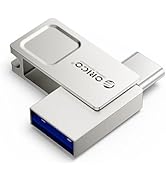
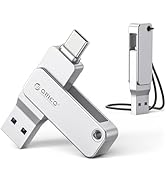
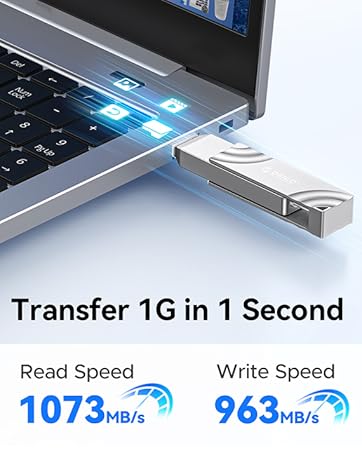



1. Port Note: Both the USB-C and USB-A connectors support USB 3.2 Gen 1 (5Gbps) protocol. For maximum speed, ensure your computer/device port also supports USB 3.2 Gen 1.
Using older ports (e.g., USB 2.0) will limit flash drive performance to slower speeds.
2. Speed Note: Insert flash drive Firmly and Quickly. When connecting to a computer or phone, insert the USB drive rapidly and decisively.
Slow insertion may trigger legacy mode (USB 2.0), reducing speeds to 30-40MB/s.
3. Data Safety Precautions: Avoid Interruptions. Never unplug the flash drive during active file transfers. Abrupt removal may corrupt data or damage the drive.
Always Eject Safely. Use your system’s “Safely Remove Hardware” function (Windows) or “Eject” (macOS/Android) before disconnecting flash drive.
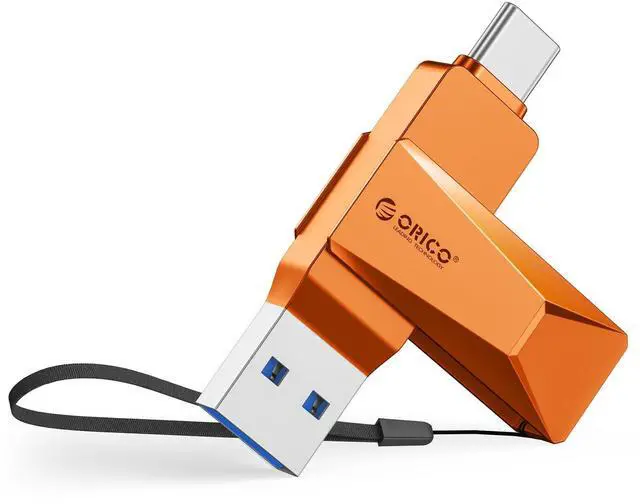
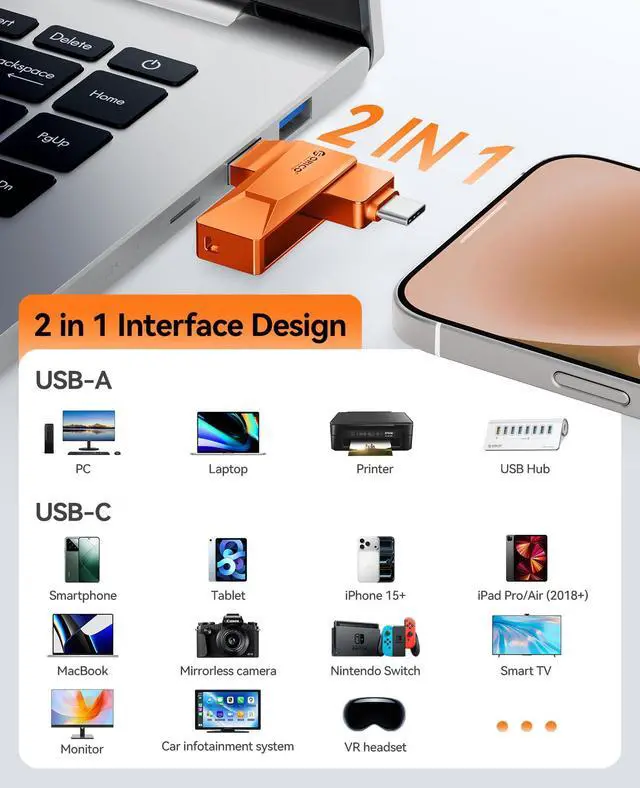
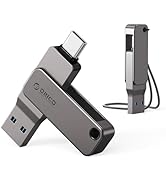
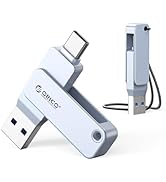
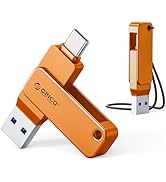
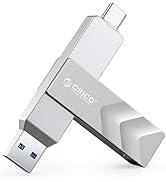
4. Dual connectors: USB-A 3.2 & USB-C compatible. Default format: EXFAT
Tips: Due to the conversion of 1GB=1024MB,display capacity of a 64GB drive usually appears at around 90% on Windows due to algorithms differences in which 1GB is interpreted as 1024MB on Windows and 1000MB on USB drives. MacOS typically shows the full 64GB capacity.
Therefore, it is normal for the 64GB USB drive displayed on the windows to have a capacity of 58GB.


1. Port Note: Both the USB-C and USB-A connectors support USB 3.2 Gen 1 (5Gbps) protocol. For maximum speed, ensure your computer/device port also supports USB 3.2 Gen 1.
Using older ports (e.g., USB 2.0) will limit flash drive performance to slower speeds.
2. Speed Note: Insert flash drive Firmly and Quickly. When connecting to a computer or phone, insert the USB drive rapidly and decisively.
Slow insertion may trigger legacy mode (USB 2.0), reducing speeds to 30-40MB/s.
3. Data Safety Precautions: Avoid Interruptions. Never unplug the flash drive during active file transfers. Abrupt removal may corrupt data or damage the drive.
Always Eject Safely. Use your system’s “Safely Remove Hardware” function (Windows) or “Eject” (macOS/Android) before disconnecting flash drive.
4. Dual connectors: USB-A 3.2 & USB-C compatible. Default format: EXFAT
Tips: Due to the conversion of 1GB=1024MB,display capacity of a 64GB drive usually appears at around 90% on Windows due to algorithms differences in which 1GB is interpreted as 1024MB on Windows and 1000MB on USB drives. MacOS typically shows the full 64GB capacity.
Therefore, it is normal for the 64GB USB drive displayed on the windows to have a capacity of 58GB.
150MB/s Colorful USB Drive
Coin-Sized Flash Drive 90MB/s
USB-C Easy to Mobile Devices
USB3.0 QLC Flash Drive 150MB/s
1050MB/s External SSD Drive
400MB/s 2-IN-1 Portable SSD
