









Support 1080P 60Hz video output

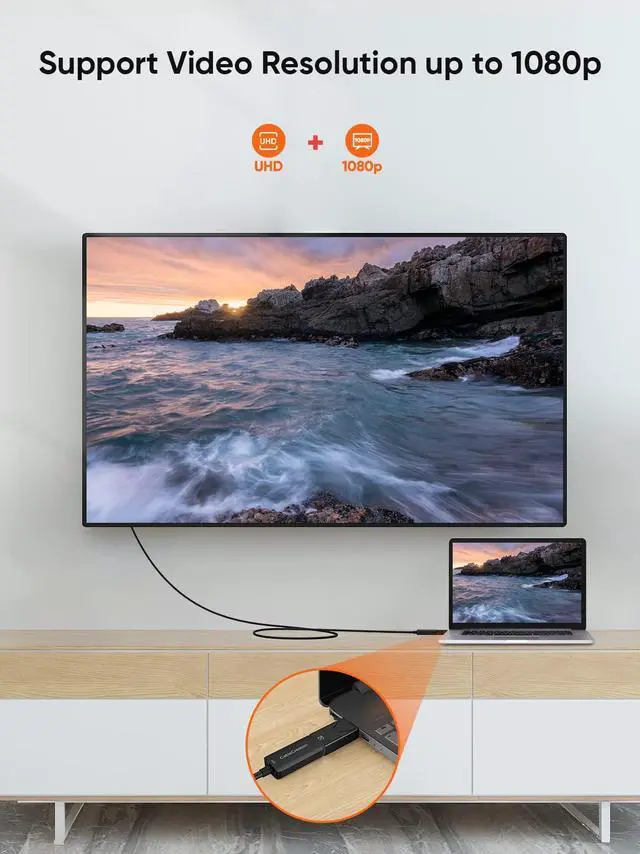
This DP to HDMI adapter for monitor can support 1080P@60Hz Full HD video resolution.
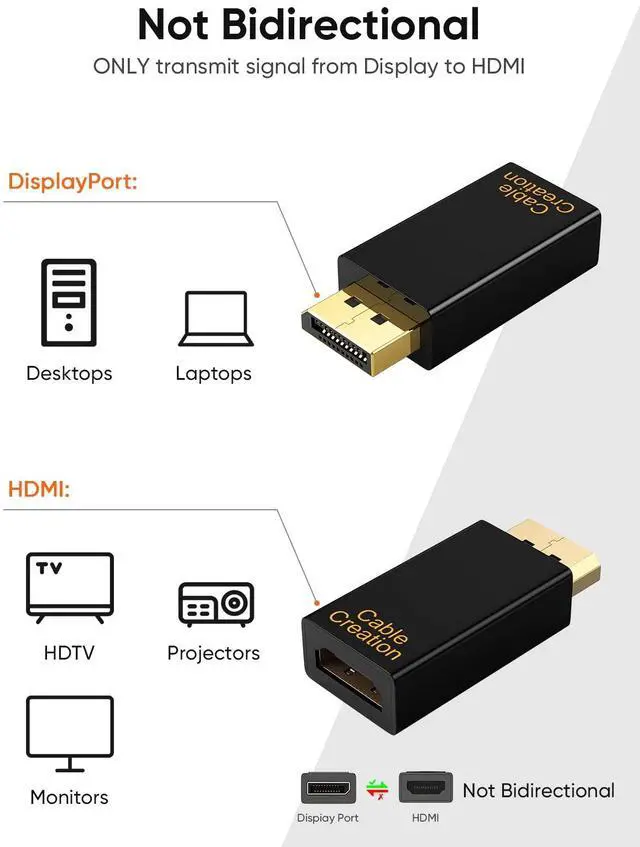
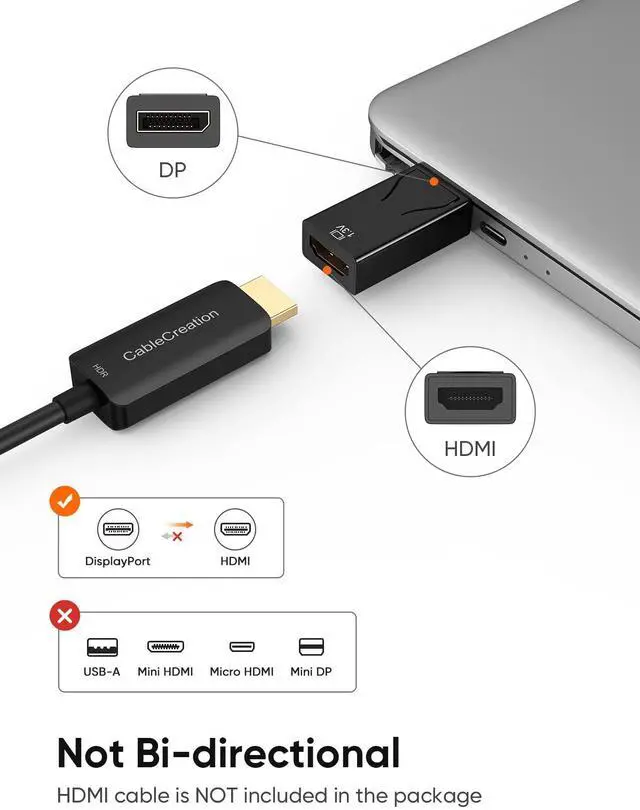
Kindly NOTE: this adapter only stream audio and video from DisplayPort source side to HDMI display side, can Not connect from an HDMI PC to a DP display.
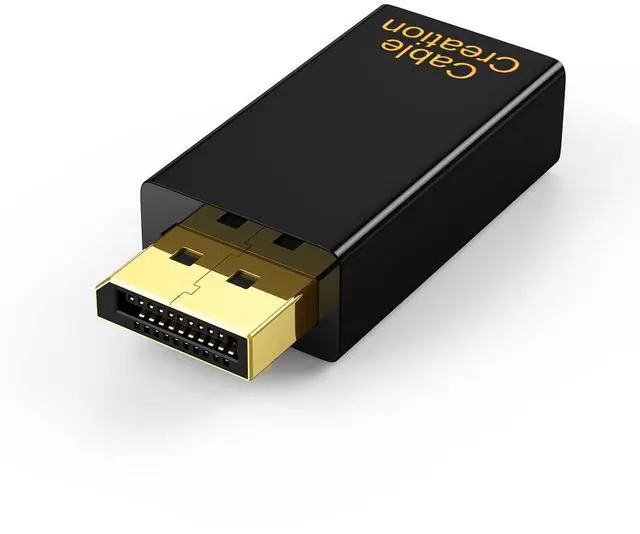
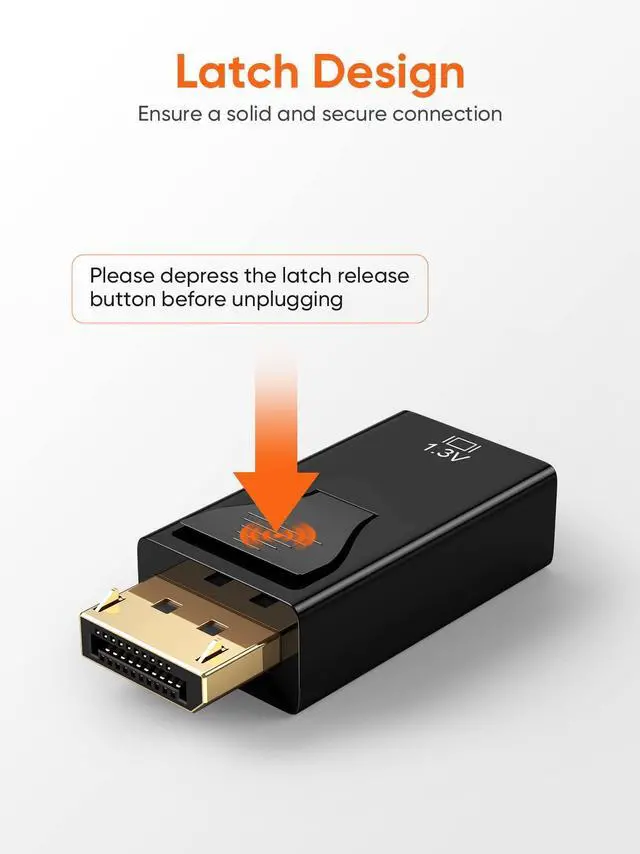
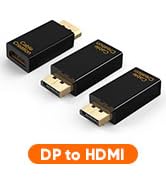
CableCreation Male Displayport to Female HDMI Adapter
This DisplayPort to HDMI Converter enables you to connect a computer/laptop with DisplayPort interface to an HDMI-equipped display, monitor, projector by a HDMI cable (sold separately). From small screen to large screen, it’s a good choice to share ideas with your partners or enjoy a better visual feast with your family.


Displayport Male to HDMI Female Adapter

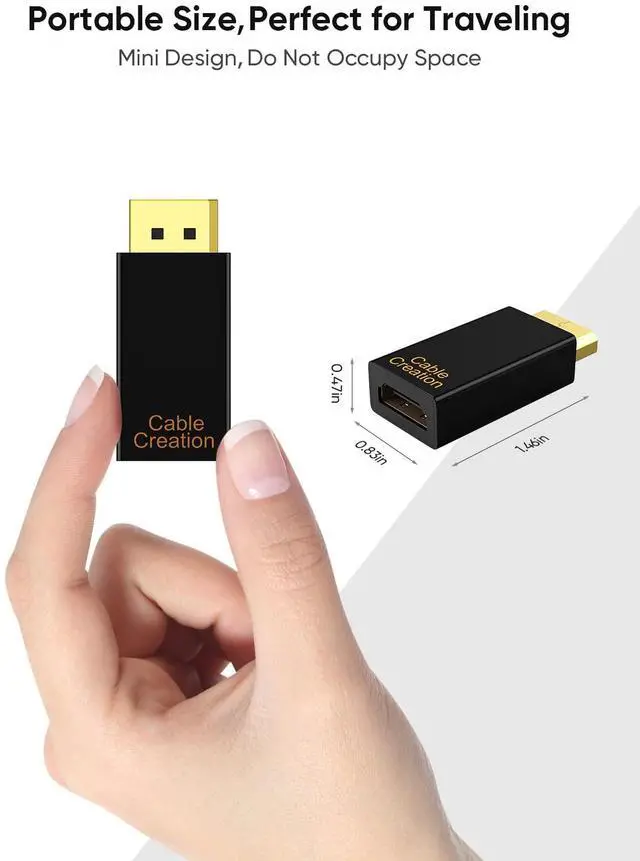
A small product but big function that can be used in living room, office or classroom.
Display port to HDMI Adapter
Read Before You Buy
It's not for the monitor with DisplayPort input, it's a uni-directional adapter. It will NOT work if your video source is HDMI and monitor is with DisplayPort input. Another solution, hDMI to DisplayPort with external power input is required.
What is the difference between a passive and active DisplayPort converter?
When you convert video from a source that uses DisplayPort or Mini DisplayPort to DVI or HDMI (for example, a computer to a monitor), you will need to consider the difference between passive and active adapters.
If the source supports dual-mode DisplayPort (also known as DP++), then you can use a passive adapter because the source can perform the conversion. If the source does not support DP++, then you need to use an active converter, which includes additional chips to perform the conversion.
Passive Adapters
Passive adapters are less expensive since they do not need to include additional chips. A quick way to check whether you can use a passive adapter is to see if the DisplayPort or Mini DisplayPort source has the DP++ symbol above it. The symbol is a D with a P inside of it, with two + signs to the left, one on top of the other.
Active Adapters
Active adapters use additional chips to make the conversion inside the adapter, regardless of whether the source supports DP++. This means that active adapters are more expensive than passive adapters.
If you want to use multiple monitors with the same computer, you should use an active adapter because some video cards cannot run the maximum number of monitors while using DP++. This is especially true if the computer has more than one DisplayPort or Mini DisplayPort connection. Check with your video card manufacturer to confirm which type of adapter you need for the setup that you would like to run.
PERFECT WITH:
 7 in 1 USB C Multiport Hub |  USB A to C Android Auto Cable |  16FT Link Cable for VR Gaming |
|---|---|---|
7 in 1 Multiport Hub Extends a single USB-C port or Thunderbolt 3 port of your PC/ laptop/ to 7 ports | High-quality Materials Great USB A to C cable for Android Auto | 16FT Link Cable USB to USB C Compatible with Quest 2 enjoy your Virtual World Gaming |
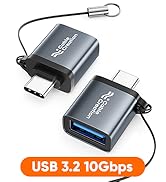
Female Port 4K@60Hz HDMI/1Gbps Ethernet/5Gbps Data USB C/USB 3.0 *2/SD/TF Cards Reader | USB 3.2 10Gbps Data Transfer You can transfer HD movies or songs in seconds with your USB C SSD | Good Choice 5Gbps High Speed Data, also keep VR Headset charging while playing |
Support 1080P 60Hz video output

This DP to HDMI adapter for monitor can support 1080P@60Hz Full HD video resolution.
Kindly NOTE: this adapter only stream audio and video from DisplayPort source side to HDMI display side, can Not connect from an HDMI PC to a DP display.
1080P 60HZ
CableCreation Male Displayport to Female HDMI Adapter
This DisplayPort to HDMI Converter enables you to connect a computer/laptop with DisplayPort interface to an HDMI-equipped display, monitor, projector by a HDMI cable (sold separately). From small screen to large screen, it’s a good choice to share ideas with your partners or enjoy a better visual feast with your family.
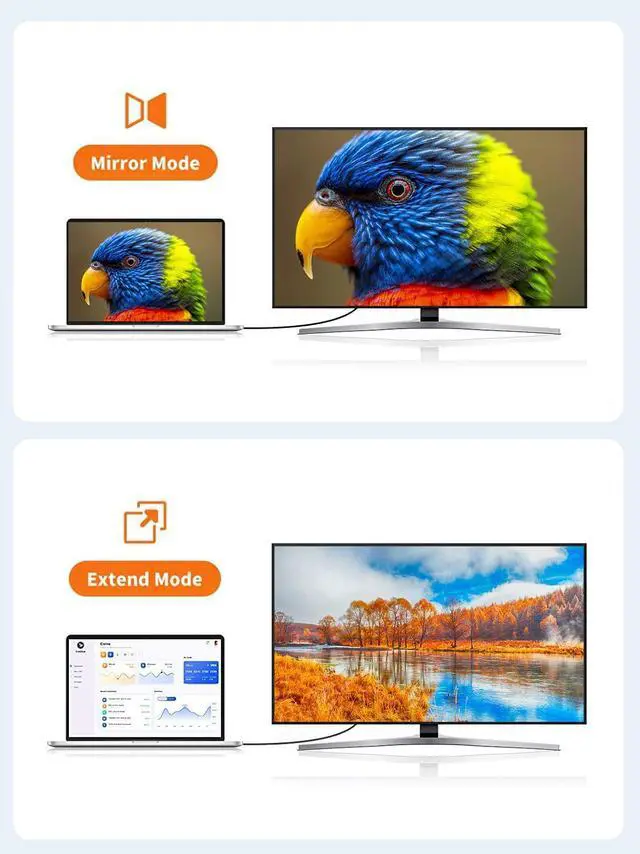
- Mirror mode--watch movies or play games on a big screen
- Extend mode--work and play at the same time
Not connect from HDMI PC to a DP display. NO NO NO
- DisplayPort: PC/Laptop/Computer
- HDMI Portt: Monitor/HDTV/projector


Displayport Male to HDMI Female Adapter

A small product but big function that can be used in living room, office or classroom.
Display port to HDMI Adapter
Read Before You Buy
It's not for the monitor with DisplayPort input, it's a uni-directional adapter. It will NOT work if your video source is HDMI and monitor is with DisplayPort input. Another solution, hDMI to DisplayPort with external power input is required.
What is the difference between a passive and active DisplayPort converter?
When you convert video from a source that uses DisplayPort or Mini DisplayPort to DVI or HDMI (for example, a computer to a monitor), you will need to consider the difference between passive and active adapters.
If the source supports dual-mode DisplayPort (also known as DP++), then you can use a passive adapter because the source can perform the conversion. If the source does not support DP++, then you need to use an active converter, which includes additional chips to perform the conversion.
Passive Adapters
Passive adapters are less expensive since they do not need to include additional chips. A quick way to check whether you can use a passive adapter is to see if the DisplayPort or Mini DisplayPort source has the DP++ symbol above it. The symbol is a D with a P inside of it, with two + signs to the left, one on top of the other.
Active Adapters
Active adapters use additional chips to make the conversion inside the adapter, regardless of whether the source supports DP++. This means that active adapters are more expensive than passive adapters.
If you want to use multiple monitors with the same computer, you should use an active adapter because some video cards cannot run the maximum number of monitors while using DP++. This is especially true if the computer has more than one DisplayPort or Mini DisplayPort connection. Check with your video card manufacturer to confirm which type of adapter you need for the setup that you would like to run.
PERFECT WITH:
More Choice
New Arrivals
USB C Hub
Charging Cables
Video Cables
Audio Cables
USB Adapters
Others
Limited-time Monthly Specials
