




HOWJIM, High Quality Choice
Compact, practical, durable, compatible with multiple interfaces, charging and data transfer is fast and convenient.

The HOWJIM adapter has a simple and elegant design, compact and portable. Advanced materials and technologies are used to ensure the superior durability and stability of each adapter. In addition, HOWJIM adapters are compatible with various interfaces such as USB, Type-C, and Lightning to meet the connection needs between different devices and deliver a more convenient and efficient digital life.
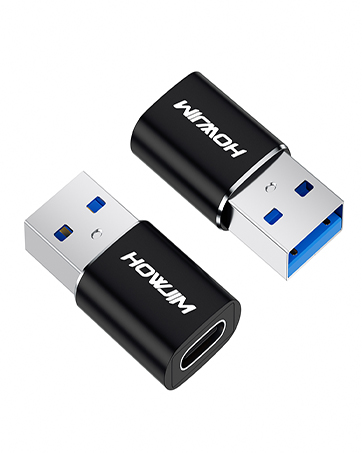
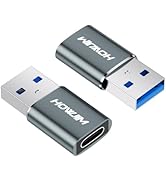
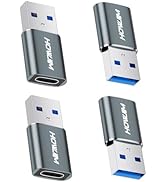
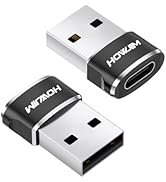
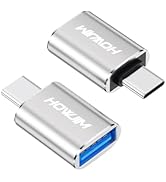
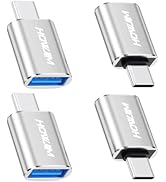
USB to USB C Adapter
HOWJIM USB to USB C Adapter 2 Pack, 3A Fast Charging 5Gbps Data Transfer for M-acBook,i-Pad,i-Phone15 16,G-alaxy,A-pple Watch,A-irpods
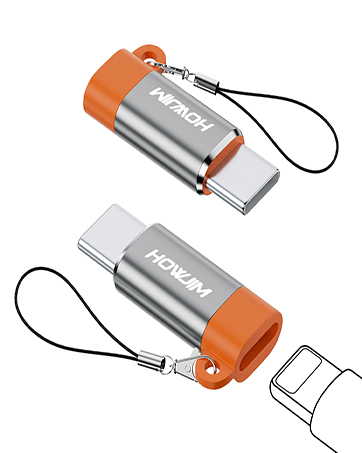
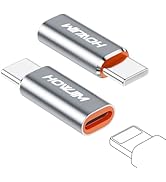
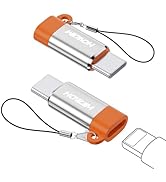
Light-ning to USB C Adapter
HOWJIM Light-ning to USB C Adapter 2Pack,PD27W/66W/QC100W Fast Charging & Transfer for i-Phone15/16,i-Pad,G-alaxy,Not for Audio/OTG
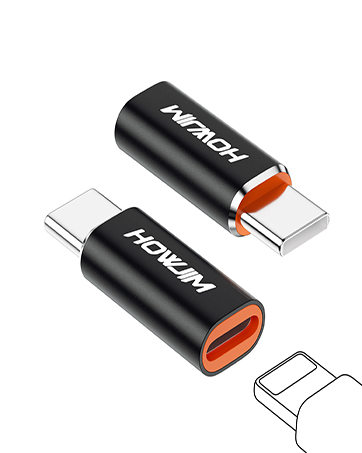
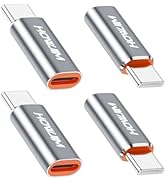
Light-ning to USB C Adapter
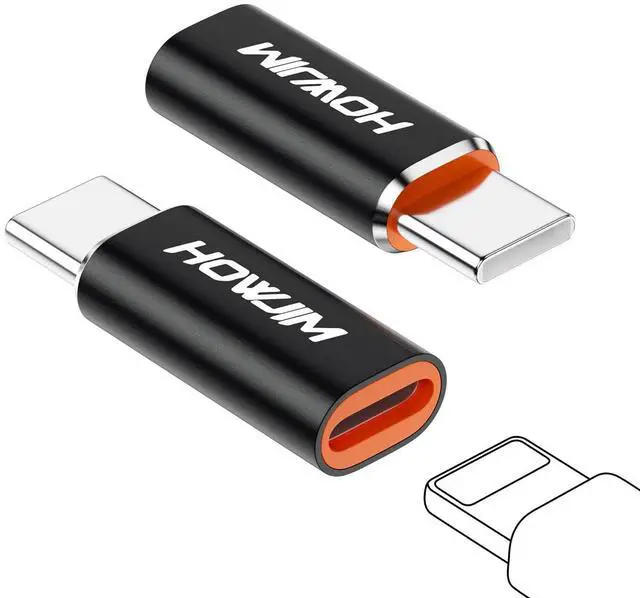
Light-ning to USB C Adapter 2Pack,PD27W/66W QC100W Fast Charging&Transfer,Light-ning Female to USB C Male,Not for A-udio/OTG Black
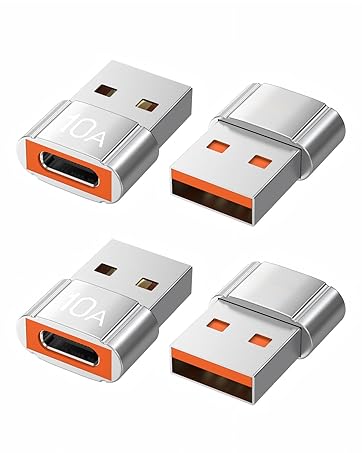
USB to USB C Adapter
10A 200W Fast Charging USB 2.0 480Mbps Data Transfer
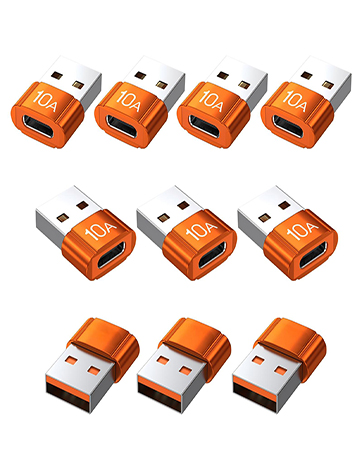
USB to USB C Adapter
10A 200W Fast Charging USB 2.0 480Mbps Data Transfer
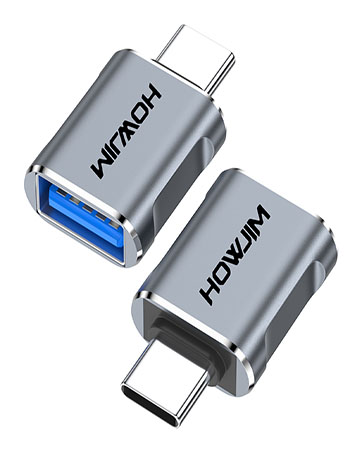
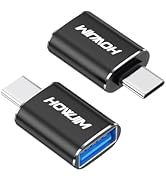
USB C to USB Adapter
Type C Male to USB3.2 Female OTG Adapter,100W Fast Charging 10Gbps Data Transfer
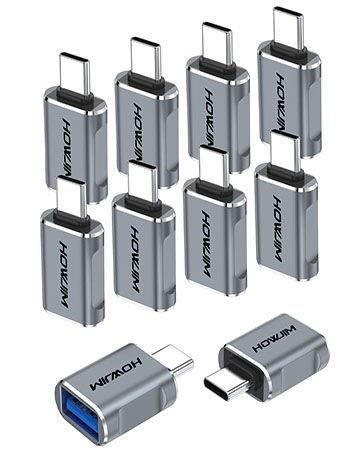
USB C to USB Adapter
Type C Male to USB3.2 Female OTG Adapter,100W Fast Charging 10Gbps Data Transfer
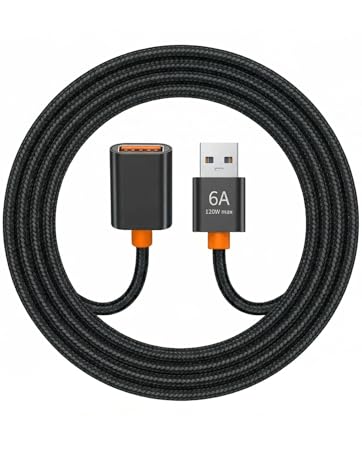
USB Extension Cable
USB Extension Cable,USB 2.0 Type A Male to Female USB Extender Cord Nylon Braided 480Mbps Data Transfer
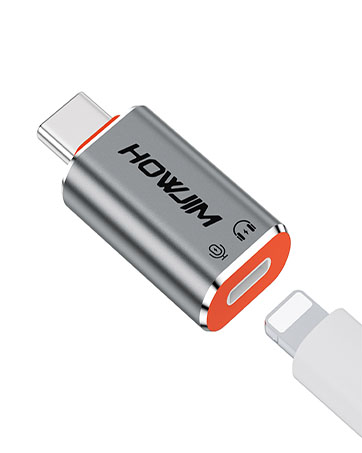
USB C to Light-ning Headphone Audio Adapter,PD60W Fast Charging Music/Call/Volume Control
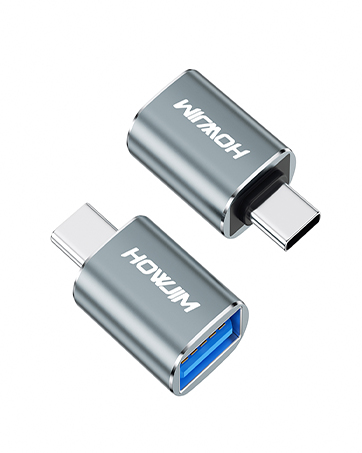
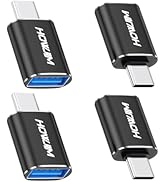
USB C to USB Adapter
USB C to USB Adapter 2 Pack,Type C Male to USB3.2 Female OTG Adapter,100W Fast Charging 10Gbps Data Transfer
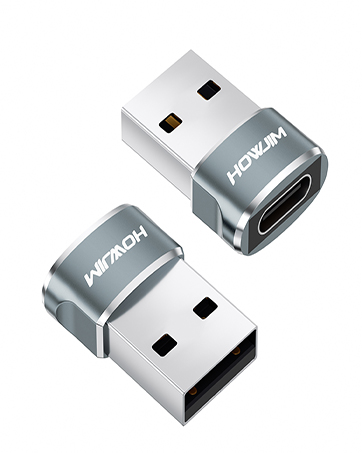
USB to USB C Adapter
HOWJIM USB to USB C Adapter 2Pack, OTG USB2.0 Fast Charging and Transfer for M-acBook,i-Pad,i-Phone15 16,A-pple Watch,A-irpods,G-alaxy
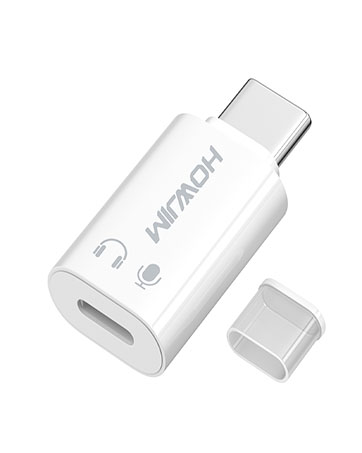
Ligh-tning to USB C Audio Adapter for Music/Calls/Control, USB C Male to Light-ning Female Headphone Earphone Adapter
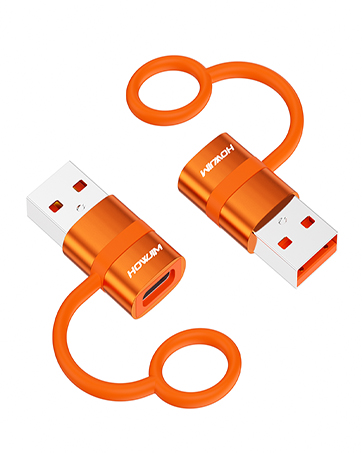
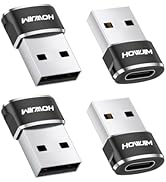
USB to USB C Adapter
HOWJIM USB to USB C Adapter 2 Pack,QC3.0 Fast Charging 5Gbps Data Transfer for i-Phone 15 16,i-Pad,A-pple Watch,A-irpods,G-alaxy
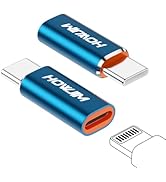
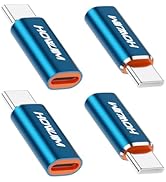
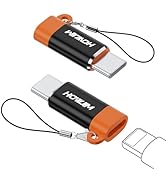
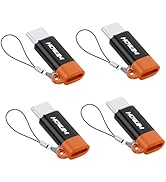
Light-ning to USB C Adapter
USB to USB C Adapter
USB C Adapter
USB C Adapter
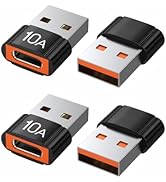
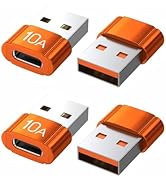
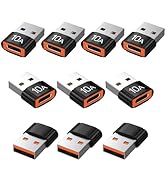
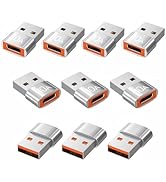
USB C Adapter

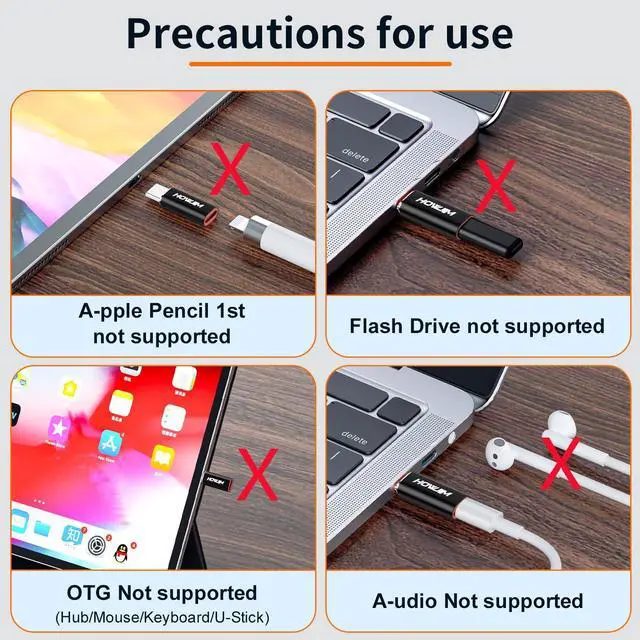
This adapter supports only fast charging and 480Mbps data transfer (between PCs). It does not support peripherals such as headphones, OTG functionality, A-pple Pencil (1st generation), USB flash drives/memory sticks, keyboards, or game consoles.

Only Fast Charging and Data Transfer
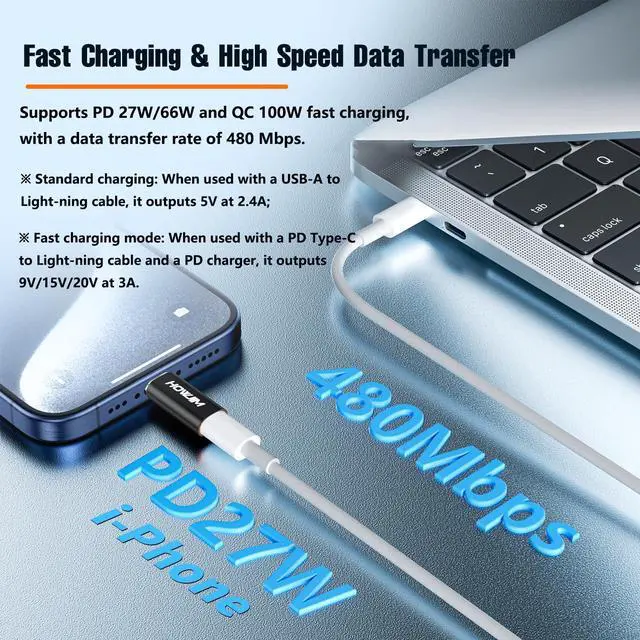
This adapter supports PD 27W/66W, QC 100W fast charging, and 480Mbps data transfer. It can output 5V 2.4A (standard charging) or 9V/15V/20V 3A (fast charging) voltage and current to devices. Fast charging requires a PD Type-C to Light-ning cable and a PD charger. Standard charging can be achieved by connecting a USB-A to Light-ning cable.
Note: This product does not support A-pple Pencil or multifunction cable conversion.
Important Notes
(1) When using a PD Type-C to Light-ning cable, supports 9V/27W fast charging and data transfer.
(2) When using an MFi-certified (USB-A to Light-ning) cable, supports 5V/12W charging and data transfer.
(3) When using a generic (USB-A to Light-ning) cable, supports 5W (5V/1A) standard charging and one-way data transfer (insertion orientation may affect recognition).


Smooth plugging and unplugging
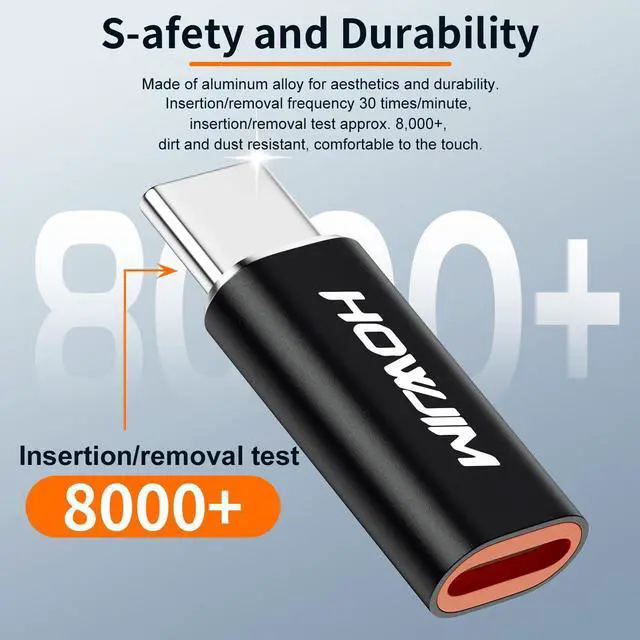
This adapter adopts aluminum alloy shell, the working temperature reaches -20 degrees Celsius +70 degrees Celsius, smooth plugging and unplugging, after plugging and unplugging frequency test 30 times/minute, plugging and unplugging life 8000+.

Smooth Transmission
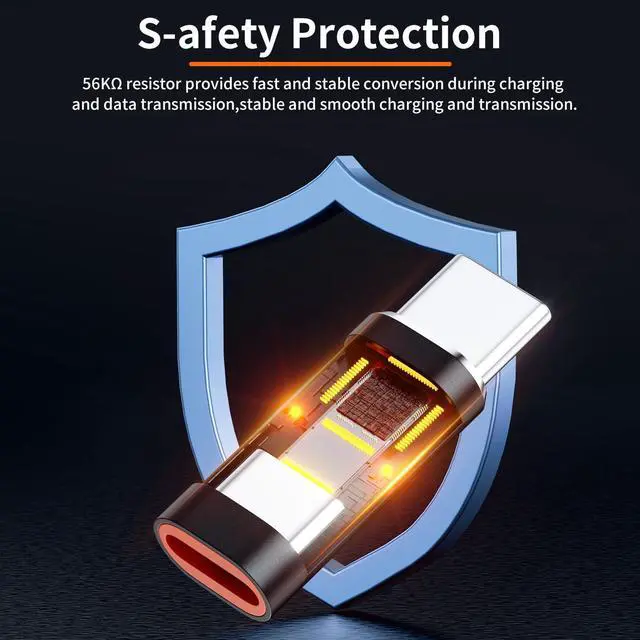
This adapter has a built-in 56 KO pull-up resistor, stable and smooth charging transmission.

Plug and Play
Connects without an app, allowing easy data transfer and charging from a wide range of Type-C phones and a variety of computers.

Compact and Portable
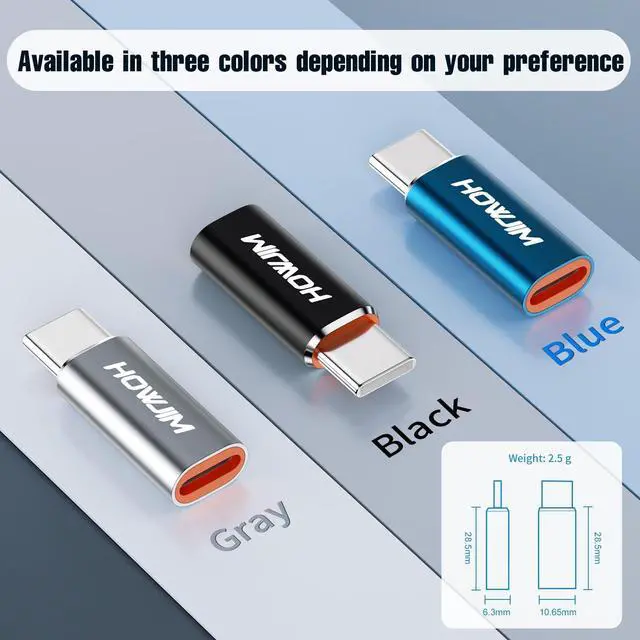
Weighing only 2.5 grams and measuring 28.50*10.65*6.30 millimeters, this compact and portable adapter is the perfect backup for home, business and office use.

Not for Audio/Headphones/OTG/Flash Drive/A-pple Pencil
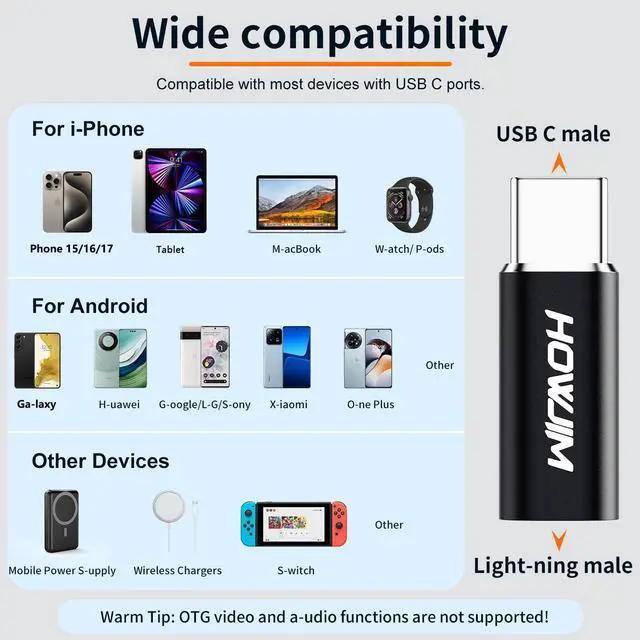
Please note: This adapter only supports charging and data synchronization between your phone and computer, and does not support OTG video and headphones audio, A-pple Pencil,mouse, keyboard, flash drives, card readers, printers, microphones, cameras and other device connections.

Compatible Devices (Only for Charging and Data Transfer)
for Phone
Phone 17/ Phone 17 Pro/ Phone 17 Pro Max/ Phone 16/ Phone 16 Pro/ Phone 16 Pro Max/ Phone 16 Plus/ Phone 15/ Phone 15 Pro/ Phone 15 Pro Max
for Pad
for Pad Pro Air mini with USB C port
Earbuds
For Air-Pods Pro (2nd generation), G-alaxy Buds, etc. Please note that this product is for charging only, and does not support listening to music or audio transfer function. Please check the requirements carefully before purchasing to avoid any liability issues arising from improper choices, we will not be held responsible.
Others
G-alaxy S23/S23+/S22/S21 Ultra ,P-ixel,O-ne Plus,etc
Possible reasons for charging function failure
1. Incompatible charger/cable
(1) The adapter needs to work with a charging head that supports PD/QC protocol (e.g. A-pple 27W and above PD charger, third-party certified fast charger).
(2)If you use an ordinary 5V/1A charger or non-fast charging cable, it may only trigger 5V/1A slow charging or even unable to charge.
(3) Suggestion: Replace the charger with one that is clearly labeled with PD/QC protocol and a C-C cable with more than 3A current for testing.
2. Device compatibility limitations
(1) Some older Phone/Pad models may not be able to activate high-voltage fast charging due to system limitations (e.g., models prior to Phone 8 only support 5V/2.4A).
(2) Non-A-pple devices (e.g. Android phones) need to confirm whether their Type-C port supports PD input.
(3) Suggestion: Provide the device model number and we will further verify the compatibility.
Second, the common reasons for data transmission failure
1. Cable or interface limitations
(1) The theoretical speed limit of Light-ning interface is USB 2.0 (480Mbps), but the actual transmission may be slower by the cell phone processor, file formats (such as HEIC large files).
(2) Using unshielded inferior cables or too long Type-C cables may cause signal attenuation.
2. Wrong operation steps
(1) Phone needs to manually “trust” the connected computer/device, and only supports photo transfer (third-party apps are needed to transfer other files).
(2) Suggestion: Unlock the phone and click the “Trust” pop-up window after connecting, and use the official “File” app or i-Tunes to operate.
3. Tried unsupported functions
If the connection does not support headphones, OTG function, USB flash drive, A-pple Pencil, etc., the adapter will not respond directly.
4. Other Cautions
Poor contact: Light-ning connector is easy to accumulate dust, use anhydrous alcohol to clean the plug or device connector before testing.
This adapter supports only fast charging and 480Mbps data transfer (between PCs). It does not support peripherals such as headphones, OTG functionality, A-pple Pencil (1st generation), USB flash drives/memory sticks, keyboards, or game consoles.
Only Fast Charging and Data Transfer
This adapter supports PD 27W/66W, QC 100W fast charging, and 480Mbps data transfer. It can output 5V 2.4A (standard charging) or 9V/15V/20V 3A (fast charging) voltage and current to devices. Fast charging requires a PD Type-C to Light-ning cable and a PD charger. Standard charging can be achieved by connecting a USB-A to Light-ning cable.
Note: This product does not support A-pple Pencil or multifunction cable conversion.
Important Notes
(1) When using a PD Type-C to Light-ning cable, supports 9V/27W fast charging and data transfer.
(2) When using an MFi-certified (USB-A to Light-ning) cable, supports 5V/12W charging and data transfer.
(3) When using a generic (USB-A to Light-ning) cable, supports 5W (5V/1A) standard charging and one-way data transfer (insertion orientation may affect recognition).
Smooth plugging and unplugging
This adapter adopts aluminum alloy shell, the working temperature reaches -20 degrees Celsius +70 degrees Celsius, smooth plugging and unplugging, after plugging and unplugging frequency test 30 times/minute, plugging and unplugging life 8000+.
Smooth Transmission
This adapter has a built-in 56 KO pull-up resistor, stable and smooth charging transmission.
Plug and Play
Connects without an app, allowing easy data transfer and charging from a wide range of Type-C phones and a variety of computers.
Compact and Portable
Weighing only 2.5 grams and measuring 28.50*10.65*6.30 millimeters, this compact and portable adapter is the perfect backup for home, business and office use.
Not for Audio/Headphones/OTG/Flash Drive/A-pple Pencil
Please note: This adapter only supports charging and data synchronization between your phone and computer, and does not support OTG video and headphones audio, A-pple Pencil,mouse, keyboard, flash drives, card readers, printers, microphones, cameras and other device connections.
Compatible Devices (Only for Charging and Data Transfer)
for Phone
Phone 17/ Phone 17 Pro/ Phone 17 Pro Max/ Phone 16/ Phone 16 Pro/ Phone 16 Pro Max/ Phone 16 Plus/ Phone 15/ Phone 15 Pro/ Phone 15 Pro Max
for Pad
for Pad Pro Air mini with USB C port
Earbuds
For Air-Pods Pro (2nd generation), G-alaxy Buds, etc. Please note that this product is for charging only, and does not support listening to music or audio transfer function. Please check the requirements carefully before purchasing to avoid any liability issues arising from improper choices, we will not be held responsible.
Others
G-alaxy S23/S23+/S22/S21 Ultra ,P-ixel,O-ne Plus,etc
Possible reasons for charging function failure
1. Incompatible charger/cable
(1) The adapter needs to work with a charging head that supports PD/QC protocol (e.g. A-pple 27W and above PD charger, third-party certified fast charger).
(2)If you use an ordinary 5V/1A charger or non-fast charging cable, it may only trigger 5V/1A slow charging or even unable to charge.
(3) Suggestion: Replace the charger with one that is clearly labeled with PD/QC protocol and a C-C cable with more than 3A current for testing.
2. Device compatibility limitations
(1) Some older Phone/Pad models may not be able to activate high-voltage fast charging due to system limitations (e.g., models prior to Phone 8 only support 5V/2.4A).
(2) Non-A-pple devices (e.g. Android phones) need to confirm whether their Type-C port supports PD input.
(3) Suggestion: Provide the device model number and we will further verify the compatibility.
Second, the common reasons for data transmission failure
1. Cable or interface limitations
(1) The theoretical speed limit of Light-ning interface is USB 2.0 (480Mbps), but the actual transmission may be slower by the cell phone processor, file formats (such as HEIC large files).
(2) Using unshielded inferior cables or too long Type-C cables may cause signal attenuation.
2. Wrong operation steps
(1) Phone needs to manually “trust” the connected computer/device, and only supports photo transfer (third-party apps are needed to transfer other files).
(2) Suggestion: Unlock the phone and click the “Trust” pop-up window after connecting, and use the official “File” app or i-Tunes to operate.
3. Tried unsupported functions
If the connection does not support headphones, OTG function, USB flash drive, A-pple Pencil, etc., the adapter will not respond directly.
4. Other Cautions
Poor contact: Light-ning connector is easy to accumulate dust, use anhydrous alcohol to clean the plug or device connector before testing.
HOWJIM, High Quality Choice
Compact, practical, durable, compatible with multiple interfaces, charging and data transfer is fast and convenient.
The HOWJIM adapter has a simple and elegant design, compact and portable. Advanced materials and technologies are used to ensure the superior durability and stability of each adapter. In addition, HOWJIM adapters are compatible with various interfaces such as USB, Type-C, and Lightning to meet the connection needs between different devices and deliver a more convenient and efficient digital life.
USB to USB C Adapter
HOWJIM USB to USB C Adapter 2 Pack, 3A Fast Charging 5Gbps Data Transfer for M-acBook,i-Pad,i-Phone15 16,G-alaxy,A-pple Watch,A-irpods
Light-ning to USB C Adapter
HOWJIM Light-ning to USB C Adapter 2Pack,PD27W/66W/QC100W Fast Charging & Transfer for i-Phone15/16,i-Pad,G-alaxy,Not for Audio/OTG
Light-ning to USB C Adapter
Light-ning to USB C Adapter 2Pack,PD27W/66W QC100W Fast Charging&Transfer,Light-ning Female to USB C Male,Not for A-udio/OTG Black
USB to USB C Adapter
10A 200W Fast Charging USB 2.0 480Mbps Data Transfer
USB to USB C Adapter
10A 200W Fast Charging USB 2.0 480Mbps Data Transfer
USB C to USB Adapter
Type C Male to USB3.2 Female OTG Adapter,100W Fast Charging 10Gbps Data Transfer
USB C to USB Adapter
Type C Male to USB3.2 Female OTG Adapter,100W Fast Charging 10Gbps Data Transfer
USB Extension Cable
USB Extension Cable,USB 2.0 Type A Male to Female USB Extender Cord Nylon Braided 480Mbps Data Transfer
USB C to Light-ning Headphone Audio Adapter,PD60W Fast Charging Music/Call/Volume Control
USB C to USB Adapter
USB C to USB Adapter 2 Pack,Type C Male to USB3.2 Female OTG Adapter,100W Fast Charging 10Gbps Data Transfer
USB to USB C Adapter
HOWJIM USB to USB C Adapter 2Pack, OTG USB2.0 Fast Charging and Transfer for M-acBook,i-Pad,i-Phone15 16,A-pple Watch,A-irpods,G-alaxy
Ligh-tning to USB C Audio Adapter for Music/Calls/Control, USB C Male to Light-ning Female Headphone Earphone Adapter
USB to USB C Adapter
HOWJIM USB to USB C Adapter 2 Pack,QC3.0 Fast Charging 5Gbps Data Transfer for i-Phone 15 16,i-Pad,A-pple Watch,A-irpods,G-alaxy
Light-ning to USB C Adapter
USB to USB C Adapter
USB C Adapter
USB C Adapter
USB C Adapter