


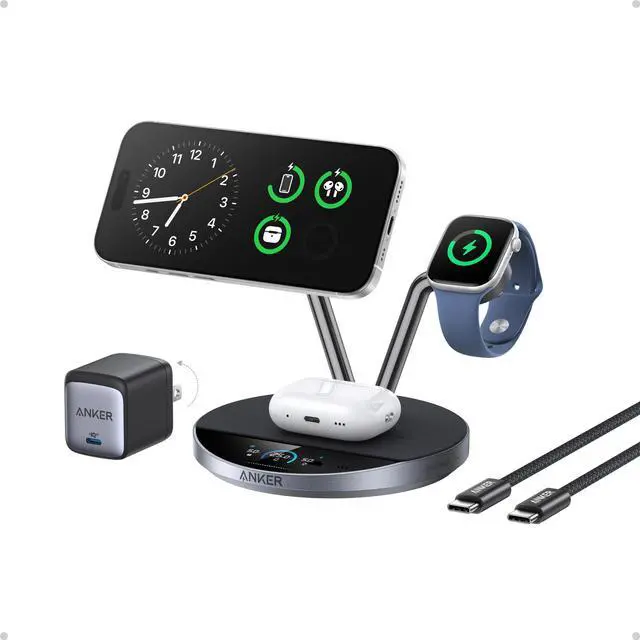
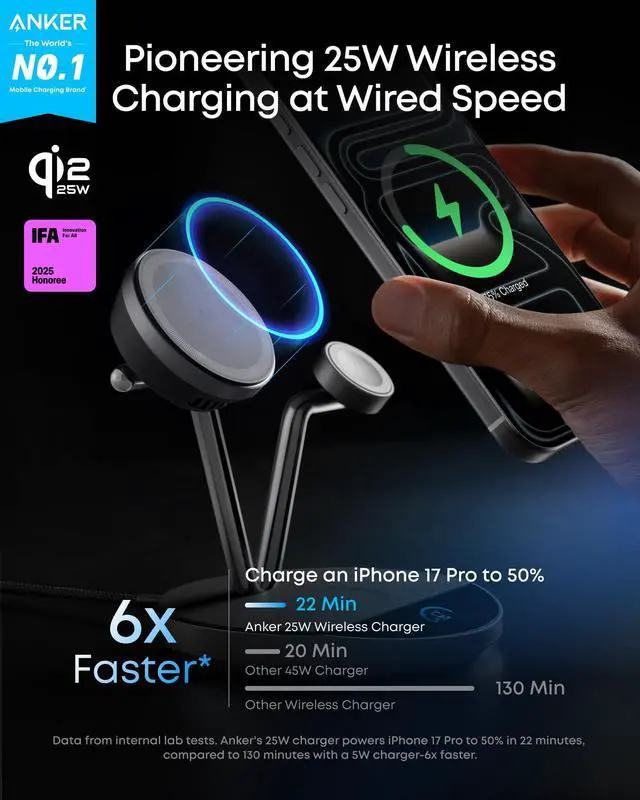
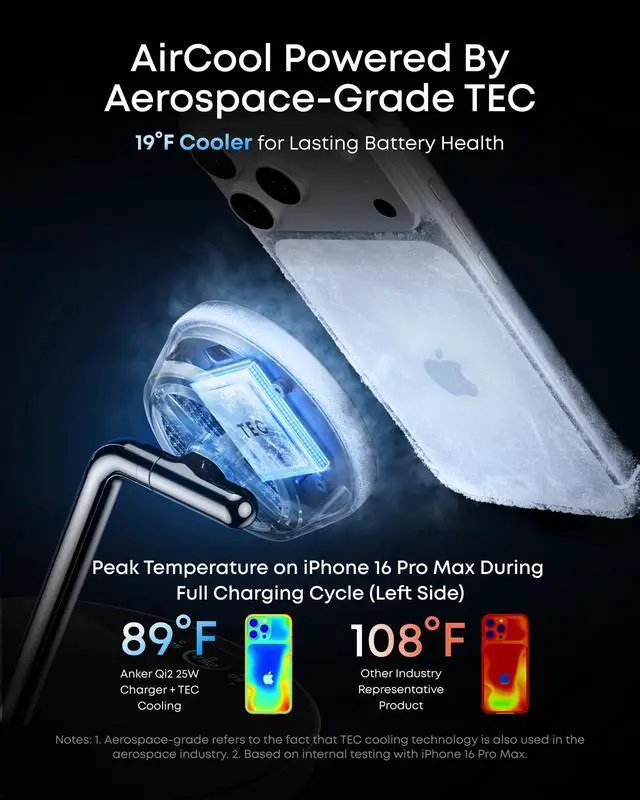
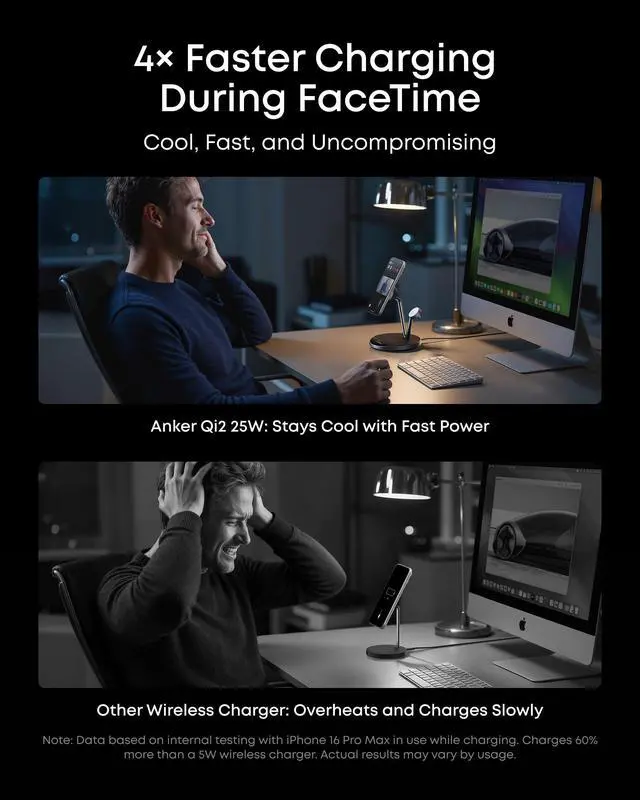


How can I achieve the best wireless charging experience?
For the best results, use the included 65W or higher adapter. Avoid thick or non-magnetic phone cases. If you use a case, choose an Apple MagSafe case. Cases thicker than 2.5 mm may reduce charging efficiency.
Is this product compatible with Android devices?
This product is designed specifically for iPhones, so we don't recommend using it with Android devices for the best charging performance. For more details, please check the Compatibility section in the product listing.
How do I use the touch area for operations?
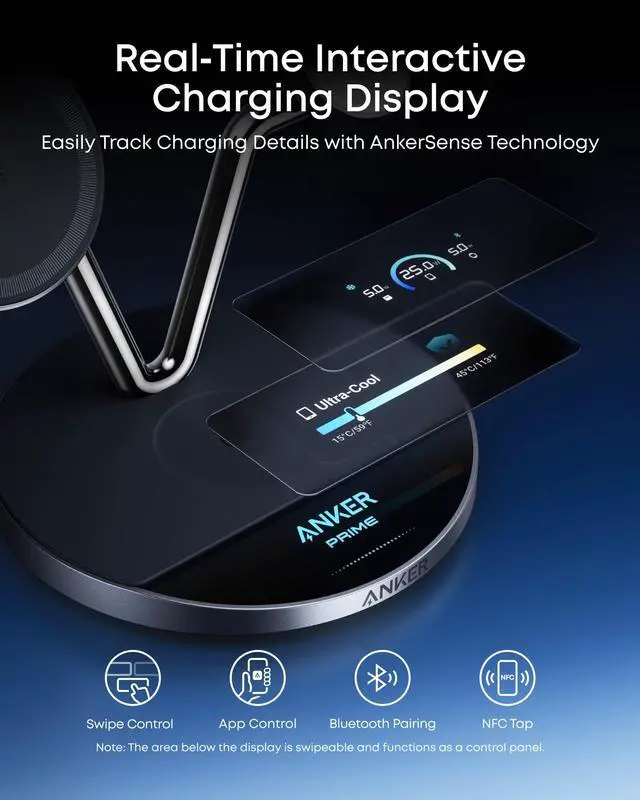
Swipe or tap the bottom touch area to navigate. Swipe to switch menus, tap to confirm, double-tap for Sleep Mode, hold 2s to turn off display, hold 7s to reset Bluetooth, or 15s to restore factory settings.
What is the maximum charging power of the Apple Watch charging module? Is the charging angle adjustable?
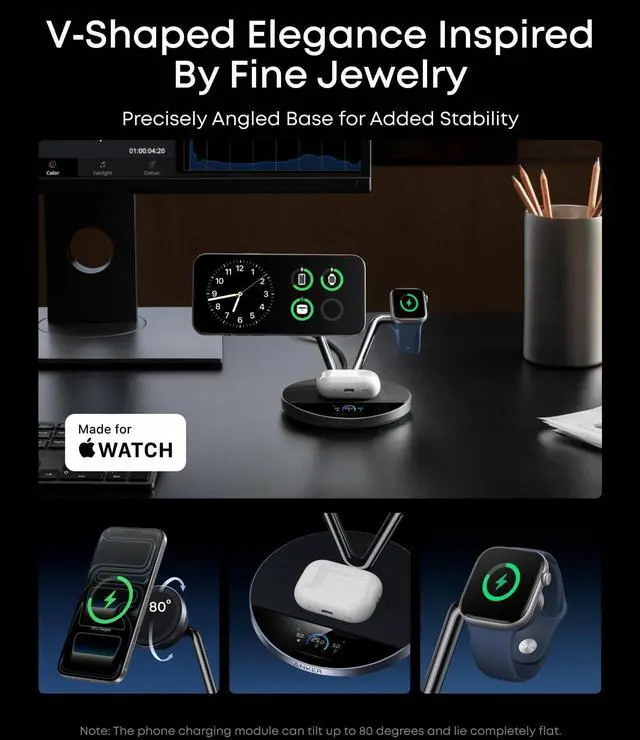
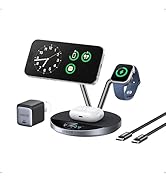
The module supports up to a maximum of 5W, and is MFI-certified by Apple. During charging, it automatically adjusts power to ensure battery safety and performance. It features a fixed 40° angle for stability and clear display during charging.
Why is the clock screensaver time not accurate?
The clock screensaver requires a one-time Bluetooth calibration to set the correct time. After callibration, the time remains accurate while the device stays powered. If the device is powered off or reset, reconnect via Bluetooth to recalibrate.
Anker Prime Product Comparison
 Prime Qi2 25W Charger |  Prime PowerBank(26K,300W) |  Prime USB C Charger(160W) |  Prime Docking Station |  Prime Qi2 25W Car Charger |  Prime 250W Desk Charger |  Prime 240W USB C Cable | |
|---|---|---|---|---|---|---|---|
Customer Reviews | — | — | — | — | — | — | — |
Price | — | — | — | — | — | — | — |
Key Feature | Qi2.2,SmartDisplay,TEC Cooling | 300W,TurboBoost,AppControl | 160W,PoweIQ 5.0,App Control | Triple Display,Single8K,14Port | Qi2.2,TEC Cooling,Magnetic | LCD Display&Smart Control Dial | Ultra-Durable & Fast Charging |
Charging Ports | 3 in 1 Wireless Charger | 2 USB-C+1 USB-A | 3 USB-C | 1*140W USB-C Upstream+3 USB C | Wireless Charging for Phone | 4x USB C / 2x USB-A | / |
Total Output | 35W Max | 300W | 160W Max | 160W | 25W Max | 250W | 240W |
Single Port Maximum Output | 25W Max for iPhone | 140W | 140W | 140W | 25W Max | 140W | 240W |
Compatible Devices | iPhone/AirPods/AppleWatch | MacBook Pro/iPhone 17/and More | iPhone 17 - 12 Series and More | MacBooks,USB C Windows laptops | iPhone 17-12 series and More | MacBook Pro/iPhone 17/and More | iPhone 17, MacBook, Galaxy S24 |
Size | 6.65 × 4.92 × 5.43 in | 6.3 × 1.5 × 2.5 in | 2.56 × 2.05 × 1.38 in | 7.67 in x 3.62 in x 1.89in | 3.66 × 2.36 × 3.46 in | 4.18 × 1.58 × 3.64 in | 6ft |
Weight | 21.87 oz (620 g) | 21.12 oz (600 g) | 7.76 oz (220 g) | 29.42 oz(834 g) | 5.26 oz (149 g) | 22.56 oz (640 g) | / |






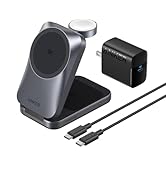


How can I achieve the best wireless charging experience?
For the best results, use the included 65W or higher adapter. Avoid thick or non-magnetic phone cases. If you use a case, choose an Apple MagSafe case. Cases thicker than 2.5 mm may reduce charging efficiency.
Is this product compatible with Android devices?
This product is designed specifically for iPhones, so we don't recommend using it with Android devices for the best charging performance. For more details, please check the Compatibility section in the product listing.
How do I use the touch area for operations?
Swipe or tap the bottom touch area to navigate. Swipe to switch menus, tap to confirm, double-tap for Sleep Mode, hold 2s to turn off display, hold 7s to reset Bluetooth, or 15s to restore factory settings.
What is the maximum charging power of the Apple Watch charging module? Is the charging angle adjustable?
The module supports up to a maximum of 5W, and is MFI-certified by Apple. During charging, it automatically adjusts power to ensure battery safety and performance. It features a fixed 40° angle for stability and clear display during charging.
Why is the clock screensaver time not accurate?
The clock screensaver requires a one-time Bluetooth calibration to set the correct time. After callibration, the time remains accurate while the device stays powered. If the device is powered off or reset, reconnect via Bluetooth to recalibrate.
Anker Prime Product Comparison
Prime Qi2 25W Charger | Prime PowerBank(26K,300W) | Prime USB C Charger(160W) | Prime Docking Station | Prime Qi2 25W Car Charger | Prime 250W Desk Charger | Prime 240W USB C Cable |
|---|---|---|---|---|---|---|
| Customer Reviews | ||||||
| — | — | — | — | — | — | — |
| Price | ||||||
| — | — | — | — | — | — | — |
| Key Feature | ||||||
| Qi2.2,SmartDisplay,TEC Cooling | 300W,TurboBoost,AppControl | 160W,PoweIQ 5.0,App Control | Triple Display,Single8K,14Port | Qi2.2,TEC Cooling,Magnetic | LCD Display&Smart Control Dial | Ultra-Durable & Fast Charging |
| Charging Ports | ||||||
| 3 in 1 Wireless Charger | 2 USB-C+1 USB-A | 3 USB-C | 1*140W USB-C Upstream+3 USB C | Wireless Charging for Phone | 4x USB C / 2x USB-A | / |
| Total Output | ||||||
| 35W Max | 300W | 160W Max | 160W | 25W Max | 250W | 240W |
| Single Port Maximum Output | ||||||
| 25W Max for iPhone | 140W | 140W | 140W | 25W Max | 140W | 240W |
| Compatible Devices | ||||||
| iPhone/AirPods/AppleWatch | MacBook Pro/iPhone 17/and More | iPhone 17 - 12 Series and More | MacBooks,USB C Windows laptops | iPhone 17-12 series and More | MacBook Pro/iPhone 17/and More | iPhone 17, MacBook, Galaxy S24 |
| Size | ||||||
| 6.65 × 4.92 × 5.43 in | 6.3 × 1.5 × 2.5 in | 2.56 × 2.05 × 1.38 in | 7.67 in x 3.62 in x 1.89in | 3.66 × 2.36 × 3.46 in | 4.18 × 1.58 × 3.64 in | 6ft |
| Weight | ||||||
| 21.87 oz (620 g) | 21.12 oz (600 g) | 7.76 oz (220 g) | 29.42 oz(834 g) | 5.26 oz (149 g) | 22.56 oz (640 g) | / |
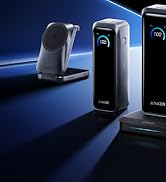
Anker Smart Display Charger
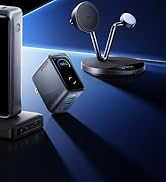
Power to Drive Your Prime
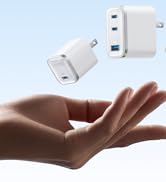
Pro Fast Charging in a Nano
Get Powered Up Now
Best Sellers
Highly Rated
