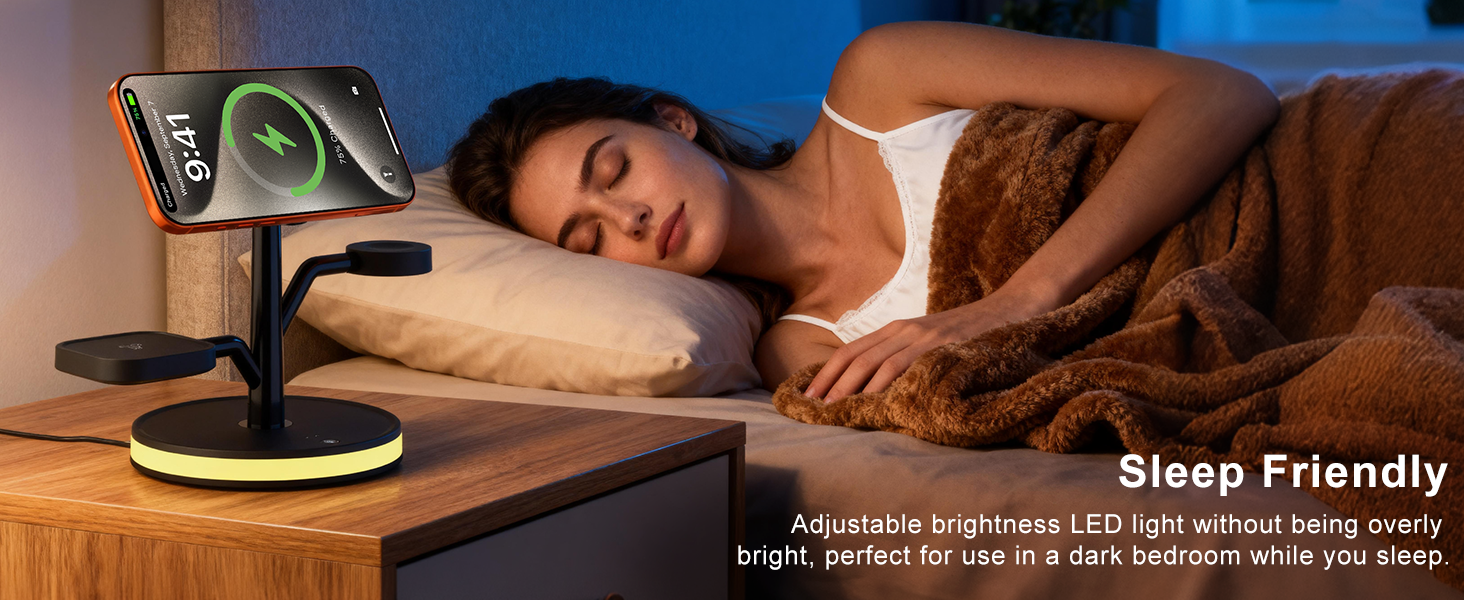
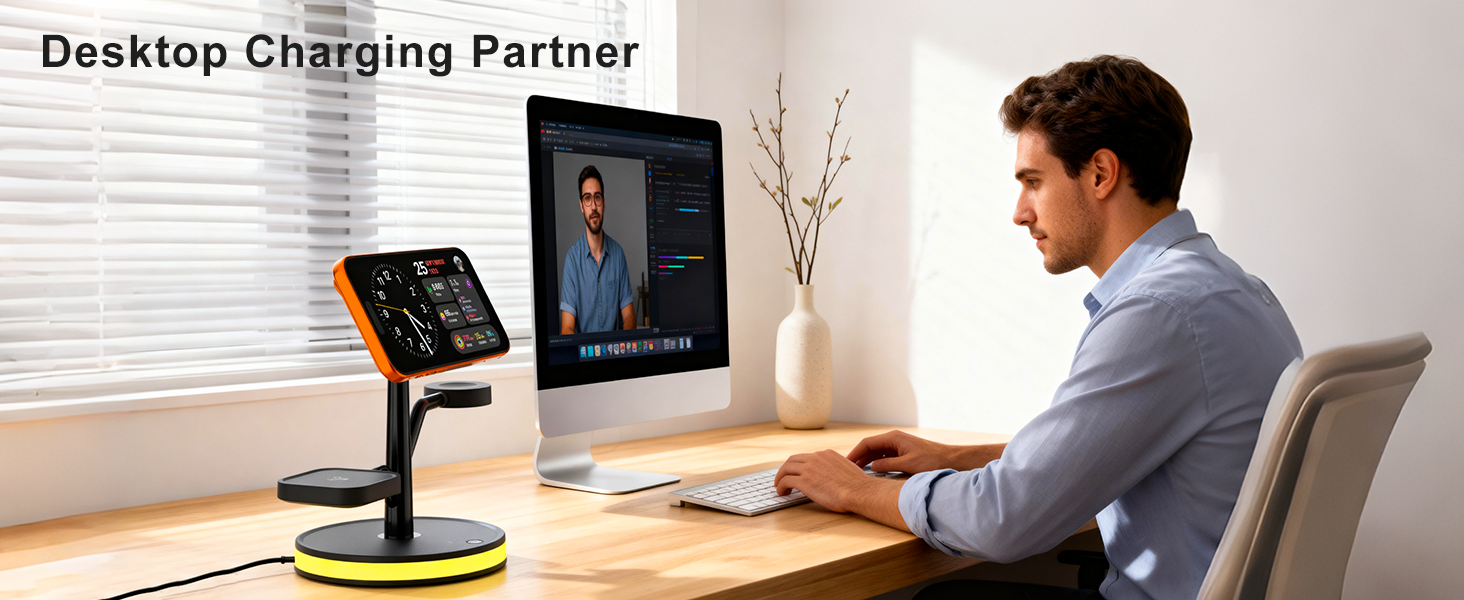
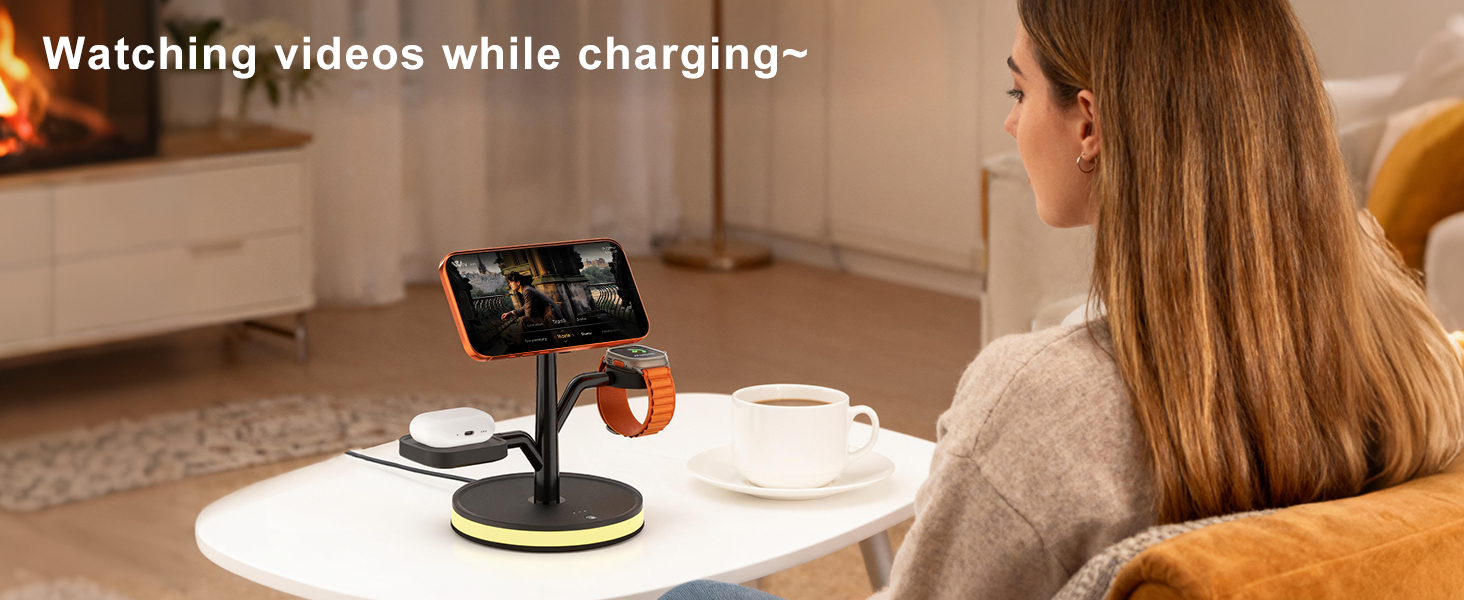
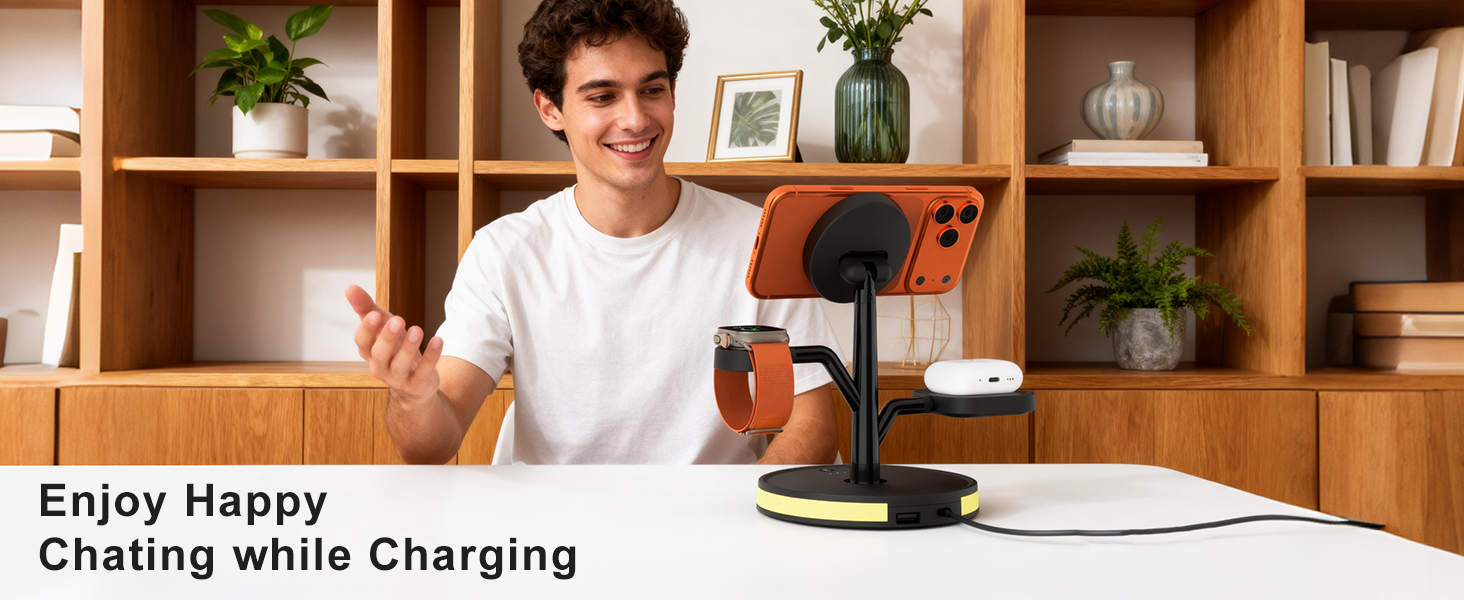
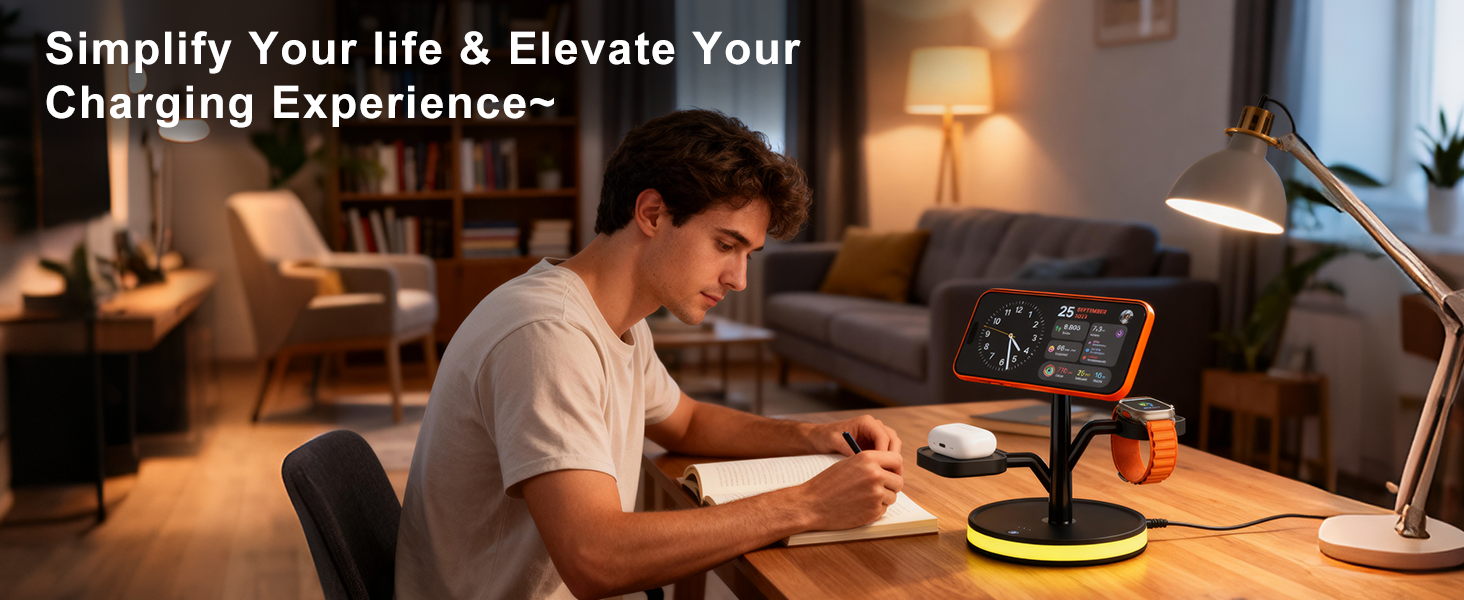
here!
here!
I’m your shopping assistant for PC builds, upgrades, and everything tech.
Got questions? Ask away!
Start a conversation
here!
I’m your shopping assistant for PC builds, upgrades, and everything tech.
Got questions? Ask away!
Start a conversation
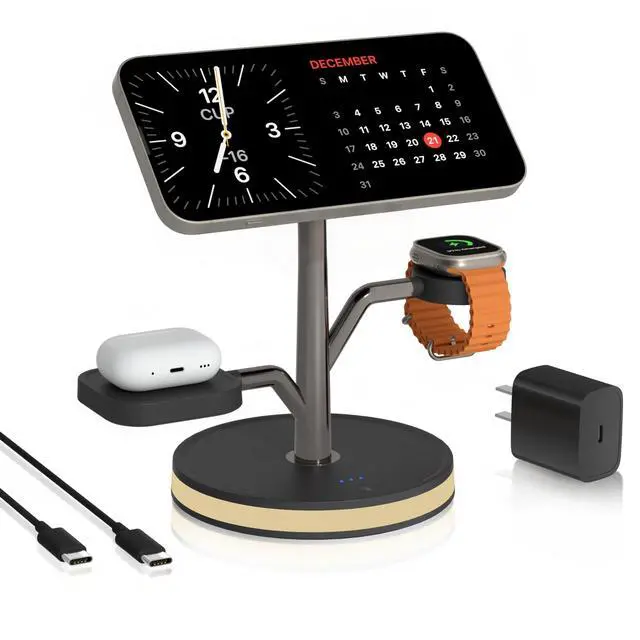
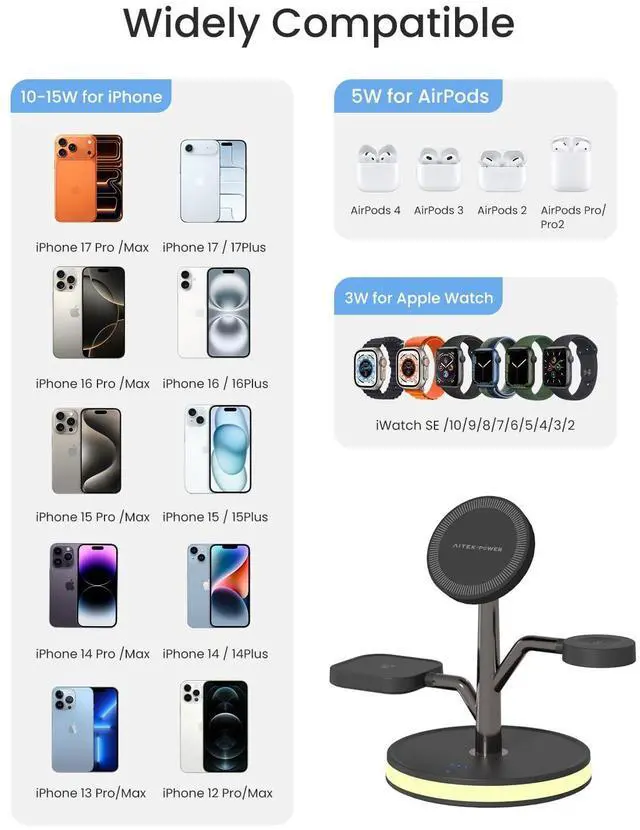
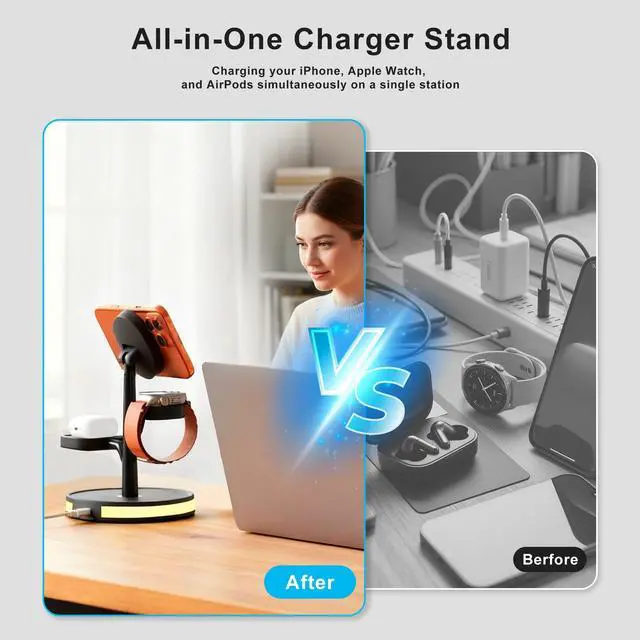
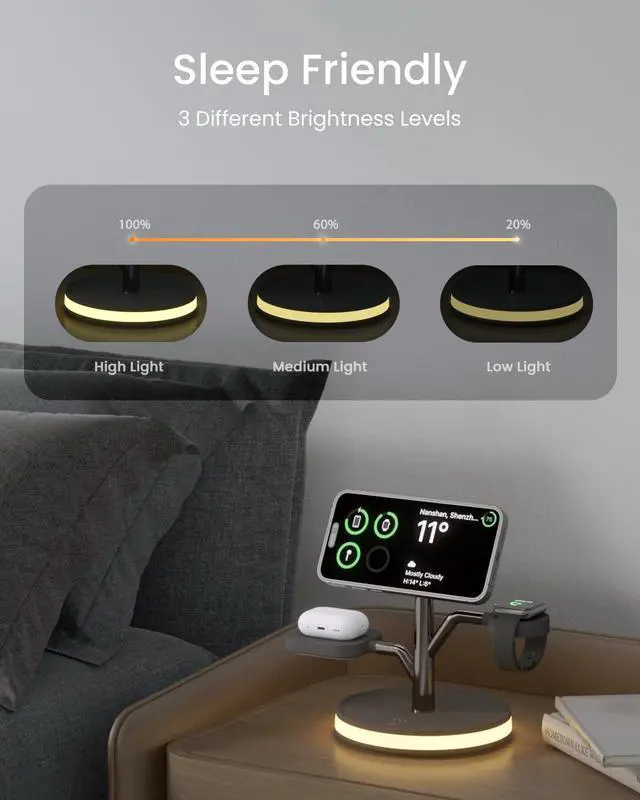
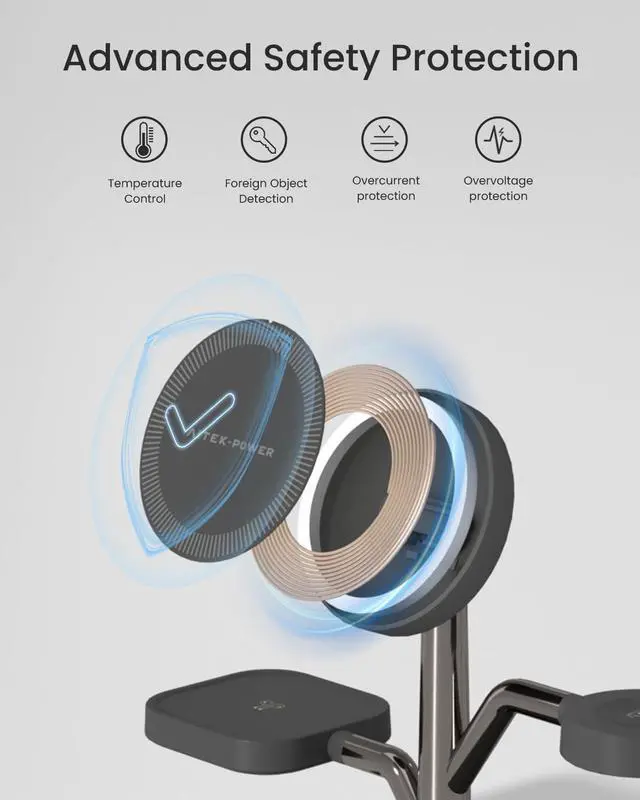
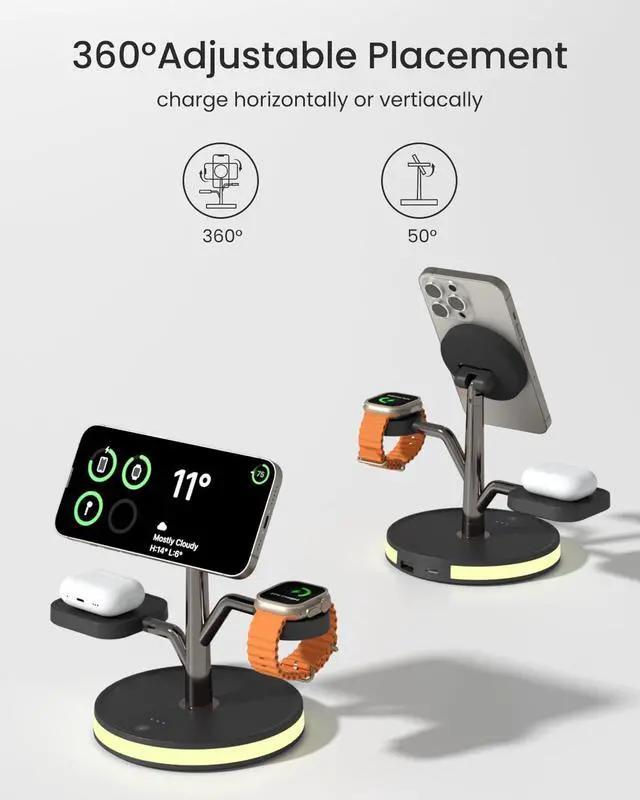
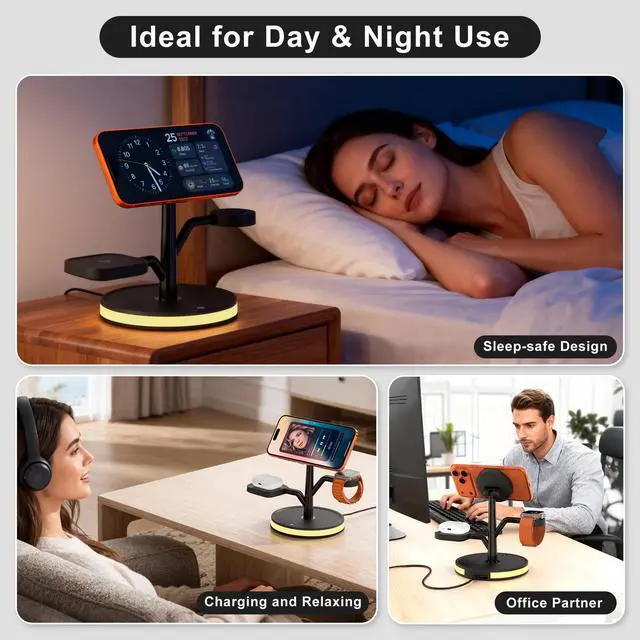



Any questions? Ask CelesteSM will help you find out quickly.


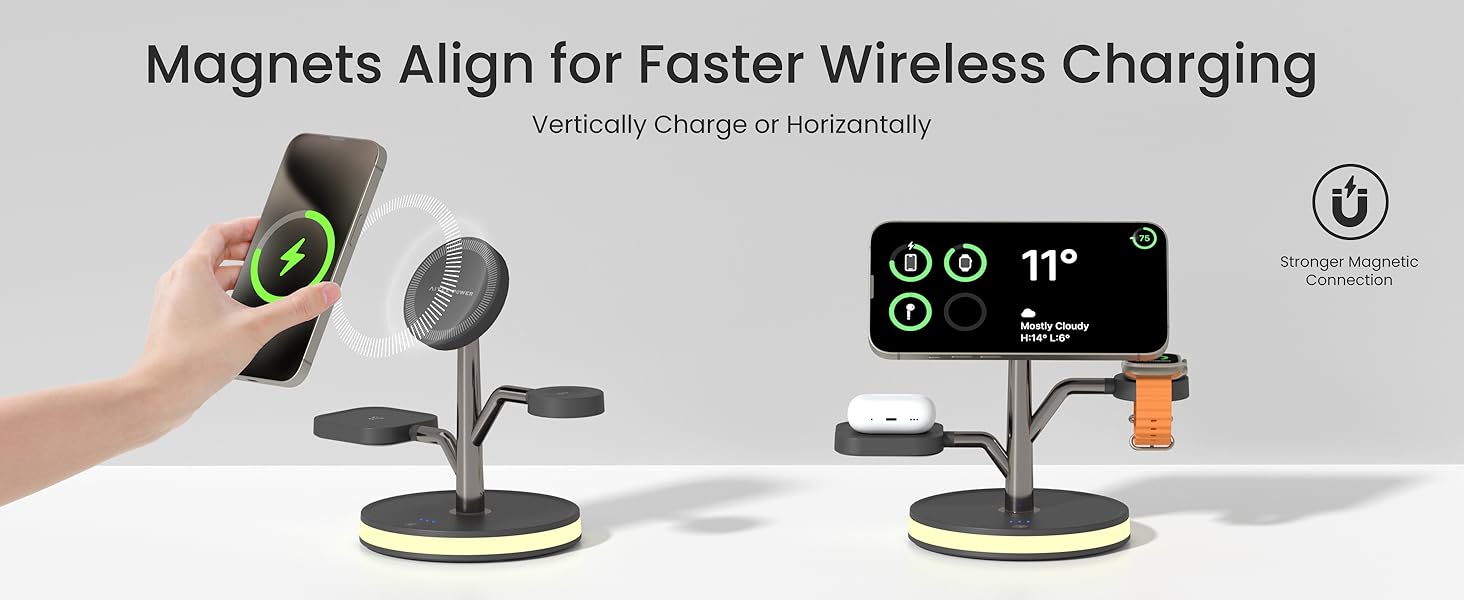
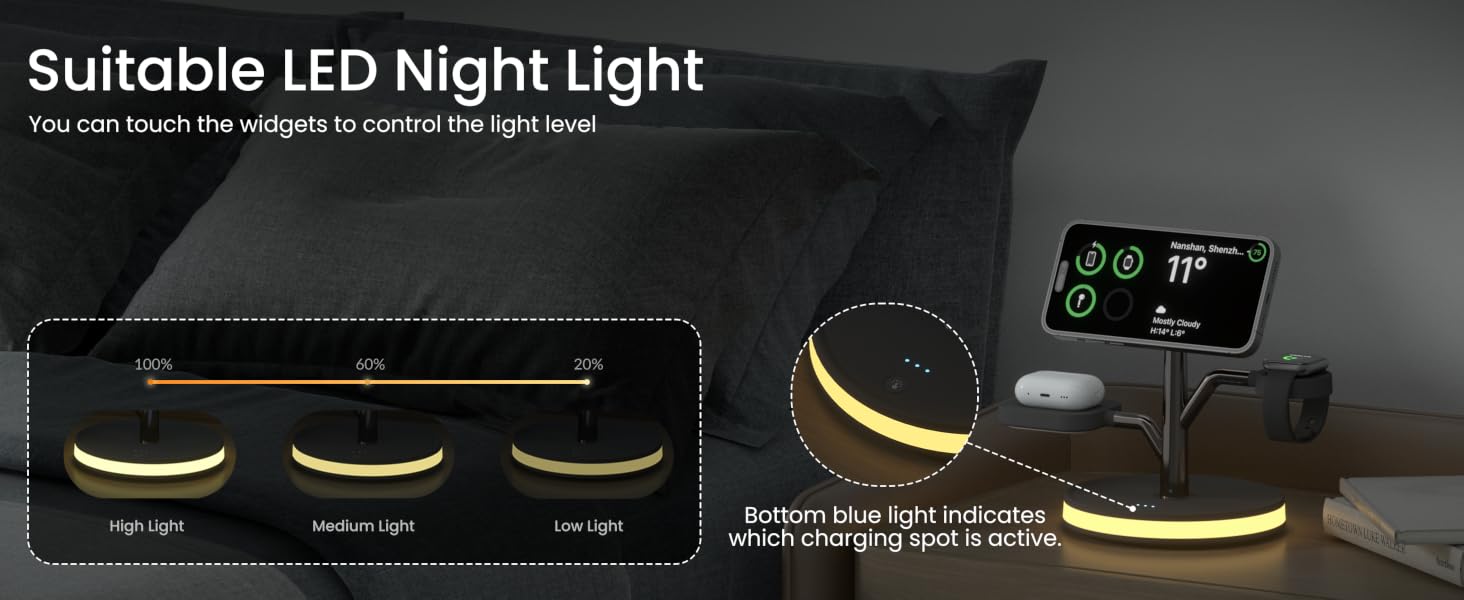
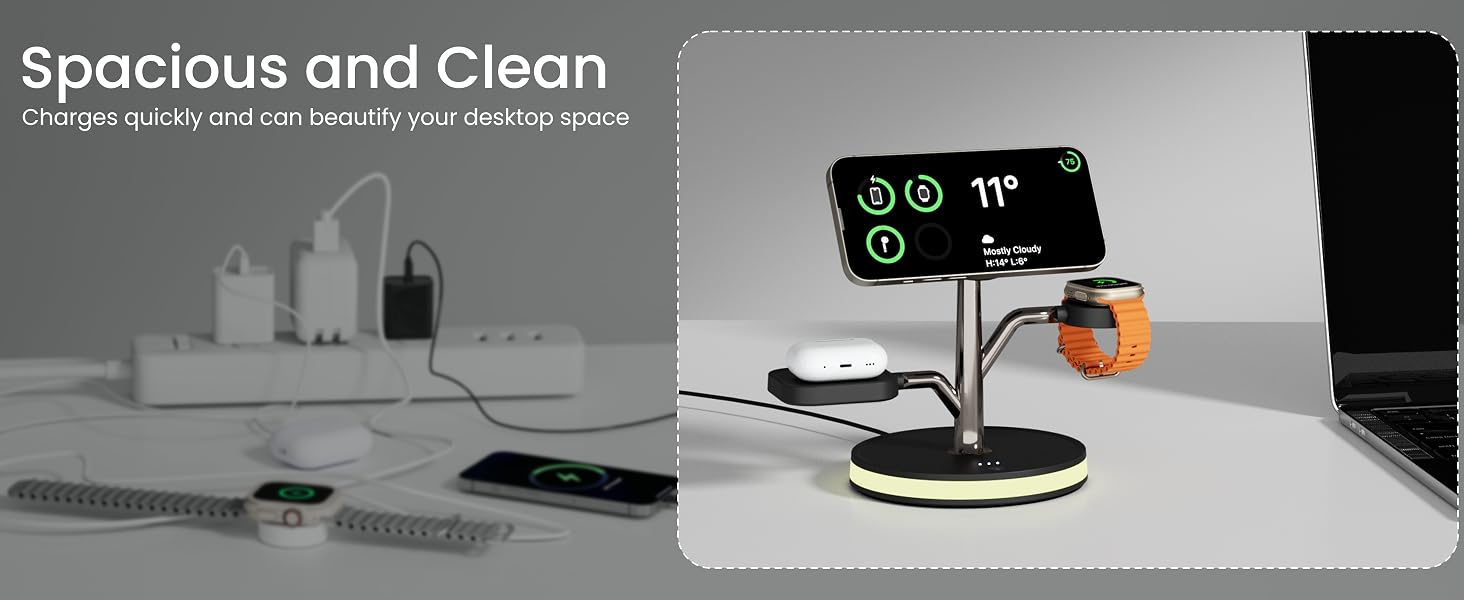
What should I do if my mobil phone can't suck it?
1.Make sure your case is less than 0.15 inches thick (about the thickness of 2 credit cards).
2.Avoid cases with metal components, magnets, or popsocketsthat.
3.For the fastest and most reliable charging, we recommend removing your case.
Why is my phone charging so slowly?
Please use the included 20W PD adapter and charging cable. If you're using your own adapter, make sure it supports at least 20W output.
What if my phone isn't charging at all?
1.Confirm that your iPhone is a model from the iPhone 12–17 series.
2.Remove your phone case and check for any metal objects.
3.Adjust the phone to the correct charging position.
4.Unplug the charger and wait a few second to plug it again.
What if my AirPods aren't charging?
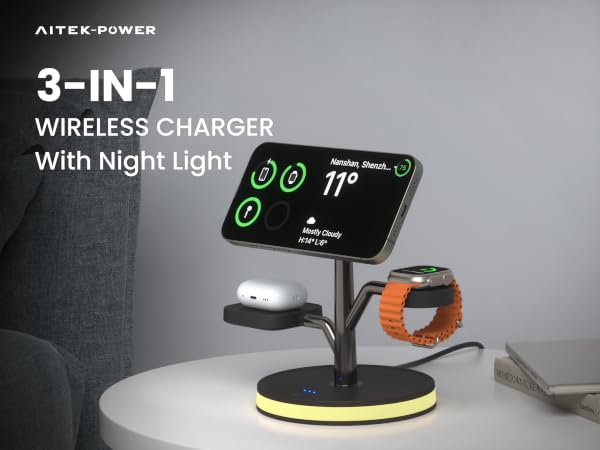
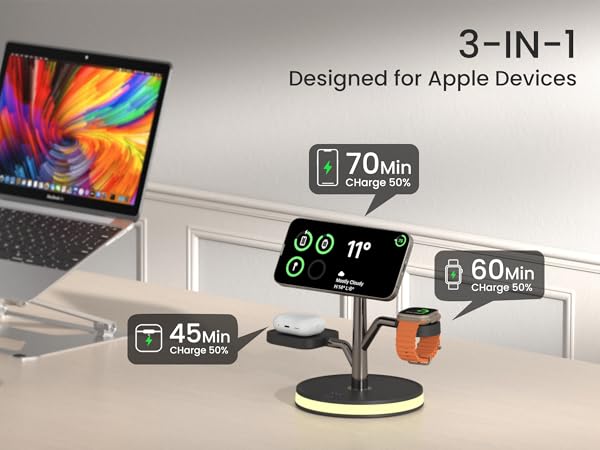
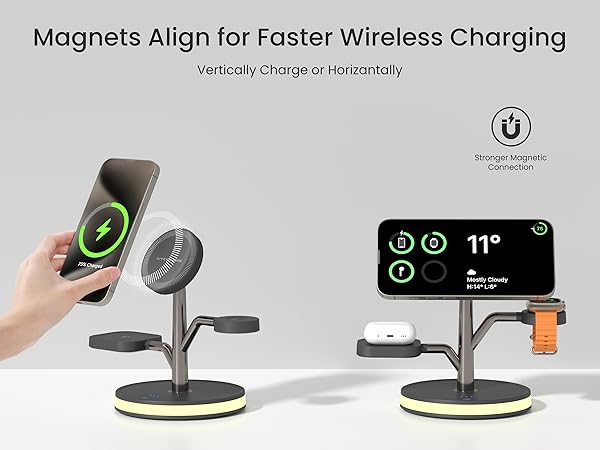
1.This charger supports AirPods 2, 3, 4, Pro 3, and Pro 2.
2.For AirPods 2 and 3, a wireless charging case is required. The standard Lightning-only case will not work with this charger.
What if my Apple Watch isn't charging?
1.Reset the charger station by unplugging/replugging.
2.Update watch software through the Watch app on your iPhone> General > Software Update.

Powerful Innovation, Simplified Life!

Born in the heart of American innovation in 2012, Aitek Power stands as a trusted name in wireless charging.
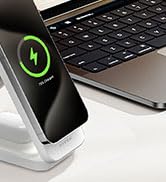
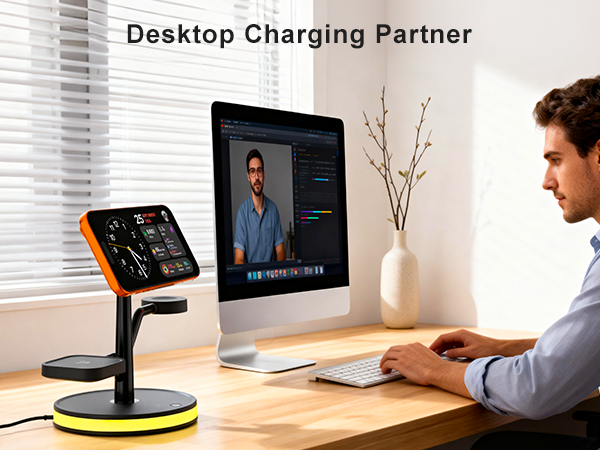
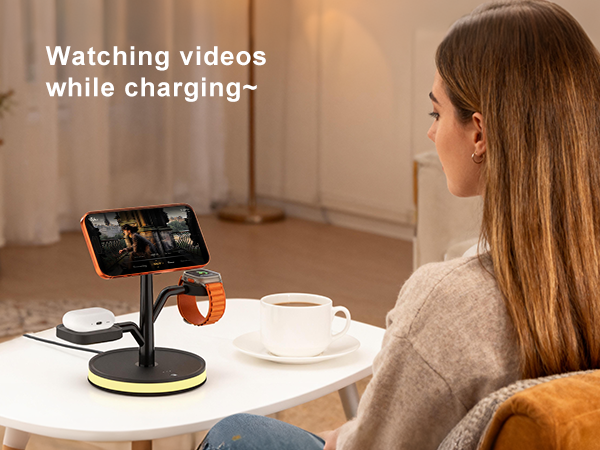
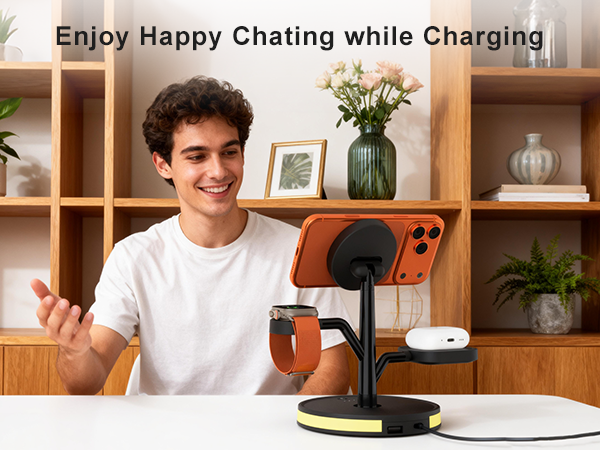
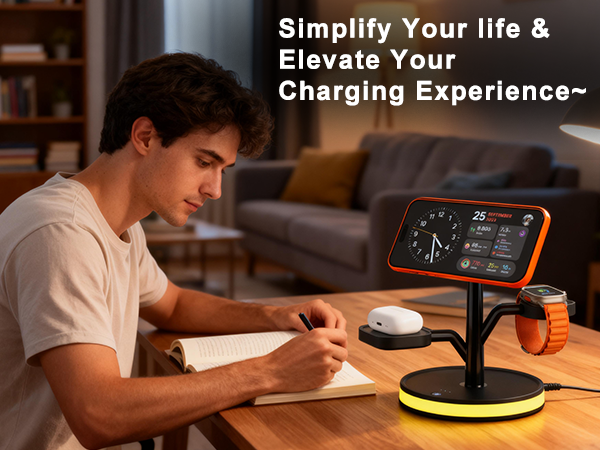
We are dedicated to continuous innovation the wireless charging that delivers robust performance and absolute reliability, all designed to simplify your daily routine and elevate your space with clean, modern aesthetics.

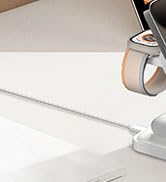
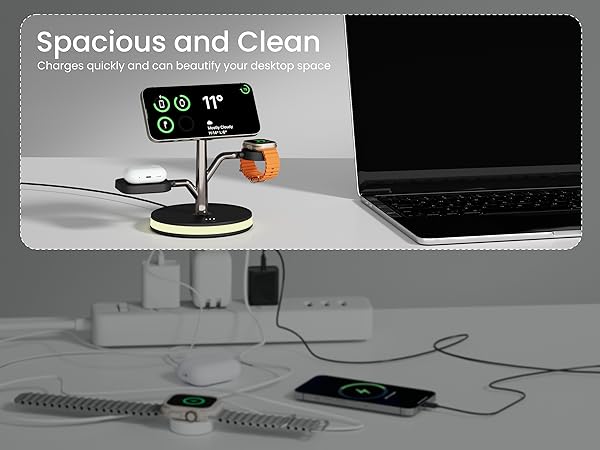
Say goodbye to tangled cords and messy cables, keeping your space neat and your digital life charged with ease!








What should I do if my mobil phone can't suck it?
1.Make sure your case is less than 0.15 inches thick (about the thickness of 2 credit cards).
2.Avoid cases with metal components, magnets, or popsocketsthat.
3.For the fastest and most reliable charging, we recommend removing your case.
Why is my phone charging so slowly?
Please use the included 20W PD adapter and charging cable. If you're using your own adapter, make sure it supports at least 20W output.
What if my phone isn't charging at all?
1.Confirm that your iPhone is a model from the iPhone 12–17 series.
2.Remove your phone case and check for any metal objects.
3.Adjust the phone to the correct charging position.
4.Unplug the charger and wait a few second to plug it again.
What if my AirPods aren't charging?
1.This charger supports AirPods 2, 3, 4, Pro 3, and Pro 2.
2.For AirPods 2 and 3, a wireless charging case is required. The standard Lightning-only case will not work with this charger.
What if my Apple Watch isn't charging?
1.Reset the charger station by unplugging/replugging.
2.Update watch software through the Watch app on your iPhone> General > Software Update.
Powerful Innovation, Simplified Life!
Born in the heart of American innovation in 2012, Aitek Power stands as a trusted name in wireless charging.
We are dedicated to continuous innovation the wireless charging that delivers robust performance and absolute reliability, all designed to simplify your daily routine and elevate your space with clean, modern aesthetics.
Say goodbye to tangled cords and messy cables, keeping your space neat and your digital life charged with ease!