here!
I’m your shopping assistant for PC builds, upgrades, and everything tech.
Got questions? Ask away!
Start a conversation
here!
I’m your shopping assistant for PC builds, upgrades, and everything tech.
Got questions? Ask away!
Start a conversation



Any questions? Ask CelesteSM will help you find out quickly.
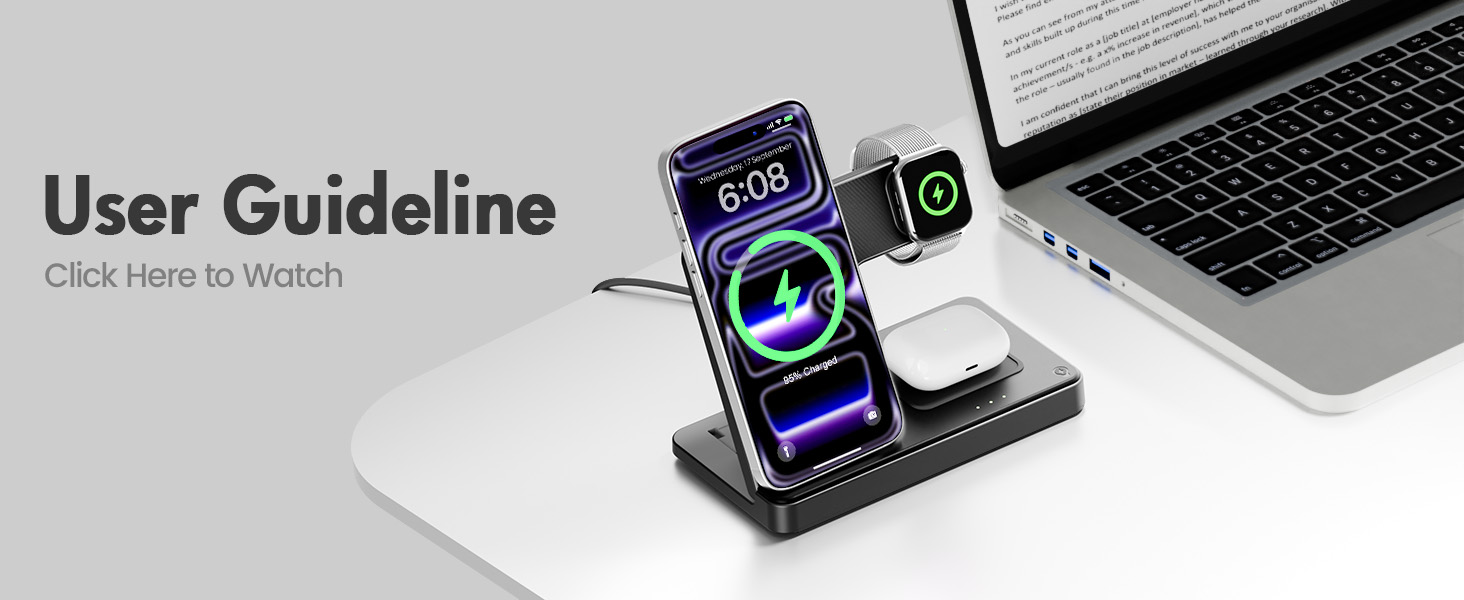
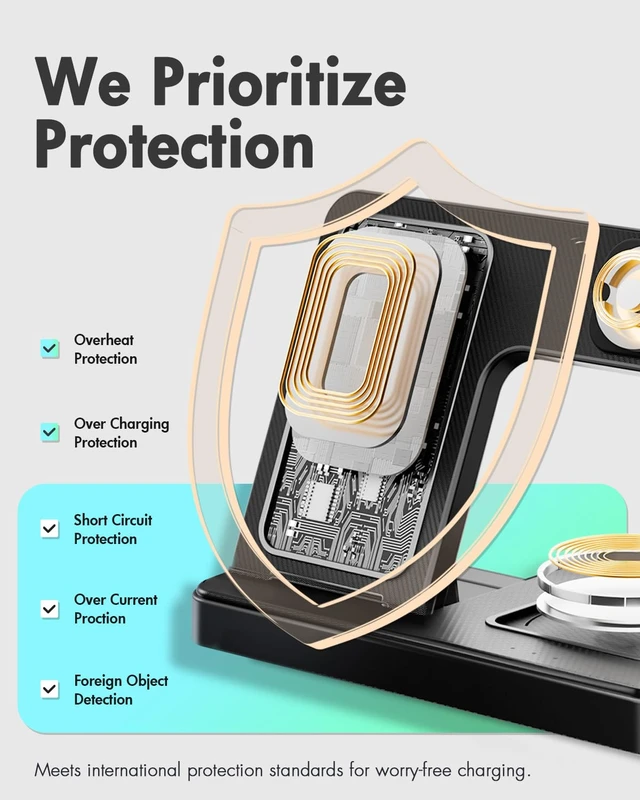
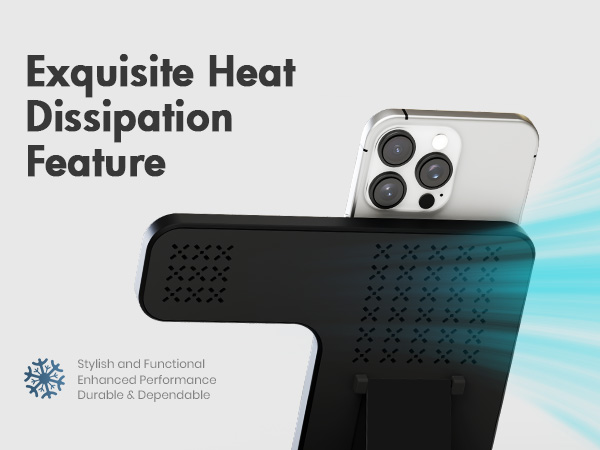
What if my iPhone/Apple Watch/AirPods heat up during charging?
It may warm up slightly while using this charging station for Apple devices. To prevent overheating:
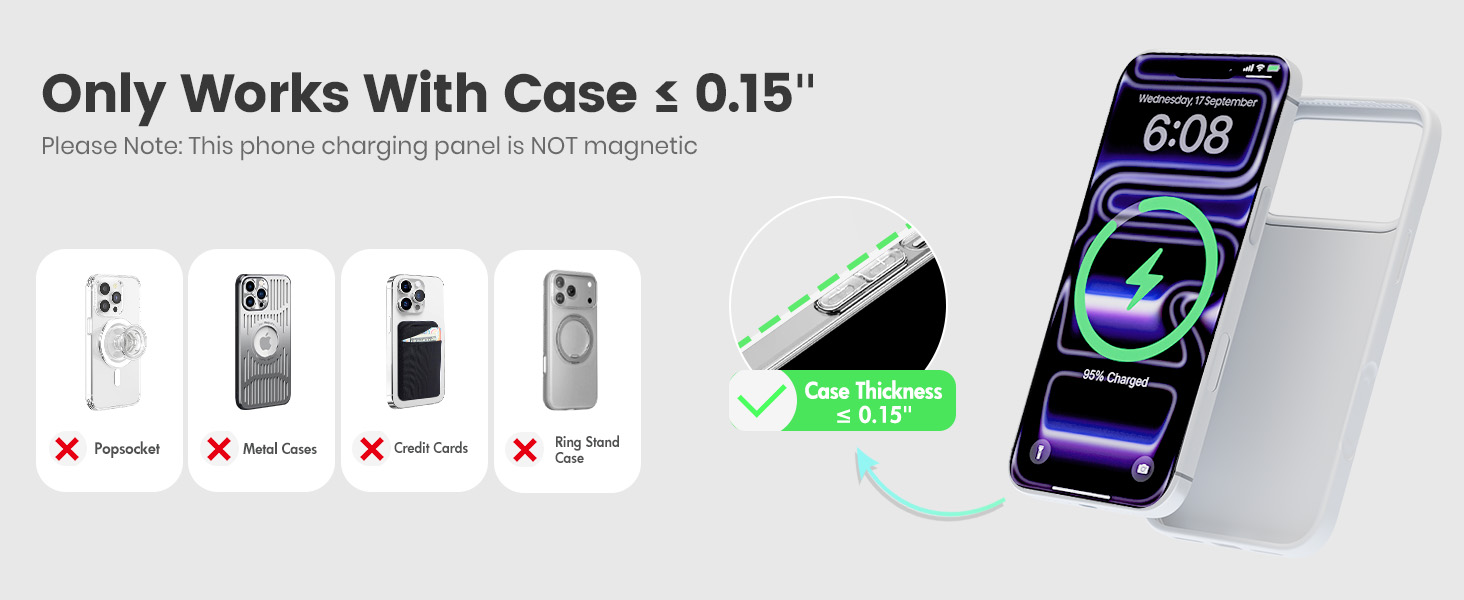
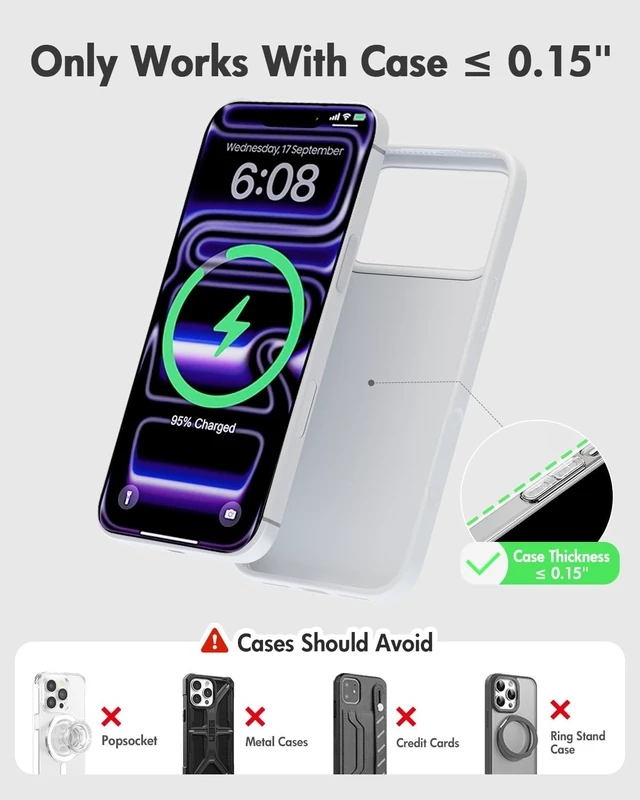
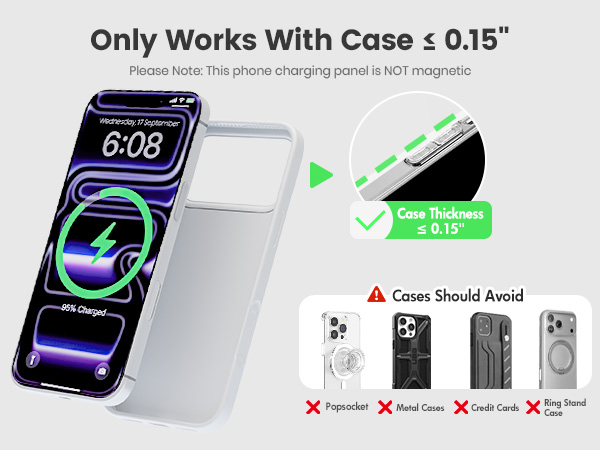
1.Avoid using protective case thicker than 2 mm.
2.Keep metal accessories, credit cards or pop sockets away from the wireless charger 3 in 1.
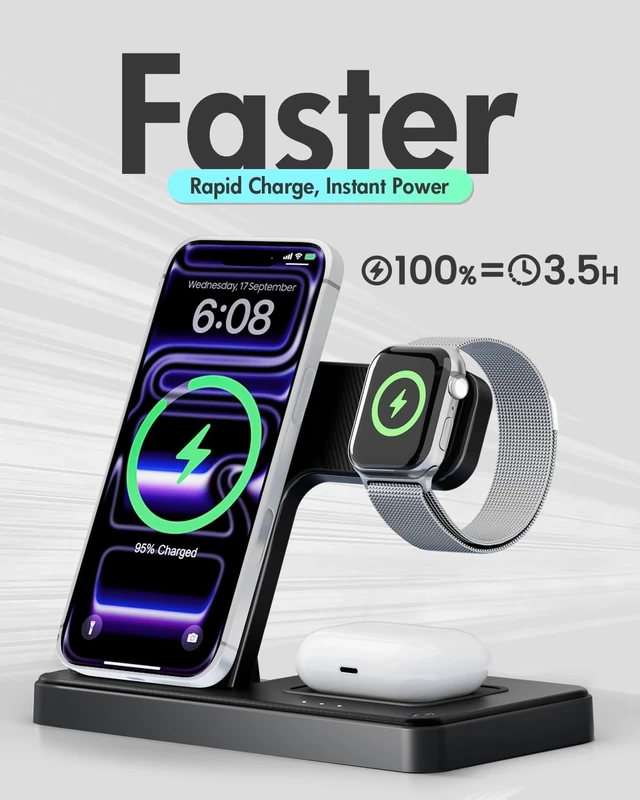
Why is the charging slow on my iPhone and Watch Charging Station?
For chargers for multiple devices:
1.It normally takes 3-4 hours to fully charge devices through the charging pad.
2.Ensure no metal objects block the Apple charging station, as they can cause high temperatures and slow charging.
What if my Phone is not Charging on phone chargers?
1.Confirm your phone supports wireless charging.
2.Check that the case is not too thick and remove any metal or uneven objects.
3.Adjust the phone to the correct charging position.
4.Unplug and replug the charging adapter after a few seconds.
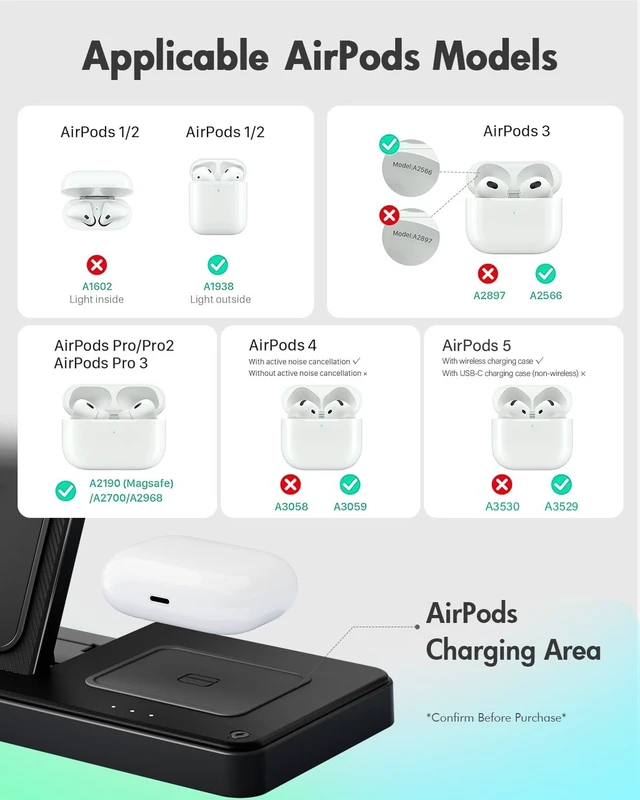
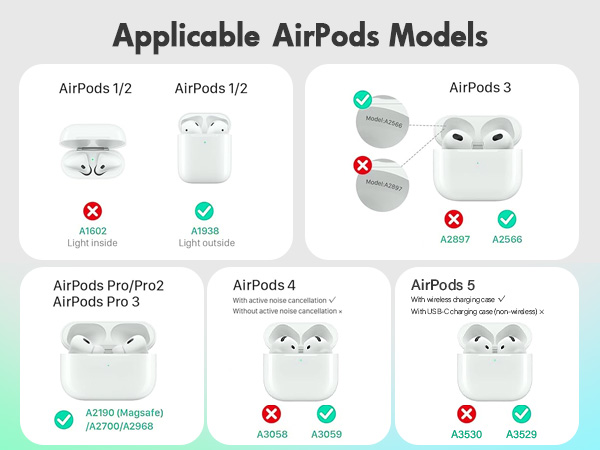
What if my AirPods is not charging on this Apple 3 in 1 charging station?
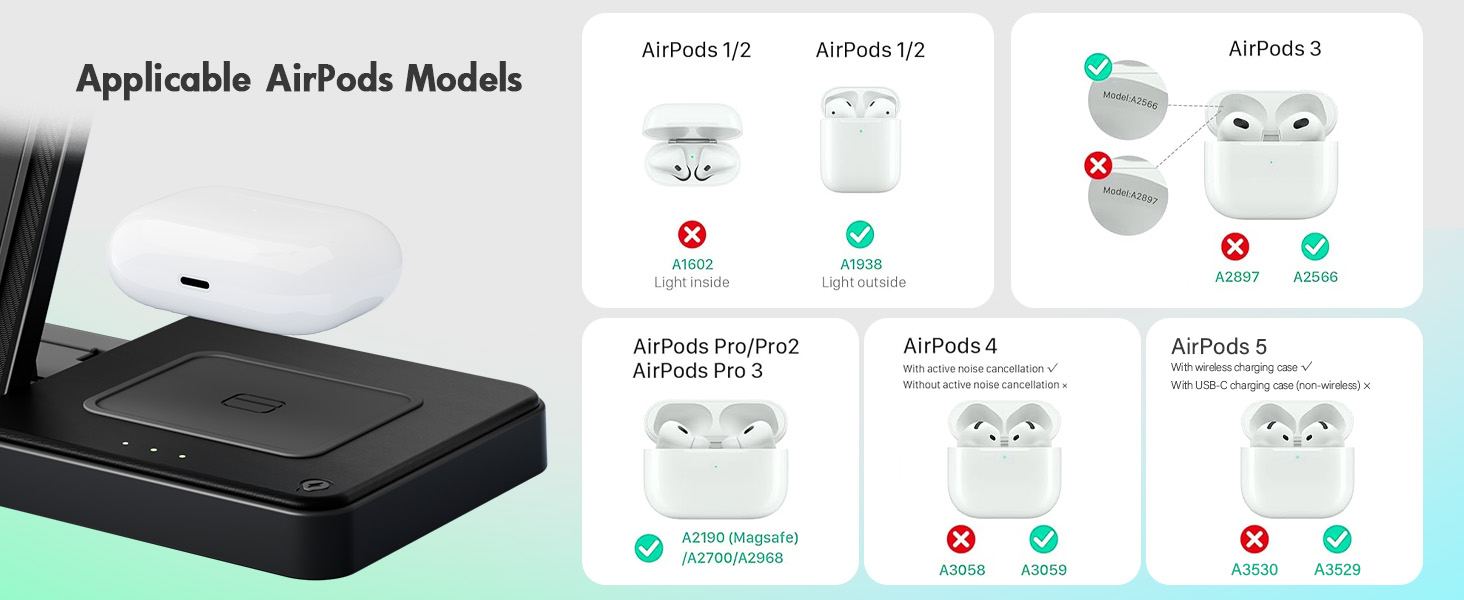
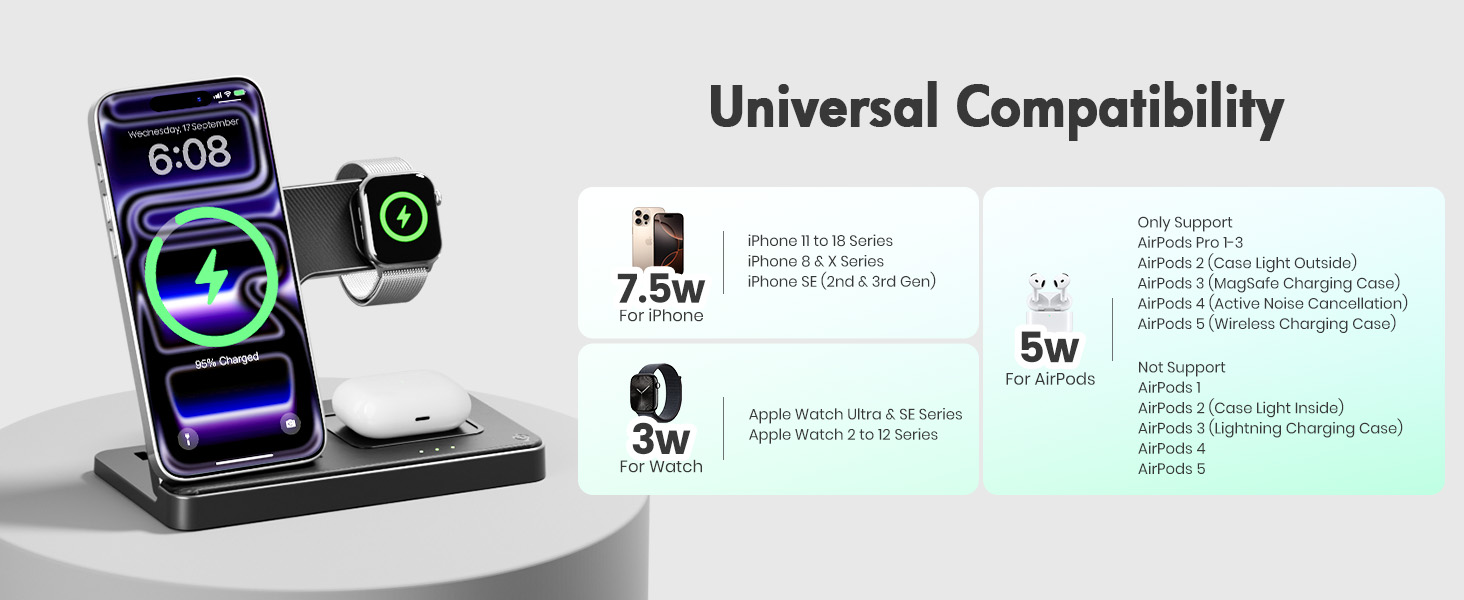
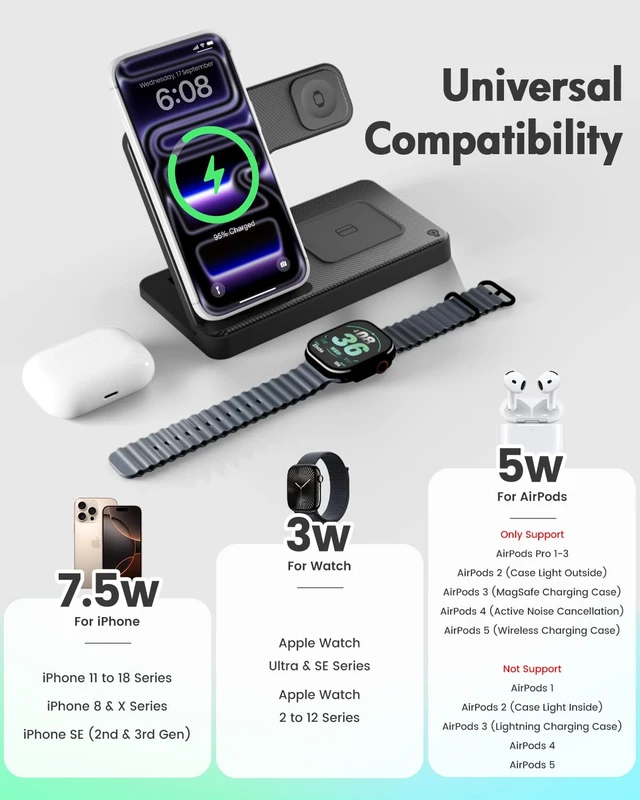
1.Confirm your Airpods supports wireless charging.
2.AirPods 3rd gen or AirPods Pro with MagSafe cases are compatible.
3.AirPods 4 with ANC supports wireless charging.
P.S.1st/2nd/3rd gen AirPods with Lightning cases are not compatible.
My Apple Watch won’t charge on the Apple Watch Charger Stand.
1.Reset the charger station by unplugging/replugging.
2.Update watch software through the Watch app on the Phone> General > Software Update.
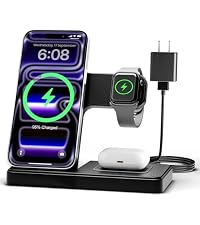 3-in-1 Charging Stand | 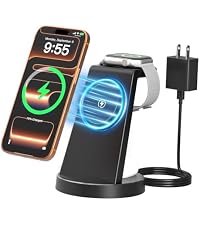 25W 3-in-1 Charging Stand | 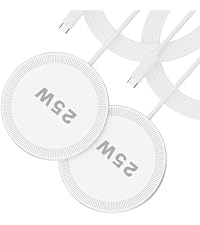 25W Magsafe Charging Pad | 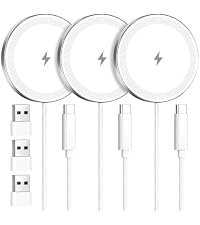 15W Magsafe Charging Pad | 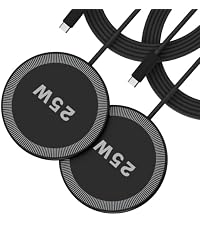 25W Magsafe Charging Pad | |
|---|---|---|---|---|---|
Customer Reviews | — | — | — | — | — |
Price | — | — | — | — | — |
Charging Mode | 3 in 1 Wireless Charger | 3 in 1 Wireless Charger | Single-device Charging | Single-device Charging | Single-device Charging |
Phone Compatibility | iPhone 18-12 Series | iPhone 18-12 Series | iPhone 18-12 Series | iPhone 18-12 Series | iPhone 18-12 Series |
Earbuds Compatibility | AirPods and other Earbuds | AirPods and other Earbuds | AirPods and other Earbuds | AirPods and other Earbuds | AirPods and other Earbuds |
Watch Compatibility | Apple Watch | Apple Watch | No Support | No Support | No Support |
Accessories | 18W Adapter, USB-C Cable | 45W Adapter, USB-C Cable | 4FT USB-C Cable | 4FT USB-C Cable | 4FT USB-C Cable |
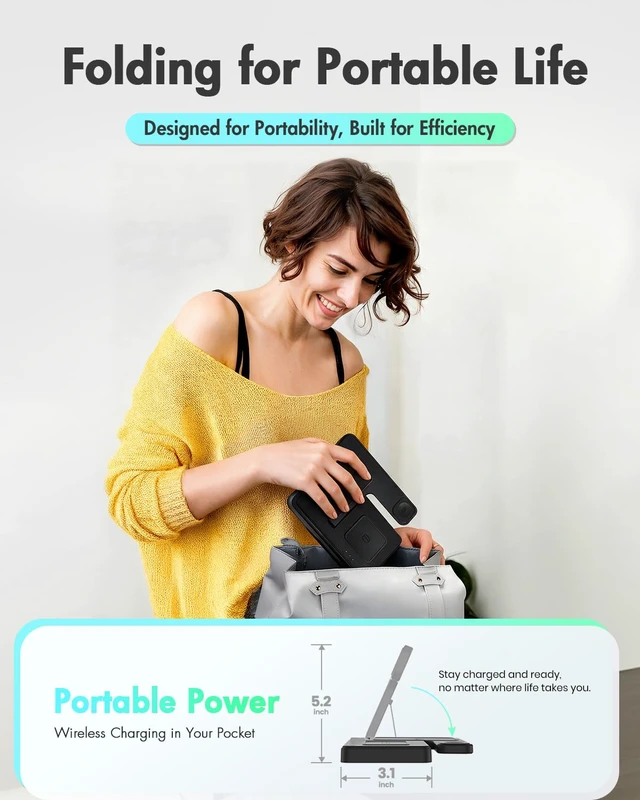
Portability | Slim and Foldable | Stand Design | Ultra-Slim | Ultra-Slim | Ultra-Slim |
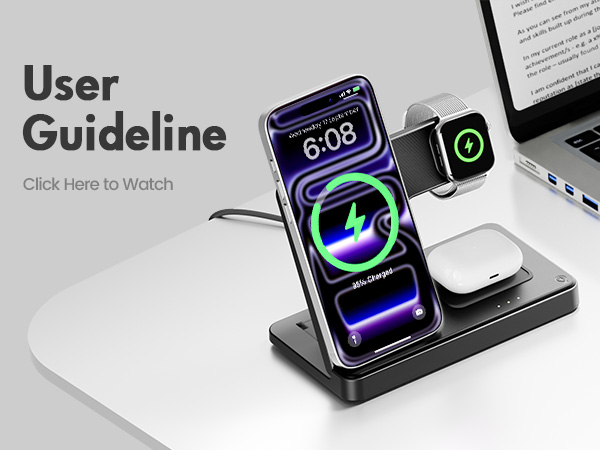


What if my iPhone/Apple Watch/AirPods heat up during charging?
It may warm up slightly while using this charging station for Apple devices. To prevent overheating:
1.Avoid using protective case thicker than 2 mm.
2.Keep metal accessories, credit cards or pop sockets away from the wireless charger 3 in 1.
Why is the charging slow on my iPhone and Watch Charging Station?
For chargers for multiple devices:
1.It normally takes 3-4 hours to fully charge devices through the charging pad.
2.Ensure no metal objects block the Apple charging station, as they can cause high temperatures and slow charging.
What if my Phone is not Charging on phone chargers?
1.Confirm your phone supports wireless charging.
2.Check that the case is not too thick and remove any metal or uneven objects.
3.Adjust the phone to the correct charging position.
4.Unplug and replug the charging adapter after a few seconds.
What if my AirPods is not charging on this Apple 3 in 1 charging station?
1.Confirm your Airpods supports wireless charging.
2.AirPods 3rd gen or AirPods Pro with MagSafe cases are compatible.
3.AirPods 4 with ANC supports wireless charging.
P.S.1st/2nd/3rd gen AirPods with Lightning cases are not compatible.
My Apple Watch won’t charge on the Apple Watch Charger Stand.
1.Reset the charger station by unplugging/replugging.
2.Update watch software through the Watch app on the Phone> General > Software Update.
3-in-1 Charging Stand | 25W 3-in-1 Charging Stand | 25W Magsafe Charging Pad | 15W Magsafe Charging Pad | 25W Magsafe Charging Pad |
|---|---|---|---|---|
| Customer Reviews | ||||
| — | — | — | — | — |
| Price | ||||
| — | — | — | — | — |
| Charging Mode | ||||
| 3 in 1 Wireless Charger | 3 in 1 Wireless Charger | Single-device Charging | Single-device Charging | Single-device Charging |
| Phone Compatibility | ||||
| iPhone 18-12 Series | iPhone 18-12 Series | iPhone 18-12 Series | iPhone 18-12 Series | iPhone 18-12 Series |
| Earbuds Compatibility | ||||
| AirPods and other Earbuds | AirPods and other Earbuds | AirPods and other Earbuds | AirPods and other Earbuds | AirPods and other Earbuds |
| Watch Compatibility | ||||
| Apple Watch | Apple Watch | No Support | No Support | No Support |
| Accessories | ||||
| 18W Adapter, USB-C Cable | 45W Adapter, USB-C Cable | 4FT USB-C Cable | 4FT USB-C Cable | 4FT USB-C Cable |
| Portability | ||||
| Slim and Foldable | Stand Design | Ultra-Slim | Ultra-Slim | Ultra-Slim |




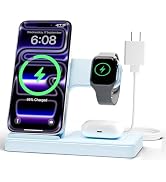


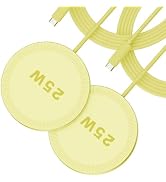

| Brand | GETPALS |
| Connector Type | USB Type C |
| Compatible Devices | Cellular Phones, Headphones, Smartwatches |
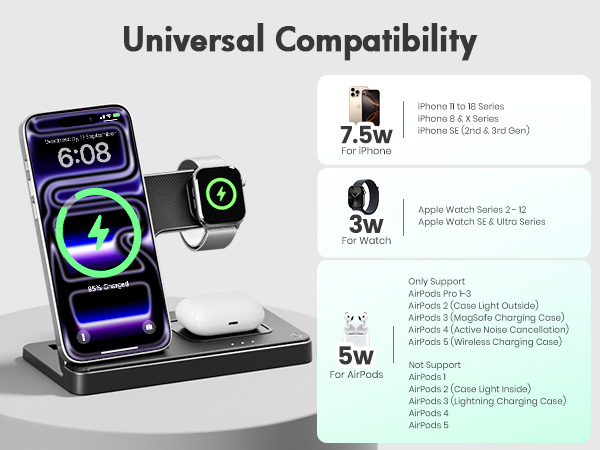
| Compatible Phone Models | [iPhone Series] iPhone 18 Pro Max, iPhone 18 Pro, iPhone 17, iPhone 17 Pro Max, iPhone 17 Pro, iPhone Air, iPhone 16e, iPhone 16 Pro Max, iPhone 16 Pro, iPhone 16, iPhone 16 plus, iPhone 15 Pro Max, iPhone 15 Pro, iPhone 15, iPhone 15 plus, iPhone 14 Pro Max, iPhone 14 Pro, iPhone 14, iPhone 14 plus, iPhone 13, iPhone 13 Pro Max, iPhone 13 Pro, iPhone 13 Pro Mini, iPhone 12 iPhone 12 Pro Max, iPhone 12 Pro, iPhone 12, iPhone 12 mini, iPhone 11 Pro, iPhone 11 Pro Max, iPhone 11, iPhone SE (2nd generation), iPhone XS, iPhone XS Max, iPhone XR, iPhone X, iPhone 8, iPhone 8 Plus;[AirPods]Airpods 5/4/3/2/1, AirPods Pro 3, AirPods Pro 2, AirPods Pro, AirPods (3rd generation) (Note: for AirPods 5/4/3/2/1, needs work with a wireless charging case );[Apple Watch]Apple Watch Series 12/11/10/9/8/7/6/5/4/3/2, Apple Watch Series SE 3/2/1, Apple Watch Series Ultra 4/3/2/1 |
| Included Components | USB Type-C, USB-C cable, charging stand, charging station |
| Special Feature | 3 in1 Magnetic Wireless Charger, Fast Charging, Charging Indicator, Wireless Charging, iphone and watch charging station, phone and watch charging station, phone watch airpods charging station |
| Color | Black |
| Input Voltage | 9 volts |
| Amperage | 1.5 A |
| Total USB Ports | 1 |
| Special Features | 3 in1 Magnetic Wireless Charger, Fast Charging, Charging Indicator, Wireless Charging, iphone and watch charging station, phone and watch charging station, phone watch airpods charging station |
| Wattage | 15 watts |
| Output Current | 15 A |
| Output Voltage | 9 volts |
| Power Source | Corded Electric |
| Current Rating | 5 A |
| Main Power Connector Type | 2 Pin |
| Power Plug | Type C |
| Compatible Cellular Phone Models | Apple iPhone 16e |
| Wireless Charging Standard | Qi |
| Current | DC |
| Compatible Power Plug Type | Type C |
| Wired Charging Connector Type | USB Type C |
| Connectivity Technology | USB, Wireless |
| Mounting Type | Wireless, USB Type C |
| Built-In Media | USB Type-C, USB-C cable, charging stand, charging station |
| Model Number | W336 |
| Model Name | W336 |
| Mfr Part Number | wireless charging station |
| Manufacturer | GETPALS Wireless Charging Station - W336 - Guangdong Stellar Craft Technology Co., LTD |
| Warranty Description | 1 |
| Number of Items | 1 |
| Item Weight | 0.15 kg |
| Unit Count | 1 Count |
| Enclosure Material | Plastic |
| Form Factor | Stationary (Foldable) |
| Specification Met | Qi |