here!
I’m your shopping assistant for PC builds, upgrades, and everything tech.
Got questions? Ask away!
Start a conversation
here!
I’m your shopping assistant for PC builds, upgrades, and everything tech.
Got questions? Ask away!
Start a conversation




Any questions? Ask CelesteSM will help you find out quickly.
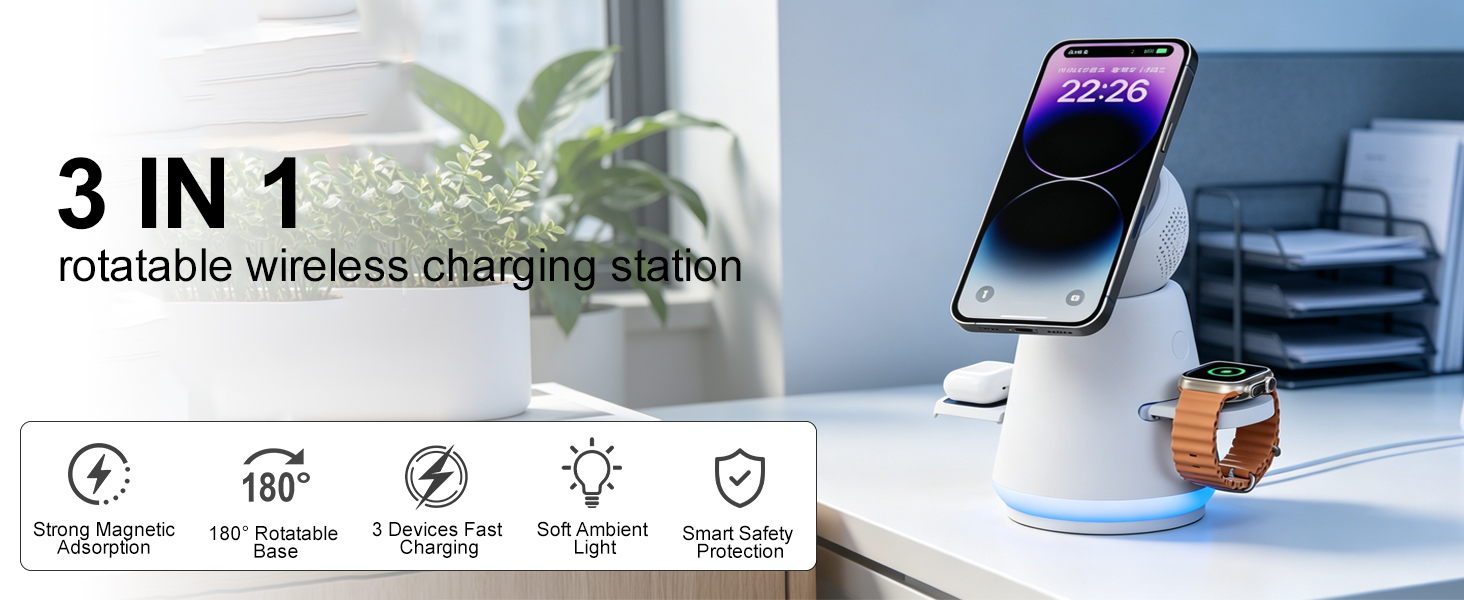
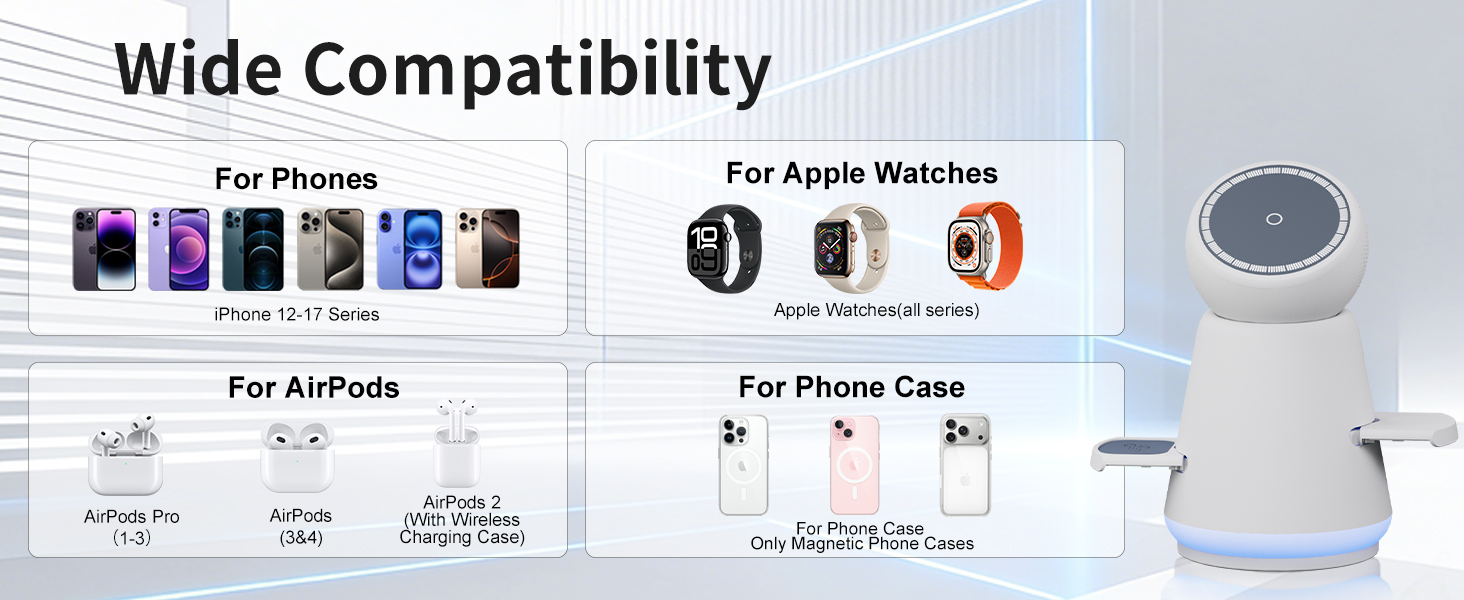
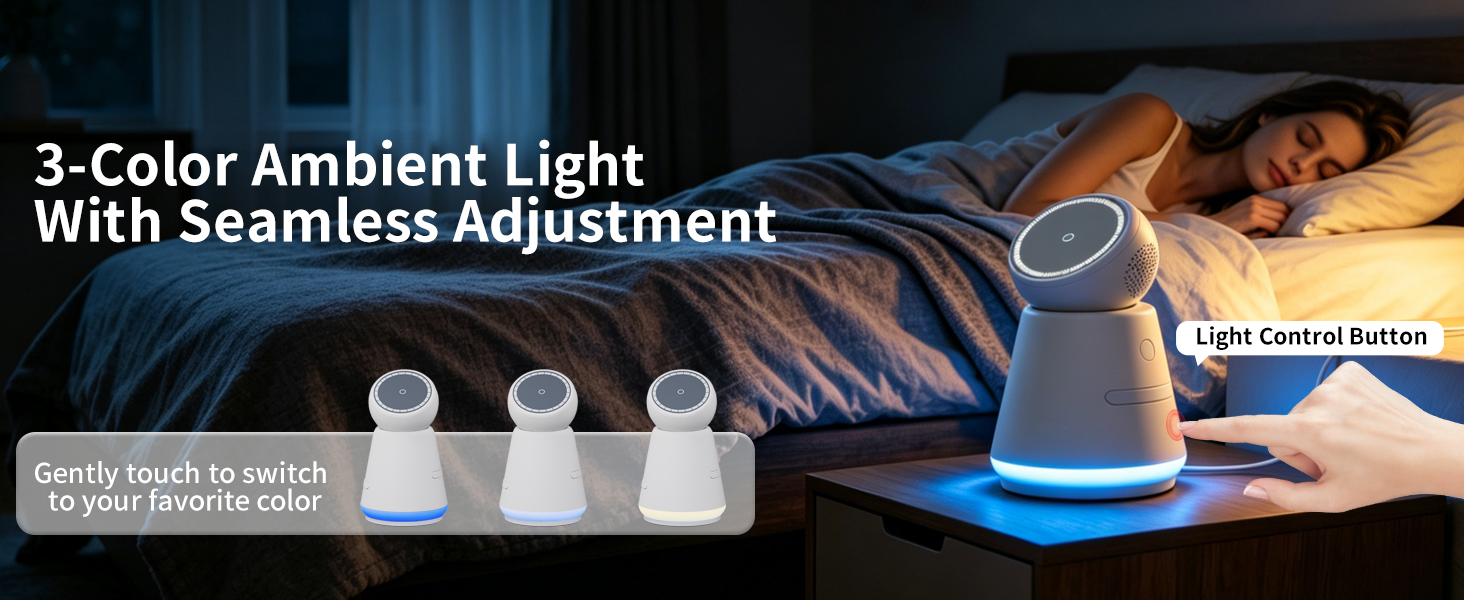
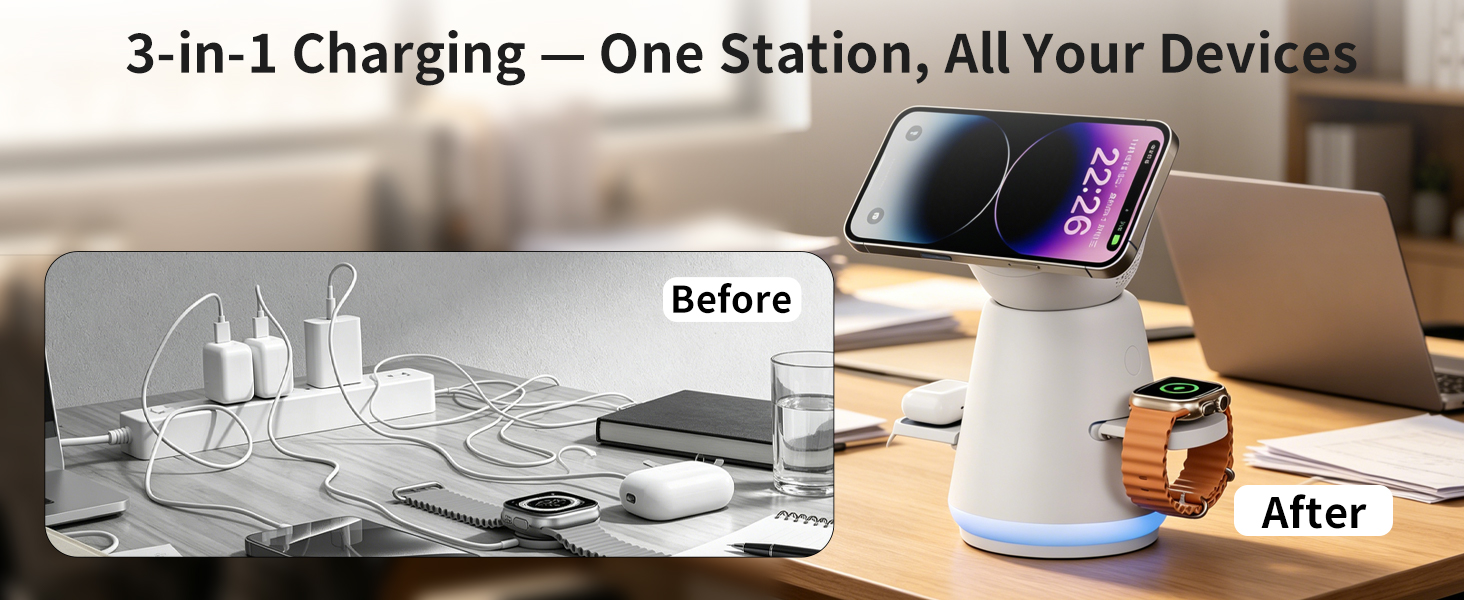
What should I do if my phone isn't charging wirelessly or is charging slowly?
Please check these points:
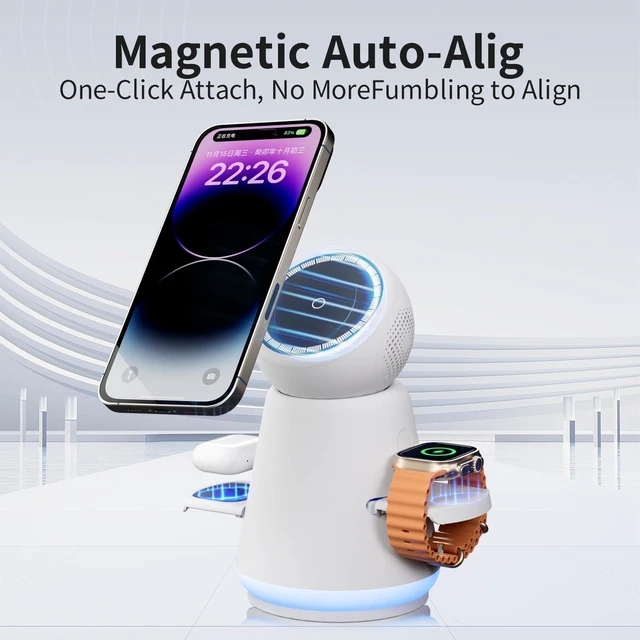
·Center your phone on the charging pad.
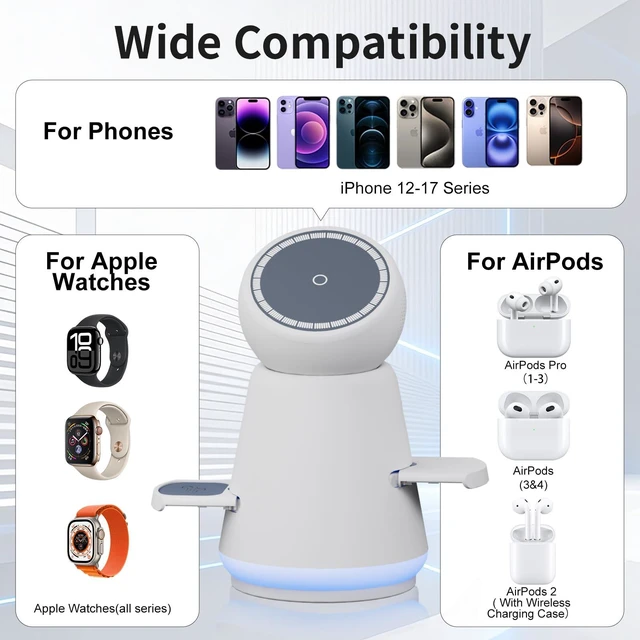
·Confirm your iPhone is MagSafe (12 or newer).
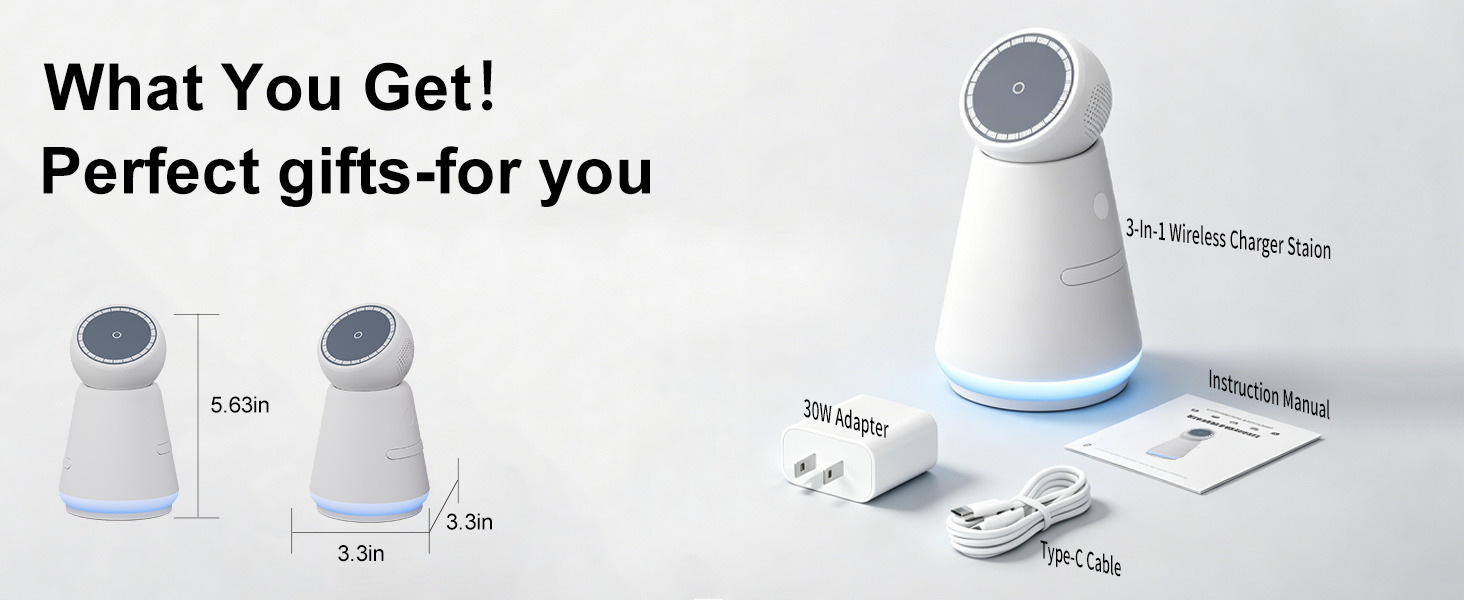
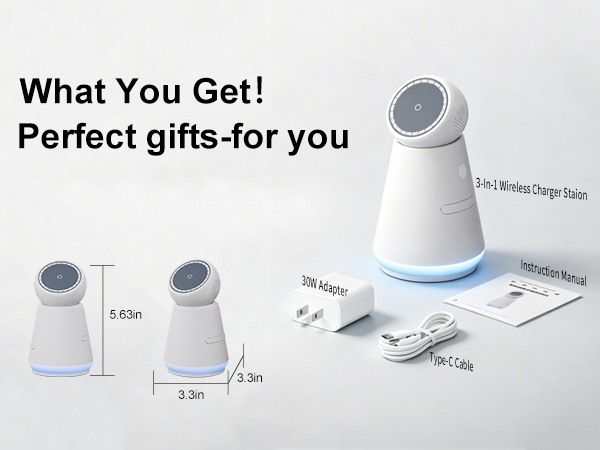
·Use included 30W adapter & cable; low-power chargers slow charging.
·Remove thick/metal cases; bare/MagSafe cases get full speed.
Is it normal for the iPhone to heat up while charging?
Minor warmth is normal. Some energy loss during power transfer creates heat. To avoid excessive overheating, refrain from heavy phone usage during charging.
How do I charge my Apple Watch Ultra on this charging station?
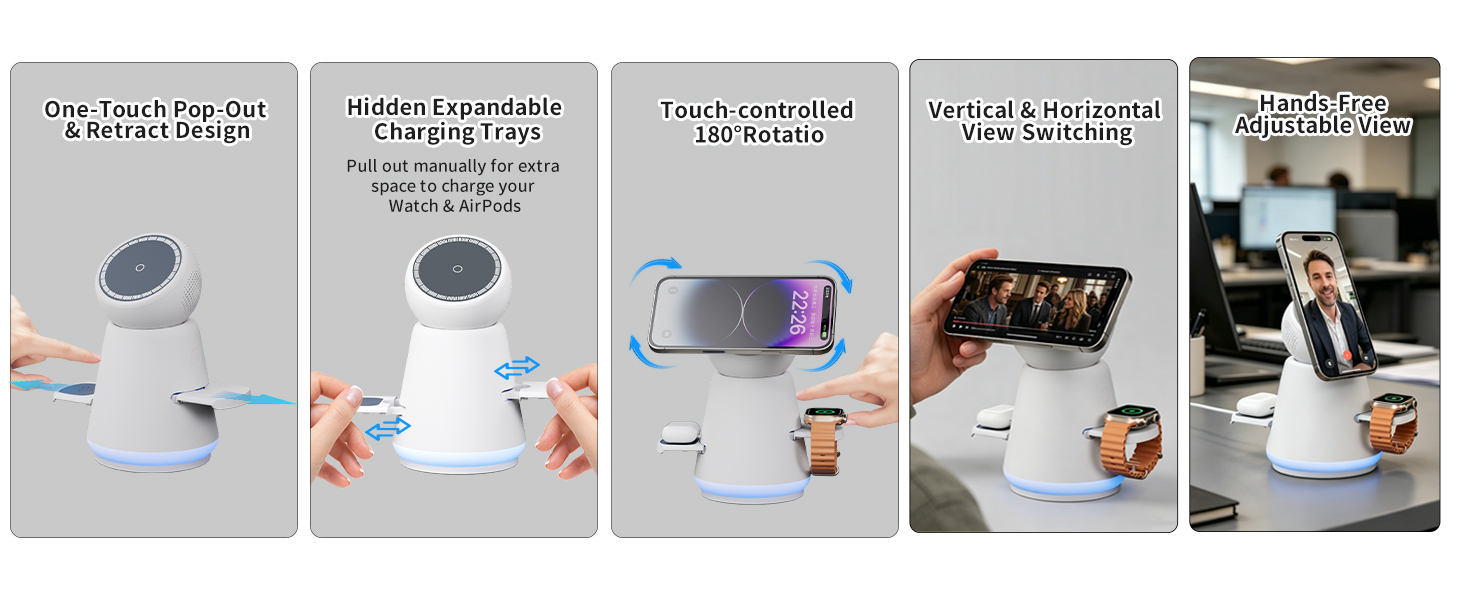
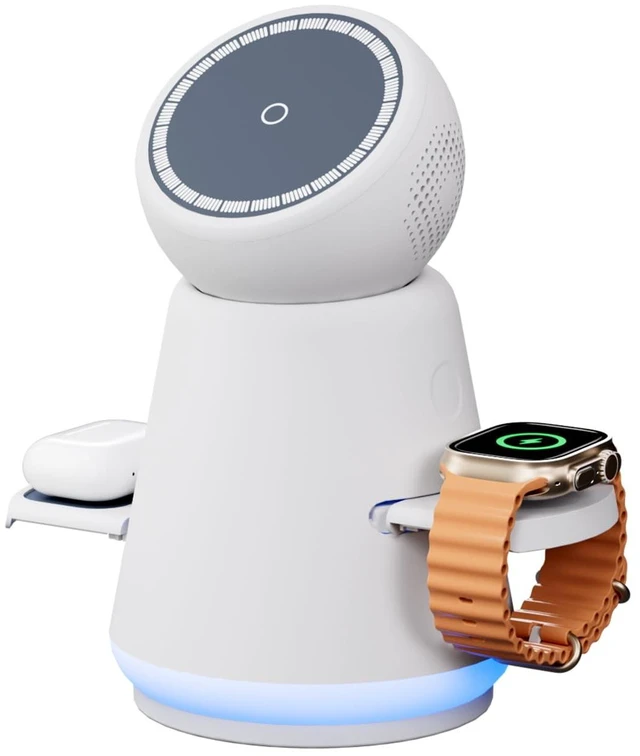
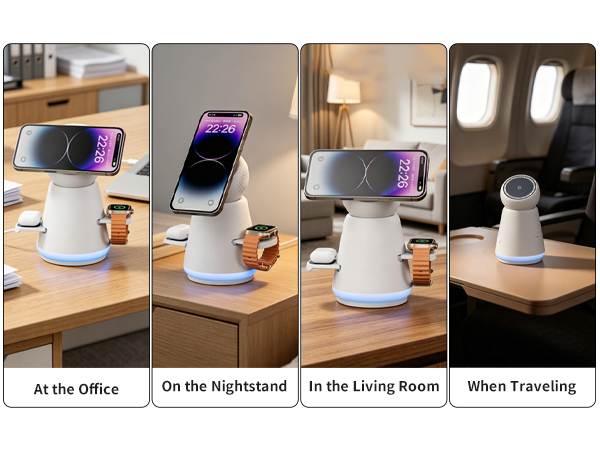
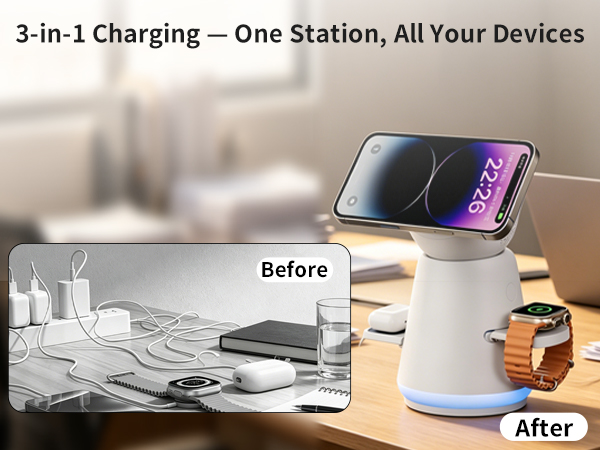
The side watch charging tray can be pulled out manually. Simply pull open the watch dock on either side of the charger, set your Apple Watch Ultra flat onto the dedicated watch pad, and it will start wireless charging automatically.
Does it support fast charging and is it safe to use overnight?
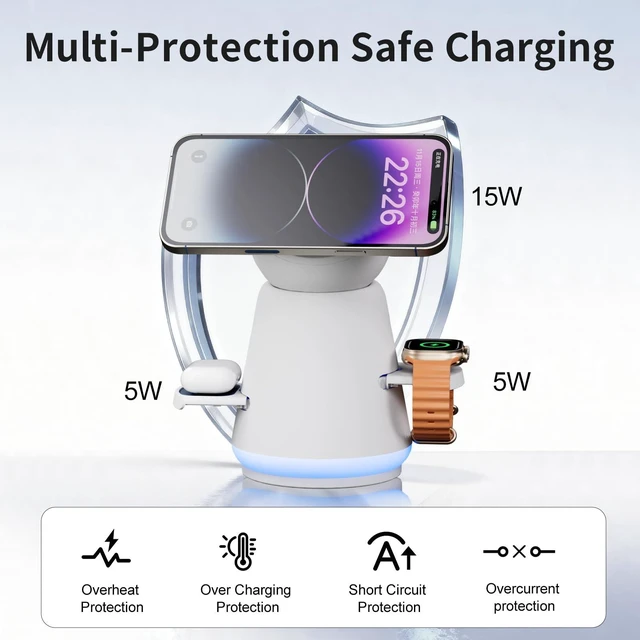
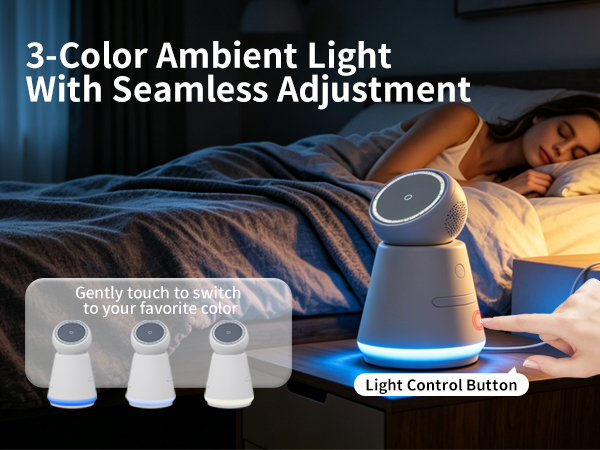
Absoutely. The charging station supports fast wireless charging and incudes bult in safety protectionssuchas over voltage,over-curent,temperature control and short-circuit protection, making it safe for overnight use.
What should I do if the charging slots for earbuds and watch feel a bit small?
After activating the one-touch function for the earbud and watch charging docks on the sides, you can manually pull out both side charging platforms to extend their position. This setup can fully fit all your charging devices perfectly.
What should I do if my phone isn't charging wirelessly or is charging slowly?
Please check these points:
·Center your phone on the charging pad.
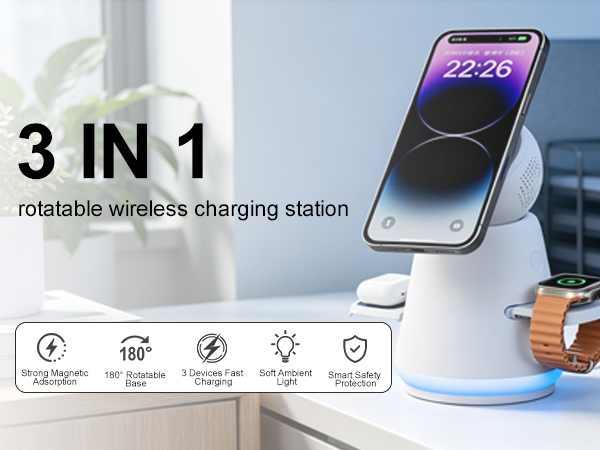
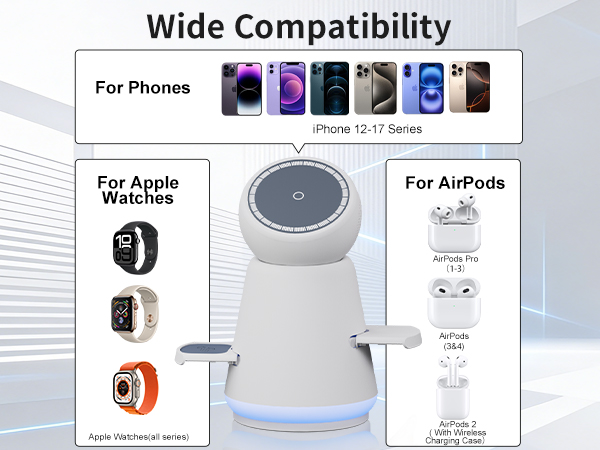
·Confirm your iPhone is MagSafe (12 or newer).
·Use included 30W adapter & cable; low-power chargers slow charging.
·Remove thick/metal cases; bare/MagSafe cases get full speed.
Is it normal for the iPhone to heat up while charging?
Minor warmth is normal. Some energy loss during power transfer creates heat. To avoid excessive overheating, refrain from heavy phone usage during charging.
How do I charge my Apple Watch Ultra on this charging station?
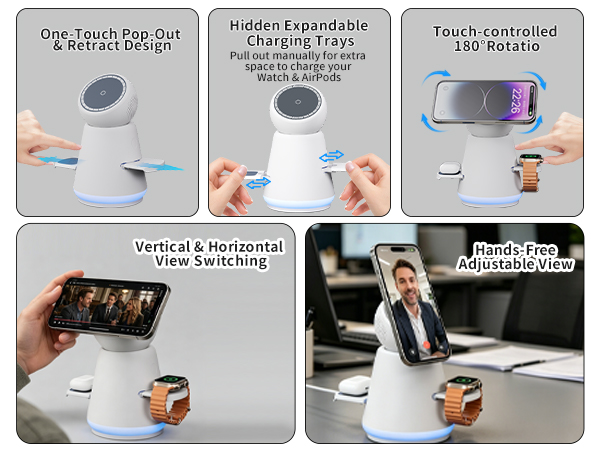
The side watch charging tray can be pulled out manually. Simply pull open the watch dock on either side of the charger, set your Apple Watch Ultra flat onto the dedicated watch pad, and it will start wireless charging automatically.
Does it support fast charging and is it safe to use overnight?
Absoutely. The charging station supports fast wireless charging and incudes bult in safety protectionssuchas over voltage,over-curent,temperature control and short-circuit protection, making it safe for overnight use.
What should I do if the charging slots for earbuds and watch feel a bit small?
After activating the one-touch function for the earbud and watch charging docks on the sides, you can manually pull out both side charging platforms to extend their position. This setup can fully fit all your charging devices perfectly.