



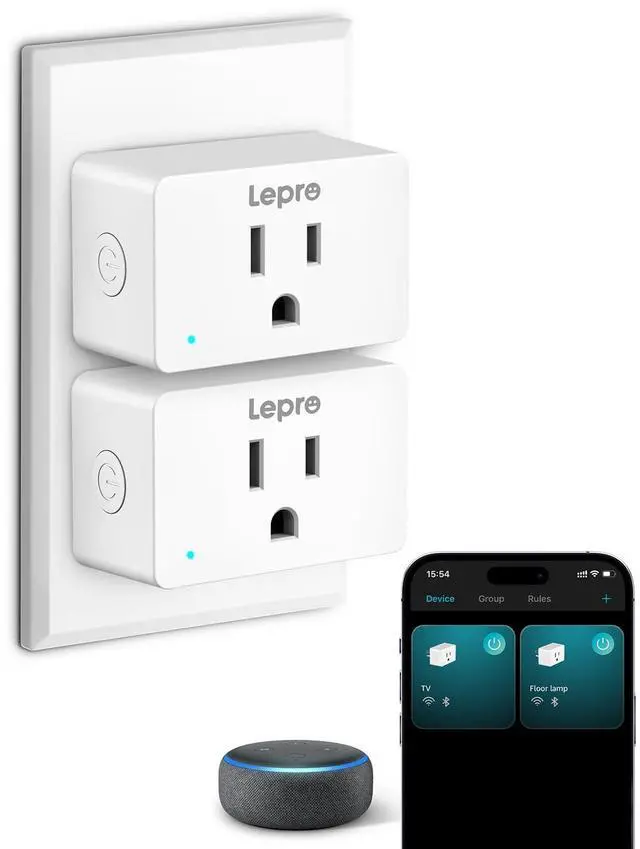
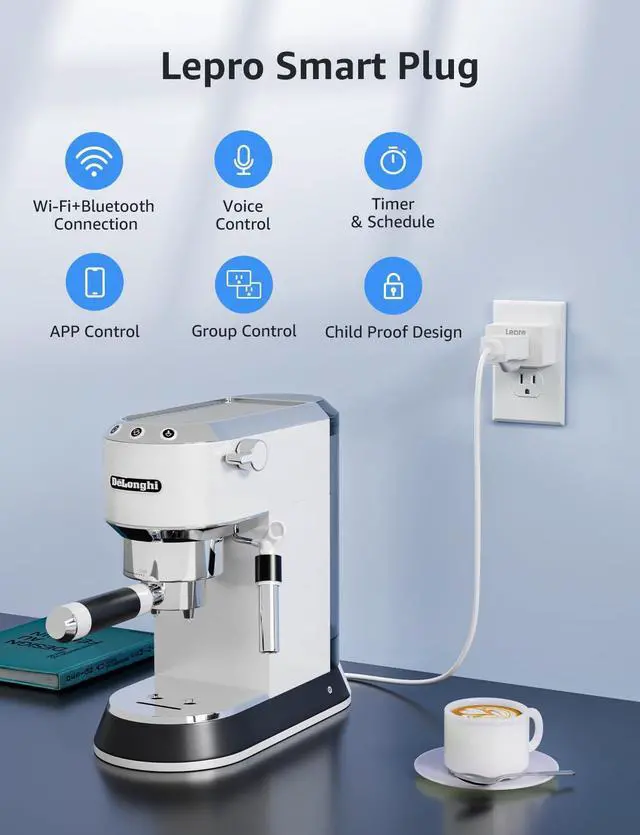


Why did I fail to connect with the APP?
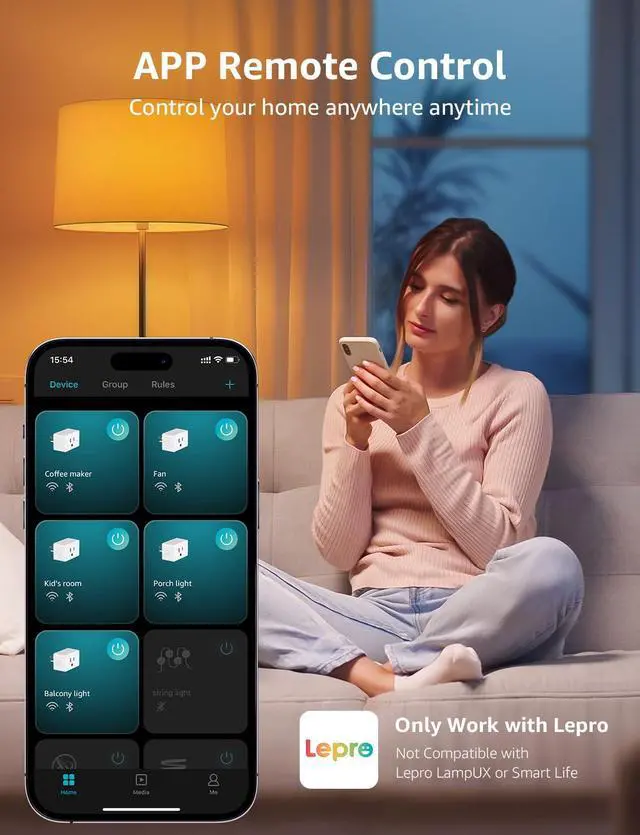
Please check if you have downloaded the correct APP. It is only compatible with Lepro APP. ( Do NOT download the "Lepro LampUX", Smart Life, SmartThings, or Tuya apps, as they are not compatible.).
How to connect to P1 smart plug?
1.Turn on your phone's Bluetooth and connect to 2.4GHz WiFi network
2.Download and register the Lepro APP
3.Click "Add Device" and "+" in the top right corner, select the P1 model Plug in the list and wait for connection
Please note: Only 2.4Ghz WiFi
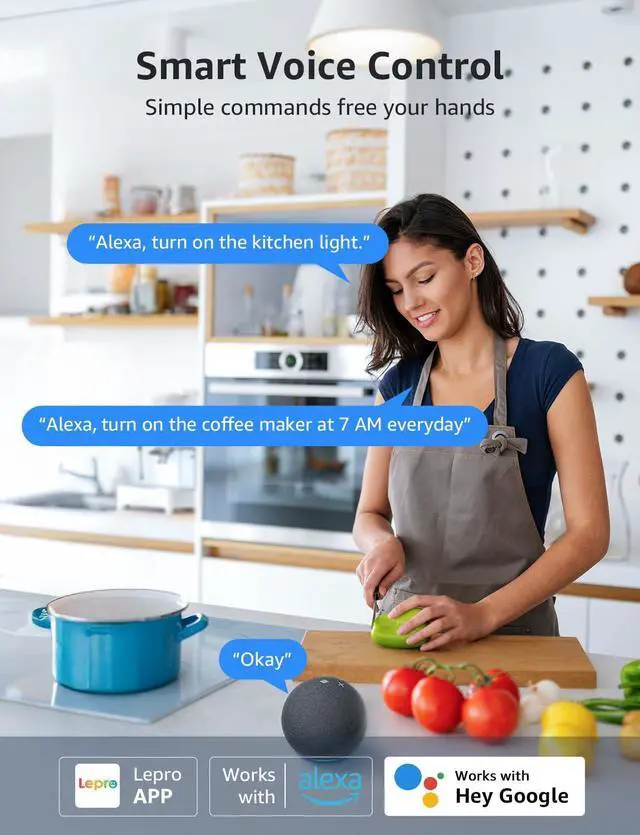
Why did I fail to connect with the Alexa?
Please ensure the plug is connected to the Wi-Fi network before using Alexa to control it. After Account Linking, if your device is not found in Alexa, perform a 'discover devices' operation by simply stating "discover devices" using voice commands.
Why does the connection fail even when I turn on the wifi?
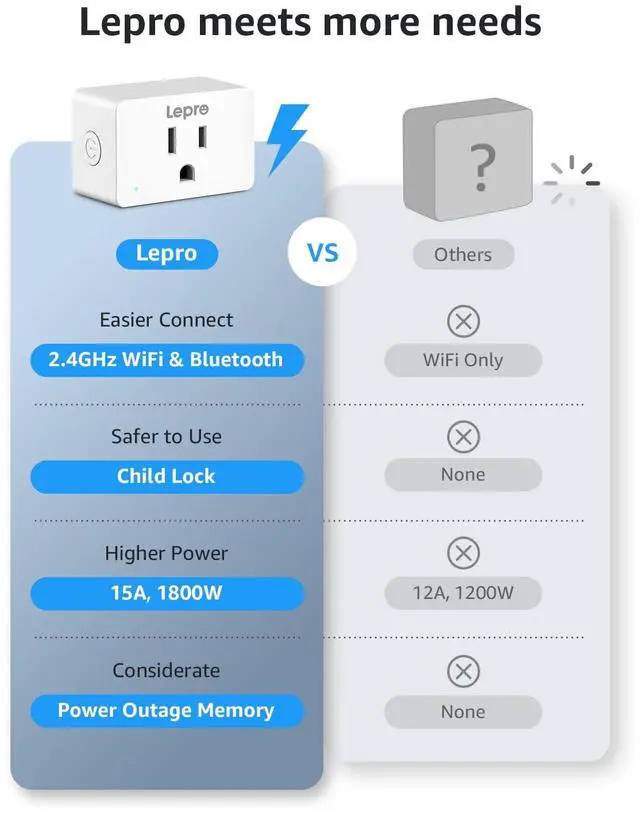
Please check if you are using 2.4GHz wifi. Only supports 2.4GHz Wi-Fi. ( NOT support 5ghz)


Why did I fail to connect with the APP?
Please check if you have downloaded the correct APP. It is only compatible with Lepro APP. ( Do NOT download the "Lepro LampUX", Smart Life, SmartThings, or Tuya apps, as they are not compatible.).
How to connect to P1 smart plug?
1.Turn on your phone's Bluetooth and connect to 2.4GHz WiFi network
2.Download and register the Lepro APP
3.Click "Add Device" and "+" in the top right corner, select the P1 model Plug in the list and wait for connection
Please note: Only 2.4Ghz WiFi
Why did I fail to connect with the Alexa?
Please ensure the plug is connected to the Wi-Fi network before using Alexa to control it. After Account Linking, if your device is not found in Alexa, perform a 'discover devices' operation by simply stating "discover devices" using voice commands.
Why does the connection fail even when I turn on the wifi?
Please check if you are using 2.4GHz wifi. Only supports 2.4GHz Wi-Fi. ( NOT support 5ghz)