


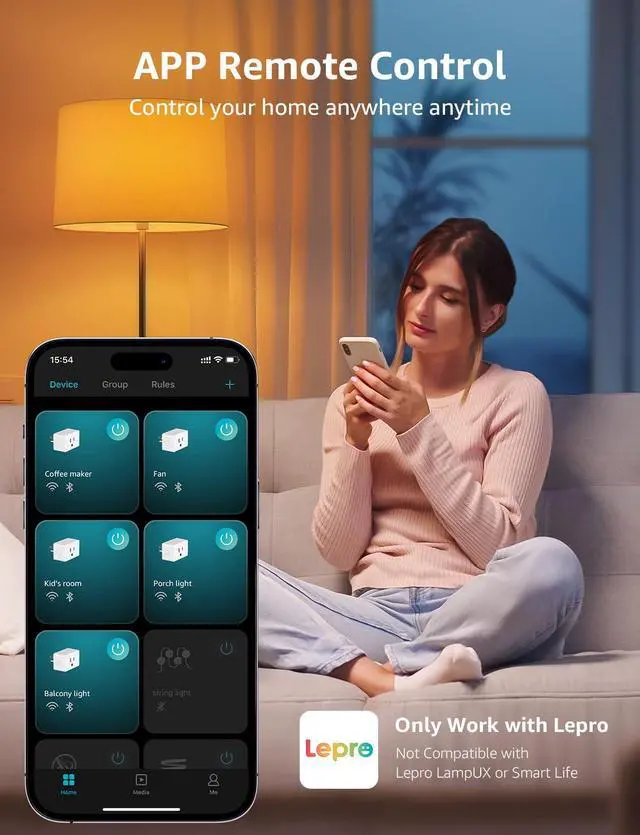




Can I control the smart plug via the Smart Life/SmartThings APP/Tuya APP?
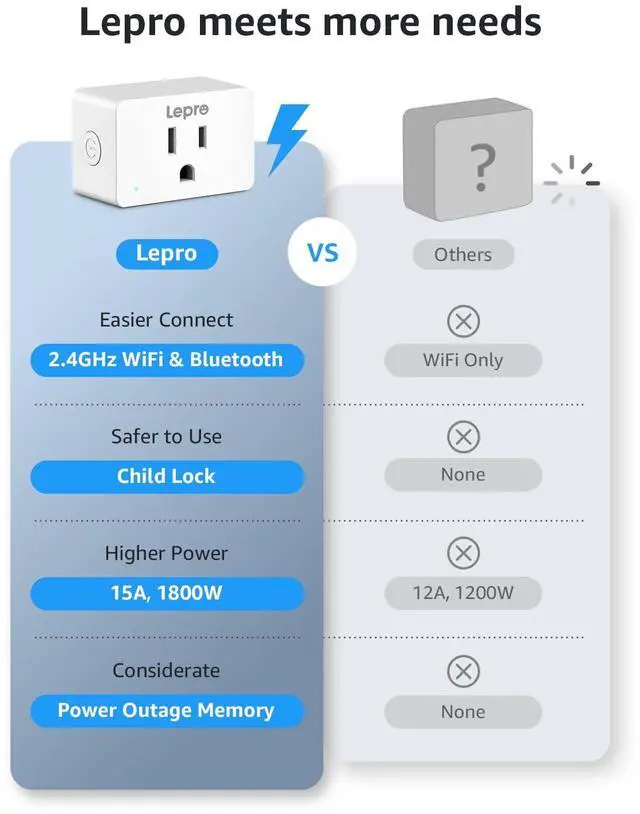
No, only the Lepro APP is supported.
How to connect to P1 smart plug?
1.Turn on your phone's Bluetooth and connect to 2.4GHz WiFi network
2.Download and register the Lepro APP
3.Click "Add Device" and "+" in the top right corner, select the P1 model Plug in the list and wait for connection
Please note: Only 2.4Ghz WiFi
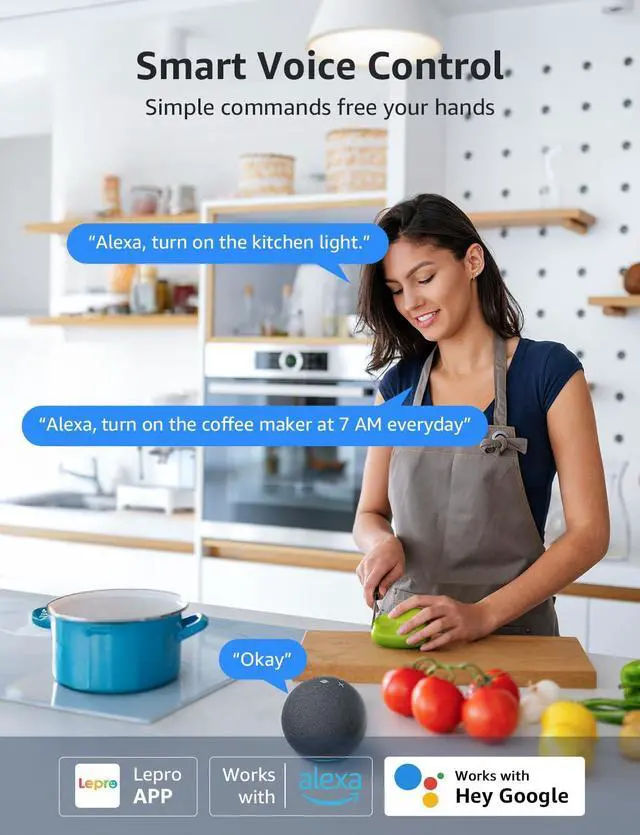
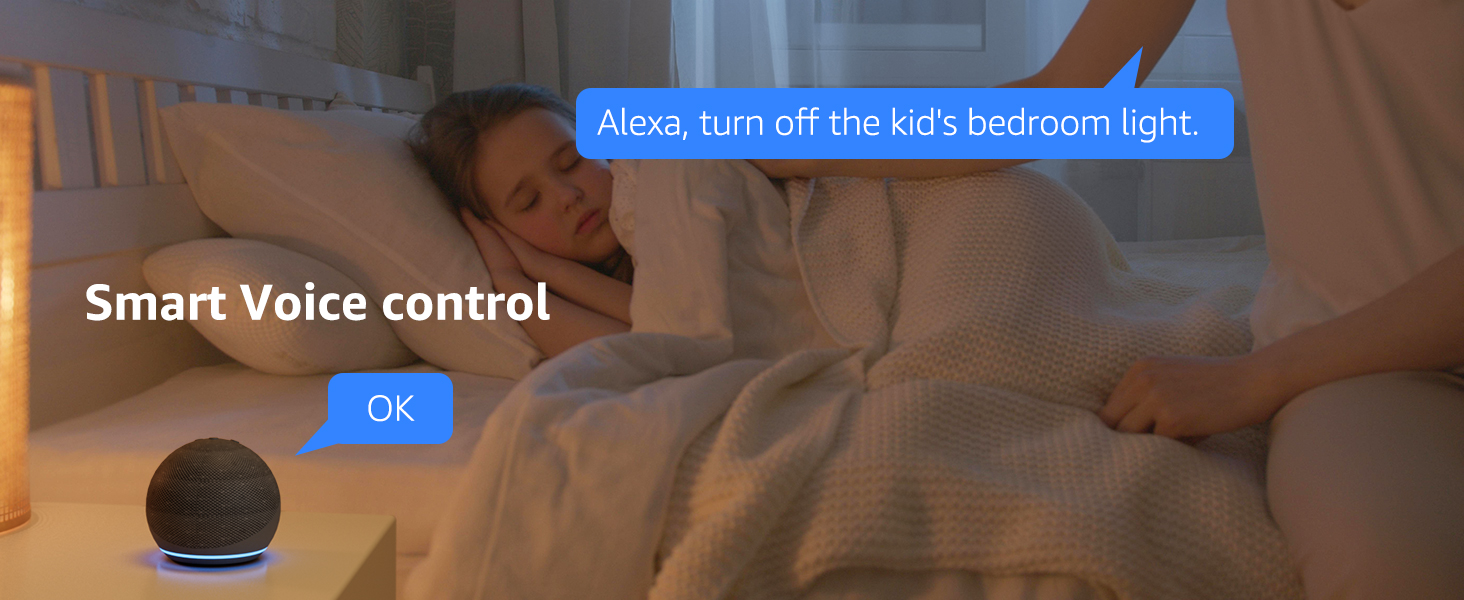
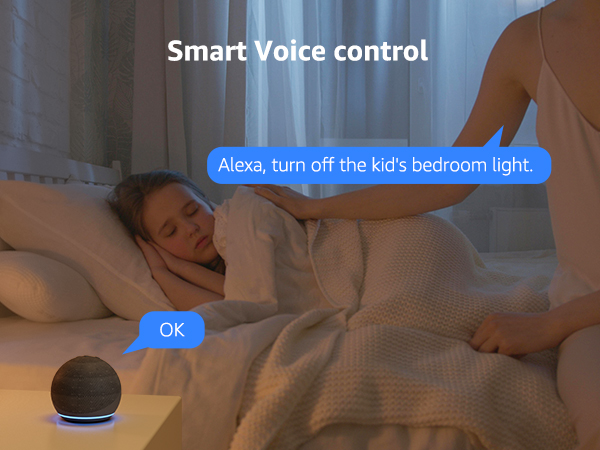
How to connect to Alexa & Google Assistant?
1.Select "Me" in your lepro APP then choose Alexa or Google Home
2.Enter your Alexa or Google Home username and password
3.Click "Link" and "connect" to connect 2 accounts
4.The plug can now be controlled using Alexa or Google Home




Can I control the smart plug via the Smart Life/SmartThings APP/Tuya APP?
No, only the Lepro APP is supported.
How to connect to P1 smart plug?
1.Turn on your phone's Bluetooth and connect to 2.4GHz WiFi network
2.Download and register the Lepro APP
3.Click "Add Device" and "+" in the top right corner, select the P1 model Plug in the list and wait for connection
Please note: Only 2.4Ghz WiFi
How to connect to Alexa & Google Assistant?
1.Select "Me" in your lepro APP then choose Alexa or Google Home
2.Enter your Alexa or Google Home username and password
3.Click "Link" and "connect" to connect 2 accounts
4.The plug can now be controlled using Alexa or Google Home