


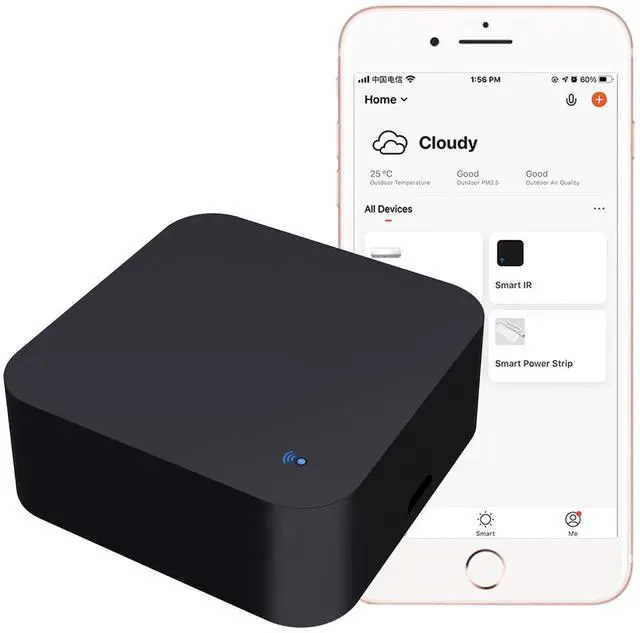


Smart Home-hub WiFi Remote Control Works With Alexa,Google Assistant
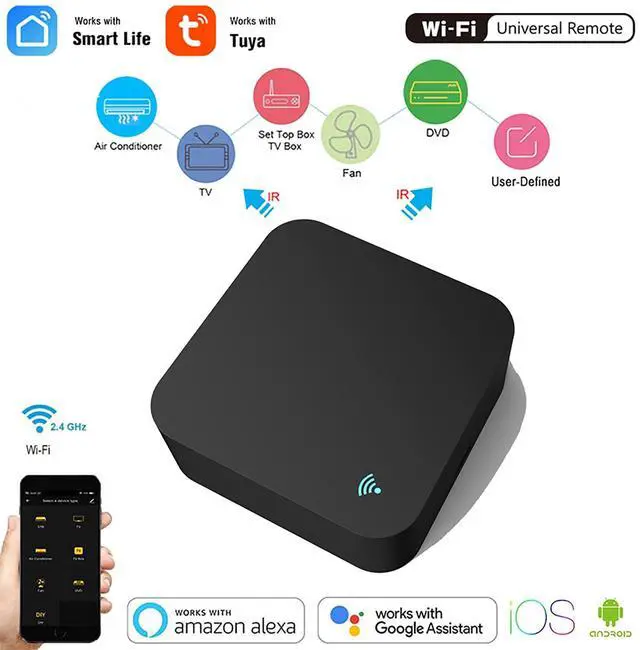
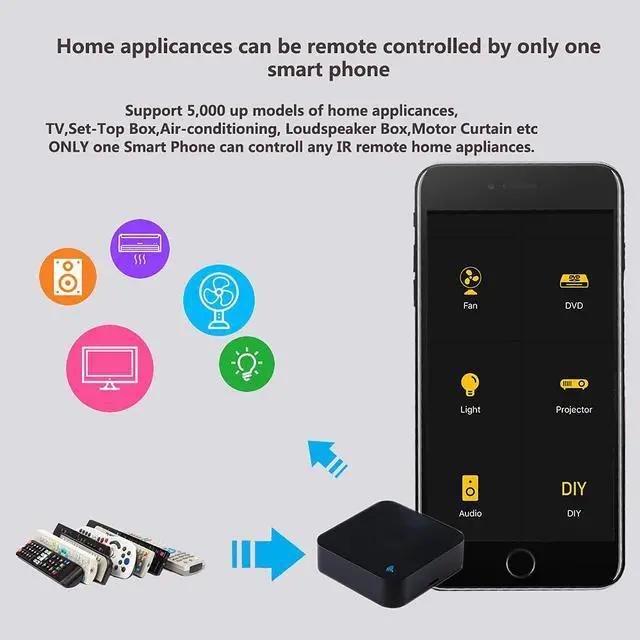
- Application:Smart Universal Remote Controller Supports 50000+ IR Code on cloud, such as Set-Top-Box, TV Box, TV, Air Conditioner, Fan, DVD, etc..(NOTE:Only compatible with 38 kHz infrared remote controls)
- Third-Party Control:Smart ir blaster Controller works with Alexa, Google Assistant.
- App Remote Control: Remote Control your home appliances by using "Tuya Smart" "Smart Life" App in your smart phone anywhere anytime. For example: Switch on home Air Conditioner in advance, enjoying the comfortable temperature once you get home.

APP Control: Your Smartphone is the Remote Control
- You can control all household appliances by hand to any extent, no matter how far you go and when,everything will be controlled by your fingers.

Timer and Automatic Trigger:
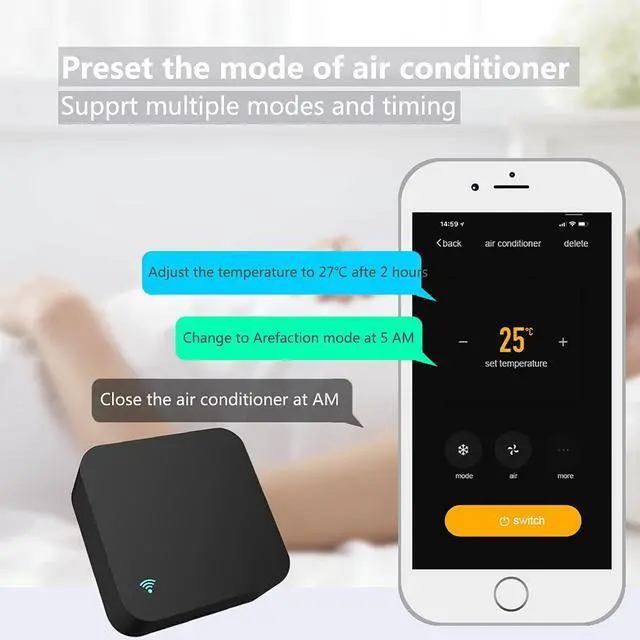
- According to your living habits, set time switches for your home appliances, such as turning on/off the air conditioner at regular intervals.

Share Device with Your Family
- You can share the tuya remote control with your family,IR Blaster for Smart Life Home Automation, every family can afford them.

Voice Control
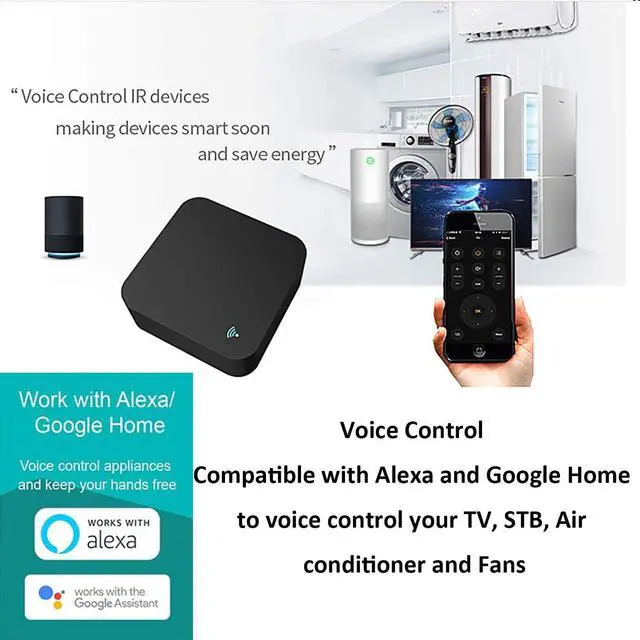
- The IR Blaster Controller can also be associated with the speakers such as Alexa,Google Home,IFTTT and you can use it to control home electronic devices by voice.
- If the associated device has its own voice function, after being associated with this product,you can remotely control home electronic devices by voice without distance limitation.

Intelligent linkage
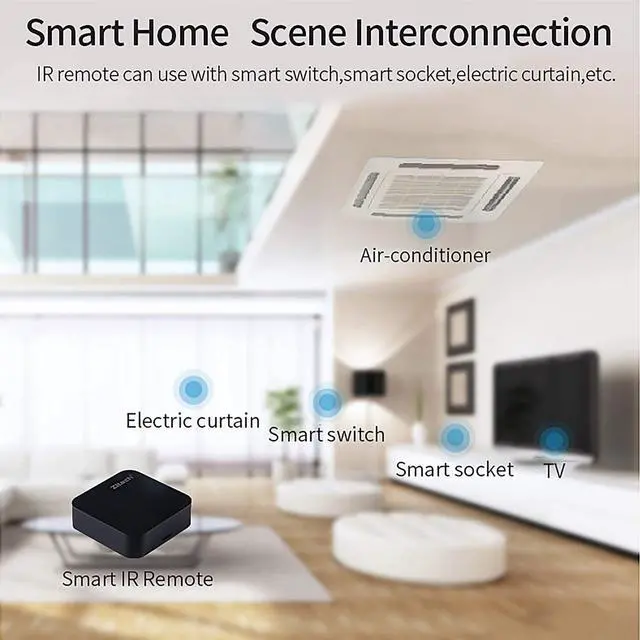
- Set your smart routine in the app; For example,automatically turn on TV when the door is opened; automatically turn on your smart wall switch or lighting when the door is opened; automatically turn off the air conditioner when the window is opened.
- As long as it is compatible with the Tuya/Smart Life app, you can synchronize more smart devices, enjoy your smart home with WiFi smart home devices.

DIY Learning Function
DIY Learning can copy any ir remote if your home appliances brand is not in the list or not supported
- You can use the DIY function to configure and add more devices with an infrared frequency of 38kHz and your own infrared remote control.
Packing List
- 1* Wifi-IR Universal Smart
- 1* English User Manual
- 1* USB Cable
How to Use:
- onnect your WiFi-IR remote with the power cable (Input power: DC 5V/1A) and make sure that your mobile phone is connected to the 2.4GHZ WIFI network.
- Download and Install the Tuya Smart or Smart Life APP from APP Store or Google play.register and log in.
- Long press the reset button for 5s, until the blue LED repidly blinks.
- Press,Add Device in the APP, select the Socket(WI-FI).
- It will auto-connect with the device. After finish the connecting, the blue LED is off.
Product Description
- Working humidity: 85%RH
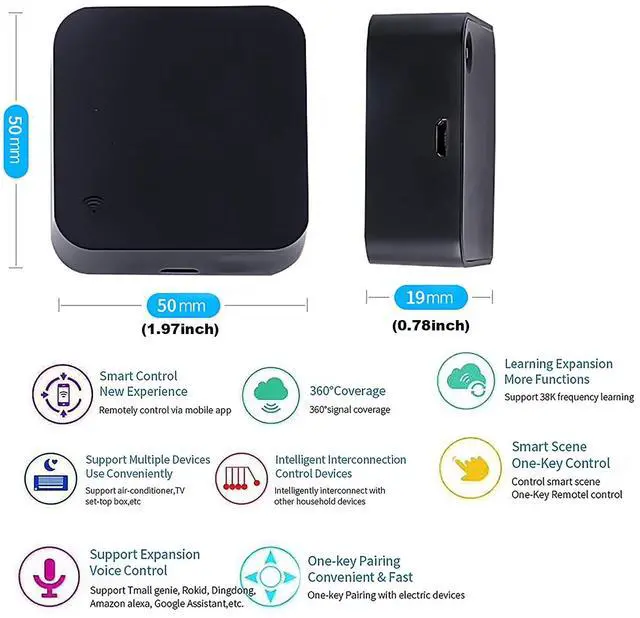
- Input: DC 5V/1A
- IR Frequency: 38KHz
- Infrared Range: 10 meters(32.81ft)
- Working temperature: -20°C- 50 °C
- Supports Android 4.4 or newer and iOS 8.0 or newer.
- WiFi Frequency: 2.4GHzï¼?Not compatible with 5GHz networksï¼?

Swipe left to learn moreâ??

- SENCKIT has been committed to innovating and developing smart home devices, and we integrate every feedback to improve our products and meet the needs of our customers.
- With our smart products and Tuya Smart app, you can retrofit all your existing home appliances and make them interactive and fun. Achieve a safe, convenient and comfortable lifestyle.
- So what are you waiting for? Make your home smarter from now on.
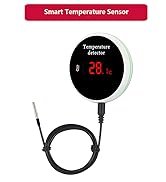
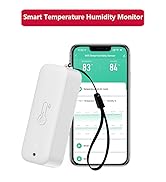
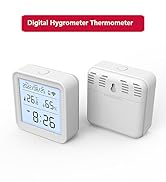
Smart Thermometer Hygrometer
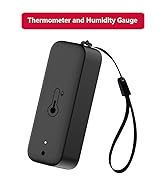
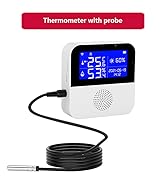
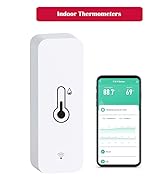
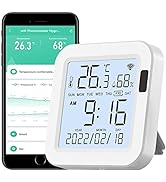
Temperature Humidity Sensor
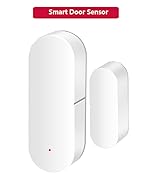
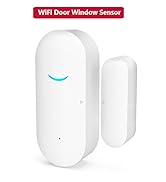
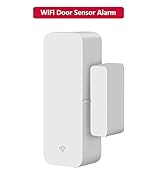
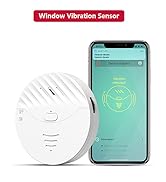
Wifi Door Sensor
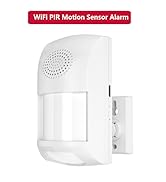
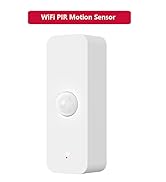
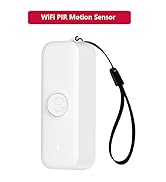
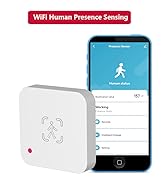
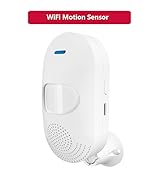
Smart PIR Motion Sensor
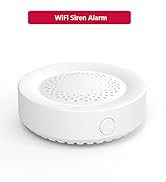
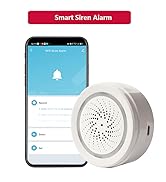
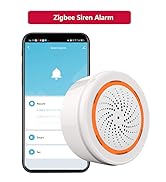
Smart Siren Alarm
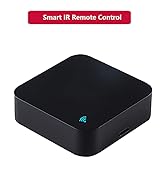
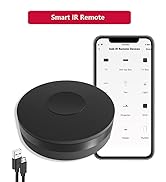
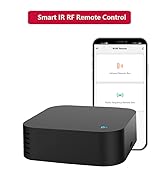
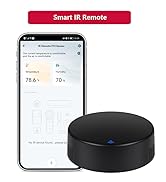
Smart IR Remote Control
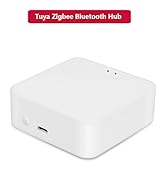
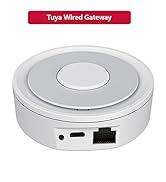
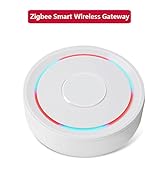
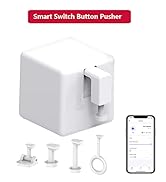
Smart Gateway
Smart Home-hub WiFi Remote Control Works With Alexa,Google Assistant
- Application:Smart Universal Remote Controller Supports 50000+ IR Code on cloud, such as Set-Top-Box, TV Box, TV, Air Conditioner, Fan, DVD, etc..(NOTE:Only compatible with 38 kHz infrared remote controls)
- Third-Party Control:Smart ir blaster Controller works with Alexa, Google Assistant.
- App Remote Control: Remote Control your home appliances by using "Tuya Smart" "Smart Life" App in your smart phone anywhere anytime. For example: Switch on home Air Conditioner in advance, enjoying the comfortable temperature once you get home.
APP Control: Your Smartphone is the Remote Control
- You can control all household appliances by hand to any extent, no matter how far you go and when,everything will be controlled by your fingers.
Timer and Automatic Trigger:
- According to your living habits, set time switches for your home appliances, such as turning on/off the air conditioner at regular intervals.
Share Device with Your Family
- You can share the tuya remote control with your family,IR Blaster for Smart Life Home Automation, every family can afford them.
Voice Control
- The IR Blaster Controller can also be associated with the speakers such as Alexa,Google Home,IFTTT and you can use it to control home electronic devices by voice.
- If the associated device has its own voice function, after being associated with this product,you can remotely control home electronic devices by voice without distance limitation.
Intelligent linkage
- Set your smart routine in the app; For example,automatically turn on TV when the door is opened; automatically turn on your smart wall switch or lighting when the door is opened; automatically turn off the air conditioner when the window is opened.
- As long as it is compatible with the Tuya/Smart Life app, you can synchronize more smart devices, enjoy your smart home with WiFi smart home devices.
DIY Learning Function
DIY Learning can copy any ir remote if your home appliances brand is not in the list or not supported
- You can use the DIY function to configure and add more devices with an infrared frequency of 38kHz and your own infrared remote control.
Packing List
- 1* Wifi-IR Universal Smart
- 1* English User Manual
- 1* USB Cable
How to Use:
- onnect your WiFi-IR remote with the power cable (Input power: DC 5V/1A) and make sure that your mobile phone is connected to the 2.4GHZ WIFI network.
- Download and Install the Tuya Smart or Smart Life APP from APP Store or Google play.register and log in.
- Long press the reset button for 5s, until the blue LED repidly blinks.
- Press,Add Device in the APP, select the Socket(WI-FI).
- It will auto-connect with the device. After finish the connecting, the blue LED is off.
Product Description
- Working humidity: 85%RH
- Input: DC 5V/1A
- IR Frequency: 38KHz
- Infrared Range: 10 meters(32.81ft)
- Working temperature: -20°C- 50 °C
- Supports Android 4.4 or newer and iOS 8.0 or newer.
- WiFi Frequency: 2.4GHz(Not compatible with 5GHz networks)
Swipe left to learn more?
- SENCKIT has been committed to innovating and developing smart home devices, and we integrate every feedback to improve our products and meet the needs of our customers.
- With our smart products and Tuya Smart app, you can retrofit all your existing home appliances and make them interactive and fun. Achieve a safe, convenient and comfortable lifestyle.
- So what are you waiting for? Make your home smarter from now on.
Smart Thermometer Hygrometer
Temperature Humidity Sensor
Wifi Door Sensor
Smart PIR Motion Sensor
Smart Siren Alarm
Smart IR Remote Control
Smart Gateway