




Connection with Gateway:
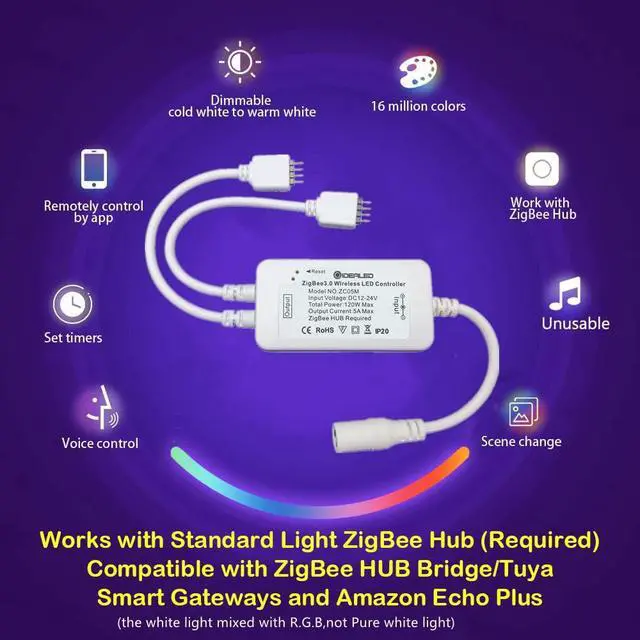
- Connect the LED product to the controller,
- Start the device searching on the ZigBee Light Link Gateway, it could take some time.(If the Gateway does not find the device, plug power off/on or make a reset.)
- The Gateway found your device and you can assign it to the different rooms/zones/groups.
Reset ZigBee LED Controller:
- Method 1:
Long press the button on the controller for more than 5 seconds
- Method2:
- Switch on your device.
- Now switch off and on within 2 seconds.Repeat off/on four times.
- Reset is done when the device is switched on in the fifth time and the light stays on after blinking 4 times.
NOTE:
- Confirm that your device supports Zigbee Light Link before use.If you can't connect, please reset the controller.
- Make sure the surface is clean and smooth before installing the light strip.Please press the lights strip with your finger to make it more solid paste when you install.

GIDERWEL Smart LED Lighting


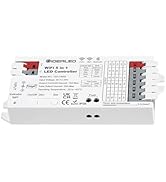



Connection with Gateway:
- Connect the LED product to the controller,
- Start the device searching on the ZigBee Light Link Gateway, it could take some time.(If the Gateway does not find the device, plug power off/on or make a reset.)
- The Gateway found your device and you can assign it to the different rooms/zones/groups.
Reset ZigBee LED Controller:
- Method 1:
Long press the button on the controller for more than 5 seconds
- Method2:
- Switch on your device.
- Now switch off and on within 2 seconds.Repeat off/on four times.
- Reset is done when the device is switched on in the fifth time and the light stays on after blinking 4 times.
NOTE:
- Confirm that your device supports Zigbee Light Link before use.If you can't connect, please reset the controller.
- Make sure the surface is clean and smooth before installing the light strip.Please press the lights strip with your finger to make it more solid paste when you install.
GIDERWEL Smart LED Lighting
- Smart Lighting.Colorful Life
- Colorful,Intelligent and Personalized home furnishing products have always been our pursuit
- We hope that GIDERWEL Smart Lighting can bring a simple and fun Ambiance lighting experience for you


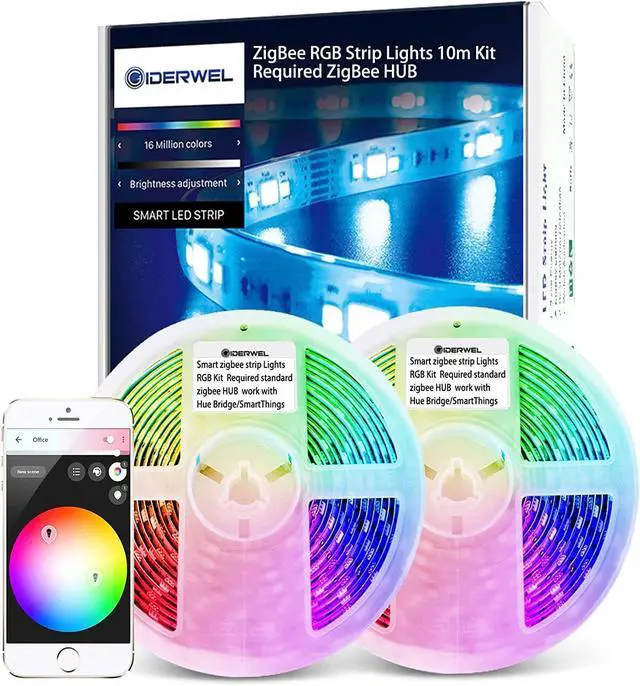
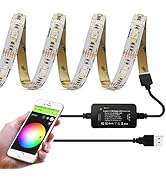
ZigBee Smart LED Strip Lights

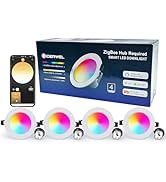
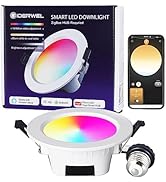
ZigBee Smart LED Downlights