


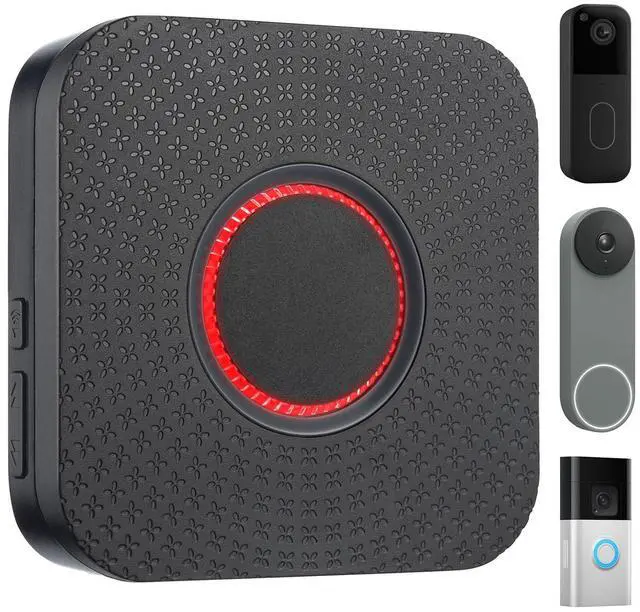


wireless video doorbell extender chime
Merchant VideoYour Doorbell, Everywhere You Are

Customize Your Doorbell (No More Missed Knocks)

Full Control Over Your Ringtones
Your doorbell, your signature sound. Choose from 32 unique chimes to fit your preferences and mood.

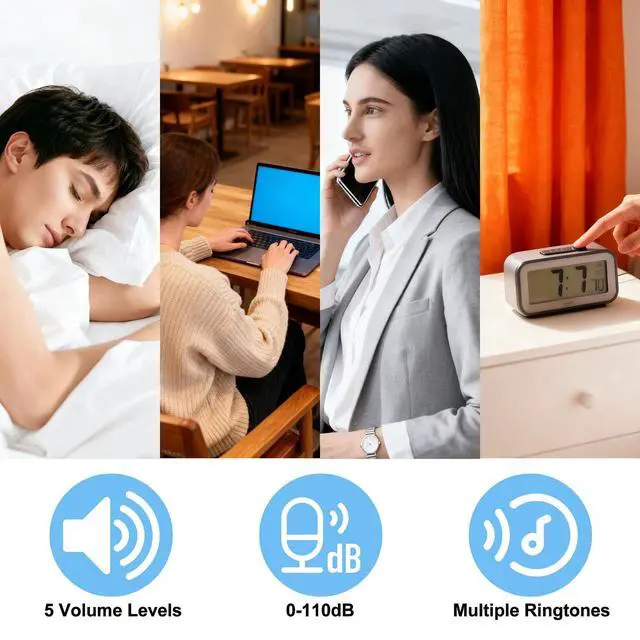
5 Volume Modes for Every Moment
From silent nights to noisy days, choose from 0-110dB. Ensure the doorbell is always heard perfectly.


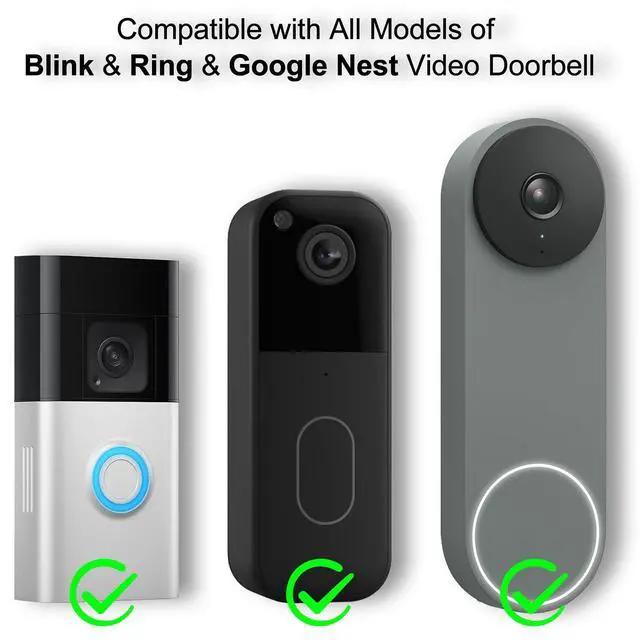
Easy Setup for Blink, Ring & Google Nest Series
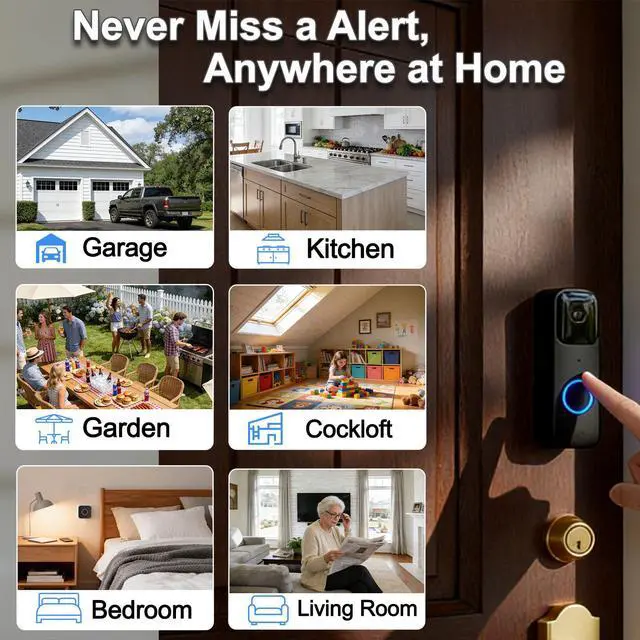
Multi-Scene Application:Your Ears in Every Corner

No more missed visitors. From the garage to the backyard, the smart doorbell chime keeps you connected.
We Hear You - Resolving Your Key Concerns:
- "Would not pair with doorbell"
Our investigation has confirmed that the issue is not an inability to pair the device, but rather deviations and errors during the installation process. Since the Smart Life app receives frequent updates, the installation steps listed in the user manual included with the product packaging may be slightly inconsistent with the current operating procedure. To tackle this problem, we have promptly released the latest installation tutorial on both the product detail page and our after-sales service website.
- "Subscription needed"
Some customers have reported that our device requires an additional subscription to function properly. We hereby issue a clear clarification on this matter: our extender operates without any extra subscription fees whatsoever. The subscription services offered within the app are completely unrelated to the extender, and we strongly recommend that you refrain from purchasing any of these subscriptions.
- "Not Usable Without Alexa / Multiple software required"
Our extender is compatible with Ring, Blink, Google Nest and other video doorbells that support Alexa. Two additional applications are required to support its functionality: Smart Life and Alexa. Although the setup process is slightly more complicated, it brings a great deal of fun to DIY customization and helps you reduce the cost of investing in a new doorbell from a different brand.
- "Not easy installing"
Many customers have told us the setup isn’t straightforward. We’re always working to simplify and improve our setup steps. We suggest you download the two necessary apps, Smart Life and Alexa, ahead of time before you begin setting up the extender. Just follow our installation video, and you can complete the entire process in under 6 minutes in most cases. Key Reminder: Be sure to install the right Smart Life app—its official name is SmartLife-Smart Living.
- "About Nest"--Can’t find “Skills & Games”?
No worries—Alexa’s interface has updated, and the path has changed a bit. Here’s the new, exact path for the latest version: 1. Open the Alexa app ? tap the menu icon (=) in the top-left corner; 2. Select Explore Alexa+ Services; 3. Tap Skills & Games; 4. Search for Google Nest to enable the skill.
wireless video doorbell extender chime
Merchant VideoYour Doorbell, Everywhere You Are

Customize Your Doorbell (No More Missed Knocks)
Full Control Over Your Ringtones
Your doorbell, your signature sound. Choose from 32 unique chimes to fit your preferences and mood.
5 Volume Modes for Every Moment
From silent nights to noisy days, choose from 0-110dB. Ensure the doorbell is always heard perfectly.
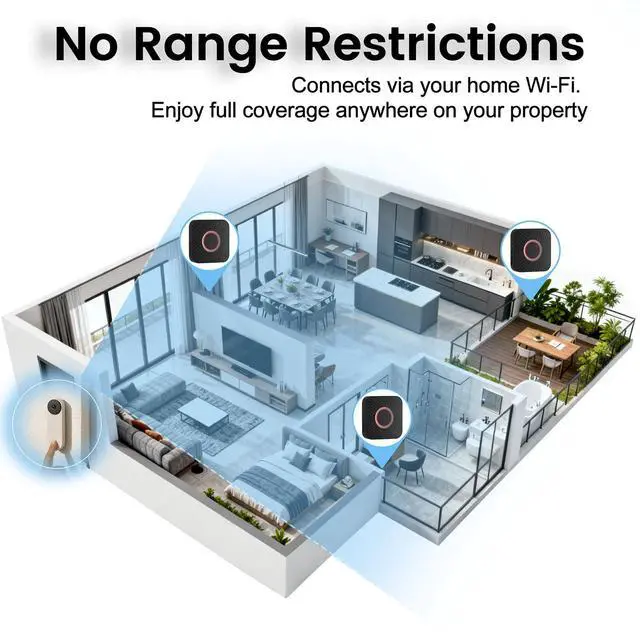
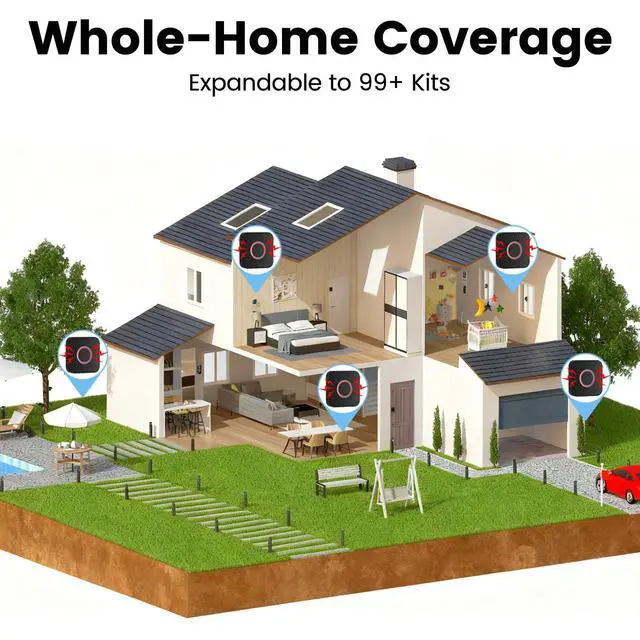
Expandable to 99+ Kits! No Range Limits!
Connects via your home Wi-Fi (Only supports 2.4GHz). Enjoy full coverage anywhere on your property.
10-Minute DIY Setup—No Electrician Needed
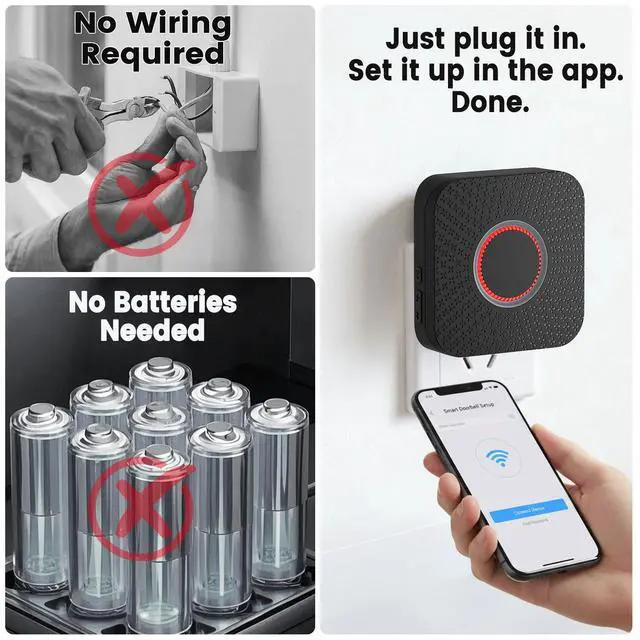
Just plug into an outlet, link via Smart Life/Alexa, and you’re done. No wires, no tools.


Easy Setup for Blink, Ring & Google Nest Series
Setup Guide for Ring
Note: After receiving your product, please follow the latest setup tutorial video for configuration.
(NOTE: Due to continuous APP updates, some interfaces in this printed manual may differ from the actual operation.
Please refer to the latest version video tutorial for setup instructions.)
Setup Guide for Google Nest
Note: After receiving your product, please follow the latest setup tutorial video for configuration.
(NOTE: Due to continuous APP updates, some interfaces in this printed manual may differ from the actual operation.
Please refer to the latest version video tutorial for setup instructions.)
Setup Guide for Blink
Note: After receiving your product, please follow the latest setup tutorial video for configuration.
(NOTE: Due to continuous APP updates, some interfaces in this printed manual may differ from the actual operation.
Please refer to the latest version video tutorial for setup instructions.)
Multi-Scene Application:Your Ears in Every Corner

No more missed visitors. From the garage to the backyard, the smart doorbell chime keeps you connected.
We Hear You - Resolving Your Key Concerns:
- "Would not pair with doorbell"
Our investigation has confirmed that the issue is not an inability to pair the device, but rather deviations and errors during the installation process. Since the Smart Life app receives frequent updates, the installation steps listed in the user manual included with the product packaging may be slightly inconsistent with the current operating procedure. To tackle this problem, we have promptly released the latest installation tutorial on both the product detail page and our after-sales service website.
- "Subscription needed"
Some customers have reported that our device requires an additional subscription to function properly. We hereby issue a clear clarification on this matter: our extender operates without any extra subscription fees whatsoever. The subscription services offered within the app are completely unrelated to the extender, and we strongly recommend that you refrain from purchasing any of these subscriptions.
- "Not Usable Without Alexa / Multiple software required"
Our extender is compatible with Ring, Blink, Google Nest and other video doorbells that support Alexa. Two additional applications are required to support its functionality: Smart Life and Alexa. Although the setup process is slightly more complicated, it brings a great deal of fun to DIY customization and helps you reduce the cost of investing in a new doorbell from a different brand.
- "Not easy installing"
Many customers have told us the setup isn’t straightforward. We’re always working to simplify and improve our setup steps. We suggest you download the two necessary apps, Smart Life and Alexa, ahead of time before you begin setting up the extender. Just follow our installation video, and you can complete the entire process in under 6 minutes in most cases. Key Reminder: Be sure to install the right Smart Life app—its official name is SmartLife-Smart Living.
- "About Nest"--Can’t find “Skills & Games”?
No worries—Alexa’s interface has updated, and the path has changed a bit. Here’s the new, exact path for the latest version: 1. Open the Alexa app ? tap the menu icon (=) in the top-left corner; 2. Select Explore Alexa+ Services; 3. Tap Skills & Games; 4. Search for Google Nest to enable the skill.