






BIWIBON Fingerprint Door Knob
Smarter and Safer Life at Your Finger Tips

Founded in 2017, BIWIBON is dedicated to innovative smart home solutions that are both affordable and user-friendly. Our dynamic R&D team and stringent quality management ensure top-notch reliability. We strive to safeguard what matters most, delivering peace of mind with cutting-edge technology. Choose BIWIBON for a trusted partner in home security and experience superior protection and convenience.
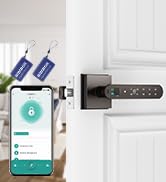
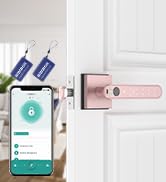
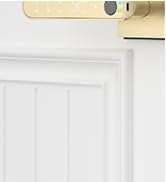
5-in-1 Fingerprint Door Knob
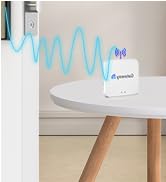
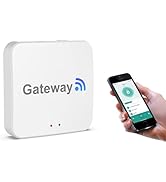
Remote Control with Gateway
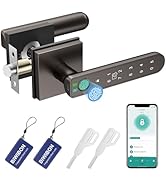
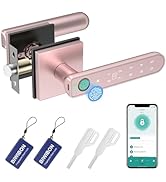
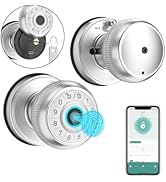
BIWIBON Finger print Door Knob
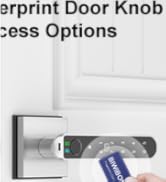
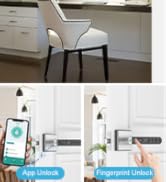
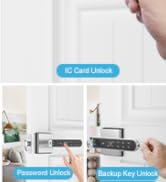
5-in-1 Fingerprint Door Knob
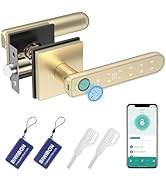
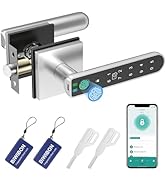
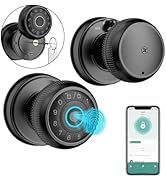
BIWIBON Fingerprint Door Lock
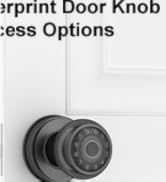
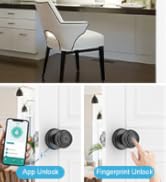
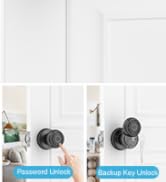
4-in-1 Smart Door Knob
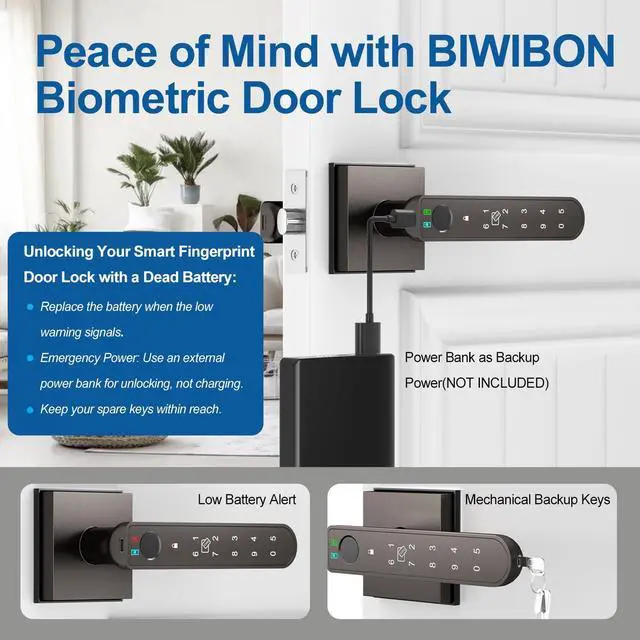
What Is the Purpose of the Type-c Port?
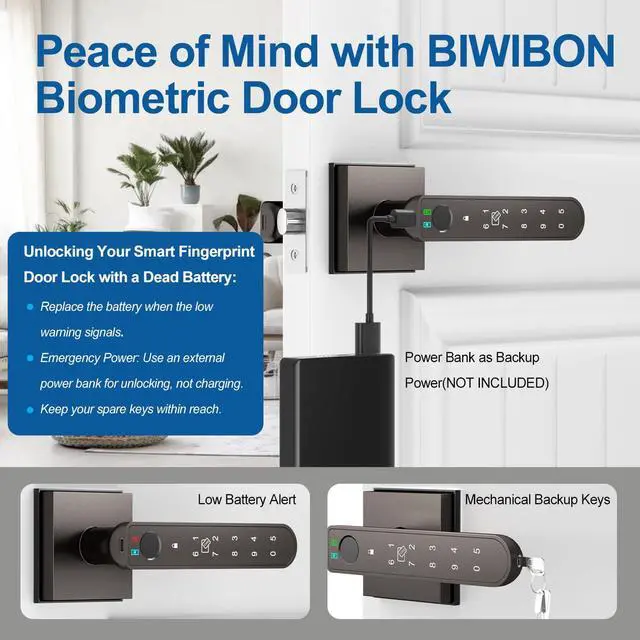
The Type-C port is for emergency power only. Avoid using it for charging or direct electrical connections to prevent damage to internal components.
What Type of Battery Should Be Used for This Biometric Door Knob?
Please use four AAA alkaline batteries (not included).Rechargeable batteries can be used, but avoid charging them through the Type-C port.
Why Can Anyone Unlock the Thumbprint Door Knob?
The smart door knob is initially set to unlock with any fingerprint, making it accessible to anyone. To ensure security, it's vital to register your admin fingerprint after installation to prevent unauthorized access.
How to Enhance Fingerprint Recognition Accuracy on Your Lock?
For optimal results, register the same fingerprint multiple times from various angles and repeat this process 2 or 3 times to ensure accurate recognition and smooth access.
What App is Used with this Smart Fingerprint Door Lock?
The Tuya Smart or Smart Life app is used for this fingerprint door knob.
BIWIBON Fingerprint Door Lock with App-Smarter & Safer Life at Your Finger Tips

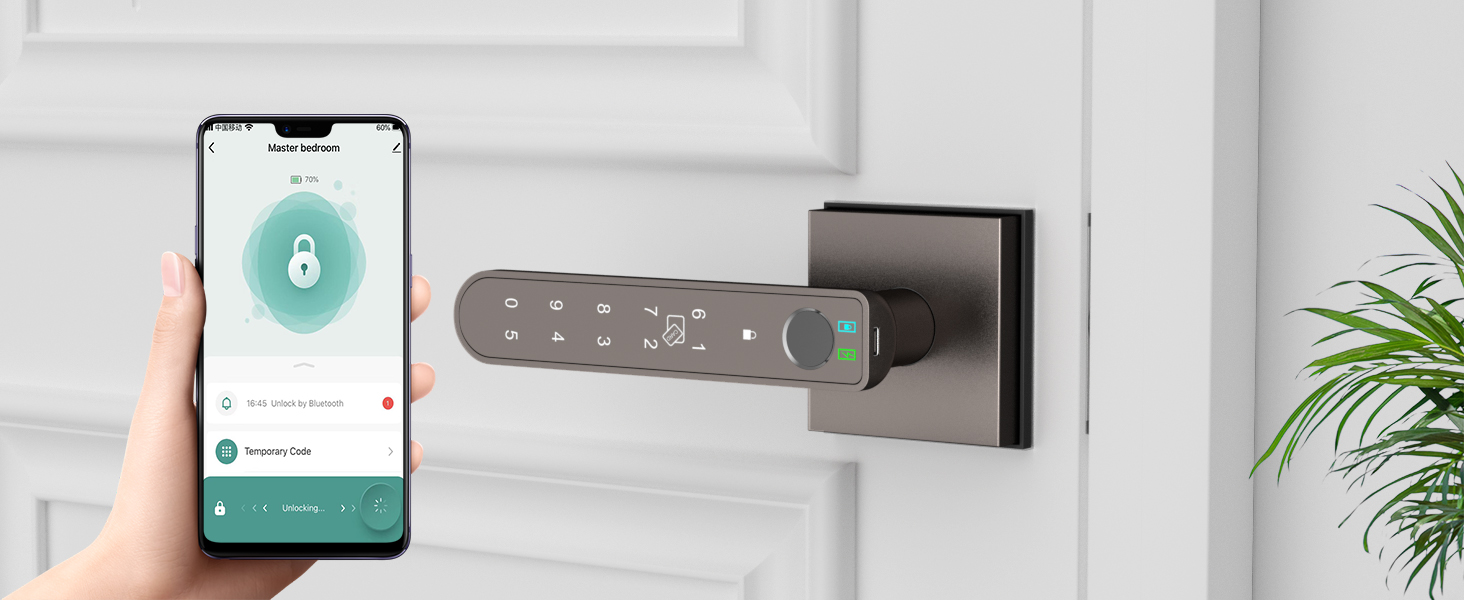
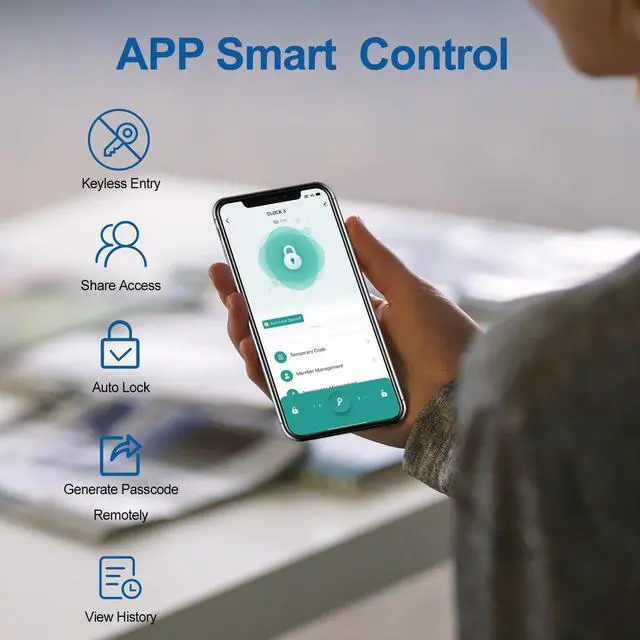
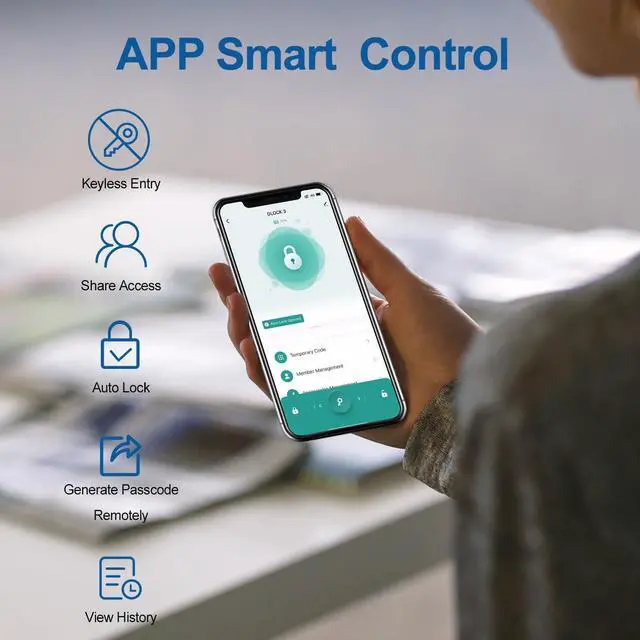
Smart App Control
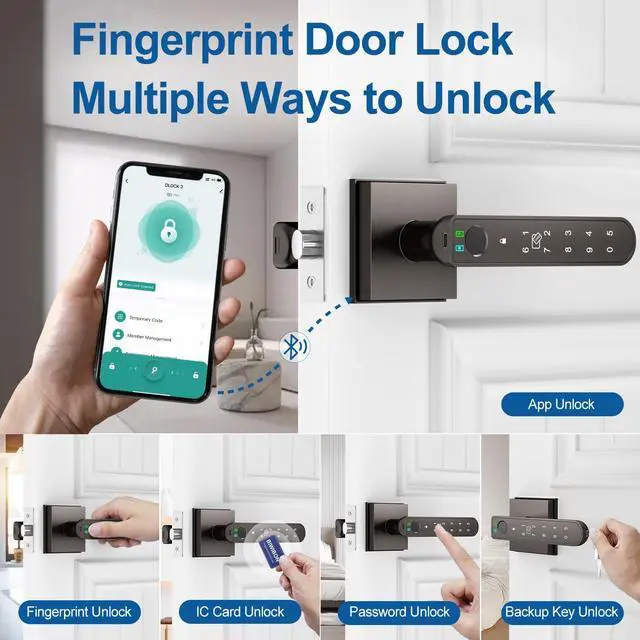
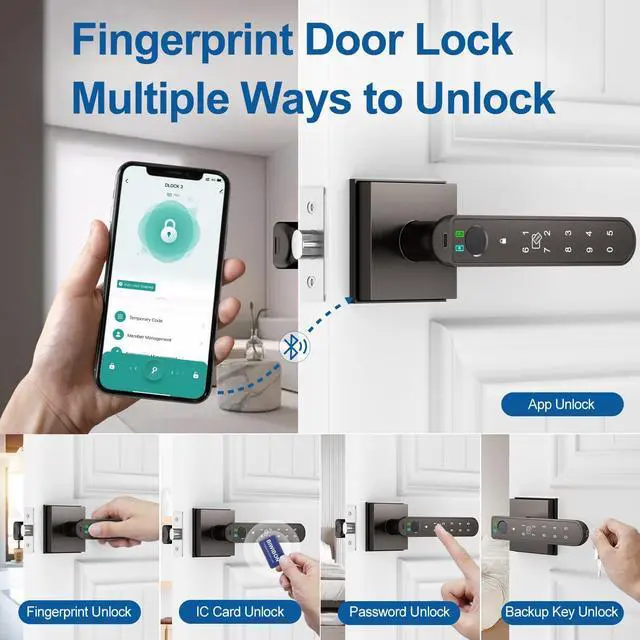
Access the smartphone application to open the thumbprint door lock.
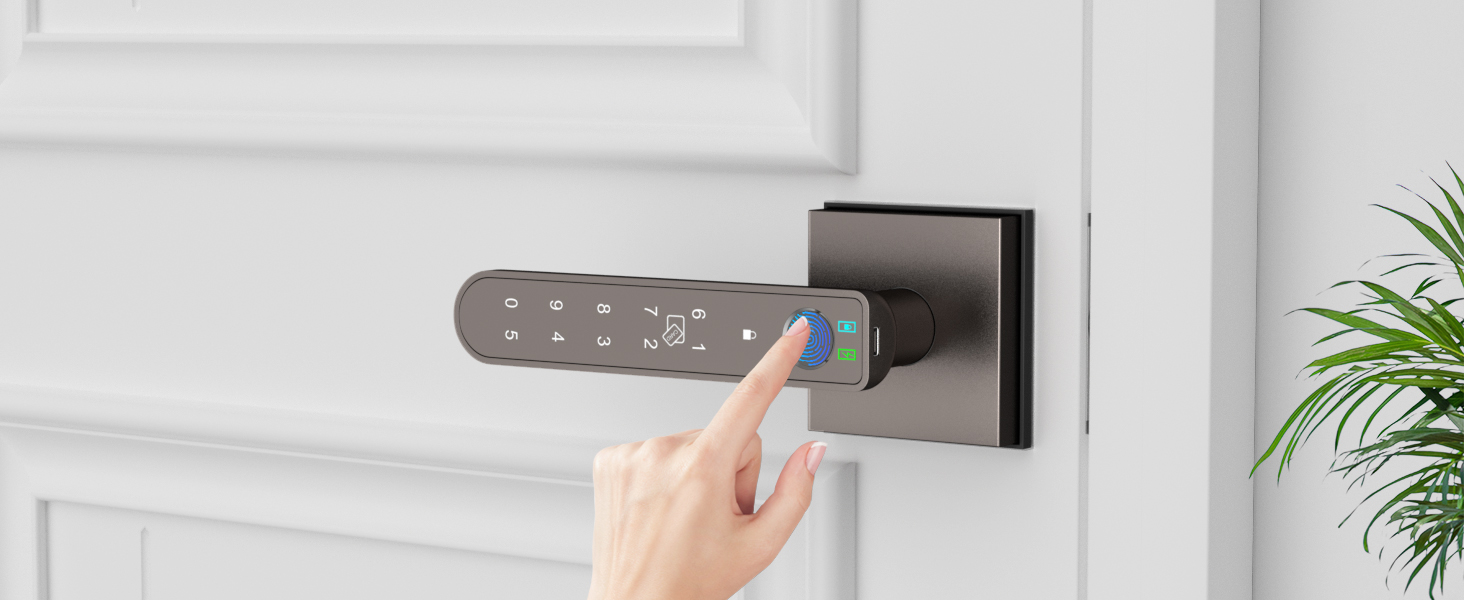
Fast Fingerprint Recognition Enhanced by AI
With its 360° Live Fingerprint ID technology, it provides rapid unlocking in just 0.2 seconds while maintaining an accuracy rate of 99.7%.
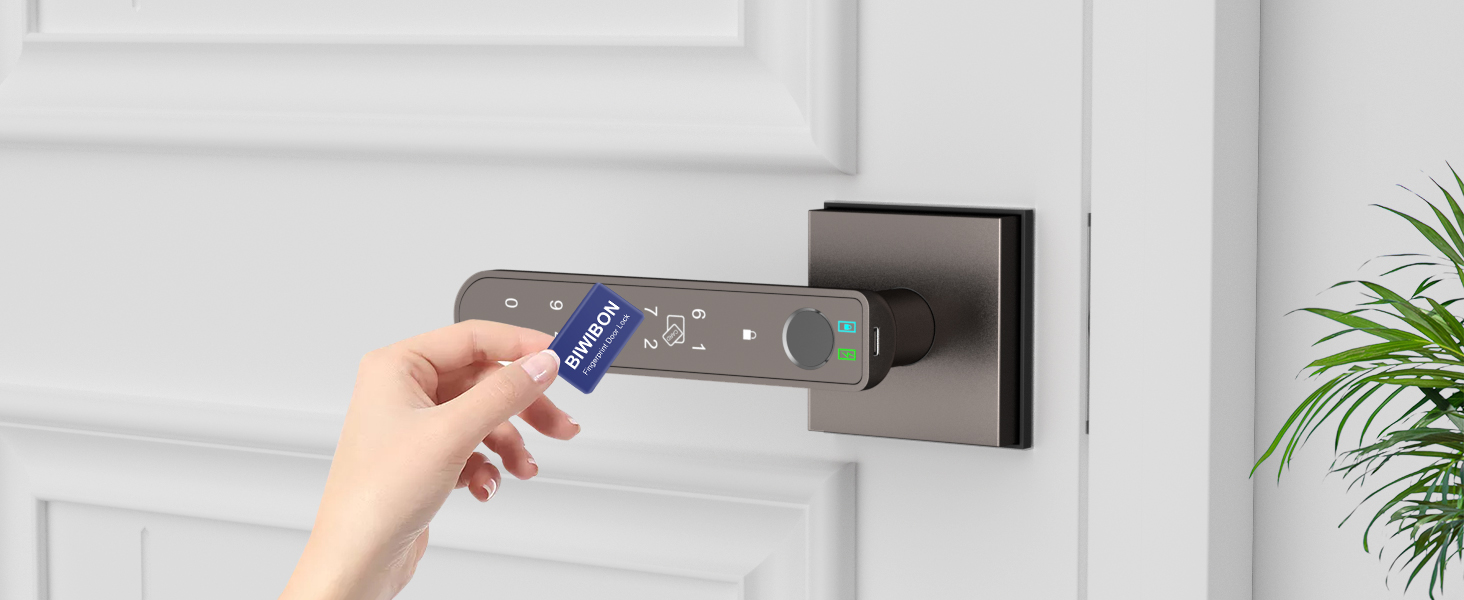
IC Card Access
Easily unlock your door by swiping your IC card for quick and convenient access.
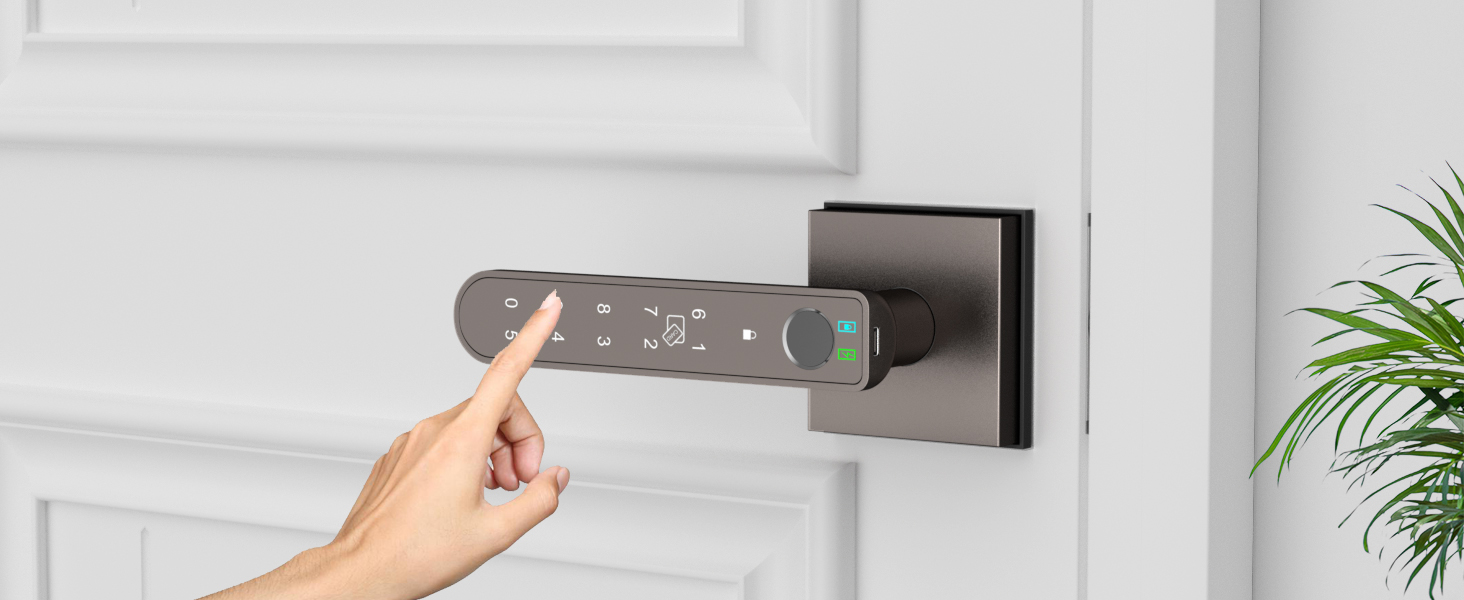
Personalized Passcode Access
Customize various passcodes for family, guests, or others, as needed, to unlock with ease.
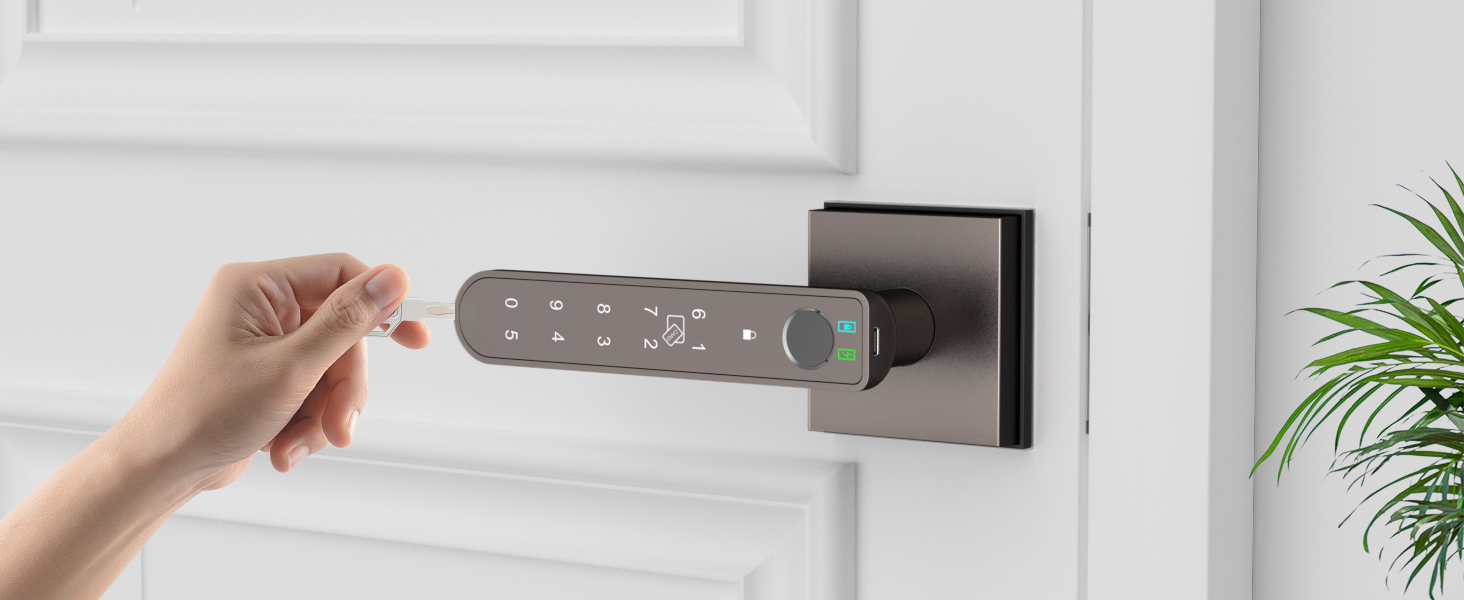
Backup Keys
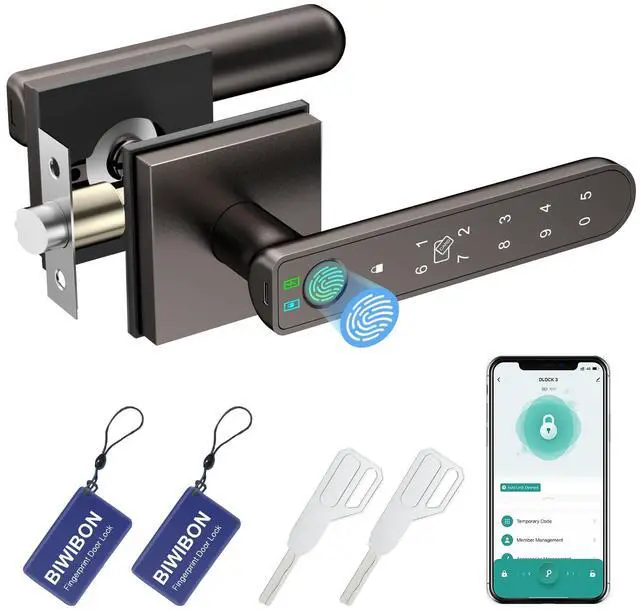
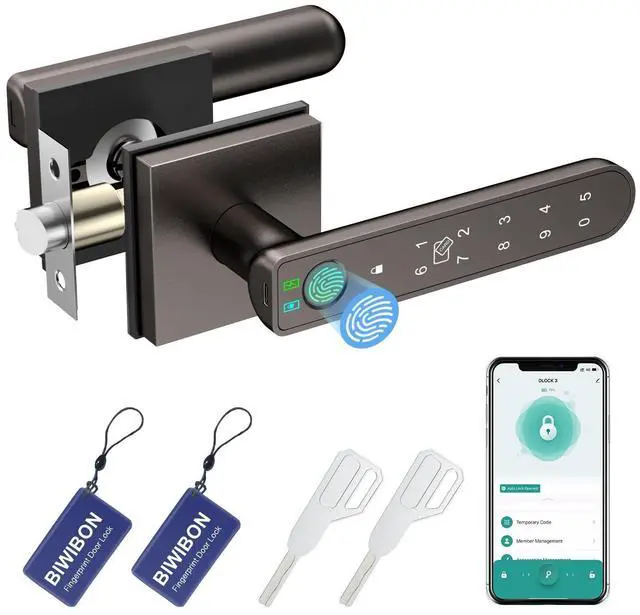
Two physical keys available for emergencies.
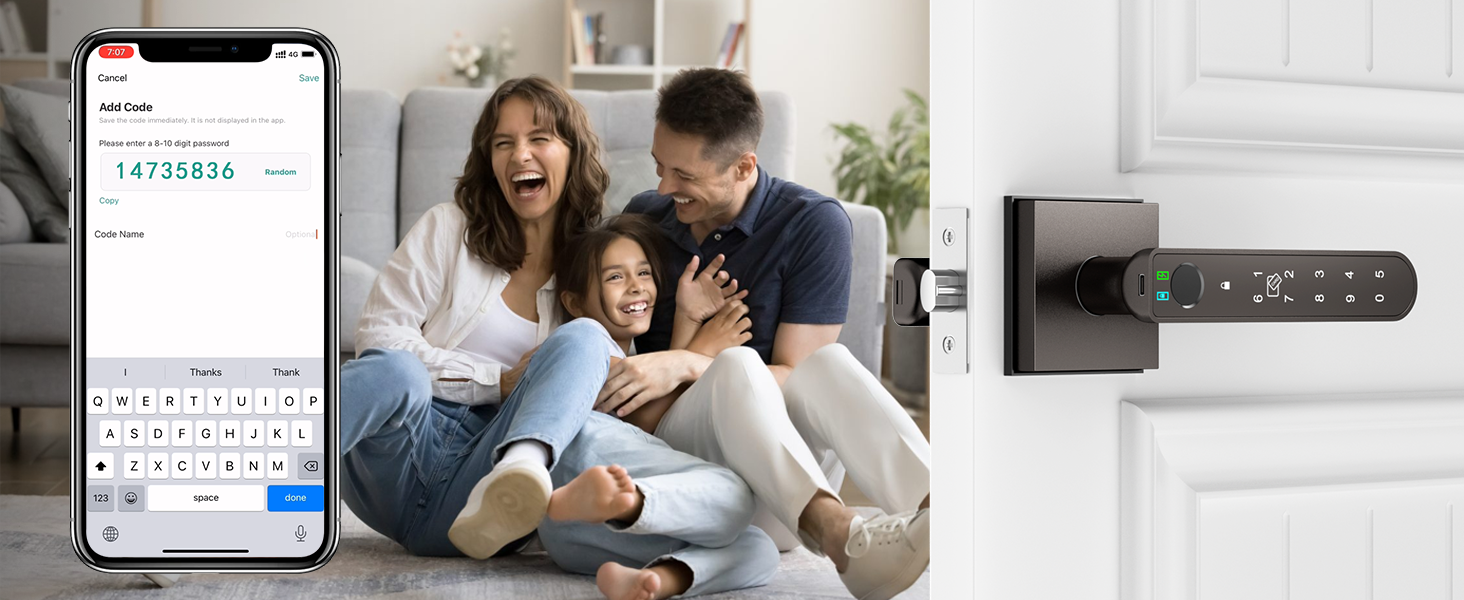
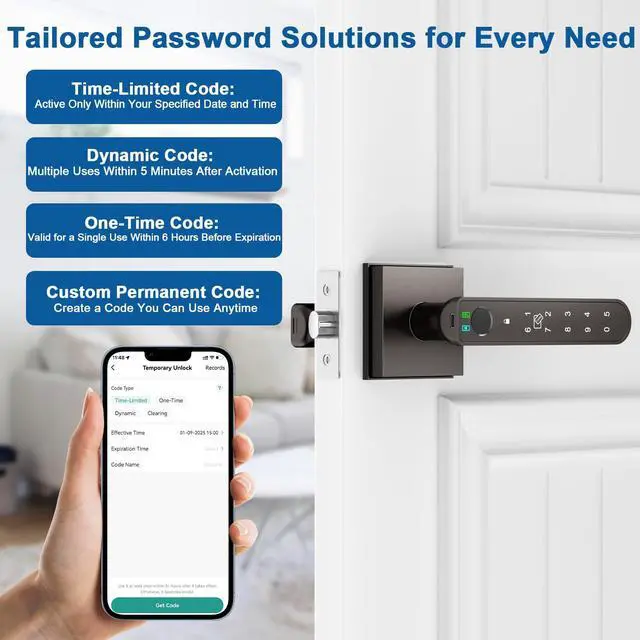
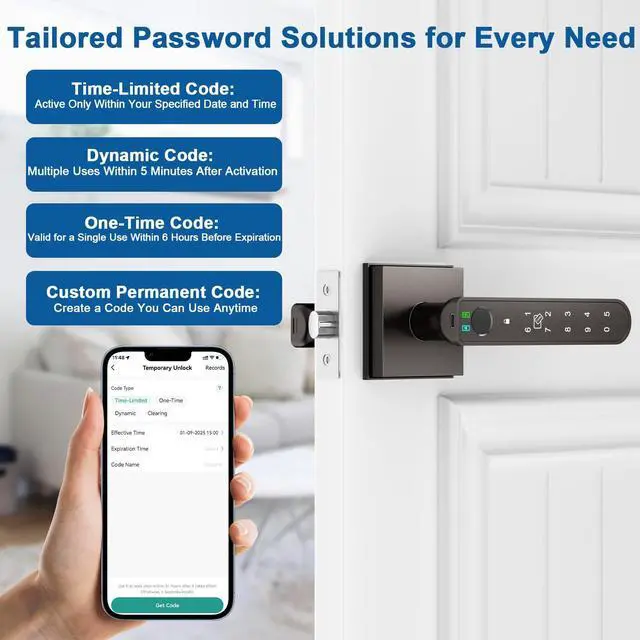
Custom Permanent Code
Create a reusable code for regular access, perfect for family members or trusted individuals.
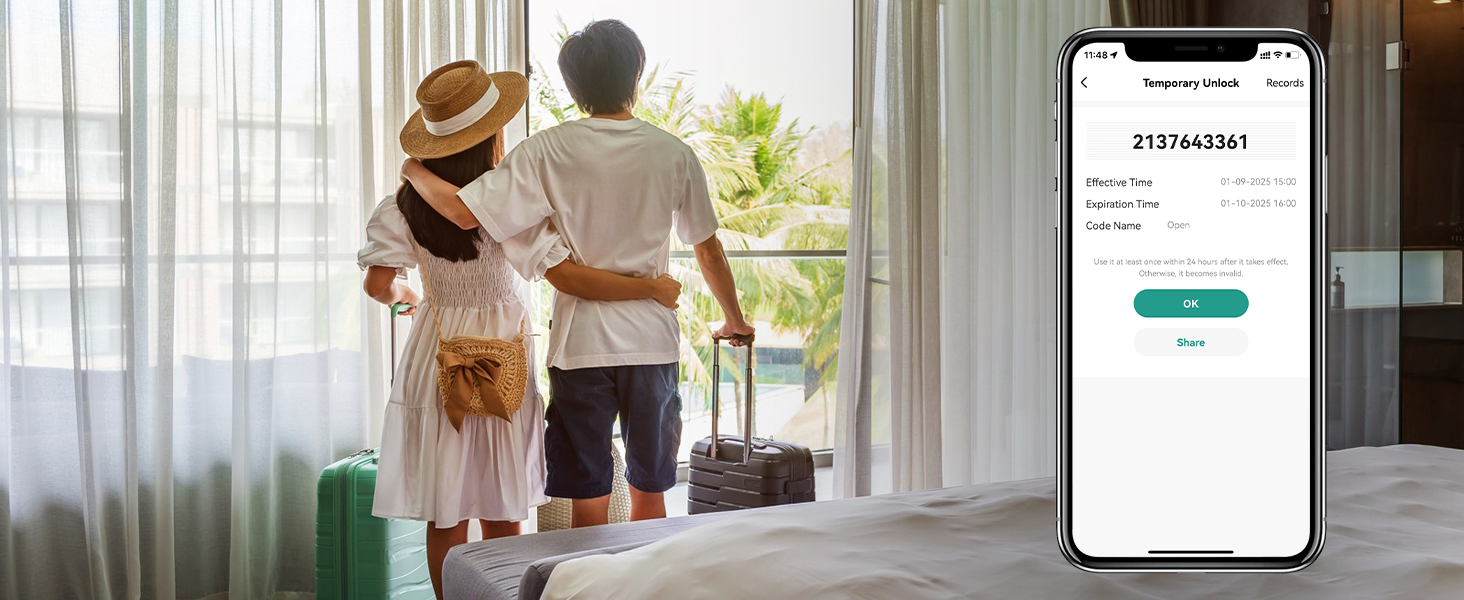
Time-Limited Code
Set specific dates and times for when the code is active—perfect for granting temporary access to guests or service providers.
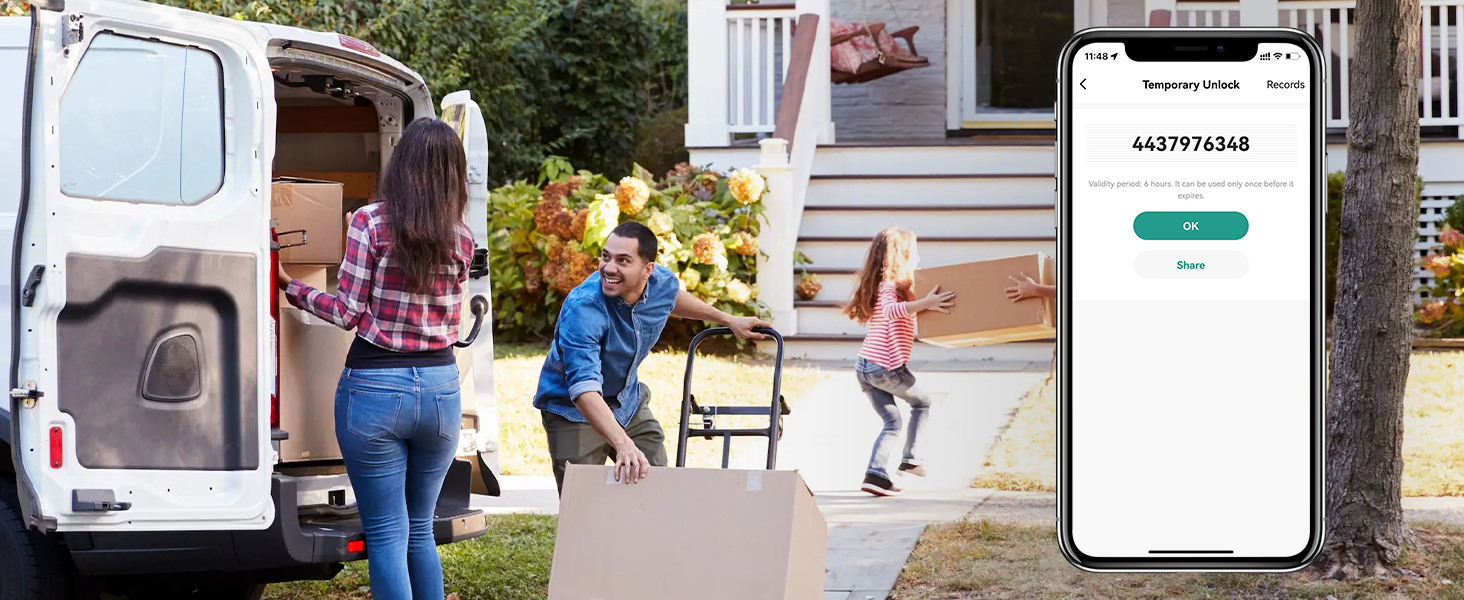
One-Time Code
Valid for one-time use within 6 hours, ideal for deliveries, contractors, or one-off visitors.
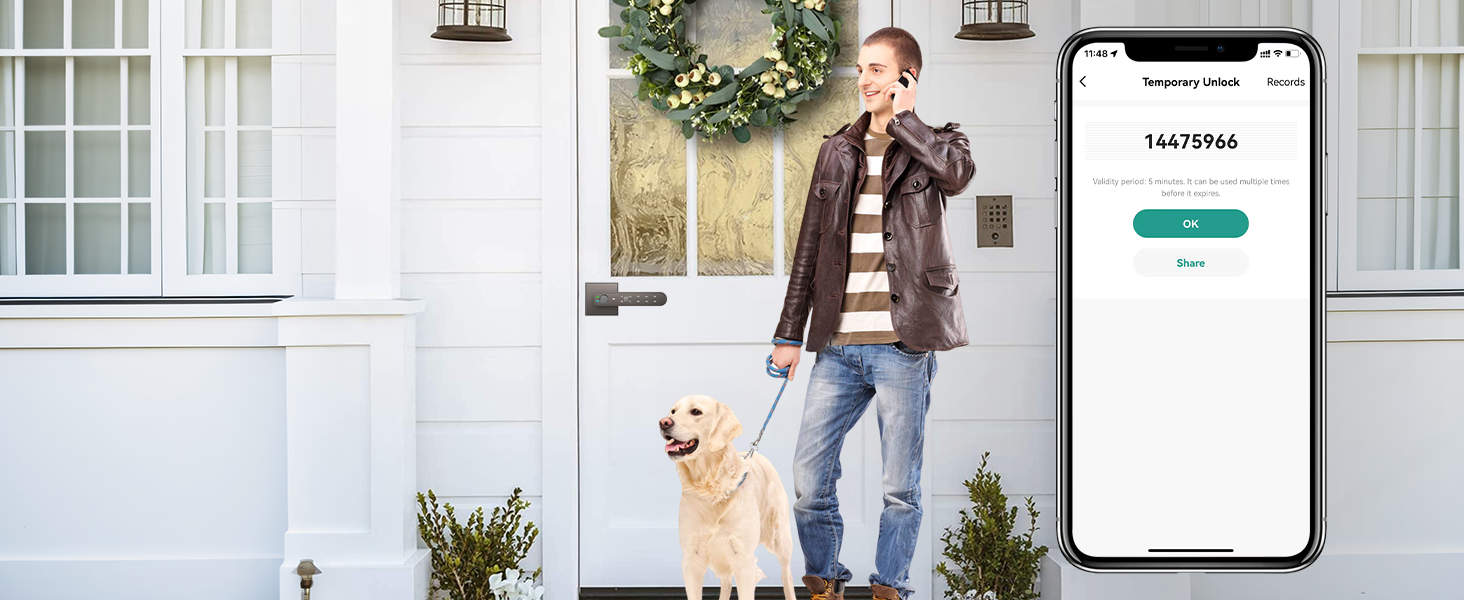
Dynamic Code
Use the code multiple times within 5 minutes after activation—great for high-frequency but short-duration access needs, such as maintenance or quick visits.
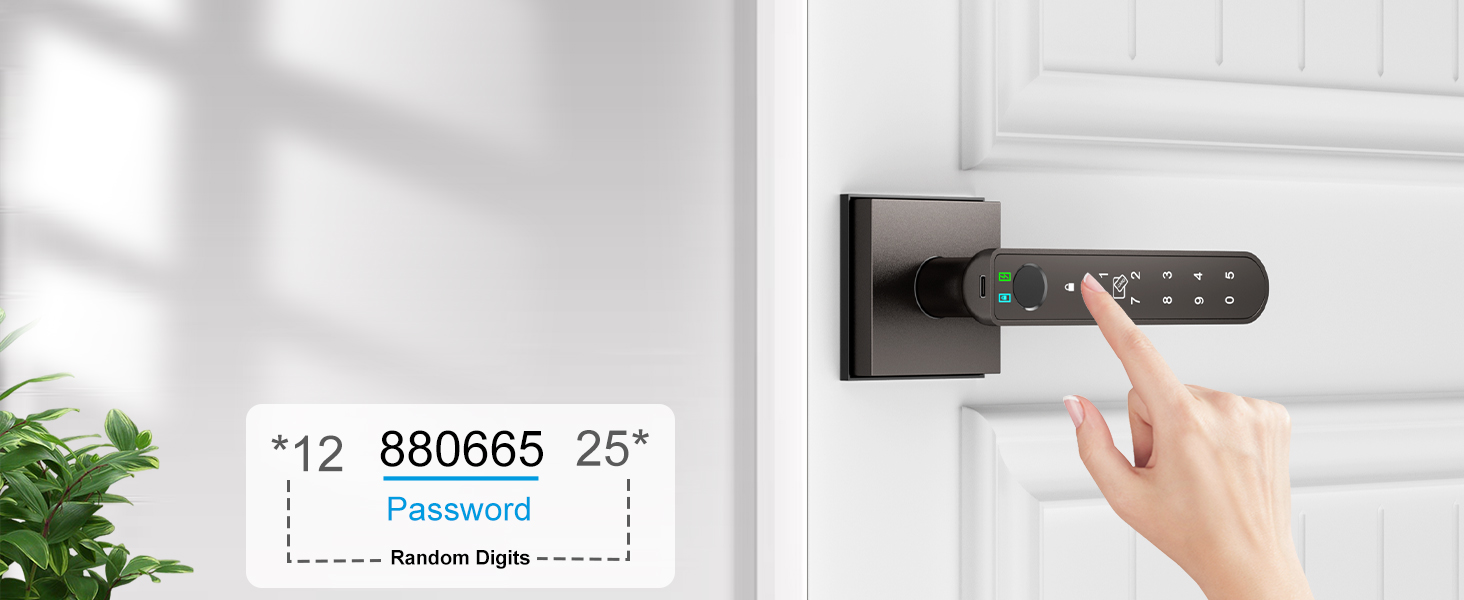
Anti-peep Touchscreen Keypad
Randomized digits safeguard your passcode from unwanted observers, and the backlight ensures easy nighttime use
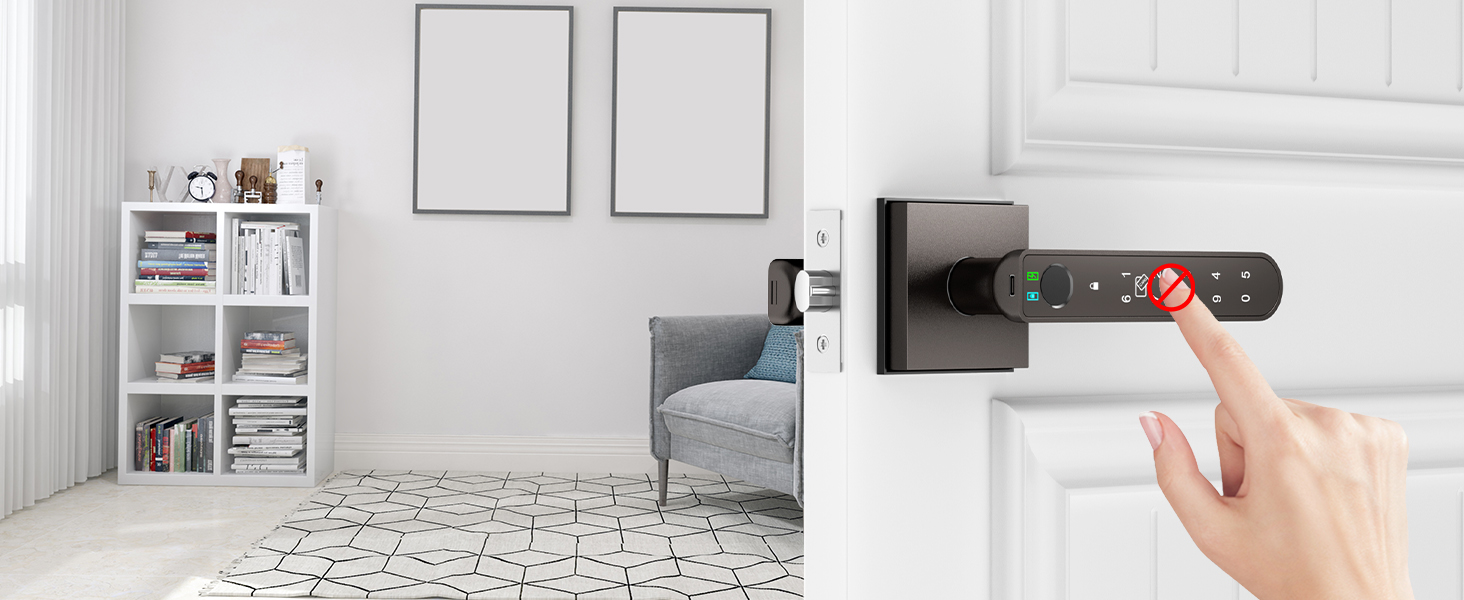
Security Lockout Protection
After eight consecutive unsuccessful password entry attempts, the keypad will automatically lock for a duration of three minutes as a security measure
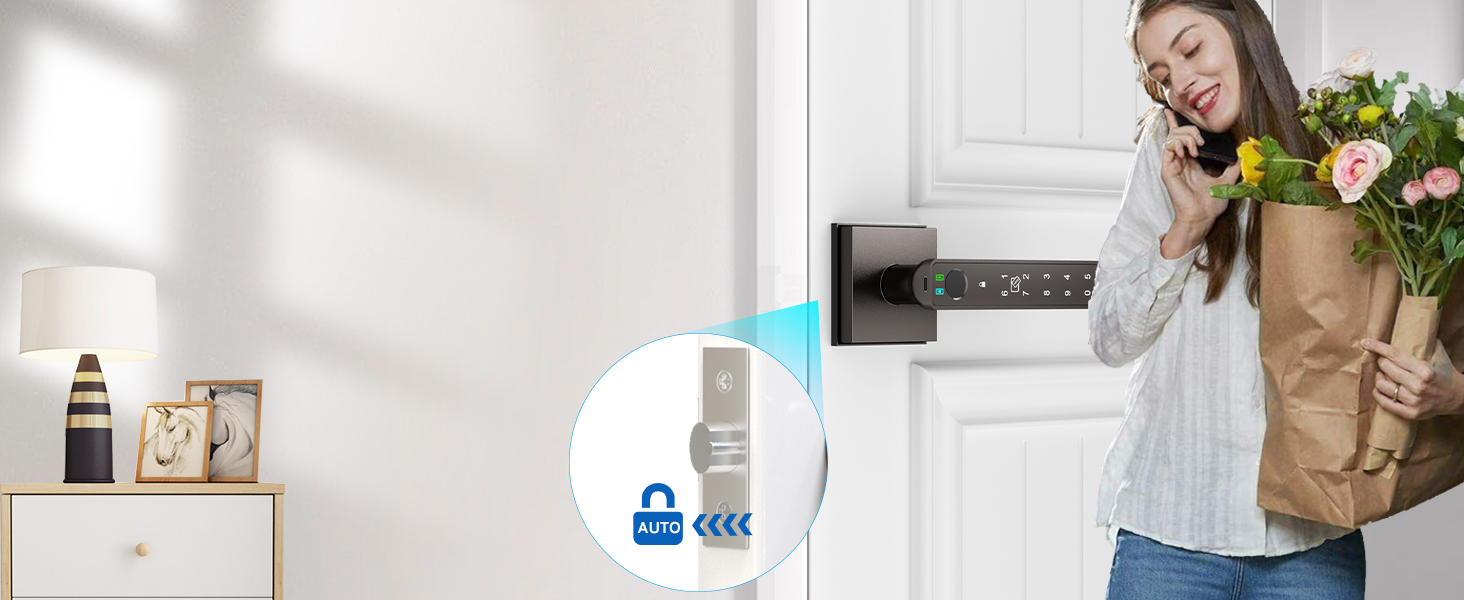
Auto-Lock
Ensures that your door is always locked when you leave, preventing unauthorized access.
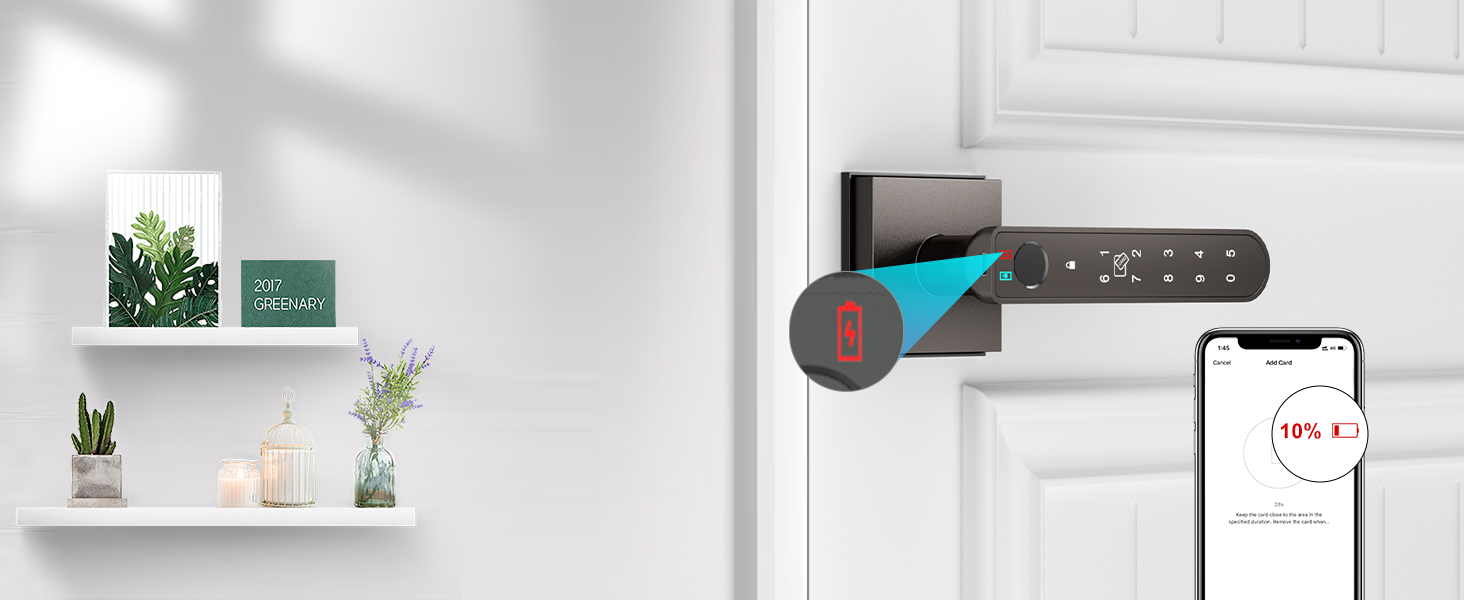
Battery Level Monitor on App
Allows you to actively monitor the battery level of your smart lock, ensuring that it's always in optimal working condition.
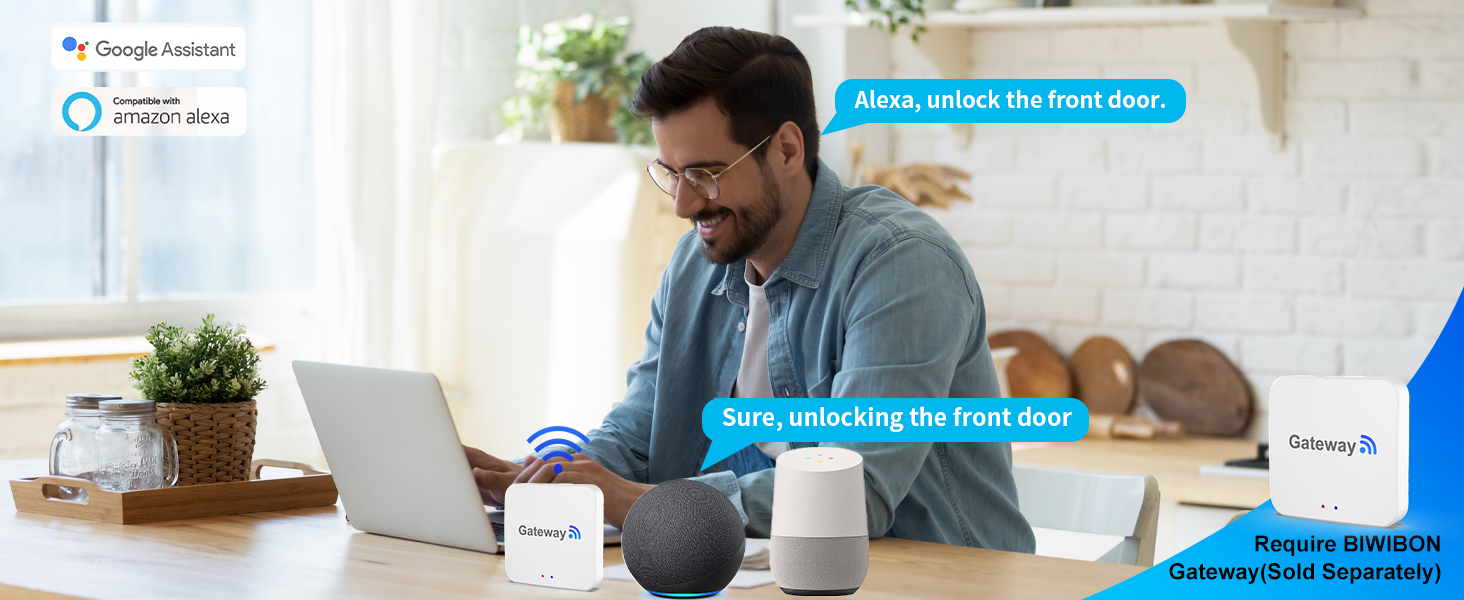
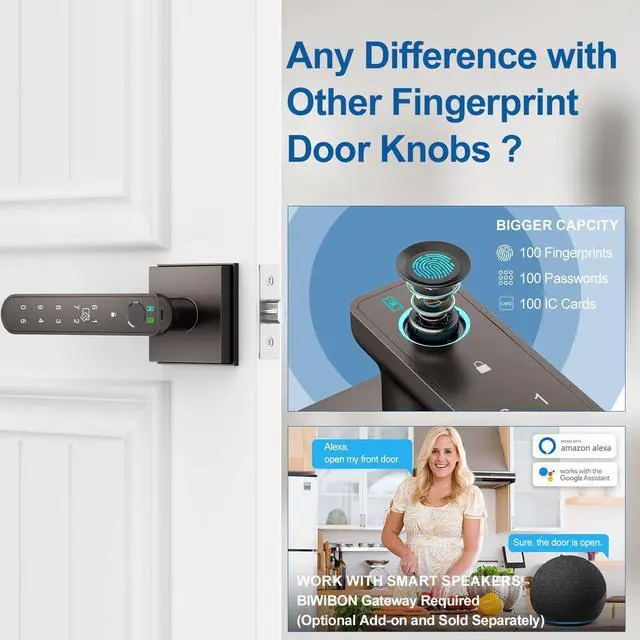
Smart Voice Control
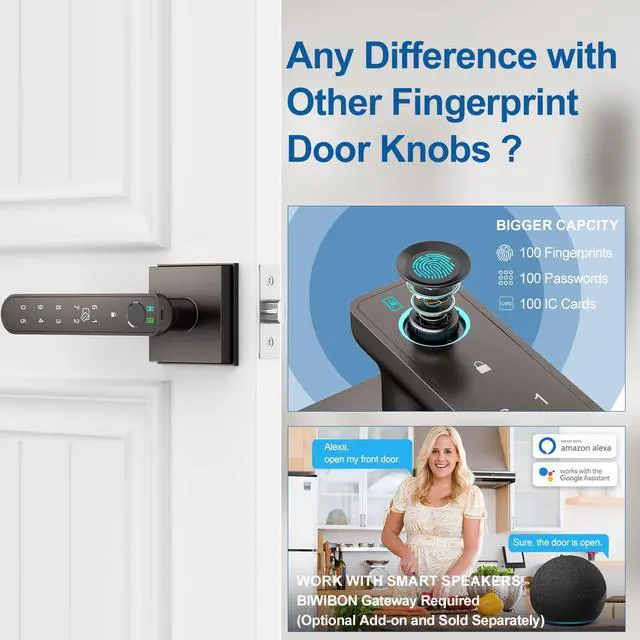
With the separately sold BIWIBON Gateway, you can use voice commands to lock or unlock your smart fingerprint door lock using Alexa and Google Assistant.
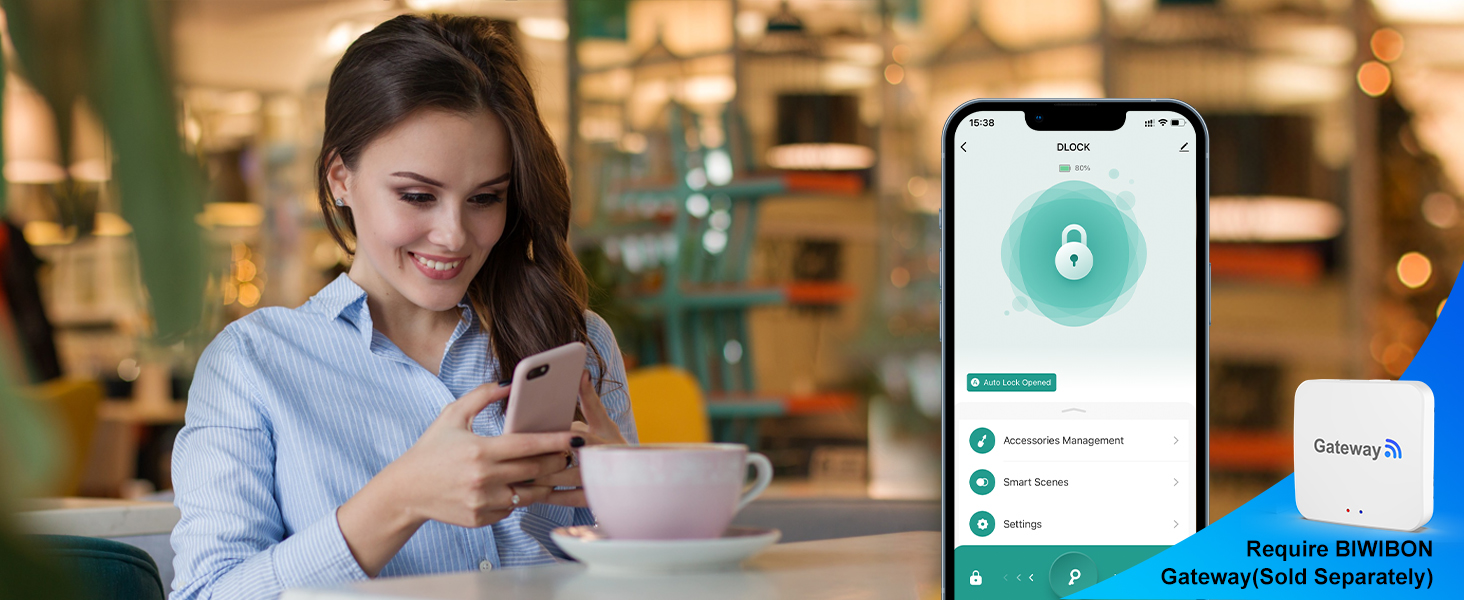
Remote Control Anywhere
With the separately sold BIWIBON Gateway, you gain complete remote access to your smart fingerprint door lock, anytime and from anywhere.
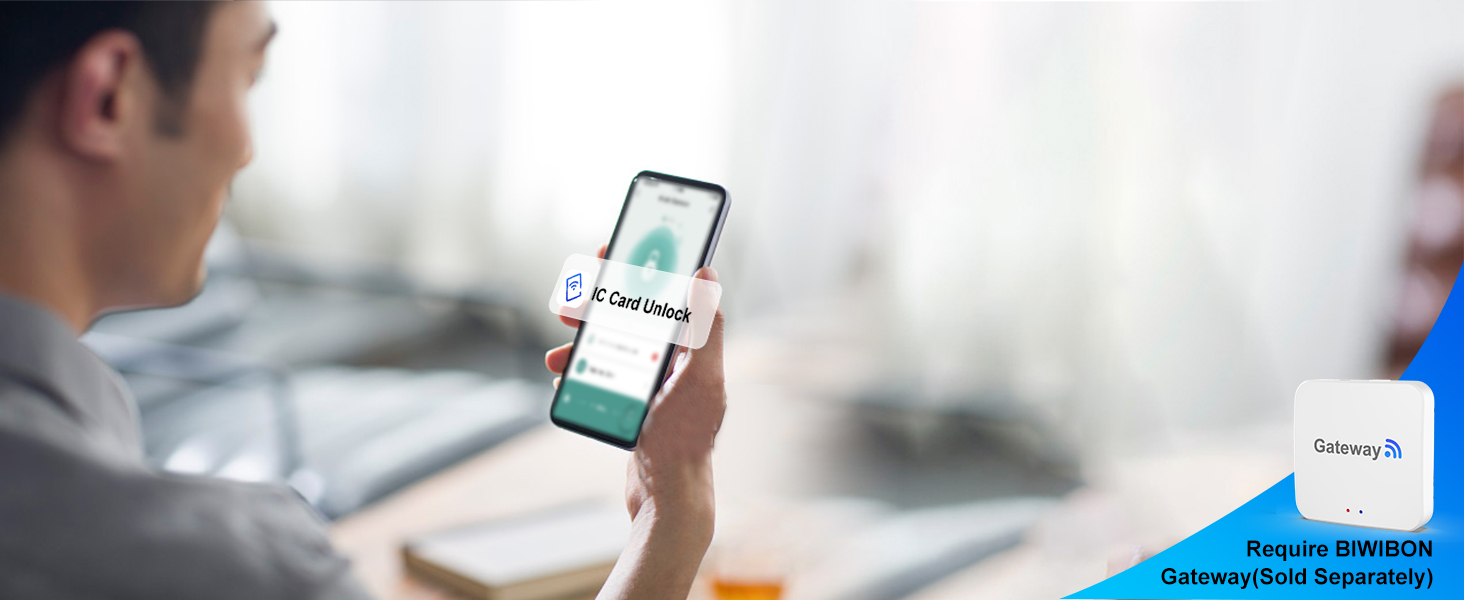
Remote Lock Status Monitoring
With the separately sold BIWIBON Gateway,you can remotely check your lock's status—locked or unlocked—at any time.
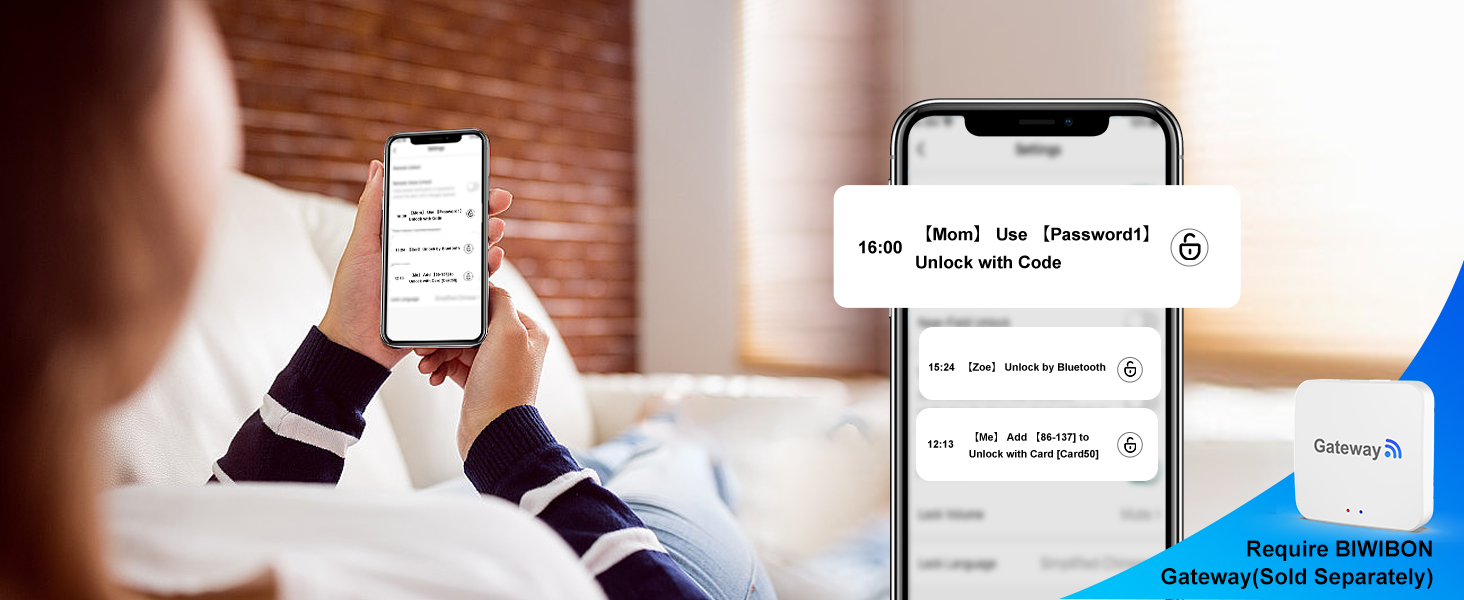
Remote Real-Time Notifications
With the separately sold BIWIBON Gateway, you can receive real-time alerts and view activity records from anywhere, always staying informed about arrivals and departures.


BIWIBON Fingerprint Door Knob
Smarter and Safer Life at Your Finger Tips
Founded in 2017, BIWIBON is dedicated to innovative smart home solutions that are both affordable and user-friendly. Our dynamic R&D team and stringent quality management ensure top-notch reliability. We strive to safeguard what matters most, delivering peace of mind with cutting-edge technology. Choose BIWIBON for a trusted partner in home security and experience superior protection and convenience.
5-in-1 Fingerprint Door Knob
Remote Control with Gateway
BIWIBON Finger print Door Knob
5-in-1 Fingerprint Door Knob
BIWIBON Fingerprint Door Lock
4-in-1 Smart Door Knob
What Is the Purpose of the Type-c Port?
The Type-C port is for emergency power only. Avoid using it for charging or direct electrical connections to prevent damage to internal components.
What Type of Battery Should Be Used for This Biometric Door Knob?
Please use four AAA alkaline batteries (not included).Rechargeable batteries can be used, but avoid charging them through the Type-C port.
Why Can Anyone Unlock the Thumbprint Door Knob?
The smart door knob is initially set to unlock with any fingerprint, making it accessible to anyone. To ensure security, it's vital to register your admin fingerprint after installation to prevent unauthorized access.
How to Enhance Fingerprint Recognition Accuracy on Your Lock?
For optimal results, register the same fingerprint multiple times from various angles and repeat this process 2 or 3 times to ensure accurate recognition and smooth access.
What App is Used with this Smart Fingerprint Door Lock?
The Tuya Smart or Smart Life app is used for this fingerprint door knob.
BIWIBON Fingerprint Door Lock with App-Smarter & Safer Life at Your Finger Tips

Smart App Control
Fast Fingerprint Recognition Enhanced by AI
IC Card Access
Personalized Passcode Access
Backup Keys


Access the smartphone application to open the thumbprint door lock.
With its 360° Live Fingerprint ID technology, it provides rapid unlocking in just 0.2 seconds while maintaining an accuracy rate of 99.7%.
Easily unlock your door by swiping your IC card for quick and convenient access.
Customize various passcodes for family, guests, or others, as needed, to unlock with ease.
Two physical keys available for emergencies.
Custom Permanent Code
Time-Limited Code
One-Time Code
Dynamic Code


Create a reusable code for regular access, perfect for family members or trusted individuals.
Set specific dates and times for when the code is active—perfect for granting temporary access to guests or service providers.
Valid for one-time use within 6 hours, ideal for deliveries, contractors, or one-off visitors.
Use the code multiple times within 5 minutes after activation—great for high-frequency but short-duration access needs, such as maintenance or quick visits.
Anti-peep Touchscreen Keypad
Security Lockout Protection
Auto-Lock
Battery Level Monitor on App


Randomized digits safeguard your passcode from unwanted observers, and the backlight ensures easy nighttime use
After eight consecutive unsuccessful password entry attempts, the keypad will automatically lock for a duration of three minutes as a security measure
Ensures that your door is always locked when you leave, preventing unauthorized access.
Allows you to actively monitor the battery level of your smart lock, ensuring that it's always in optimal working condition.
Smart Voice Control
Remote Control Anywhere
Remote Lock Status Monitoring
Remote Real-Time Notifications


With the separately sold BIWIBON Gateway, you can use voice commands to lock or unlock your smart fingerprint door lock using Alexa and Google Assistant.
With the separately sold BIWIBON Gateway, you gain complete remote access to your smart fingerprint door lock, anytime and from anywhere.
With the separately sold BIWIBON Gateway,you can remotely check your lock's status—locked or unlocked—at any time.
With the separately sold BIWIBON Gateway, you can receive real-time alerts and view activity records from anywhere, always staying informed about arrivals and departures.


