





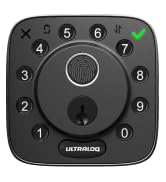
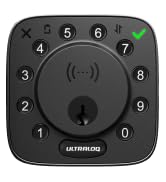
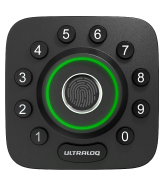
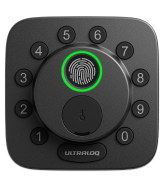
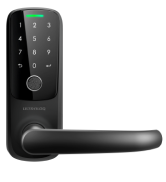
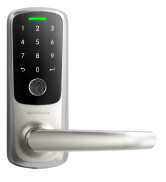
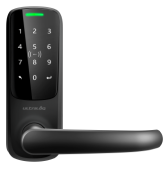
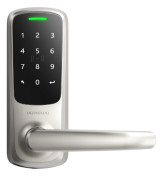


Up to 50 fingerprints
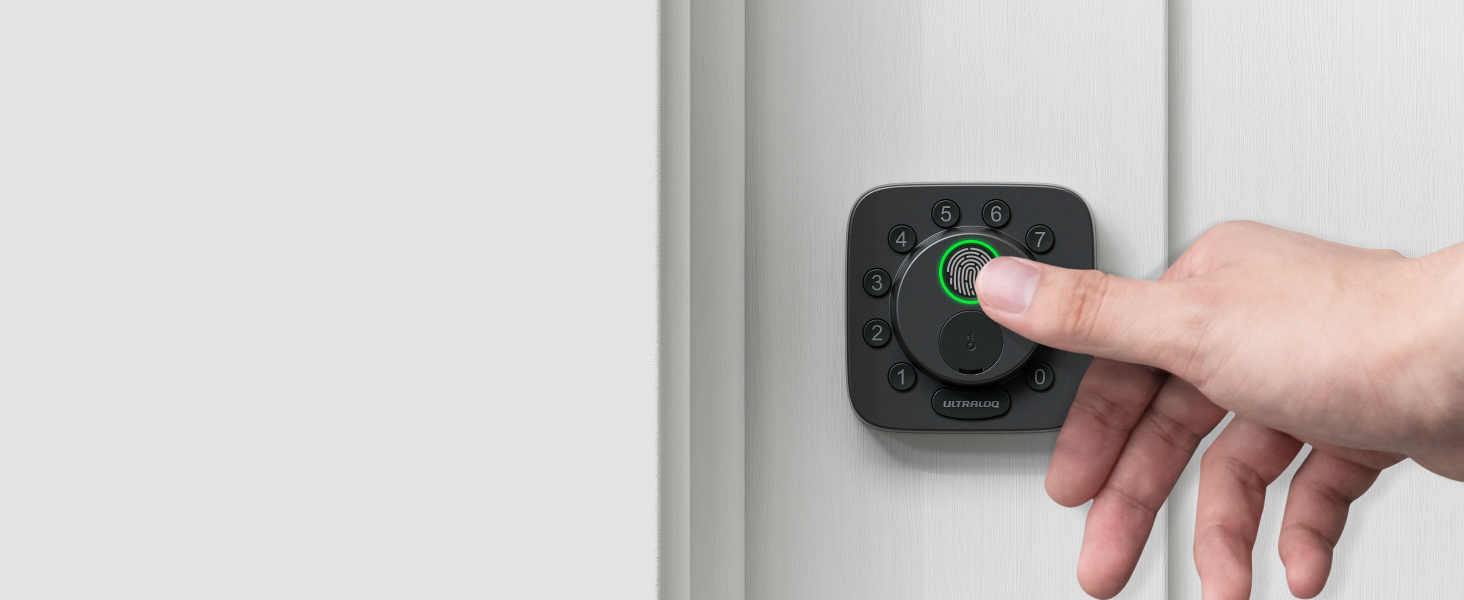
AI-powered Lightning-fast Fingerprint Reader
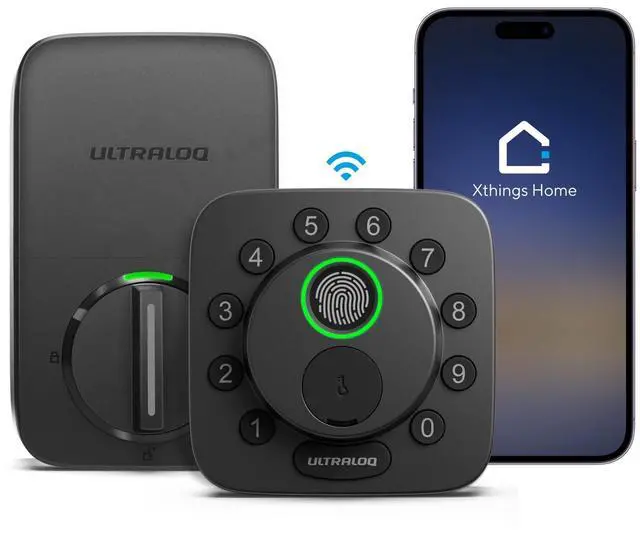
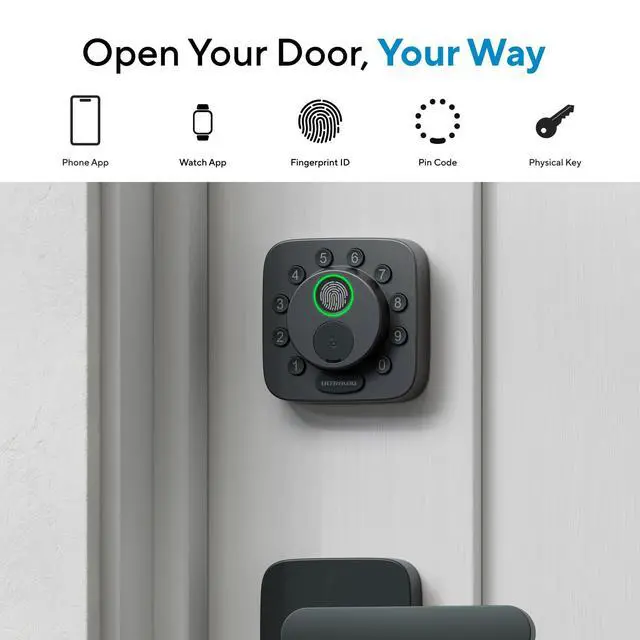
Featured with self-learning fingerprint sensor. Unlocks in just 0.3 seconds with 99.9% accuracy.
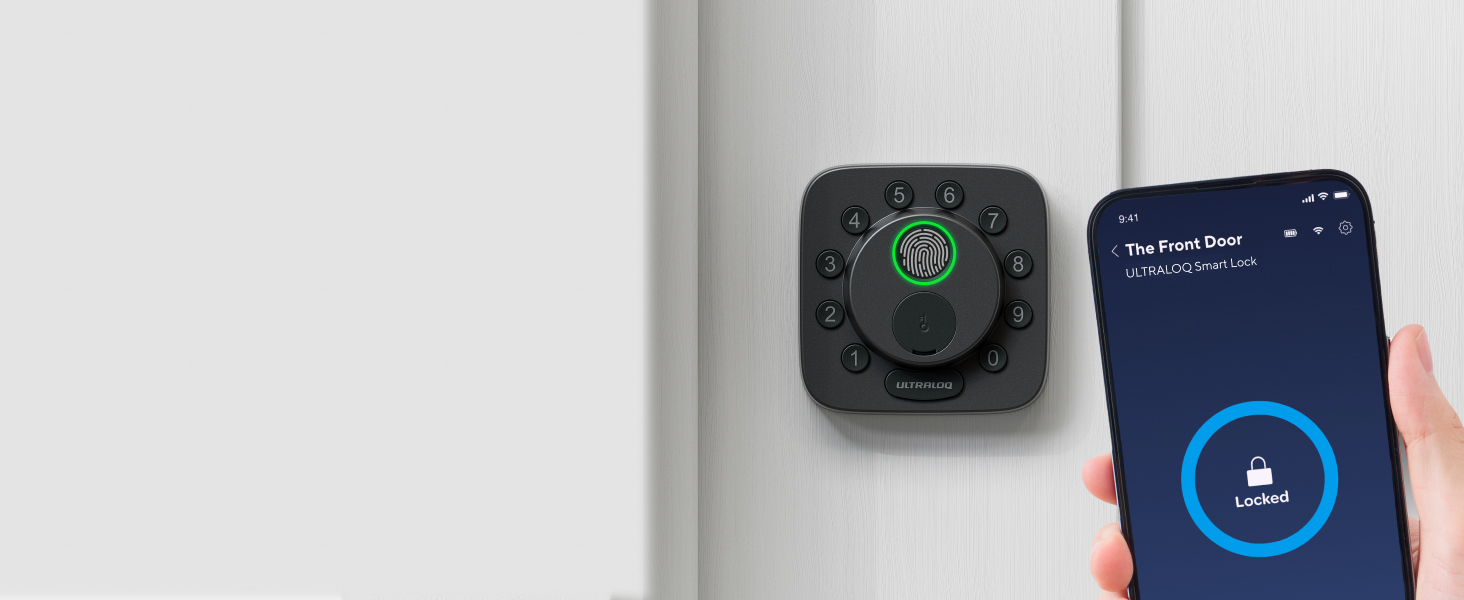
Remote Door Lock
App Remote Control
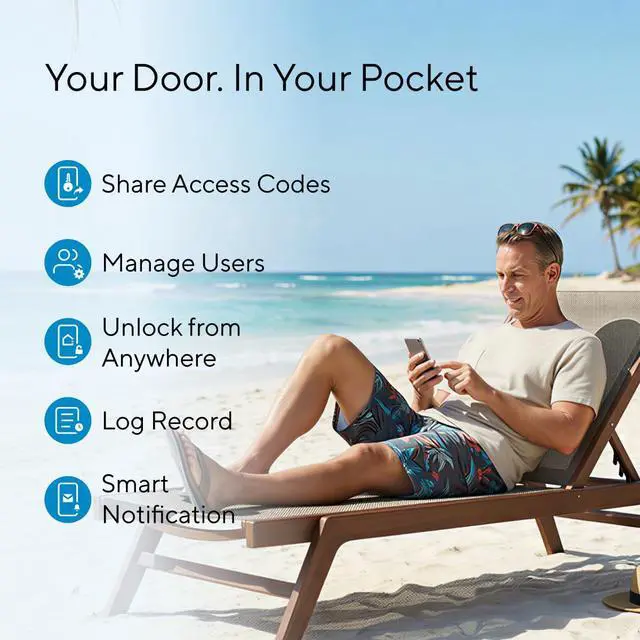
Open the smartphone app to lock/unlock your Smart Lock from anywhere.
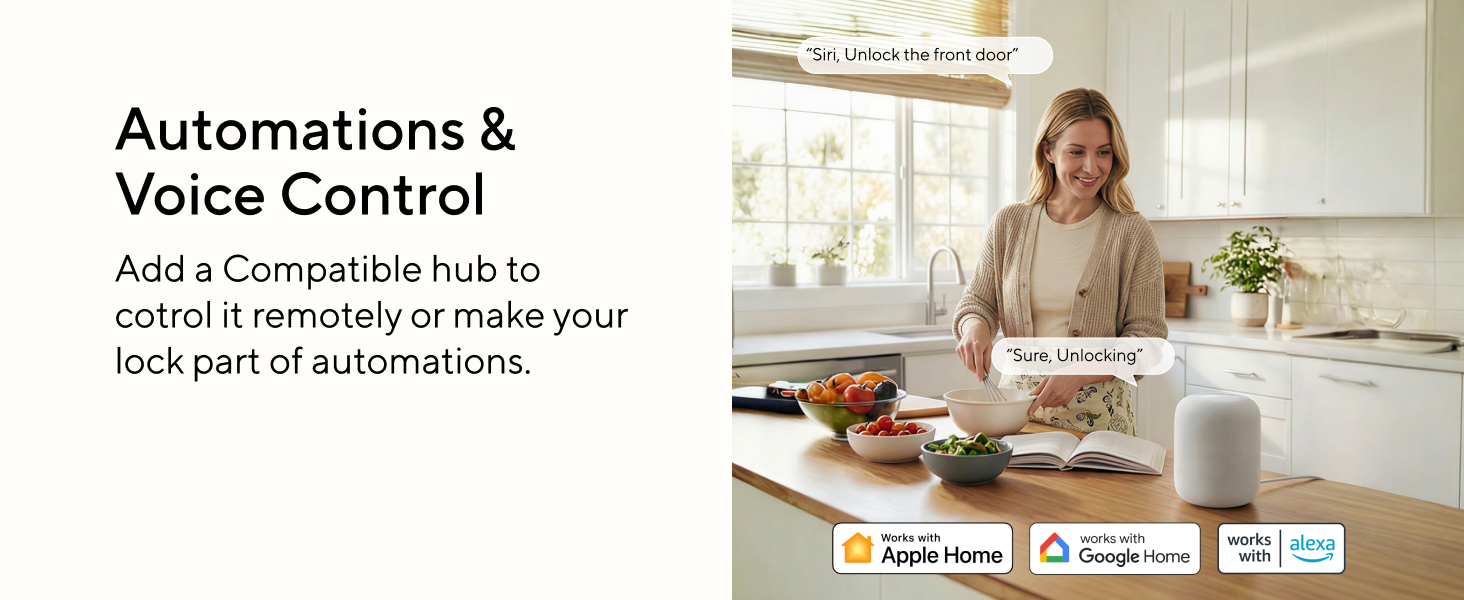
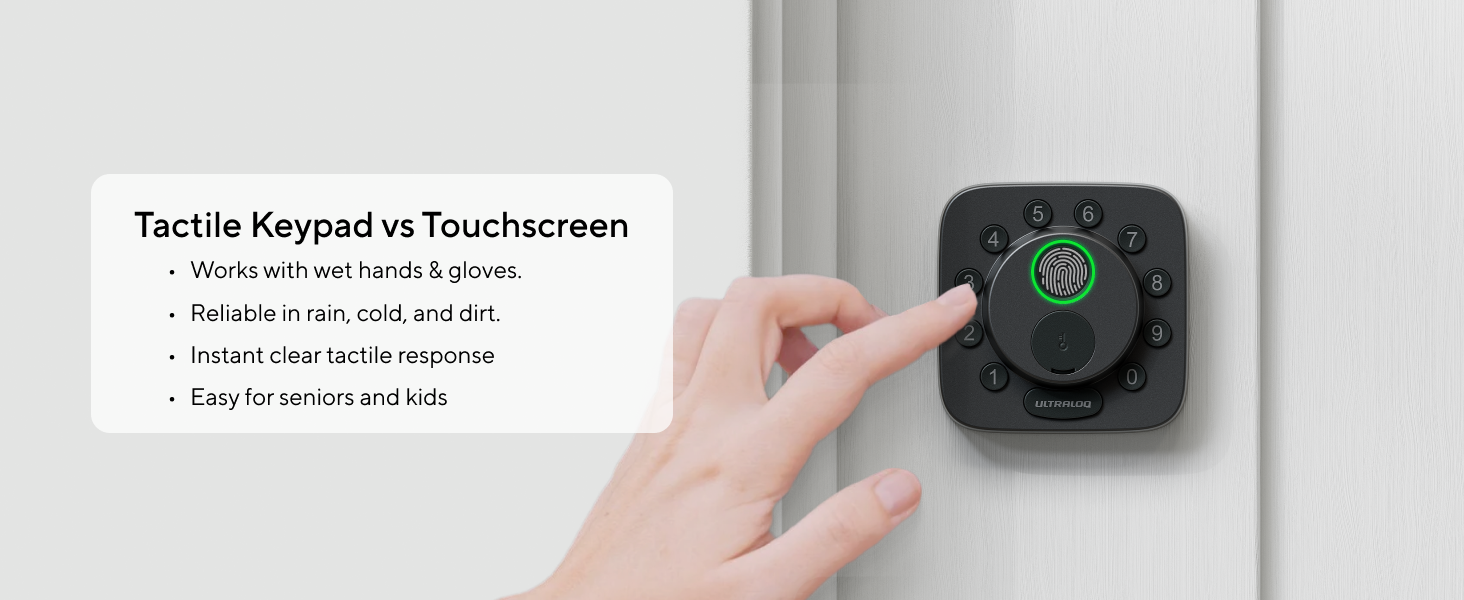
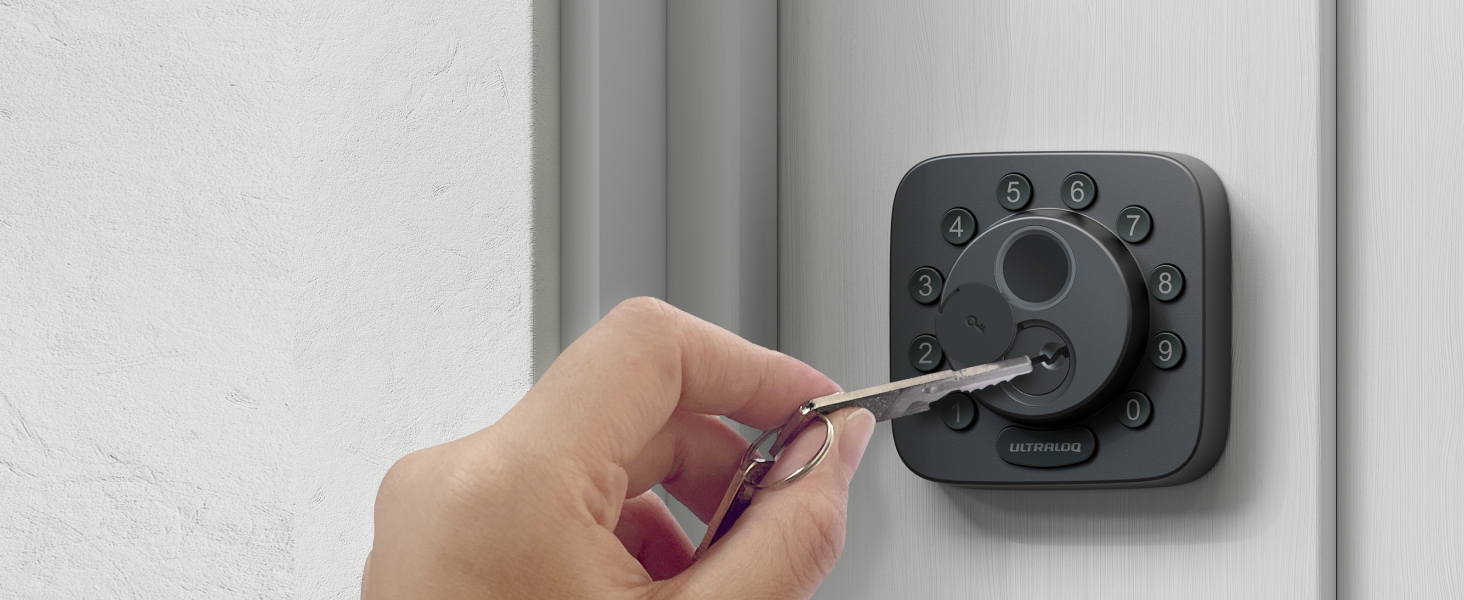
Mechanical Key
The included backup keys give you peace of mind, ensuring you can always access your home.


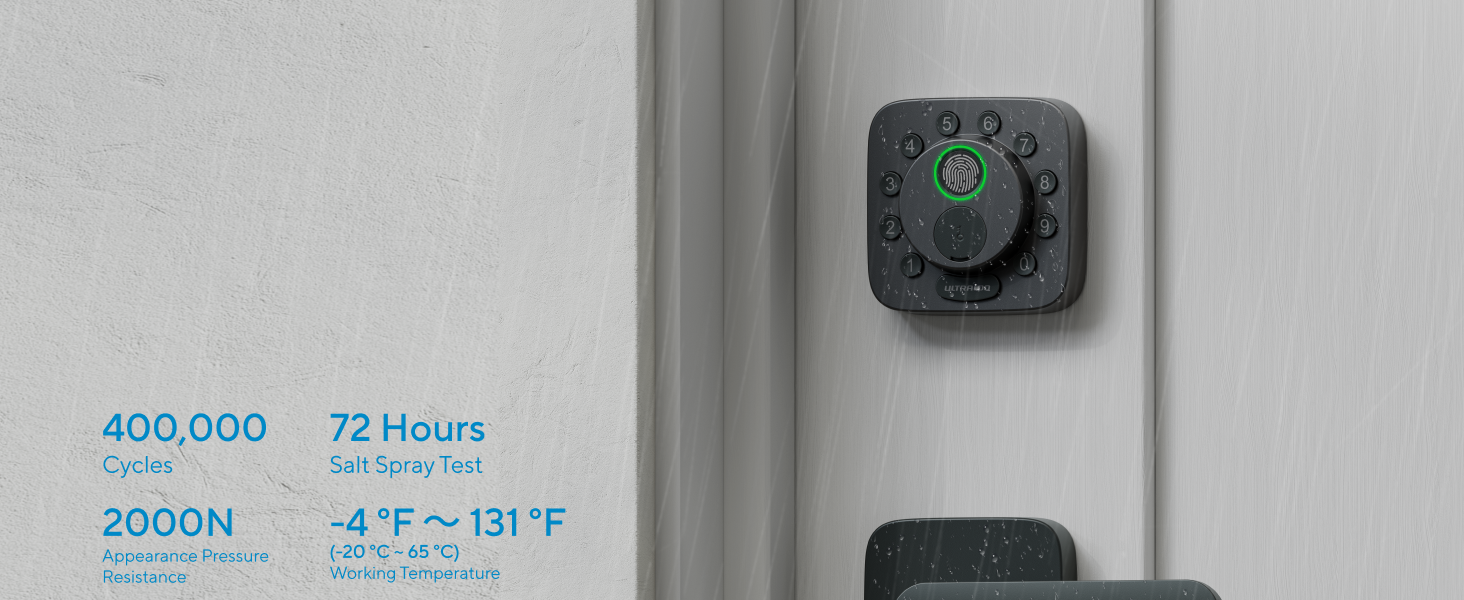
IP65 waterproof
Built to Last
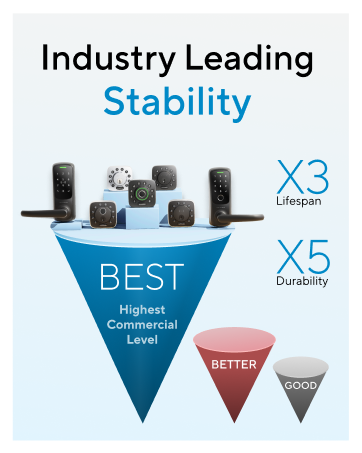
HighestResidential Level in Security, Durability and Finish, built to withstand heat and cold.
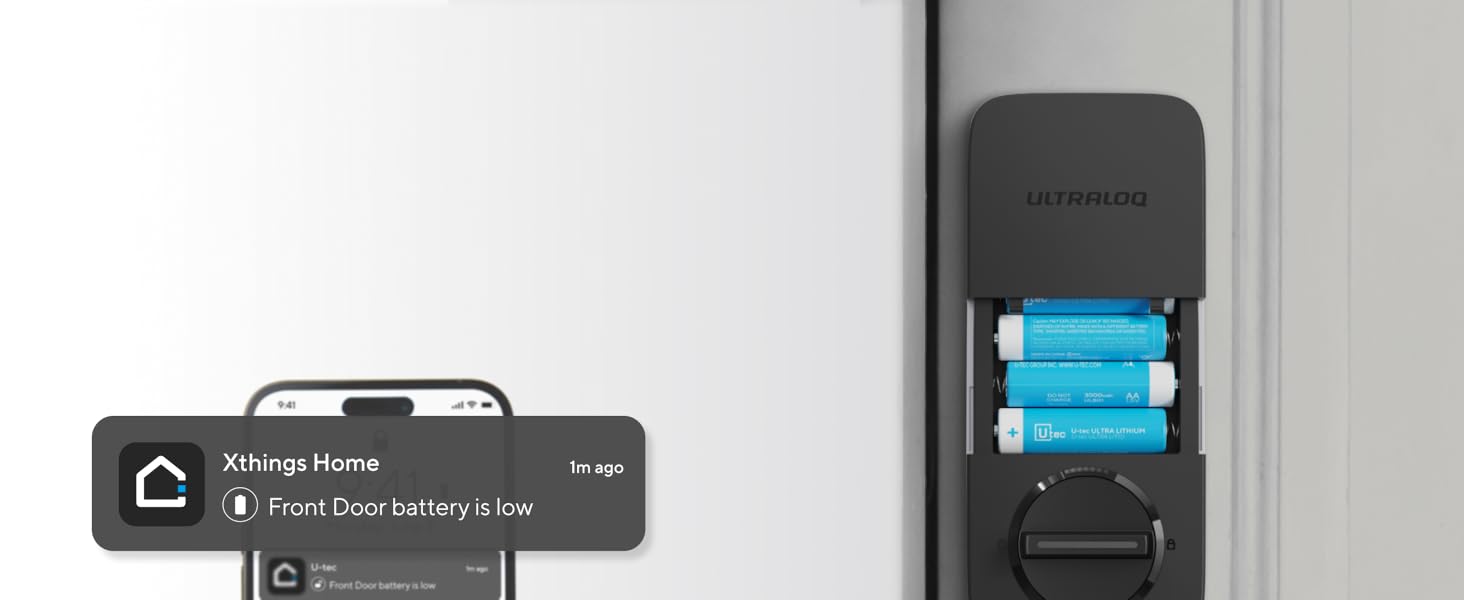
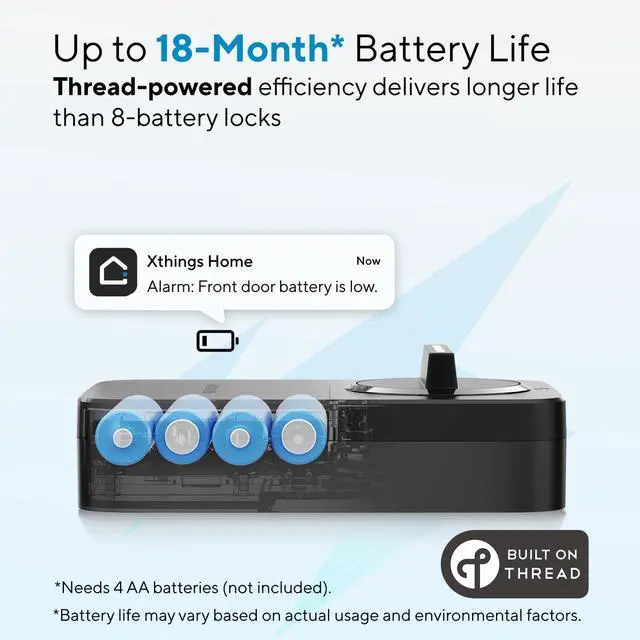
Up to 18-month Battery Life
Thread-powered efficiency delivers longer life than 8-battery locks — with just 4 AAs (not included)
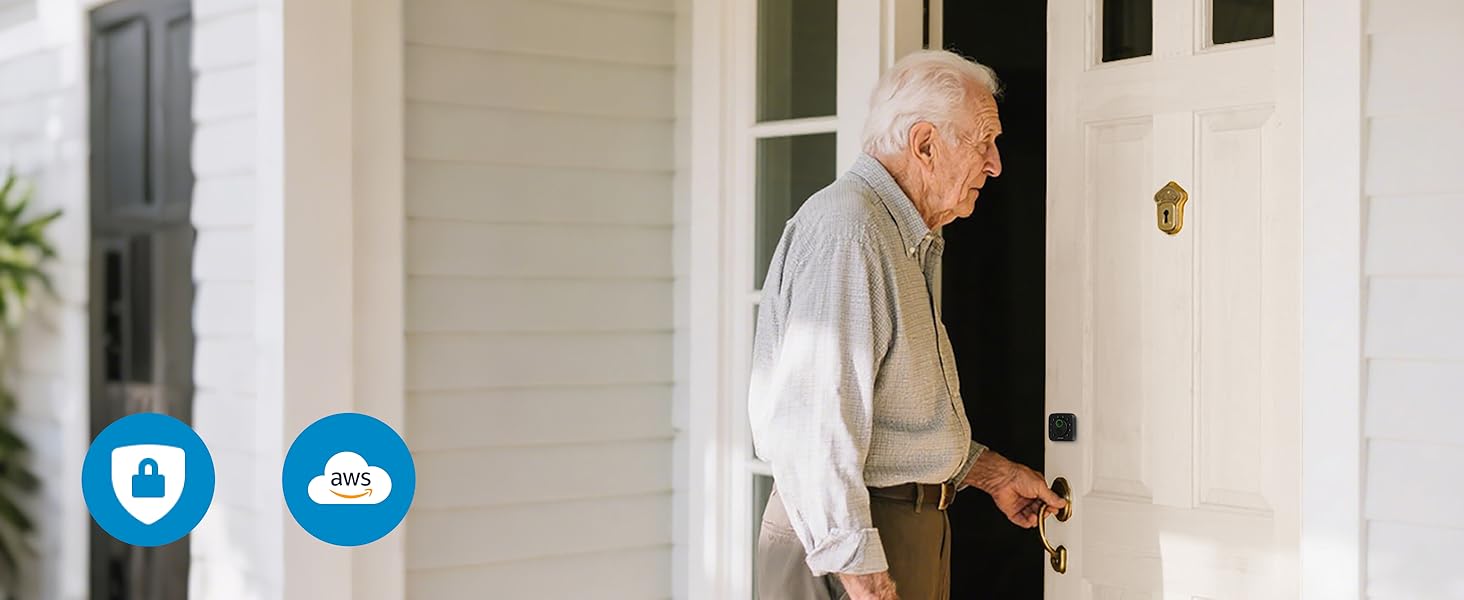
Local Storage
Your Data, Stay Yours
All user‘s data are secured with bank-level 128-bit AES encryption plus dynamic key authentication.
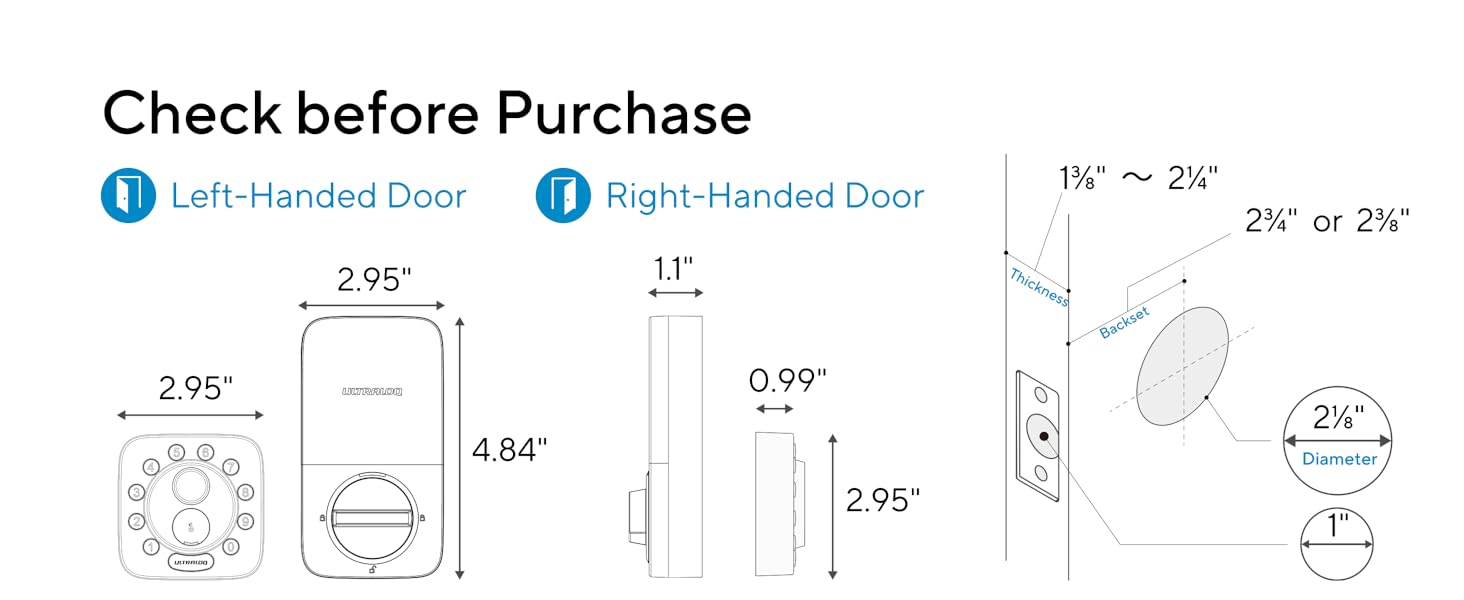
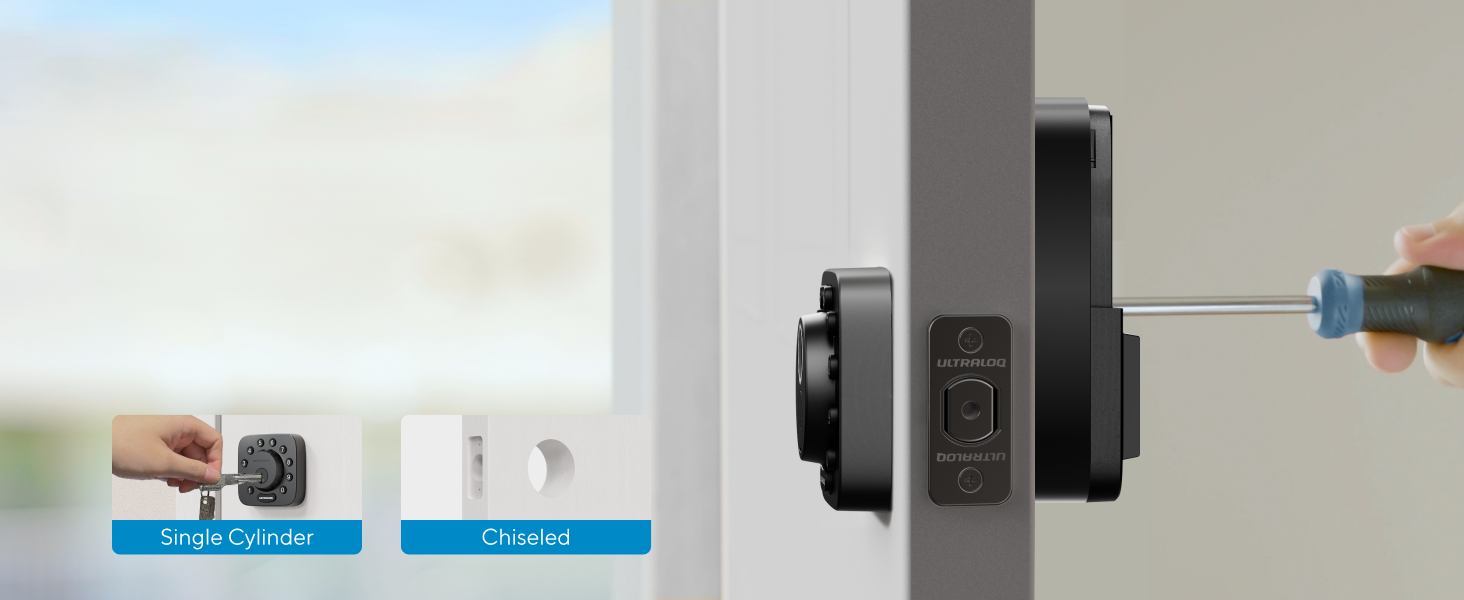
No Drilling, No Wiring
Installs with just a screwdriver in 10 mins.
No professional help needed.
 Bolt SE |  Bolt Fingerprint Nickel |  Bolt Fingerprint Black |  Bolt NFC |  Bolt Fingerprint Set |  ULTRALOQ Door Lever | |
|---|---|---|---|---|---|---|
Customer Reviews | — | — | — | — | — | — |
Price | — | — | — | — | — | — |
Connectivity | WiFi or Matter over Thread | WiFi | WiFi | WiFi | WiFi | — |
Feature | Fingerprint ID | Fingerprint ID | Fingerprint ID | Tap to unlock | Fingerprint ID | — |
Apple Home Support | ? | ? | ? | ? | ? | — |
Auto Lock | Auto lock on a preset timer | Auto lock when the door closes | Auto lock when the door closes | Auto lock when the door closes | Auto lock when the door closes | — |
Battery | 4*AA (not included) | 8*AA (included) | 8*AA (included) | 8*AA (included) | 8*AA (included) | — |
Door Sensor | — | ? | ? | ? | ? | — |
Free Web Portal Control | ? | ? | ? | ? | ? | — |
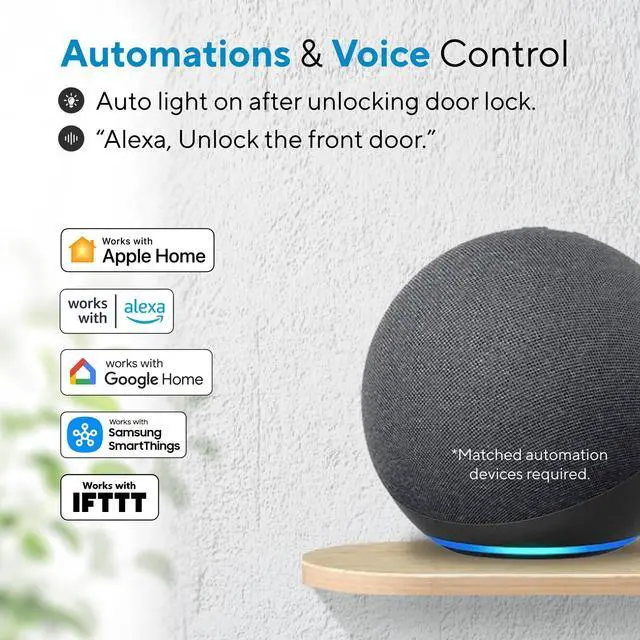
Third-party ecosystem | Alexa/Google/SmartThings/IFTTT | Alexa/Google/SmartThings/IFTTT | Alexa/Google/SmartThings/IFTTT | Alexa/Google/SmartThings/IFTTT | Alexa/Google/SmartThings/IFTTT | — |
Waterproof | IP65 Rating | IP65 Rating | IP65 Rating | IP65 Rating | IP65 Rating | IP65 Rating |
What is Matter?
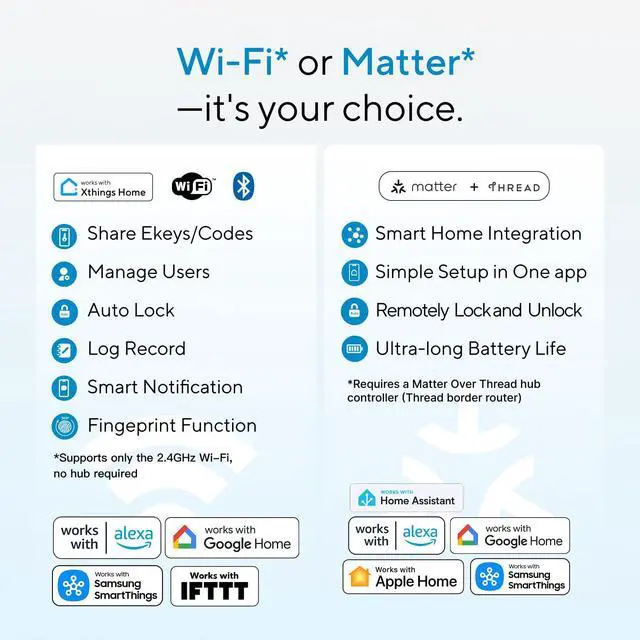
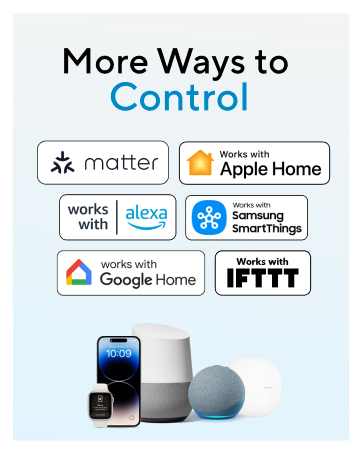
Matter is a universal smart-home standard that lets devices from different brands work together securely. If a product supports Matter, it can connect with Apple Home, Google Home, Alexa, and SmartThings without compatibility issues.
What is Thread?
Thread is a low-power wireless protocol for smart home devices. It lets lights, locks, and sensors communicate directly in a secure, reliable, energy-efficient mesh network. Often paired with Matter, Thread makes devices faster and more responsive.
What do I need if I want to setup Matter-over-Thread device?
‘Matter-over-Thread required’ means the device must run Matter on a Thread network. Setup needs a Thread Border Router (like a compatible smart speaker or hub) and a Matter-supported app such as Apple, Alexa, or Google.
How to activate Bluetooth to complete product setup?
Press any front button to turn on Bluetooth, then begin setup within 30 seconds.
How to switch WiFi/Matter mode?
Open Xthings Home App and connect to the Lock via WiFi/Bluetooth first; then go to the settings page of the lock and click "Switching Mode" and you can now switch between WiFi & Matter mode.
ULTRALOQ Smart WiFi Deadbolt
ULTRALOQ Smart WiFi Lever


Up to 50 fingerprints
AI-powered Lightning-fast Fingerprint Reader
Featured with self-learning fingerprint sensor. Unlocks in just 0.3 seconds with 99.9% accuracy.
Remote Door Lock
App Remote Control
Open the smartphone app to lock/unlock your Smart Lock from anywhere.
Mechanical Key
The included backup keys give you peace of mind, ensuring you can always access your home.


Security You Can Trust Every Day
Set a preset timer (10-180s) for auto-lock, or press the “ULTRALOQ” button to lock instantly


IP65 waterproof
Built to Last
HighestResidential Level in Security, Durability and Finish, built to withstand heat and cold.
Up to 18-month Battery Life
Thread-powered efficiency delivers longer life than 8-battery locks — with just 4 AAs (not included)
Local Storage
Your Data, Stay Yours
All user‘s data are secured with bank-level 128-bit AES encryption plus dynamic key authentication.
No Drilling, No Wiring
Installs with just a screwdriver in 10 mins.
No professional help needed.


Bolt SE | Bolt Fingerprint Nickel | Bolt Fingerprint Black | Bolt NFC | Bolt Fingerprint Set | ULTRALOQ Door Lever |
|---|---|---|---|---|---|
| Customer Reviews | |||||
| — | — | — | — | — | — |
| Price | |||||
| — | — | — | — | — | — |
| Connectivity | |||||
| WiFi or Matter over Thread | WiFi | WiFi | WiFi | WiFi | — |
| Feature | |||||
| Fingerprint ID | Fingerprint ID | Fingerprint ID | Tap to unlock | Fingerprint ID | — |
| Apple Home Support | |||||
| ? | ? | ? | ? | ? | — |
| Auto Lock | |||||
| Auto lock on a preset timer | Auto lock when the door closes | Auto lock when the door closes | Auto lock when the door closes | Auto lock when the door closes | — |
| Battery | |||||
| 4*AA (not included) | 8*AA (included) | 8*AA (included) | 8*AA (included) | 8*AA (included) | — |
| Door Sensor | |||||
| — | ? | ? | ? | ? | — |
| Free Web Portal Control | |||||
| ? | ? | ? | ? | ? | — |
| Third-party ecosystem | |||||
| Alexa/Google/SmartThings/IFTTT | Alexa/Google/SmartThings/IFTTT | Alexa/Google/SmartThings/IFTTT | Alexa/Google/SmartThings/IFTTT | Alexa/Google/SmartThings/IFTTT | — |
| Waterproof | |||||
| IP65 Rating | IP65 Rating | IP65 Rating | IP65 Rating | IP65 Rating | IP65 Rating |
What is Matter?
Matter is a universal smart-home standard that lets devices from different brands work together securely. If a product supports Matter, it can connect with Apple Home, Google Home, Alexa, and SmartThings without compatibility issues.
What is Thread?
Thread is a low-power wireless protocol for smart home devices. It lets lights, locks, and sensors communicate directly in a secure, reliable, energy-efficient mesh network. Often paired with Matter, Thread makes devices faster and more responsive.
What do I need if I want to setup Matter-over-Thread device?
‘Matter-over-Thread required’ means the device must run Matter on a Thread network. Setup needs a Thread Border Router (like a compatible smart speaker or hub) and a Matter-supported app such as Apple, Alexa, or Google.
How to activate Bluetooth to complete product setup?
Press any front button to turn on Bluetooth, then begin setup within 30 seconds.
How to switch WiFi/Matter mode?
Open Xthings Home App and connect to the Lock via WiFi/Bluetooth first; then go to the settings page of the lock and click "Switching Mode" and you can now switch between WiFi & Matter mode.