


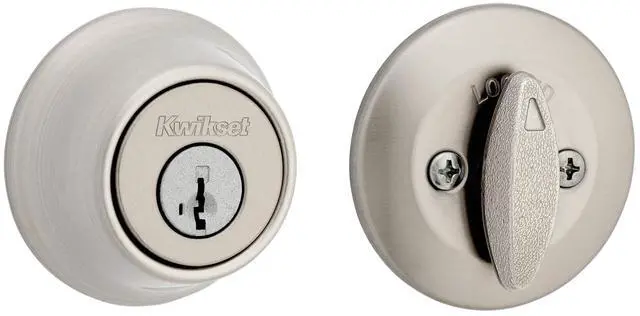
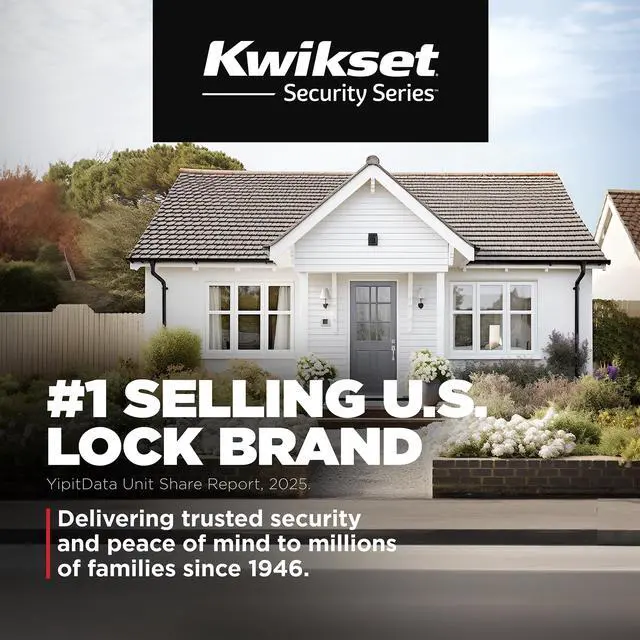



Kwikset is the #1 selling U.S. lock brand, making homeowners feel safe since 1946. Kwikset works hard to understand the world you live in, so that we can do everything we can to protect it. The company’s unwavering commitment to meeting homeowners’ needs has inspired its innovative lock portfolio.
Visit Our Brand Store

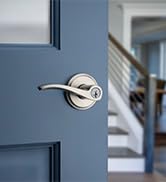
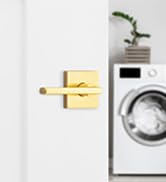
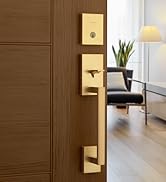
Signature Series
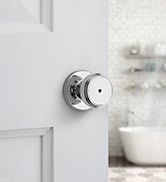
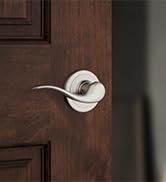
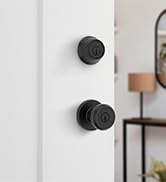
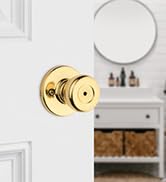
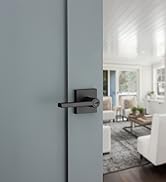
Security Series
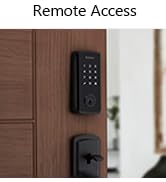
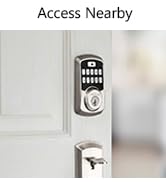
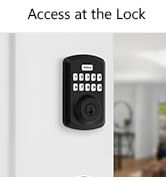
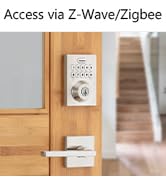
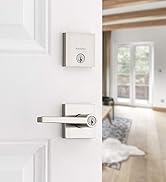
Electronic Locks
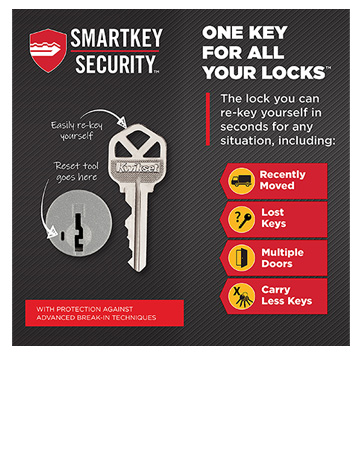
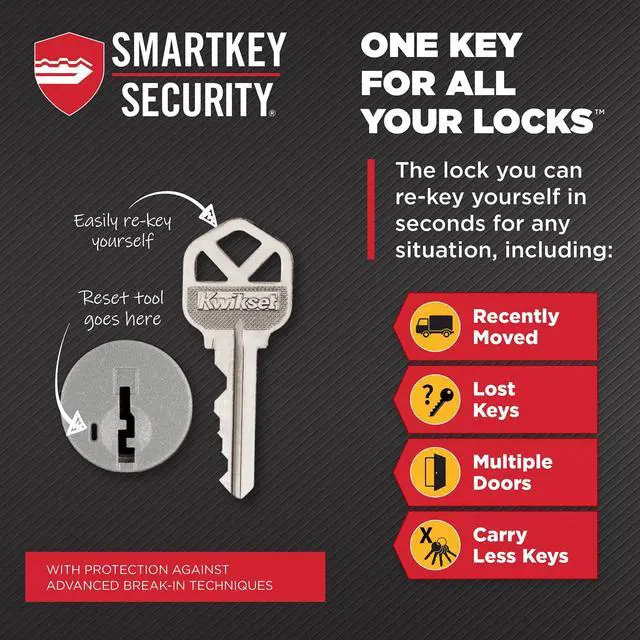
Kwikset's SmartKey Security technology lets you re-key your lock in seconds and protects your home against unwanted break-ins.


Kwikset SmartKey Security
Superior Security
Kwikset's SmartKey Security protects against common advanced break-in techniques.
Security Made Convenient
SmartKey Security features re-key technology, which allows you to re-key your locks yourself in seconds, because we realize the person who has your key today may not be the same person you want to have your key tomorrow.

Why a SmartKey lock?
Protects Against Common Break-in Methods
Kwikset's SmartKey Security is designed to protect against common types of break-ins to keep your family safe. SmartKey Security is kick-in resistant, bump proof, pick resistant, drill resistant, and saw resistant. Kwikset SmartKey Security also allows you to re-key the lock yourself in seconds, leaving lost or unreturned keys obsolete.
Reasons to Re-key Your Lock

You have a different key for each door.

You have loaned or unreturned keys.

Your child has lost their key, again.

You have recently moved or had tenant turnover.


Kwikset is the #1 selling U.S. lock brand, making homeowners feel safe since 1946. Kwikset works hard to understand the world you live in, so that we can do everything we can to protect it. The company’s unwavering commitment to meeting homeowners’ needs has inspired its innovative lock portfolio.
Visit Our Brand Store
Signature Series
Security Series
Electronic Locks
Kwikset's SmartKey Security technology lets you re-key your lock in seconds and protects your home against unwanted break-ins.
Kwikset SmartKey Security
Superior Security
Kwikset's SmartKey Security protects against common advanced break-in techniques.
Security Made Convenient
SmartKey Security features re-key technology, which allows you to re-key your locks yourself in seconds, because we realize the person who has your key today may not be the same person you want to have your key tomorrow.
Why a SmartKey lock?
Protects Against Common Break-in Methods
Kwikset's SmartKey Security is designed to protect against common types of break-ins to keep your family safe. SmartKey Security is kick-in resistant, bump proof, pick resistant, drill resistant, and saw resistant. Kwikset SmartKey Security also allows you to re-key the lock yourself in seconds, leaving lost or unreturned keys obsolete.
Reasons to Re-key Your Lock
You have a different key for each door.
You have loaned or unreturned keys.
Your child has lost their key, again.
You have recently moved or had tenant turnover.
SmartKey Security- Re-Key as Easy as 1-2-3
Before you start re-keying, you must have your functioning key, your new key, and the SmartKey Learn tool.
Step 1
Insert the key that currently operates your lock, and rotate it 90 degrees clockwise.
Step 2
A) Insert the SmartKey tool fully and firmly into the SmartKey hole.
B) Remove the SmartKey tool and the current key.
Step 3
A) Fully insert your new key into the lock and rotate it 180 degrees.
B) Rotate the new key 90 degrees back to the starting position, and remove it. Your lock is now re-keyed to your new key, and your old key will no longer operate the lock.