here!
here!
I’m your shopping assistant for PC builds, upgrades, and everything tech.
Got questions? Ask away!
Start a conversation
here!
I’m your shopping assistant for PC builds, upgrades, and everything tech.
Got questions? Ask away!
Start a conversation



Any questions? Ask CelesteSM will help you find out quickly.

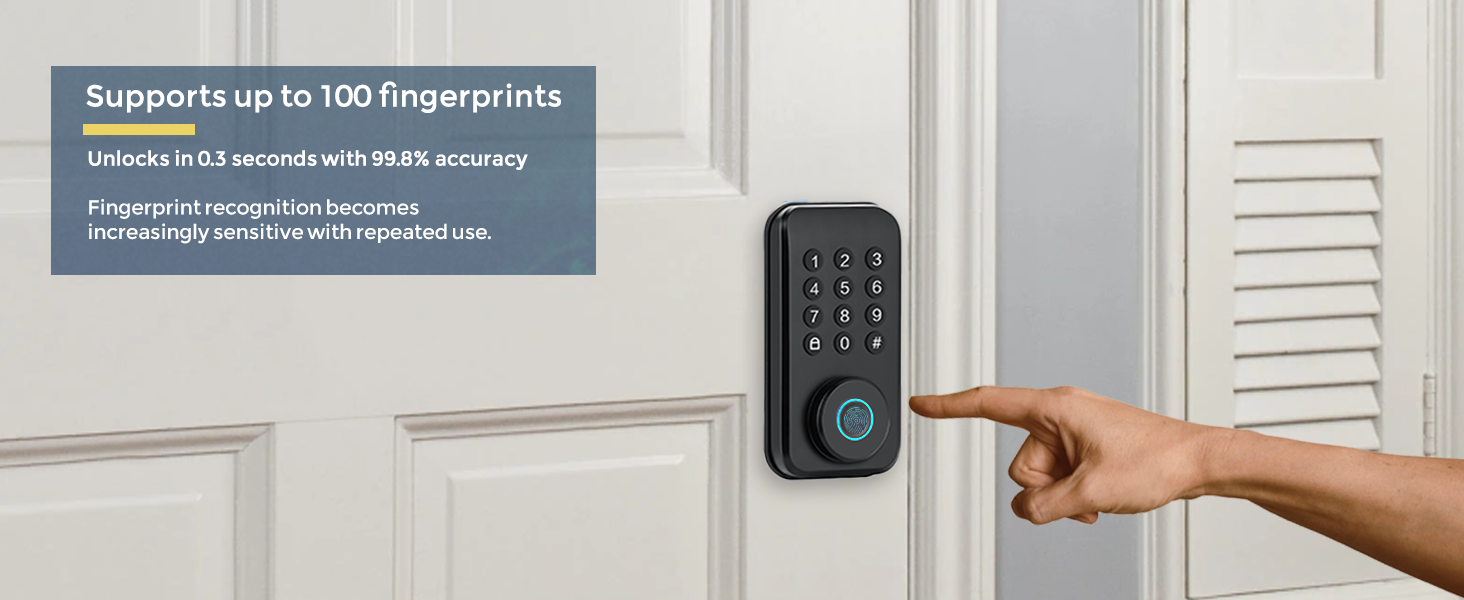
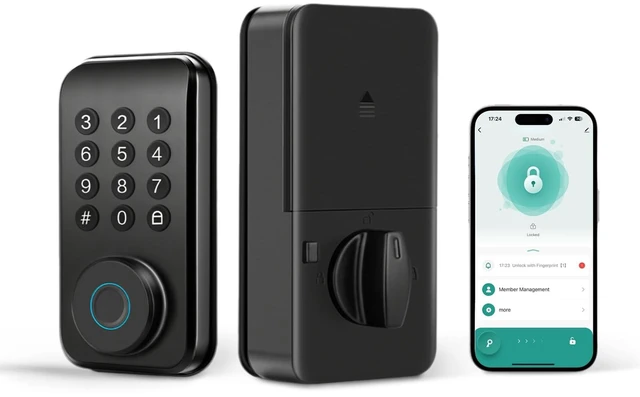
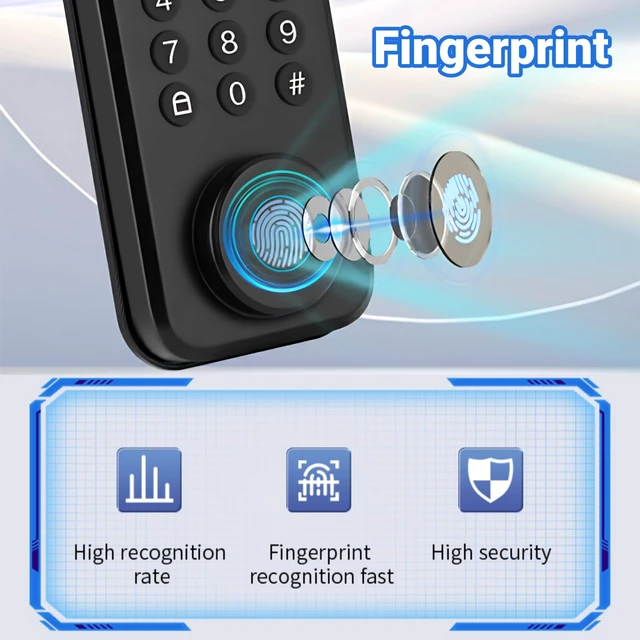
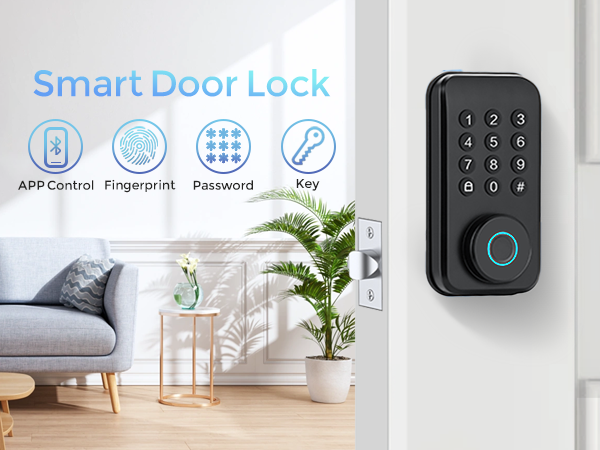
Unlocking the door at the touch of a finger.

Secure Your World, Simplify Your Life.
Born from Chengdu’s spirit of innovation, TianfuSpanda blends traditional craftsmanship with smart technology. We create intuitive smart locks that offer unmatched security and convenience, transforming how you protect your home. Designed for modern living, our products ensure peace of mind with every touch.
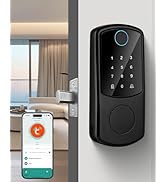
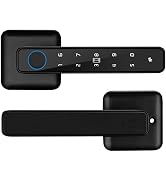
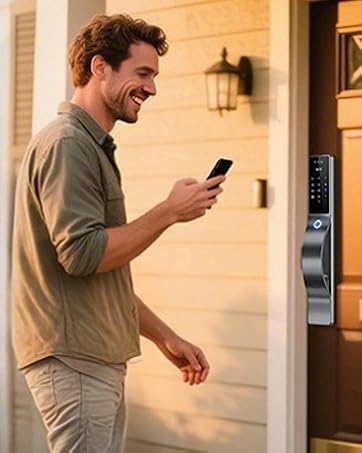
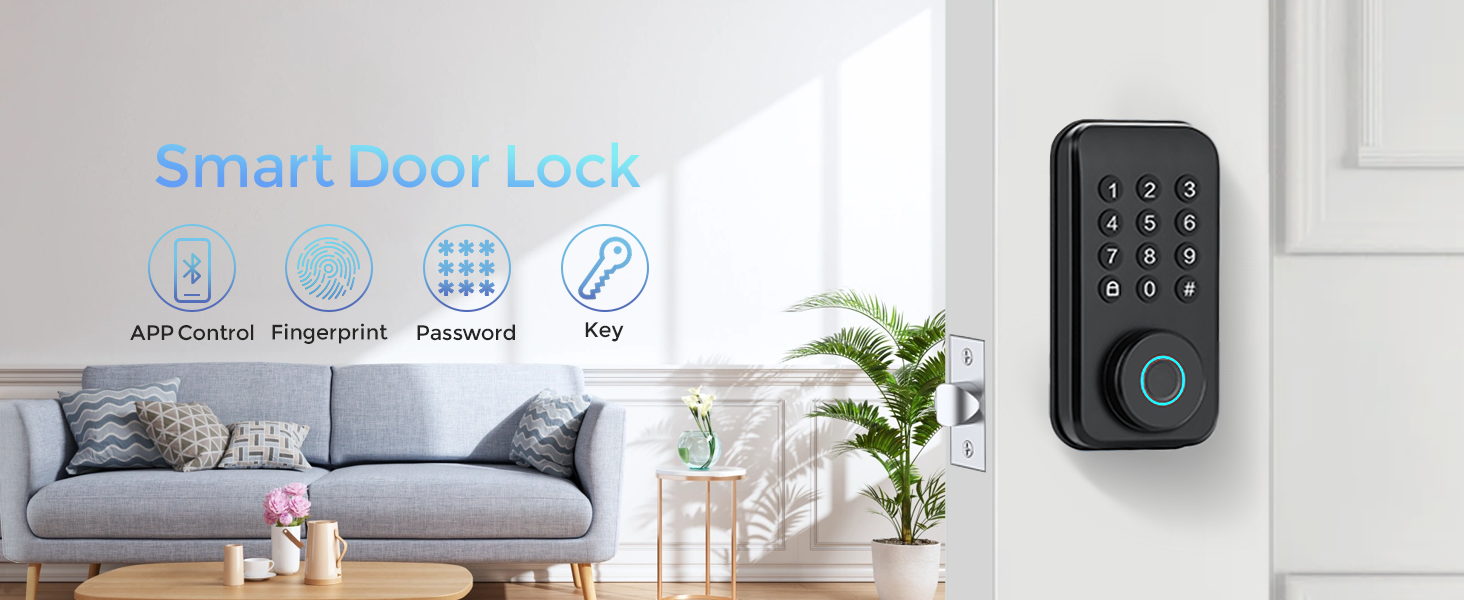
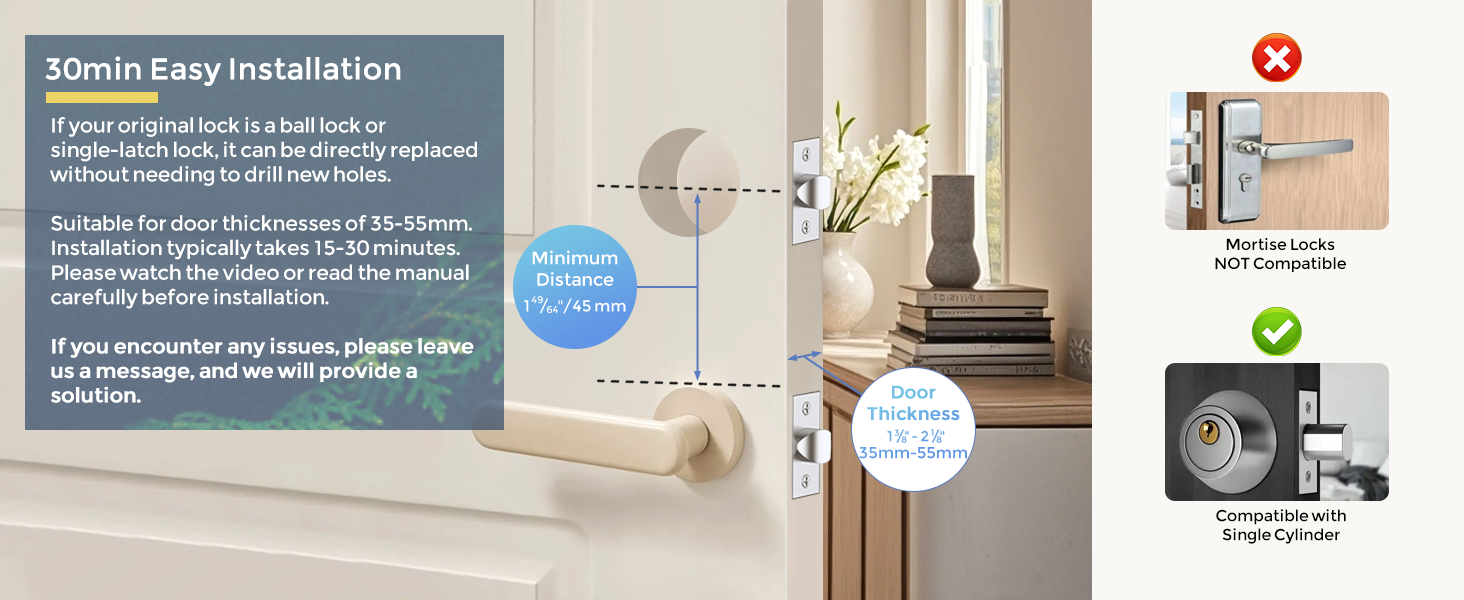
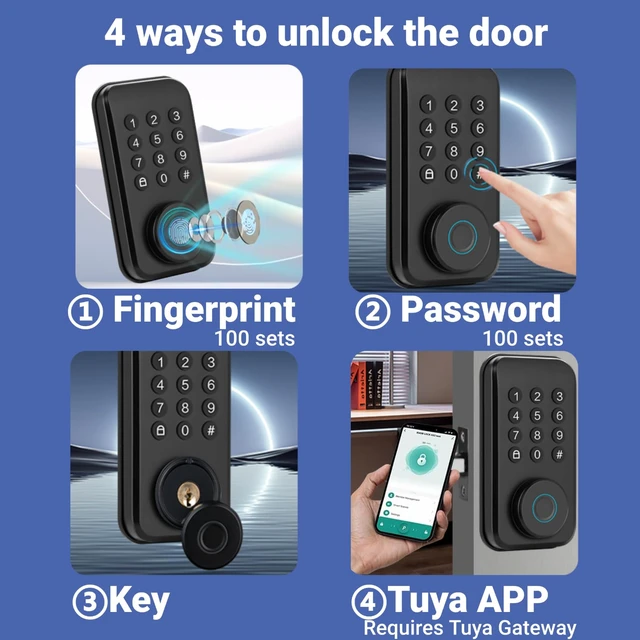
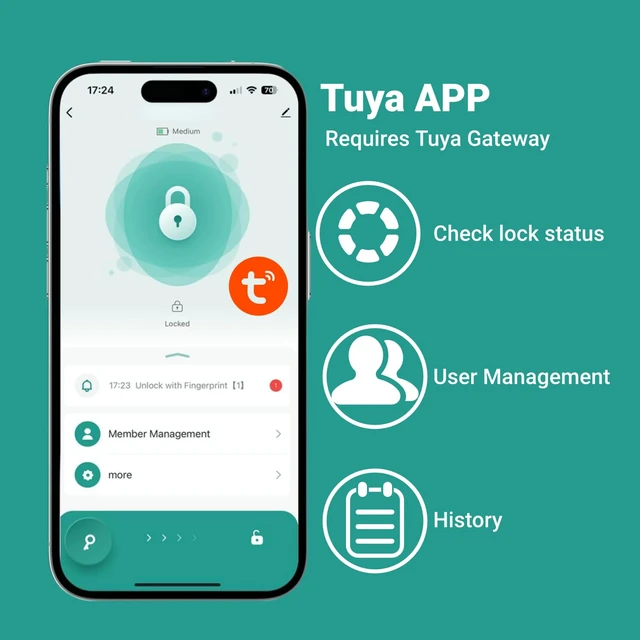
Tips:(1) The first user should set up fingerprints in the app;(2) Unlocking information set in the local command system will be automatically granted administrator permissions and linked to the “Family Members” section in the app;(3) Unless necessary, avoid manual programming locally; the mobile app offers more convenient operation.
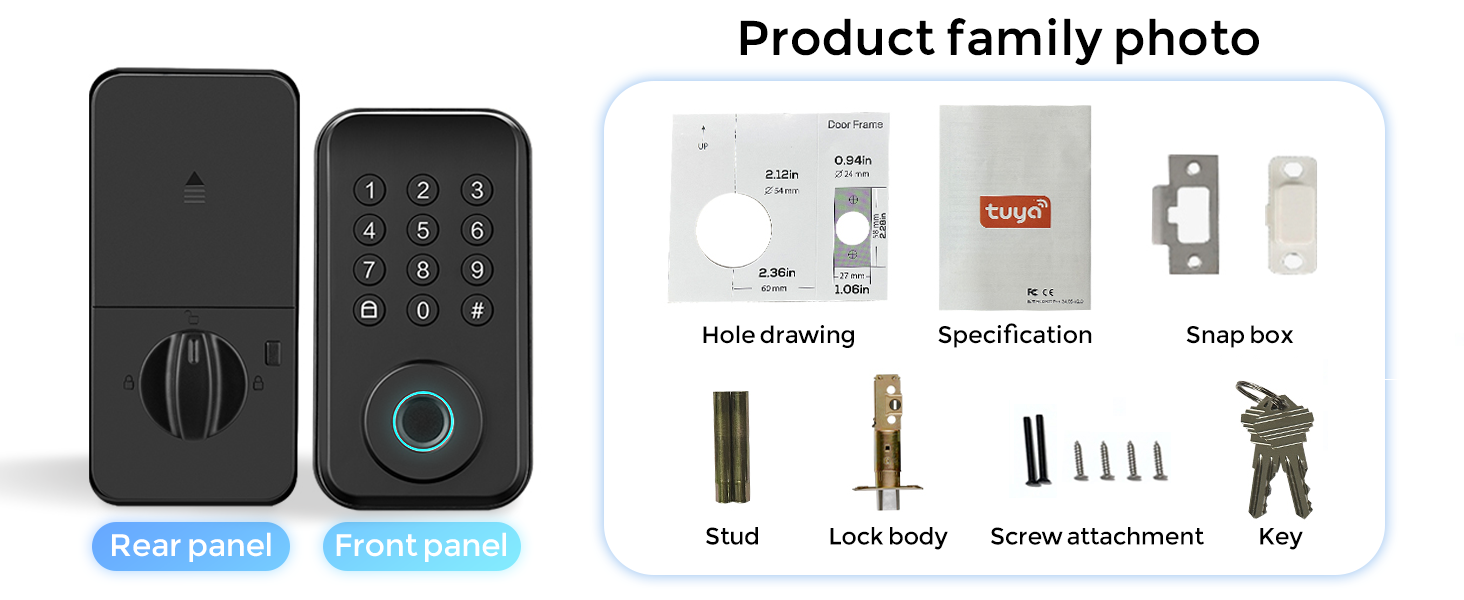
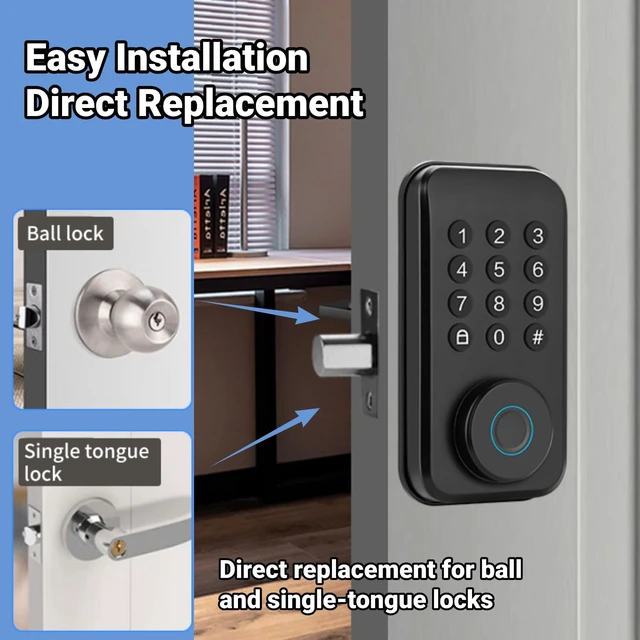
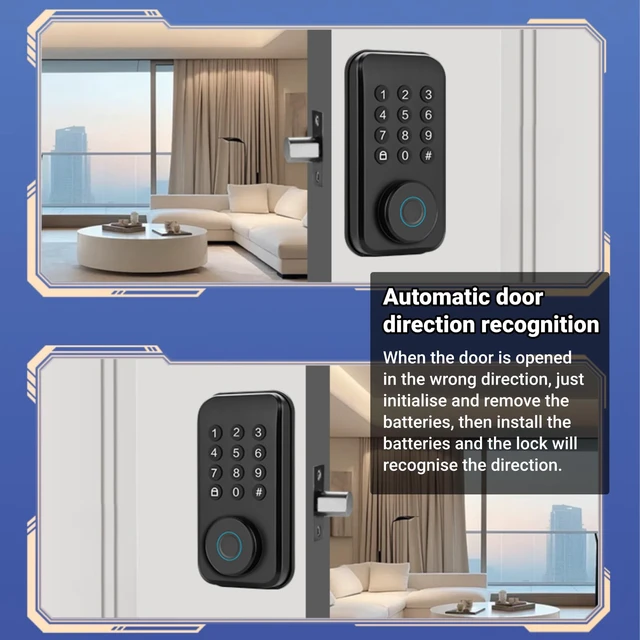
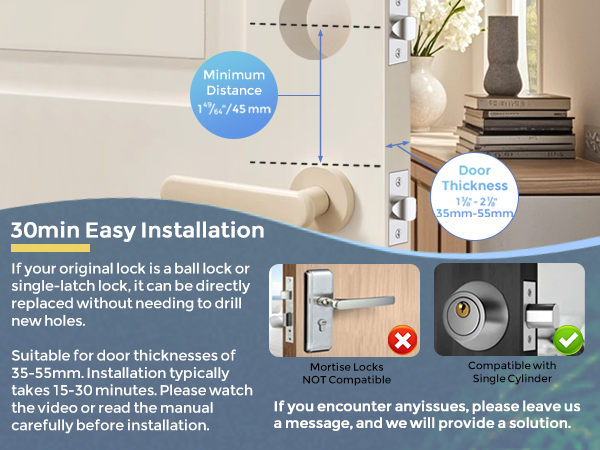
Important Note: Please watch the installation video carefully to assess whether self-installation is feasible; measure the door dimensions to ensure compatibility; if you have any questions, please leave us a message, and we will provide a solution.
Unlocking the door at the touch of a finger.
Secure Your World, Simplify Your Life.
Born from Chengdu’s spirit of innovation, TianfuSpanda blends traditional craftsmanship with smart technology. We create intuitive smart locks that offer unmatched security and convenience, transforming how you protect your home. Designed for modern living, our products ensure peace of mind with every touch.
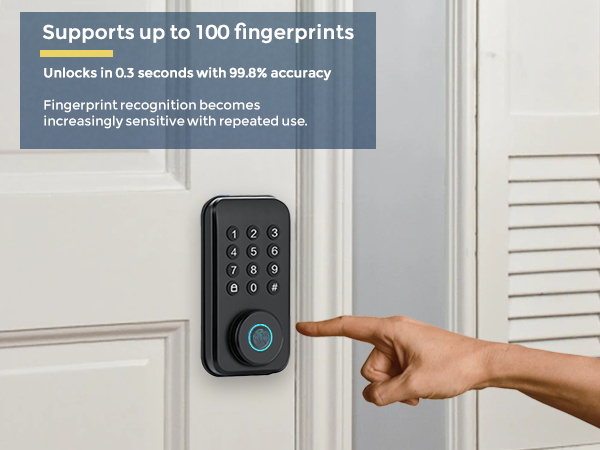
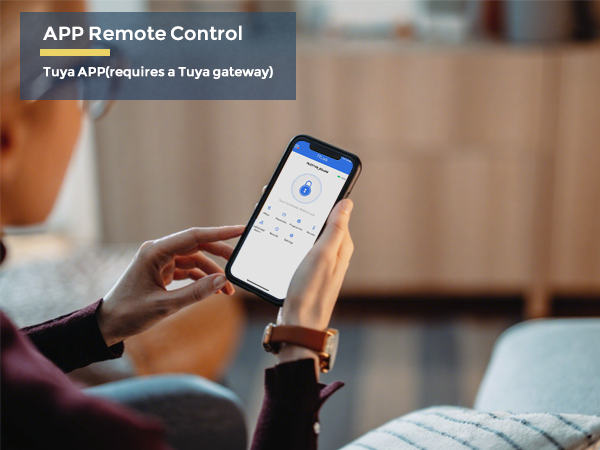
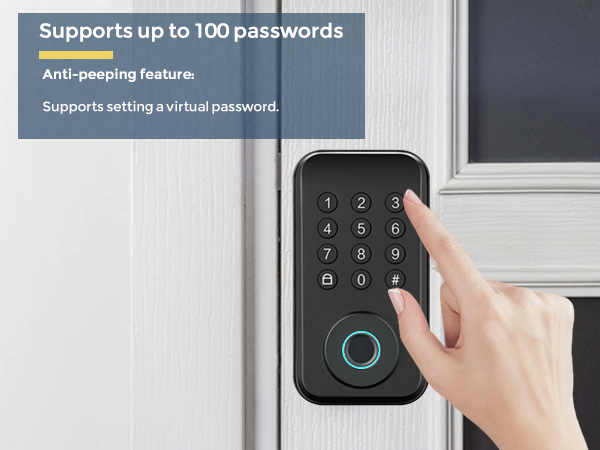
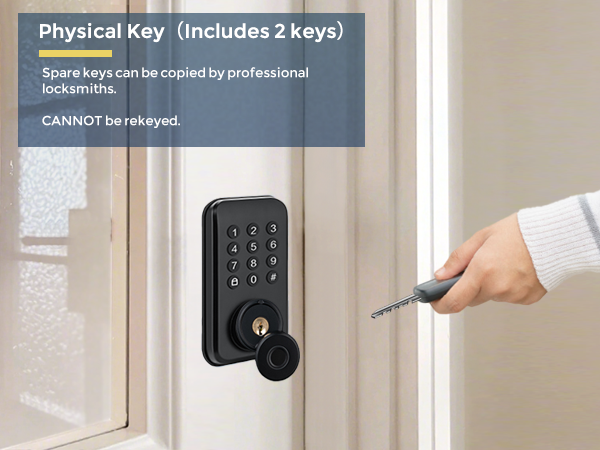
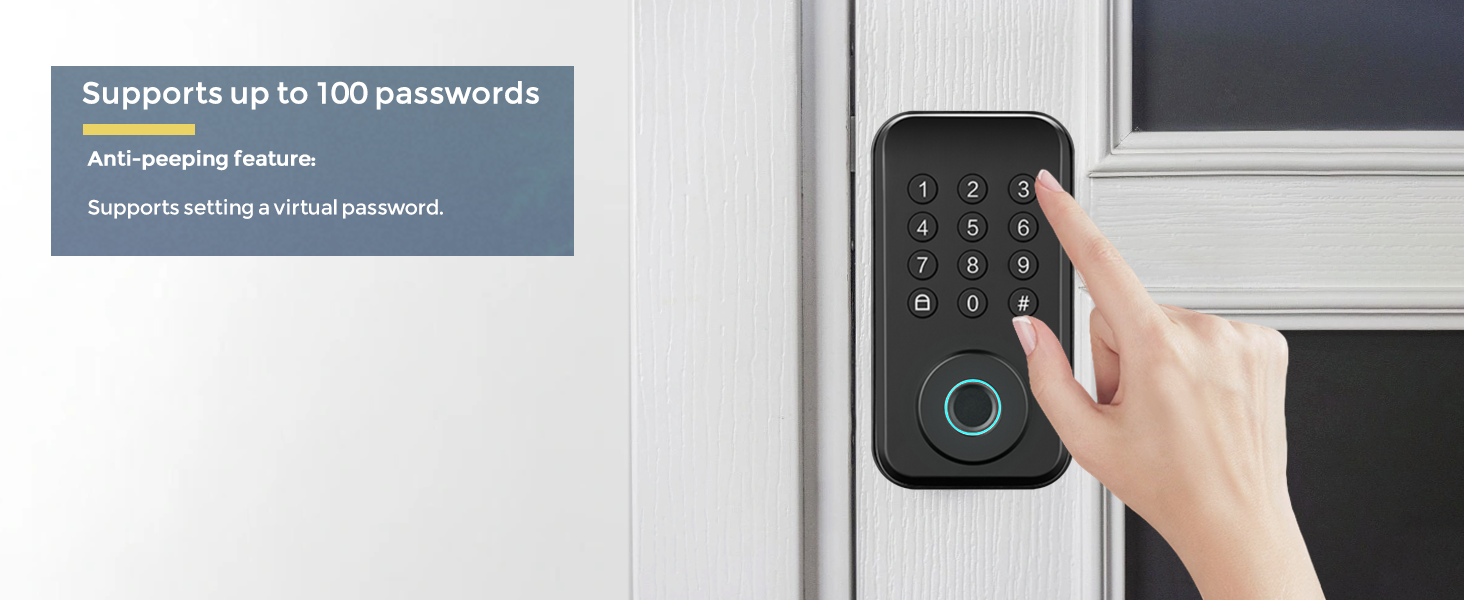
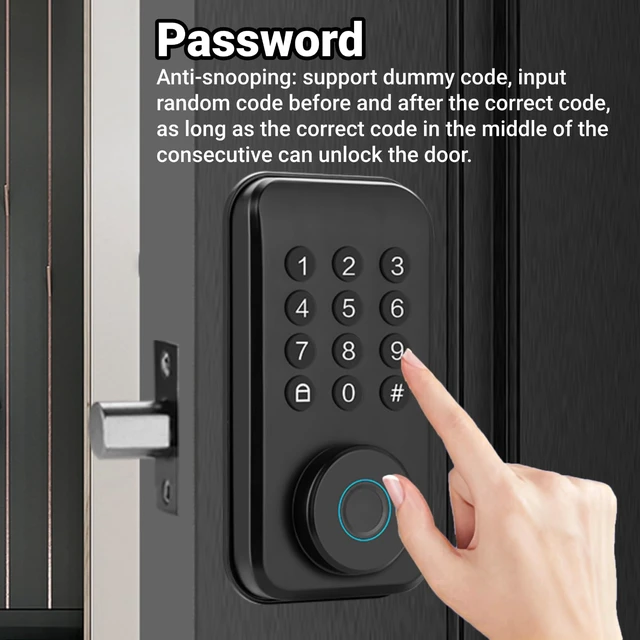
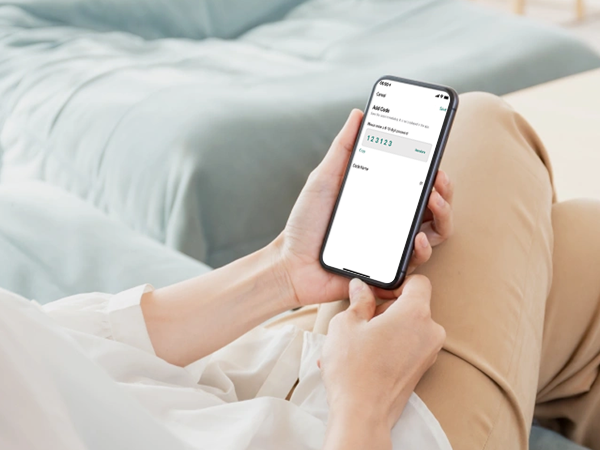
Temporary passwords, one-time passwords, etc.

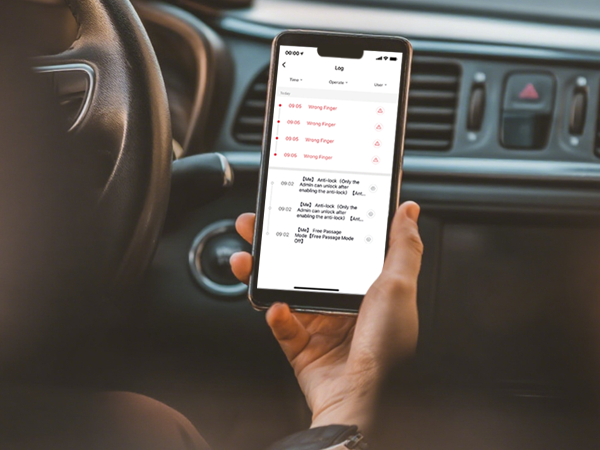
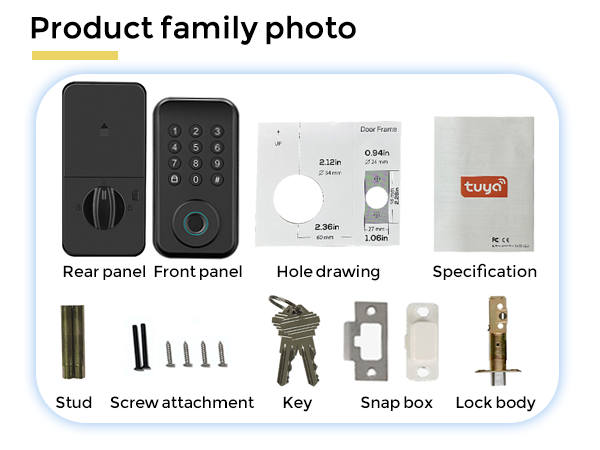
Tips:(1) The first user should set up fingerprints in the app;(2) Unlocking information set in the local command system will be automatically granted administrator permissions and linked to the “Family Members” section in the app;(3) Unless necessary, avoid manual programming locally; the mobile app offers more convenient operation.
Important Note: Please watch the installation video carefully to assess whether self-installation is feasible; measure the door dimensions to ensure compatibility; if you have any questions, please leave us a message, and we will provide a solution.