here!
here!
I’m your shopping assistant for PC builds, upgrades, and everything tech.
Got questions? Ask away!
Start a conversation
here!
I’m your shopping assistant for PC builds, upgrades, and everything tech.
Got questions? Ask away!
Start a conversation



Any questions? Ask CelesteSM will help you find out quickly.
Slide to view >>>
Easy from Day One.

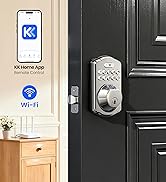
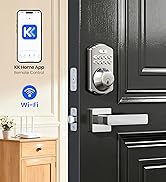
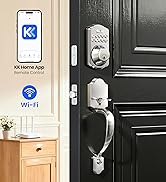
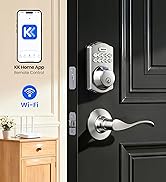
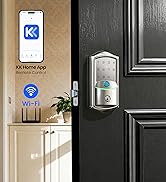
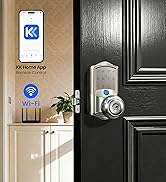
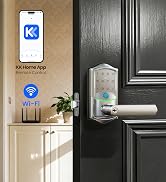
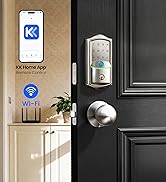
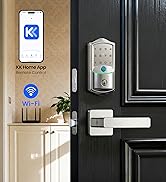
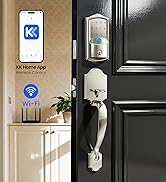
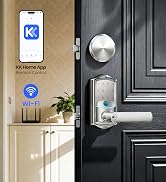
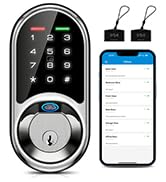
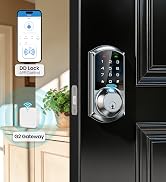
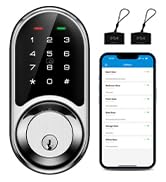
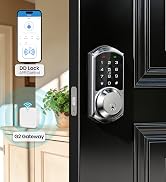
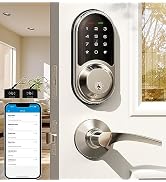
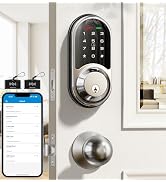
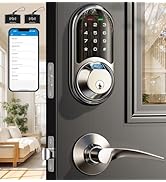
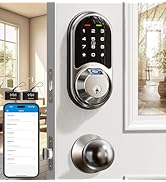


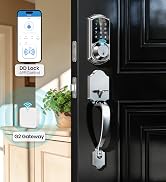
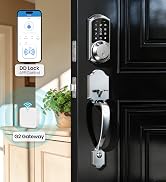
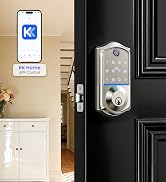
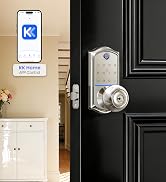
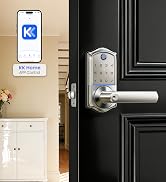
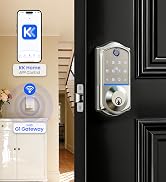
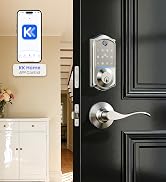
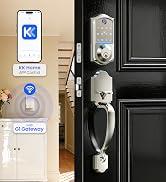
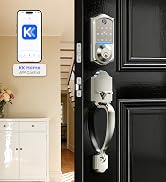
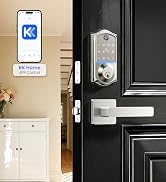
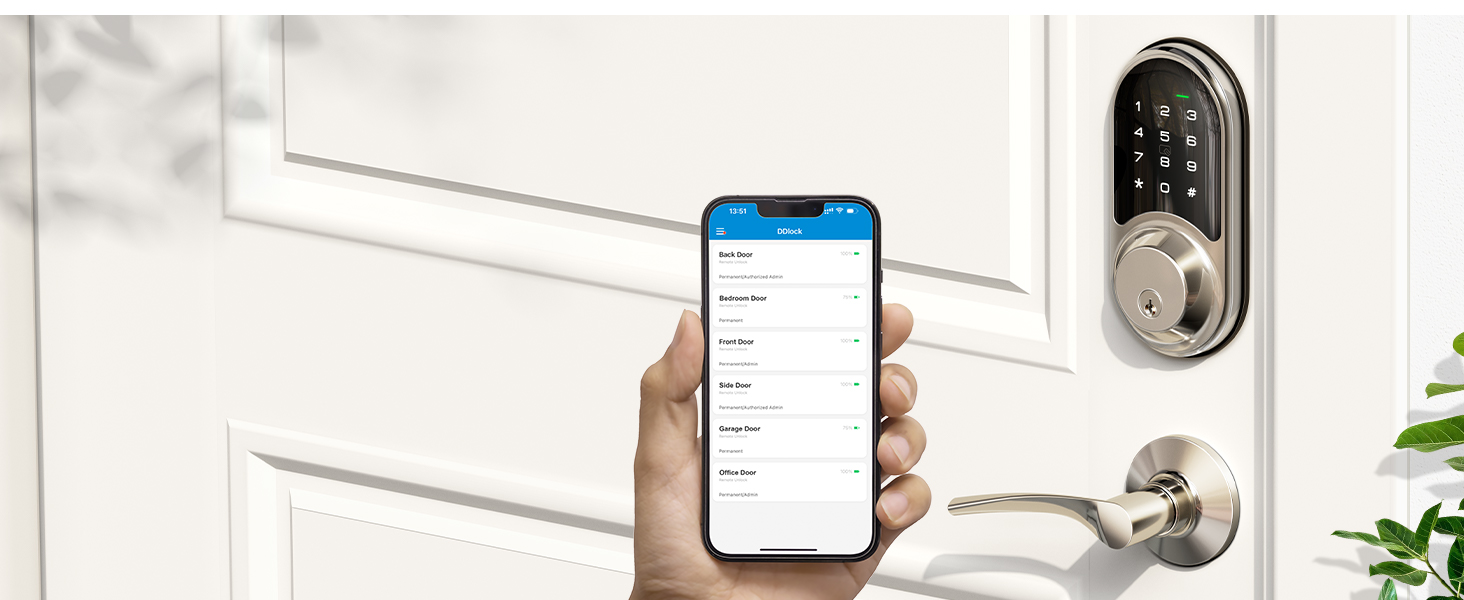
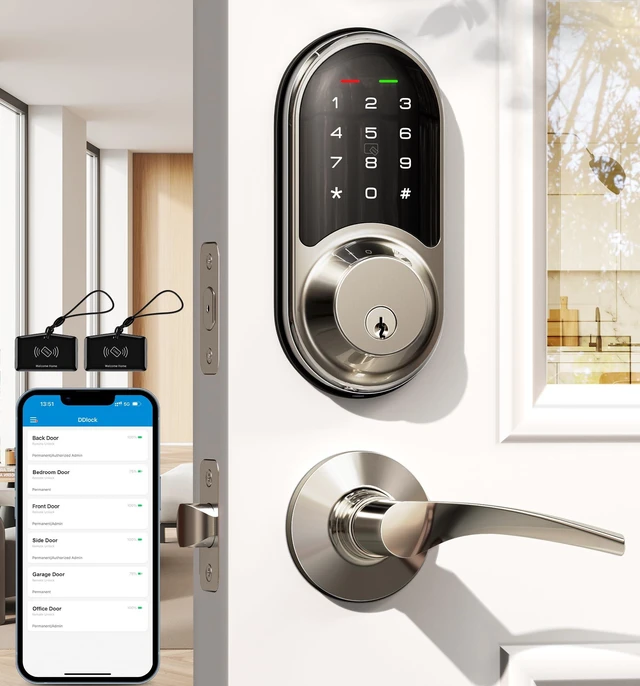
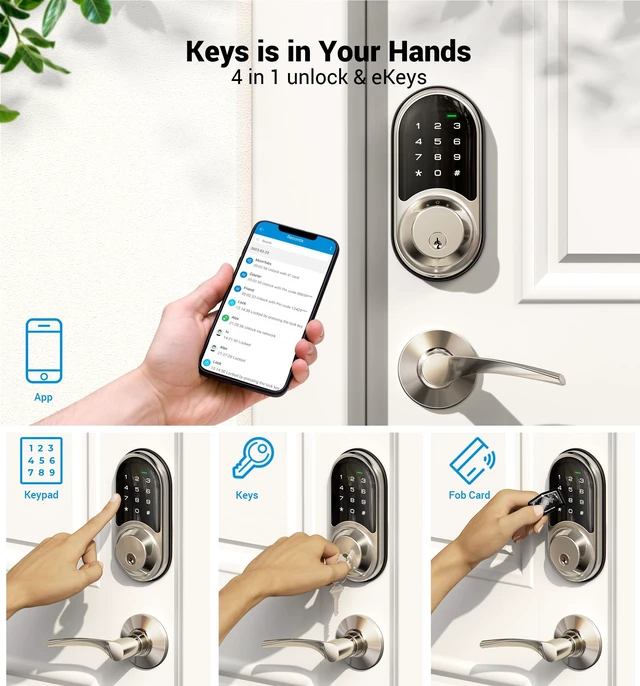
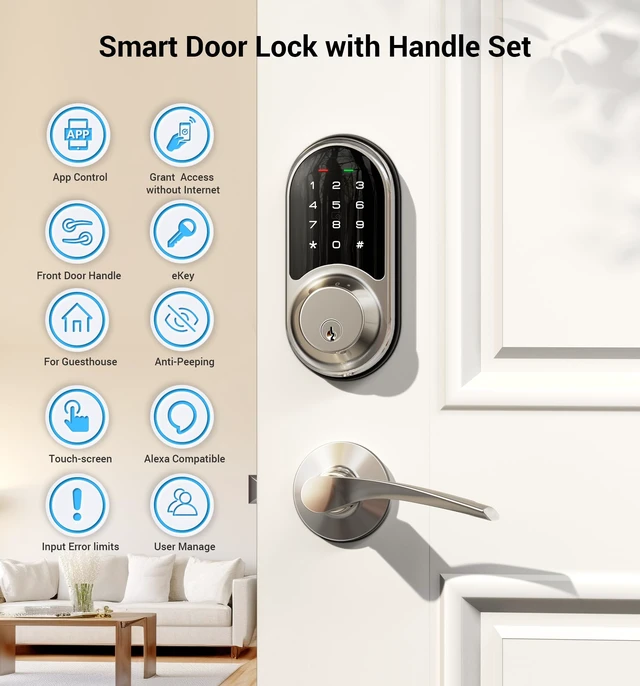
Unlock and manage your smart door lock through your smartphone.
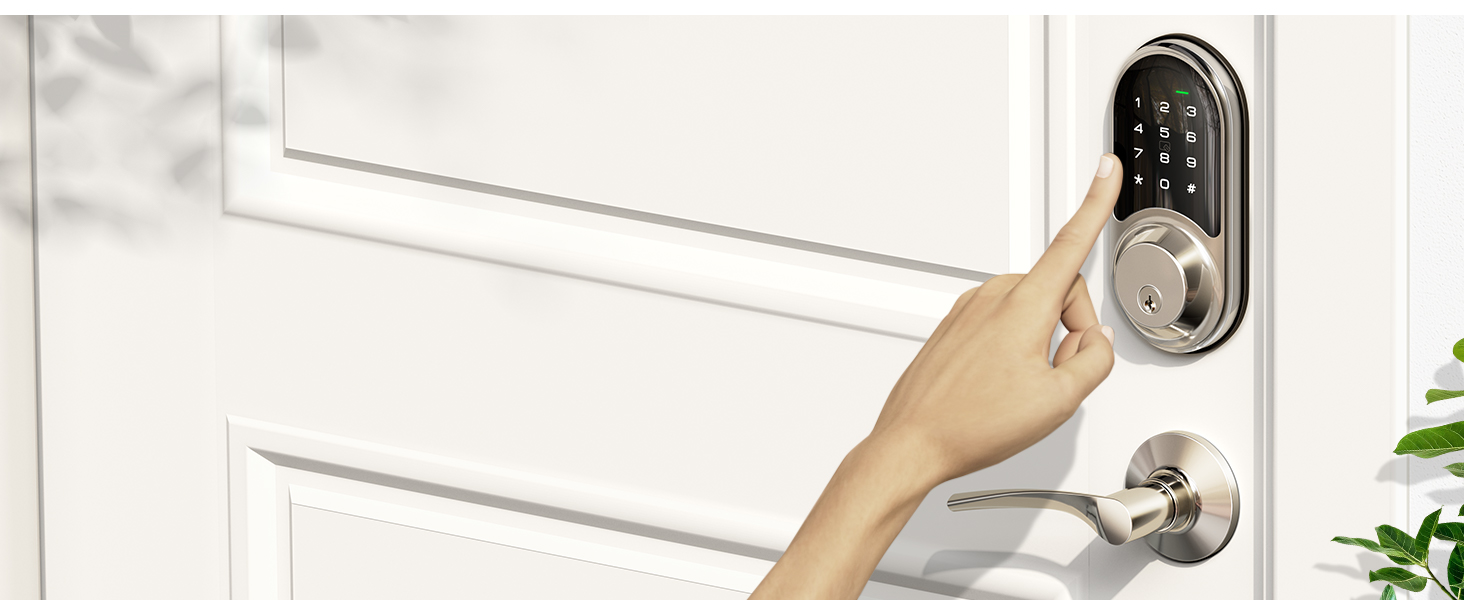
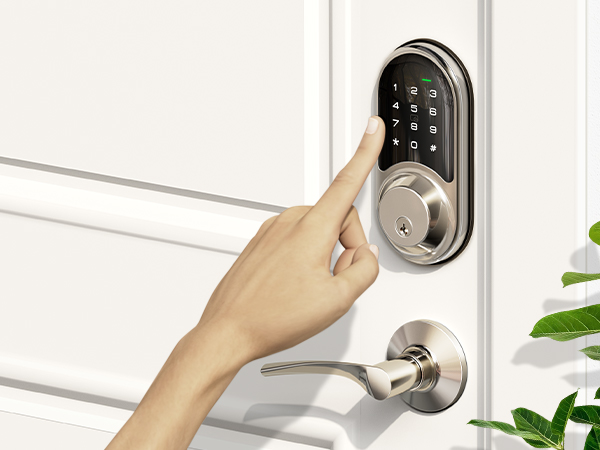
Set different types of passwords for family, guests or others.
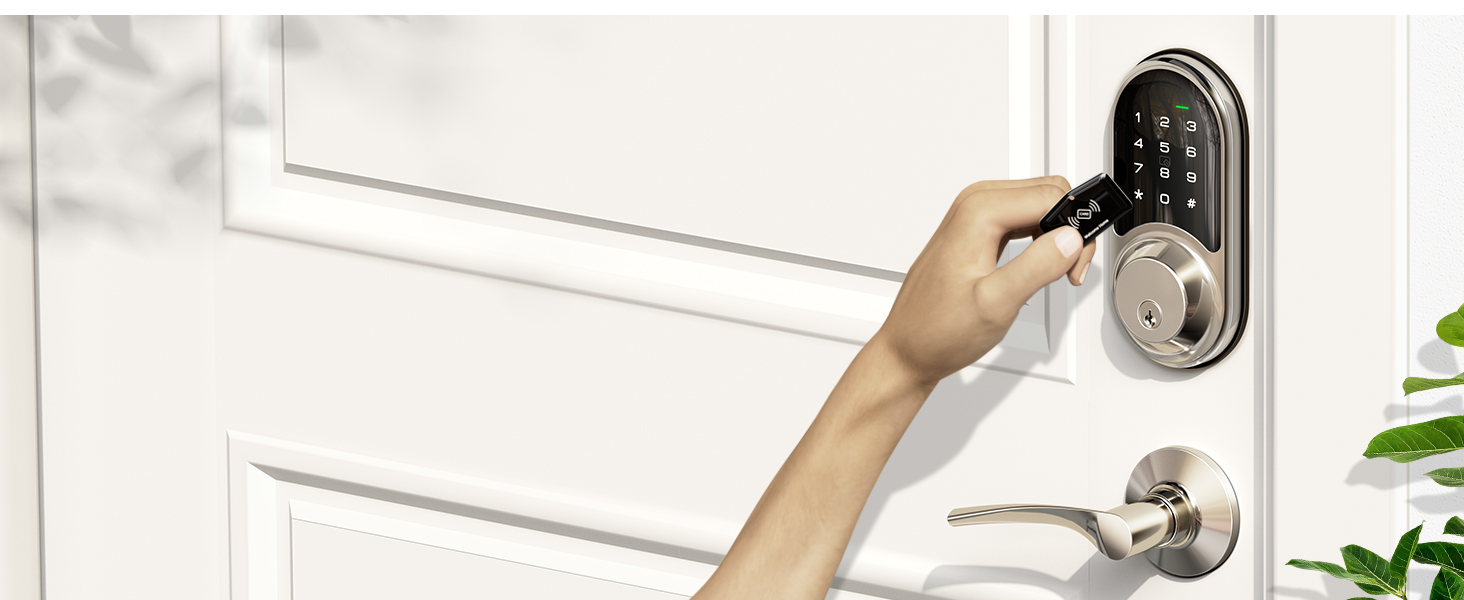
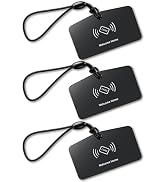
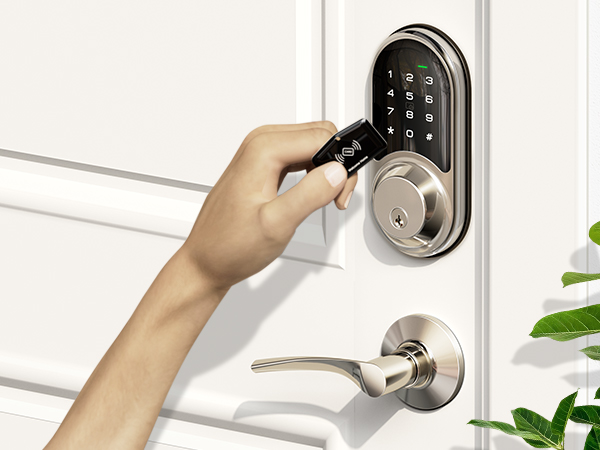
Simply swipe your fobs to unlock your front door.
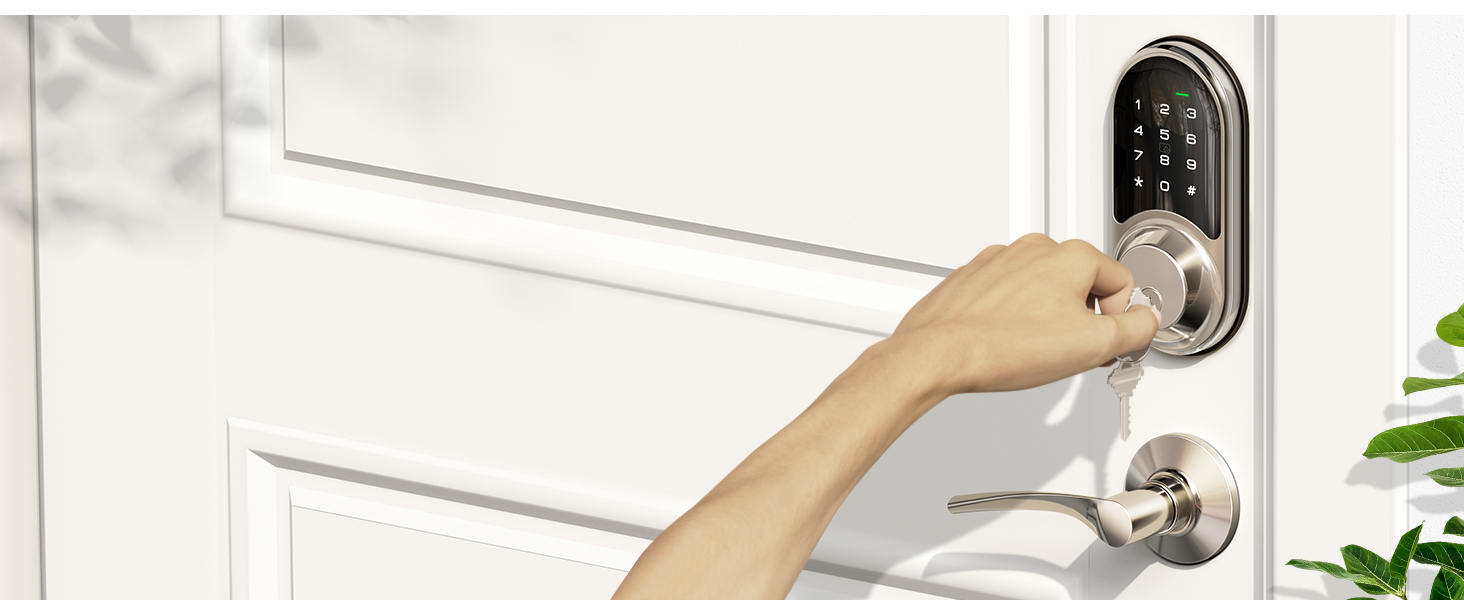
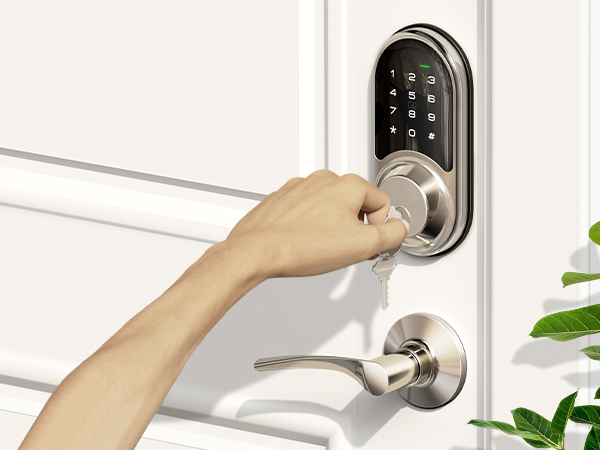
Equipped with two physical keys for emergency unlocking.
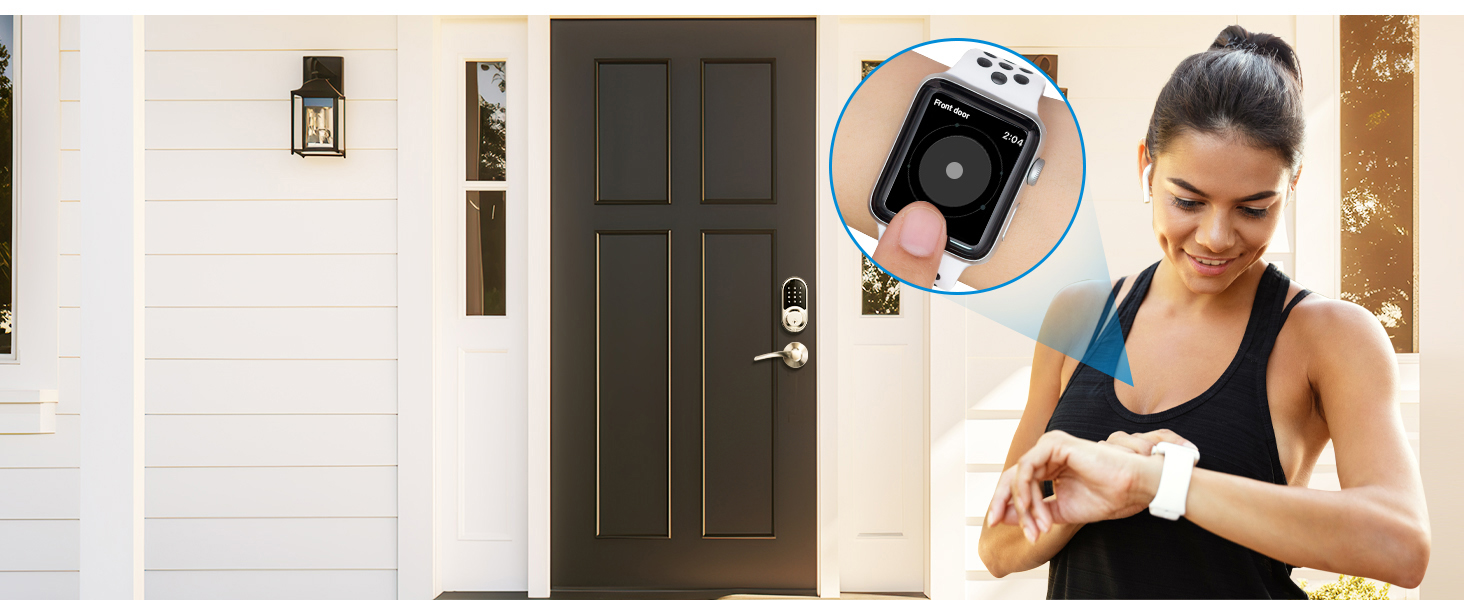
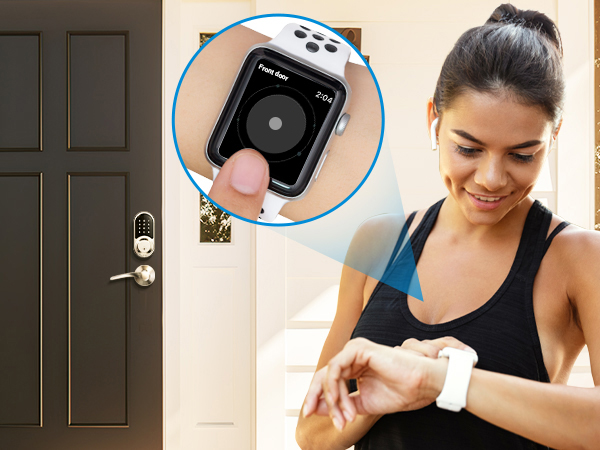
Access the smart lock with your Apple Watch within Bluetooth range of the lock.
Tips: Apple Watch needs to download the DDlock App separately.
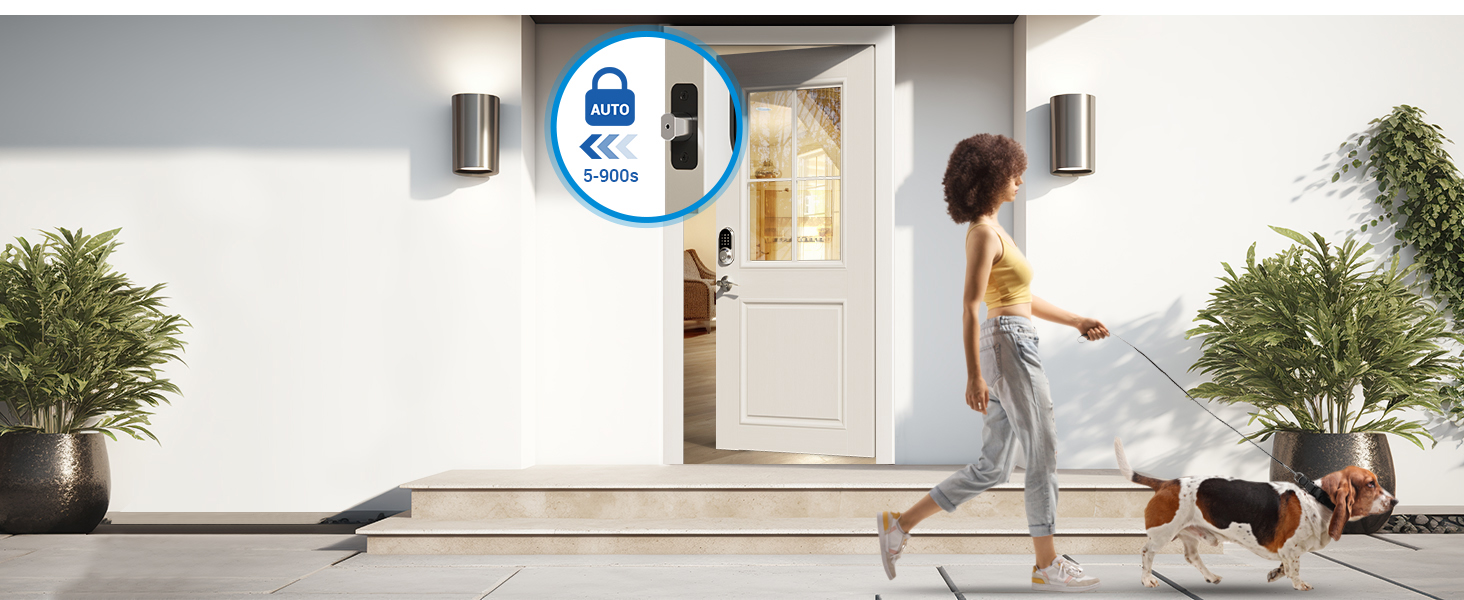
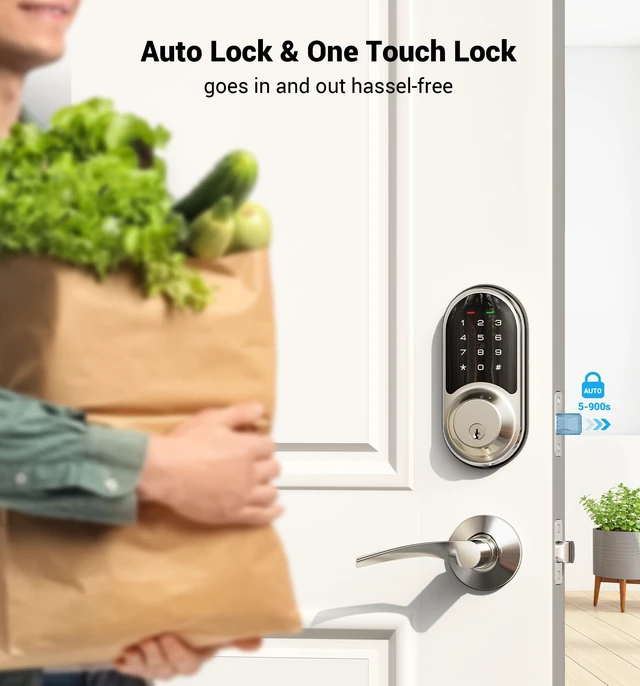
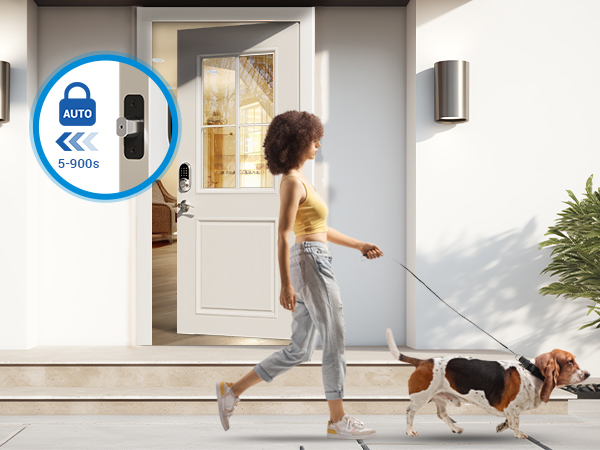
5 ways to lock: 5-900 s auto lock, press and hold the lock key in the App for 2 s, press "#" on the kepad for 2 s, use a physical key, or use the thumb turn.
Note: Unable to Auto Unlock.
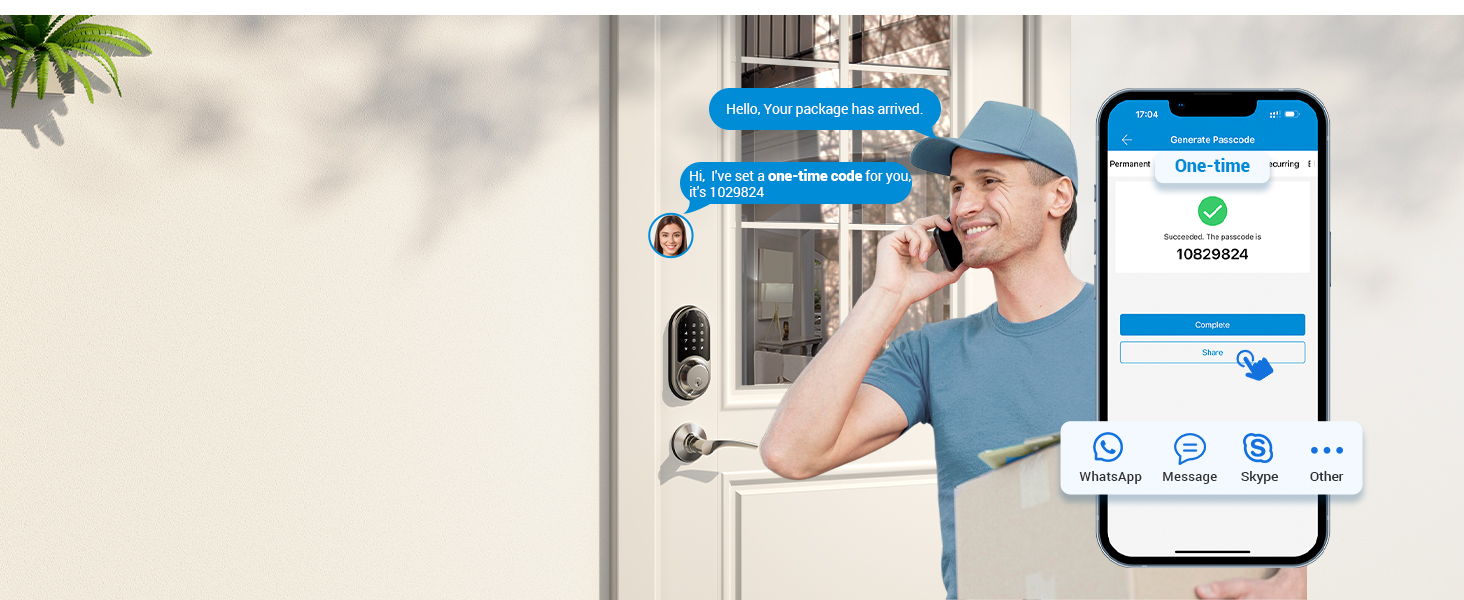
Remotely generate one-time passwords for temporary visitors, such as couriers and repairmen. These passwords are automatically deleted after use.
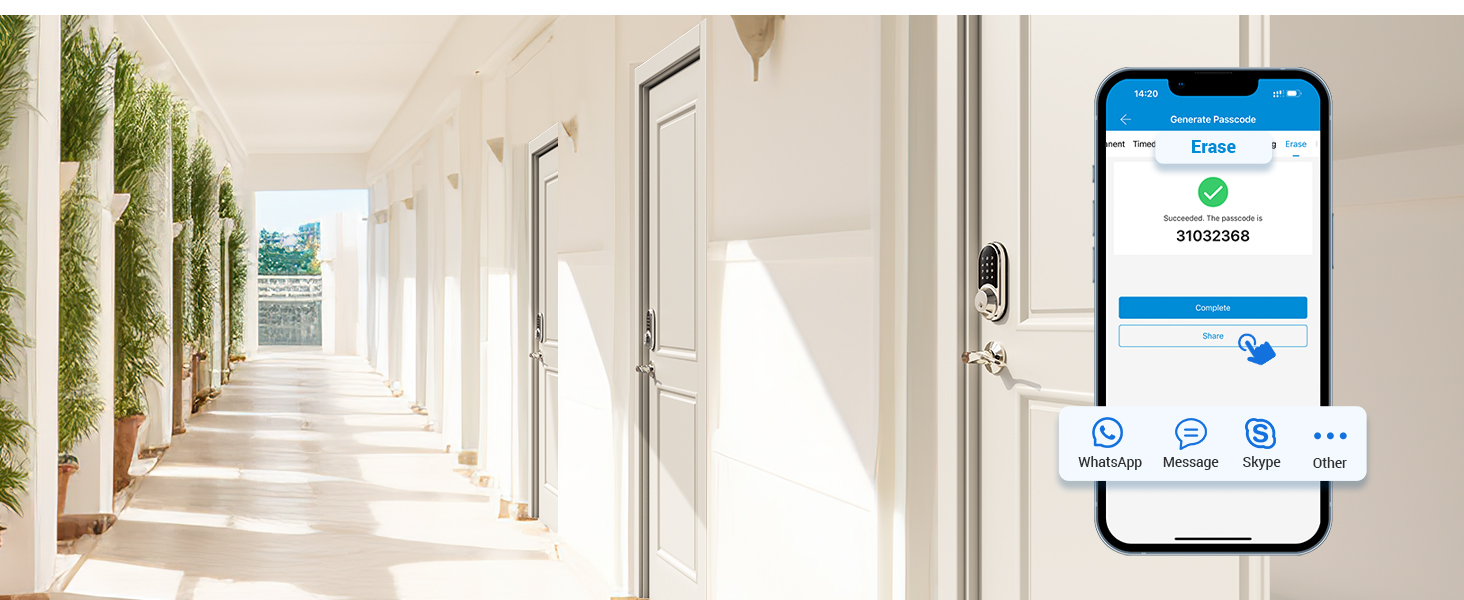
Remotely generate and share with tenants or guests who are checking out. All passwords (except the admin passwords) used on this lock will be cleared after entering this passwords
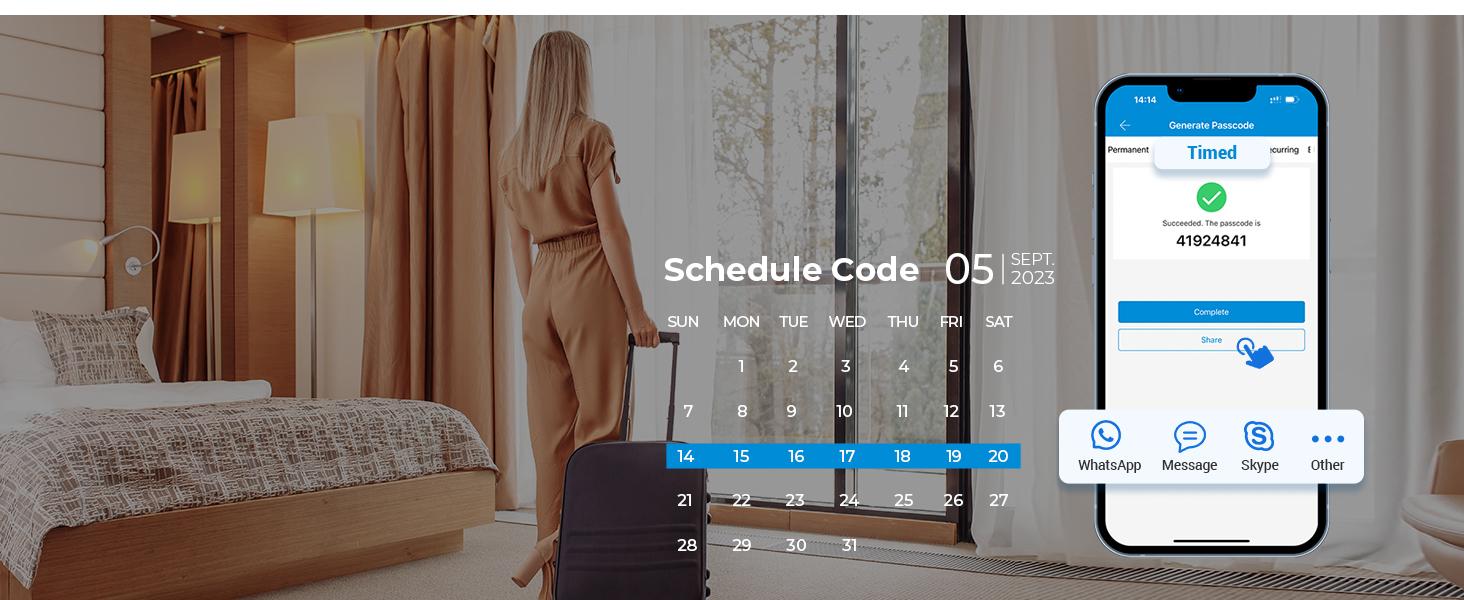
Remotely generate & share timed codes with auto-expiration after a set date.
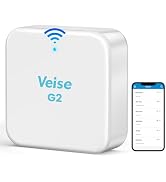
Delete/edit require within the Bluetooth range of lock or remotely via the Veise G2 gateway (sold separately).
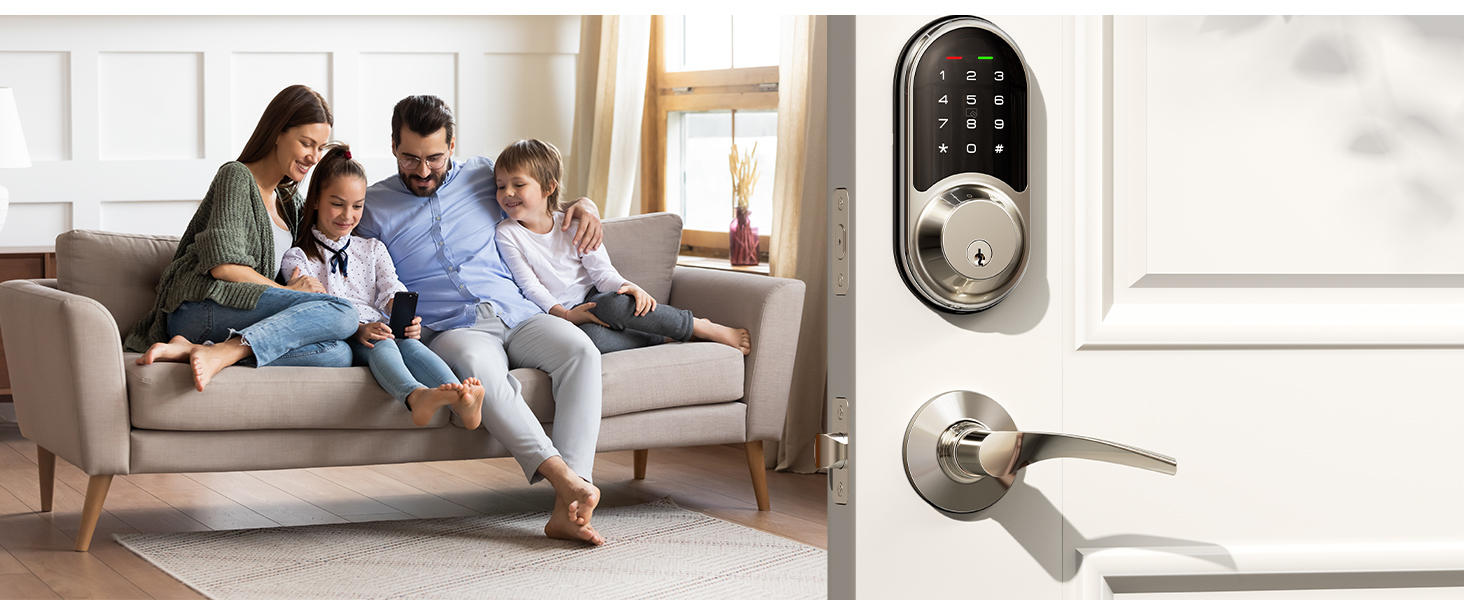
Remotely generate permanent code for your family. The code can be used all the time.
Delete/edit require within the Bluetooth range of lock or remotely via the Veise G2 gateway (sold separately).
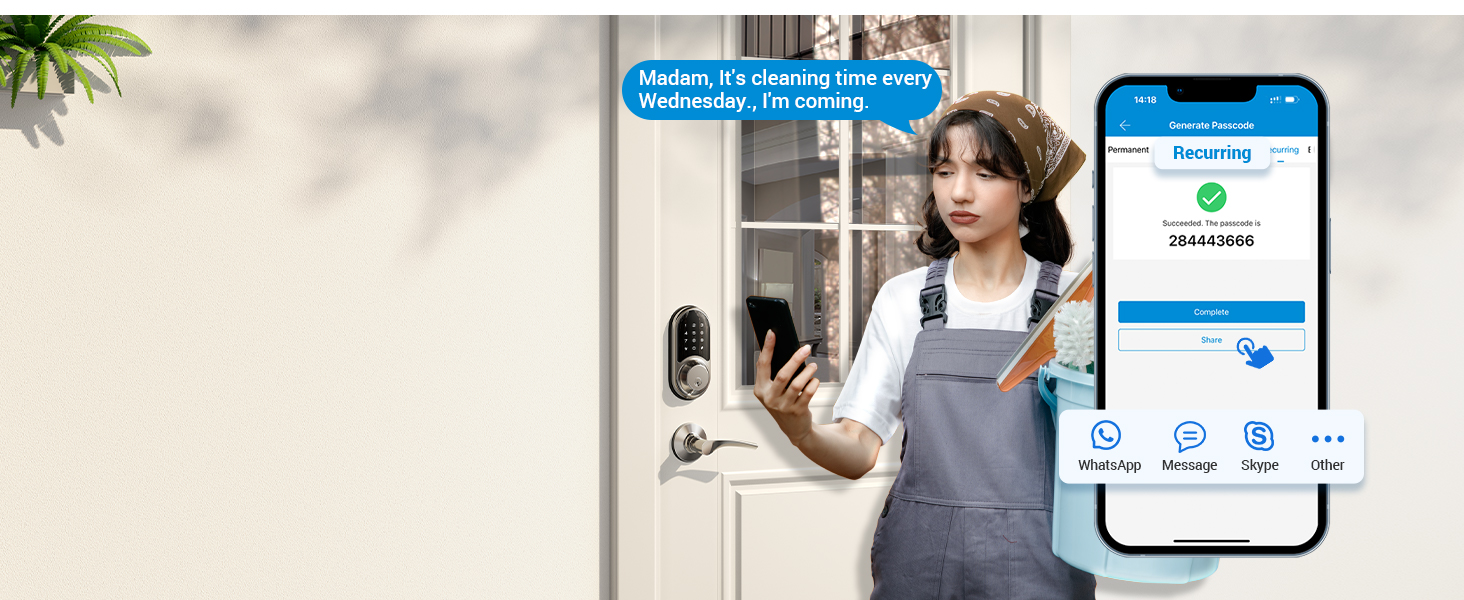
Remotely generate recurring code for regular visitors and can be reused at specified times.
Delete/edit require within the Bluetooth range or remotely via the Veise G2 gateway (sold separately).
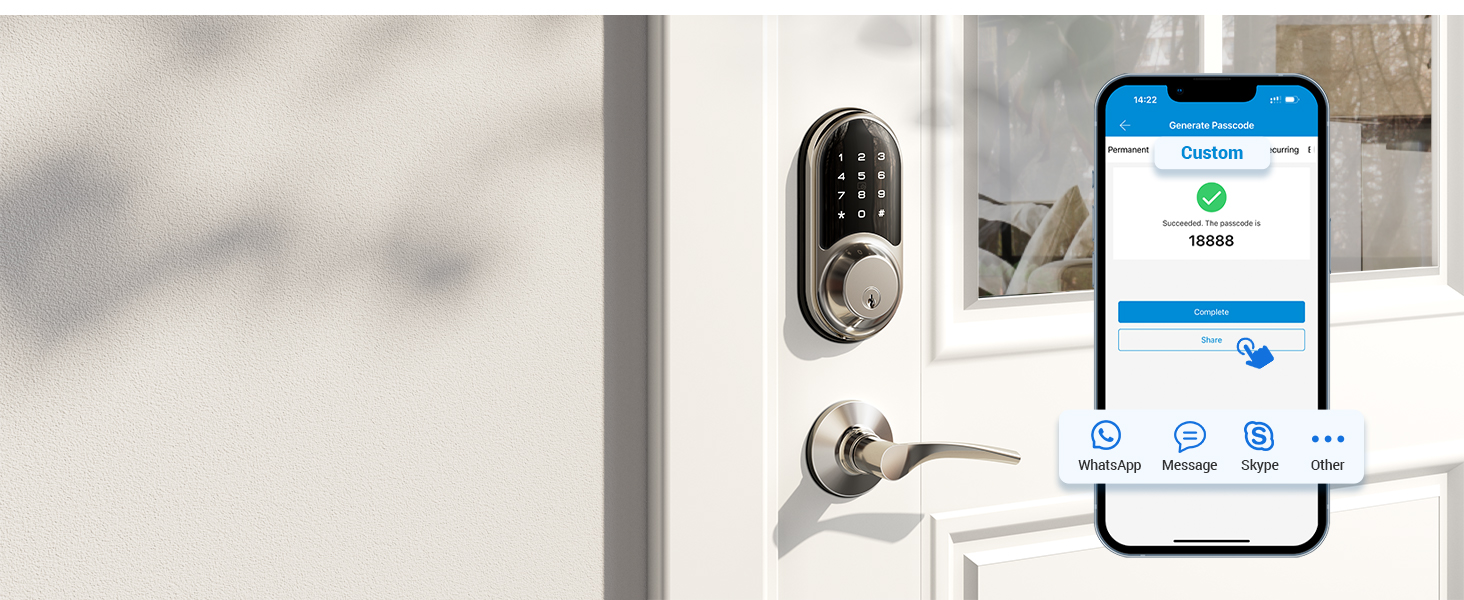
You can set a custom password locally within range of the lock or remotely via a connected Veise G2 gateway (sold separately).
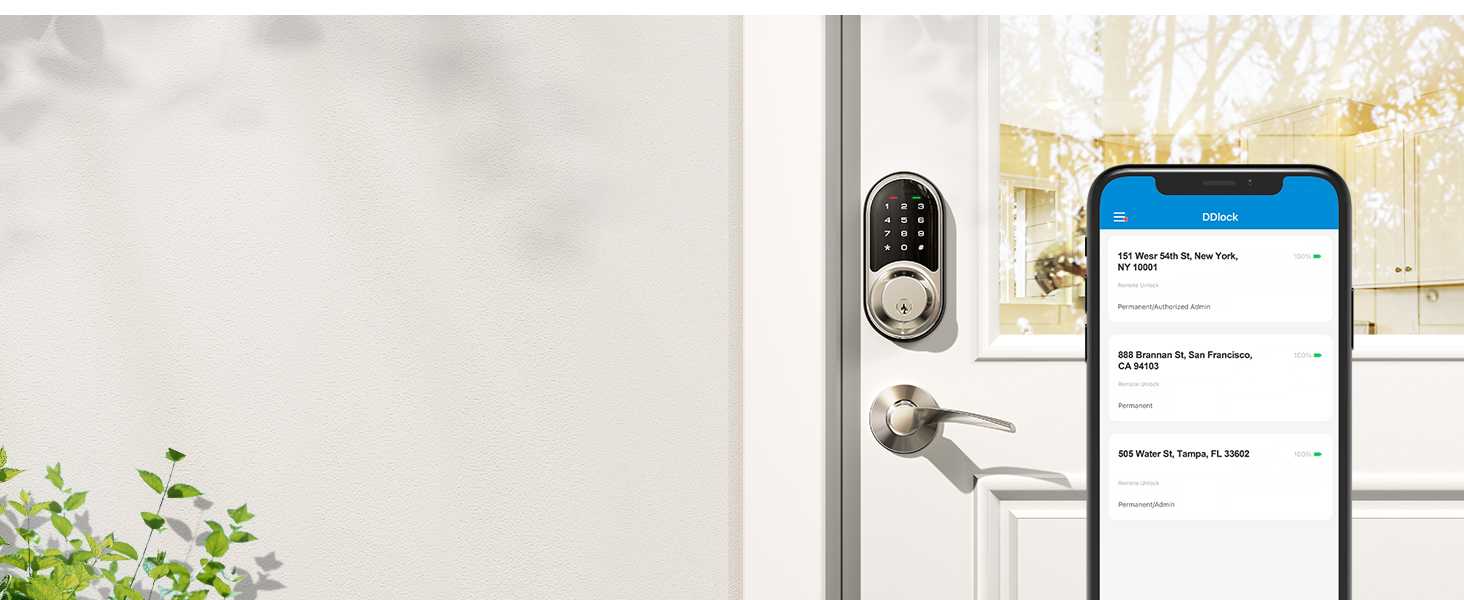
You can share App access with your family by sending eKeys remotely or by authorising the administrator.
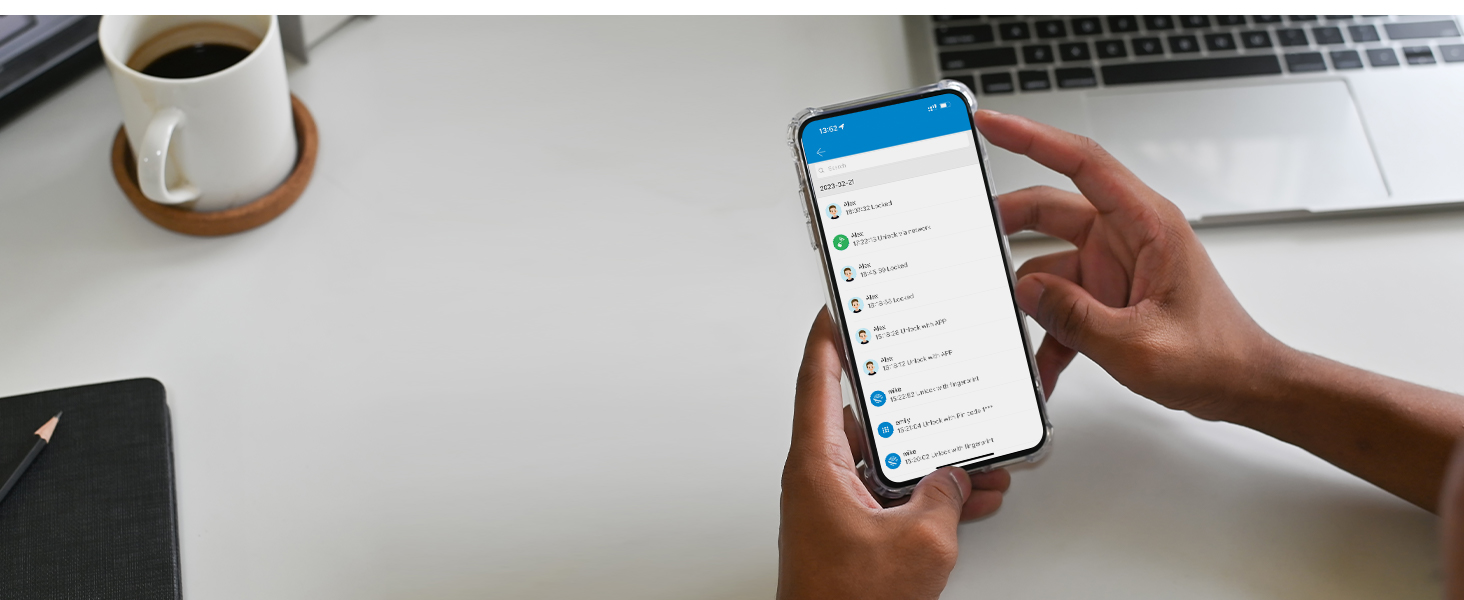
Check who unlocked your door - simply bring your phone near the lock to see recent activity.
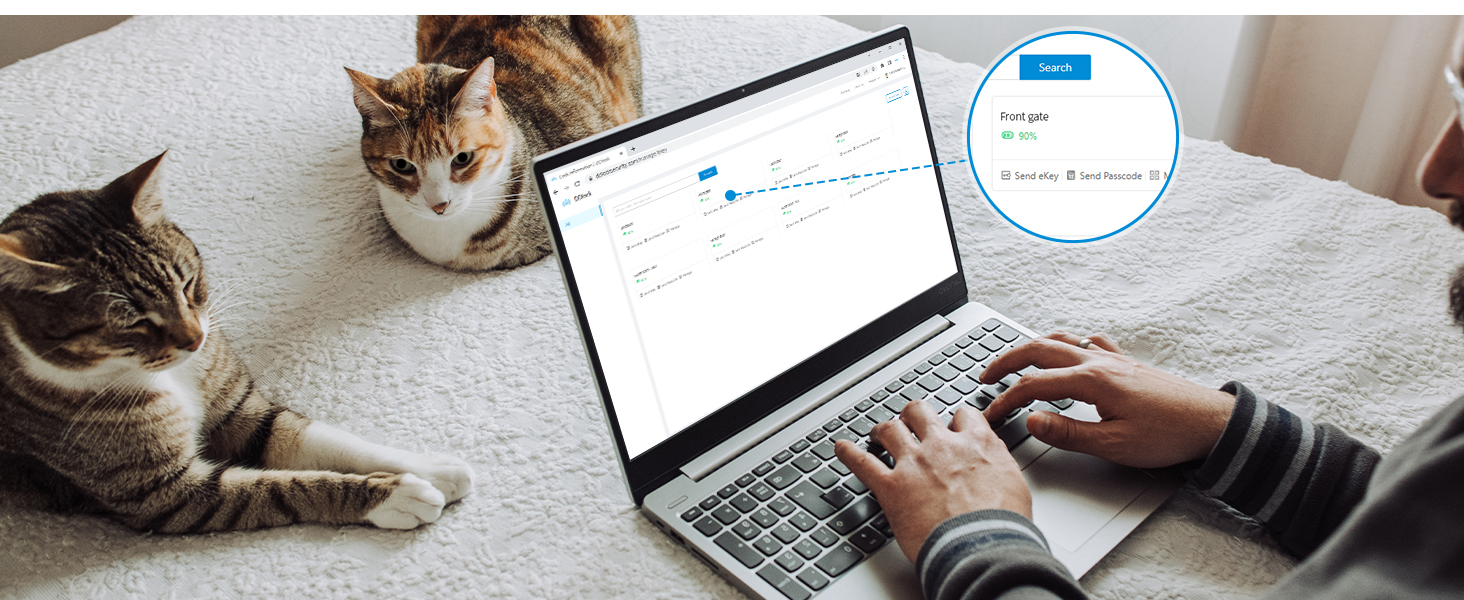
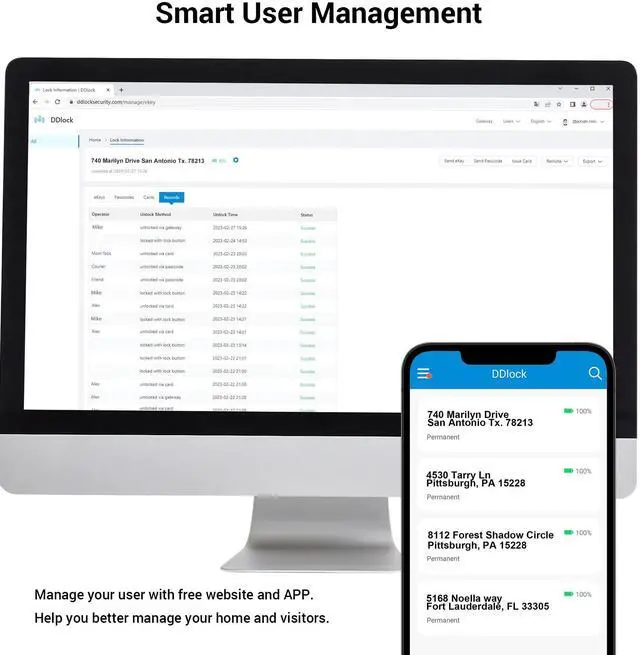
Veise provides a free lifetime web portal and App to help you manage your smart locks and users.
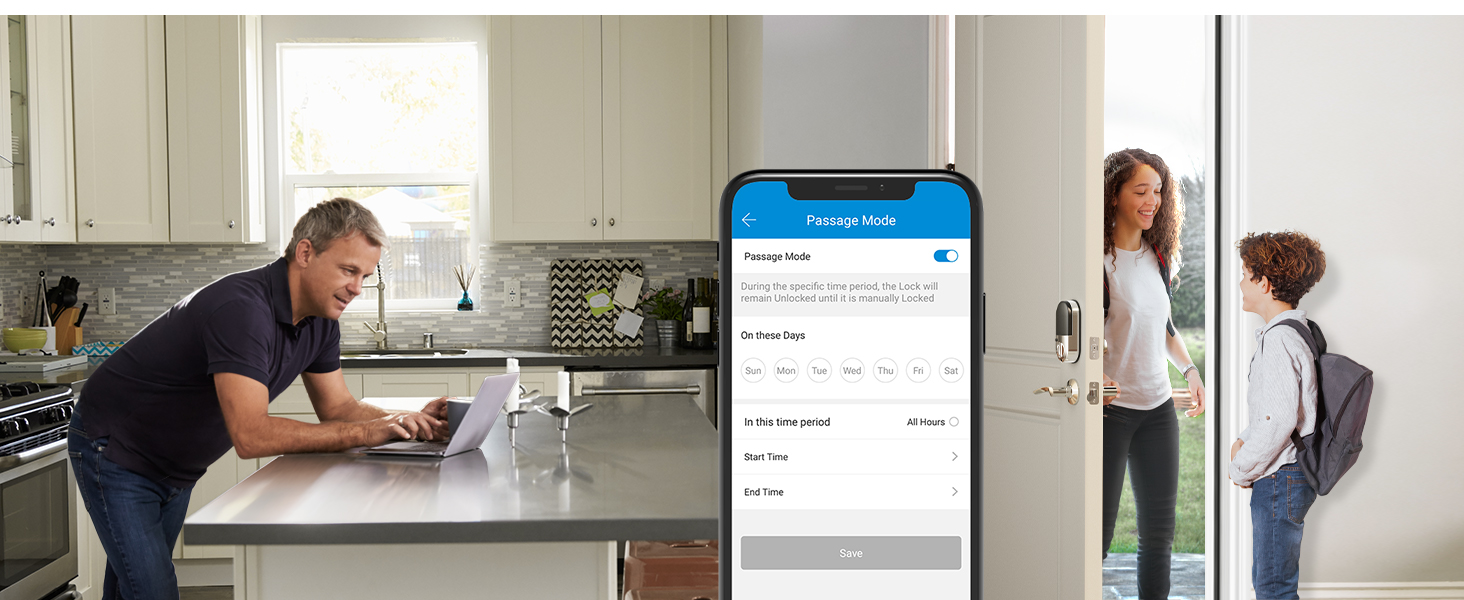
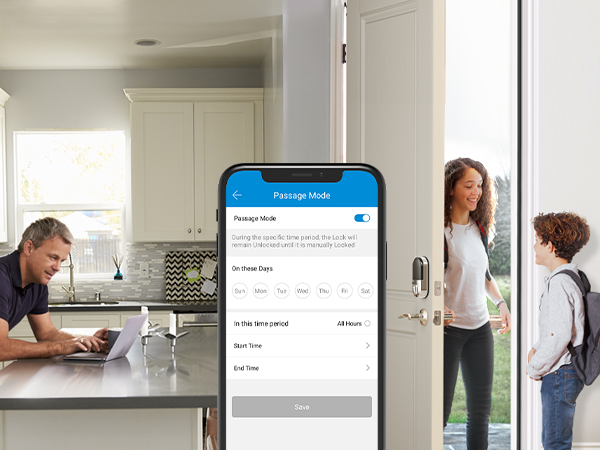
Before enable Passage Mode, the door needs to be opened manually and the lock will stay Unlocked until it's locked manually.
In passage mode, auto-lock will be disabled.
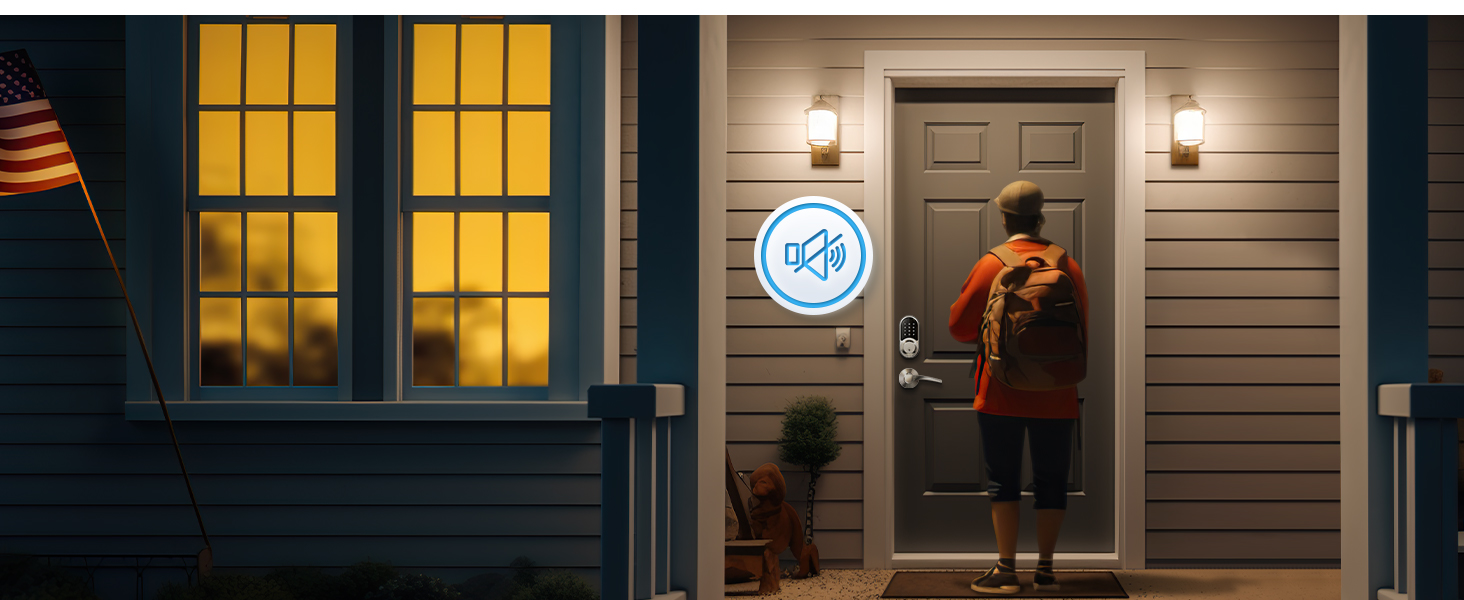
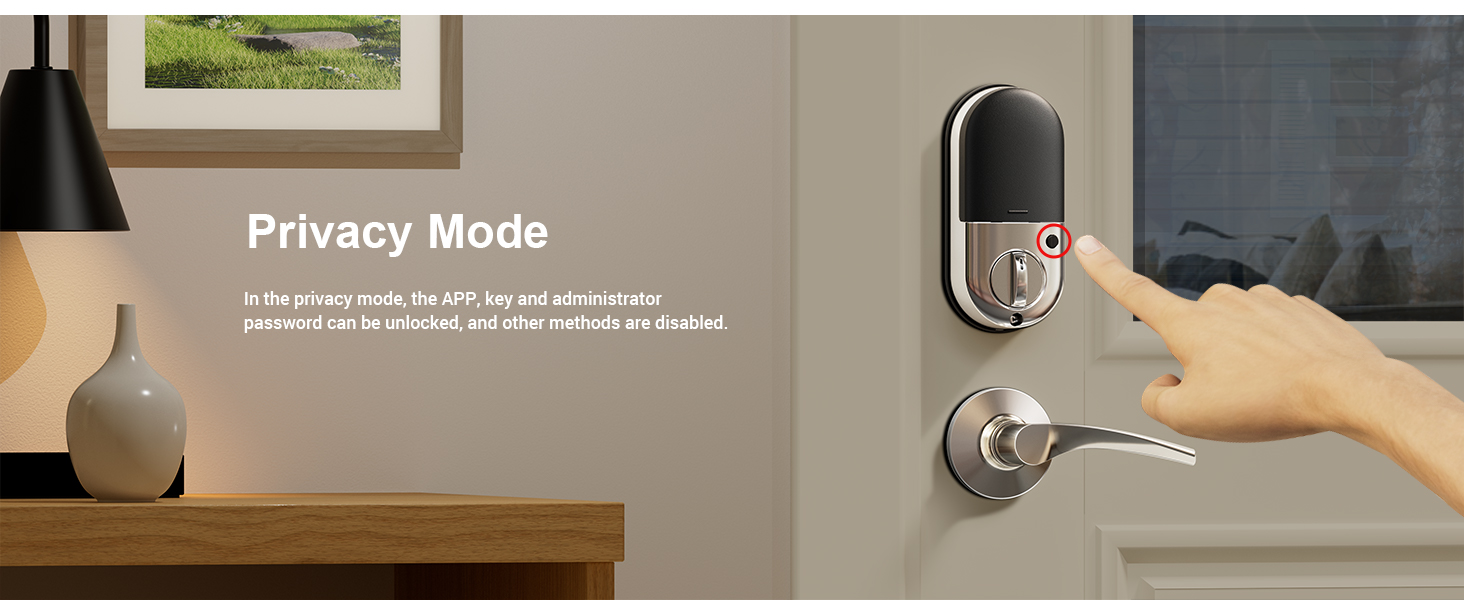
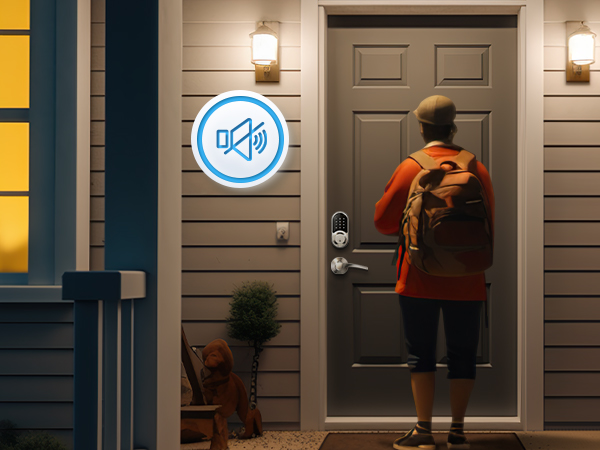
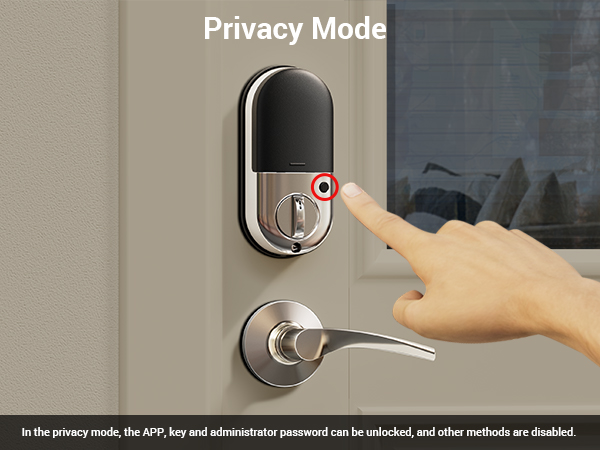
Enable silent mode via the keypad or App to protect your privacy, create a quiet environment for your family, and avoid disturbing your neighbors.
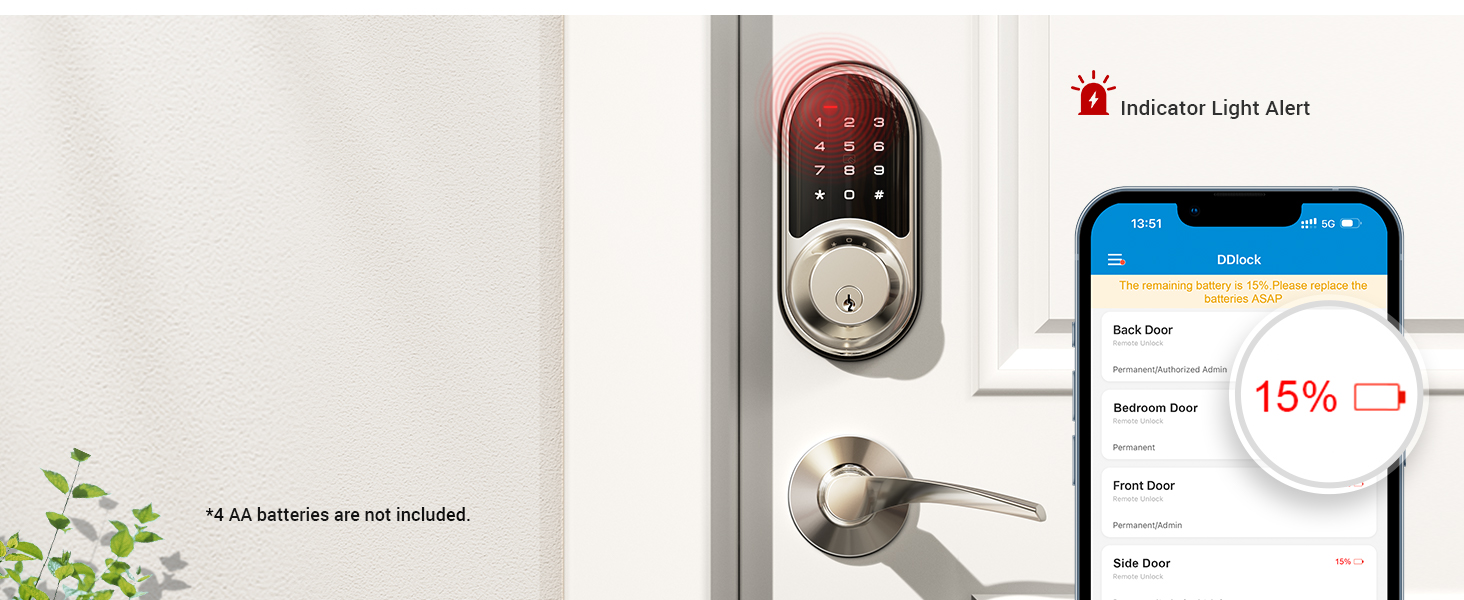
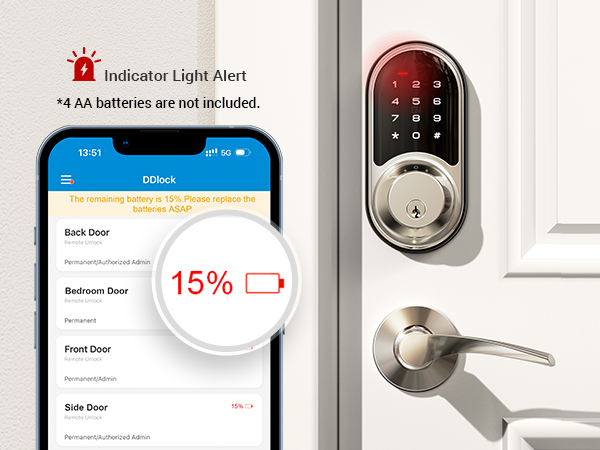
The door lock will alert you when the battery is low, or you can use the App to check the battery level.
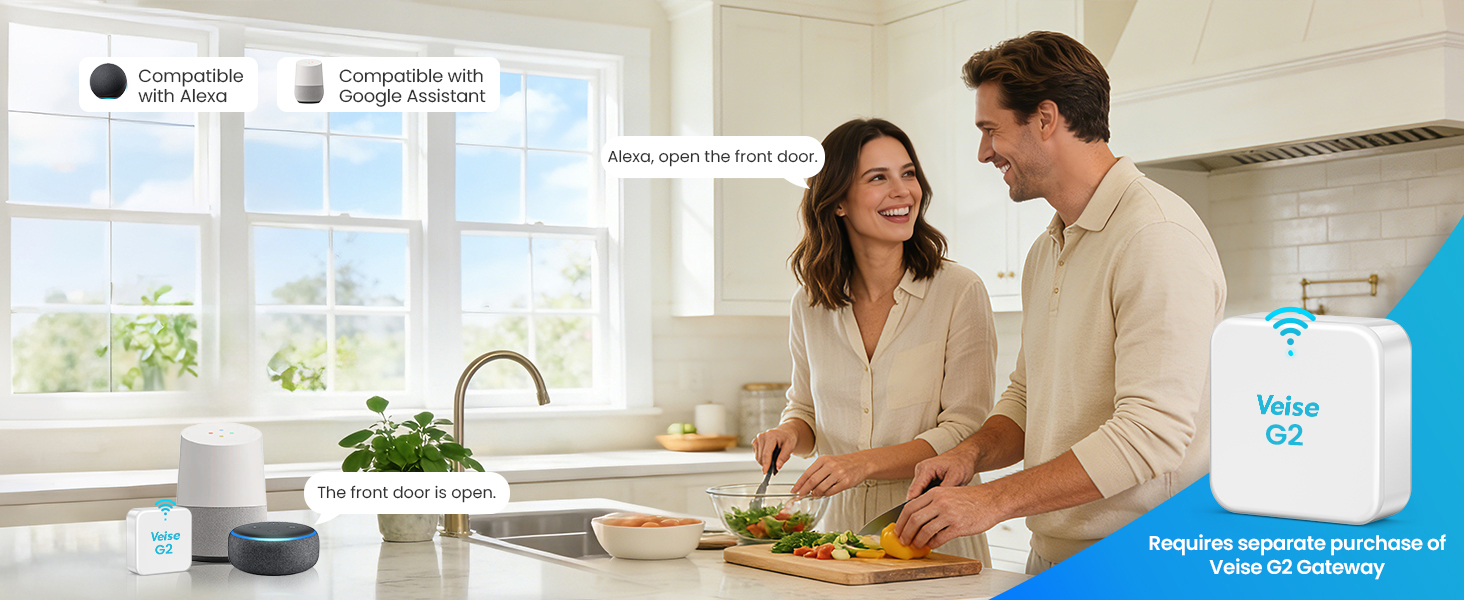
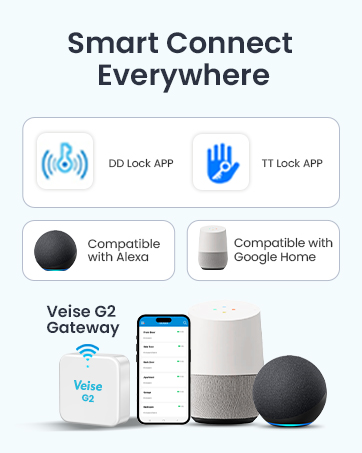
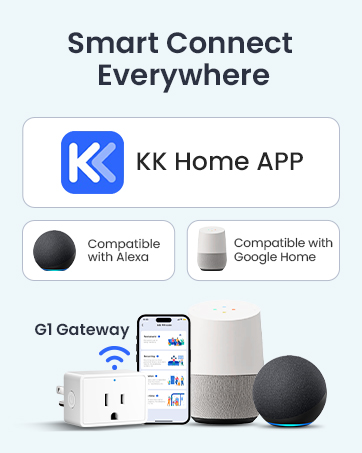
The Veise smart lock compatible with Voice Assistants after connecting to the Veise G2 Gateway (sold separately and require work in 2.4G Wi-Fi).
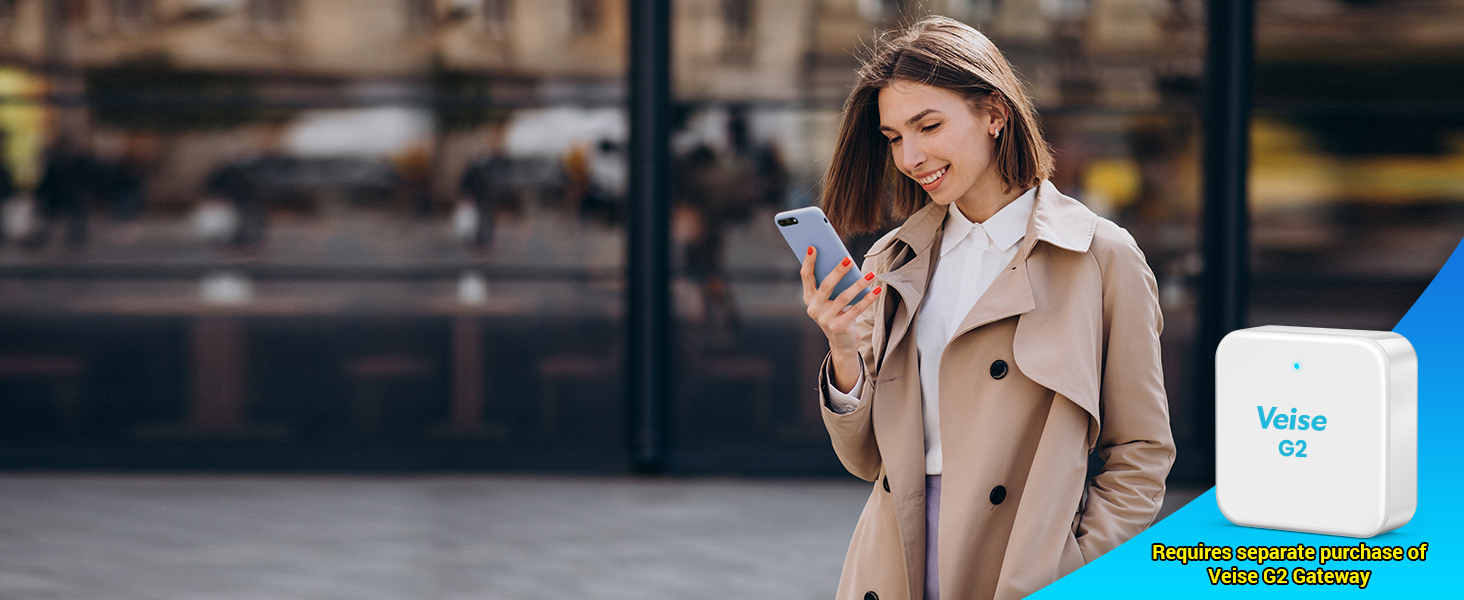
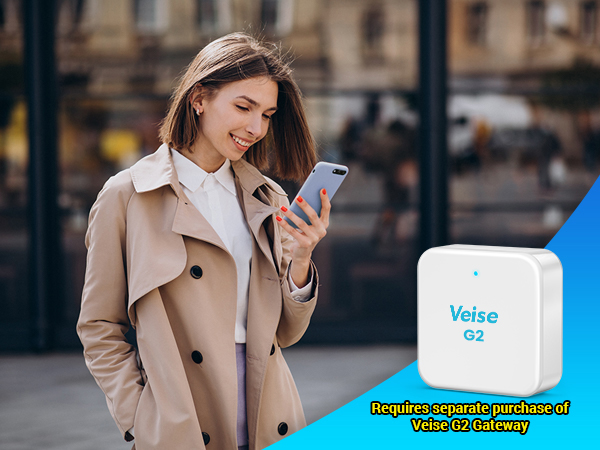
Remotely operate your smart lock from anywhere with the Veise G2 Gateway (sold separately and require work in 2.4G Wi-Fi).
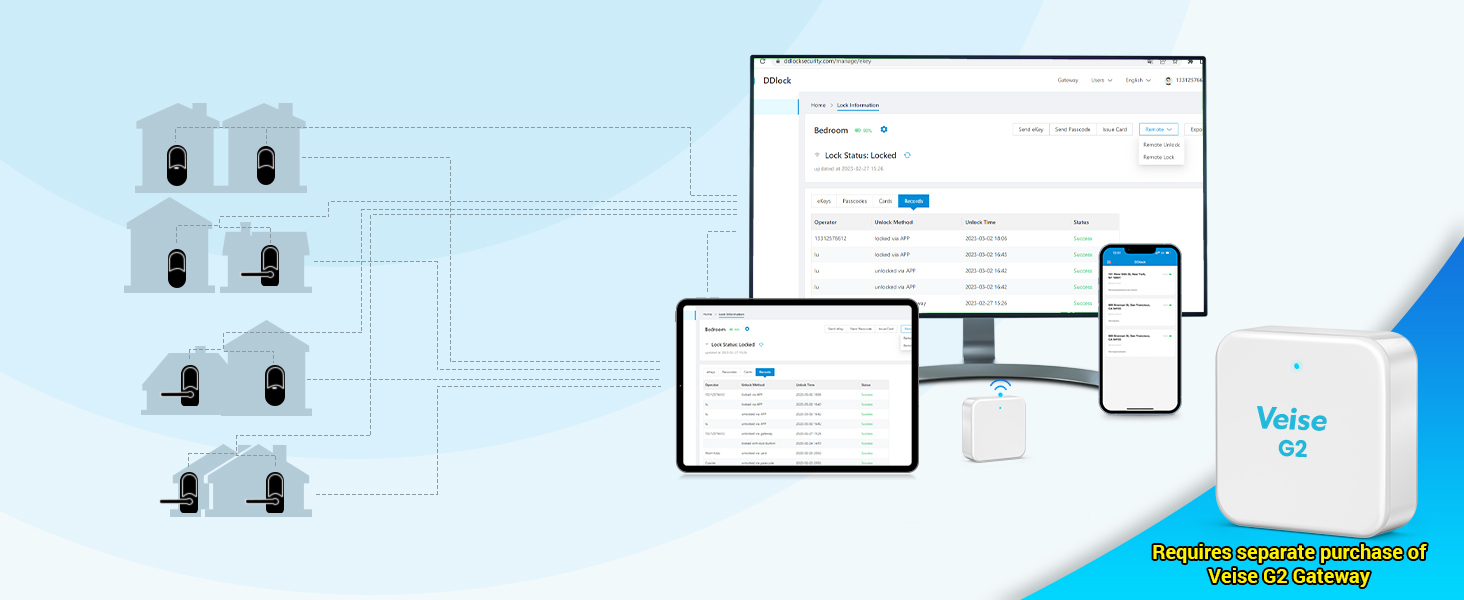
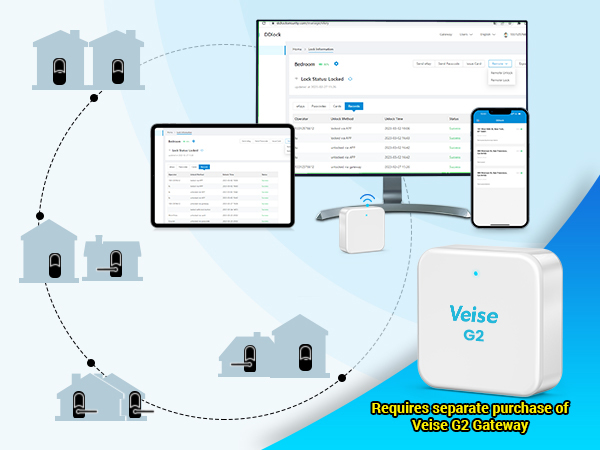
Remotely manage your smart locks via the DDlock App and website with the Veise G2 Gateway (sold separately and require work in 2.4G Wi-Fi).

Remotely check your lock status anytime with the Veise G2 Gateway (sold separately and require work in 2.4G Wi-Fi).
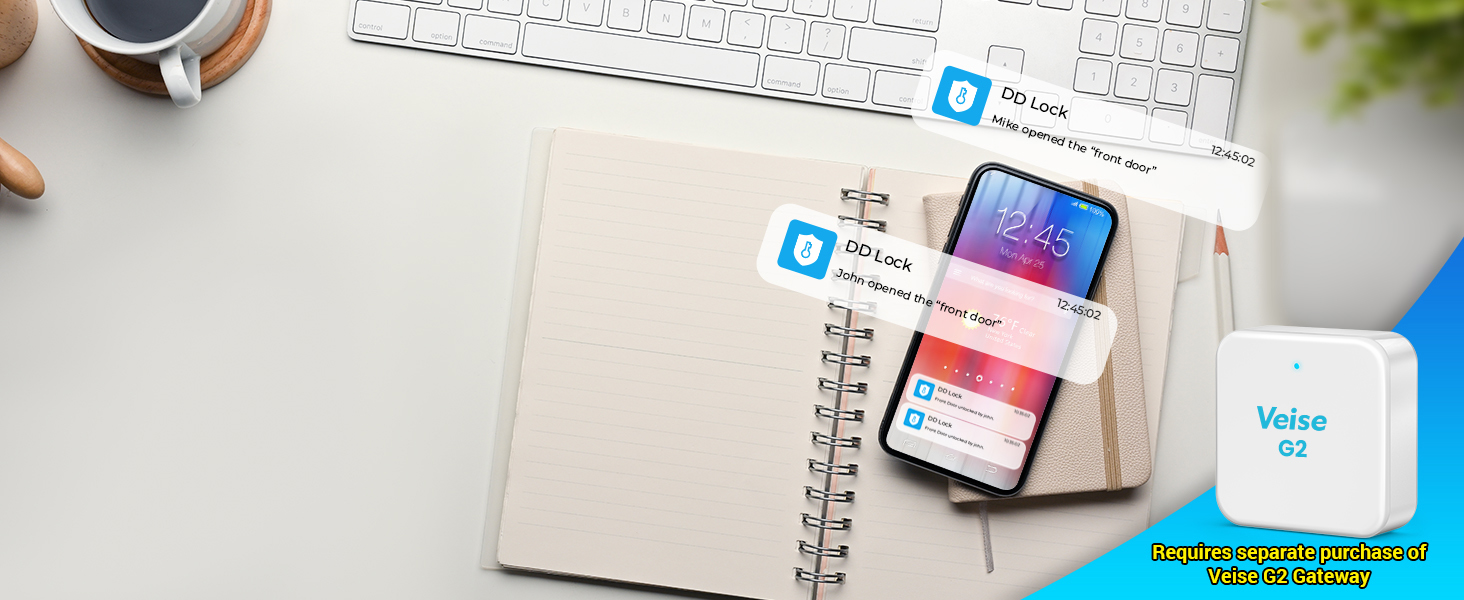
Remotely viewing records and receiving instant notifications to stay updated on visitors with the Veise G2 Gateway (sold separately and require work in 2.4G Wi-Fi).
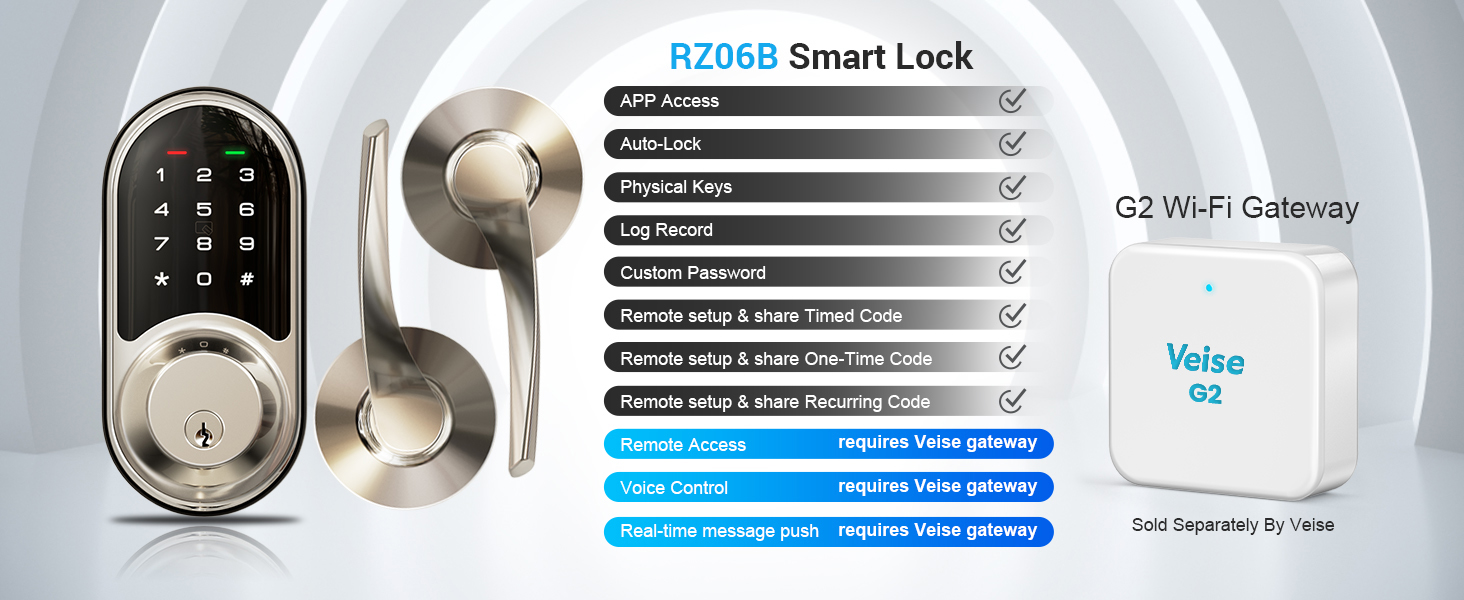
 RZ06B |  Veise G2 Gateway |  RZ06C |  RZ07C |  RZ07B |  VE06H |  VE07H | |
|---|---|---|---|---|---|---|---|
Customer Reviews | — | — | — | — | — | — | — |
Price | — | — | — | — | — | — | — |
APP Access | ? | — | ? | ? | ? | ? | ? |
Auto Lock | ? | — | ? | ? | ? | ? | ? |
Permanent & Timed password | ? | — | ? | ? | ? | ? | ? |
One-time Password | ? | — | ? | ? | ? | ? | ? |
Recurring Password | ? | — | ? | ? | ? | ? | ? |
Custom Password | ? | — | ? | ? | ? | ? | ? |
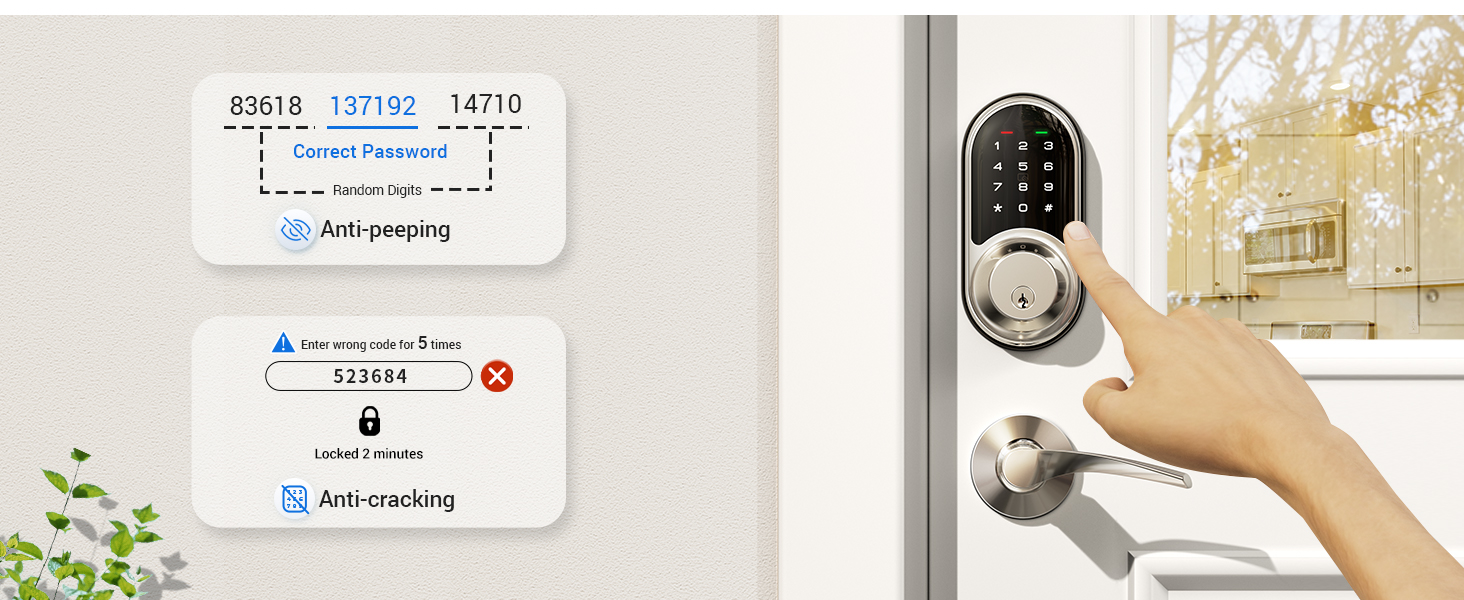
Anti-peep Password | ? | — | ? | ? | ? | ? | ? |
Remote Access | Require to purchase gateway G2 | ? | Require to purchase gateway G2 | Require to purchase gateway G2 | Require to purchase gateway G2 | Require to purchase gateway G2 | Require to purchase gateway G2 |
Voice Control | Require to purchase gateway G2 | ? | Require to purchase gateway G2 | Require to purchase gateway G2 | Require to purchase gateway G2 | Require to purchase gateway G2 | Require to purchase gateway G2 |
Other Remote Functions | Require to purchase gateway G2 | ? | Require to purchase gateway G2 | Require to purchase gateway G2 | Require to purchase gateway G2 | Require to purchase gateway G2 | Require to purchase gateway G2 |
Slide to view >>>
Easy from Day One.
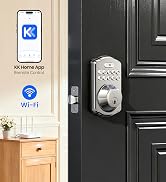
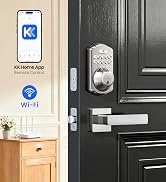
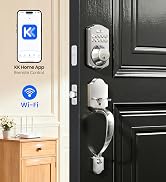
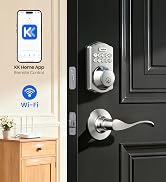
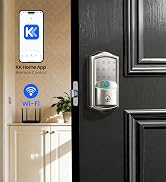
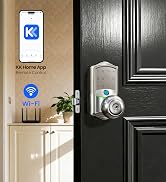
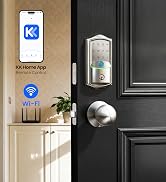
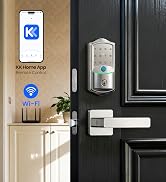
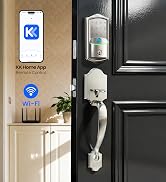
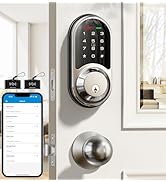
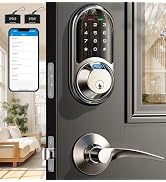
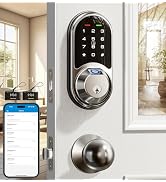
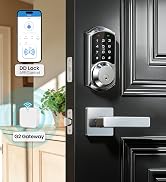
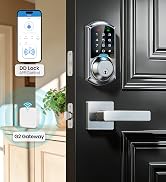
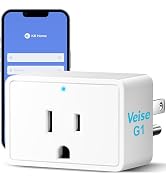
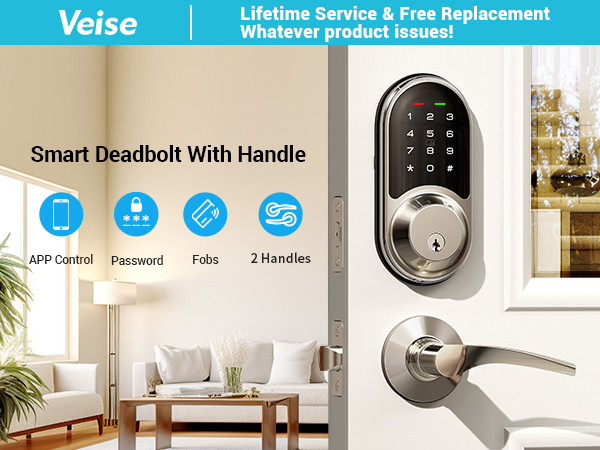

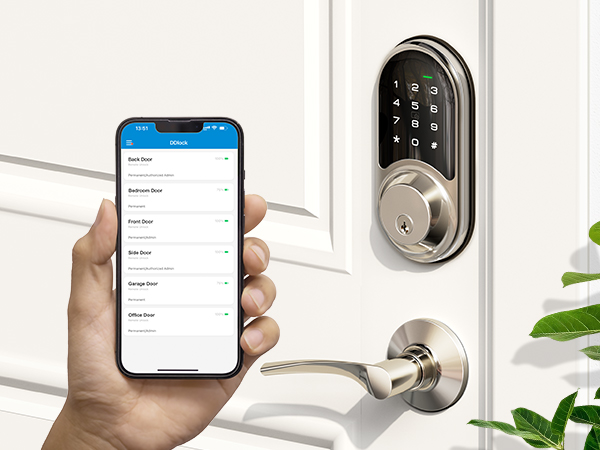
Unlock and manage your smart door lock through your smartphone.
Set different types of passwords for family, guests or others.
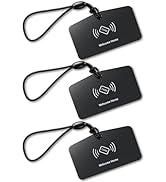
Simply swipe your fobs to unlock your front door.
Equipped with two physical keys for emergency unlocking.
Access the smart lock with your Apple Watch within Bluetooth range of the lock.
Tips: Apple Watch needs to download the DDlock App separately.
5 ways to lock: 5-900 s auto lock, press and hold the lock key in the App for 2 s, press "#" on the kepad for 2 s, use a physical key, or use the thumb turn.
Note: Unable to Auto Unlock.
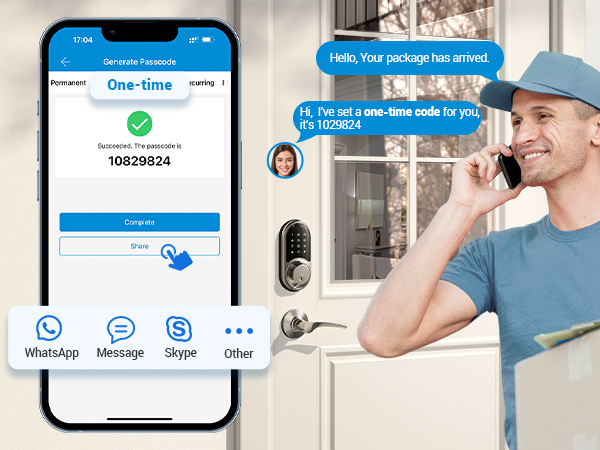
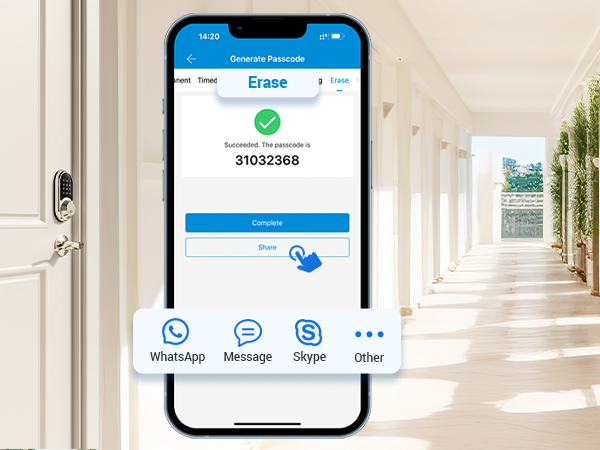
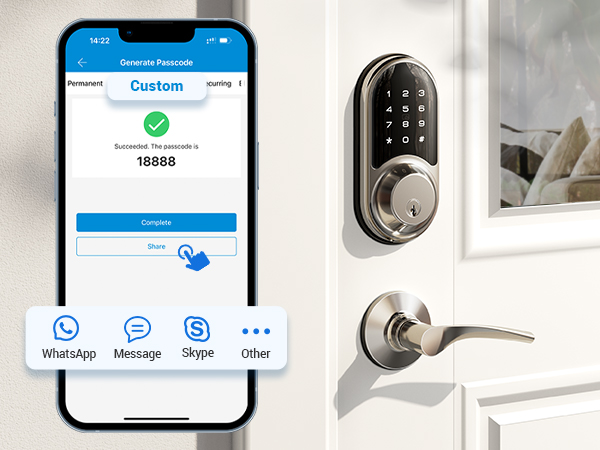
Remotely generate one-time passwords for temporary visitors, such as couriers and repairmen. These passwords are automatically deleted after use.
Remotely generate and share with tenants or guests who are checking out. All passwords (except the admin passwords) used on this lock will be cleared after entering this passwords
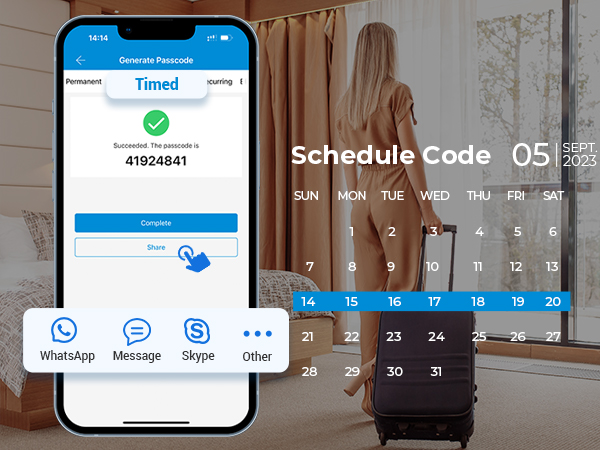
Remotely generate & share timed codes with auto-expiration after a set date.
Delete/edit require within the Bluetooth range of lock or remotely via the Veise G2 gateway (sold separately).
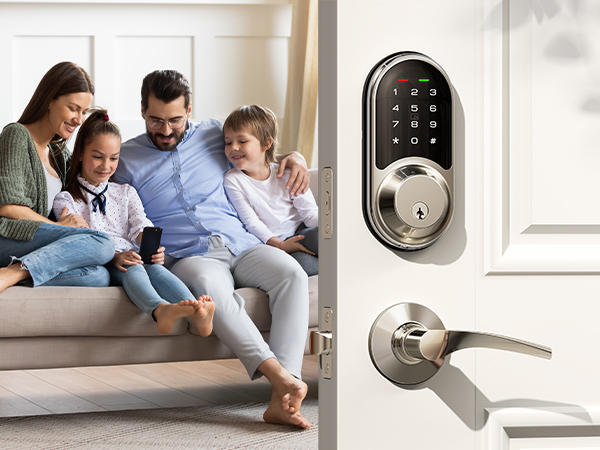
Remotely generate permanent code for your family. The code can be used all the time.
Delete/edit require within the Bluetooth range of lock or remotely via the Veise G2 gateway (sold separately).
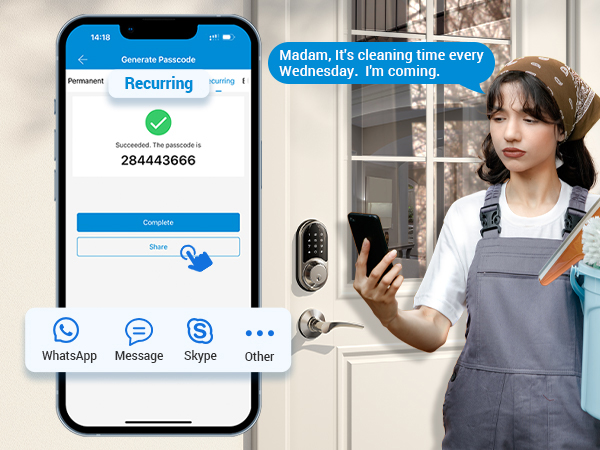
Remotely generate recurring code for regular visitors and can be reused at specified times.
Delete/edit require within the Bluetooth range or remotely via the Veise G2 gateway (sold separately).
You can set a custom password locally within range of the lock or remotely via a connected Veise G2 gateway (sold separately).
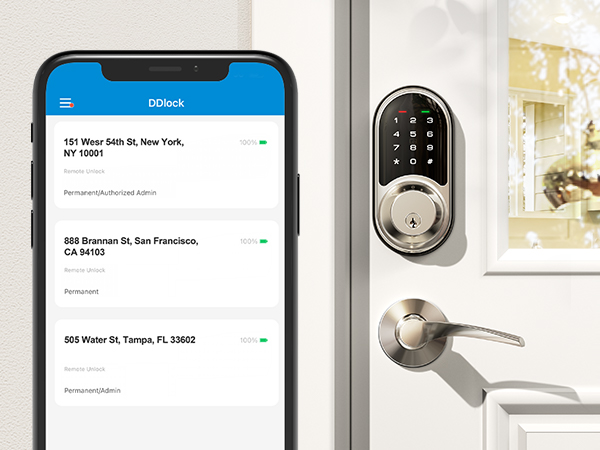
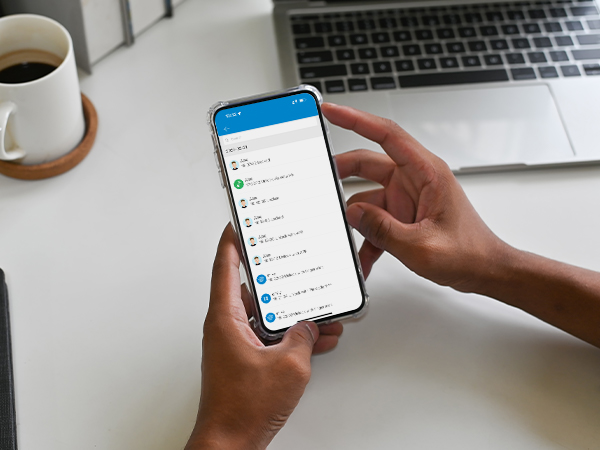
You can share App access with your family by sending eKeys remotely or by authorising the administrator.
Check who unlocked your door - simply bring your phone near the lock to see recent activity.
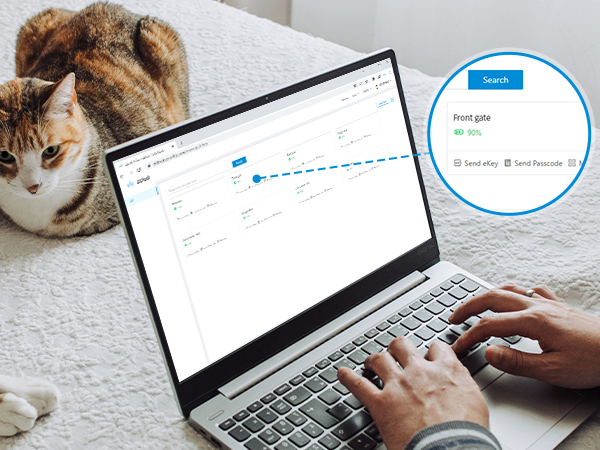
Veise provides a free lifetime web portal and App to help you manage your smart locks and users.
Before enable Passage Mode, the door needs to be opened manually and the lock will stay Unlocked until it's locked manually.
In passage mode, auto-lock will be disabled.
Enable silent mode via the keypad or App to protect your privacy, create a quiet environment for your family, and avoid disturbing your neighbors.
The door lock will alert you when the battery is low, or you can use the App to check the battery level.
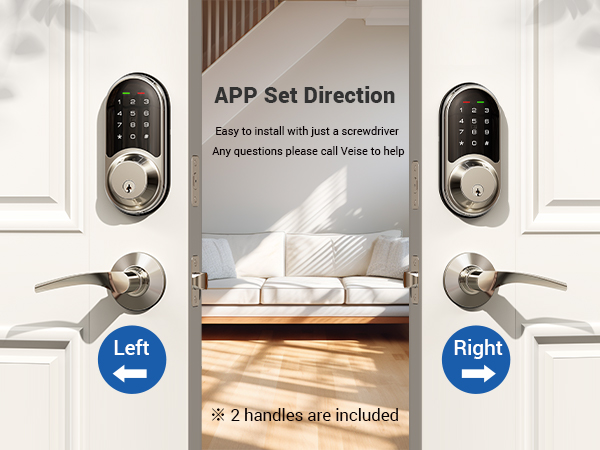
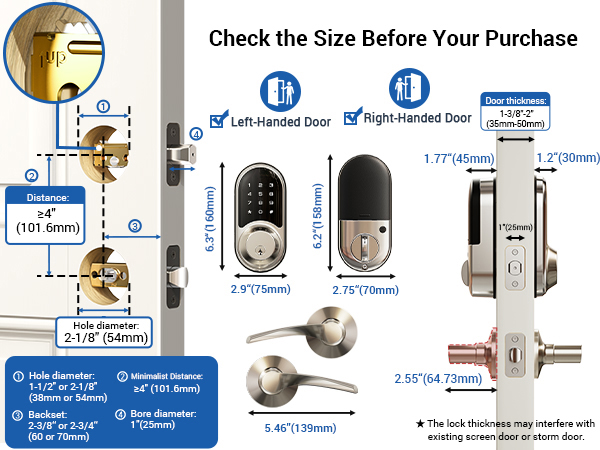
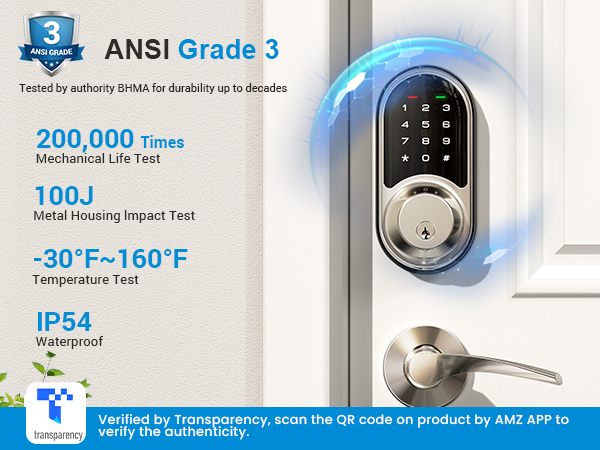
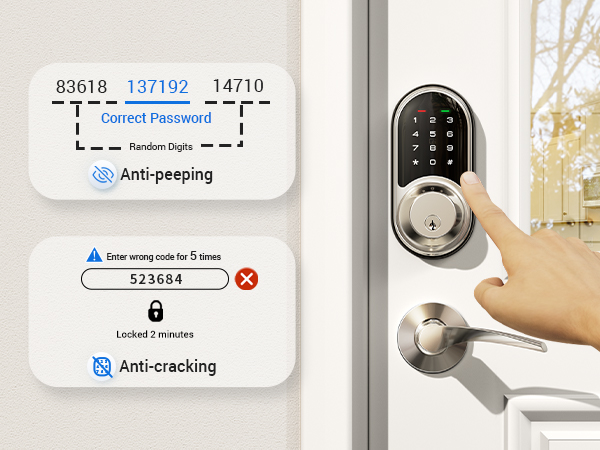
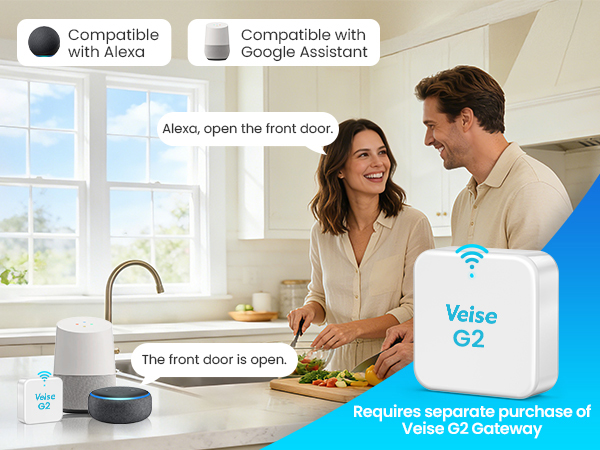


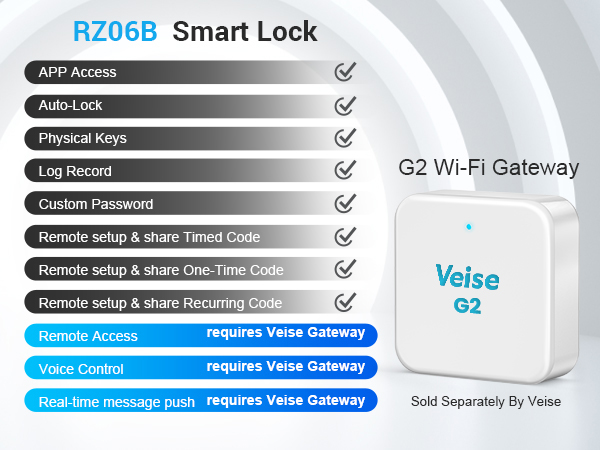
The Veise smart lock compatible with Voice Assistants after connecting to the Veise G2 Gateway (sold separately and require work in 2.4G Wi-Fi).
Remotely operate your smart lock from anywhere with the Veise G2 Gateway (sold separately and require work in 2.4G Wi-Fi).
Remotely manage your smart locks via the DDlock App and website with the Veise G2 Gateway (sold separately and require work in 2.4G Wi-Fi).
Remotely check your lock status anytime with the Veise G2 Gateway (sold separately and require work in 2.4G Wi-Fi).
Remotely viewing records and receiving instant notifications to stay updated on visitors with the Veise G2 Gateway (sold separately and require work in 2.4G Wi-Fi).
RZ06B | Veise G2 Gateway | RZ06C | RZ07C | RZ07B | VE06H | VE07H |
|---|---|---|---|---|---|---|
| Customer Reviews | ||||||
| — | — | — | — | — | — | — |
| Price | ||||||
| — | — | — | — | — | — | — |
| APP Access | ||||||
| ? | — | ? | ? | ? | ? | ? |
| Auto Lock | ||||||
| ? | — | ? | ? | ? | ? | ? |
| Permanent & Timed password | ||||||
| ? | — | ? | ? | ? | ? | ? |
| One-time Password | ||||||
| ? | — | ? | ? | ? | ? | ? |
| Recurring Password | ||||||
| ? | — | ? | ? | ? | ? | ? |
| Custom Password | ||||||
| ? | — | ? | ? | ? | ? | ? |
| Anti-peep Password | ||||||
| ? | — | ? | ? | ? | ? | ? |
| Remote Access | ||||||
| Require to purchase gateway G2 | ? | Require to purchase gateway G2 | Require to purchase gateway G2 | Require to purchase gateway G2 | Require to purchase gateway G2 | Require to purchase gateway G2 |
| Voice Control | ||||||
| Require to purchase gateway G2 | ? | Require to purchase gateway G2 | Require to purchase gateway G2 | Require to purchase gateway G2 | Require to purchase gateway G2 | Require to purchase gateway G2 |
| Other Remote Functions | ||||||
| Require to purchase gateway G2 | ? | Require to purchase gateway G2 | Require to purchase gateway G2 | Require to purchase gateway G2 | Require to purchase gateway G2 | Require to purchase gateway G2 |
| Brand | Veise |
| Special Feature | Alarm, Anti-Peeping Password, Auto-Lock, Back-Lit Keypad, Battery Indicator, Fob Unlock, One-Touch Lock, Passcode Unlock, Scratch-Resistant, Touchscreen, Weather Resistant |
| Lock Type | Deadbolt, Keypad |
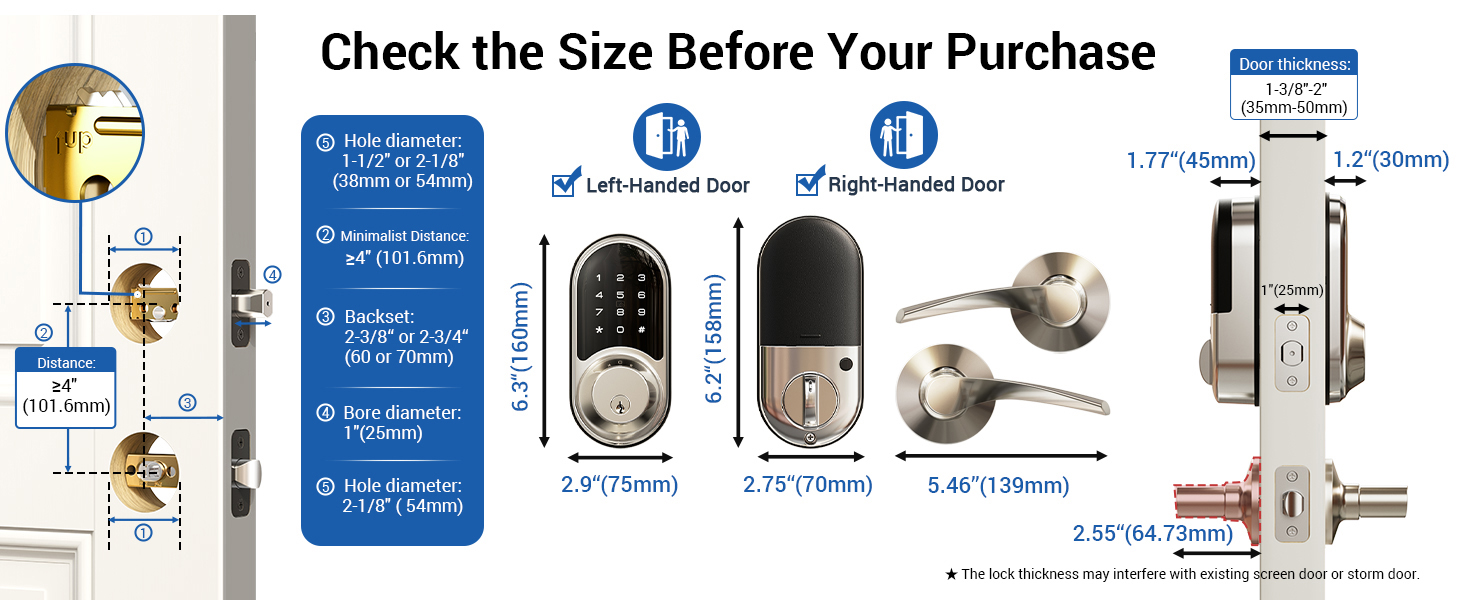
| Item dimensions L x W x H | 11.61 x 7.13 x 3.54 inches |
| Material | Aluminum, Metal, Zinc |
| Brand Name | Veise |
| Recommended Uses For Product | Security |
| Number of Pieces | 1 |
| Included Components | Installation Instruction, Mounting Plate, 2 Keys, 2 IC Card, Programming Quick Set Up Guide, Screws, Latch, Strike, Smart Door Lock with 2 Handles |
| Model Number | RZ06B |
| Model Name | RZ06B |
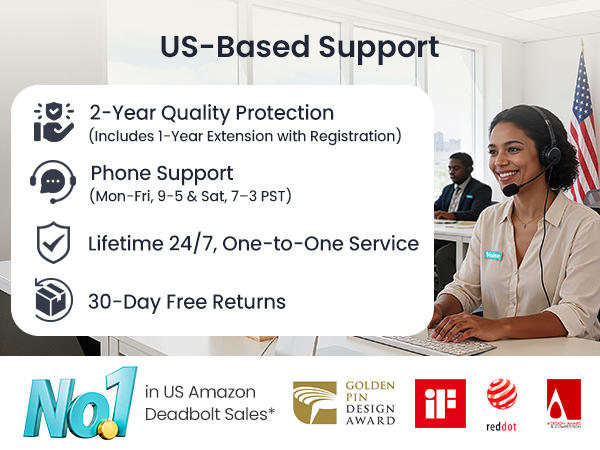
| Manufacturer Warranty Description | Veise offers a 1-year limited warranty, plus a free 1-year extension with product registration (2 years total coverage), lifetime phone support (MonFri 9 AM5 PM | Sat 7 AM3 PM PST), and 24/7 after-sales email support |
| Number of Items | 1 |
| Manufacturer | Veise |
| Unit Count | 1 Count |
| Item Type Name | smart lock |
| Manufacturer Part Number | RZ06B |
| Additional Features | Alarm, Anti-Peeping Password, Auto-Lock, Back-Lit Keypad, Battery Indicator, Fob Unlock, One-Touch Lock, Passcode Unlock, Scratch-Resistant, Touchscreen, Weather Resistant |
| Controller Type | APP, Amazon Alexa, Google Assistant, Hand Control, Touch |
| Control Method | App, Remote, Touch, Voice |
| Connectivity Protocol | WiFi (Veise G2 WiFi Gateway Required), Bluetooth |
| Style Name | Smart lock with handle |
| Color | Satin Nickel |
| Shape | Oval |
| Material Type | Aluminum, Metal, Zinc |
| Finish Types | Satin Nickel |
| Item Dimensions | 11.61 x 7.13 x 3.54 inches |
| Item Weight | 1.99 kg |
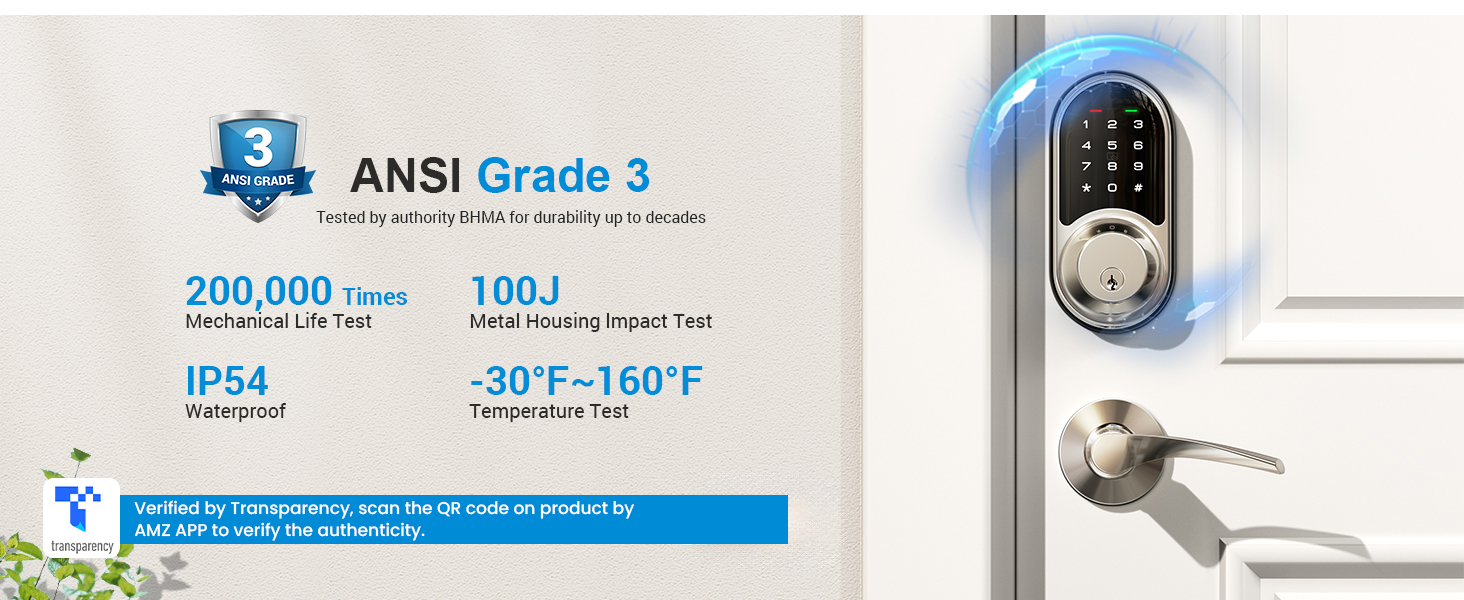
| Item Highlight | 5 in 1 Keyless Entry, Electronic Digital Touchscreen Deadbolt, App Control, 250+ Codes, Auto-Lock, BHMA Certified |