here!
I’m your shopping assistant for PC builds, upgrades, and everything tech.
Got questions? Ask away!
Start a conversation
here!
I’m your shopping assistant for PC builds, upgrades, and everything tech.
Got questions? Ask away!
Start a conversation
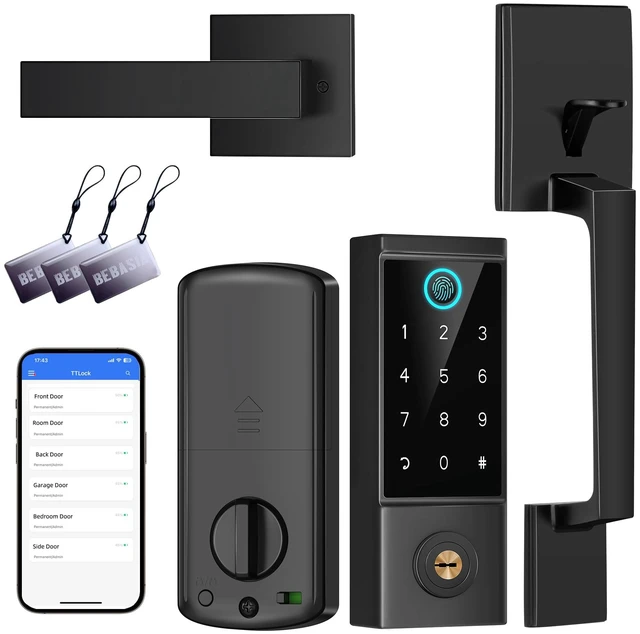
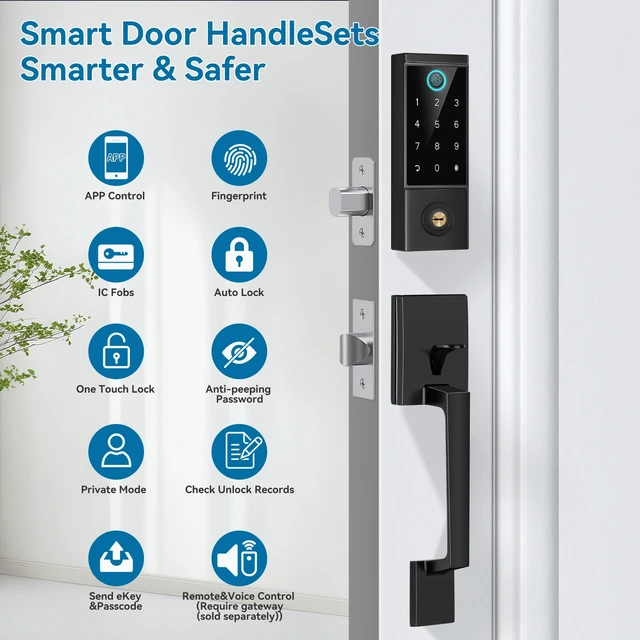
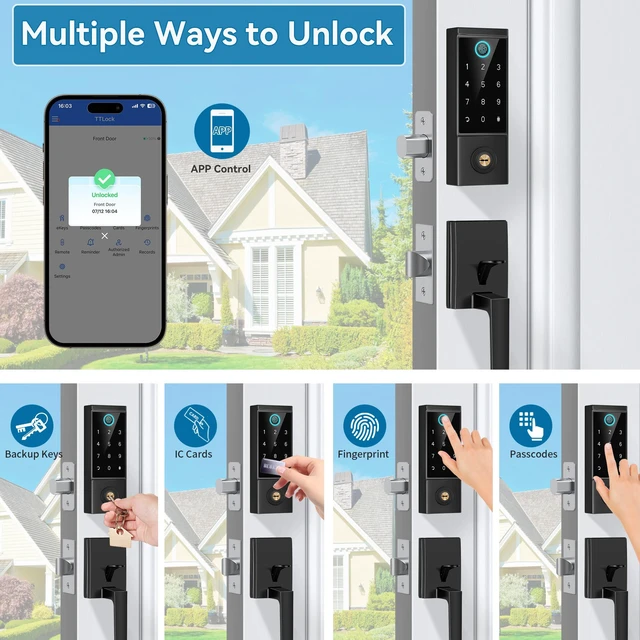



Any questions? Ask CelesteSM will help you find out quickly.
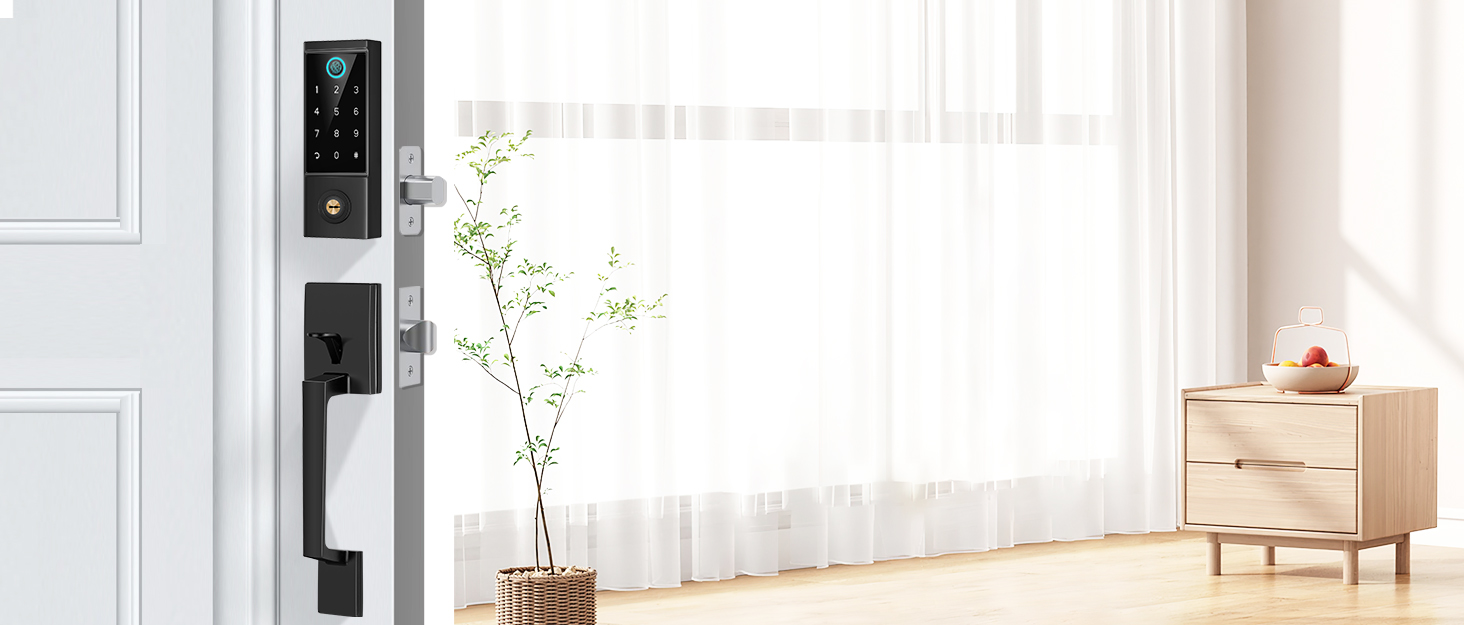

BEBASIA focus on technological innovation, listen to your needs and your voice, and introduce simpler, safer and smarter products to you.
Putting the customer first is our business philosophy. Each member can get inside flexible after setting the code. Our mission is to protect you, your family, and your privacy.


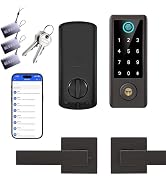
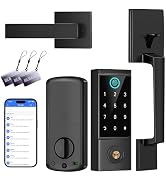
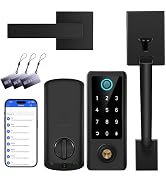
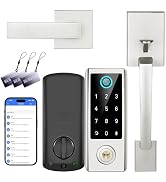
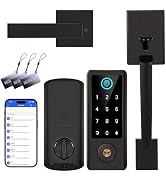
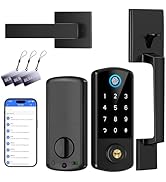
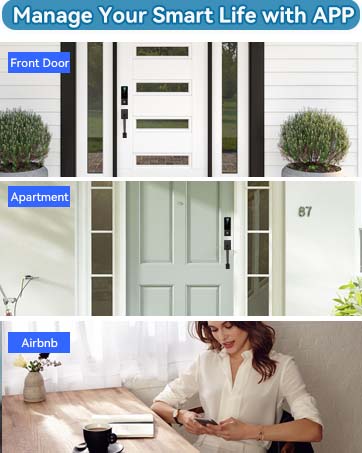

Share smart and convenient with your family and friends!
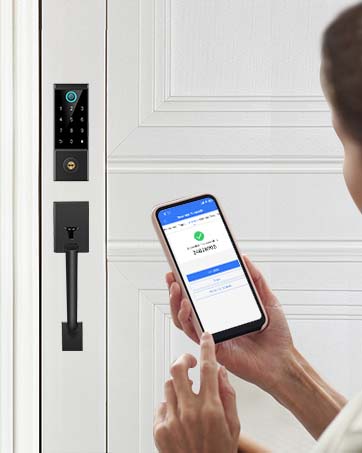
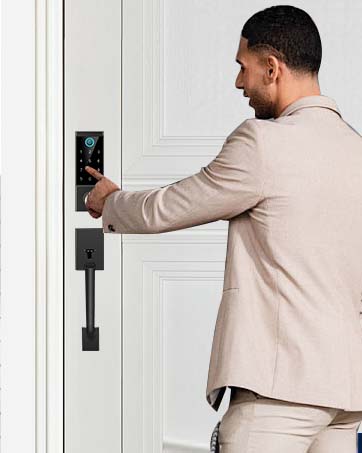
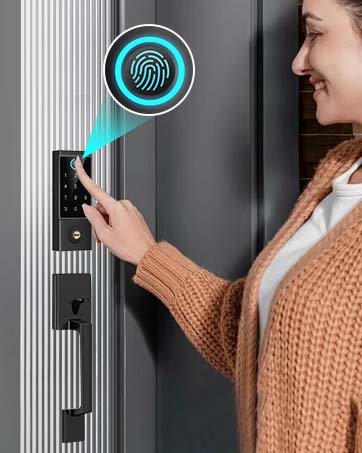
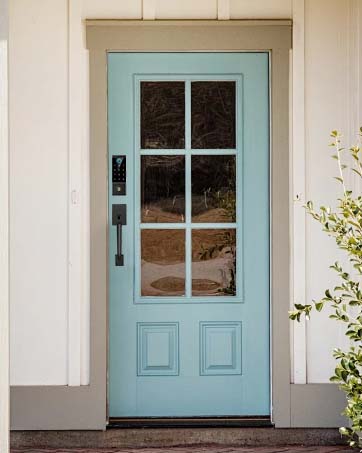
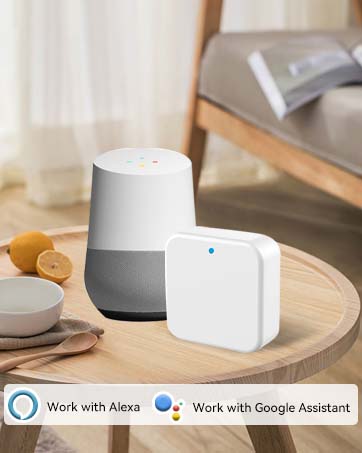
Note: The gateway is sold separately.
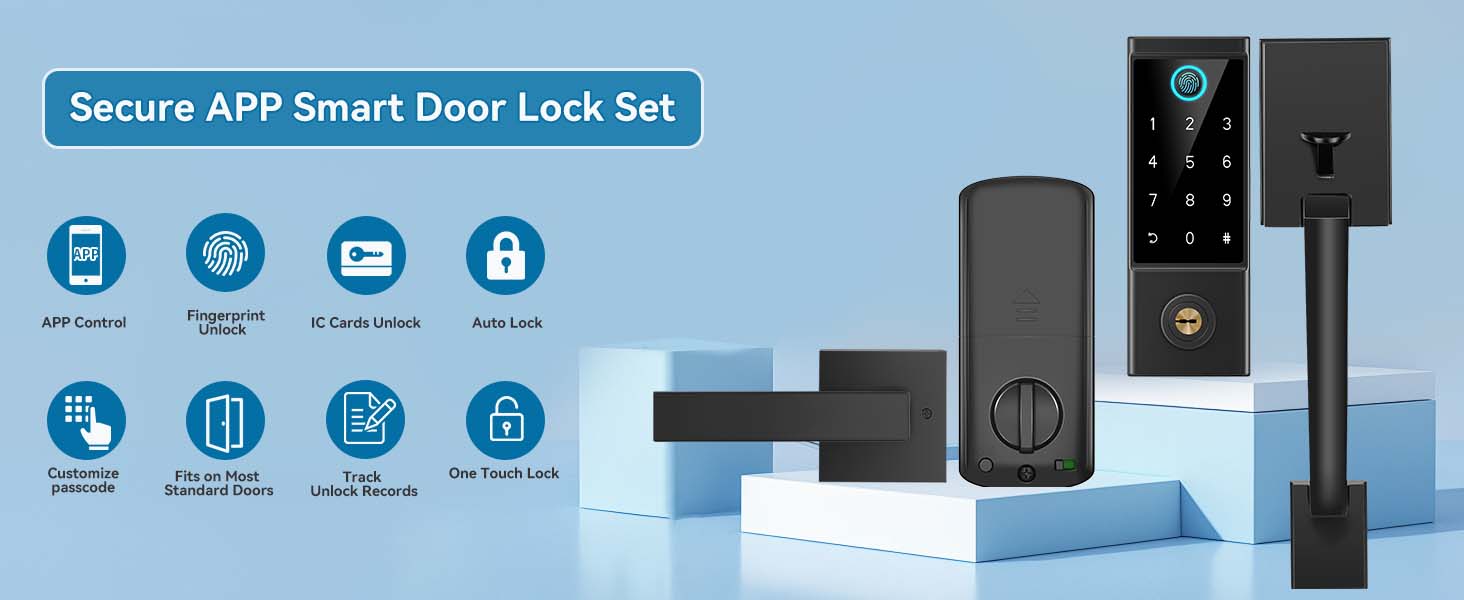
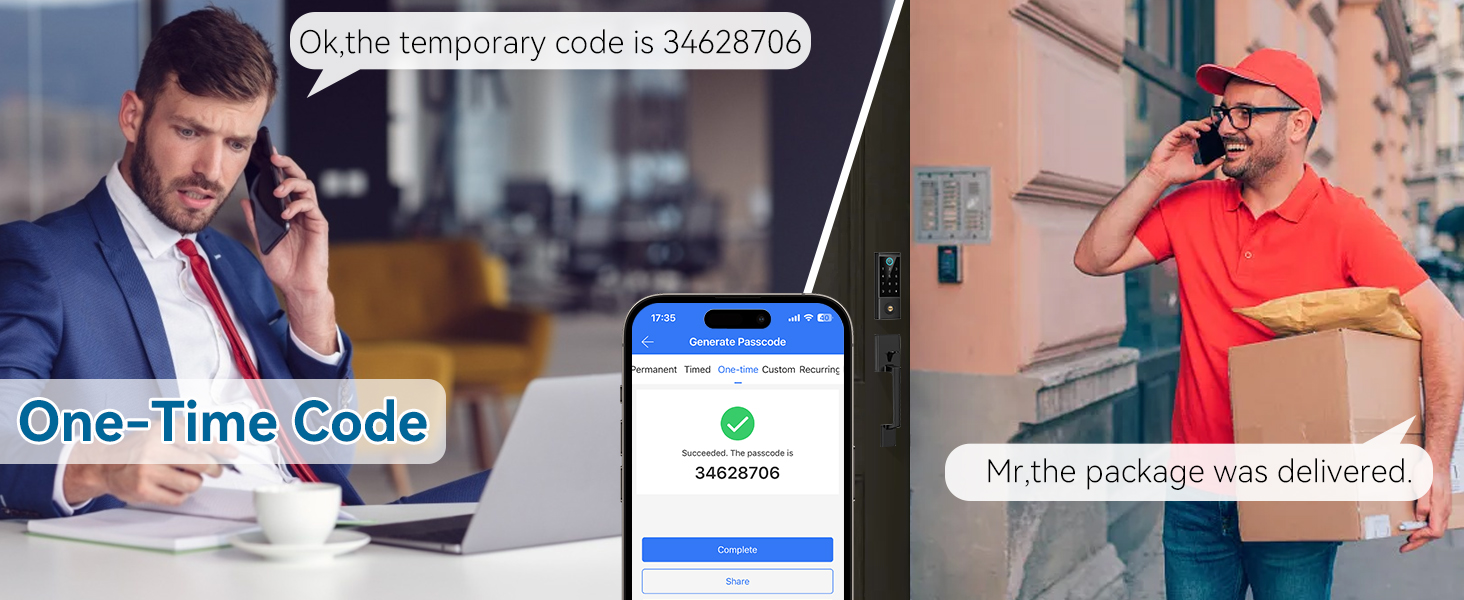
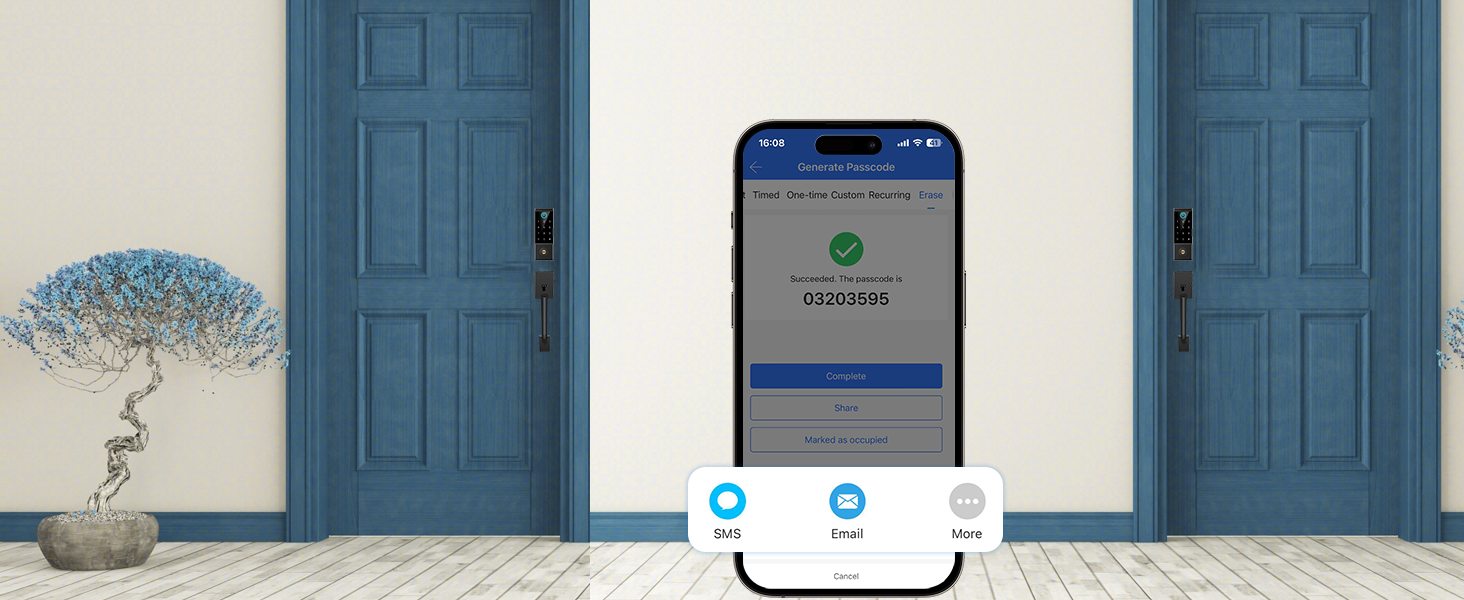
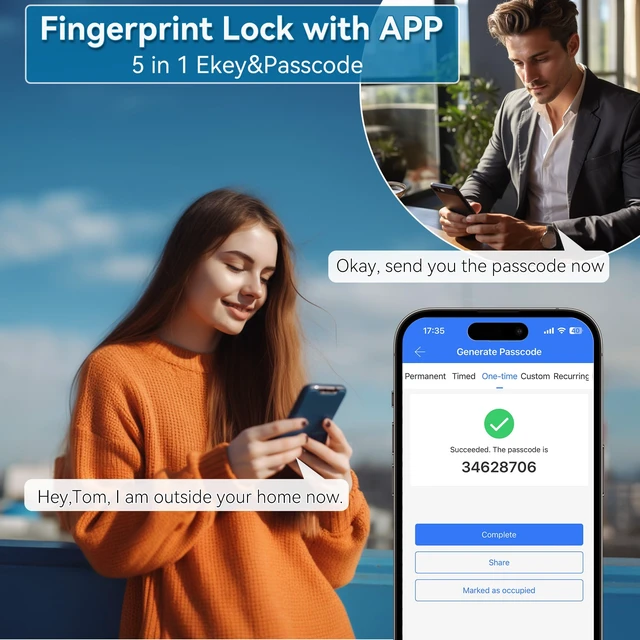
You can remotely generate and share to guests or tenants when they want to check out.
All passcode (except admin) used on this lock will be DELETED on using this passcode.
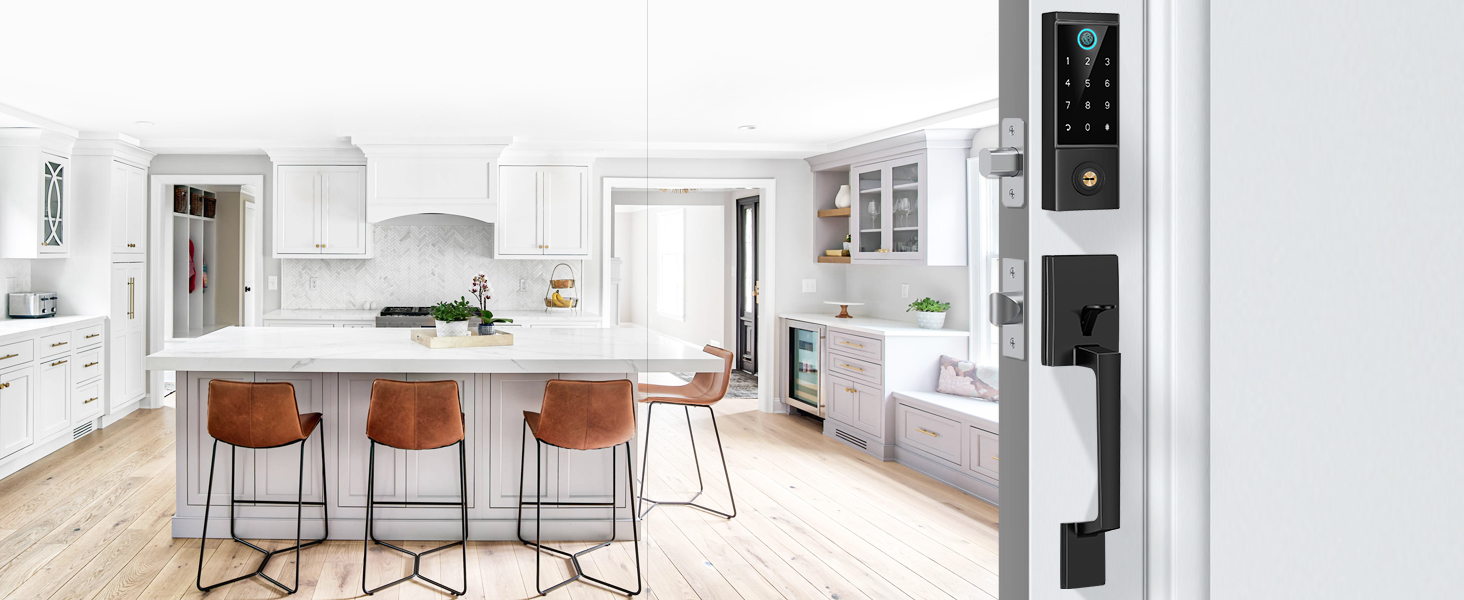
Remotely generate and share with your family and valid all the time.
Note: If you want to change the code, you must be within range of the lock or remotely with gateway (sold separately)
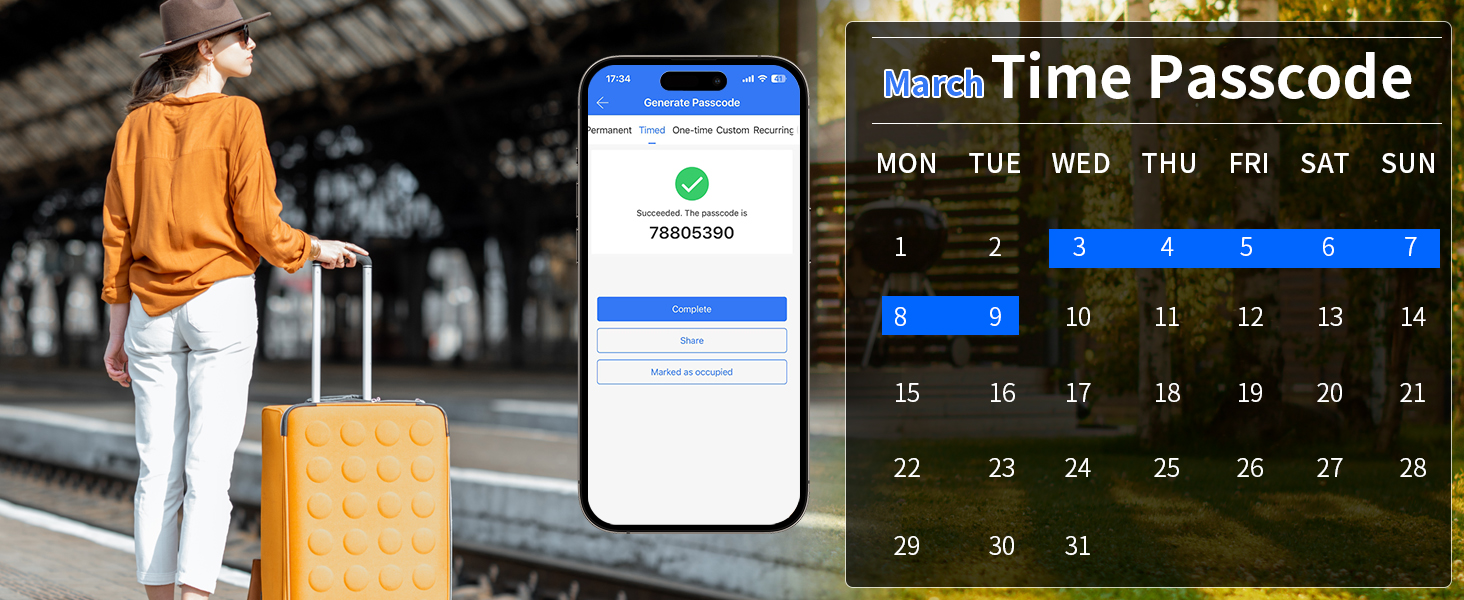
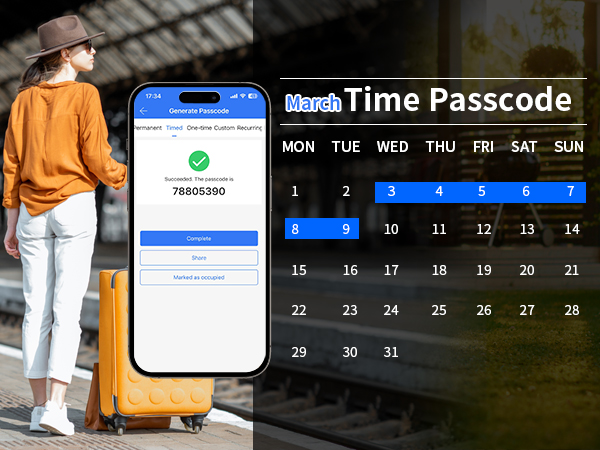
Remotely set Time Passcode for Airbnb guests, renters, etc.
Note: If you want to change the code, you must be within range of the lock or remotely with gateway (sold separately)
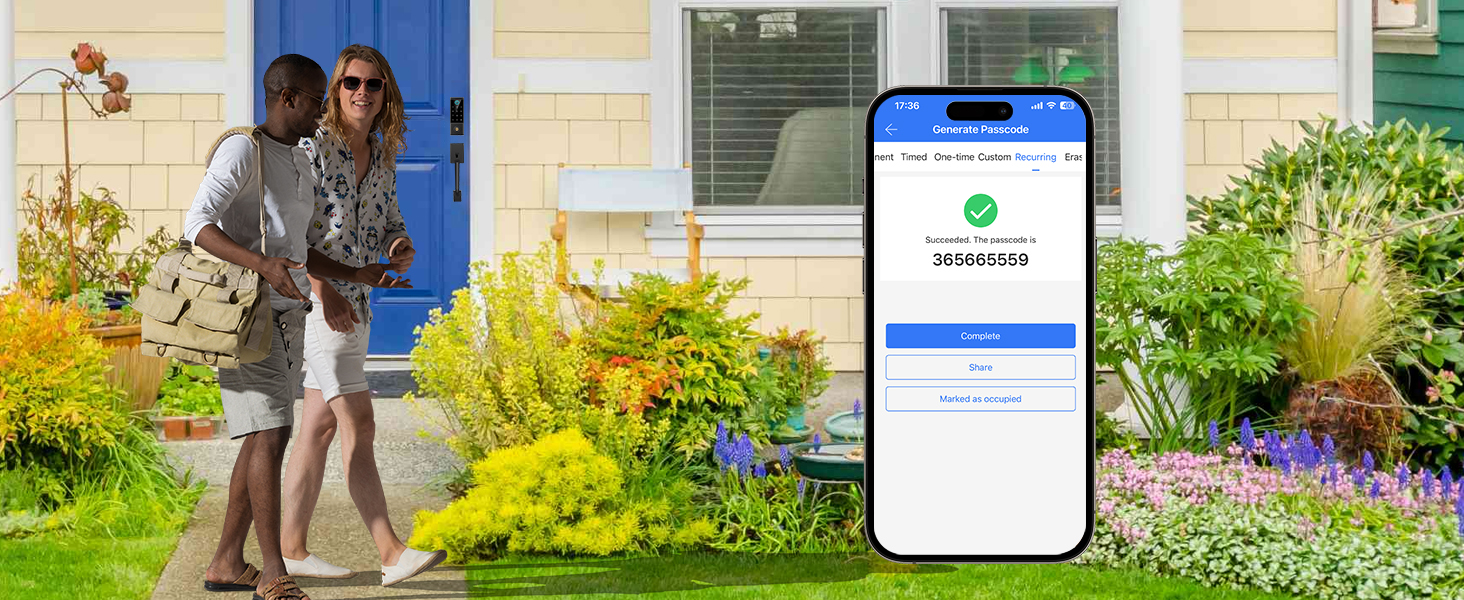
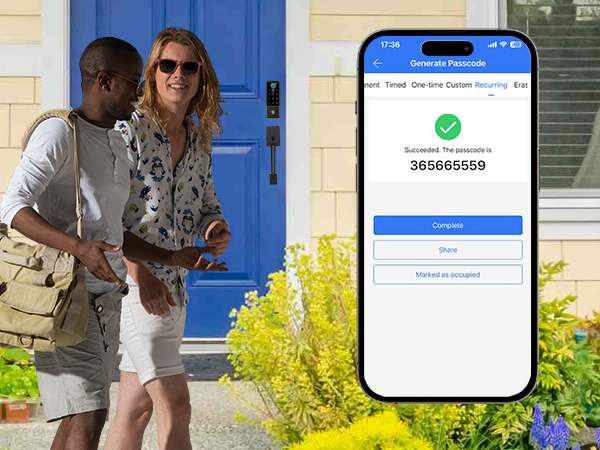
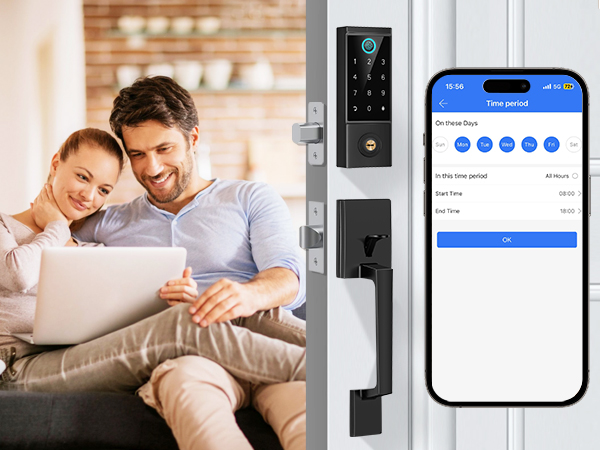
Set up a recurring passcode for regular users such as home cleaner.
Note: If you want to change the code, you must be within range of the lock or remotely with gateway (sold separately)
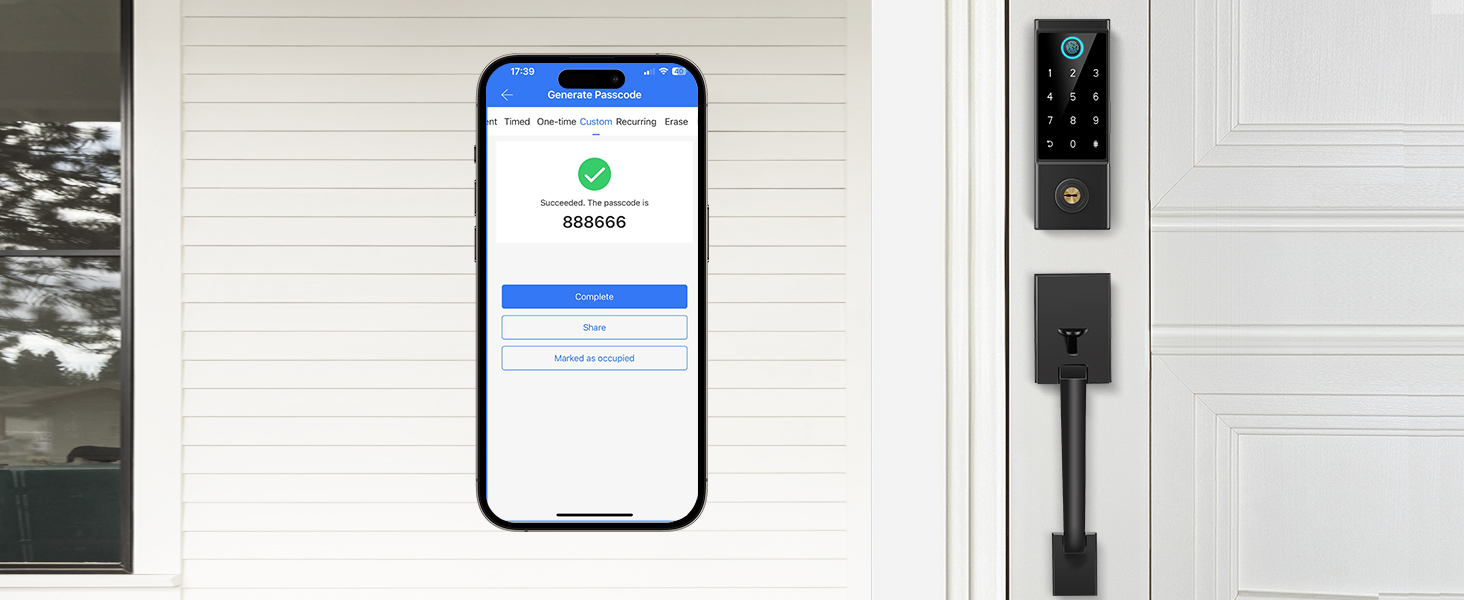
You can custom simple digits to make it more convenient to use.
Note: If you want to change the code, you must be within range of the lock or remotely with gateway (sold separately)
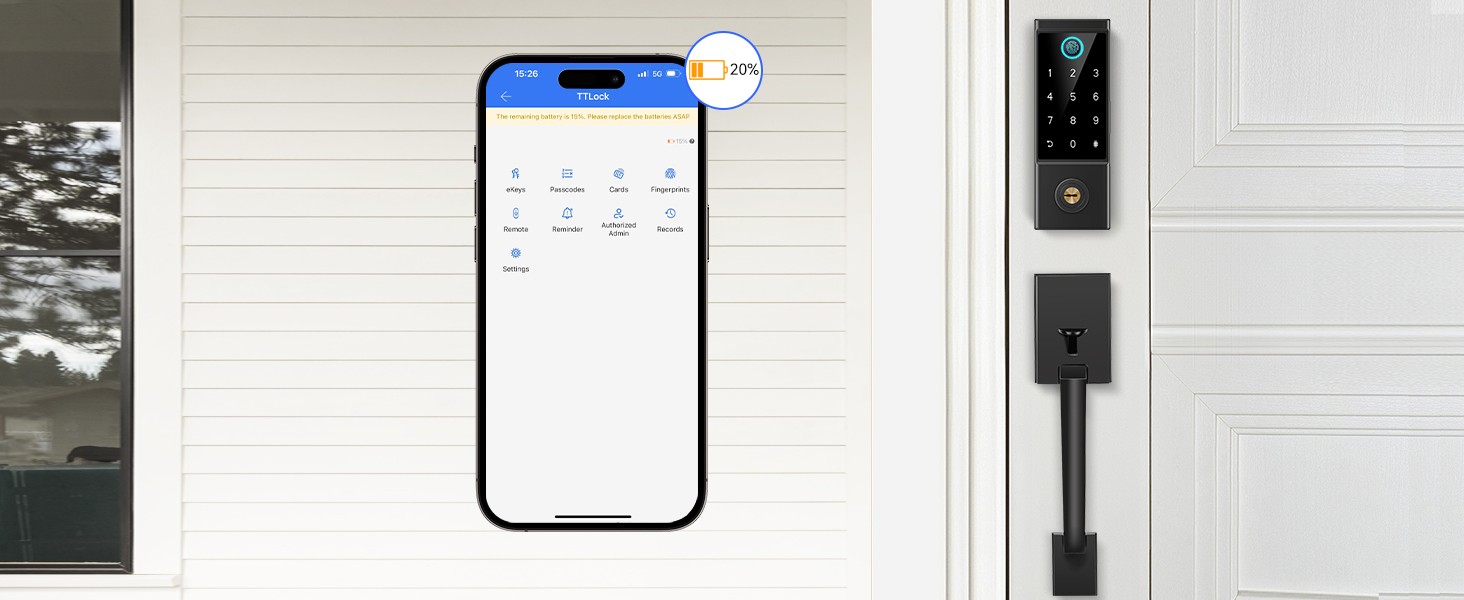
When the lock battery is low, the app will alert you. Also, backup keys and use a power bank to charge the emergency power port can be a temporary power wupply.
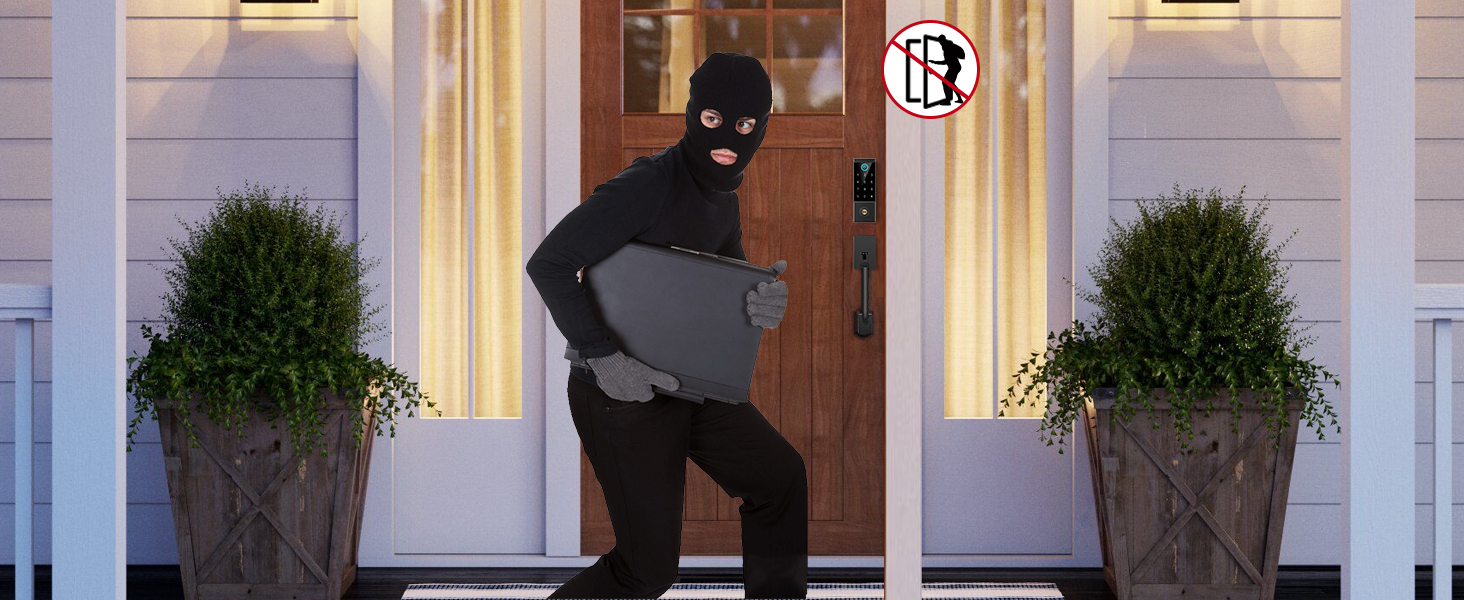
The keypad will locked for 2 minutes after 5 error passcode attempts.
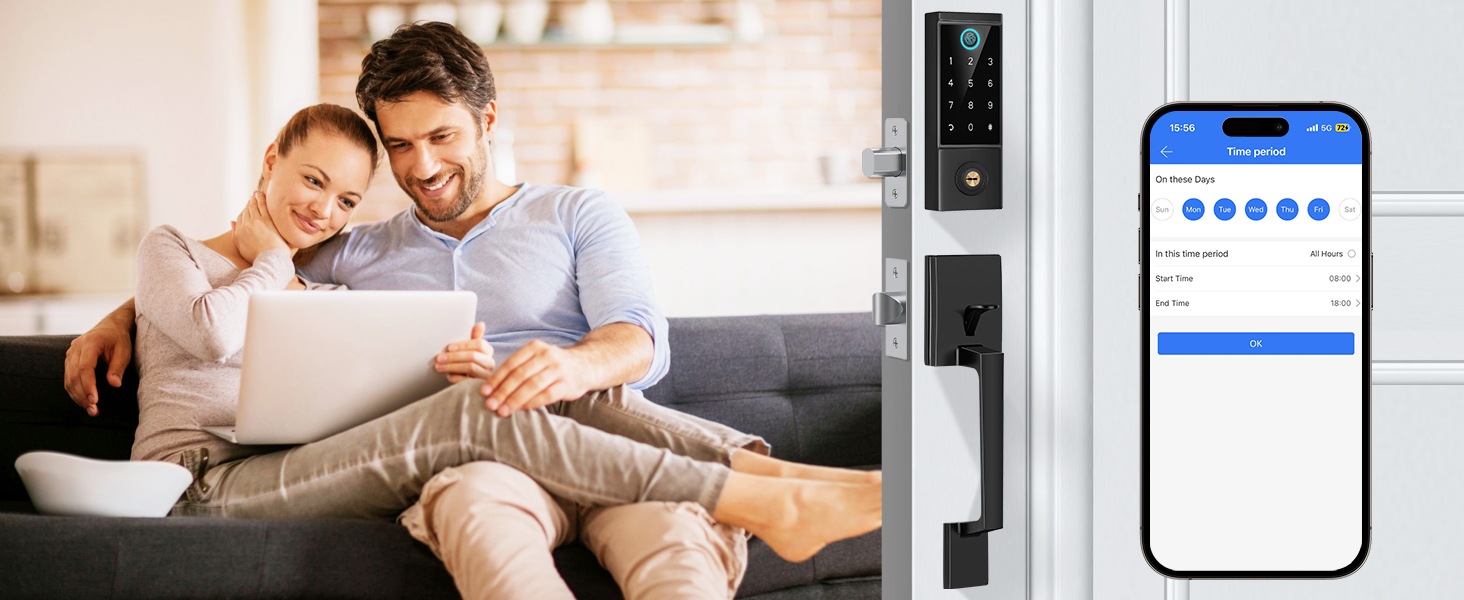
Set passage mode on schedule time in the app and the keypad deadbolt will stay unlock status once passage mode is turned on
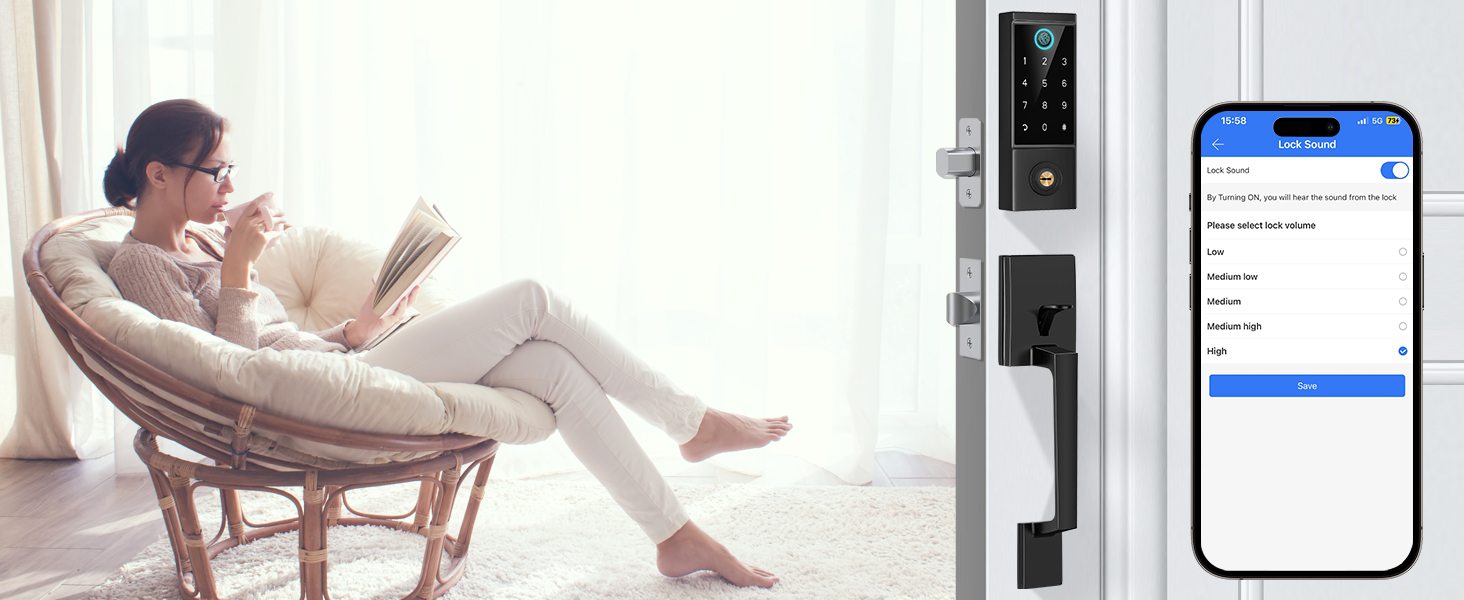
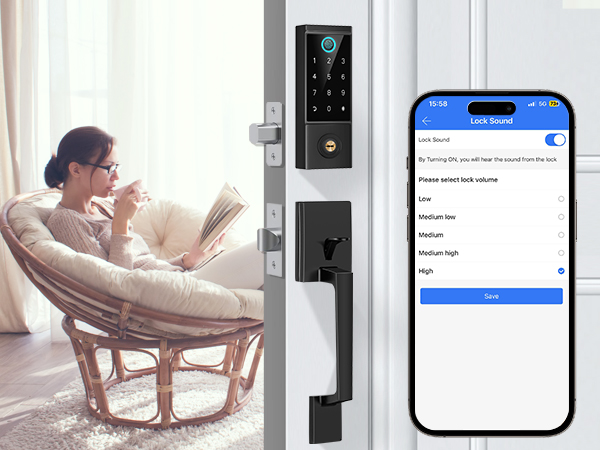
Turn off the sound of the lock to keep a quiet evironment.
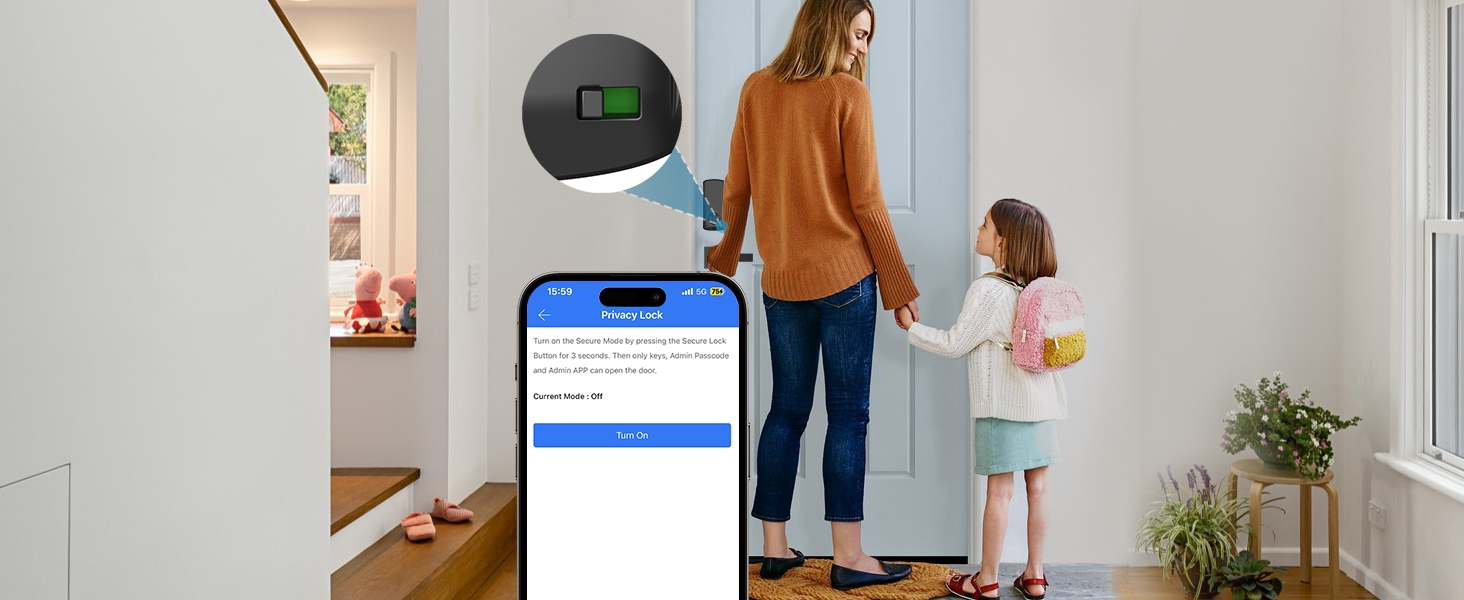
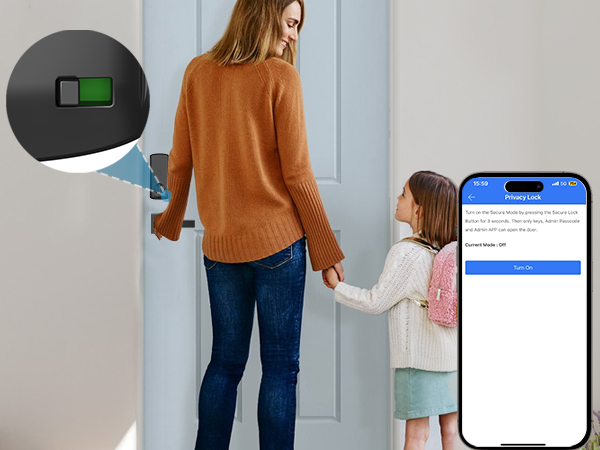
Don't want other to bother you? In private mode, only admin passcode unlocking are available.
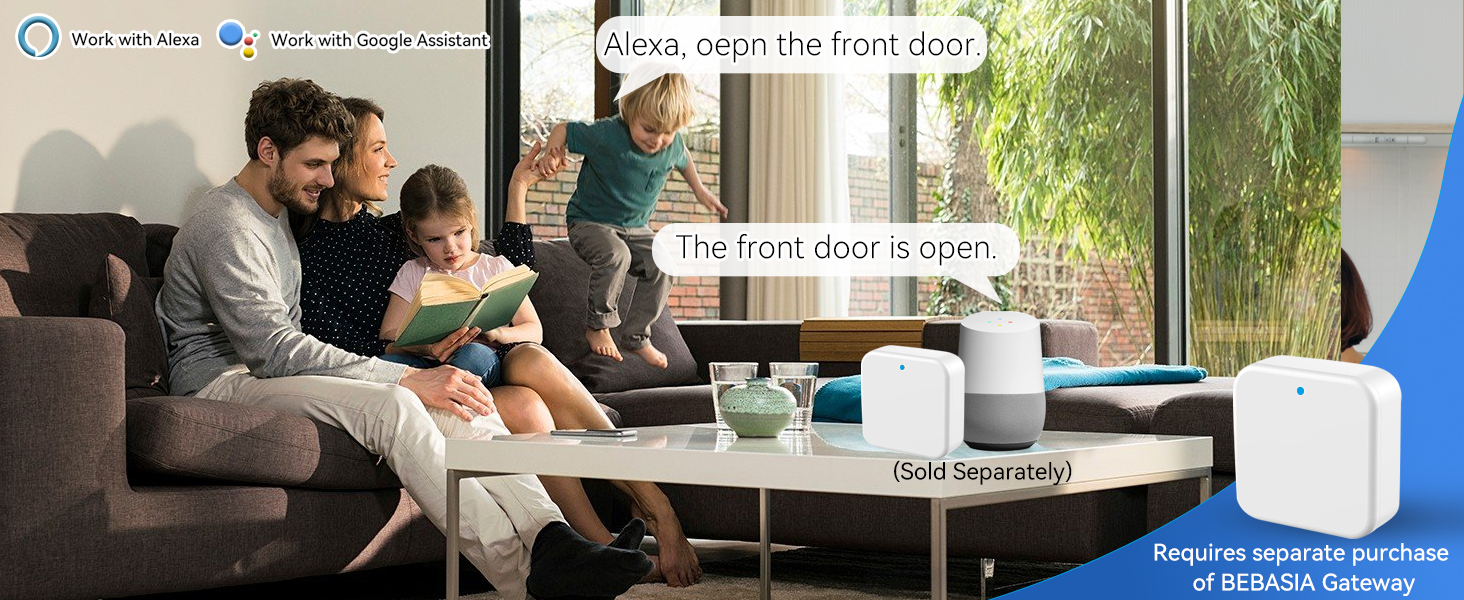
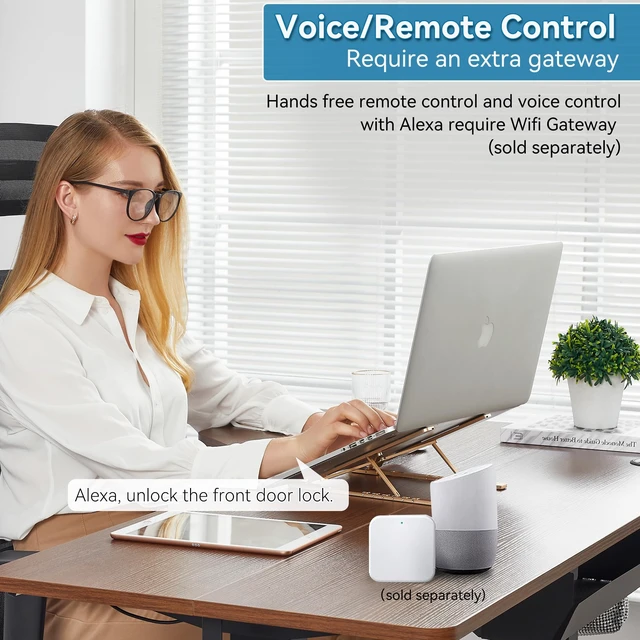
Pair with gateway (sold separately), the lock work with smart voice device.
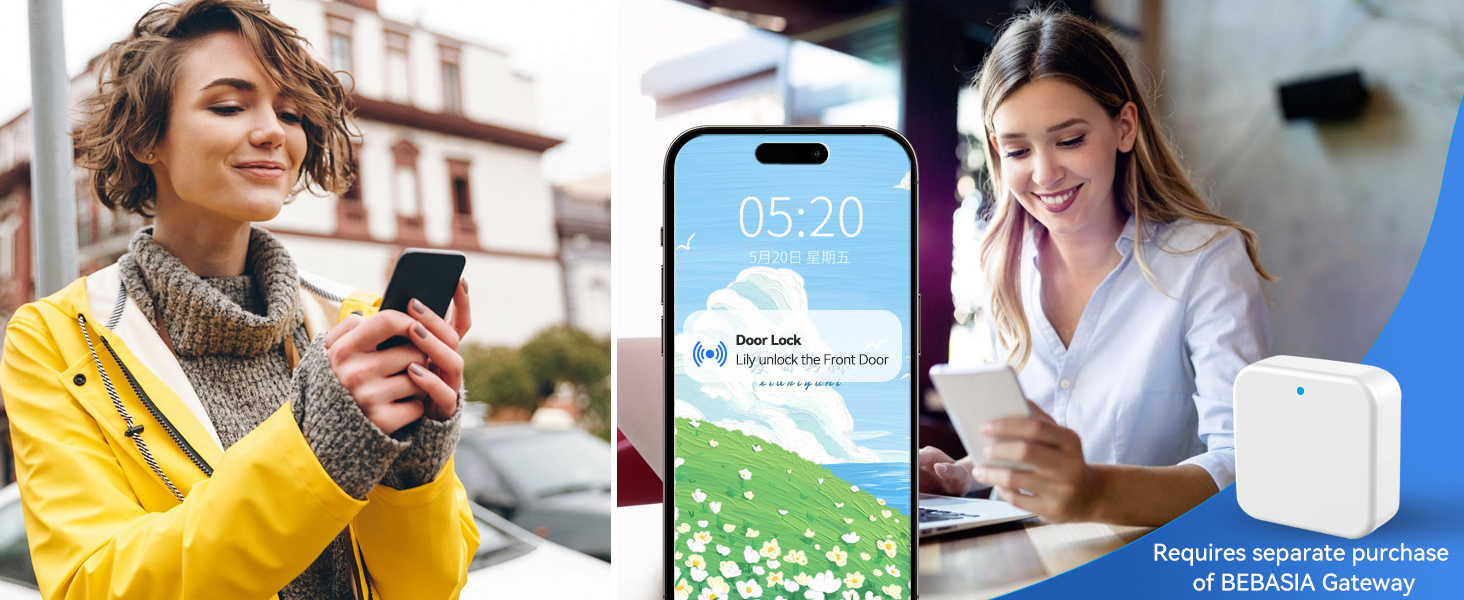
Pair with gateway (sold separately), the app pushes real-time data of the smart lock's activity.
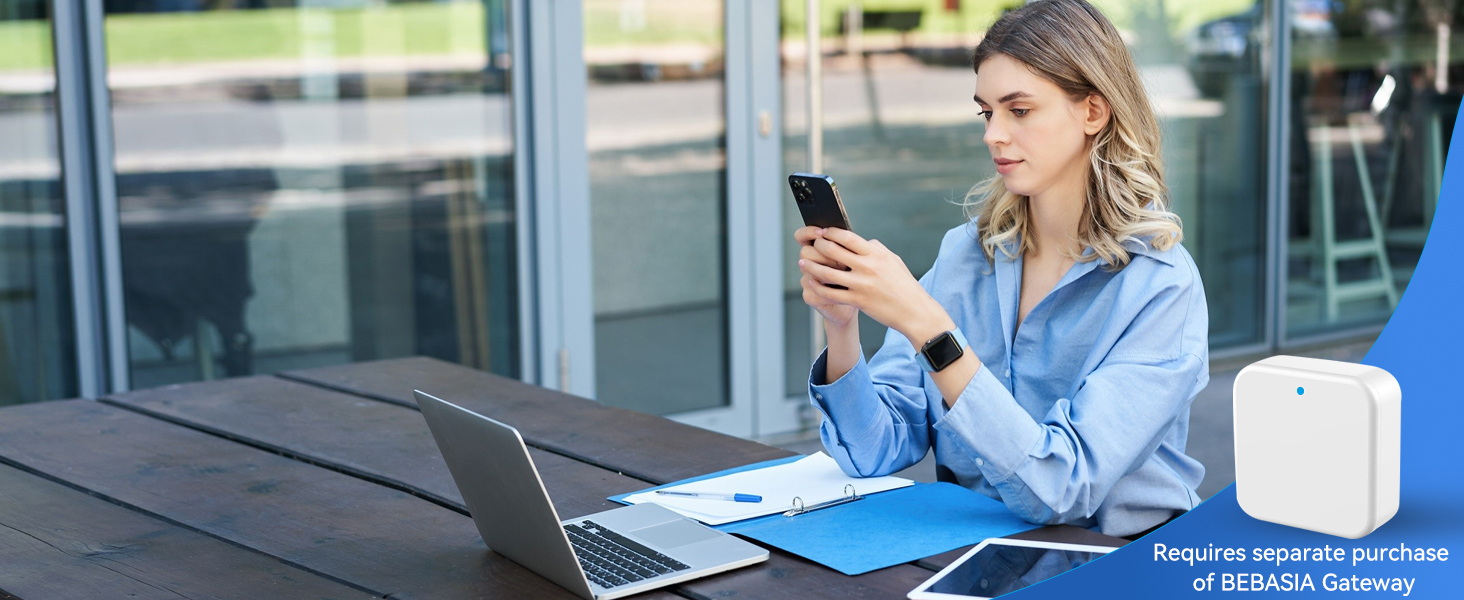
Pair the lock with gateway (sold separately), you can remotely control your lock anytime, anywhere.
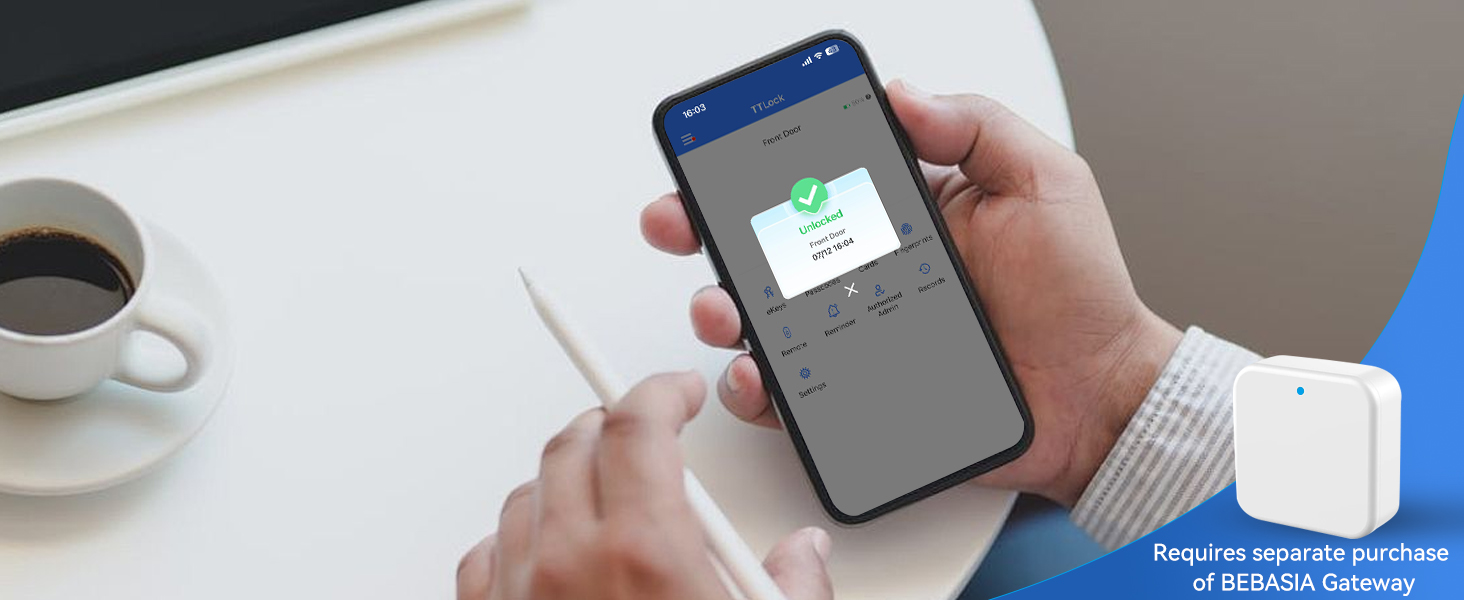
Pair with gateway (sold separately), remotely monitor the status of lock at any time (no the door)
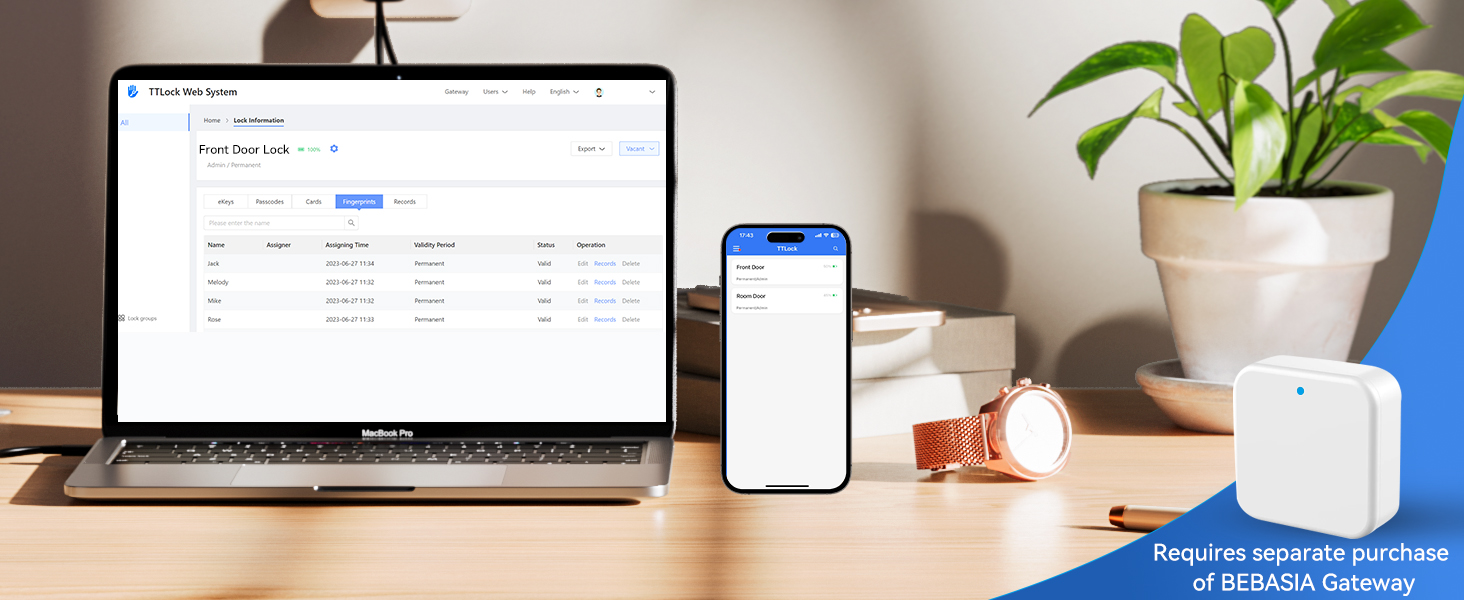
Pair the lock with gateway (sold separately), remotely control and manage your lock on app and web.
The lock cannot be unlocked remotely and voice control, Why does this happen?
Bluetooth can only be used within a range of 10 meters. lf you want to lock/unlock the door remotely, voice control the lock with smart devices. Please search and purchase a gateway in our store.
How could I find and change Admin Passcode?
Press Setting---Basic---Admin Passcode
I don't want to use the passcode that system generated, how could I set custom passcode?
Press Passcode---Generate Passcodes----CHOOSE Custom, Then you can set the digits that you like 4-9 digits in length.
BEBASIA focus on technological innovation, listen to your needs and your voice, and introduce simpler, safer and smarter products to you.
Putting the customer first is our business philosophy. Each member can get inside flexible after setting the code. Our mission is to protect you, your family, and your privacy.

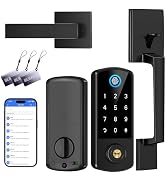
Share smart and convenient with your family and friends!
Note: The gateway is sold separately.
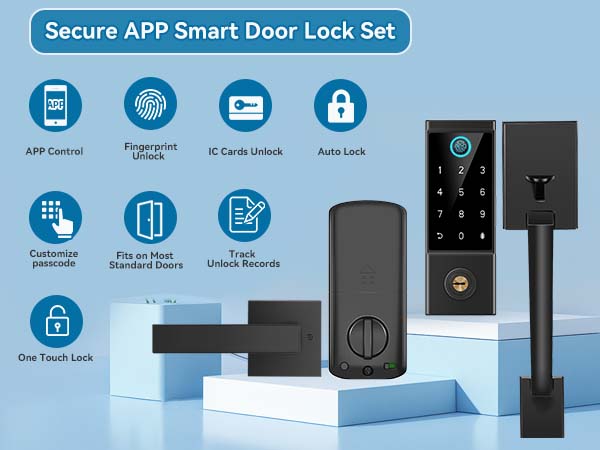
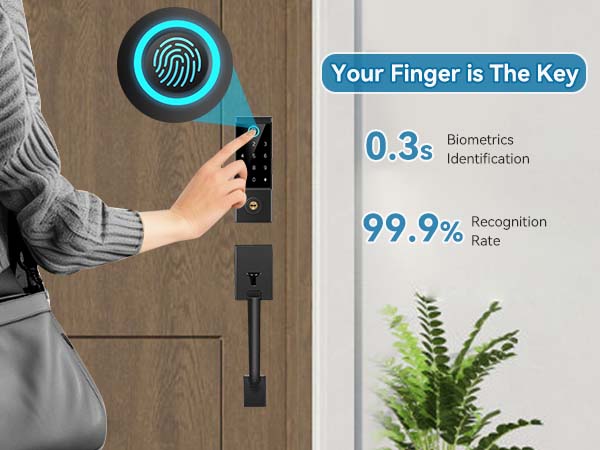
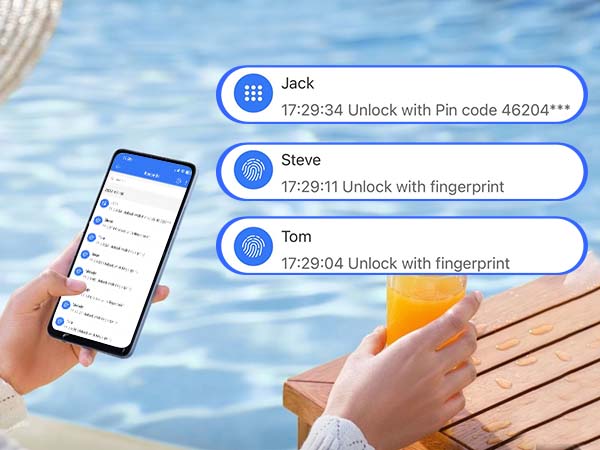
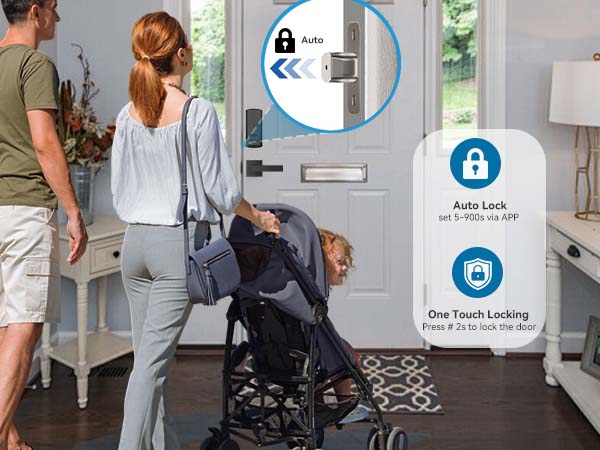
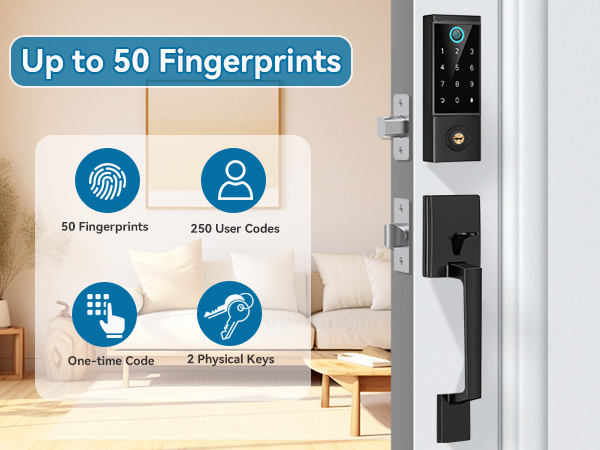
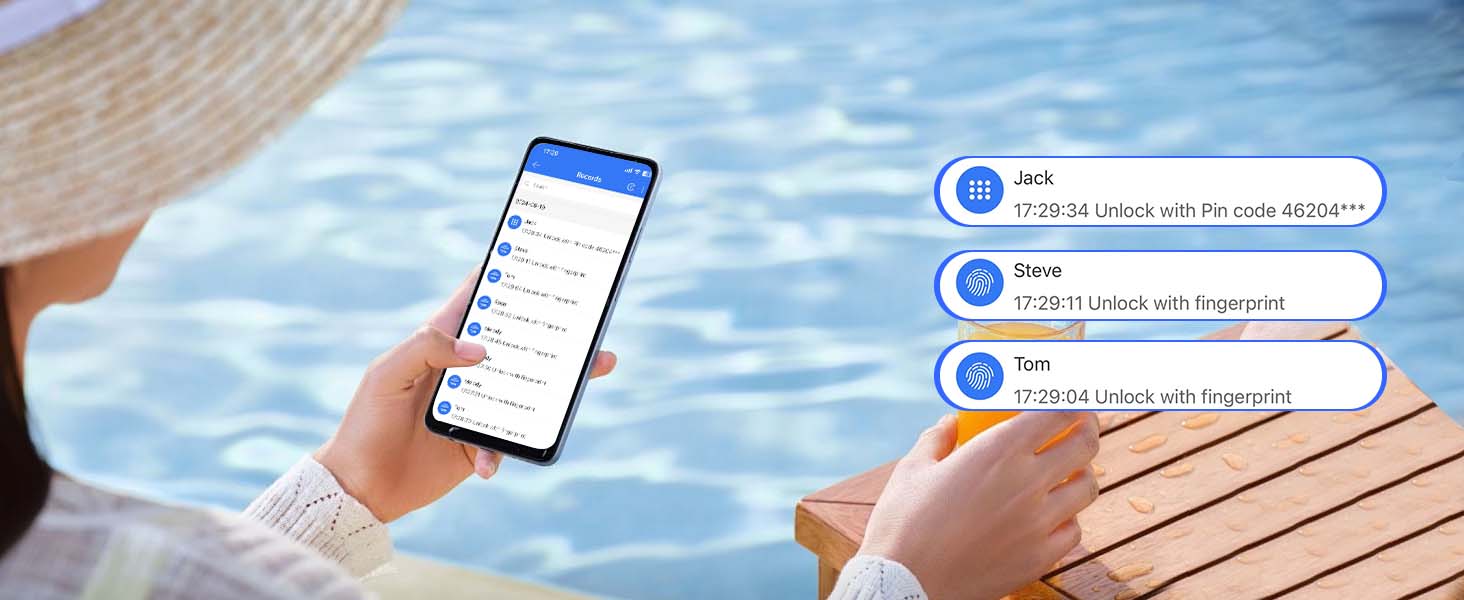
You can view the smart door lock lock and unlock records while APP is connected to the lock.
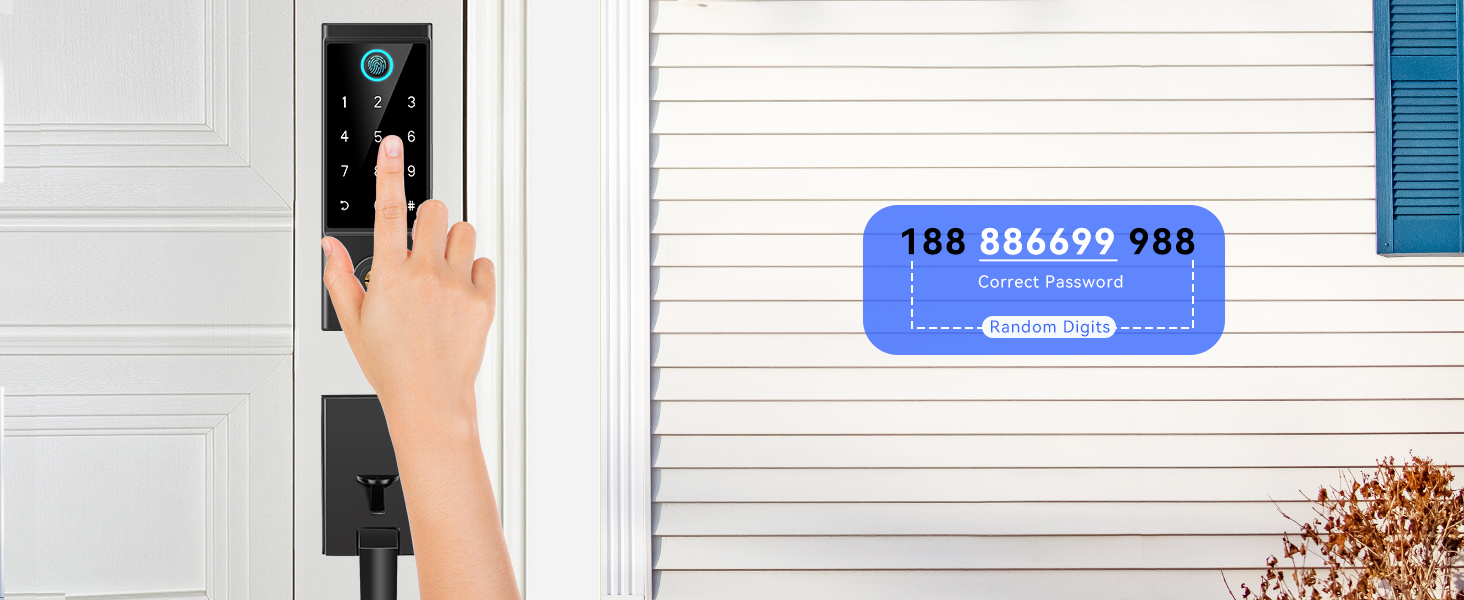
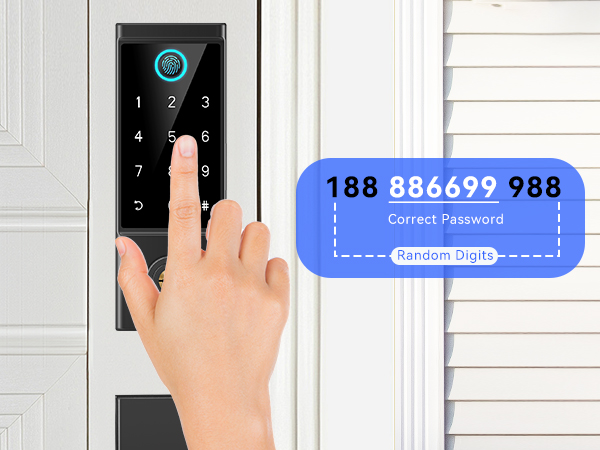
Add random digits before or after to protect your passcode from prying eyes. Easy to use with the backlight at night.
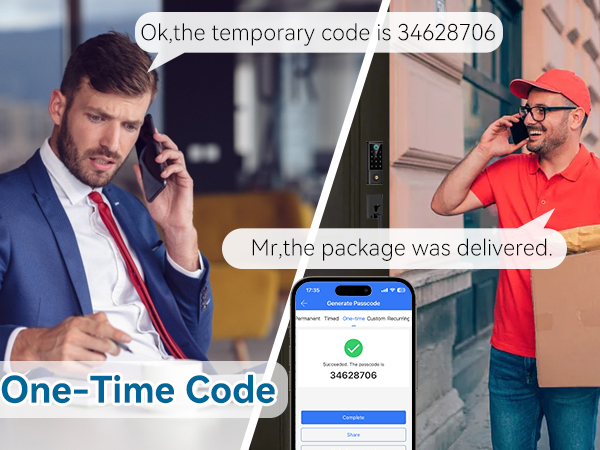
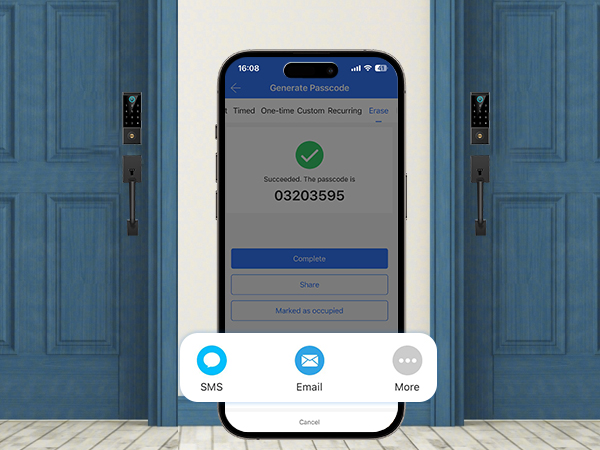
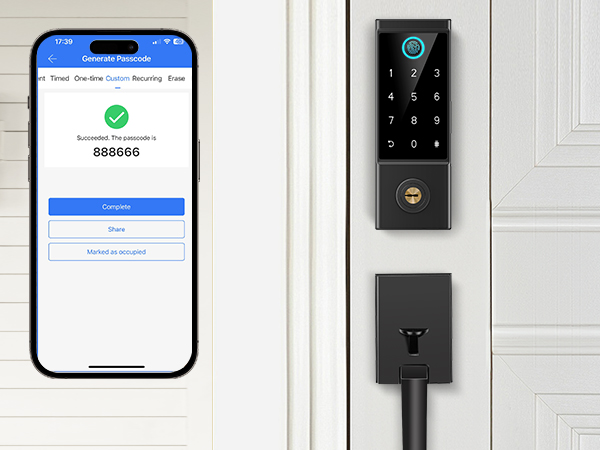
You can remotely generate and share to guests or tenants when they want to check out.
All passcode (except admin) used on this lock will be DELETED on using this passcode.
Remotely generate and share with your family and valid all the time.
Note: If you want to change the code, you must be within range of the lock or remotely with gateway (sold separately)
Remotely set Time Passcode for Airbnb guests, renters, etc.
Note: If you want to change the code, you must be within range of the lock or remotely with gateway (sold separately)
Set up a recurring passcode for regular users such as home cleaner.
Note: If you want to change the code, you must be within range of the lock or remotely with gateway (sold separately)
You can custom simple digits to make it more convenient to use.
Note: If you want to change the code, you must be within range of the lock or remotely with gateway (sold separately)
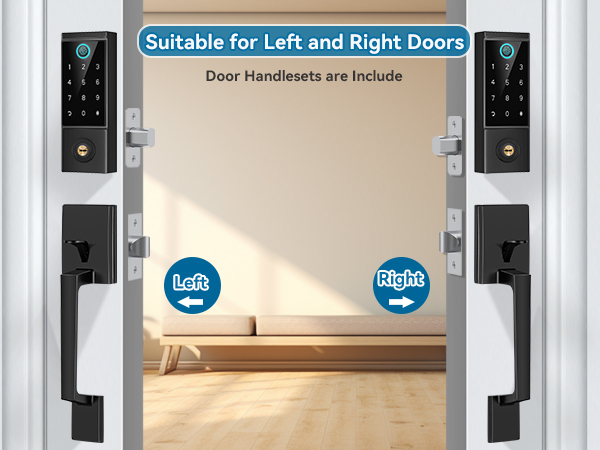
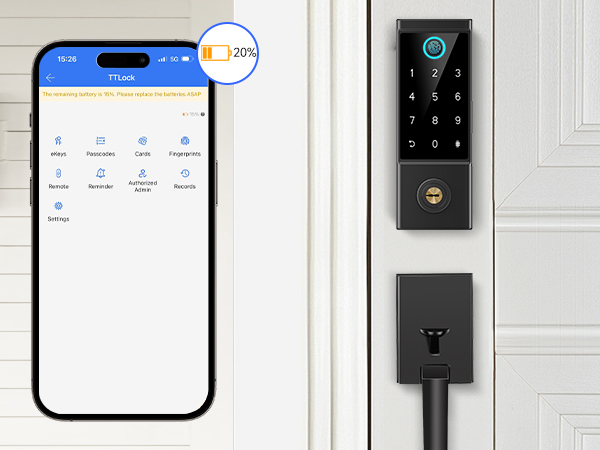
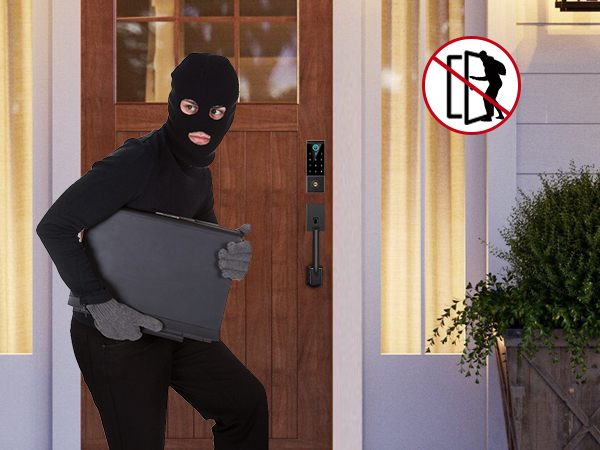
When the lock battery is low, the app will alert you. Also, backup keys and use a power bank to charge the emergency power port can be a temporary power wupply.
The keypad will locked for 2 minutes after 5 error passcode attempts.
Set passage mode on schedule time in the app and the keypad deadbolt will stay unlock status once passage mode is turned on
Turn off the sound of the lock to keep a quiet evironment.
Don't want other to bother you? In private mode, only admin passcode unlocking are available.
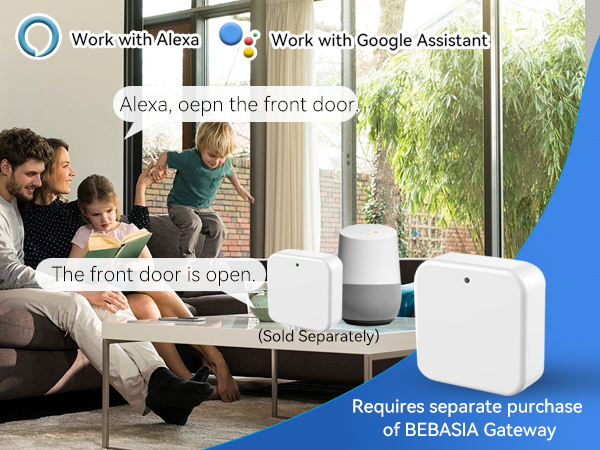
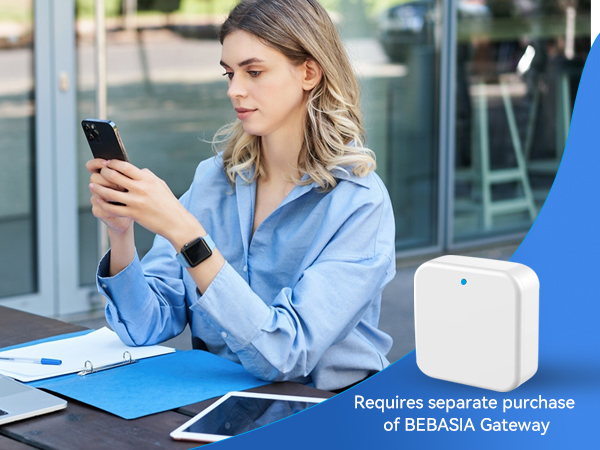
Pair with gateway (sold separately), the lock work with smart voice device.
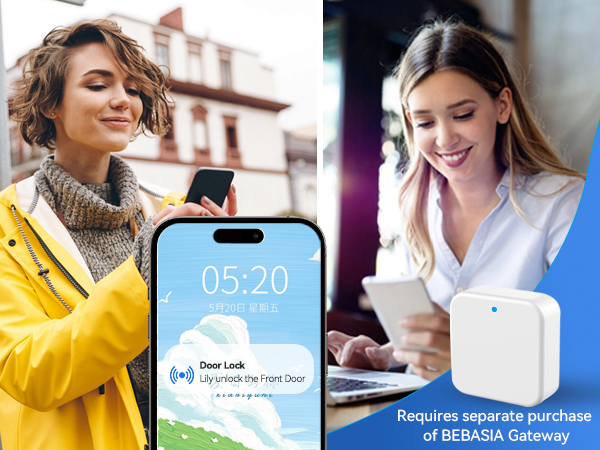
Pair with gateway (sold separately), the app pushes real-time data of the smart lock's activity.
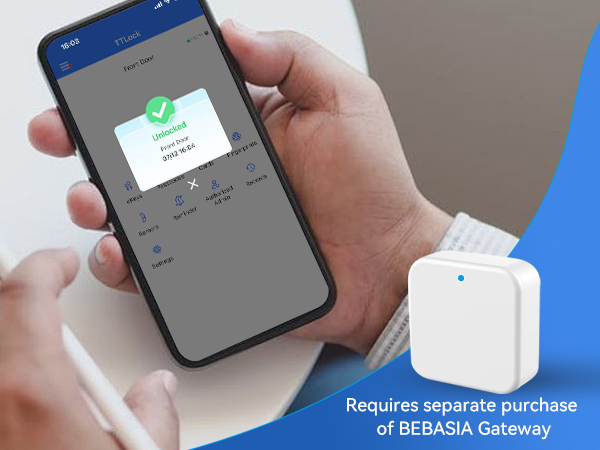
Pair the lock with gateway (sold separately), you can remotely control your lock anytime, anywhere.
Pair with gateway (sold separately), remotely monitor the status of lock at any time (no the door)
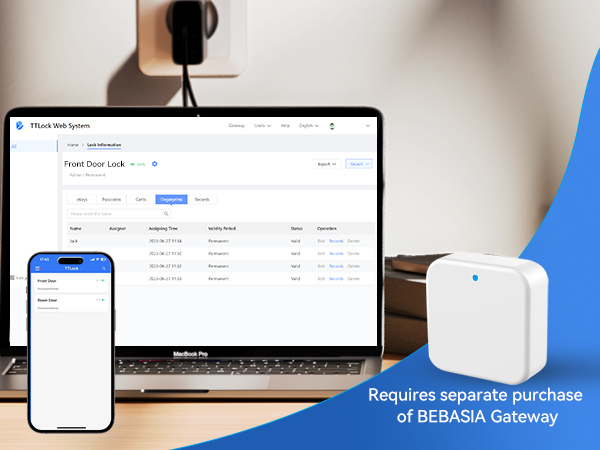
Pair the lock with gateway (sold separately), remotely control and manage your lock on app and web.
The lock cannot be unlocked remotely and voice control, Why does this happen?
Bluetooth can only be used within a range of 10 meters. lf you want to lock/unlock the door remotely, voice control the lock with smart devices. Please search and purchase a gateway in our store.
How could I find and change Admin Passcode?
Press Setting---Basic---Admin Passcode
I don't want to use the passcode that system generated, how could I set custom passcode?
Press Passcode---Generate Passcodes----CHOOSE Custom, Then you can set the digits that you like 4-9 digits in length.