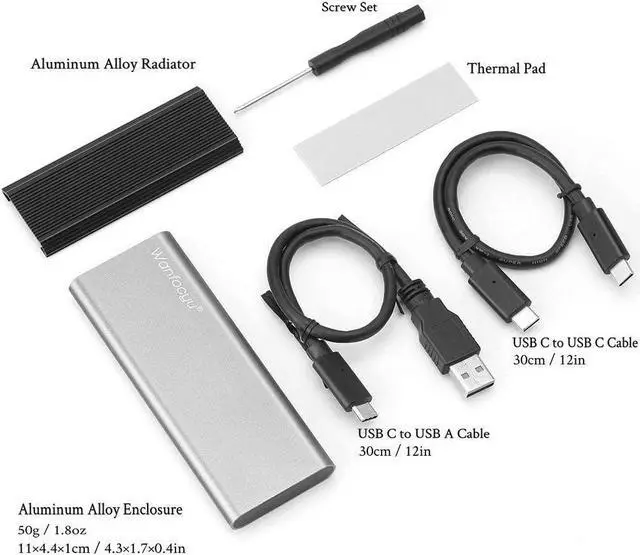
Important Notes:
SSD Enclosures may not work with Samsung Data Migration, because the SDM cannot find all Non-Samsung hardware over USB.
Here are 2 quick solutions:
- Recommend: Use other cloning software that is not developed for specific hardware such as Acronis, EaseUS Todo Backup, Macrium Reflect, etc.
- Not Recommended: Create a system image in Windows 10 and boot the computer with that image and install on the Samsung SSD, and don’t set BIOS to RAID.
- Pay attention: The USB Type C to A cable USB 3.1 Type A interface of some models can not recognized Intel NUC mini PC. Only supports USB 3.0 Type-A interface.
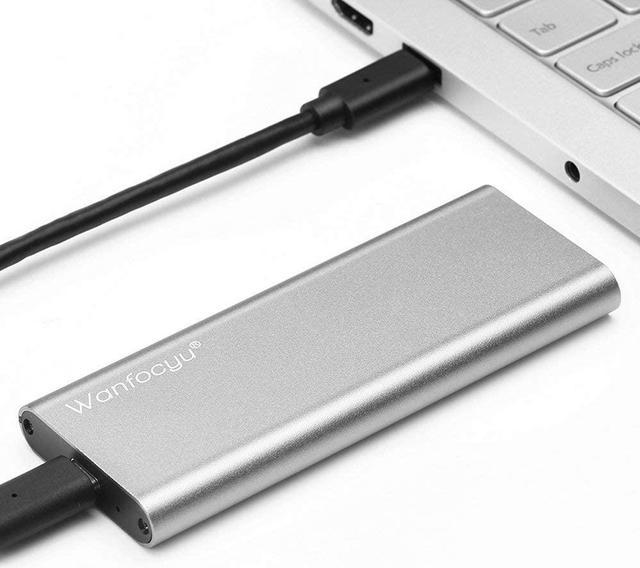
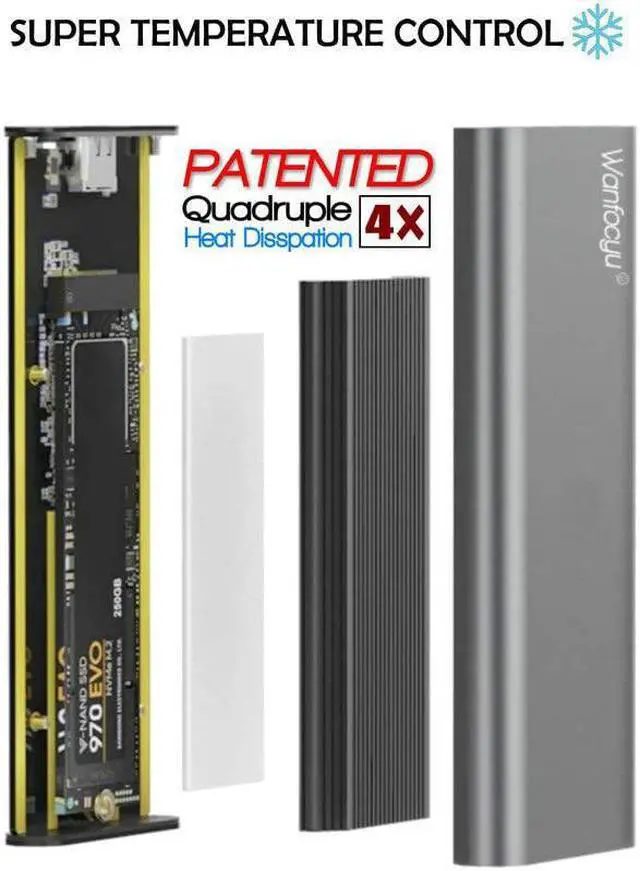
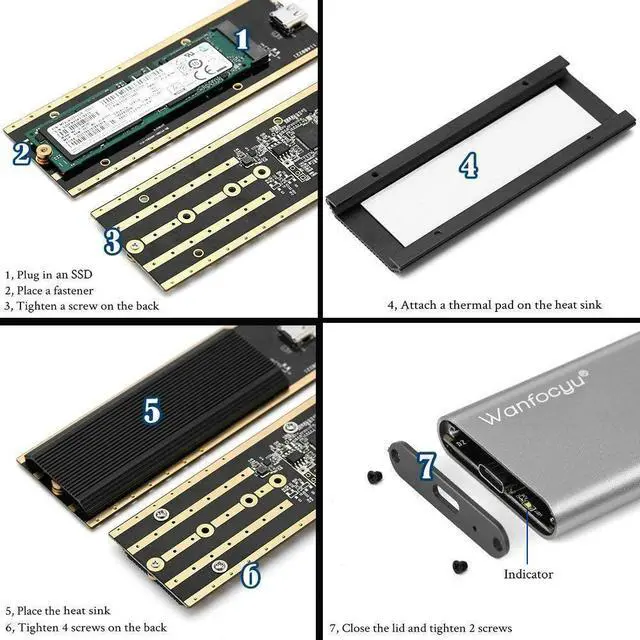
Wanfocyu USB 3.1 Aluminum External Enclosure for M. 2 NVMe Solid State Drive
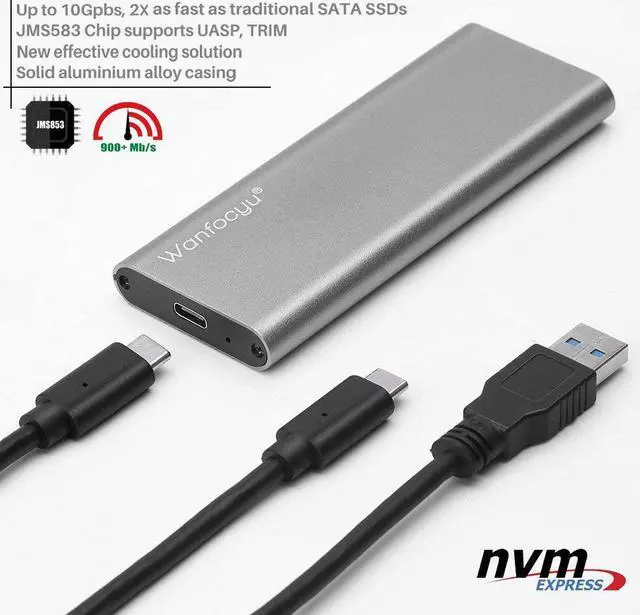
It's time to update to an SSD external enclosure if you are still using an HDD enclosure. The Wanfocyu USB 3.1 NVMe SSD enclosure is smaller, lighter, and much faster - up to 10Gbps / 900MB+/s high-speed data transmission, 5 times as fast as USB 3.0 HDD, 2 times as fast as USB 3.0 SSD. It allows you copy file at no time.
SATA-based NGFF M. 2 SSD or PCIe AHCI SSD are not supported;
New SSD may not be found for the first time, please format it to corresponding type which Windows and Mac supported.
Interface type: M. 2 NVMe PCI-E to USB 3.1 / USB 3.0
Compatible with 2230 / 2242 / 2260 / 2280 M. 2 M-key form factors
Supports Windows 7 or above, Mac OS 10.10. 5 or above, Linux, and Type C Android Phones
Case Dimensions: 4.3 * 1.7 * 0.4 in;
Weight: 1.8 oz





 here!
here!